Category: News and updates

Stay updated with the latest content, SEO, and digital marketing news, trends, and insights from experts in the industry.

  • 12 SEO competitor analysis tools to outsmart your competition

    12 SEO competitor analysis tools to outsmart your competition

    Competition gets to everyone, us included. The best way to deal with it is to keep tabs on your competitors to see what they’re doing better than you. This includes their ad placements, messaging, audience engagement, and much more.

    But surface-level tracking isn’t any good for you. You need specialized tools to benchmark performance, identify gaps in your content strategy, and provide actionable insights. This is why you need SEO competitor analysis tools to simplify the process and help you win the market.

    In this post, we tested and ranked the 12 best SEO competitor analysis tools in 2026 to help you outsmart your competition. In the end, we will also provide you with an easy framework to help you choose the right tool for your needs.

    So, let’s get started.

    What is an SEO competitor analysis tool?

    SEO competitor analysis tools help you see what others in your niche are doing to win reach, audience attention, and customer retention.

    More specifically, these tools analyze backlink profiles, keyword rankings, domain authority, and organic traffic of your competitors. 

    The insights the tools provide inform everything, from on-page SEO to content marketing strategy, enabling you to capture the market with ease.

    Why are SEO competitor analysis tools used? (Their purpose)

    SEO competitor analysis tools help you understand why competitors rank higher, which strategies drive their traffic, and where you can outperform them using data-backed decisions instead of guesswork.

    They eliminate the need to perform manual SEO site audits. Therefore, the tools save time and resources, allowing you to actually implement strategies rather than wasting time on spreadsheets and numbers.

    Also read: Best AI chatbots for professionals in 2026.

    How did we test these tools?

    We thoroughly researched all the tools with hands-on trials, user reviews, and featured analysis. Our criteria to select each tool depended upon:

    • Data accuracy: How accurate is the data provided?
    • User experience: Is the tool easy enough to use without training?
    • Key features: What does the tool offer beyond the basics?
    • Pricing: Does the tool justify its price tag?
    • Customer support: Will you be able to get some support when things go wrong?

    Let’s see our list of the best SEO competitor analysis tools while considering all these aspects.

    Comparison table: SEO competitor analysis tools at a glance

    ToolBest ForCore StrengthKey LimitationStarting Price
    ContentpenContent teams and agenciesAI-driven content gap analysis and bulk creationFree trial only lasts 7 days$27/month
    AhrefsSEO professionalsIndustry-leading backlink dataExpensive for small teams$129/month
    SemrushAll-in-one marketing teamsSEO, PPC, content, and social analysisBacklink data is weaker than Ahrefs$199/month
    TapClicksAgencies and enterprisesPPC competitor intelligence & reportingLimited organic SEO featuresNot disclosed
    SpyFuSMBs and consultantsAffordable keyword and PPC competitor researchLess accurate traffic data$39/month
    Moz ProSEO specialistsDomain Authority tracking and clean UISmaller link index$49/month
    SE RankingAgencies on a budgetWhite-label SEO competitor trackingLearning curve$65/month
    SimilarwebMarket analystsTraffic analytics and audience insightsHigh pricing$199/month
    BuzzSumoContent marketersViral content and influencer trackingLimited keyword SEO data$199/month
    SerpstatGrowing businessesKeyword clustering and topical dominanceHigher price for small teams$199/month
    VisualpingCompetitive monitoring teamsWebsite change alerts in real timeNo SEO metricsFrom $10/month
    WhitesparkLocal SEO agenciesCitation tracking and local rankingsNot useful for global SEO effortsFrom $1/location/month

    Now, we will discuss these tools in further detail.

    The 12 best SEO competitor analysis tools in 2026

    • Contentpen
    • Ahrefs
    • Semrush
    • TapClicks
    • SpyFu
    • Moz Pro
    • SE Ranking
    • Similarweb
    • BuzzSumo
    • Serpstat
    • Visualping
    • Whitespark

    1. Contentpen

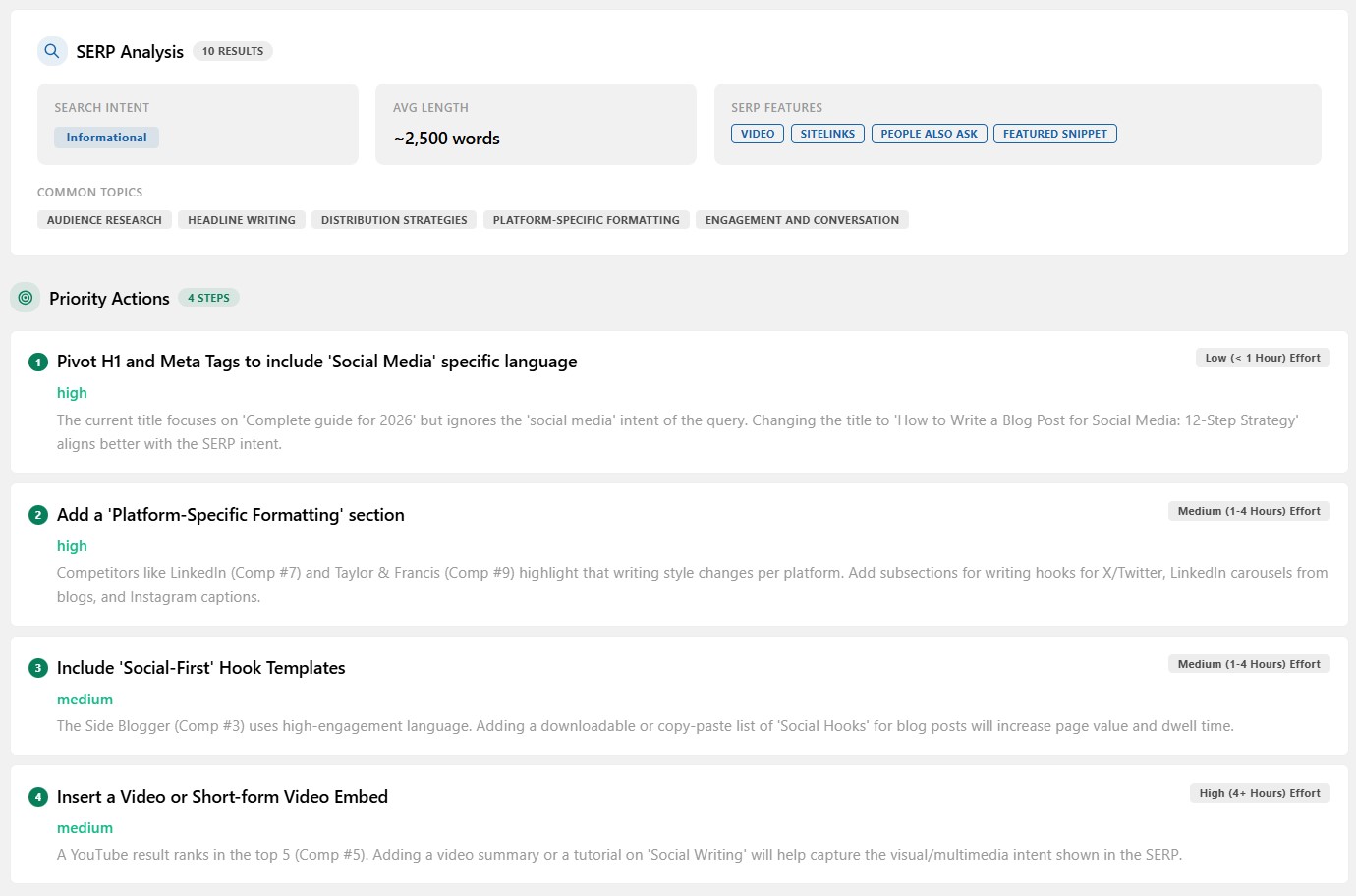
    Competitor analysis - Contentpen.ai

    Best for: Agencies, small businesses, and creators that prioritize content creation and SEO optimization at scale with up-to-date competitor data.

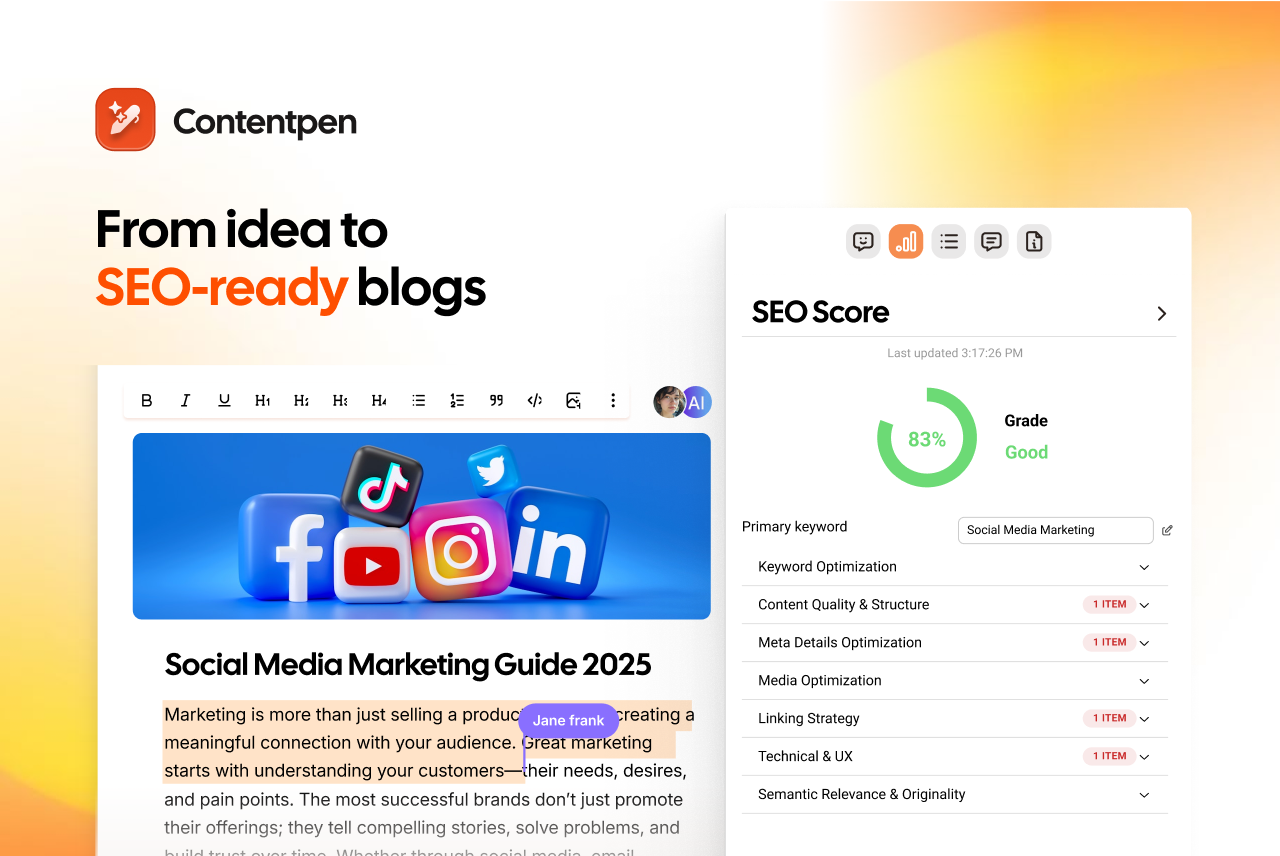
    Contentpen is an all-in-one AI blogging platform that helps you identify content gaps and priority actions you can take right now to improve rankings and SERP visibility. It is like your personal writing assistant that allows you to outsmart your rivals with less manual work and hassle.

    Key features

    Pros

    • AI-powered insights provide quick wins and losses to save time while conducting competitor analysis.
    • Bulk content creation enables small businesses and agencies to stand toe-to-toe with big industry names.
    • A built-in media library helps users stand out from competitors with high-quality visuals.
    • Integrations with leading CMS platforms, such as WordPress, Ghost, Wix, and Webflow, enable faster publishing to beat competitors on trending topics.

    Cons

    • No backlink analysis.
    • Free trial only lasts 7 days.

    Pricing

    Paid plans start at $27/month.

    2. Ahrefs

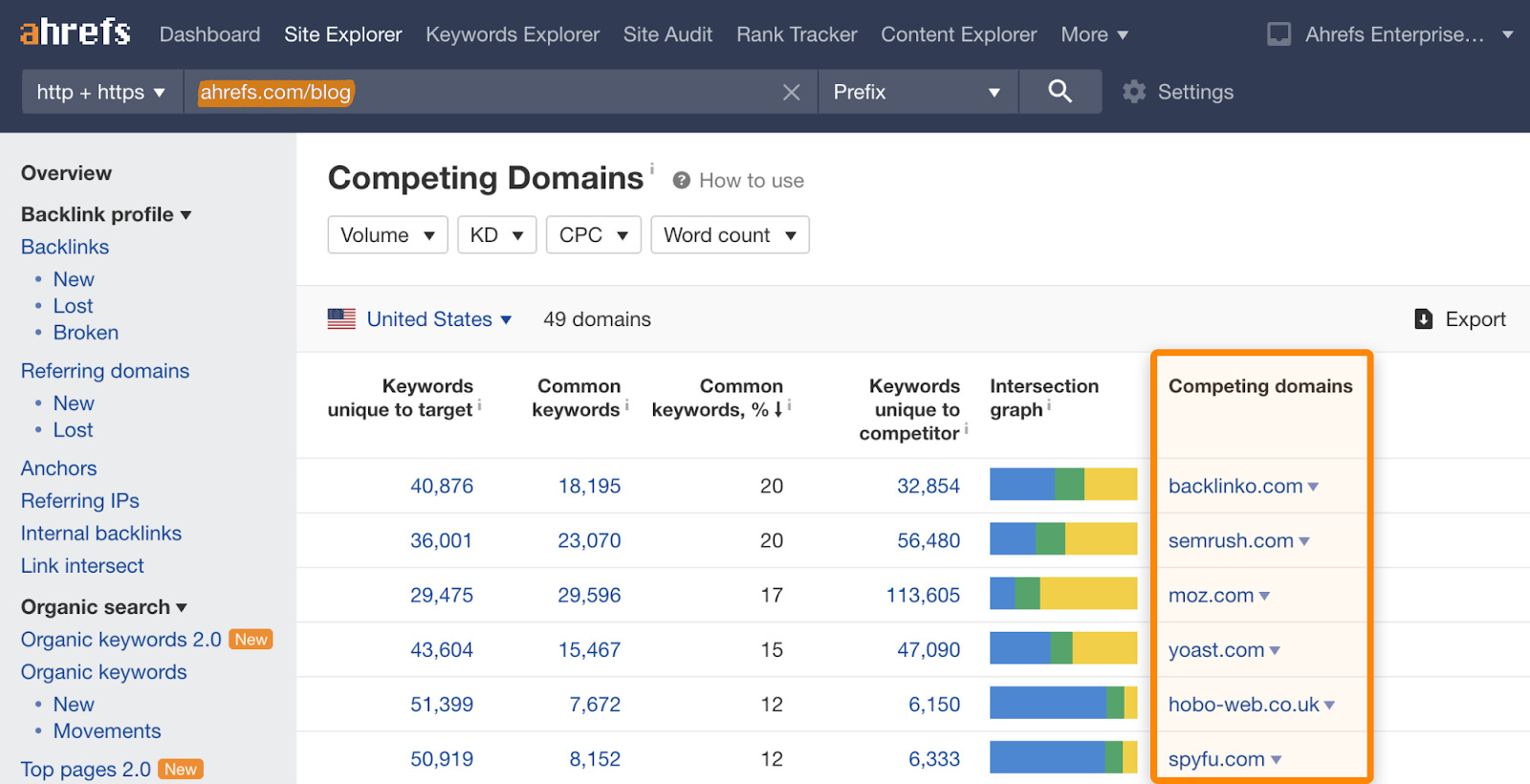
    Ahrefs SEO competitor analysis

    Best for: SEO professionals who need comprehensive backlink analysis and competitor tracking for effective off-page strategies with one of the largest link databases available.

    Ahrefs has earned its reputation as the go-to tool for understanding why a competitor outranks you. Its Site Explorer feature is unmatched for reverse-engineering a rival’s link-building strategy, helping you rank for competitive keywords and in niche markets.

    Key features

    • Up-to-date crawler data
    • Content gap tool
    • Rank tracker with SERP feature monitoring
    • Site audit

    Pros

    • Keyword explorer provides accurate search volume and keyword difficulty scores.
    • Historical data lets you track competitor trends over months or years.
    • One of the most extensive and most frequently updated backlink indexes in the industry.

    Cons

    • Premium pricing puts it out of reach for solopreneurs and small teams.
    • Reporting features feel less intuitive compared to SEMrush.

    Pricing

    Paid plans start at $129/month.

    3. Semrush

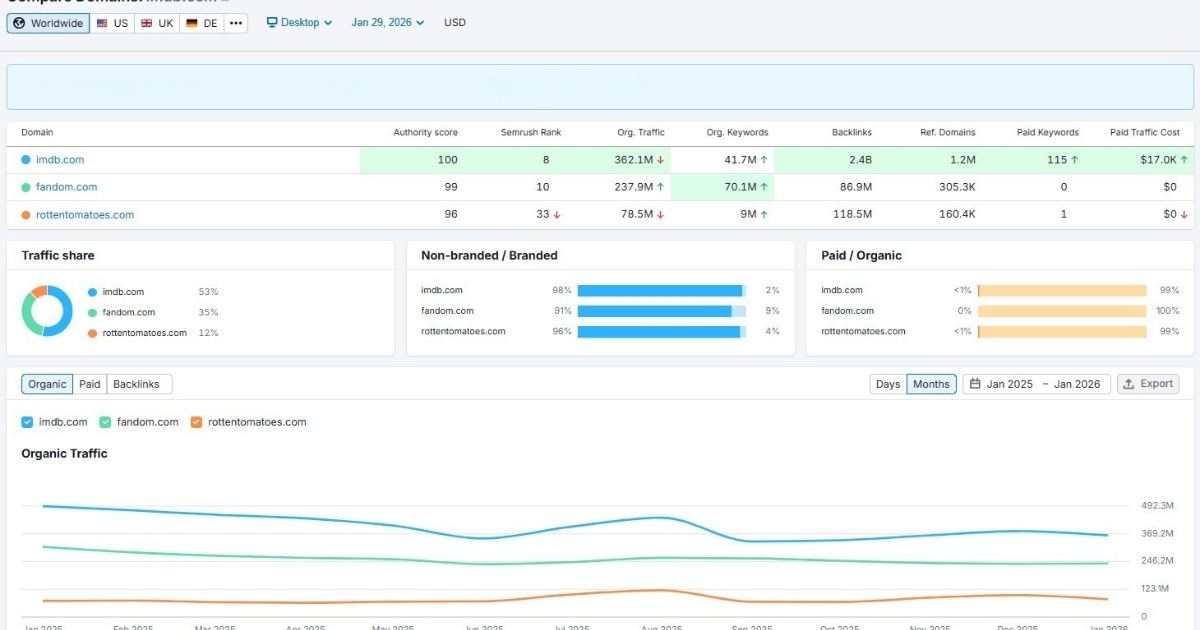
    Semrush competitor analysis

    Best for: Marketing teams that need an all-in-one platform covering SEO, PPC, content, and social media competitor analysis.

    Semrush is known for its usefulness and adaptability when performing competitor analysis. It helps you uncover top SEO keywords and backlinks, and identify gaps in your content strategy. You can also use its AI-powered insights to secure and maintain top search positions.

    Key features

    • Competitor advertising research
    • Keyword gap analysis
    • Domain overview
    • Topic research for content

    Pros

    • Combines SEO, PPC, content, and social media competitor analysis in one dashboard.
    • Position tracking updates daily and can monitor local rankings across cities for comprehensive competitor analysis.
    • The content analyzer compares your articles directly with top-ranking competitor pages.

    Cons

    • Report export limits on lower-tier plans can be frustrating for agencies.
    • Backlink data isn’t as comprehensive as Ahrefs.

    Pricing

    Paid plans start at $199/month.

    4. TapClicks

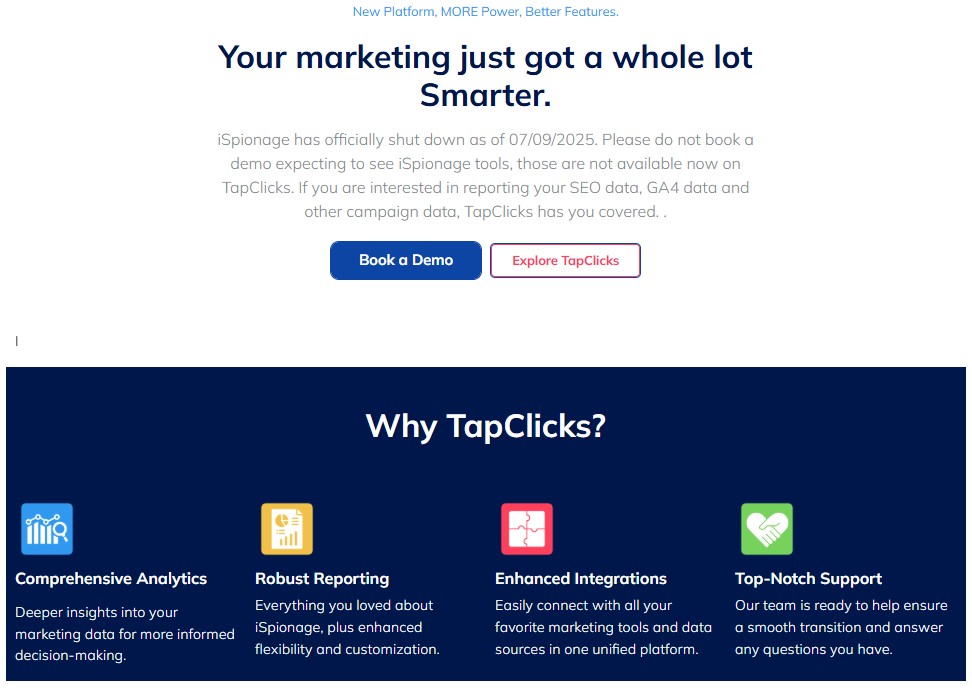
    TapClicks landing page

    Best for: Marketing agencies and enterprise teams that need unified PPC competitor intelligence, reporting, and campaign management on a single platform.

    TapClicks, formerly known as iSpionage, provides competitive PPC research, along with campaign management, client reporting, and performance analytics. You can research competitor ads, launch your own campaigns, and report on results without switching tools.

    Key features

    • Landing page monitoring
    • Unified reporting dashboard
    • Campaign management tools
    • Keyword competition analysis

    Pros

    • Ad intelligence integrates directly with campaign execution and reporting.
    • Historical ad data reveals seasonal patterns and long-term strategy shifts.
    • Automated reporting saves hours every week for agency teams.

    Cons

    • The platform can feel complex with so many modules.
    • Organic SEO features are less robust than dedicated tools like Ahrefs.

    Pricing

    Not disclosed on the official site.

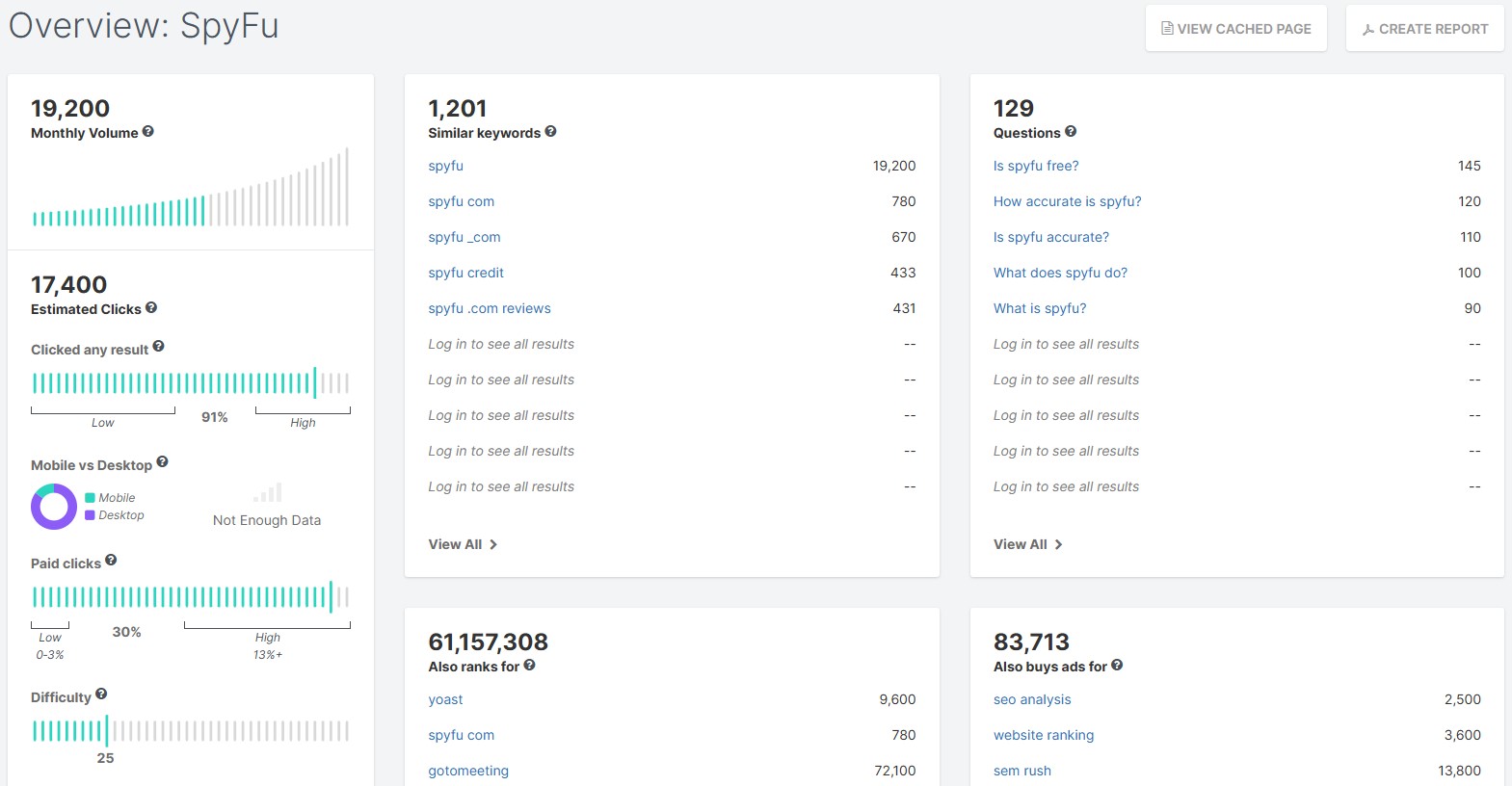
    5. SpyFu

    SpyFu competitor analysis interface

    Best for: Small businesses and consultants who need an affordable, straightforward competitor keyword and PPC research tool.

    Just like its name suggests, SpyFu looks through your competitors’ strategies and keeps you informed of all their moves. It doesn’t have the polished SEO competitor analysis capabilities of Semrush or the backlink depth of Ahrefs, but it’s surprisingly powerful for its price.

    Key features

    • Adwords advisor for PPC campaigns
    • Link-building opportunities
    • Kombat tool for competitor comparison
    • Keyword research with historical data

    Pros

    • Unlimited search queries and data exports, even on lower-tier plans.
    • Custom reporting templates save time for agencies managing multiple clients.
    • Affordable entry point for freelancers, startups, and small businesses.

    Cons

    • Traffic estimates can be less accurate for smaller websites.
    • Limited international data compared to Semrush.

    Pricing

    Paid plans start at $39/month.

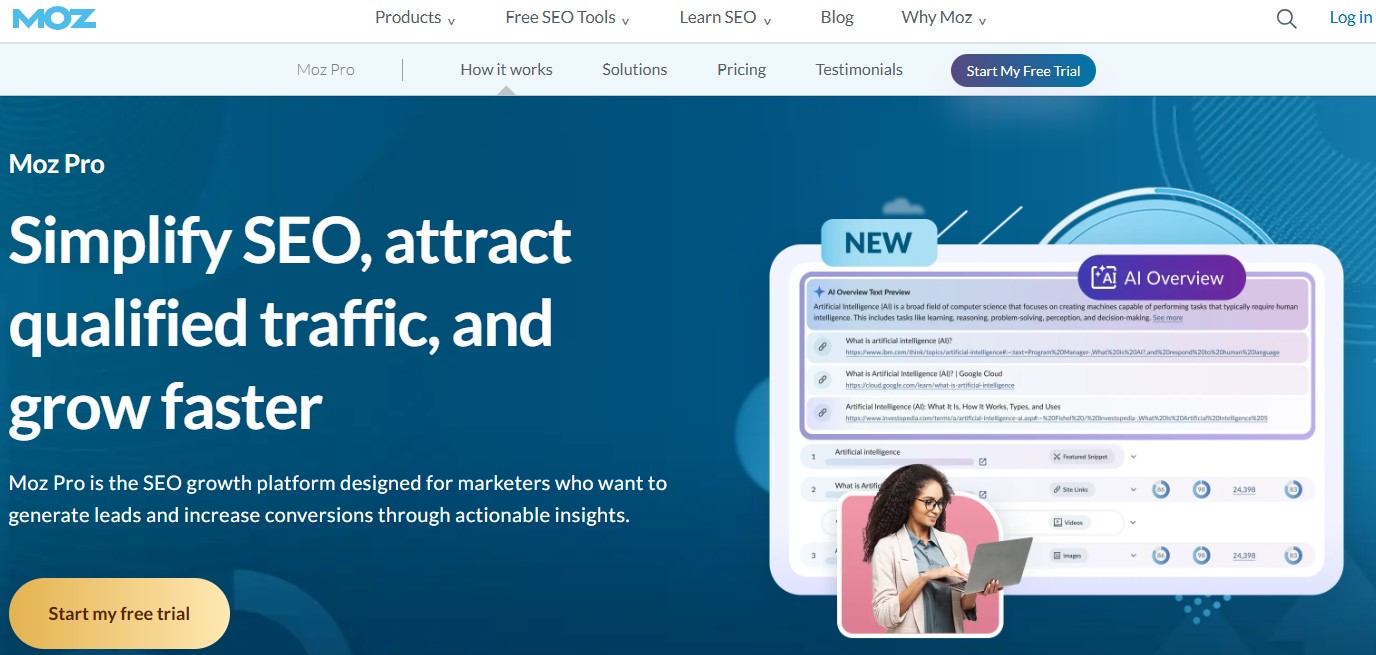
    6. Moz Pro

    Moz Pro landing page

    Best for: SEO specialists who value clean, user-friendly interfaces and prioritize domain authority tracking.

    Moz Pro has been a staple in the SEO community for years, and for good reason. Its Domain Authority (DA) metric is still the industry standard for quickly assessing a competitor’s SEO strength, helping you inform your ranking strategies.

    Key features

    • Link explorer for backlink analysis
    • Rank tracker with local SEO monitoring
    • Page optimization recommendations
    • Site crawl metrics

    Pros

    • A clean, intuitive interface makes onboarding new team members quick and easy.
    • Custom reports can be white-labeled for agency use.
    • SEO professionals can quickly find weak spots in their platforms to outrank rivals.

    Cons

    • Smaller link index compared to Ahrefs.
    • The keyword database is smaller than Semrush.

    Pricing

    Paid plans start at $49/month.

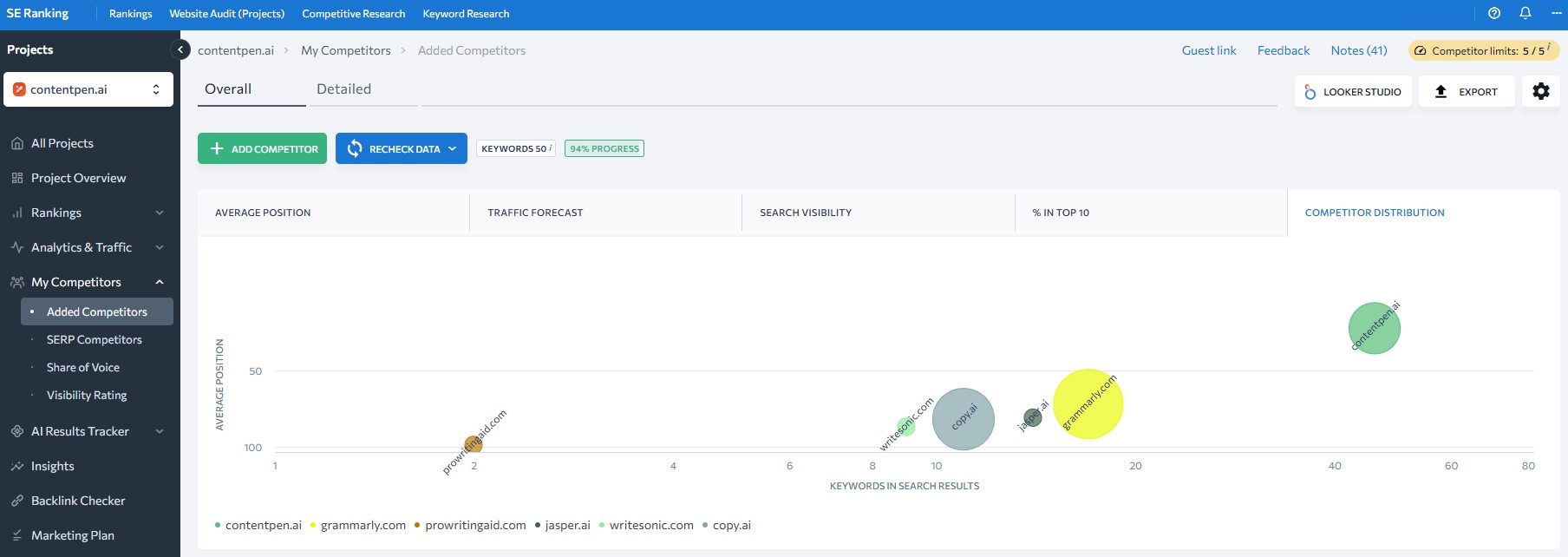
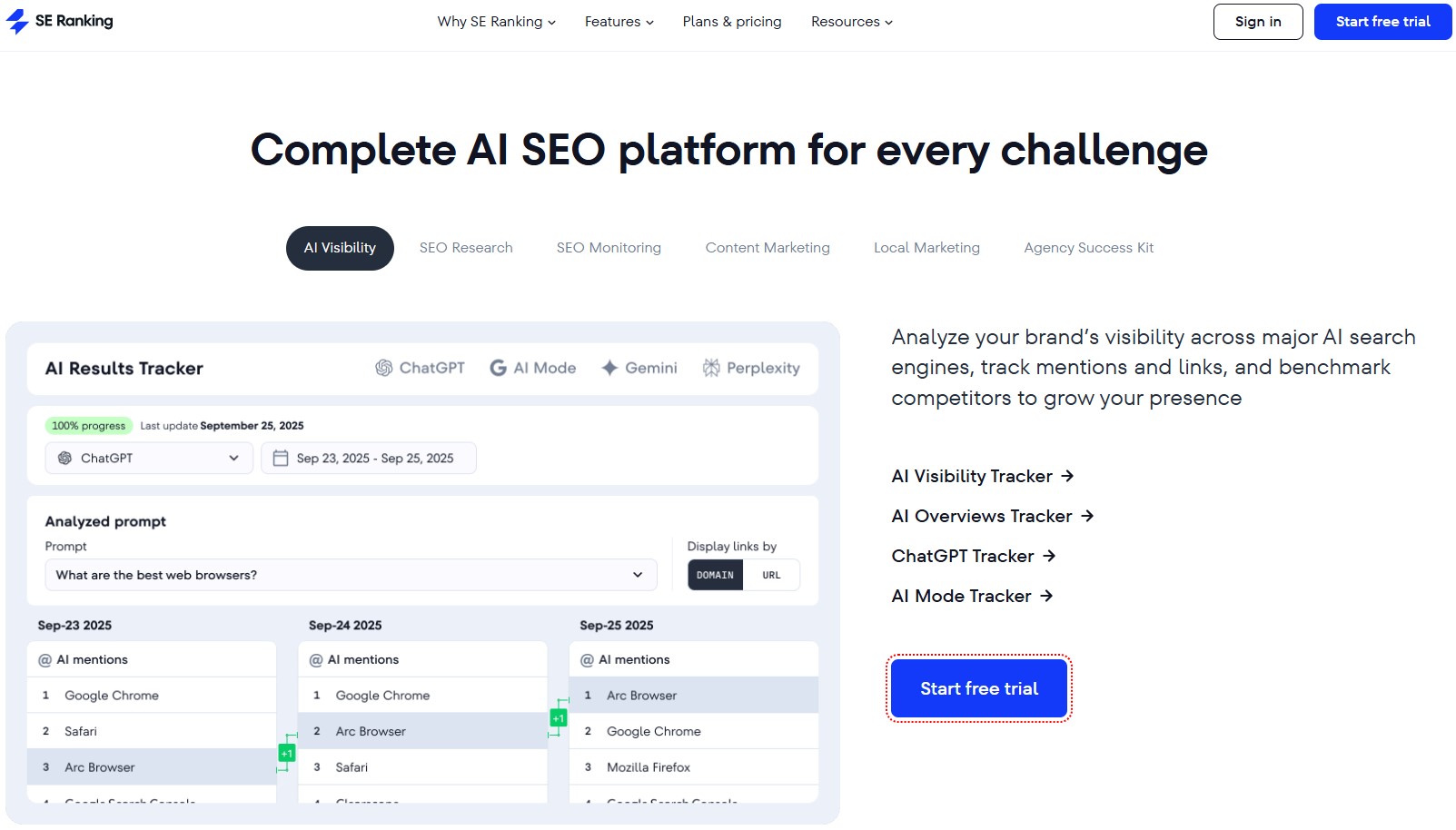
    7. SE Ranking

    SE Ranking competitor analysis

    Best for: Teams that need a full SEO competitor analysis suite with white-label reporting at a mid-tier price point.

    SE Ranking is a solid all-rounder with strong competitor tracking, keyword research, and AI-powered insights that agencies love. The platform punches above its weight class, especially given how much it costs compared to the big names. 

    Key features

    • Visibility rating
    • Share of voice with competitors
    • SERP analysis
    • Comparing multiple rivals at once

    Pros

    • Page changes monitor alerts you when competitors update key pages.
    • Free to sign up without excessive screens or pop-ups.
    • On-page SEO checker compares your content directly to top-ranking pages.

    Cons

    • No social media competitor tracking on the free plan.
    • There is a slight learning curve compared to other tools, like SpyFu.

    Pricing

    Paid plans start at $65/month.

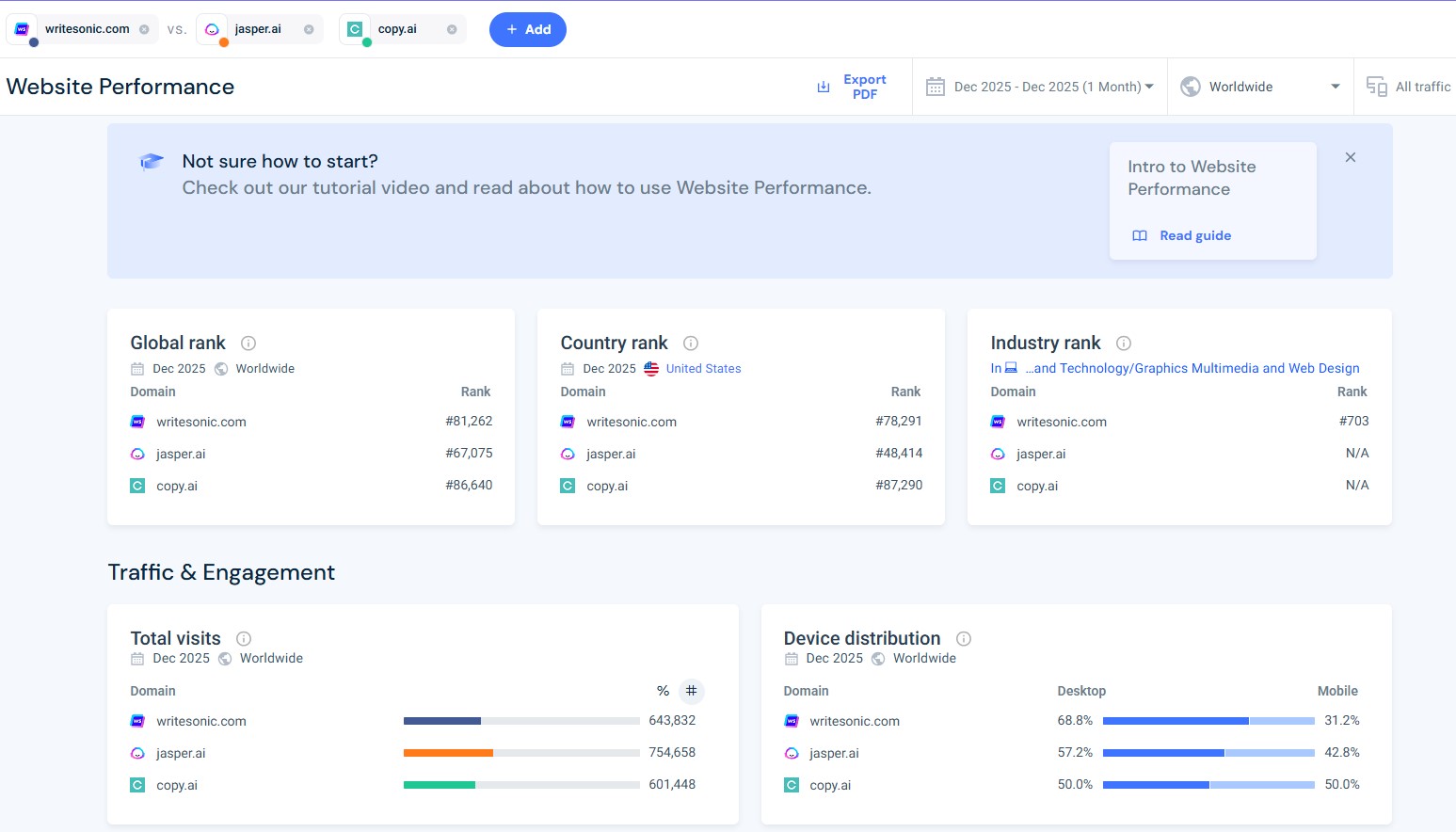
    8. Similarweb

    Similarweb competitor analysis

    Best for: Analysts who need detailed traffic analytics and audience insights beyond traditional SEO metrics.

    Similarweb is a handy SEO competitor intelligence tool that provides detailed traffic analytics to its users. You can see a rival’s top traffic sources, audience demographics, engagement metrics, and even which apps they’re investing in, allowing you to take the lead.

    Key features

    • Website analysis
    • SEO backlinks analytics
    • Extensive search tracking
    • Gen AI intelligence

    Pros

    • Audience Insights reveal competitor demographics and interests.
    • Market share reports help identify who’s winning in your niche and where.
    • Traffic journey shows how users move between competitor sites.

    Cons

    • The price can be too high for small businesses and teams.
    • Takes time to learn and implement.

    Pricing

    Paid plans start at $199/month.

    9. BuzzSumo

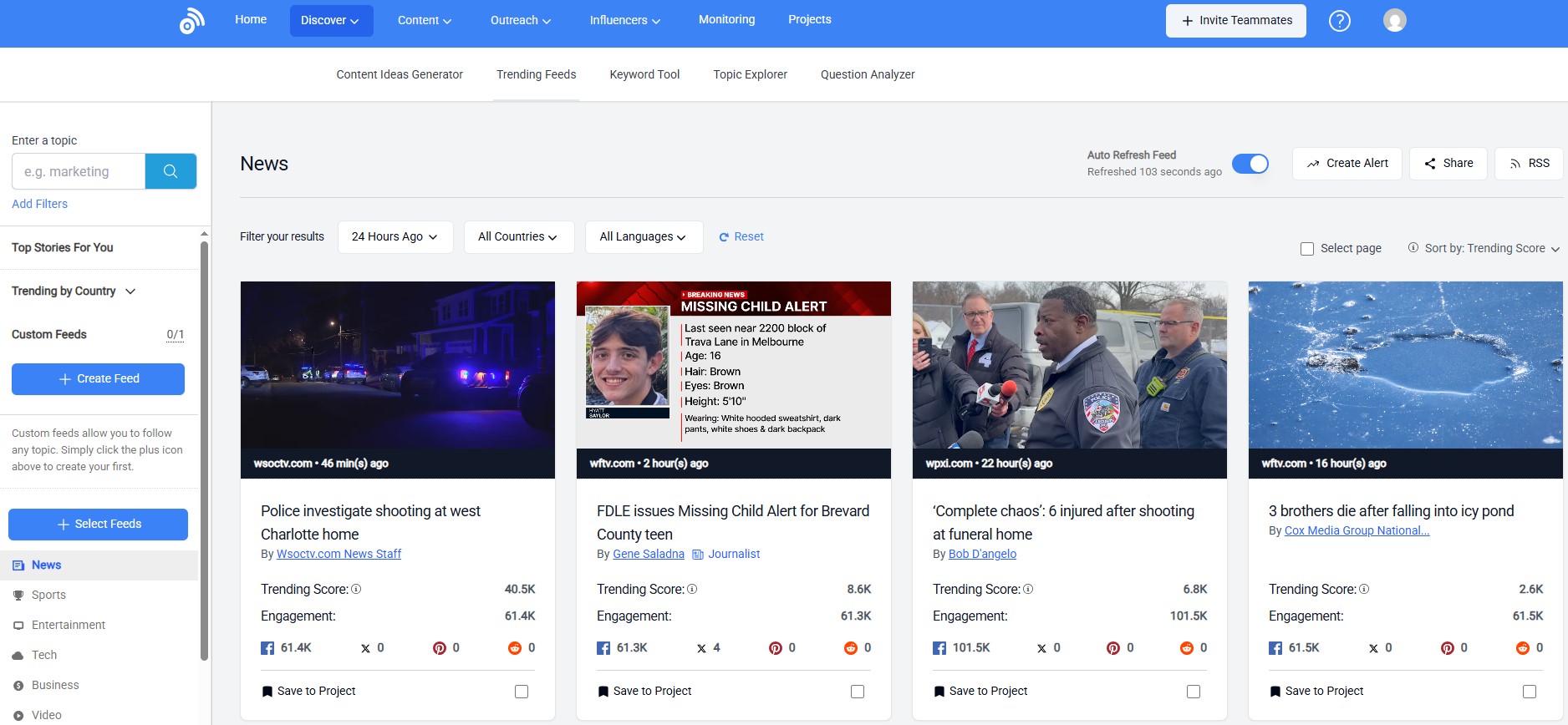
    BuzzSumo competitor analysis

    Best for: Content marketers and social media managers who need to track viral competitor content and influencer engagement.

    BuzzSumo is the tool we turn to when we need to see which competitor articles are being shared, linked to, and discussed across social media. Instead of tracking ranking, BuzzSumo shows you what’s resonating with real audiences, helping you quickly and effectively.

    Key features

    • Content analyzer
    • Influencer search
    • Competitor alerts
    • Question analyzer

    Pros

    • Social engagement metrics go beyond SEO to show real audience interest.
    • Backlink data, when integrated with social shares, provides a full picture of content performance.
    • Chrome extension lets you analyze any page on the go.

    Cons

    • Less focused on traditional SEO metrics like keyword rankings.
    • Pricing scales quickly if you need more searches and alerts.

    Pricing

    Paid plans start at $199/month.

    10. Serpstat

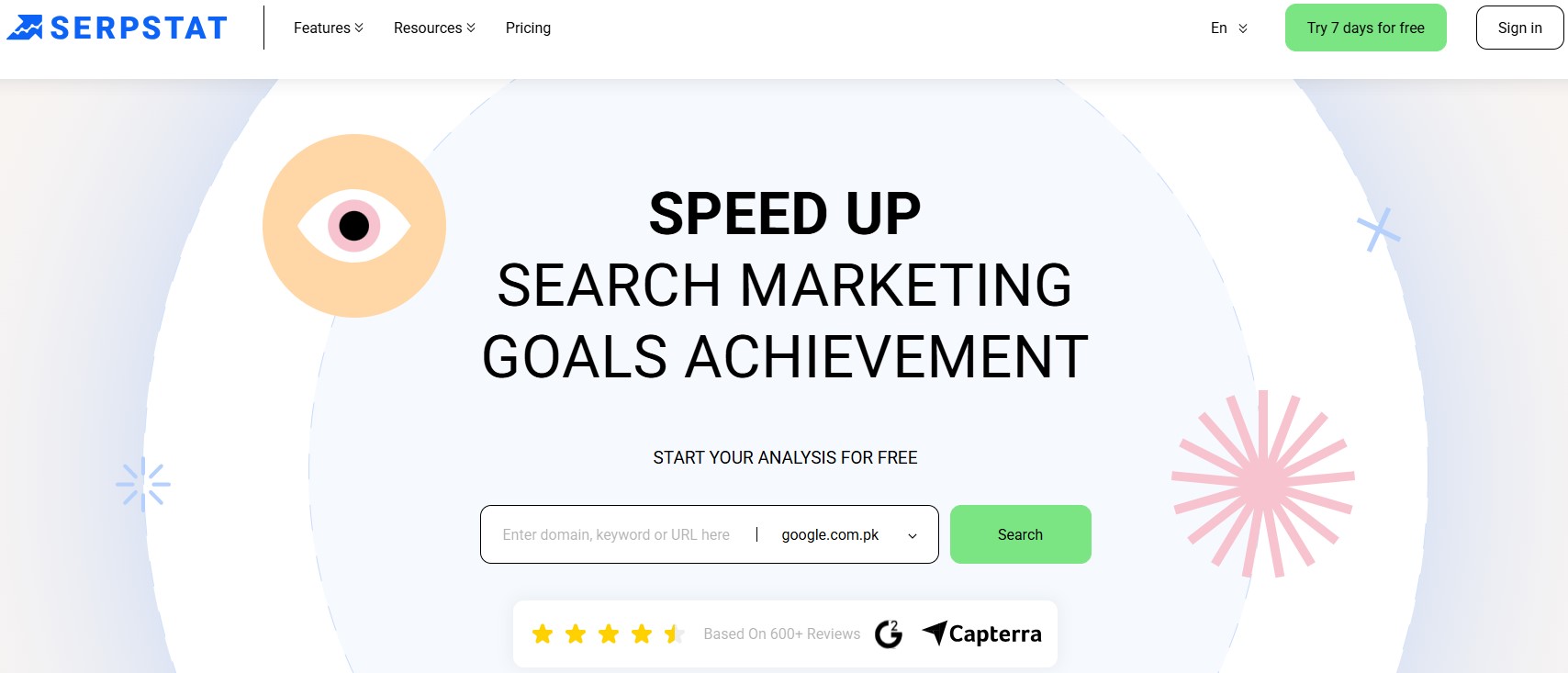
    Serpstat landing page

    Best for: Growing businesses that need an affordable all-in-one SEO platform with strong keyword clustering features.

    Serpstat is particularly useful for grouping related keywords into clusters, which makes content planning much more strategic. Serpstat helps you identify the broader topic areas where competitors dominate and provides the data to take them down, improving reach and visibility.

    Key features

    • Missing keywords to find gaps
    • Batch analysis to compare up to 200 domains
    • Text analytics to reverse-engineer top-ranking content
    • Smart keyword profiles

    Pros

    • API access allows for custom integrations and automated reporting.
    • Supports multiple countries and languages.
    • Keyword clustering reduces content overlap and improves topical authority.

    Cons

    • Backlink data can be less current for smaller websites.
    • The user interface feels less polished than that of premium competitors.

    Pricing

    Paid plans start at $199/month.

    11. Visualping

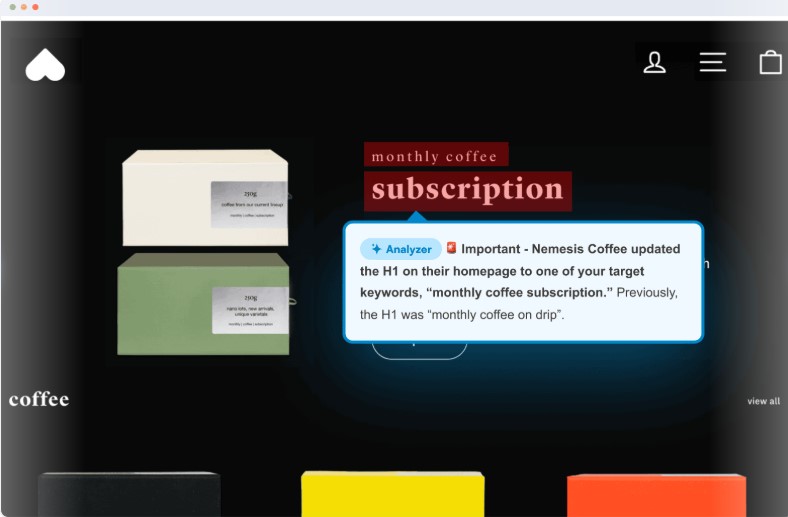
    Visualping interface

    Best for: Marketers and competitive intelligence teams who need real-time alerts when competitors change their websites.

    Visualping watches competitor websites like a hawk and alerts you the second something changes. We use it to monitor competitor pricing pages, product launches, and blog post updates to see how others in our space are modifying their web pages and strategies.

    Key features

    • Visual change detection
    • Selective monitoring 
    • Scheduled checks 
    • Team collaboration 

    Pros

    • Simple, focused tool that’s easy to set up and use immediately.
    • Alerts can be customized by changing the threshold to reduce noise.
    • API access for integrating alerts into your existing workflow.
    • Works on any website, including password-protected and JavaScript-heavy pages.

    Cons

    • No SEO metrics or keyword tracking.
    • Limited analysis features compared to full-suite platforms.

    Pricing

    Customizable payment plans, starting at $10/month and changing depending on the number of pages you scan.

    12. Whitespark

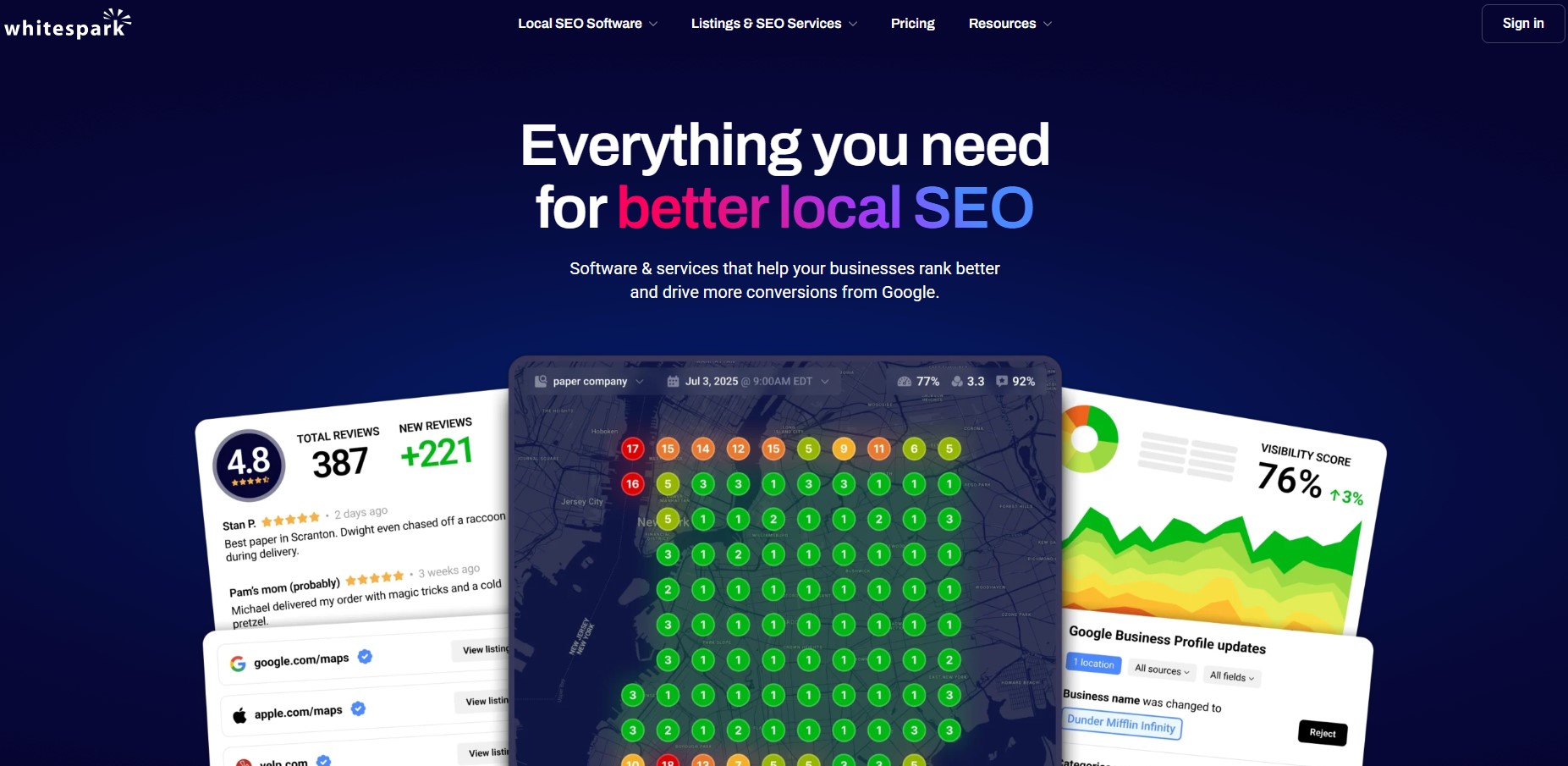
    Whitespark landing page

    Best for: Local SEO specialists and agencies focused on citation building and local search competitor tracking.

    Whitespark is purpose-built for local SEO. If your business depends on local visibility, this tool is essential. It helps you see exactly where your competitors are listed online, which citations they’ve built, and how their local rankings stack up against yours.

    Key features

    • Local citation finder
    • Google Business Profile rank tracker
    • Reputation builder for reviews
    • Local search audit

    Pros

    • Review monitoring shows how competitors manage their online reputation, enabling you to handle reviews as well.
    • Built-in outreach tools streamline the citation-building process for your business.
    • Edit locations in bulk to save time and effort while performing local SEO optimization.

    Cons

    • Narrowly focused on local SEO, so it won’t help with broader organic strategies.
    • Pricing can add up quickly for agencies managing multiple locations.

    Pricing

    Customizable payment plans, starting at $1/location/month, and change depending on the number of locations you set up or optimize.

    Best free SEO competitor analysis tools (what Google offers)

    Not every team has the budget for premium platforms. The good news is that you can start competitor website analysis without spending a cent, especially if you know where to look within Google’s own ecosystem.
    Google offers a surprising number of free competitor analysis tools that give you genuine insights, even if they lack the polish and depth of paid platforms. 

    Here’s what actually works:

    Google Search

    Don’t overlook the simplest Google competitor analysis tool of all: the search bar itself.

    Run manual searches for your target keywords and study what ranks on page one. 

    Look at:

    • Title tags and meta descriptions of SERP pages
    • Content length and structure
    • Multimedia elements (images, videos, infographics)
    • Internal and external links

    This hands-on approach to competitor analysis isn’t scalable, but it’s free and fast, and it gives you a gut-level sense of what Google rewards in your niche.

    Google Search Console

    If you have access to a competitor’s domain (or you’re analyzing your own site against rivals), Google Search Console shows which queries drive impressions and clicks. 

    You can see:

    • Which pages rank for specific keywords
    • Average position in search results
    • Click-through rates by query

    While you won’t get direct competitor data, you can reverse-engineer their strategy by analyzing your own Search Console reports and comparing them to what you see ranking in the SERPs.

    Also read: Google Gemini vs ChatGPT comparison.

    Google Trends

    Google Trends is one of the most underrated free competitor analysis tools. It shows:

    • Which topics and queries are trending in your industry
    • Seasonal patterns that affect search volume
    • Regional interest in specific keywords

    Use it to see what competitors are likely targeting based on rising trends, then validate those hunches with your own keyword research.

    Google Analytics

    If you’re running Google Ads, the Auction Insights report inside Google Analytics and Google Ads reveals how your ad performance stacks up against competitors bidding on the same keywords. You can see:

    This is especially useful for PPC competitor analysis when you’re trying to figure out who’s outbidding you and by how much.

    Google Merchant Center

    For e-commerce brands, Google Merchant Center offers two helpful reports:

    • Price competitiveness report: Shows how your product pricing compares to competitors in Google Shopping.
    • Best sellers list: Reveals which products in your category are performing best.

    These reports help you adjust pricing and product positioning without needing a separate competitor website analysis tool.

    Google News and Alerts

    Set up Google Alerts to track when competitors publish new content, get mentioned in the press, or rank for priority keywords. 

    Alerts won’t give you traffic data or backlink profiles, but they keep you informed about competitor activity in real time. This is especially useful if you’re tracking content marketing moves from your rivals, trying to outsmart them quickly and for free.

    How to choose the right SEO competitor analysis tool for your needs

    Choosing a competitor analysis tool online isn’t about finding the “best” on the market. It is about finding the one that fits your team, your budget, and the type of competitor research you actually need to do.

    Some tools are built for agencies running dozens of client campaigns. Others are designed for solo marketers who need quick wins without too much complexity. 

    Here is a simple framework to help you narrow down your options and pick the right tool for your needs:

    Define what you need to track

    Start by listing the competitor metrics that matter most to your SEO strategy:

    • Organic keywords and rankings: Tools like Ahrefs, Semrush, and Contentpen excel in this area.
    • Backlink profiles: You can use tools such as Ahrefs and Moz Pro to get up-to-date backlink data on your competitors and plan your next move accordingly.
    • PPC and ad campaigns: For this purpose, you can utilize SEO competitor tools, such as TapClicks and SpyFu, which specialize in paid search intelligence.
    • Content performance and social shares: BuzzSumo can be your go-to for monitoring competitor social shares and performance.
    • Local SEO and citations: Tools, like Whitespark, can be used for local SEO and citation monitoring.
    • Website changes and updates: Visualping is a solid choice for checking competitor site updates in real time, helping you develop new strategies to outsmart your rivals.

    Narrowing down which competitive intelligence metrics you want greatly simplifies choosing the right tool.

    Also read: How to do SEO?

    Consider your team size and skill level

    Not every tool is built for every user. Some platforms assume you already know SEO inside and out. Others are designed to onboard beginners quickly. Therefore, it is crucial to keep your workforce in mind while choosing an SEO competitor analysis tool.

    • Solo marketers and small teams: Look for simple, affordable tools like Visualping, SpyFu, or Contentpen that do not require much training and are highly affordable.
    • Agencies managing multiple clients: At this level, you will want white-label reporting, API access, and bulk analysis features found in tools like SE Ranking, Semrush, or TapClicks.
    • Enterprise teams: Platforms like Similarweb offer advanced data integrations and custom dashboards for larger teams. If your purpose is to create and optimize content, our AI blog writer also offers collaborative and integration capabilities.

    As a general rule of thumb, if your team is small, choose a tool with a clean interface and strong support. Do not create extra hurdles in your workflow, as this will defeat the whole purpose of selecting a tool.

    Also read: Best AI tool for writing SEO-rich blog content.

    Set a realistic budget

    As you’ve seen earlier with our list, SEO competitor analysis tools range from $10/month to well over $500/month. However, price does not always equal value, not for all teams, anyway.

    Do not overpay for features you will not use. If you only need keyword research and rank tracking, a mid-tier plan from Contentpen or SE Ranking will serve you better than an expensive all-in-one SEO suite, such as Semrush or Ahrefs.

    Test before you commit

    Most competitor analysis tools online, like Contentpen, offer free trials. Use them.

    Spend a week running real competitor website analysis on your actual rivals. Check how accurate the data feels, how easy the interface is to navigate, and whether the insights actually help you make the right decisions or not.

    Pay attention to:

    • Data freshness: Are keyword rankings and backlink profiles updated regularly?
    • Export and reporting: Can you pull clean reports without hitting frustrating limits?
    • Customer support: Will you get help when you can’t figure something out?

    The best tool is the one you will actually use consistently, not the one with the longest feature list.

    Think about workflow integration

    If you already use tools for content creation, publishing, or project management, check whether your SEO competitor analysis tool integrates with them.

    Contentpen, for example, connects directly to WordPress, Ghost, Wix, Shopify, and Webflow, so you can research, write, and publish without switching platforms. It also offers Webhook integrations so that you can make your own workflows without any hurdles.
    Other tools, such as Semrush, integrate with Google Analytics, Google Search Console, and dozens of marketing apps. These integrations save time and reduce the risk of data falling through the cracks.

    Prioritize actionable insights

    Some tools give you mountains of data but no clear next steps. Others highlight exactly what to do next.

    Look for platforms that surface quick wins and content gaps, rather than just showing you charts. Tools like Contentpen excel at this by turning competitor research into actionable items, such as writing an article on a particular keyword or optimizing a specific heading on a blog.

    Also read: The ultimate guide to optimized content marketing for SEO success.

    TL;DR: If a tool makes you feel smarter and more focused after using it, that is a good sign. If it leaves you overwhelmed and confused, keep looking.

    Summing it up

    SEO competitor analysis tools help you surface what your rivals are doing, how they’re doing it, and where you can take the lead. These tools power strategies and decision-making, defining the modern SEO framework.

    Choosing a suitable tool for competitor analysis in 2026 can be tricky, especially with so many options on the market. We hope our guide helped you pick the right tool for your needs so you can excel without limits.

    If you want to see real ranking keyword opportunities and detailed competitor insights for your content, sign up now at Contentpen.

    Frequently asked questions

    How often should I run competitor analysis?

    Most teams should review competitors monthly, with deeper audits quarterly. Highly competitive niches may require weekly monitoring to stay ahead of ranking shifts and content changes.

    Can I use multiple SEO competitor analysis tools at the same time?

    Yes, and many teams do. Most businesses layer a backlink-focused tool with a content or keyword tool like Contentpen or Semrush. The key is avoiding overlap that wastes budget. Pick tools that complement each other rather than duplicate the same data.

    Do SEO competitor analysis tools show real traffic numbers?

    Most tools provide traffic estimates based on models, rather than exact data. While not perfect, these estimates are accurate enough for competitive benchmarking and trend analysis.

    Can SEO competitor analysis tools help with content planning?

    Yes. Tools, such as Contentpen, reveal content gaps, top-performing competitor pages, keyword clusters, and search intent patterns that directly inform content strategy and topic prioritization.

    Do I need coding or technical skills to use SEO competitor analysis tools?

    No. Most modern tools are designed for marketers and content teams without requiring coding knowledge. However, some advanced features, such as API integrations or custom reporting, may need technical support.

    How long does it take to see results after using competitor analysis insights?

    It depends on what changes you make. Quick wins, such as optimizing title tags or targeting low-competition keywords, can show ranking improvements within weeks. Greater efforts, such as publishing content, typically take two to six months to noticeably affect rankings.

  • Best AI chatbot for business in 2026

    Best AI chatbot for business in 2026

    The rush toward AI tools has been so rapid that choosing among the many options available on the market has become quite challenging.

    The all-important question, ‘which is the best AI chatbot for coding, creating content, or performing other types of tasks?’ keeps haunting businesses and enterprises.

    The answer to this can be a bit more complicated.

    Now, it is no longer about finding an AI assistant; it is about choosing the right mix from dozens of top AI chatbots to perfectly fulfill your needs.

    In this post, we will provide you with an honest breakdown of the best AI chatbots in 2026, highlighting their strengths and weaknesses. By the end, you will be able to make the right decision to automate your workflows and boost productivity across departments.

    So, without further ado, let’s get started.

    What are AI chatbots and how do they work?

    Neural network functionality - Contentpen.ai

    In simpler terms, AI chatbots are software that can hold human-like conversations, either in text or voice, and carry out tasks using artificial intelligence.

    These tools use natural language processing (NLP) and machine learning (ML) algorithms to understand context and provide personalized responses to users.

    On a deeper level, chatbots use neural networks, where each layer serves a purpose. 

    The input layer receives raw, unstructured data from the user and attempts to make sense of it.

    For example: ‘Write me an email explaining to HR why I cannot join the office due to a family emergency.”

    Then, the multiple hidden layers break down this text into tokens or word embeddings for the neurons to process.

    After each node or point in the hidden layer has understood the intent and context of the input, the output layer readies the response and delivers it to the user in a human-readable form.

    Where are chatbots used today?

    Today, modern chatbots are used in many walks of life. These tools are now going beyond scripted, generic responses to provide personalized results for the users.

    Using a similar neural network architecture, these chatbots are trained on millions, and even billions, of parameters, ready to assist users in the best way possible.

    Most AI chatbots can remember past conversations to handle voice calls, book meetings, and trigger workflows intelligently for customer support professionals and other users.

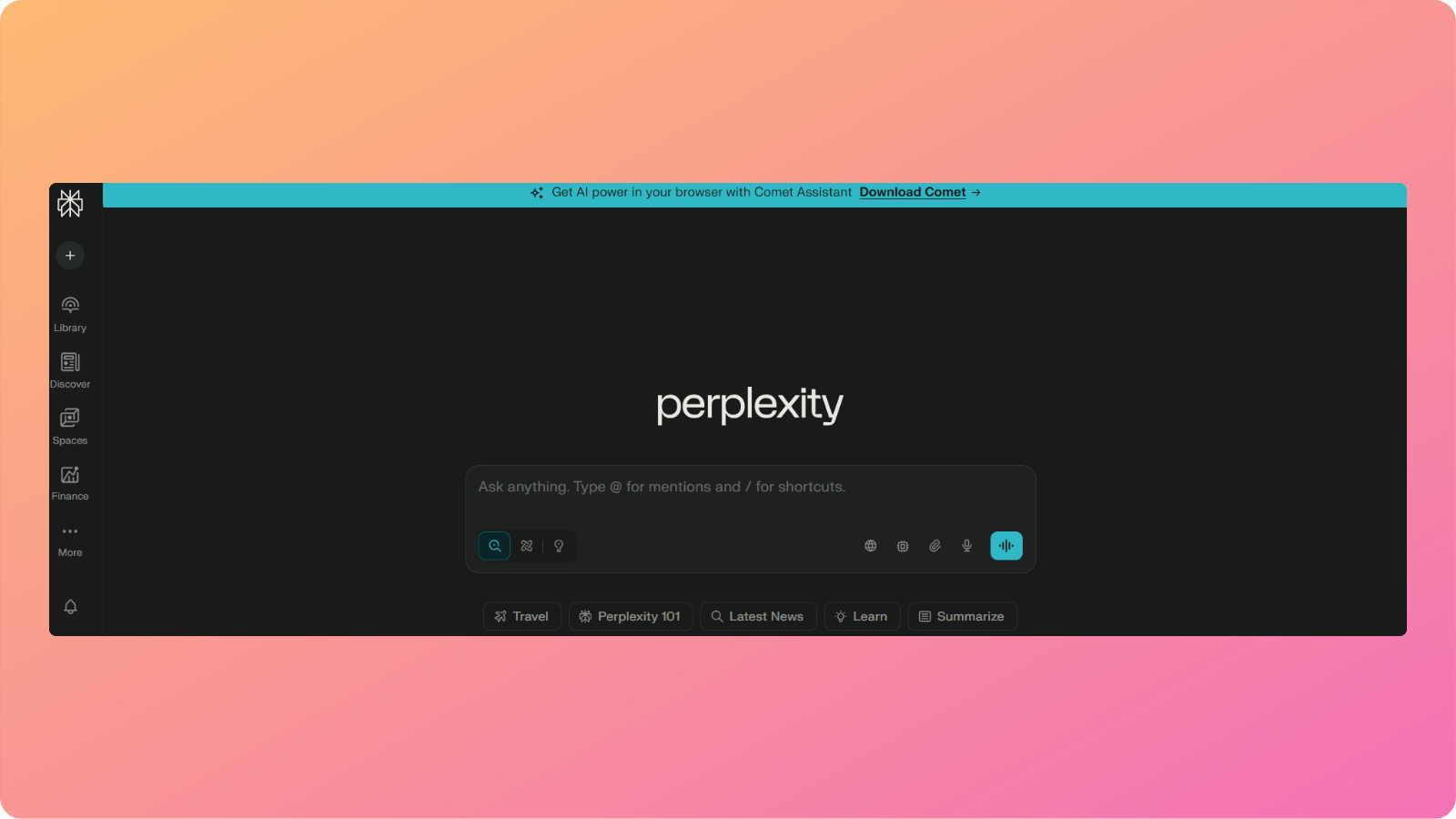
    While tools like ChatGPT are suitable for general use, other chatbots like Perplexity AI can comb through online sources and help users craft an informed academic thesis.

    Related: Gemini vs ChatGPT comparison.

    Therefore, AI chatbots assist marketers, freelancers, business professionals, and everyday users by automating repetitive, mundane workflows.

    What is our criteria to test these AI chatbots?

    Our criteria for evaluating the best AI chatbot in 2026 are as follows.

    • Accuracy: How well does the tool understand and respond to the requests?
    • Knowledge retrieval: Is the chatbot able to extract information accurately from your documents?
    • Agentic capabilities: Can the tool take actions or only answer questions?
    • Integrations: Does the tool integrate with existing systems, calendars, or other tools in the tech stack?
    • Collaboration features: Will your team be able to work together on projects using these tools?

    Choosing the most suitable tool comes down to your niche and the nature of work you want to perform.

    Also read: 12 best SEO competitive analysis tools in 2026.

    Quick Comparison: Top AI chatbots at a glance

    Below are the top 10 chatbots for businesses that we selected today for our run-up:

    ToolBest forStarting priceKey strengthWhy businesses choose it
    ChatGPTGeneral-purpose AI$4/monthMultimodal input processingHandles the majority of tasks with precision
    Google GeminiGoogle Workspace integration$20/monthGeneration of apps via the Gemini APIWorks with commonly used tools like Gmail and Google Drive
    Perplexity AIResearch and competitive intelligence$20/monthDeep internet research with accurate citationsDelivers detailed research reports and documents
    Microsoft CopilotIntegration with Microsoft products$20/monthCopilot visionWorks well with Microsoft 365 tools
    ClaudeDocument analysis and content generation$17/monthClaude codeLong-term contextual retention
    Meta AISocial media marketingFreeUnified chat, image, and short video generationCreates engaging content for Meta platforms
    DeepSeekDeep reasoning and computational thinkingFreeFree deep thinking capabilitiesExcellent for mathematical or logical problem-solving
    Pi AIPersonal useFreeHaving short, meaningful conversationHelpful in answering everyday questions
    Zapier AgentsBuilding and sharing custom chatbots$20/monthNo-code chatbot creation and automationsWorks across multiple apps with automated loops
    Grok AIX integration$30/monthReal-time access to X firehose plusGenerates enhanced lifelike motion and characters

    These chatbots will be evaluated fairly solely on the grounds of their functionality and how they can help modern businesses automate and scale efficiently.

    Let’s review all the top 10 chatbot options you can use today for completing various types of tasks.

    1. ChatGPT – Best overall AI assistant

    ChatGPT interface

    OpenAI’s ChatGPT is one of the most famous and versatile tools for businesses and professionals.

    What does it do?

    ChatGPT helps teams write code, analyze data from documents, create content, and organize projects into steps or agendas.

    Who is it for?

    The tool has become a default AI assistant for business tasks across writing, planning, research, and coding.

    If a team from marketing and sales to development and support can pick only one general‑purpose tool, then ChatGPT would be their usual bet.

    (Also read: Best AI SEO tools in 2026 – tested and ranked).

    Key features

    Amongst many functionalities that ChatGPT can perform, the ones that make it stand out from others are:

    • Creation and refinement of content: With ChatGPT, you can create blog posts, draft emails, shape social calendars, and rewrite copies in different tones.
    • Writing and debugging code: The tool explains errors, proposes fixes, and writes small scripts to help automate internal tasks.
    • Research support: This chatbot can summarize long reports, compare product categories, and surface key trends for competitor analysis.
    • Work organization: ChatGPT helps break big projects into steps, write meeting agendas, and draft surveys with ease.

    With its newer models like GPT-5.2, GPT-5 mini, and GPT-5 nano, the tool keeps on breaching boundaries of what is possible. It also provides its latest DALL-E 3 image-generation model to create visually compelling images and other media.

    Limitations

    While ChatGPT is excellent at handling multimodal inputs (text, voice, and structured data), it does have its limitations.

    • Results can vary depending on the prompt provided
    • Limited direct integrations compared to other chatbots
    • Free usage has restrictions

    Pricing

    OpenAI offers three different pricing plans for individuals and businesses:

    • Free: Limited access to the GPT-5.2 model
    • Go: $4/month
    • Business: $25/month

    2. Google Gemini – Best for Google Workspace users

    Google Gemini interface

    Google Gemini, previously known as Google Bard, is another helpful tool with various applications for business-related tasks.

    What does it do?

    Gemini helps you write code, analyze structured or raw data, and uncover trends and insights to future-proof your business.

    Who is it for?

    This AI chatbot is designed for those who work intensively in Google Workspace and are long-time users of products like Gmail, Google Docs, Sheets, and Calendar.

    It is built for productivity-conscious professionals, such as developers, marketers, and sales personnel.

    Key features

    While Google Gemini has many features to discuss, some of the highlighted ones are discussed below:

    • Dynamic app builder: With Gemini’s ‘dynamic view’, you can create apps and see how they look in real-time.
    • Deep thinking: The tool delves into computational thinking and logical reasoning to help solve complex problems.
    • Information analysis: Similar to ChatGPT, this tool also reads PDFs, image files, and other document types to analyze data trends and uncover meaningful insights.
    • Canvas creation: Gemini can turn your textual ideas into publish-ready infographics, charts, and more.

    Currently, the latest model, Gemini 3, is well integrated with Google applications like Drive and Calendar, helping you stay organized and productive during your shift.

    Limitations

    Like all the other tools, Google Gemini also has some limitations that need to be mentioned.

    • Limited integration outside of Google Workspace
    • Little cross-platform flexibility
    • Can feel less steady or reliable in nuanced writing as compared to other chatbots

    Pricing

    Google Gemini offers three different pricing plans:

    • Free: Limited access
    • Google AI pro: $19.99/month
    • Google AI ultra: $249.99 for 3 months

    3. Perplexity AI – Best for deep research

    Perplexity AI interface

    Perplexity AI is a widely used AI chatbot for market research and competitive intelligence reports.

    What does it do?

    This chatbot understands your input and dives deep into the internet to surface trusted, reliable information with citations to back up that research.

    Who is it for?

    Perplexity is designed for resolving complex research problems. It provides cited responses for marketers and agencies, serving as a data trail or references in reports and documents.

    (Also read: Perplexity vs ChatGPT – which AI tool is better for blogging).

    Key features

    The notable Perplexity AI features are as follows:

    • Deep research: Utilizes advanced reasoning to create a detailed synopsis for a given material, craft a competitive intelligence report, or accomplish similar tasks.
    • Collaborative spaces: Perplexity creates workspaces where you can share ideas and function together as a team.
    • Perplexity labs: The tool turns research results into documents, slide outlines, and other formats.
    • Document processing: Perplexity AI can read and understand extensive PDFs, notes, and other document types to provide detailed analysis.

    Perplexity doesn’t provide a proprietary AI model; instead, it combines a wide range of AI models for deep research.

    Limitations

    This AI chatbot has its own limitations.

    • Limited integration options
    • Shorter memory compared to other chatbots
    • Fewer personality customization options to adjust the tone or style of content

    Pricing

    Perplexity AI offers three different pricing plans:

    • Perplexity pro: $20/month
    • Enterprise pro: $40/seat/month
    • Enterprise max: $325/seat/month
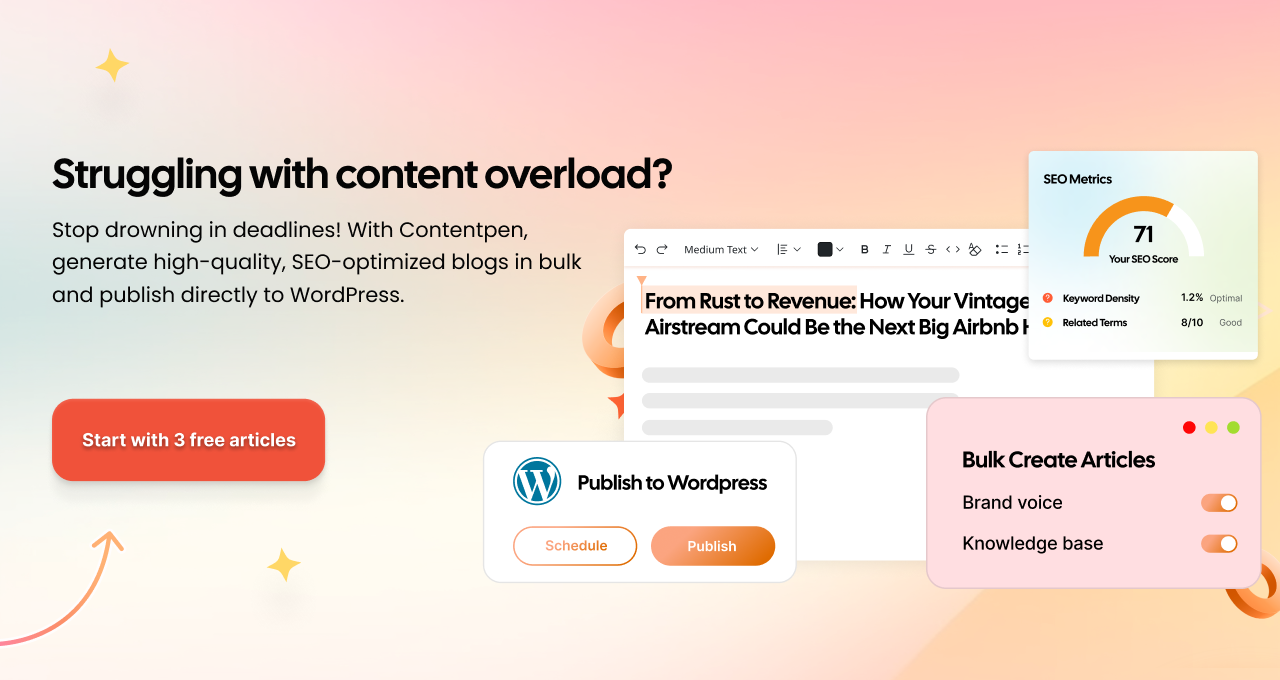
    Solving content overload - Contentpen.ai

    4. Microsoft Copilot – Best for Microsoft ecosystem users

    Microsoft Copilot interface

    Microsoft Copilot is a powerful AI chatbot designed to work seamlessly across Microsoft’s suite of products.

    What does it do?

    Copilot assists users with writing, data analysis, presentations, and task automation directly within Microsoft tools such as Word, Excel, Outlook, Teams, and PowerPoint. 

    Who is it for?

    This chatbot is ideal for businesses and professionals deeply embedded in the Microsoft 365 ecosystem.

    Finance teams, corporate marketers, operations managers, and enterprise users benefit the most from Copilot’s native integrations.

    Key features

    Some of Microsoft Copilot’s most notable capabilities include:

    • Copilot vision: Understands on-screen content to guide users through tasks in real time.
    • Excel intelligence: Builds formulas, analyzes datasets, and generates charts using natural language prompts.
    • Email and meeting assistance: The tool drafts emails, summarizes inboxes, and automatically recaps team meetings.
    • Enterprise-grade security: Copilot inherits Microsoft’s data protection and compliance standards to keep your data safe and secure from threats.

    Copilot works quietly in the background, reducing context switching and helping teams stay focused on execution.

    Limitations

    Just like other tools on our list, this AI chatbot also comes with its own set of caveats.

    • Limited usefulness outside Microsoft products
    • Less flexible for creative or open-ended tasks
    • Advanced features are locked behind higher-tier plans

    Pricing

    Microsoft Copilot offers the following plans:

    • Microsoft 365 premium monthly: $19.99/month
    • Microsoft 365 premium yearly: $199.99/year

    5. Claude – Best for coding and long-form content creation

    Anthropic Claude landing page

    Claude, developed by Anthropic, is known for its thoughtful responses, context-aware writing, and ability to process long, complex documents with ease.

    What does it do?

    Claude helps users analyze contracts, summarize lengthy reports, generate structured content, and reason through nuanced topics. 

    Who is it for?

    The tool is best suited for writers, legal professionals, and teams that work with extensive documentation. It is beneficial when accuracy, clarity, and context retention matter the most.

    (Also read: Claude vs ChatGPT – which AI tool is better for content writing).

    Key features

    Claude offers several standout features for business and professional use:

    • Large context window: Claude processes long documents without losing coherence or clarity.
    • Claude code: The tool assists developers with code understanding, refactoring, and explanations.
    • Clear writing style: Claude produces calm, well-structured responses ideal for formal communication.
    • Strong safety alignment: This AI chatbot is designed to reduce hallucinations and risky outputs.

    Claude’s Opus, Sonnet, and Haiku models can remember and reason over lengthy user inputs. This functionality makes it a dependable tool for producing comprehensive copies or writing effective code.

    Limitations

    While Claude does have a large contextual window, it also has some downsides.

    • No customer-facing deployment
    • Less suited for fast-paced brainstorming
    • Limited options to build shared knowledge bases

    Pricing

    Anthropic’s Claude offers the following pricing plans:

    • Free: Limited access to the latest models
    • Pro: $20/month
    • Max: Starting from $1000/person/month

    6. Meta AI – Best for social media and creative marketing

    Meta AI interface

    Meta AI focuses on helping creators and businesses produce engaging content across Meta’s platforms, including Facebook, Instagram, and WhatsApp.

    What does it do?

    Meta AI generates text, images, and visually appealing short videos for brands and businesses operating on Meta platforms.
    Who is it for?

    This AI chatbot is ideal for social media managers, content creators, and brands that rely heavily on visual storytelling and short-form engagement.

    Key features

    The tool stands out with the following strengths:

    • Unified creative tools: Combines chat, image generation, and short video creation in one place.
    • Platform-native optimization: The tool produces content tailored for Meta’s social networks.
    • Fast ideation: Meta AI generates captions, hooks, and creative prompts quickly and efficiently.
    • Seamless social media insights: Offers suggestions based on trending topics to help optimize post performance.

    Meta AI simplifies the content creation process for brands and agencies through its custom-built Llama models.

    Limitations

    Although Meta AI is a powerful tool for social media content creation and marketing, it still comes with a few caveats.

    • Limited business workflow automation
    • Minimal document analysis features
    • Best suited only for Meta platforms

    Pricing

    Meta AI is free to use.

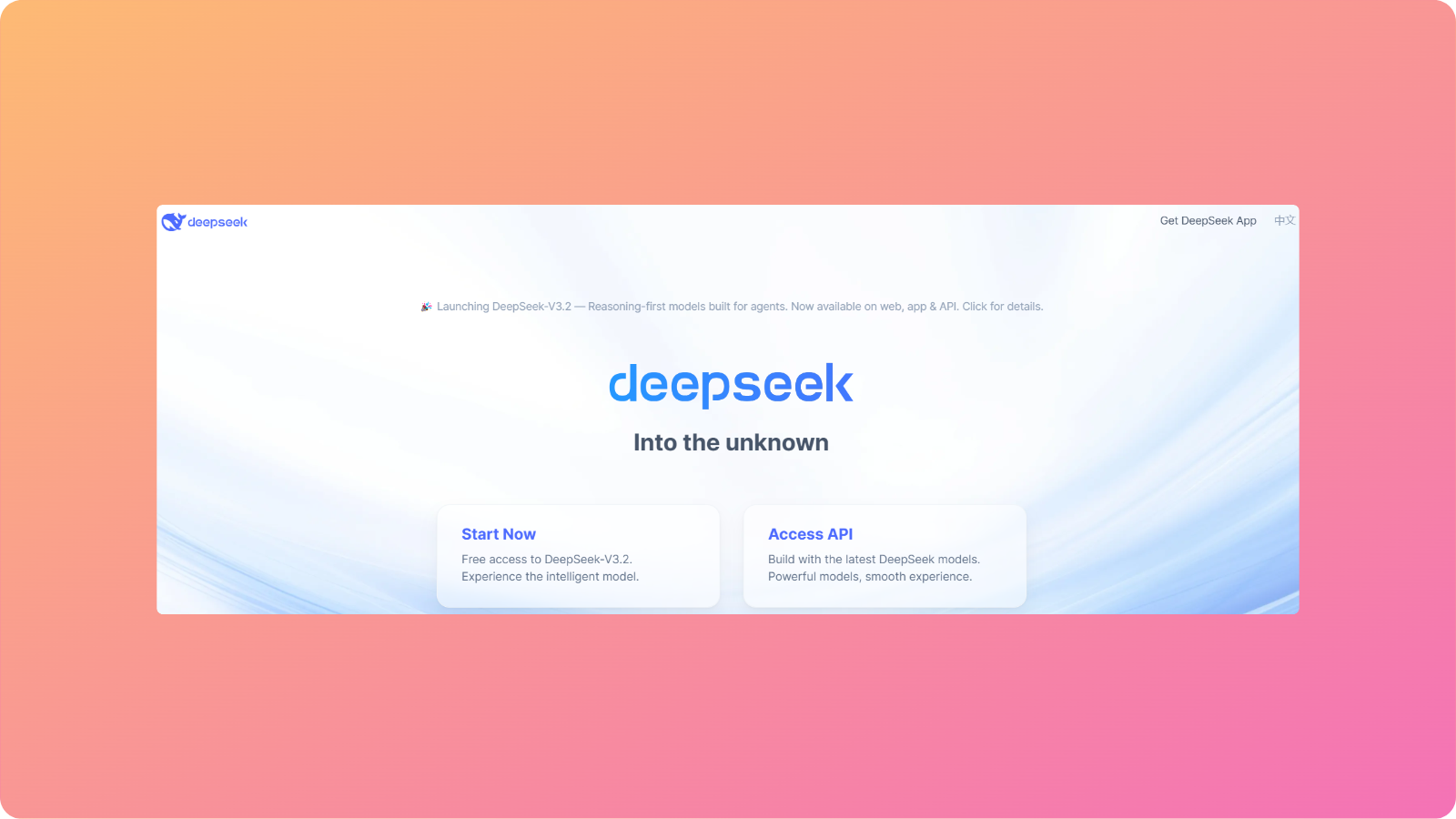
    7. DeepSeek – Best for reasoning and problem-solving

    DeepSeek landing page

    DeepSeek is a rising AI chatbot known for its strong analytical and reasoning capabilities for technical problem-solving.

    What does it do?

    The chatbot focuses on mathematical reasoning, logic-based problem solving, and step-by-step explanations for complex queries.

    Who is it for?

    This AI chatbot is well-suited for engineers, data scientists, and professionals who need help breaking down detailed, real-life scenarios for advanced applications.

    Key features

    DeepSeek stands out with the following strengths:

    • ‘DeepThink’ reasoning engine: The tool excels at tasks that require multi-step logical reasoning.
    • Clear explanations: DeepSeek breaks complex answers into steps or chunks, allowing you to follow its transparent thinking algorithm and understand the solution with ease.
    • Strong mathematical accuracy: The tool is reliable for mathematical calculations and detailed proofs.
    • High context precision: Maintains accuracy when handling long, technical inputs such as formulas, algorithms, or structured problem statements without drifting off-topic.

    DeepSeek-V3.2 is especially useful for businesses and professionals when precision matters more than creativity.

    Limitations

    Even though DeepSeek is exceptional at reasoning and calculation tasks, it falls short in the following aspects:

    • Limited creative writing abilities
    • Fewer collaboration features
    • Smaller app ecosystem compared to other major platforms

    Pricing

    DeepSeek is free to use.

    Pi AI – Best for personal conversations and guidance

    Pi AI interface

    Pi AI is designed to feel more like a thoughtful companion for personal and professional use than a traditional chatbot.

    What does it do?

    Pi AI engages users in short, meaningful conversations to provide advice, explanations, and support.

    Who is it for?

    This AI chatbot works best for individuals, such as entrepreneurs, leaders, and managers, seeking clarity, reflection, or help with everyday questions.

    Key features

    DeepSeek stands out with the following strengths:

    • Conversational depth: The tool focuses on empathy and clarity in its generated content.
    • Discover mode: Pi AI helps users explore ideas and thoughts through guided dialogue.
    • Minimal interface: Helps reduce distraction and encourages focus.
    • Context-aware follow-ups: The tool remembers the direction of the conversation within a session and asks relevant follow-up questions to keep the discussion meaningful and coherent.

    Pi AI prioritizes human-like interaction over productivity automation or complex content creation, like other chatbots on the list.

    Limitations

    The constraints of using Pi AI are as follows:

    • Not designed for business workflows
    • Limited scalability for teams
    • Unable to carry out intensive document handling

    Pricing

    Pi AI is free to use.

    9. Zapier Agents – Best for workflow automation

    Zapier Agents interface

    Zapier Agents brings chatbot intelligence into automated business workflows for busy professionals.

    What does it do?

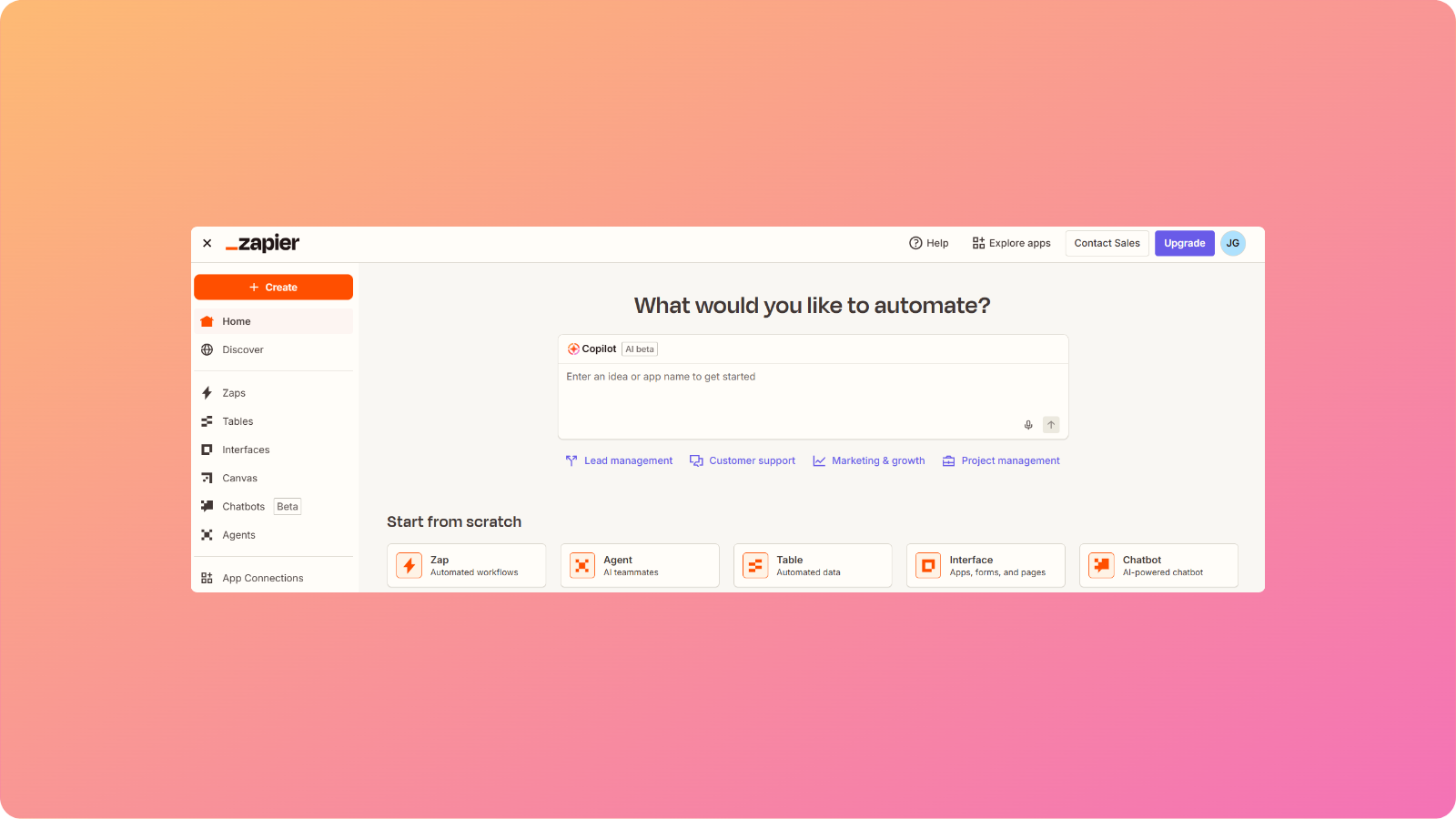
    This innovative AI chatbot allows users to build custom chatbots that trigger actions across thousands of connected apps.

    Who is it for?

    This tool is ideal for operations teams, no-code builders, and businesses looking to automate repetitive tasks without writing any code.

    Key features

    Below are the standout features for Zapier Agents explained.

    • No-code agent builder: The tool creates custom AI chatbots without requiring any technical expertise.
    • Extensive app integrations: It works with tools like Slack, Notion, HubSpot, Gmail, and many others.
    • Automated loops: Zapier Agents execute multi-step workflows autonomously without needing any extra effort.
    • Team sharing: The tool allows you to deploy agents across departments with ease.

    Zapier Agents bridges the gap between conversation and action by converting your textual input into streamlined workflows.

    Limitations

    Here are some of the downsides that we discovered with Zapier Agents:

    • Requires ample setup time for enterprise teams
    • Less useful for tasks that require creative input
    • The performance of the workflows depends on the connected apps

    Pricing

    Zapier Agents offers three pricing plans for varying business needs:

    • Free: Limited access to agentic AI capabilities
    • Pro: $50/month
    • Enterprise: Custom pricing

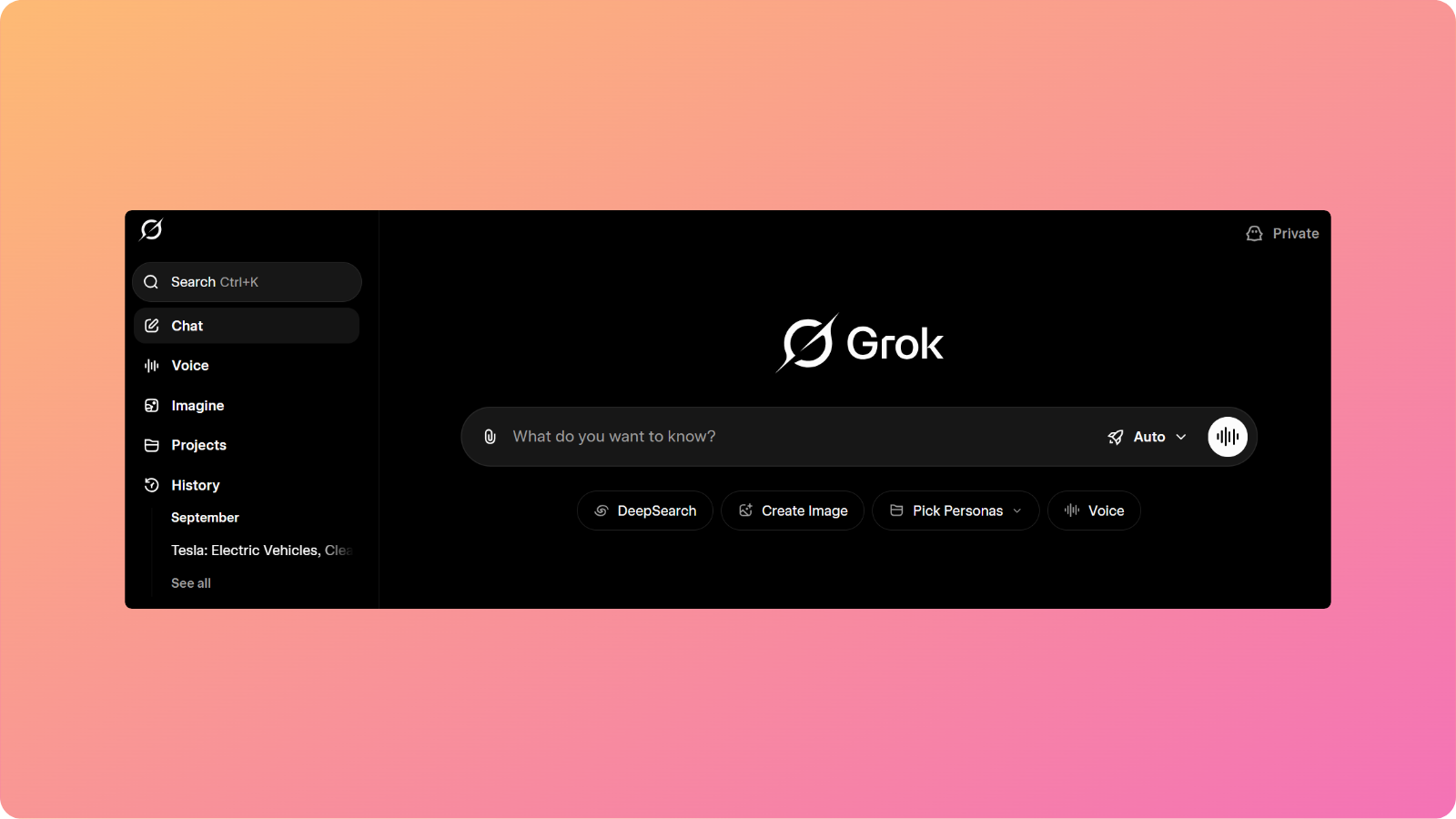
    10. Grok AI – Best for extracting real-time insights from X

    Grok AI interface

    Grok AI is built for users who want instant access to live conversations and trends on X (formerly Twitter). It is also a powerful AI chatbot in 2026 for sophisticated media creation.

    What does it do?

    This AI chatbot assistant analyzes real-time data from X to answer questions, track trends, and generate up-to-date insights. It can also process documents and show fairly adequate reasoning for the majority of the daily tasks.

    Who is it for?

    This tool is best suited for news agencies, analysts, and marketers who rely on real-time public sentiment to cover the latest events and trends.

    Key features

    Here are some of the key features for Grok AI that we believe should be highlighted:

    • Live data access: Unlike other tools that are trained on datasets with certain temporal limits, Grok AI pulls information directly from X’s firehose.
    • Trend analysis: Grok AI easily identifies emerging topics for you to leverage in your posts.
    • Personality-driven responses: The tool offers a more expressive tone in its responses, maintaining that human-like feel in the generated content.
    • Multimedia generation: Grok supports long-form visual outputs that are detailed and character consistent.

    Grok AI’s latest 4.1 model shines when the freshness and accuracy of information are most important.

    Limitations

    Even though Grok is an exceptional tool for media creation and uncovering the latest trends, there are still some limitations worth considering.

    • It is heavily dependent on X data for functionality
    • Limited enterprise integrations
    • Struggles with extended document analysis

    Pricing

    Grok AI offers three pricing plans for users:

    • Free: Limited access to the latest AI model
    • SuperGrok: $30/month
    • SuperGrok Heavy: $300/month

    Which AI chatbot is the best in 2026? [Verdict]

    No chatbot is “best” – it all comes down to your use case, preference, and business application.

    If you want an all-in-one chatbot that handles all your tasks efficiently and you don’t mind heavy prompting, then ChatGPT is a strong consideration.

    But if social media is more your thing and you want a tool that can quickly handle such tasks, then look no further than Meta AI.

    Similarly, tools like Perplexity, DeepSeek, and Grok AI are most suited for businesses and professionals who are more research and detail-oriented.

    However, if you work with restricted ecosystems, such as Microsoft or Google, then offerings like Microsoft Copilot and Google Gemini may be more to your liking.

    Summing it up

    The ‘best AI chatbot ranking’ might not be the most suitable indicator for you to decide on the right tool.

    The decision to choose an AI chatbot for business depends on many factors, including its suitability for your specific application.

    In this post, we highlighted each chatbot’s key features, limitations, and pricing to help you understand all the ins and outs of using them for your needs.

    Now, we hope you can select the appropriate chatbot to accomplish your tasks without any second thoughts or doubts.

    Frequently Asked Questions

    How do I choose the best AI chatbot for my team?

    You should evaluate chatbots based on task fit, data handling, integrations, and scalability rather than popularity alone.

    Can AI chatbots replace human support teams?

    No. While AI chatbots can handle repetitive queries and first-level support, they work best alongside human teams for complex decision-making and relationship-driven tasks.

    What is the difference between an AI chatbot and an AI agent?

    An AI chatbot primarily answers questions, while an AI agent can take actions such as triggering workflows, updating tools, or completing tasks autonomously.

    How often do AI chatbot models improve?

    AI chatbot models evolve rapidly, with frequent updates that improve reasoning, speed, and accuracy. Choosing a tool with active development ensures long-term value.

    Are AI chatbots suitable for small businesses and startups?

    Yes, AI chatbots are especially valuable for small teams because they reduce workload, speed up execution, and provide capabilities that would otherwise require multiple hires.

  • 15+ Top Black Friday software deals 2025 you don’t want to miss

    15+ Top Black Friday software deals 2025 you don’t want to miss

    Black Friday 2025 is here, and with it comes the biggest wave of software deals of the year. Whether you’re a content creator, marketer, or entrepreneur, this is the perfect time to upgrade your digital toolkit without breaking the bank. 

    From AI writing assistants and SEO platforms to project management and design tools, top brands are offering massive discounts.

    But with hundreds of promotions flying around, finding the real value deals can get overwhelming. That’s why we’ve done the digging for you!

    Below, you’ll find a handpicked list of the best Black Friday software deals of 2025, tools that can actually help you create better content, scale your business, and save time.

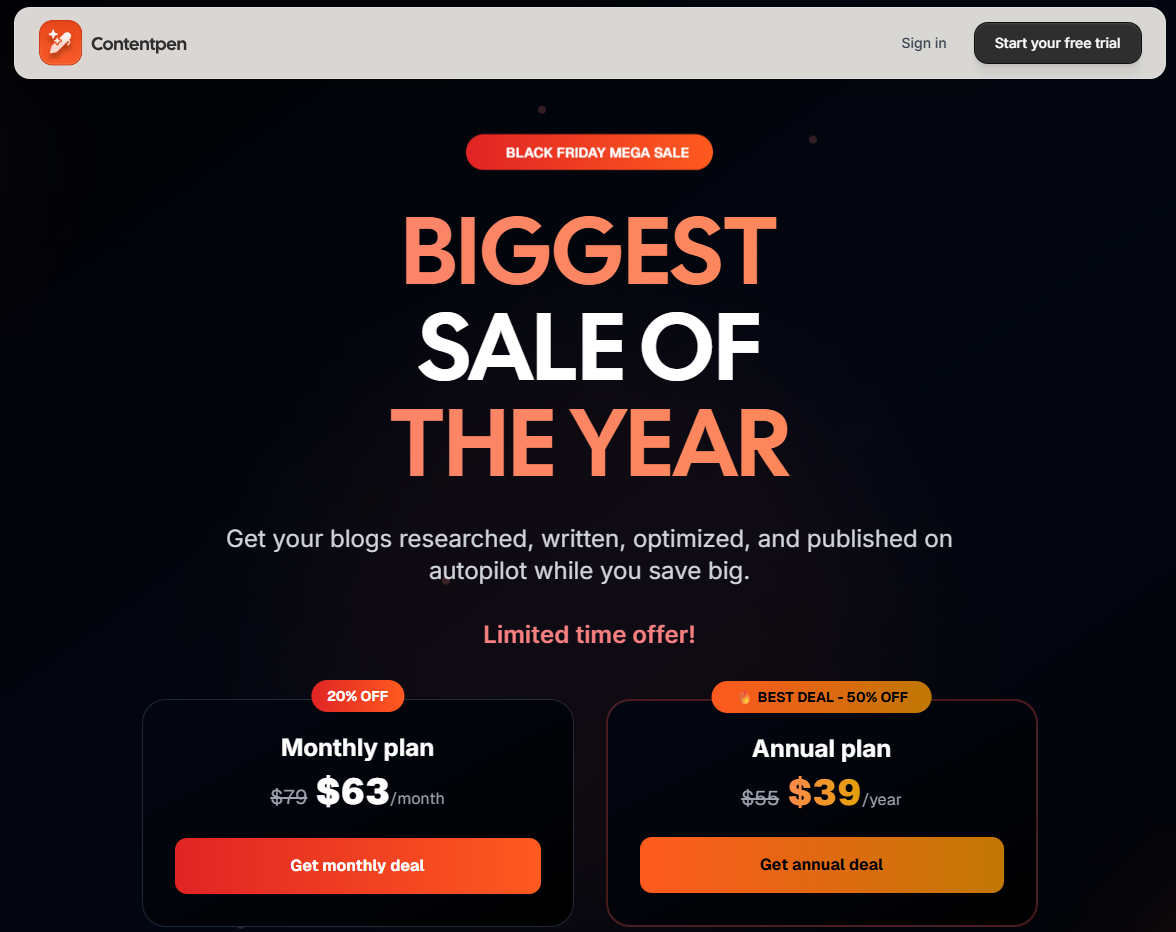
    1. Contentpen.ai

    Contentpen BF deal

    ContentPen.ai is an advanced AI-powered writing and content-generation platform built for creators, marketers, and businesses that want to produce high-quality content fast. 

    It helps you craft blogs, social media posts, email campaigns, ad copy, and SEO-optimized articles in minutes, all with natural tone, factual consistency, and your brand’s voice. With built-in templates, collaboration tools, and smart editing suggestions, ContentPen.ai helps users turn ideas into publish-ready content in no time. 

    It feels like having a full creative team right at your fingertips.

    • Black Friday offer: 

    This Black Friday, ContentPen.ai is offering 20% off on all monthly plans and a massive 50% off on all annual plans, the biggest discount of the year.

    • How to avail: 

    The offer is automatically applied at checkout, so there’s no need to enter any promo codes. Simply purchase on ContentPen.ai between 20th and 30th November 2025, and the discount will reflect instantly on your selected plan.

    2. Replug.io

    Replug BF deal

    Replug.io is a powerful link-management and retargeting tool that helps marketers turn every shared link into a conversion opportunity. It lets you add call-to-action (CTA) overlays, track link performance, and even retarget users who click your shared URLs.

    It’s particularly useful for content creators, affiliate marketers, and social-media managers who share curated links and want to extract more value from them.

    • Black Friday offer: 

    Flat 60% off on all annual plans, one of the biggest discounts Replug has ever offered.

    • How to avail: 

    The discount is automatically applied at checkout, so there’s no need for any promo code. Simply visit Replug.io between 20th and 30th November and choose your annual plan.

    3. ContentStudio

    Contentstudio BF deal

    ContentStudio is an all-in-one content marketing and social-media management platform designed for creators, agencies, and brands. It lets you plan, collaborate, and schedule content across multiple social networks, analyze performance, and even discover trending topics through its AI-powered content discovery engine.

    It’s a favorite among marketing teams looking to centralize all their content workflows.

    • Black Friday offer:

    40% off on your first annual plan, perfect for new users wanting to get started at a big discount.

    • How to avail:

    The discount is automatically applied at checkout; no coupon code required. Just sign up on ContentStudio.io between 20th and 30th November to claim the offer.

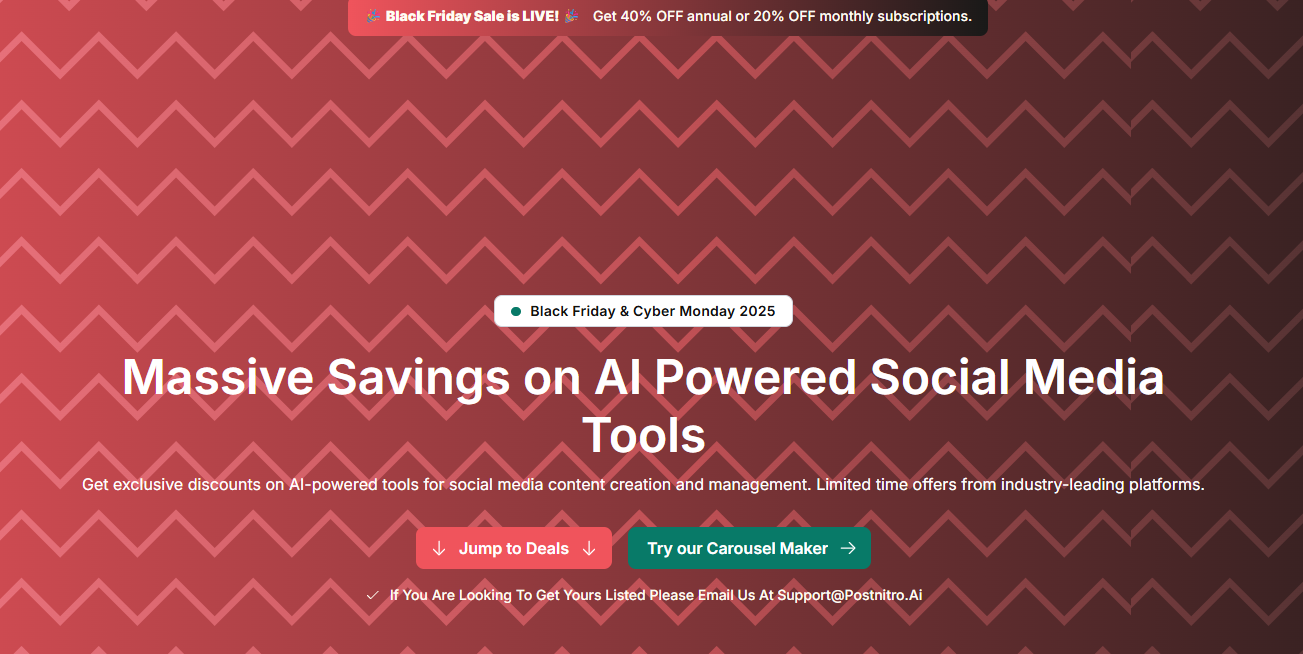
    4. PostNitro

    PostNitro Black friday deal

    PostNitro is a dynamic social-media scheduling and analytics tool tailored for creators, marketers, and small businesses.

    It simplifies content planning, automates posting, and provides actionable insights to help users grow faster across platforms like LinkedIn, X, Instagram, and Facebook. The intuitive dashboard and AI-powered scheduling suggestions make it a solid time-saver for busy teams.

    • Black Friday offer:

    20% off on all monthly plans and 40% off on all annual plans.

    • How to avail:

    Use promo code BF20OFFMONTHLY for monthly plans.
    Use promo code BF40OFFANNUAL for annual plans.
    Just visit PostNitro.io and apply the appropriate code at checkout.

    5. Vadoo AI

    Vadoo BF deal

    Vadoo AI is an all-in-one AI video generator designed to transform text prompts, images, audio, and URLs into stunning videos.

    It empowers creators to effortlessly produce short-form social media content by automatically generating visuals, voiceovers, captions, and background music, no editing skills required. With smart automation, it can turn plain text into dynamic videos, create faceless videos using AI-generated visuals and scripts, and even repurpose blog posts or written content into short, shareable video formats.

    Vadoo also allows users to add B-rolls, background music, transitions, effects, and more, offering powerful editing tools to refine videos before uploading them to platforms like YouTube and Instagram. With its user-friendly interface, Vadoo AI streamlines the entire video creation process, enabling users to produce professional-quality content with ease and efficiency.

    • Black Friday offer:

    Get a 30% discount on the annual Pro or Advance Plans. Valid from 21-Nov-2025 to 5-Dec-2025.

    • How to avail:

    Apply BF30 and access the deal.

    6. Pixpa

    Pixpa BF deal

    Pixpa is an all-in-one, no-code website builder for creatives and small businesses to create beautiful, professional websites with an in-built online store, a dynamic blog, client galleries, ecommerce galleries, a photo gallery app, and marketing tools. Pixpa’s versatile platform has everything you need to showcase your work, share ideas, and sell your work online without any coding knowledge.

    • Black Friday offer:

    Get up to 55% discount on Pixpa’s annual plans. Valid from Nov 28 – Dec 31 2025.

    • How to avail:

    Use this promo code BLFPIXPA55 and access the deal.

    7. Consolto

    Consolto BF deal

    Consolto is an all-in-one customer engagement powerhouse, offering everything from AI chatbot and live chat to booking software and video meetings. It replaces four tools with one sleek platform designed to convert website visitors into real conversations and paying customers.

    • Black Friday offer:

    40% off for the first year, valid from October 25th – December 4th, 2025

    • How to avail:

    Use the promo code 40OFFBF2025 and access the deal.

    8. Snov.io

    Snov.io BF deal

    Snov.io’s sales automation tool lets teams turn clean lead data into personalized, scalable outreach, without juggling multiple apps. Build multistep email sequences with scheduling, delays, and if/then logic; personalize with custom fields and liquid tags; and let the AI Email Writer draft tailored opens, follow-ups, and variants.

    Track opens, clicks, replies, and outcomes, auto-stop on reply, and route leads with tags or webhooks. Bulk actions, a Chrome extension, and CRM/API sync keep pipelines updated, while verification and throttling protect deliverability.

    • Black Friday offer:

    Snov.io’s Black Friday runs November 24–December 3 with 50% off annual, 30% off 6-month, and 10% off 3-month plans. Discount applies to full prices, not stackable; monthly plans, add-ons, and token purchases are excluded.

    • How to avail:

    Go to snov.io/pricing between Nov 24–Dec 3 and sign in or create an account.
    Pick an annual (50% off), 6-month (30% off), or 3-month (10% off) plan — the discount will auto-apply at checkout (no code needed).
    Confirm the discounted total before paying. Note: monthly plans, add-ons, and token purchases aren’t eligible, and discounts can’t be combined.
    Existing users: open Billing → Change plan to upgrade with the promo.

    9. Acowebs WooCommerce

    Acowebs WooCommerce BF deal

    If you’re running a WooCommerce store and want to super-charge it without the usual tool-tangling, Acowebs is your plugin playground.

    From bulk discounts and checkout tweaks to wishlist boosts and currency switches, their suite gives e-commerce folks extra power without going crazy.

    This Black Friday, it’s a smart move for store owners, agencies managing multiple client stores, and freelancers alike to catch more for less. Improving your store now means you’ll reap the rewards all year. Don’t let this one slip by!

    • Black Friday offer:

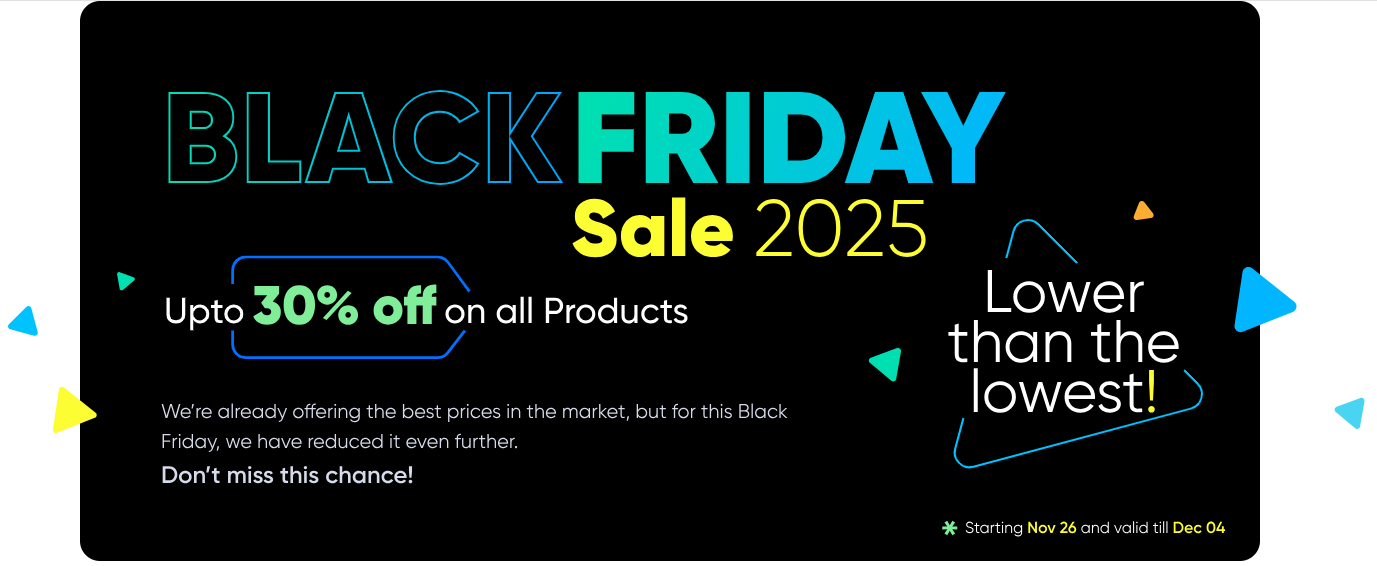
    Up to 30% off on all products from 26th November till 4th December 2025

    • How to avail:

    Discount applied automatically at checkout.

    10. Botsify

    Botsify BF deal

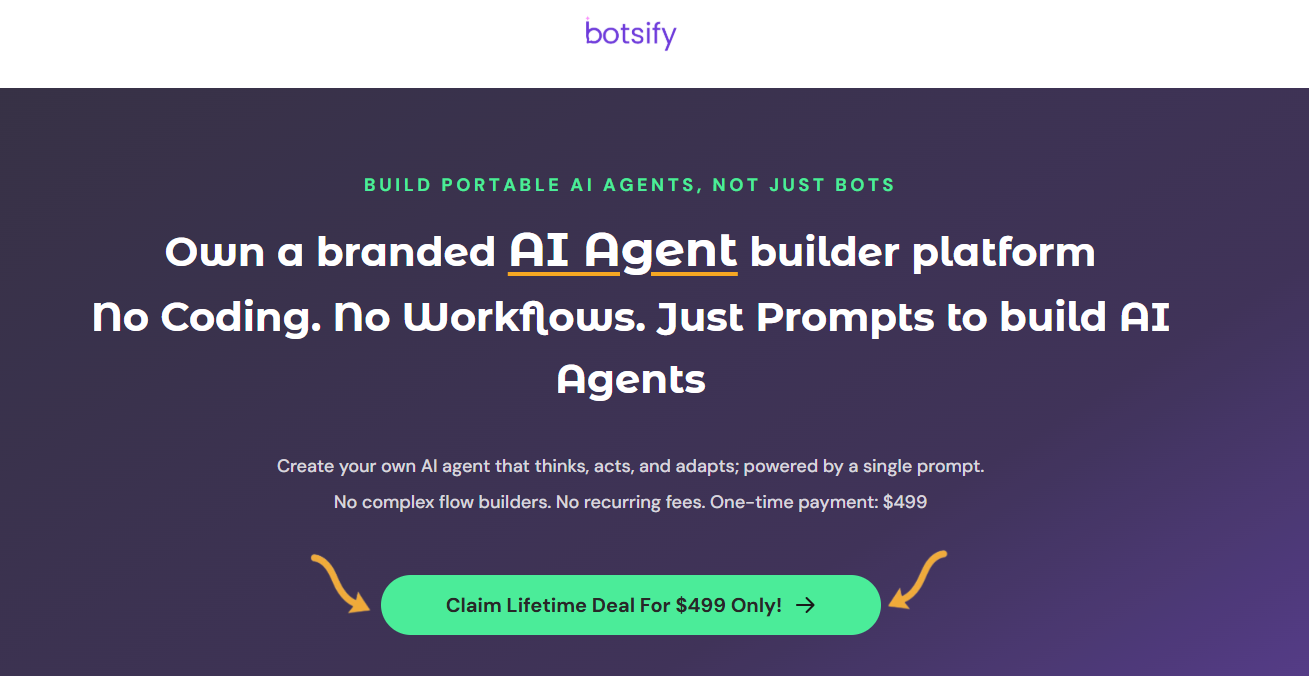
    Botsify is an AI Agent builder platform that helps businesses create intelligent, context-aware agents to automate support, sales, and engagement across web and messaging channels, no coding or workflows required. It’s trusted by 150,000+ creators, founders, and small businesses worldwide.

    • Black Friday offer:

    Get lifetime access to Botsify’s AI Agent Builder, no monthly fees!

    $99 Lifetime Deal (Regular $49/month)

    $499 Lifetime Agency Deal (Regular $199/month, includes white-label platform & reselling rights)

    Valid until 6th December 2025.

    • How to Avail:

    No coupon code needed, the discount is auto-applied.
    Simply visit this page to claim your offer

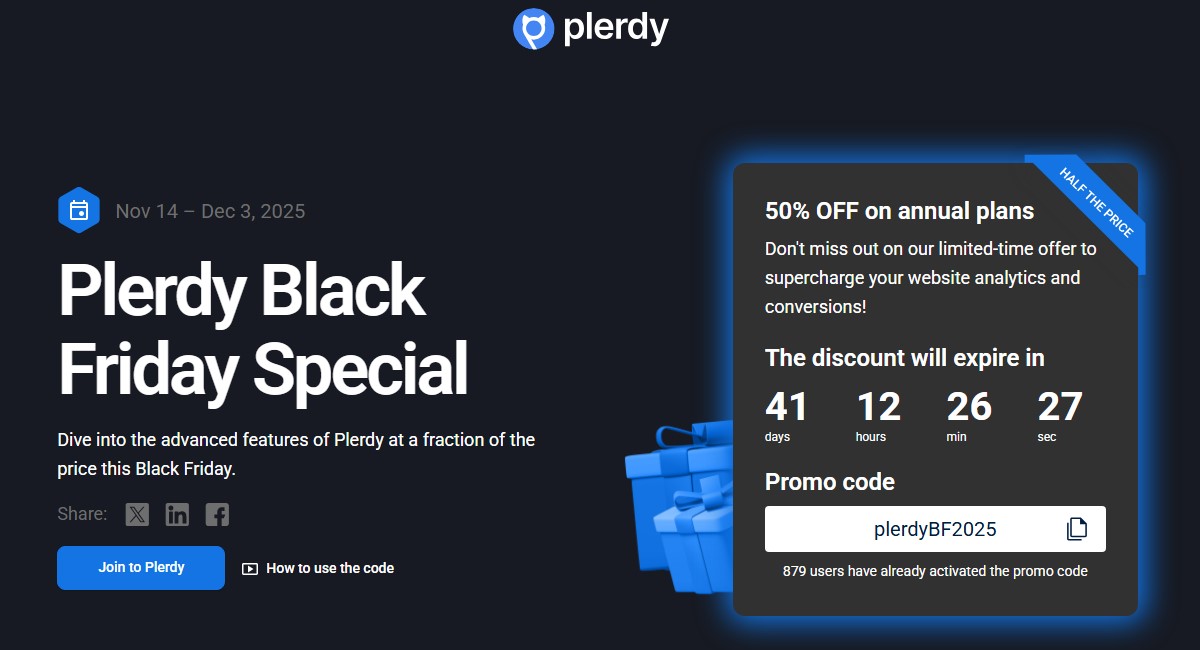
    11. Plerdy

    Plerdy BF deal

    Plerdy is an all-in-one website analysis tool designed for Conversion Rate Optimization (CRO) & SEO. It allows businesses to track, analyze, and convert visitors into buyers with AI assistance. Features include UX analytics, e-commerce insights, AI-powered reports, heatmap capabilities, and A/B Testing.

    • Black Friday offer:

    50% OFF on annual plans, valid from 11/14 – 12/03, 2025

    • How to Avail:

    Use promo code plerdyBF2025. Just visit the page, and apply the appropriate code at checkout.

    12. StoreAgent

    StoreAgent Black Friday deal

    StoreAgent is an AI toolkit designed for WooCommerce stores that automates customer chats, product content creation, and insights. With StoreAgent Chat, you can answer shopper questions in real time using your catalog data, improving engagement and conversions.

    StoreAgent Content helps you generate SEO-optimized product descriptions, tags, review summaries, and category descriptions, keeping your listings informative and appealing. This helps you save time, sell smarter, and deliver a better shopping experience.

    • Black Friday offer:

    Up to 60% off on all plugins and bundles, valid from November 24, 2025 to December 4, 2025

    • How to Avail:

    Visit their pricing page and choose the bundle you prefer.

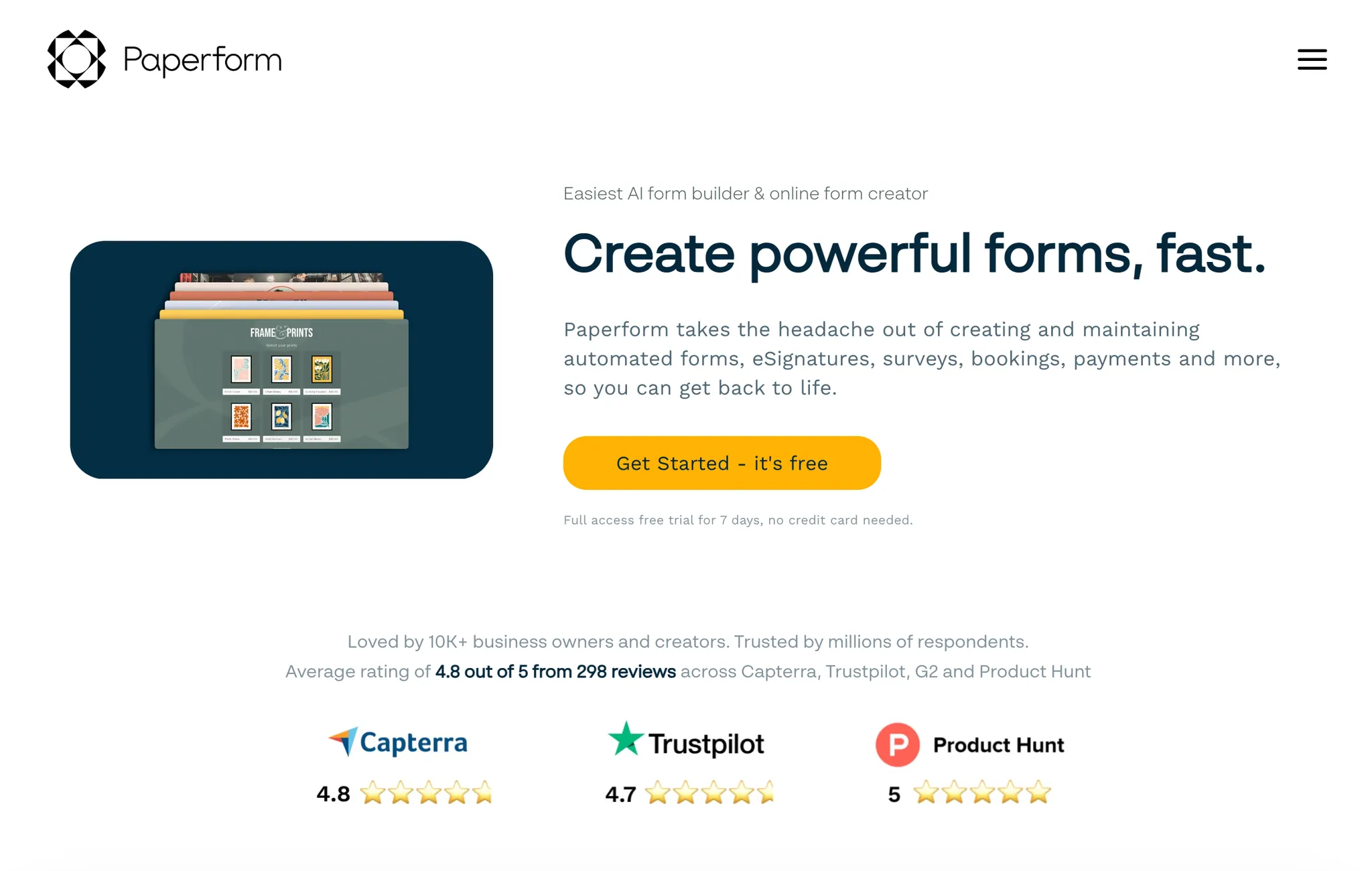
    13. PaperForm

    Paperform BF deal

    Paperform is a beautiful and powerful AI form builder for small businesses to easily create all kinds of forms, surveys, quizzes, payments and scheduling in one place. It combines flexible design tools with powerful features like payments, automation, conditional logic, and integrations, making it easy to build anything from surveys and quizzes to booking forms and product pages.

    • Black Friday offer:

    Get 50% off your first year of Paperform Essentials, starting at $14.50/month. Valid from November 14th – Dec 1 UTC.

    • How to Avail:

    Visit their deal page and use the code PFBF25 within the applicable dates.

    14. PaperSign

    Papersign BF deal

    Papersign makes it easy and cost effective to get documents signed online. It is a streamlined e-signature and document-workflow tool built by Paperform.

    It enables users to upload an existing PDF or create a document from scratch, add signature fields, send it for signing, and track its status in real-time. Papersign Pro comes with unlimited documents signed per month.

    • Black Friday offer:

    Get 50% off your first year of Papersign Pro, starting at $10/month. Valid from November 14th – Dec 1 UTC.

    • How to Avail:

    Visit their deal page and use the code PFBF25 within the applicable dates.

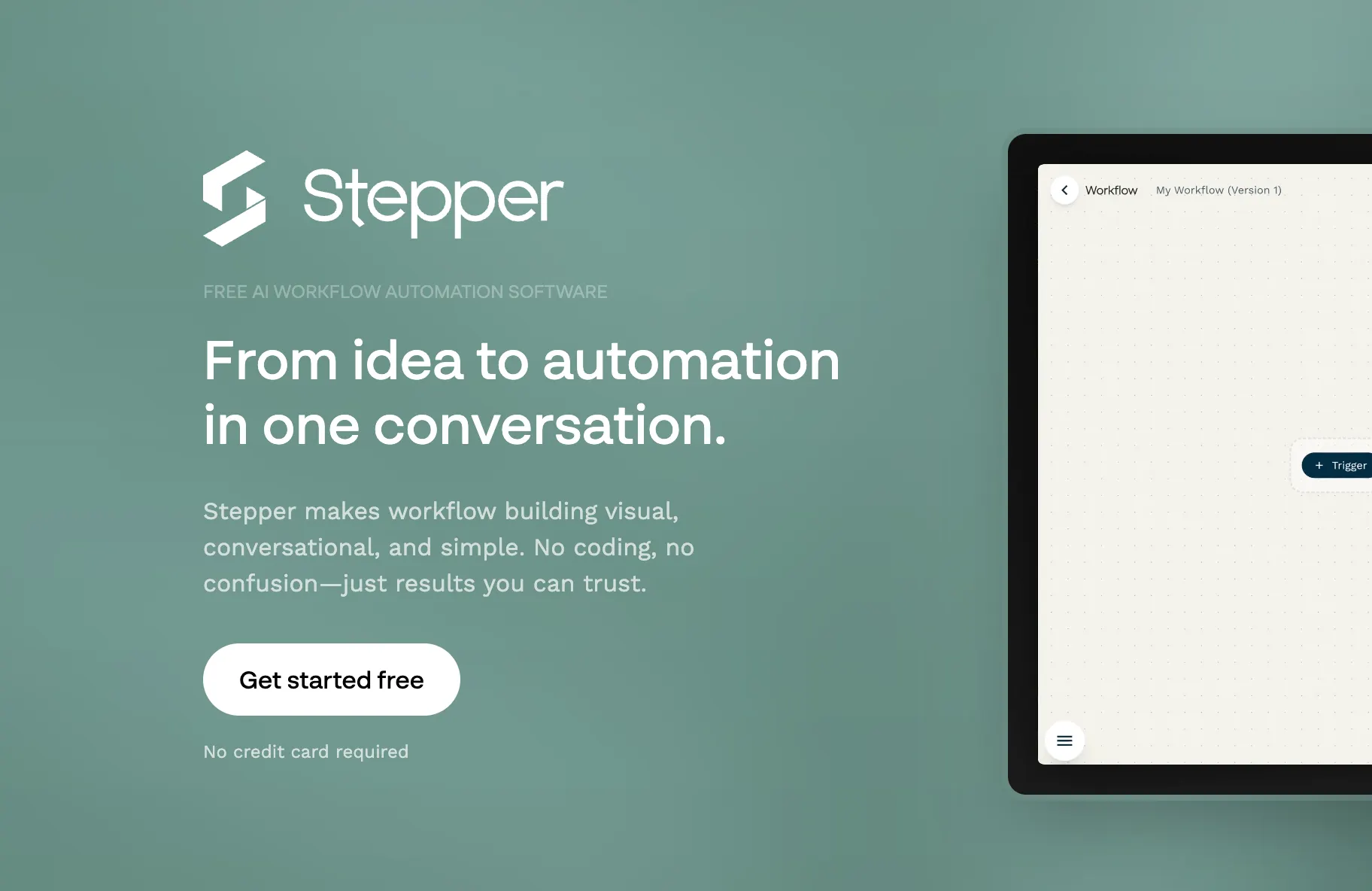
    15. Stepper

    Stepper BF deal

    Stepper is an AI first workflow automation platform built for SMBs and Solopreneurs to easily automate at scale.

    Instead of wiring complicated logic by hand, you can simply describe what you want in natural language, and Stepper will help generate the workflow steps. Stepper Pro comes with unlimited runs within fair use.

    • Black Friday offer:

    Get 50% off your first year of Stepper Pro (which is $9.50/month). Valid from November 14th – Dec 1 UTC.

    • How to Avail:

    Visit their deal page and use the code PFBF25 within the applicable dates.

    16. CodedThemes

    CodedThemes

    CodedThemes stands out with exclusive discounts on its high-quality, customizable admin dashboard templates, designed to streamline web and mobile app development.

    Known for responsive designs and clean code, CodedThemes specializes in templates built with popular frameworks like Bootstrap, React, Angular, and Vue, making it easier for developers to create visually appealing and functional interfaces.

    • Black Friday offer:

    Flat 40% OFF on store wide purchases. Valid from 24th November to 7th December 2025.

    • How to Avail:

    Visit their website and use the code BFCM2025 at checkout.

    17. SubtitleBee

    Subtitlebee BF deal

    SubtitleBee is an AI-powered subtitle generator designed to boost video engagement and accessibility by creating accurate, multilingual captions in over 120 languages.

    It allows you to automatically transcribe and translate audio, add overlay text using more than 350 creative fonts, and crop or resize videos for various social media platforms. You can also export videos with or without watermarks and download subtitles in formats such as VTT, ASS, SRT, and TXT, making SubtitleBee a versatile all-in-one tool for enhancing and optimizing your video content.

    • Black Friday offer:

    20% off on monthly plans and up to 32% off on annual plans, from November 1st to December 4th, 2025

    • How to avail

    Use the code BEE20 at checkout.

    18. NoCodeBundle

    NoCodeBundle BF deal

    NoCodeBundle is your go-to hub for discovering the best no-code tools, AI apps, SaaS platforms, and curated bundles for every workflow.

    NoCodeBundle offers a curated directory of top no-code tools, exclusive deals and bundled offers, and smart workflow-based recommendations to help users choose the right solutions. It also includes premium newsletter insights for staying updated with trends, along with beginner-friendly resources to make it easy for anyone to get started in the no-code ecosystem.

    • Black Friday offer:

    This Black Friday, you can unlock NoCodeBundle Premium Newsletter Membership for FREE – giving you exclusive deals, expert picks, and early-bird offers. Free subscription to the First 200 users from Valid email domains (after verification). Valid from November 28th – December 24th.

    • How to avail

    Visit the page and the coupon is applied automatically at checkout.

    19. NordPass

    Nordpass BF deal

    NordPass is a password management service that gives you a secure vault for your credentials, dark-web monitoring, multi-factor authentication, import/export options and cross-device sync. It’s built for both individuals and teams who want better online security.

    • Black Friday offer:

    A 58% discount on the 24-month plan, bringing the total cost down to about US$35, plus an extra 4 months free.

    • How to avail:

    Visit the NordPass deal page and select the 24-month plan; the discount appears applied.

    20. Hostinger Website Builder

    Hostinger BF deal

    Hostinger’s Website Builder is a platform that offers drag-and-drop website creation, blogging tools, e-commerce functionality, AI website writer/image generator, SEO assistant, mobile editing, and more. It’s positioned as a lower-cost alternative to bigger names like Wix or Squarespace.

    • Black Friday offer:

    Up to 80% off regular pricing on Premium plan (e.g., $12.19/month down to $2.49/month) or Business plan (from $13.99/month to $3.29/month).

    • How to avail:

    Visit the Hostinger Website and select the plan; the discount appears applied.

    21. MagicPost

    MagicPost

    MagicPost is a content-management tool built specifically for creators on LinkedIn. It enables you to plan, author, schedule and manage LinkedIn posts with better engagement through templates, insights and automation. If your blog audience is content creators or personal brands, this is a tool many of them will find relevant.

    • Black-Friday offer:

    50% off on all annual plans, and 25% off on monthly plans. For example, the Creator Plan (normal ~$348/year) drops to ~$168/year.

    • How to avail:

    Visit the MagicPost site during the promotion window; either the discount is auto-applied or use the code (if provided) at checkout.

    Black Friday 2025 is shaping up to be a goldmine for creators, marketers, and businesses looking to scale smartly without overspending. From powerful automation platforms and social media tools to all-in-one content suites, these limited-time offers give you the chance to upgrade your digital toolkit for a fraction of the cost. Whether you’re streamlining your workflow, boosting engagement, or amplifying your content strategy, the right software can make all the difference.

    Make sure to grab your favorite deals before they expire; most of them are live only through the end of November.

  • 10 best WriteSonic alternatives in 2025

    10 best WriteSonic alternatives in 2025

    Creating content at scale is no longer optional; it’s a necessity. AI writing tools have become essential for businesses looking to produce more content quickly without compromising on quality.

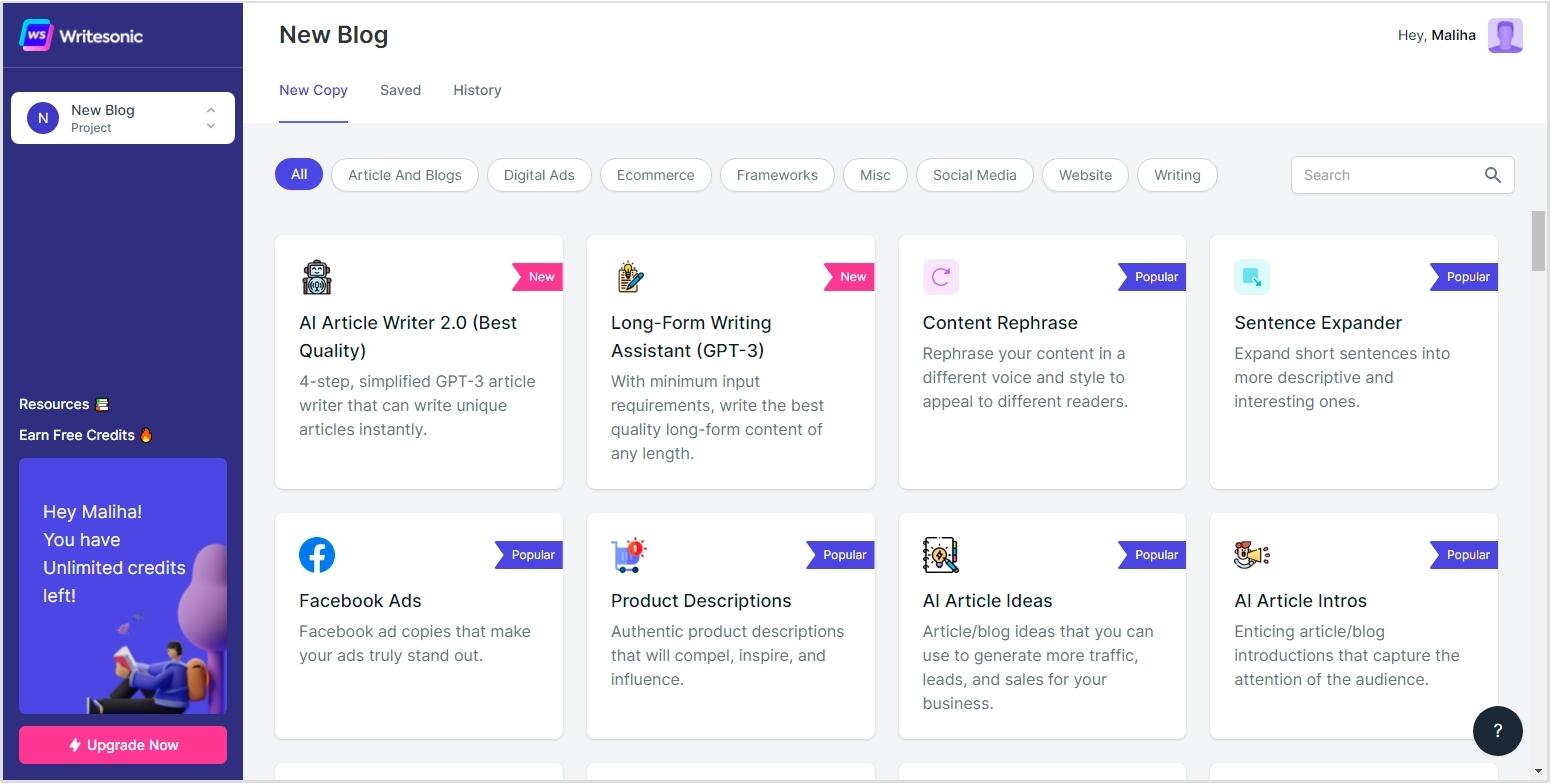
    While WriteSonic is a popular choice, it’s not perfect. Its credit-based pricing can get expensive as needs grow, and some users report inconsistent quality with long-form content. Others feel its SEO tools fall short when it comes to ranking performance.

    Fortunately, in 2025, the AI writing landscape has expanded with more innovative, more targeted tools emerging. In this guide, we’ll explore the best WriteSonic alternatives. We’ll compare features, pricing, and use cases to help you find the right fit for your content goals.

    Contentpen

    Comparison table: WriteSonic alternatives at a glance

    ToolKey FeatureLimitation
    ContentpenSpecialized blog content creation with advanced SEO optimization and bulk generation capabilitiesFocused exclusively on blog content rather than diverse content types
    Jasper AIExtensive template library with 50+ options for various content types and Boss Mode for long-form contentSignificantly higher price point compared to other alternatives, making it less accessible for small businesses
    Copy.aiStrong sales copy generation with generous free plan offering 2,000 words monthlyLimited SEO optimization capabilities compared to specialized blog content tools
    RytrExtremely budget-friendly with plans starting at just $9/month and 10,000 free charactersContent sometimes ends abruptly mid-thought and lacks proper conclusions
    SimplifiedAll-in-one platform combining AI writing with design, video, and social media toolsLess sophisticated AI writing capabilities compared to specialized writing tools
    WordtuneSuperior rewriting and content enhancement rather than from-scratch generationNot designed for generating original content, primarily enhances existing text
    Pepper ContentHybrid marketplace connecting with human writers alongside AI assistanceLess efficient for scaled content production compared to fully automated solutions
    ScalenutResearch-driven SEO content creation with competitive analysisRequires more manual input and guidance than more automated alternatives
    AnywordPredictive performance scoring to forecast content effectivenessHigher learning curve to fully utilize advanced predictive features
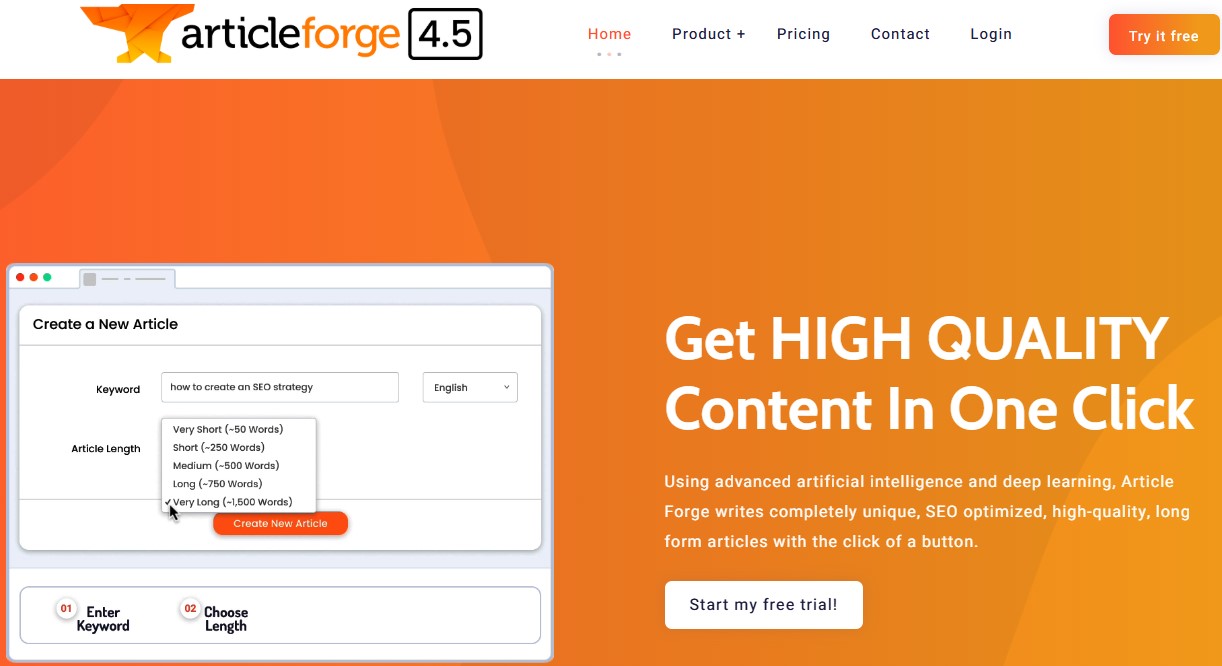
    Article ForgeFully automated article generation from just a keywordGenerated content often lacks depth and nuance compared to human-guided AI content

    Also explore: Best ChatGPT alternatives

    Why look for WriteSonic alternatives?

    Before diving into the alternatives, it’s important to understand the common pain points that drive users to explore options beyond WriteSonic. 

    1. Cost scalability concerns

    WriteSonic’s credit-based pricing model presents significant challenges for businesses with growing content needs. As content requirements scale up, costs can increase dramatically, often exceeding initial budget projections. Many companies report that what seemed like an affordable solution initially became financially unsustainable as their content strategy expanded.

    The platform’s premium pricing for higher-quality outputs also forces uncomfortable tradeoffs between content quality and budget constraints. Organizations frequently downgrade quality settings to conserve credits, compromising their content standards.

    2. Inconsistent content quality

    The most frequently cited reason for seeking WriteSonic alternatives is inconsistent output quality, particularly for longer-form content. Users report that while the platform can produce acceptable short-form content, quality degrades noticeably as word count increases. This inconsistency manifests in several ways:

    • Repetitive phrasing and circular arguments
    • Factual inaccuracies that require extensive fact-checking
    • Logical disconnects between sections of longer articles
    • Difficulty maintaining a consistent tone throughout a piece
    • Generic perspectives that lack originality or insight

    3. Limited advanced SEO capabilities

    As search algorithms have grown more sophisticated in 2025, WriteSonic’s relatively basic SEO features have fallen behind industry leaders. The platform lacks advanced capabilities for:

    • Comprehensive search intent analysis and alignment
    • Competitive content benchmarking and gap analysis
    • Entity relationship mapping for semantic relevance
    • Content structure optimization beyond basic keyword placement
    • Internal linking strategy implementation

    4. Workflow and collaboration friction

    Modern content production typically involves multiple stakeholders, yet WriteSonic’s collaboration features remain underdeveloped compared to alternatives. Teams report challenges with:

    • Managing approval workflows across multiple stakeholders
    • Tracking content revisions and feedback implementation
    • Coordinating content calendars and publication schedules
    • Maintaining a consistent brand voice across team members
    • Integrating with other tools in their marketing technology stack

    5. Limited content strategy support

    WriteSonic functions primarily as a content generation tool rather than a comprehensive content strategy platform. It lacks features for:

    • Content performance analysis and optimization
    • Topic cluster planning and implementation
    • Content refresh and maintenance management
    • Comprehensive content auditing
    • Converting strategic goals into actionable content plans

    As businesses mature in their content marketing approach, these strategic limitations often prompt them to explore alternatives that support more sophisticated content operations.

    10 alternatives to Writesonic that are worth considering

    1. Contentpen

    Contentpen stands head and shoulders above other AI writing tools by specializing in what matters most to businesses: creating high-quality, SEO-optimized blog content that drives measurable traffic and conversions. Unlike general-purpose AI writing tools that try to be everything to everyone, Contentpen was built from the ground up with a singular focus on creating blog articles that rank in search engines and convert visitors into customers.

    Contentpen

    Its specialized approach to content creation makes Contentpen particularly compelling as a WriteSonic alternative. While WriteSonic offers a broad range of features across different content types, Contentpen has mastered the specific challenges of blog content, which typically delivers the highest ROI for content marketing efforts. 

    Key features that make Contentpen stand out

    1. Advanced SEO optimization: Contentpen aligns with search intent while strategically placing keywords throughout your content. It analyzes competitors to identify content gaps and optimizes meta details, heading structure, and content depth for higher rankings. The system focuses on semantic relevance, topical authority, and search intent alignment—critical factors in 2025’s search landscape.
    2. Bulk generation capabilities: Create dozens or hundreds of quality blogs simultaneously by uploading a CSV with target keywords. Contentpen generates complete, optimized articles for each entry while maintaining consistent quality across all content, which is ideal for businesses targeting multiple keywords or building content hubs.
    3. Brand voice consistency: Create presets for your brand voice, terminology, and style preferences to ensure consistency across all content. Upload sample content for the AI to analyze and emulate, ensuring seamless integration with your existing library. This offers far superior voice customization compared to WriteSonic.
    4. Intelligent linking: Contentpen uses your sitemap for strategic internal linking based on semantic relevance, not just keywords. It identifies high-authority external links from trusted sources, maintains optimal link density, and ensures natural placement. Thus, saving hours of manual work while enhancing your site’s SEO architecture.
    5. Streamlined approval workflow: Bring teams and clients together with an intuitive approval system. Leave comments on specific sections, suggest edits, and approve changes in real-time—eliminating email confusion and enabling seamless collaboration with complete revision history.
    6. Content refreshing tools: Revitalize existing articles to improve SEO, update outdated information, and add fresh insights without starting over. The platform analyzes content against current search patterns, identifying specific sections needing updates for improved relevance and ranking potential.
    7. Visual content calendar: Plan your content pipeline visually in one place. Schedule creation, review, approval, and publication phases while assigning tasks, setting deadlines, and tracking progress. 
    8. WordPress integration: After planning the content, you can directly publish it onto your website. All you need to do is connect your WordPress with Contentpen.
    9. Automatic image generation: Generate contextually relevant, high-quality images for specific content sections – not just generic fillers. Images are optimized for web performance with proper alt text for accessibility and SEO, offering more sophisticated capabilities than WriteSonic’s basic image generation.

    Read more: How to set up your Contentpen workspace?

    2. Jasper AI

    Jasper AI

    Jasper AI specializes in creative content generation, offering a suite of tools designed specifically for marketing professionals, content creators, and business communicators.

    Key features:

    • Brand voice customization
    • Boss Mode for long-form content creation
    • Team collaboration features
    • Multi-language support
    • Surfer SEO integration
    • Chrome extension and mobile app
    • Jasper Art for image generation

    Limitations:

    • Steep pricing structure that puts advanced features out of reach for small businesses
    • Requires significant prompt engineering skills to achieve consistent quality outputs
    • Interface has a steeper learning curve than simpler alternatives
    • Native SEO capabilities aren’t as robust as specialized tools

    3. Copy.ai

    Copy.ai

    Copy.ai excels at creating conversion-oriented content, with particular strength in sales copy, email sequences, and marketing materials that drive audience action.

    Key features:

    • Generous free plan (2,000 words monthly)
    • 90+ specialized marketing templates
    • Intuitive, user-friendly interface
    • Browser extension integration
    • Support for 25+ languages
    • Content repurposing tools
    • Team collaboration features

    Limitations:

    • Limited SEO optimization capabilities compared to specialized tools
    • Less effective for comprehensive long-form blog content
    • No bulk generation for scaling content production
    • Fewer advanced customization options for enterprise needs
    • A template-based approach can sometimes produce formulaic content

    4. Rytr

    Rytr

    Rytr provides accessible AI writing capabilities at an extremely affordable price point, making it particularly attractive for budget-conscious users and small businesses.

    Key features:

    • Industry-leading affordability (starting at $9/month)
    • Free plan with 10,000 characters monthly
    • 40+ templates for various content types
    • Built-in plagiarism checker
    • Support for 30+ languages
    • Chrome extension for universal writing
    • 20+ customizable tones
    • History and organization features

    Limitations:

    • Output consistency issues with content sometimes ending abruptly
    • Basic SEO capabilities without advanced optimization
    • Limited research integration for factual content
    • No bulk content generation capabilities
    • Basic collaboration features compared to team-focused alternatives
    • Less sophisticated AI models than premium alternatives

    5. Simplified 

    Simplified 

    Simplified offers a comprehensive creative ecosystem that extends beyond AI writing to include design, video, and social media management tools in a unified interface.

    Key features:

    • Integrated AI writer with marketing templates
    • Comprehensive graphic design capabilities
    • Video creation and editing tools
    • Social media planning and scheduling
    • Team collaboration workspace
    • Generous free plan with reasonable limits
    • Extensive template library across content types
    • Brand kit and asset management

    Limitations:

    • Writing AI is less sophisticated than specialized tools
    • Basic SEO features without advanced optimization
    • No bulk content generation capabilities
    • A generalist approach compromises depth in specific areas
    • Quality-quantity tradeoff across multiple creative functions
    • Steeper learning curve due to diverse feature set

    6. Wordtune

    Wordtune

    Wordtune takes a different approach by focusing primarily on improving and rewriting existing content rather than generating it from scratch, making it an excellent companion to other writing tools.

    Key features:

    • Advanced rewriting with multiple variations
    • Tone adjustment capabilities
    • Length customization (expand/shorten)
    • Grammar and spelling enhancements
    • Browser extension for universal use
    • Plagiarism detection
    • Simple, intuitive interface
    • Real-time suggestions

    Limitations:

    • Not designed for creating original content from scratch
    • Limited SEO optimization capabilities
    • No content planning or management features
    • More suitable as a complementary tool than a complete solution
    • Fewer templates and structured formats than alternatives
    • Limited collaborative features for teams

    7. Pepper Content

    Pepper Content

    Pepper Content combines AI writing assistance with a marketplace of vetted human creators, offering a blend of technological efficiency and human expertise.

    Key features:

    • Network of professional writers and editors
    • AI-assisted content creation tools
    • Quality assurance processes
    • Content optimization capabilities
    • Analytics and performance tracking
    • Comprehensive workflow management
    • Multiple content format support
    • Enterprise-grade security

    Limitations:

    • Less automated than pure AI solutions
    • Higher cost structure for premium human content
    • Longer turnaround times than instant AI generation
    • More complex project management requirements
    • Variable quality depending on assigned creators
    • Less control over the content creation process

    8. Scalenut

    Scalenut

    Scalenut focuses on creating content informed by comprehensive research and competitive analysis, positioning itself as a strategic tool for SEO-focused content marketing.

    Key features:

    • Advanced SEO optimization tools
    • Competitive content analysis
    • SERP intelligence integration
    • Keyword clustering capabilities
    • AI content generation templates
    • Automated content briefs
    • Readability analysis
    • Collaboration features

    Limitations:

    • Requires more manual input than fully automated alternatives
    • A steeper learning curve to utilize advanced research features
    • A research-heavy approach can slow content production
    • Interface is less intuitive than simpler alternatives
    • Limited template variety compared to broader platforms
    • Higher pricing for advanced SEO features

    9. Anyword

    Anyword

    Anyword differentiates itself with predictive performance scoring that forecasts content effectiveness before publication, helping marketers optimize messaging for maximum impact.

    Key features:

    • AI-driven predictive scoring
    • A/B testing capabilities
    • Integration with popular platforms
    • Conversion optimization focus
    • Customizable content templates
    • Audience targeting features
    • Multi-channel content support
    • Performance analytics dashboard

    Limitations:

    • Predictive accuracy varies across industries and niches
    • Higher learning curve to leverage predictive capabilities
    • Less focus on SEO than ranking-oriented alternatives
    • Limited long-form content capabilities
    • Premium features are restricted to higher pricing tiers
    • Requires significant historical data for optimal performance

    10. Article Forge

    Article Forge

    Article Forge takes content automation to the extreme by generating complete articles from minimal input, making it the fastest but least customizable option among WriteSonic alternatives.

    Key features:

    • One-click article generation
    • Basic keyword optimization
    • Support for multiple languages
    • WordPress integration
    • Scheduled content creation
    • Bulk article generation
    • Readability controls

    Limitations:

    • Content often lacks depth and nuance
    • Limited customization options
    • Generic output requires significant editing
    • Basic SEO without advanced optimization
    • No research integration or fact-checking
    • Less suitable for expert-level content
    • Quality significantly below human-guided alternatives

    Ready to transform your content strategy?

    After conducting a comprehensive analysis of the top WriteSonic alternatives available in 2025, Contentpen clearly emerges as the superior choice for businesses serious about creating high-quality, SEO-optimized blog content at scale.

    While each alternative offers distinctive strengths for various use cases, Contentpen’s specialized focus on AI content creation, combined with its advanced SEO capabilities, bulk generation features, and innovative human-in-the-loop approach, makes it the ideal solution for companies looking to drive sustainable traffic and conversions through content marketing.

    Visit Contentpen – The AI blog writer today to learn more about how this leading WriteSonic alternative can help you scale your content efforts while maintaining quality and consistency. Your competitors are already exploring more efficient content creation methods—don’t get left behind in the content revolution.

    Transform your content creation process, elevate your SEO performance, and establish your brand as an authoritative voice in your industry with Contentpen—the ultimate WriteSonic alternative for blog-focused content creation in 2025.

    Frequently asked questions

    Why consider alternatives to WriteSonic in 2025?

    While WriteSonic remains a popular AI writing tool, users have expressed concerns regarding its credit-based pricing model, inconsistent long-form content quality, limited advanced SEO features, and underdeveloped collaboration tools. As content demands grow, many businesses seek alternatives that offer better scalability, more consistent output, and robust SEO capabilities.

    Which WriteSonic alternative is best for SEO-optimized blog content?

    Contentpen is a top choice for businesses focusing on SEO-driven blog content. It offers advanced SEO optimization, bulk content generation, brand voice consistency, intelligent linking, and streamlined approval workflows, which make it particularly effective for scaling high-quality, search-engine-optimized blog posts.

  • 11 best Surfer SEO alternatives in 2025

    11 best Surfer SEO alternatives in 2025

    Surfer SEO has dominated content optimization, but its high price point and feature limitations have many marketers seeking alternatives. These 12 powerful tools offer similar or superior capabilities at often more affordable prices, with some providing unique features Surfer doesn’t offer.

    If you’re looking for AI-driven content creation, more affordable pricing, better workflow integration, or specialized optimization capabilities, this comprehensive guide has you covered. 

    Why people look for Surfer SEO alternatives

    Surfer SEO remains popular for its data-driven content optimization, but users consistently report four key pain points:

    The pricing problem: Hidden costs beyond subscriptions

    The challenge with Surfer isn’t just the base subscription ($99-$219 monthly) – it’s the accumulation of additional costs that impact budgets. The pricing structure includes:

    • Extra charges when exceeding the monthly content credit limits 
    • Premium fees for AI-written articles ($9 per article on top of subscription).
    • Additional costs for using advanced features like SERP Analyzer

    The complexity challenge: Technical barriers to workflow

    Surfer’s dashboard presents users with an overwhelming array of data points – NLP scores, content scores, keyword density graphs, SERP feature analysis, and dozens of other metrics. This complexity creates several workflow obstacles:

    • Writers face significant learning curves before effectively using the platform
    • Content creation slows as teams navigate complex optimization recommendations
    • Organizations often need dedicated specialists to interpret Surfer’s data effectively

    The content quality concern: Optimization vs. Readability

    Following Surfer’s recommendations often leads to content prioritizing optimization metrics over reader experience. It creates several issues:

    • Content can become awkwardly structured to accommodate keyword placement requirements
    • Similar content patterns emerge across different topics due to formulaic optimization approaches
    • Over-optimization sometimes triggers search engine quality filters, counteracting ranking efforts
    • User engagement metrics may suffer despite improved technical optimization scores

    The limited AI integration: Expensive add-on vs. Core Feature

    While Surfer eventually added AI writing capabilities, they present significant limitations compared to dedicated alternatives:

    • AI features exist as expensive add-ons ($9 per article) rather than integrated core functionality
    • The writing workflow feels disconnected from the optimization process
    • Output quality typically requires substantial editing for brand voice alignment and factual accuracy
    • The AI capabilities haven’t evolved as rapidly as specialized content creation platforms

    1: Contentpen

    Contentpen

    The newest AI blog writer tool delivers fully optimized articles without the typical AI hallmarks. Contentpen stands apart from Surfer SEO by generating entire blog posts using specialized AI agents rather than just optimizing existing content, making it ideal for scaling content production while maintaining quality. 

    Key advantages over Surfer SEO

    • Creates complete, ready-to-publish blog content rather than just optimizing existing text
    • Utilizes a team of specialized AI agents working together (research agent, copywriting, content reviewer, etc.)
    • Integrates brand knowledge through website analysis and custom knowledge bases
    • Direct publishing to WordPress and other CMS platforms (coming soon)
    • Provides automatic internal and external linking
    • Offers approval workflows for team collaboration 

    Content creation capabilities

    • Complete AI-driven blog post generation that “feels human, ranks higher, and keeps your audience coming back
    • Keyword and title selection with CTR optimization
    • Brand voice integration ensures a consistent tone across all content
    • Automatic SEO optimization is built into the content creation process 
    • Produces authoritative content that outranks competitors while maintaining your brand’s unique perspective 

    Interface and user experience

    • Clean, intuitive dashboard focused on content production workflow
    • Simple approval process for team collaboration
    • Status tracking of content through the creation pipeline
    • Modern, user-friendly design requiring minimal onboarding 

    Pricing structure

    Contentpen offers three pricing tiers: Starter ($39/month for 10 articles), Premium ($79/month for 30 articles), and Agency ($199/month for 100 articles). Save 30% with yearly billing.

    Limitations

    • Relatively new to the market with a less established track record
    • Limited integrations compared to more mature platforms
    • WordPress publishing is still in the development phase
    • It may require an initial setup time to integrate brand knowledge properly
    • Custom pricing model makes it difficult to compare costs directly with competitors

    Also read: How to create a blog in less than 10 minutes using content presets

    2. Frase

    frase

    Frase delivers Surfer SEO’s optimization power with superior AI writing capabilities at less than half the price. This platform excels at content research, optimization, and AI-assisted writing, offering the closest feature set to Surfer SEO but with more generous content report allowances and better pricing. 

    Key advantages over Surfer SEO

    • Significantly more affordable ($115/month vs. Surfer’s $219/month entry price)
    • Superior content brief creation capabilities with more detailed insights 
    • More generous allowance of content reports per month
    • Better AI writing assistant with contextual understanding 
    • More robust question research features (SERP, People also ask, Quora, Reddit) 

    Content creation capabilities

    • AI-powered writing assistant that generates up to 150 words at a time 
    • 40+ AI copywriting templates for various content types
    • Content brief generator with headings and FAQ suggestions
    • Topic research with competitor content analysis
    • Real-time SEO score based on NLP analysis 
    • Comprehensive brief generator with H2 and H3 heading suggestions 

    Pricing structure

    Frase’s solo plan, which includes unlimited briefs and 30 document optimizations, starts at $45/month.

    Limitations

    • No direct WordPress plugin for seamless integration
    • Limited keyword data compared to dedicated keyword research tools
    • AI writing capacity is capped at 150 words per generation
    • Limited content management features for organizing multiple projects
    • Customer support was reported to be slower than that of some competitors
    • Can struggle with very technical or niche topics

    3. Clearscope

    Clearscope

    The pioneer in enterprise-grade content optimization delivers unmatched accuracy with premium pricing to match. Clearscope’s clean interface and powerful content grading system make it the tool of choice for large content teams needing precision and ease of use despite its high price point. 

    Key advantages over Surfer SEO

    • More accurate NLP analysis powered by IBM Watson 
    • Cleaner, more intuitive user interface 
    • Superior content grading system (letter grades A+ to F) 
    • More reliable correlation between content score and rankings 
    • Better integration with enterprise content workflows 

    Content creation capabilities

    • Content grading system that correlates strongly with ranking potential 
    • Relevant terms suggestions with importance ratings 
    • Competitor content structure analysis 
    • Readability scoring and optimization
    • Comprehensive keyword data integration 
    • Content history tracking for performance optimization 

    Pricing structure

    Clearscope’s essentials plan begins at $189 monthly and includes limited reports. Professional and enterprise plans are available for $399 monthly and feature custom pricing, respectively.

    Limitations

    • Significantly higher price point than most alternatives
    • A limited number of content reports per plan
    • No free trial unless specifically requested
    • Less comprehensive AI writing capabilities than some competitors
    • A steeper learning curve for maximizing content scores
    • It may be overkill for smaller businesses or individual content creators

    4. MarketMuse

    MarketMuse

    The AI-powered content intelligence platform builds actual topical authority through comprehensive research. Unlike Surfer’s focus on individual content optimization,MarketMuse excels at building topical authority across your site with expansive topic research and clustering capabilities. 

    Key advantages over Surfer SEO

    • Superior topic cluster analysis for building site-wide authority 
    • More comprehensive content inventory and auditing 
    • Better identification of content gaps and opportunities 
    • More sophisticated competitor analysis 
    • Focus on topical authority rather than just keyword optimization

    Content creation capabilities

    • AI-generated content briefs with comprehensive topic coverage 
    • Content scoring based on depth and breadth of topic coverage 
    • Topic research and clustering for content planning 
    • Competitive content analysis 
    • Content inventory and auditing 
    • AI-powered topic suggestions and content plan generation 

    Pricing structure

    MarketMuse offers four pricing tiers: a Free plan for individuals with limited applications, optimized with 100 tracked topics and five briefs; Research with 1000 topics and 10 briefs; and Strategy with 10K topics and 20 monthly briefs for larger teams and agencies.

    Limitations

    • Very high price point compared to most alternatives
    • A steep learning curve requires significant time investment
    • Annual billing only, with no monthly payment option
    • Overwhelming interface for beginners
    • Complex data may require SEO expertise to interpret effectively
    • Overkill for businesses focusing on individual content pieces rather than a comprehensive strategy

    Also read: How to write an article using Contentpen?

    5. ContentStudio

    ContentStudio

    The all-in-one social media management platform with an advanced AI Toolkit amplifies your optimized content across channels. While not a direct Surfer SEO alternative for content optimization, ContentStudio excels at content distribution and social media management, helping your optimized content reach a wider audience through its comprehensive AI-powered tools.

    Key advantages over Surfer SEO

    • Comprehensive social media management capabilities
    • Content discovery and curation features
    • Scheduling and automation across multiple platforms
    • AI-driven performance analytics for content distribution
    • Team collaboration for content approval workflows 

    Content creation capabilities

    • AI Toolkit featuring AI caption generator, hashtag generator, and image creator
    • AI writing assistant for both social posts and blog content
    • Content curation tools to find and share industry content
    • Content repurposing tools for cross-platform sharing
    • Post templates and content calendar planning
    • Visual content creation tools 

    Pricing structure

    ContentStudio starts at $19/month for basic features, with Pro ($49/month) and Business ($99/month) plans offering expanded capabilities and savings of up to 34% on annual plans.

    Limitations

    • Limited SEO-specific features for optimizing content
    • Primarily focused on distribution rather than creation
    • The learning curve for managing multiple social platforms

    6. Scalenut

    Scalenut

    The most cost-effective Surfer SEO alternative delivers similar capabilities at a fraction of the price. Scalenut stands out with its affordability while still providing powerful AI writing and SEO optimization features, making it perfect for budget-conscious marketers who don’t want to sacrifice quality. 

    Key advantages over Surfer SEO

    • Much more cost-effective (10-12x more affordable on a like-to-like basis) 
    • Superior topic research and AI article writing capabilities 
    • “Cruise Mode” provides more control in content creation than Surfer’s AI approach 
    • SERP-based clustering offers a more powerful analysis than Surfer’s semantic clustering 
    • Better content auto-optimization with “Fix-it” technology at no extra cost 
    • Analyzes top 30 ranking pieces (versus fewer with Surfer)

    Content creation capabilities

    • AI-powered Cruise Mode generates first drafts that score at least 70 on the SEO score 
    • 40+ AI copywriting templates for various content types (ad copies, social media content, emails) 
    • Comprehensive brief generator with H2 and H3 heading suggestions and FAQs 
    • Content outline creation with writing points 
    • Advanced NLP and machine learning technologies for real-time SEO scoring
    • SEO content editor with keyword suggestions and competitor insights
    • One-click content optimization with “Fix-it” technology 

    Pricing structure

    Scalenut’s essential Plan, which includes five ready-to-rank humanized articles and optimizes and humanizes existing articles monthly, starts at $49/month. It offers free trials and significant discounts on annual plans.

    Limitations

    • A newer platform with a less established track record
    • SEO document limits may be restrictive for high-volume content teams
    • Some users report occasional inconsistencies in AI-generated content
    • Advanced features may require upgrading to higher-tier plans
    • Limited template customization options compared to some competitors
    • Smaller user community for troubleshooting and knowledge sharing

    7. SE Ranking 

    SE Ranking 

    The comprehensive SEO suite includes a powerful content editor at a value price point. SE Ranking offers more than content optimization, providing a complete SEO toolset that includes rank tracking, site auditing, and competitor analysis alongside its Surfer SEO-like content editor.

    Key advantages over Surfer SEO

    • Part of a comprehensive SEO suite (better value if you need other SEO tools) 
    • More extensive keyword data with search volume, keyword difficulty, and competition metrics 
    • Can set recommendations for title, description, and slug (not just body content) 
    • AI Writer includes 11 different writing tones (more customization) 
    • Collaborative features don’t require subscription for invited users
    • Supports multiple languages (English, French, German, Dutch, Italian, Russian, Portuguese, Spanish) 

    Content creation capabilities

    • Proprietary AI-powered algorithm for content generation 
    • AI Writer can produce short and long content pieces on any topic
    • Generates headlines (H1), headings, and subheadings 
    • Can expand a single sentence into a comprehensive paragraph 
    • Creates title tags and meta descriptions optimized for target keywords
    • Drawing up detailed content briefs with word count, keyword, and structure recommendations 
    • Quality score assessment for content 

    Pricing structure

    SE Ranking’s content marketing module starts at $65/month for 15 articles and 25,000 AI writer words, with higher tiers at $119/month and $259/month, offering increased capacity and a 20% discount on annual billing.

    Limitations

    • Entry-level plan limits may be restrictive (15 articles, 3 plagiarism checks)
    • The learning curve when using the full SEO suite features
    • Some users report occasional AI output inconsistencies
    • It may be overwhelming for users who only need content optimization
    • Mobile experience is not as robust as the desktop interface
    • Additional costs for scaling up article counts and AI word usage

    8. Dashword

    Dashword

    The content optimization platform focuses on quality over keyword stuffing. Dashword takes a more sophisticated approach to content optimization than Surfer SEO, prioritizing readability and user experience alongside SEO factors for more natural, high-quality content. 

    Key advantages over Surfer SEO

    • Simplifies content optimization by showing only relevant, actionable data 
    • Groups keyword variations intelligently (e.g., “trip” and “trips” are treated as the same keyword) 
    • Better content brief generation with a drag-and-drop interface 
    • Focuses on producing quality content rather than just keyword optimization 
    • Interface with less overwhelming data 
    • More advanced readability assessment, in addition to SEO scoring 

    Content creation capabilities

    • AI-powered content brief creation 
    • Content optimization with real-time feedback 
    • Keyword research and suggestions based on SERP analysis
    • Competitor content structure analysis
    • FAQ identification and integration 
    • Content scoring from F- to A+ for optimization quality 
    • Meta description generator built-in 
    • Advanced readability scoring beyond basic metrics 

    Pricing structure

    Dashword offers a free trial. Plans start at $99/month for 30 content reports and five user seats, with business plans starting at $349/month and a 20% discount on annual billing.

    Limitations

    • Higher starting price than some alternatives ($99/month)
    • AI writing features are only available on the Business plan ($349/month)
    • Limited to 30 content reports on the entry-level plan
    • Lacks some of the advanced AI capabilities of newer platforms
    • No direct WordPress publishing integration
    • Less comprehensive SEO tools beyond content optimization

    9. NeuronWriter

    NeuronWriter

    NeuronWriter is a budget-friendly, multilingual content optimization powerhouse. Its support for over 170 languages and affordable pricing stand out, making it an excellent choice for international businesses or content creators working across multiple language markets. 

    Key advantages over Surfer SEO

    • Significantly more affordable starting at $23/month (vs. Surfer’s $89/month)
    • Supports over 170 languages (compared to Surfer’s 11 languages)
    • Includes AI writing capabilities in base plan (Surfer charges extra)
    • More user-friendly interface for beginners 
    • Better pricing tiers for scaling content needs
    • Occasional lifetime deals through AppSumo 

    Content creation capabilities

    • Advanced AI writing assistant powered by GPT models
    • NLP-driven content optimization with real-time scoring
    • Competitor SERP analysis of top-ranking pages
    • Content ideas generation based on competitor research
    • Support for over 170 languages
    • AI-generated content outlines and draft creation
    • Content brief development with heading suggestions 

    Pricing structure

    NeuronWriter starts at just $23/month for the Bronze Plan, with Silver ($45/month) and Gold ($69/month) plans for expanded features and significant discounts on annual plans.

    Limitations

    • Limited content management features compared to more robust platforms
    • Some users report occasional inconsistencies in language support quality
    • Smaller user community and support resources
    • Basic reporting capabilities compared to enterprise alternatives
    • Less robust team collaboration features
    • Limited integration options with other marketing tools

    10. Topic

    Topic

    The specialized content brief creation platform saves hours of research time. The topic focuses exclusively on creating comprehensive content briefs in record time, making it the go-to tool for agencies and content teams that need to streamline their brief creation process. 

    Key advantages over Surfer SEO

    • Specialized in content brief creation rather than trying to be an all-in-one tool
    • More comprehensive briefing capabilities 
    • Faster brief creation process (reportedly 10 minutes vs. an hour)
    • Better organization of brief elements for writers
    • More writer-friendly output format
    • Focus on content strategy rather than just optimization

    Content creation capabilities

    • Analyzes the top 30 Google results for any keyword
    • Content brief generator with headings, questions, and keywords
    • Outline builder with AI-assisted content ideas
    • Content grader to evaluate draft quality
    • Explicitly designed for accelerating the content creation process
    • Easy-to-use interface focused on content brief creation
    • Comprehensive SERP research integration 

    Pricing structure

    Topic’s starter plan begins at $99/month for 10 content briefs, with plus ($199/month) and premium ($299/month) plans offering increased capacity and annual discounts.

    Limitations

    • Limited functionality beyond content brief creation
    • No content editor for actual writing/optimization
    • Relatively high price point for specialized functionality
    • Limited to 10 content briefs on the entry-level plan
    • No free trial (only demonstrations)
    • Lacks comprehensive SEO features found in all-in-one alternatives

    Also Read: 9 best ChatGPT alternatives in 2025

    11. WriterZen

    WriterZen

    The end-to-end content creation platform with superior keyword research capabilities. WriterZen excels at discovering valuable keyword opportunities and organizing them into effective content plans, making it ideal for content marketers who want to own the entire creation process from keyword to publication.

    Key advantages over Surfer SEO

    • Superior keyword research with a unique “Golden Filter” feature
    • More comprehensive keyword clustering and planning capabilities
    • End-to-end support from topic discovery to content creation
    • Better organization of the content creation workflow
    • More intuitive topic discovery tools
    • Integrated plagiarism checking 

    Content creation capabilities

    • Topic discovery tool for generating content ideas
    • Keyword Explorer powered by Google’s database
    • Keyword clustering and planning capabilities
    • Content creator with NLP optimization
    • Plagiarism checker to ensure content originality
    • Built-in AI writing assistance
    • Golden filter feature for finding valuable keywords

    Interface and User experience

    • Well-organized dashboard for complete content workflow
    • Intuitive keyword research interface
    • Clear visualization of keyword relationships
    • Simple content optimization scoring
    • Easy-to-understand recommendations
    • Logical workflow progression from research to writing
    • Modern, clean design throughout the platform

    Pricing structure

    WriterZen’s keyword research plan starts at $75/month, with All-In-One plans at $150/month (Basic) and $225/month (Advanced), plus occasional lifetime deals through AppSumo.

    Limitations

    • The higher price point for a complete package of features
    • The steeper learning curve for maximizing keyword research capabilities
    • Limited AI writing capabilities compared to dedicated AI writing tools
    • Some users report occasional data discrepancies in keyword metrics
    • Less intuitive content editor than some alternatives
    • More focused on research than actual content creation

    Conclusion

    The Surfer SEO alternatives landscape offers diverse options for every content need and budget.

    For those seeking the most comprehensive solution, Contentpen delivers complete blog content creation with built-in optimization. Budget-conscious marketers will find exceptional value in Frase and NeuronWriter, while enterprise teams might prefer the established accuracy of Clearscope or MarketMuse.

    All in all, the best choice depends on your specific needs and your focus on content creation, optimization, distribution, or analytics.