Author: Jawwad

  • Best AI chatbot for business in 2026

    Best AI chatbot for business in 2026

    The rush toward AI tools has been so rapid that choosing among the many options available on the market has become quite challenging.

    The all-important question, ‘which is the best AI chatbot for coding, creating content, or performing other types of tasks?’ keeps haunting businesses and enterprises.

    The answer to this can be a bit more complicated.

    Now, it is no longer about finding an AI assistant; it is about choosing the right mix from dozens of top AI chatbots to perfectly fulfill your needs.

    In this post, we will provide you with an honest breakdown of the best AI chatbots in 2026, highlighting their strengths and weaknesses. By the end, you will be able to make the right decision to automate your workflows and boost productivity across departments.

    So, without further ado, let’s get started.

    What are AI chatbots and how do they work?

    Neural network functionality - Contentpen.ai

    In simpler terms, AI chatbots are software that can hold human-like conversations, either in text or voice, and carry out tasks using artificial intelligence.

    These tools use natural language processing (NLP) and machine learning (ML) algorithms to understand context and provide personalized responses to users.

    On a deeper level, chatbots use neural networks, where each layer serves a purpose. 

    The input layer receives raw, unstructured data from the user and attempts to make sense of it.

    For example: ‘Write me an email explaining to HR why I cannot join the office due to a family emergency.”

    Then, the multiple hidden layers break down this text into tokens or word embeddings for the neurons to process.

    After each node or point in the hidden layer has understood the intent and context of the input, the output layer readies the response and delivers it to the user in a human-readable form.

    Where are chatbots used today?

    Today, modern chatbots are used in many walks of life. These tools are now going beyond scripted, generic responses to provide personalized results for the users.

    Using a similar neural network architecture, these chatbots are trained on millions, and even billions, of parameters, ready to assist users in the best way possible.

    Most AI chatbots can remember past conversations to handle voice calls, book meetings, and trigger workflows intelligently for customer support professionals and other users.

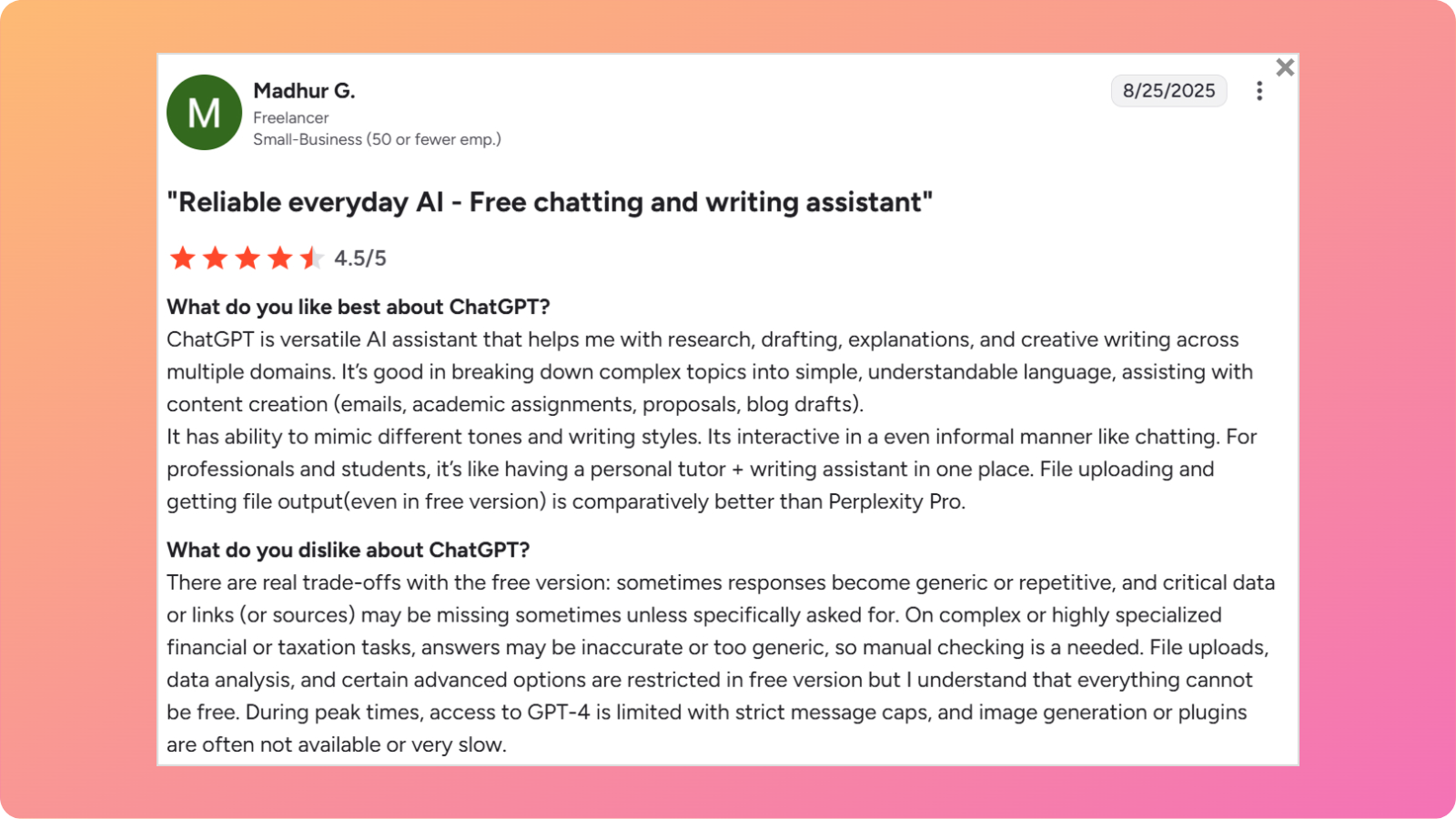
    While tools like ChatGPT are suitable for general use, other chatbots like Perplexity AI can comb through online sources and help users craft an informed academic thesis.

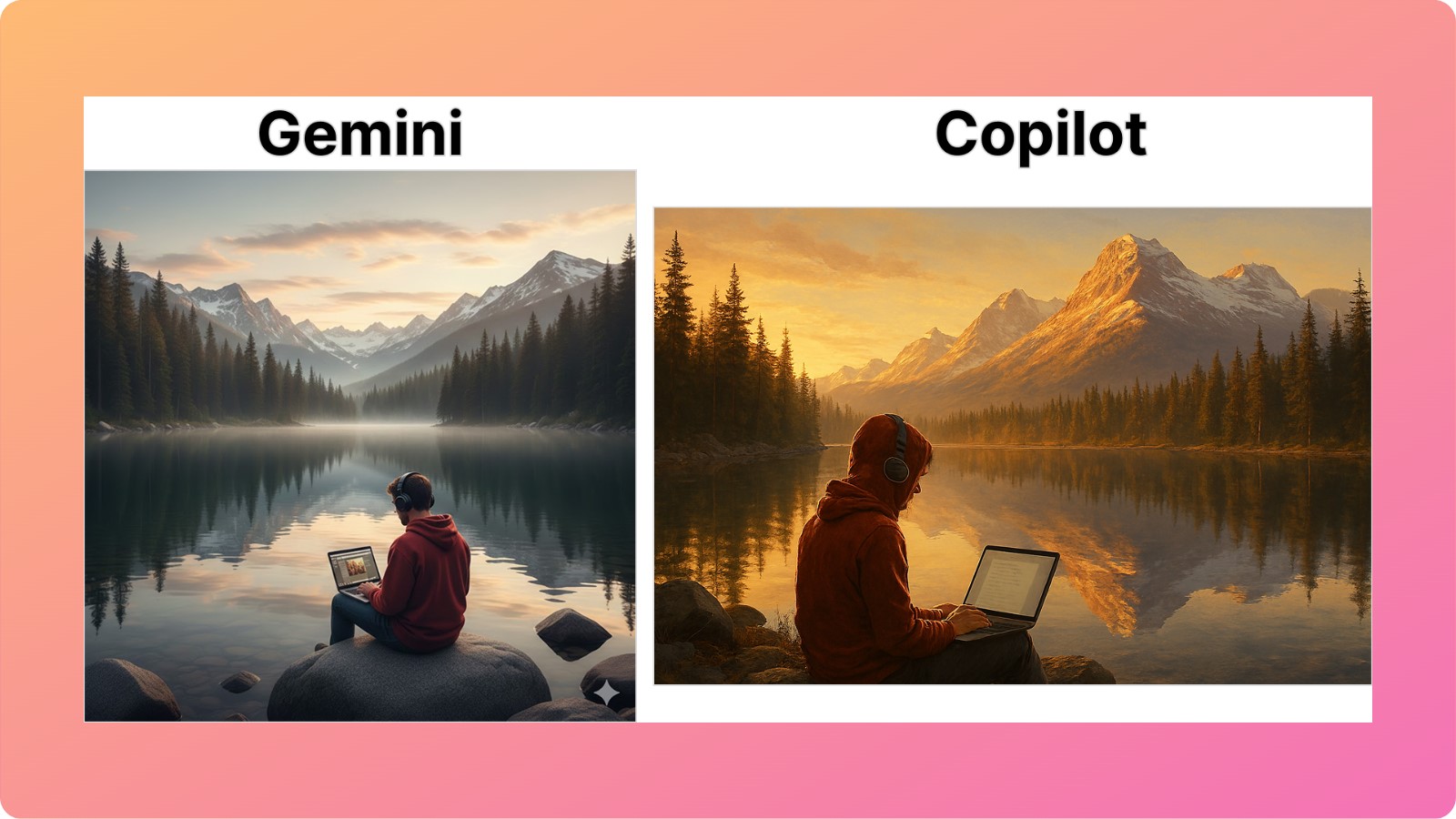
    Related: Gemini vs ChatGPT comparison.

    Therefore, AI chatbots assist marketers, freelancers, business professionals, and everyday users by automating repetitive, mundane workflows.

    What is our criteria to test these AI chatbots?

    Our criteria for evaluating the best AI chatbot in 2026 are as follows.

    • Accuracy: How well does the tool understand and respond to the requests?
    • Knowledge retrieval: Is the chatbot able to extract information accurately from your documents?
    • Agentic capabilities: Can the tool take actions or only answer questions?
    • Integrations: Does the tool integrate with existing systems, calendars, or other tools in the tech stack?
    • Collaboration features: Will your team be able to work together on projects using these tools?

    Choosing the most suitable tool comes down to your niche and the nature of work you want to perform.

    Also read: 12 best SEO competitive analysis tools in 2026.

    Quick Comparison: Top AI chatbots at a glance

    Below are the top 10 chatbots for businesses that we selected today for our run-up:

    ToolBest forStarting priceKey strengthWhy businesses choose it
    ChatGPTGeneral-purpose AI$4/monthMultimodal input processingHandles the majority of tasks with precision
    Google GeminiGoogle Workspace integration$20/monthGeneration of apps via the Gemini APIWorks with commonly used tools like Gmail and Google Drive
    Perplexity AIResearch and competitive intelligence$20/monthDeep internet research with accurate citationsDelivers detailed research reports and documents
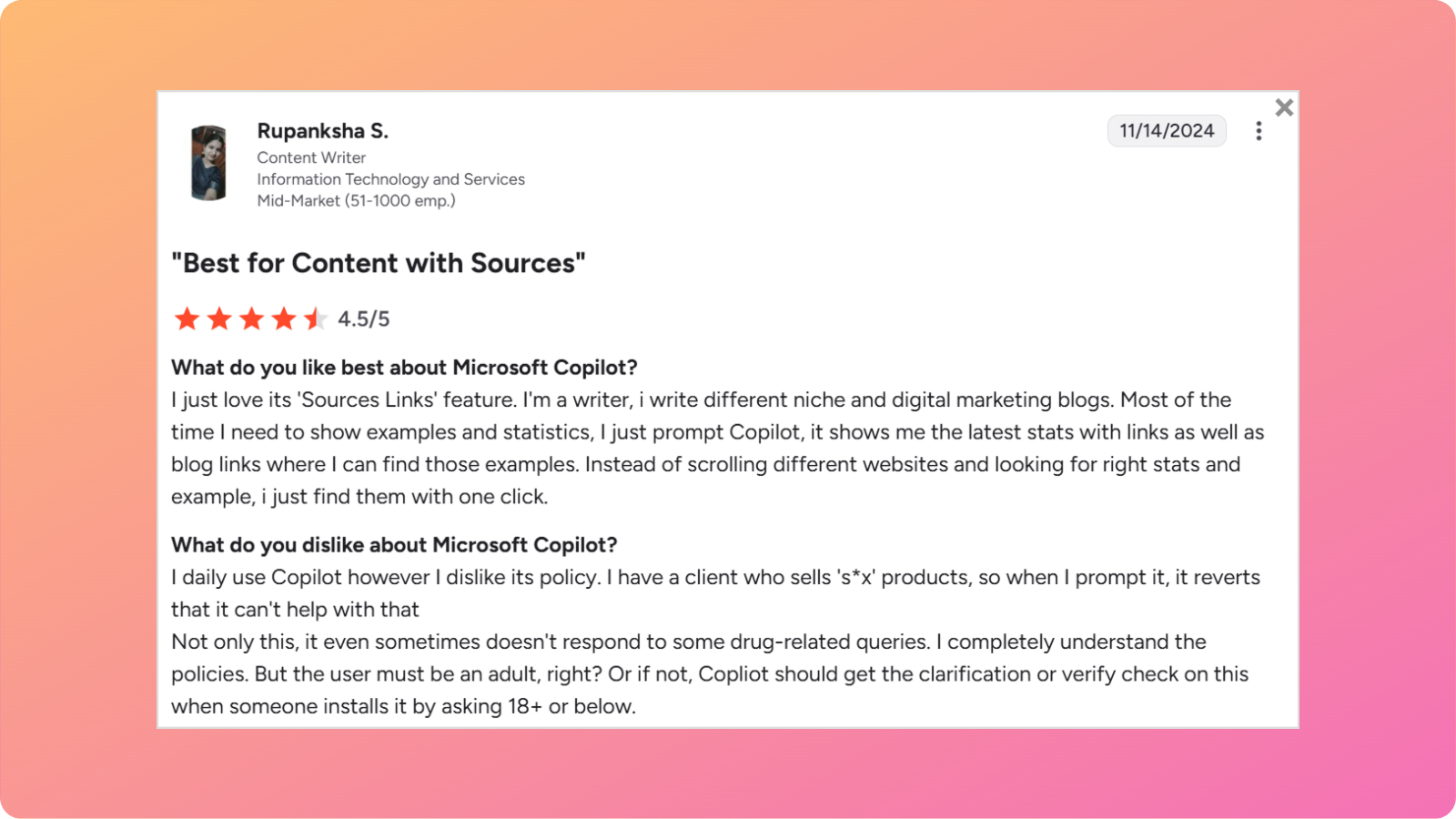
    Microsoft CopilotIntegration with Microsoft products$20/monthCopilot visionWorks well with Microsoft 365 tools
    ClaudeDocument analysis and content generation$17/monthClaude codeLong-term contextual retention
    Meta AISocial media marketingFreeUnified chat, image, and short video generationCreates engaging content for Meta platforms
    DeepSeekDeep reasoning and computational thinkingFreeFree deep thinking capabilitiesExcellent for mathematical or logical problem-solving
    Pi AIPersonal useFreeHaving short, meaningful conversationHelpful in answering everyday questions
    Zapier AgentsBuilding and sharing custom chatbots$20/monthNo-code chatbot creation and automationsWorks across multiple apps with automated loops
    Grok AIX integration$30/monthReal-time access to X firehose plusGenerates enhanced lifelike motion and characters

    These chatbots will be evaluated fairly solely on the grounds of their functionality and how they can help modern businesses automate and scale efficiently.

    Let’s review all the top 10 chatbot options you can use today for completing various types of tasks.

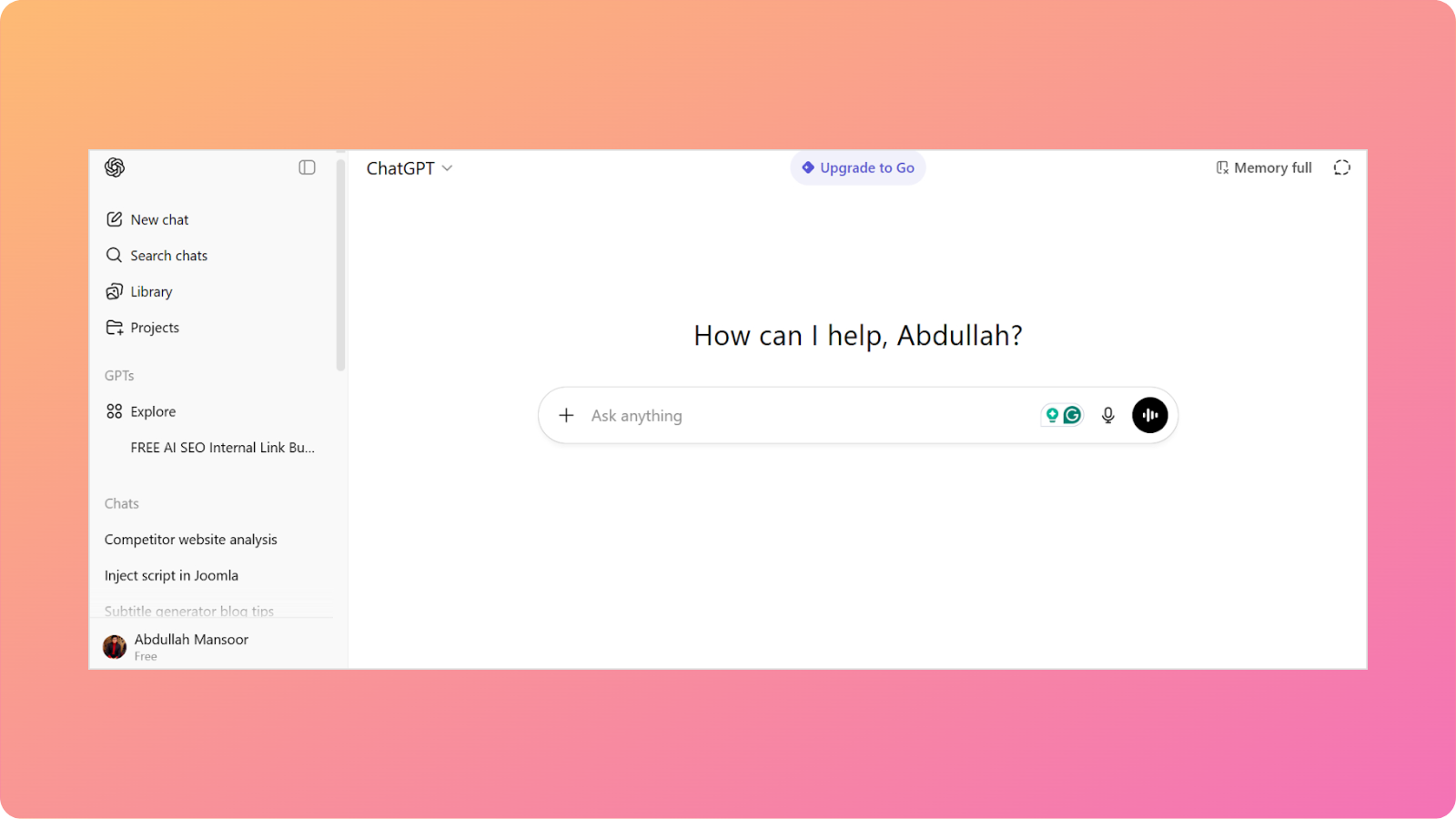
    1. ChatGPT – Best overall AI assistant

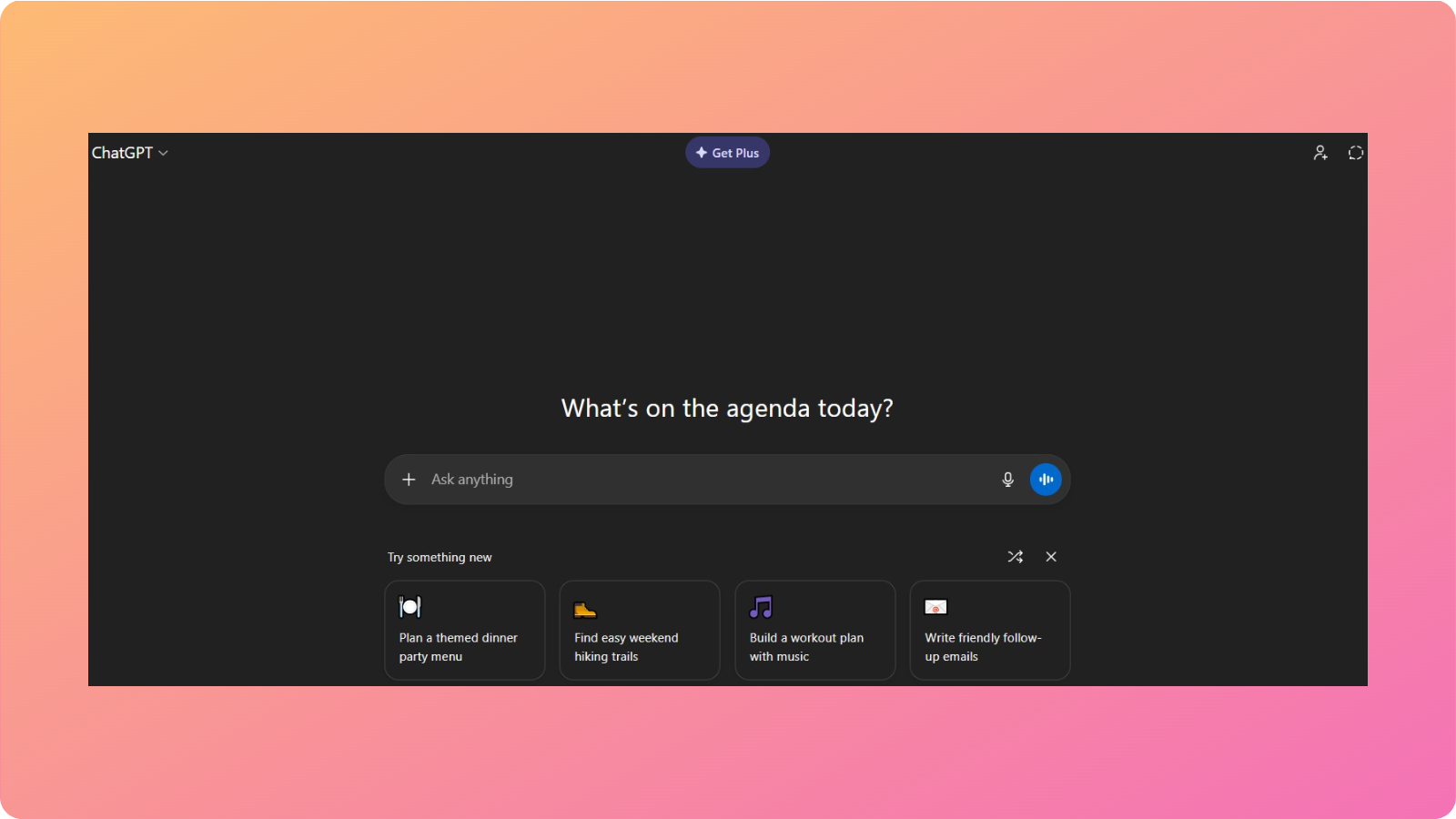
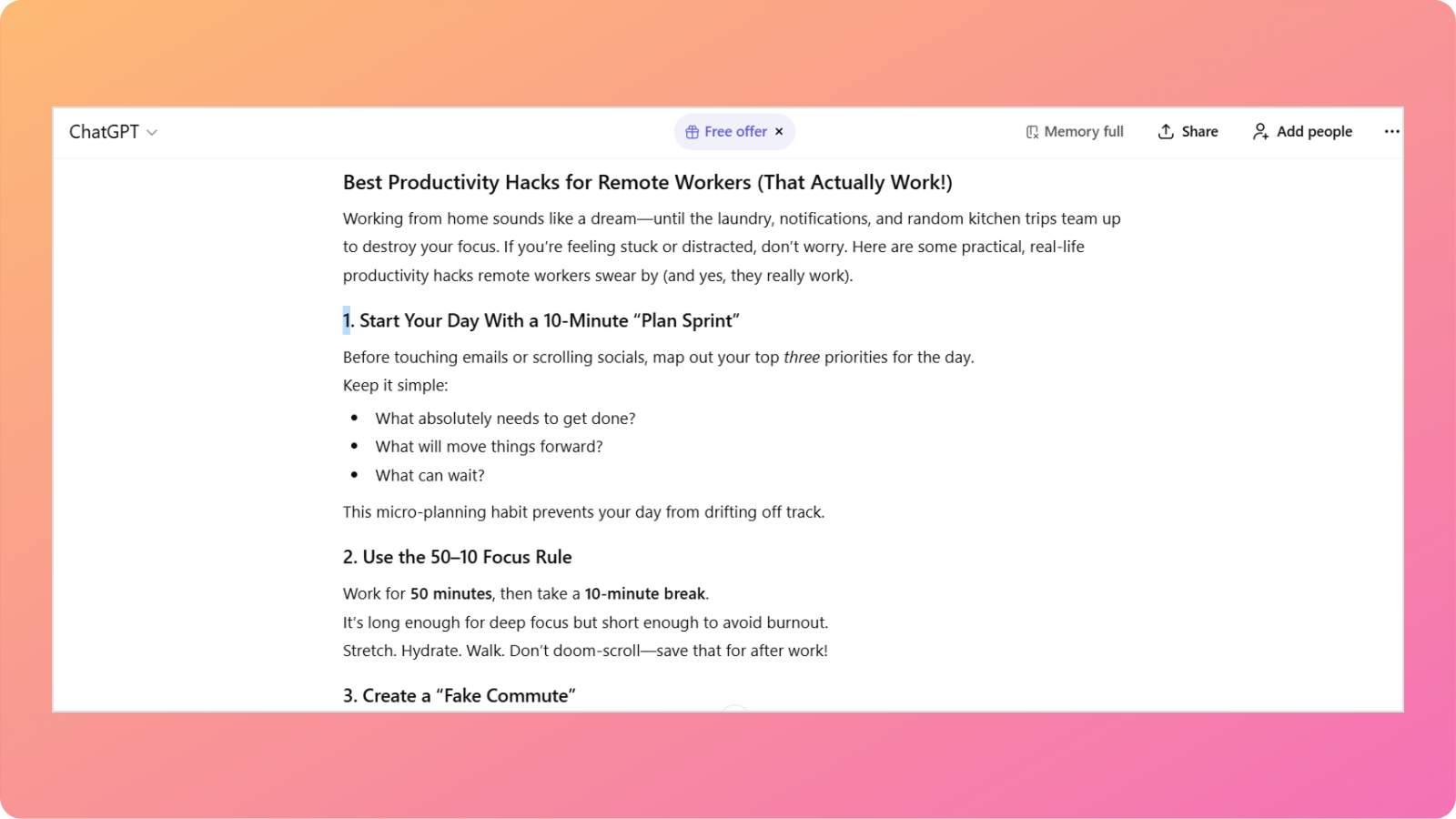
    ChatGPT interface

    OpenAI’s ChatGPT is one of the most famous and versatile tools for businesses and professionals.

    What does it do?

    ChatGPT helps teams write code, analyze data from documents, create content, and organize projects into steps or agendas.

    Who is it for?

    The tool has become a default AI assistant for business tasks across writing, planning, research, and coding.

    If a team from marketing and sales to development and support can pick only one general‑purpose tool, then ChatGPT would be their usual bet.

    (Also read: Best AI SEO tools in 2026 – tested and ranked).

    Key features

    Amongst many functionalities that ChatGPT can perform, the ones that make it stand out from others are:

    • Creation and refinement of content: With ChatGPT, you can create blog posts, draft emails, shape social calendars, and rewrite copies in different tones.
    • Writing and debugging code: The tool explains errors, proposes fixes, and writes small scripts to help automate internal tasks.
    • Research support: This chatbot can summarize long reports, compare product categories, and surface key trends for competitor analysis.
    • Work organization: ChatGPT helps break big projects into steps, write meeting agendas, and draft surveys with ease.

    With its newer models like GPT-5.2, GPT-5 mini, and GPT-5 nano, the tool keeps on breaching boundaries of what is possible. It also provides its latest DALL-E 3 image-generation model to create visually compelling images and other media.

    Limitations

    While ChatGPT is excellent at handling multimodal inputs (text, voice, and structured data), it does have its limitations.

    • Results can vary depending on the prompt provided
    • Limited direct integrations compared to other chatbots
    • Free usage has restrictions

    Pricing

    OpenAI offers three different pricing plans for individuals and businesses:

    • Free: Limited access to the GPT-5.2 model
    • Go: $4/month
    • Business: $25/month

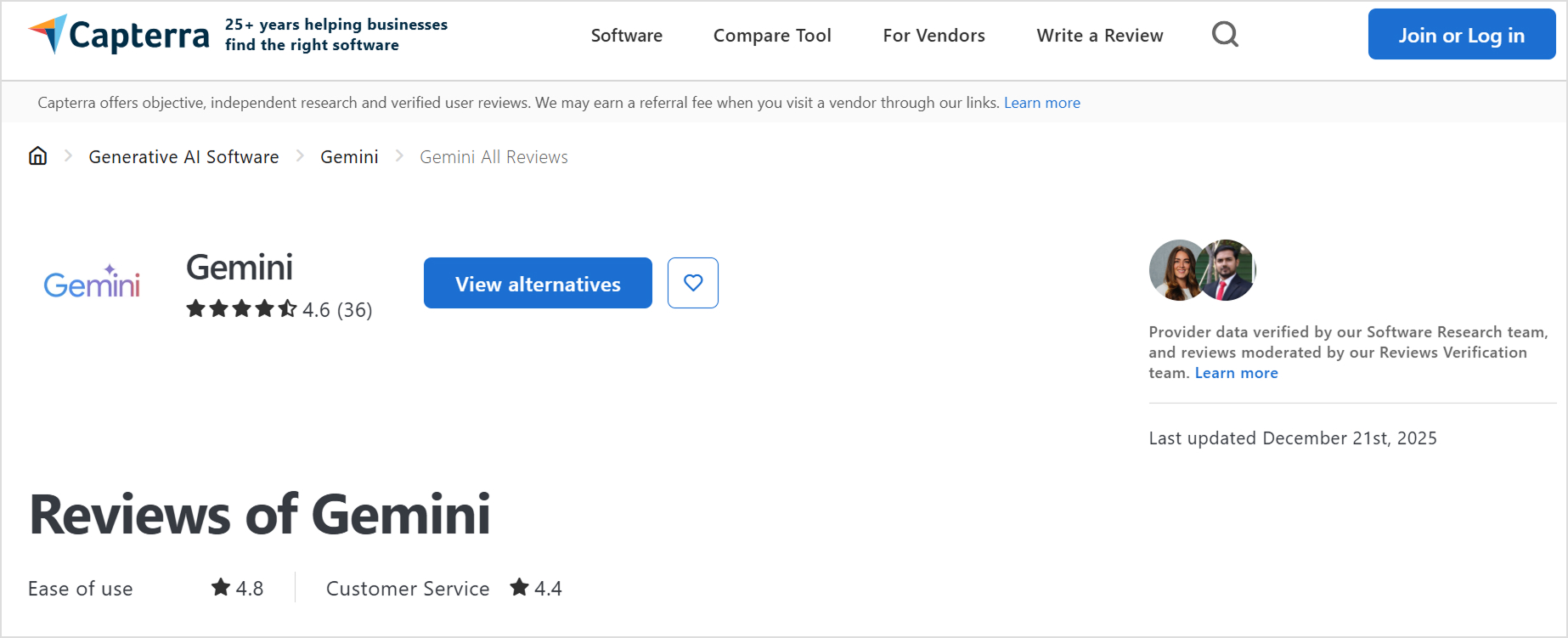
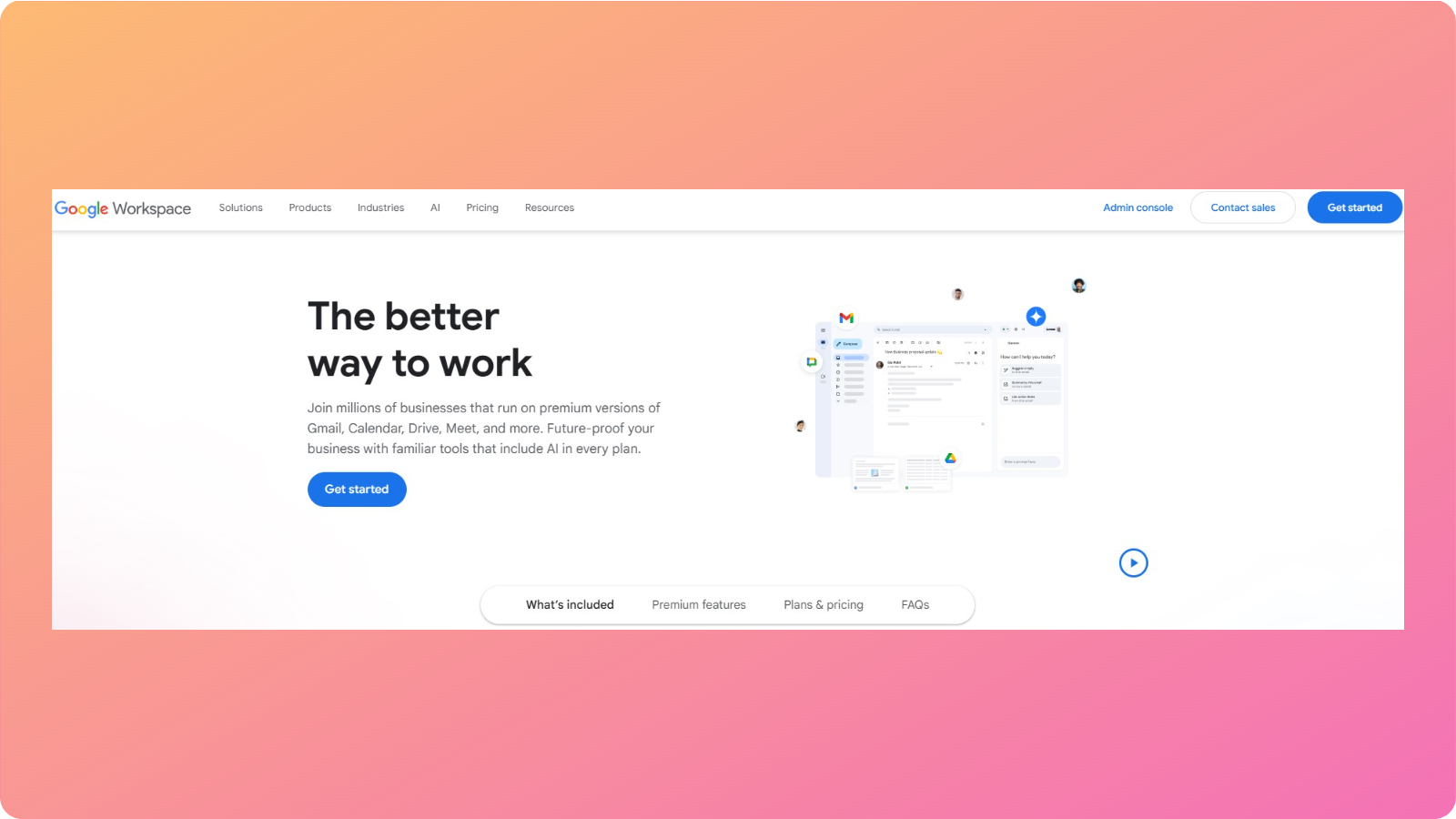
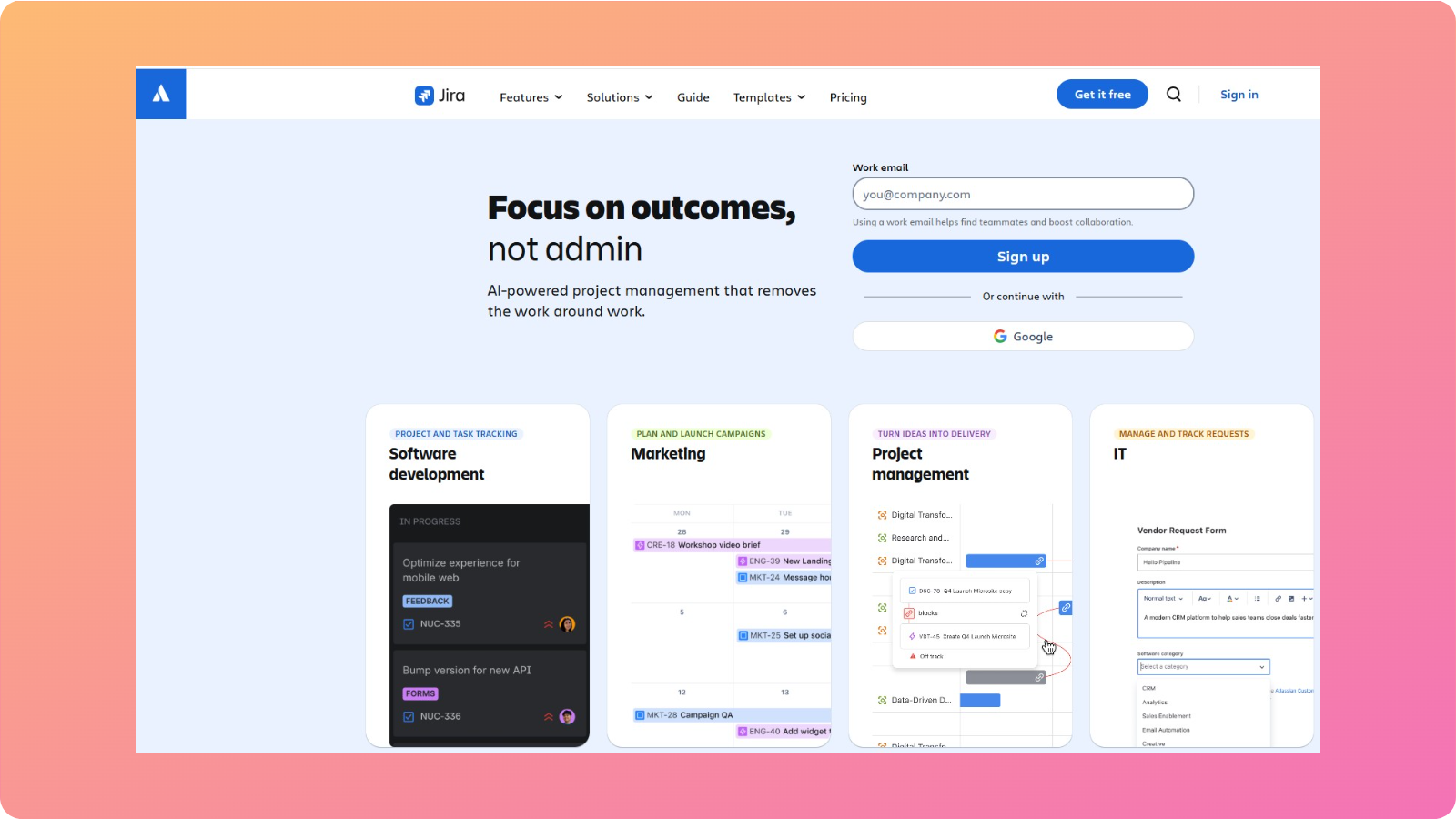
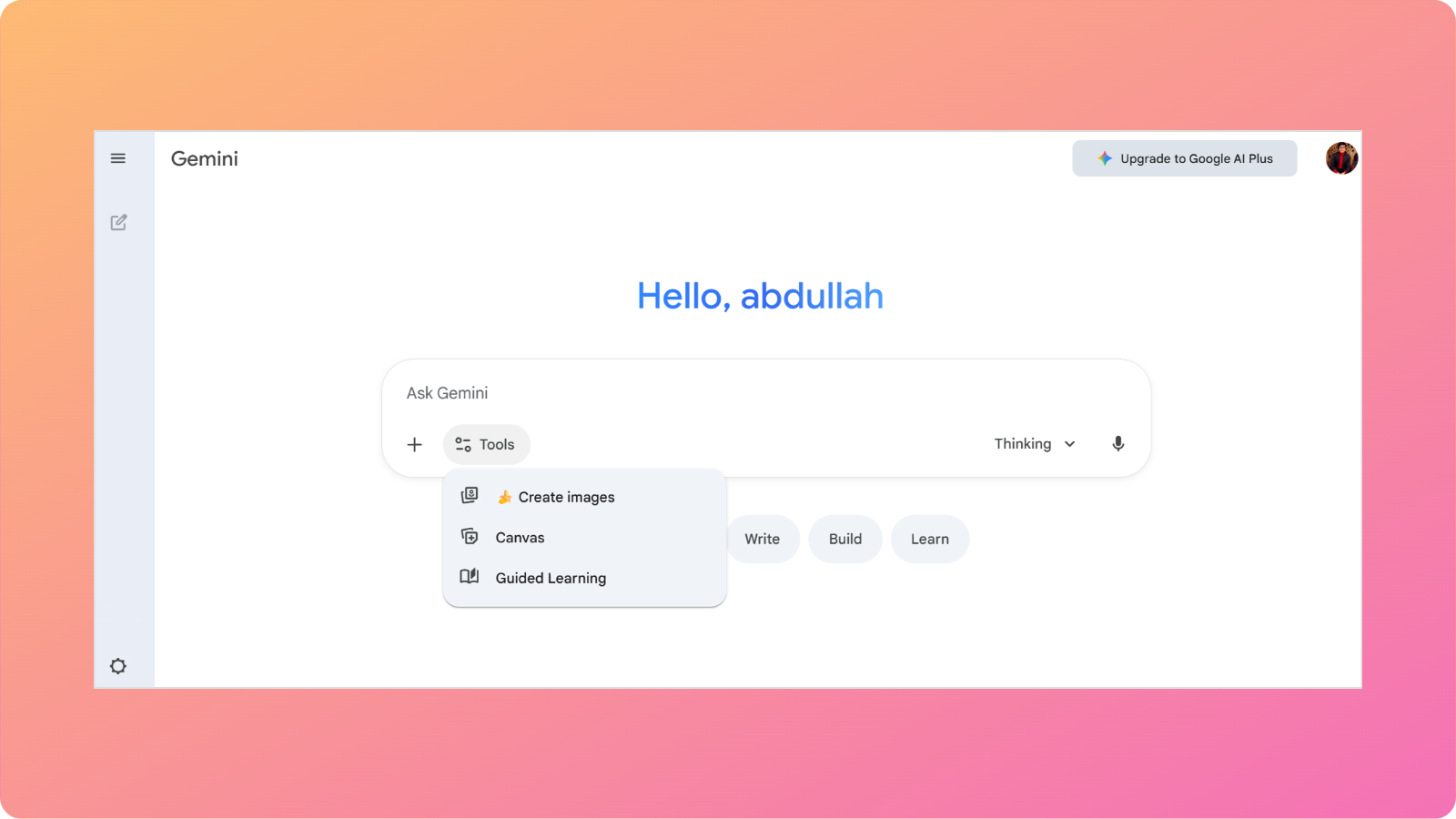
    2. Google Gemini – Best for Google Workspace users

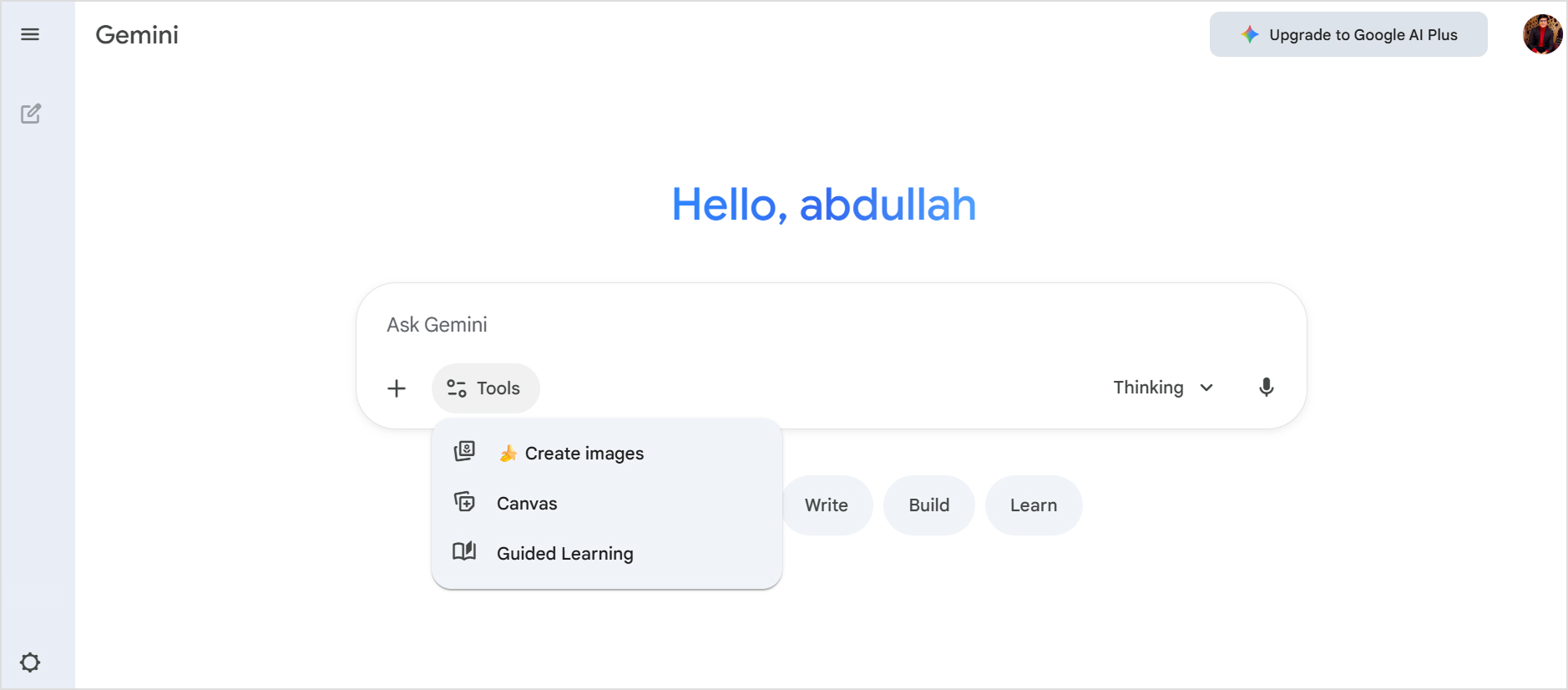
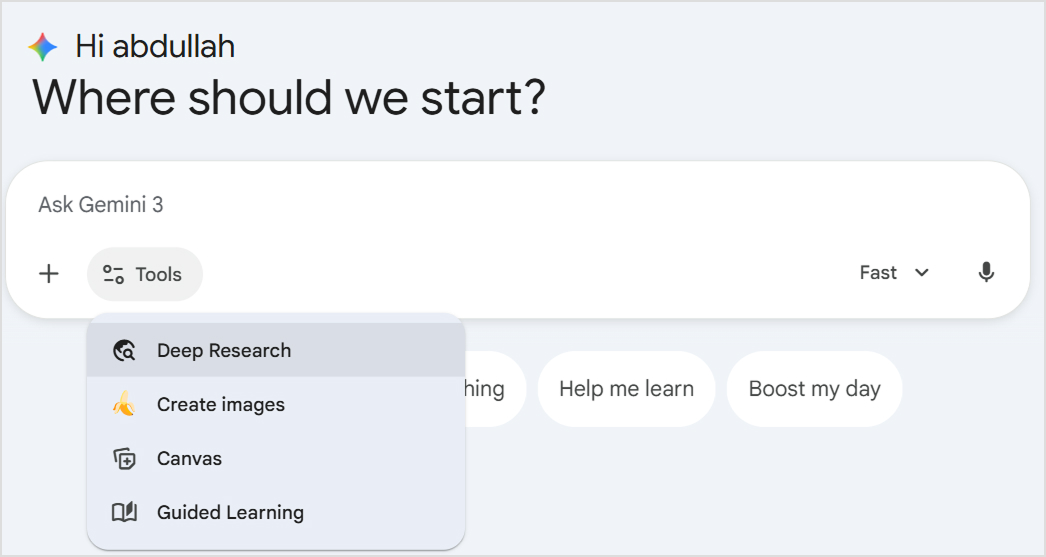
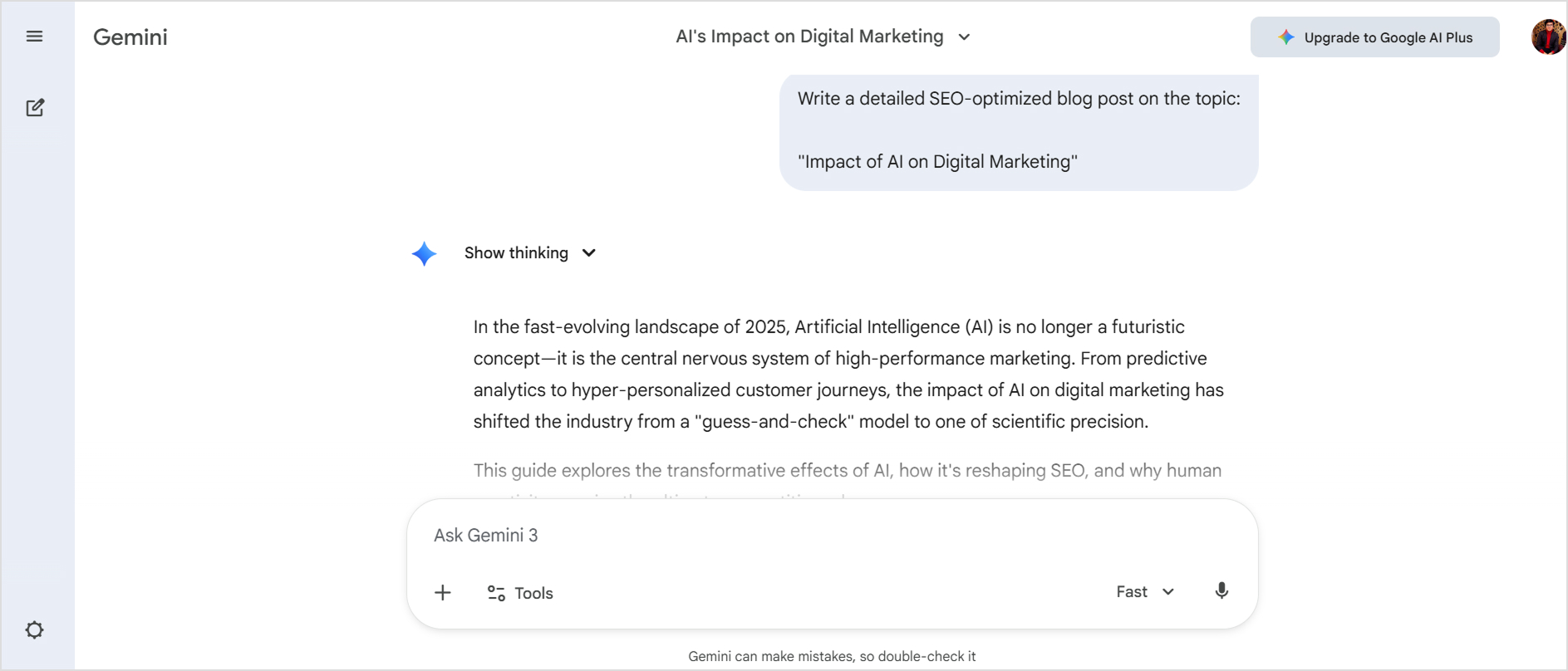
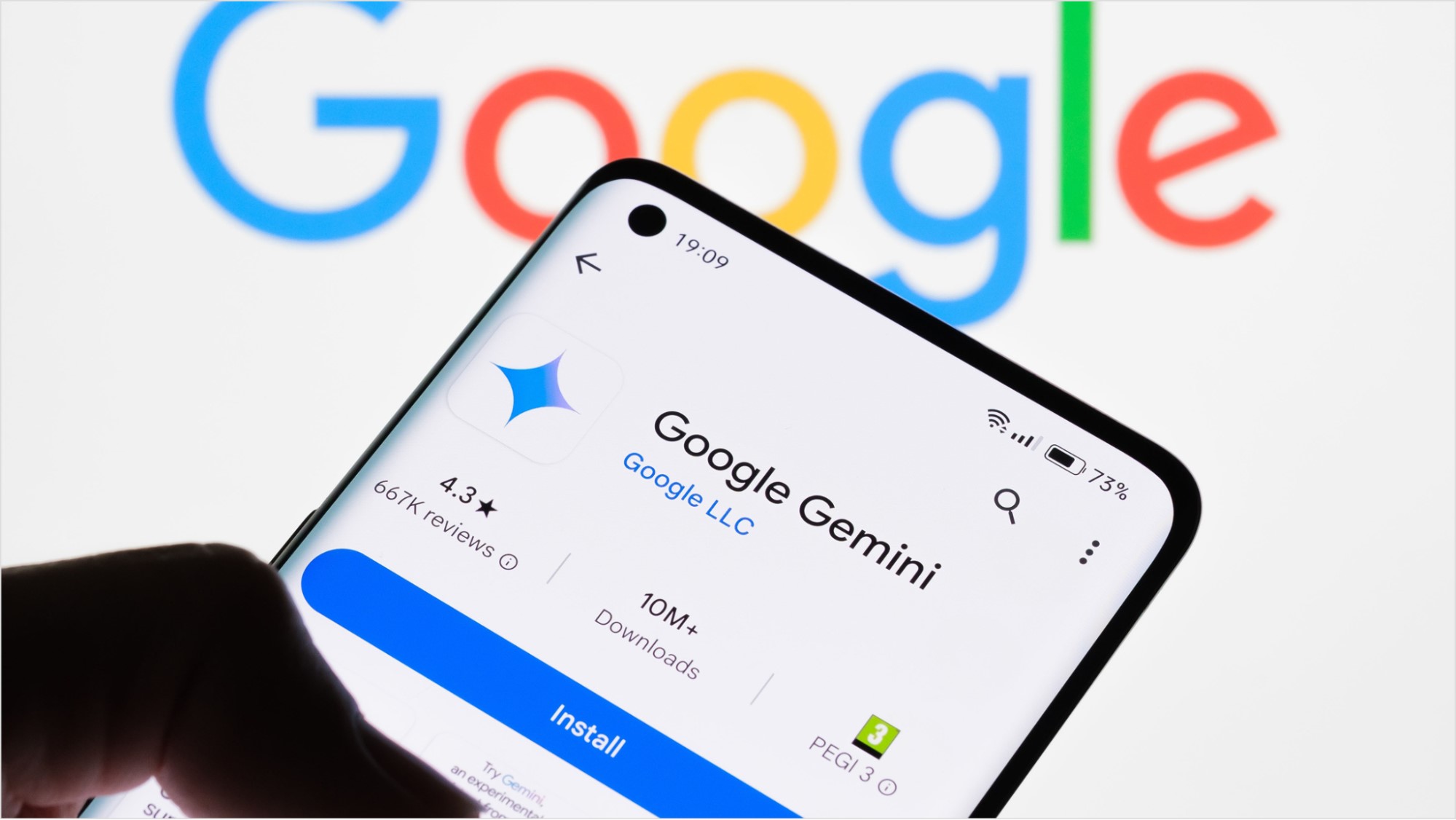
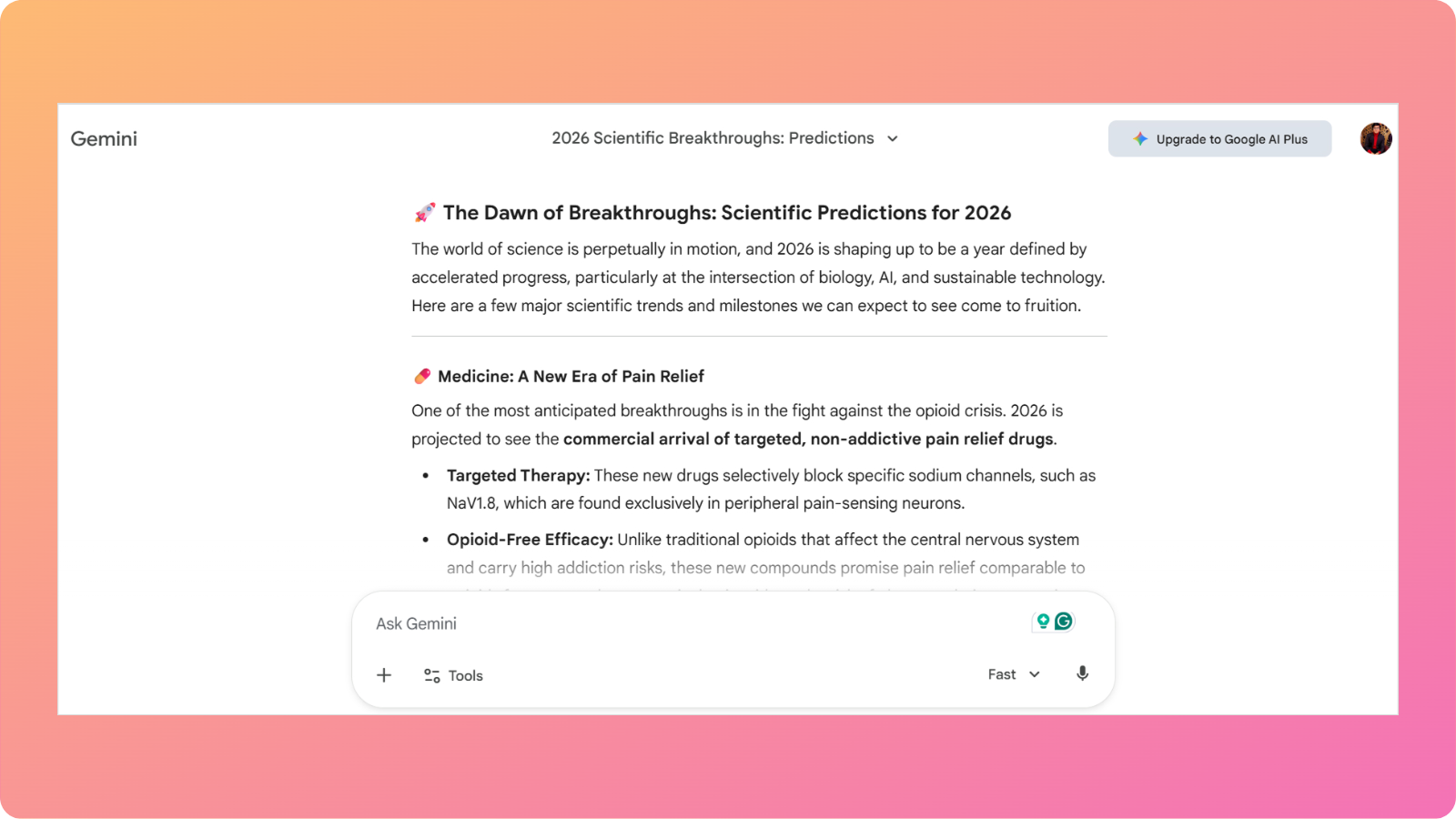
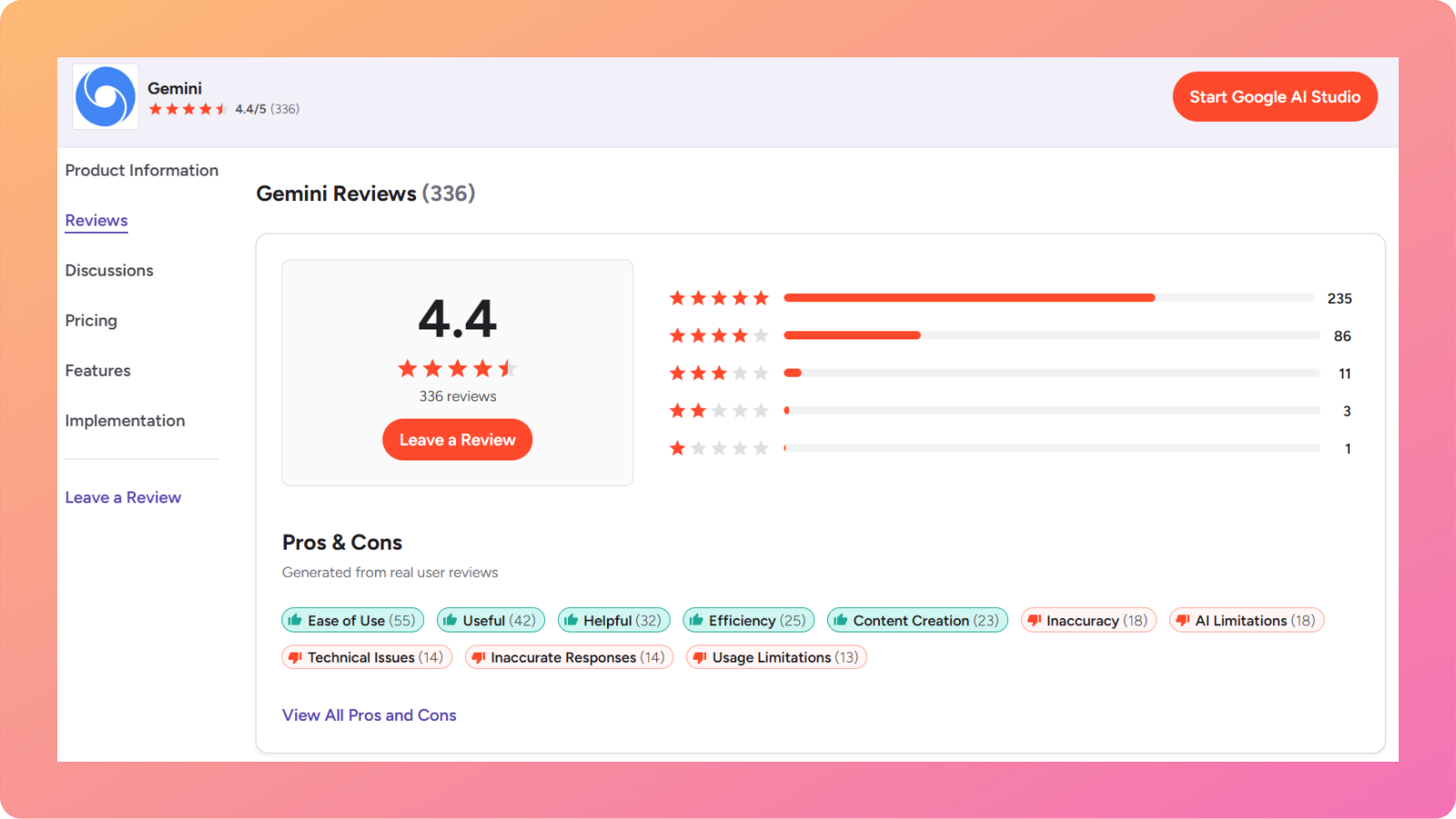
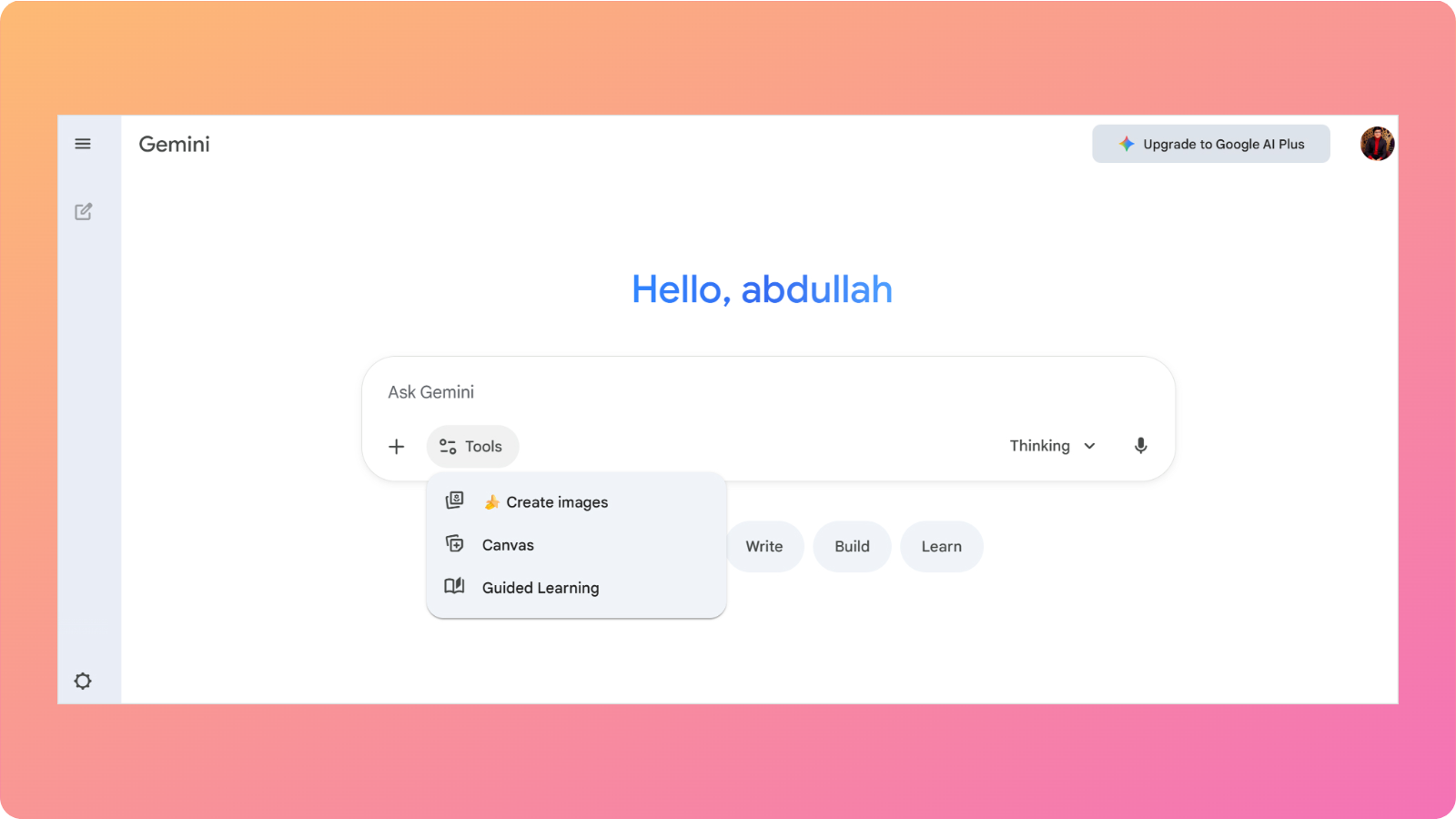
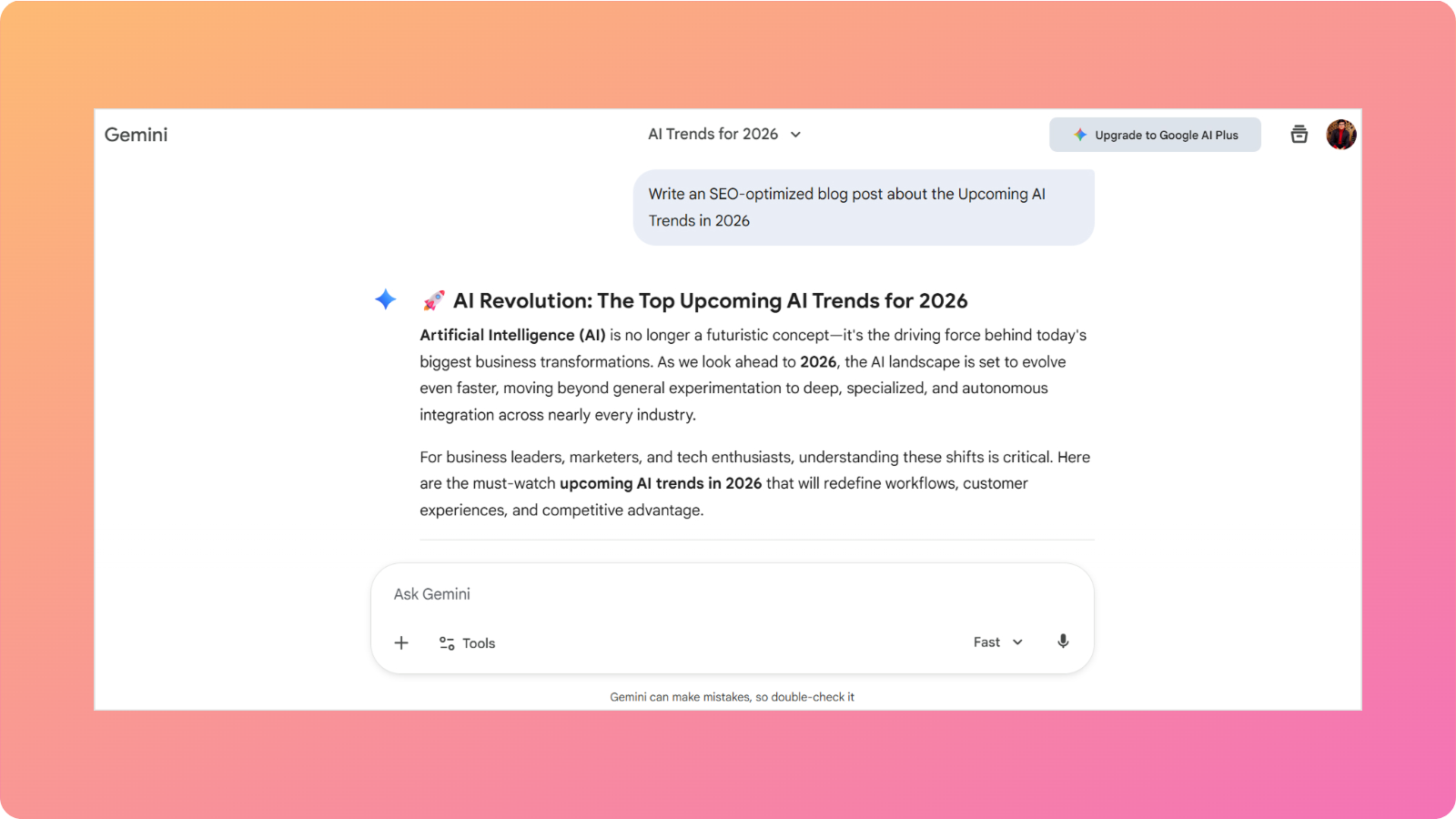
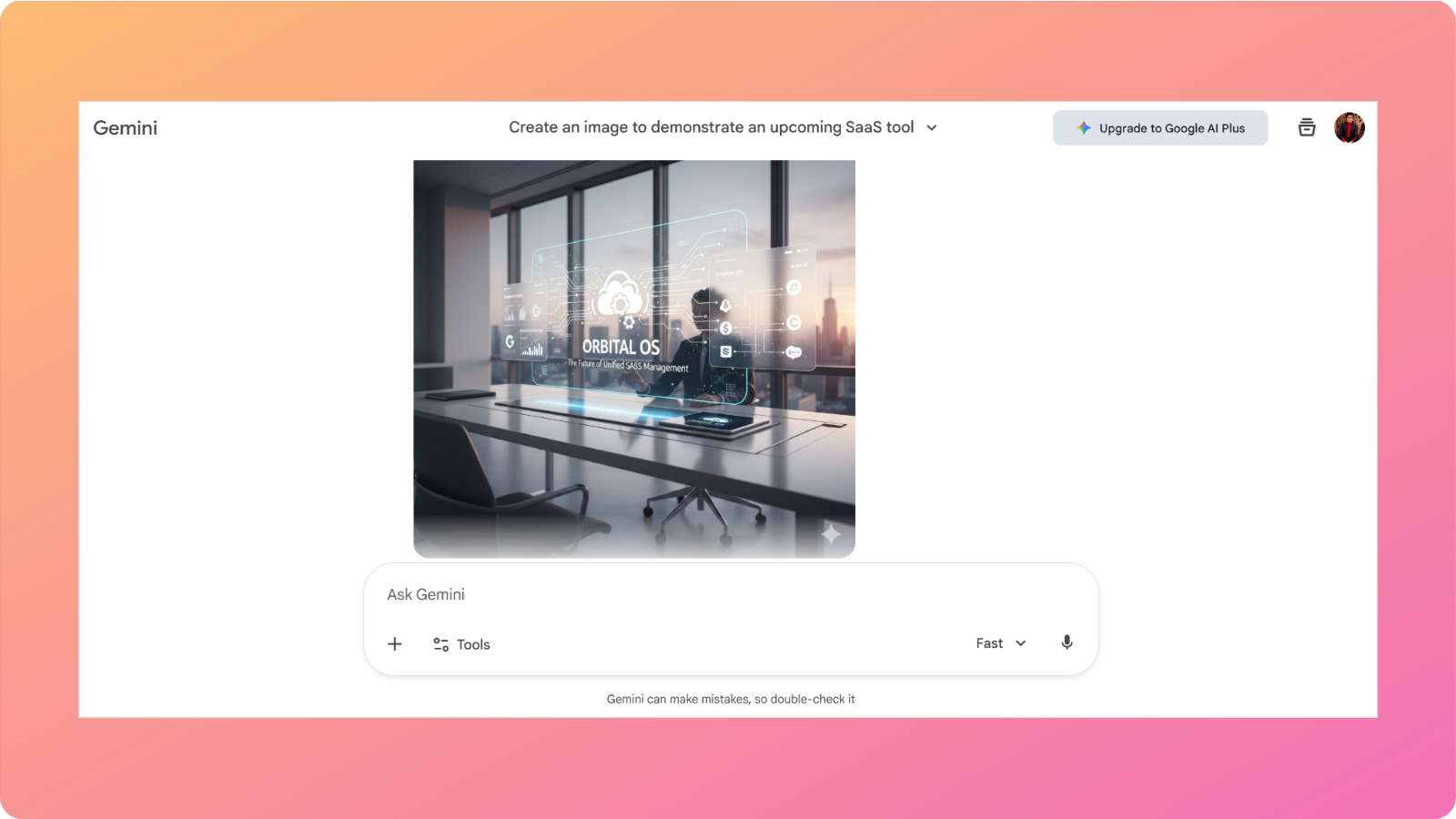
    Google Gemini interface

    Google Gemini, previously known as Google Bard, is another helpful tool with various applications for business-related tasks.

    What does it do?

    Gemini helps you write code, analyze structured or raw data, and uncover trends and insights to future-proof your business.

    Who is it for?

    This AI chatbot is designed for those who work intensively in Google Workspace and are long-time users of products like Gmail, Google Docs, Sheets, and Calendar.

    It is built for productivity-conscious professionals, such as developers, marketers, and sales personnel.

    Key features

    While Google Gemini has many features to discuss, some of the highlighted ones are discussed below:

    • Dynamic app builder: With Gemini’s ‘dynamic view’, you can create apps and see how they look in real-time.
    • Deep thinking: The tool delves into computational thinking and logical reasoning to help solve complex problems.
    • Information analysis: Similar to ChatGPT, this tool also reads PDFs, image files, and other document types to analyze data trends and uncover meaningful insights.
    • Canvas creation: Gemini can turn your textual ideas into publish-ready infographics, charts, and more.

    Currently, the latest model, Gemini 3, is well integrated with Google applications like Drive and Calendar, helping you stay organized and productive during your shift.

    Limitations

    Like all the other tools, Google Gemini also has some limitations that need to be mentioned.

    • Limited integration outside of Google Workspace
    • Little cross-platform flexibility
    • Can feel less steady or reliable in nuanced writing as compared to other chatbots

    Pricing

    Google Gemini offers three different pricing plans:

    • Free: Limited access
    • Google AI pro: $19.99/month
    • Google AI ultra: $249.99 for 3 months

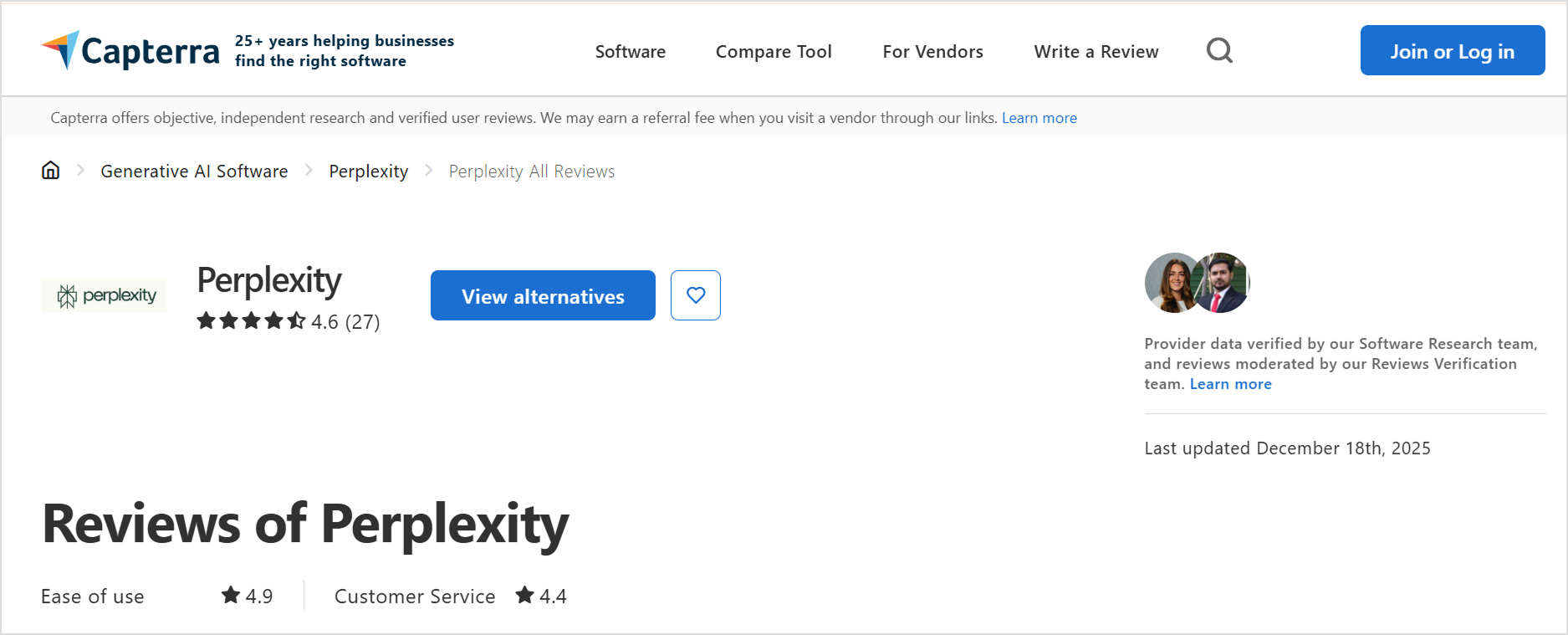
    3. Perplexity AI – Best for deep research

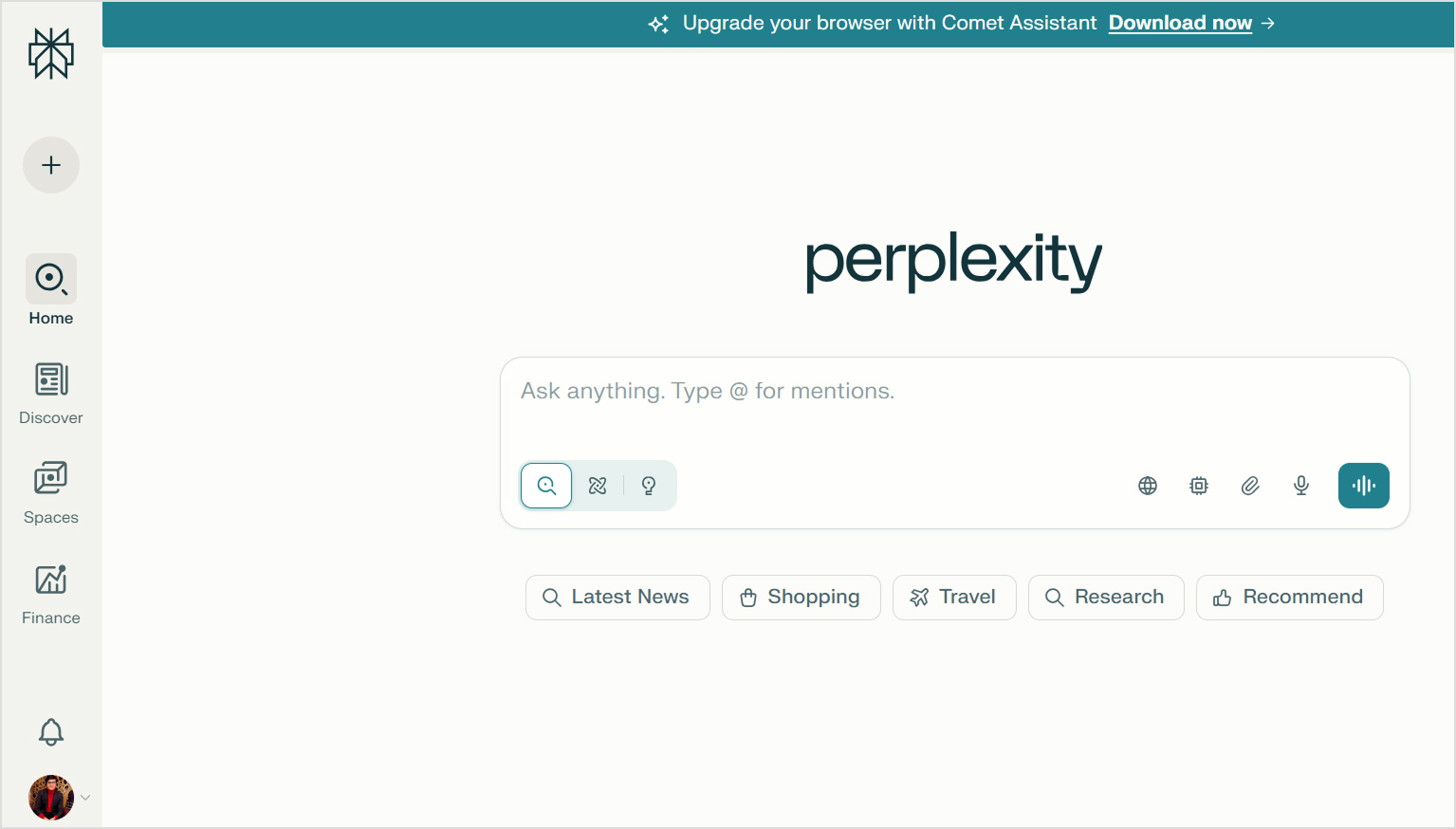
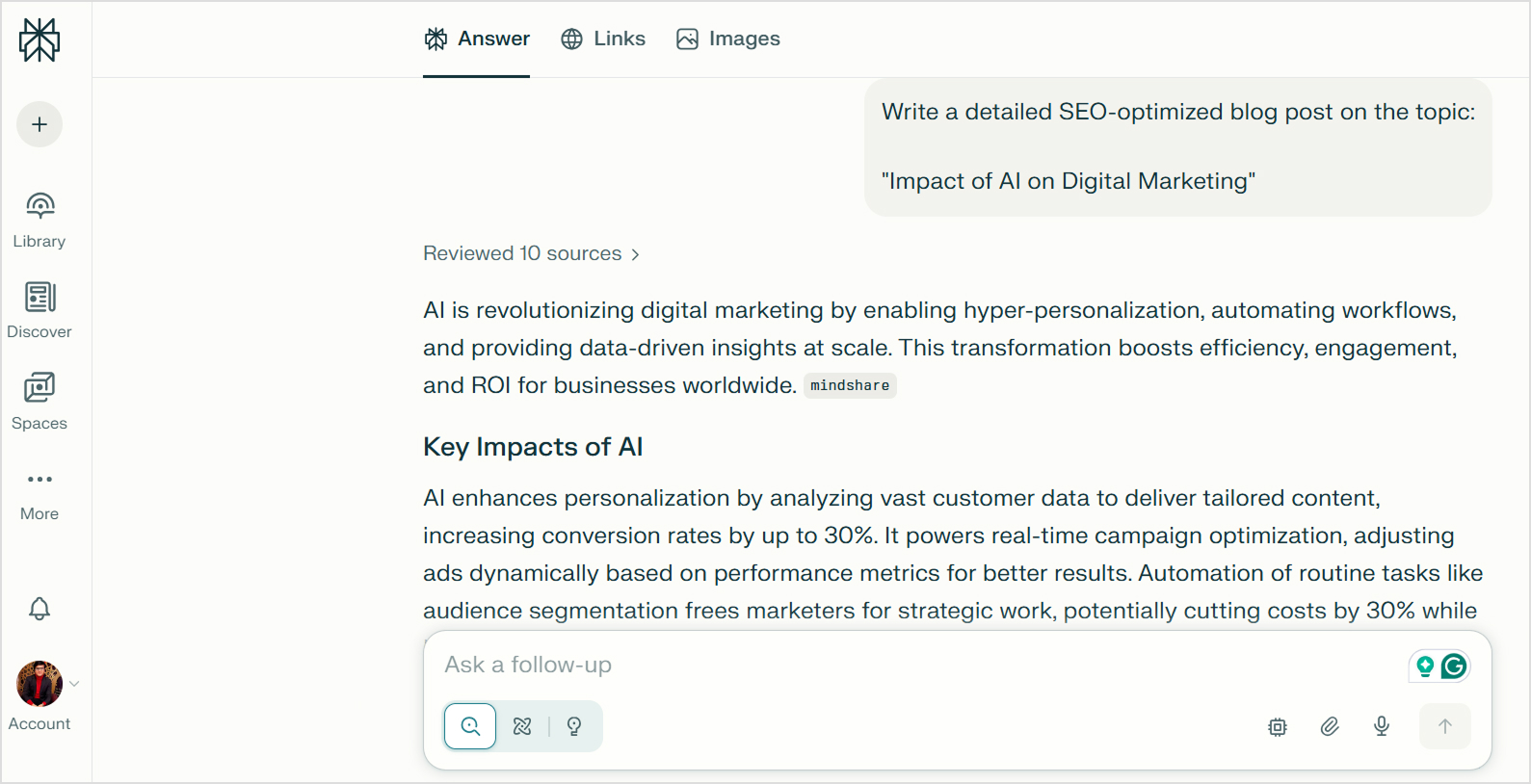
    Perplexity AI interface

    Perplexity AI is a widely used AI chatbot for market research and competitive intelligence reports.

    What does it do?

    This chatbot understands your input and dives deep into the internet to surface trusted, reliable information with citations to back up that research.

    Who is it for?

    Perplexity is designed for resolving complex research problems. It provides cited responses for marketers and agencies, serving as a data trail or references in reports and documents.

    (Also read: Perplexity vs ChatGPT – which AI tool is better for blogging).

    Key features

    The notable Perplexity AI features are as follows:

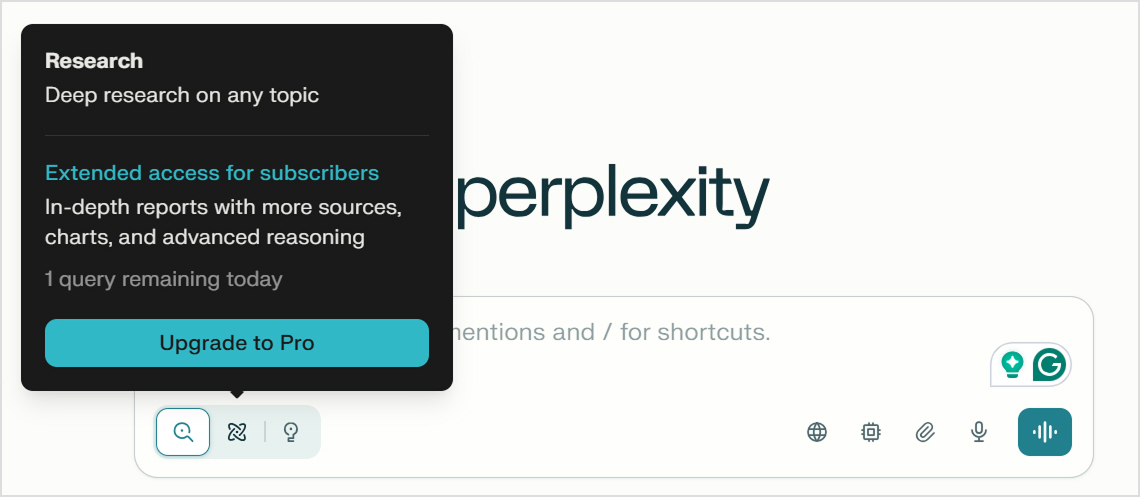
    • Deep research: Utilizes advanced reasoning to create a detailed synopsis for a given material, craft a competitive intelligence report, or accomplish similar tasks.
    • Collaborative spaces: Perplexity creates workspaces where you can share ideas and function together as a team.
    • Perplexity labs: The tool turns research results into documents, slide outlines, and other formats.
    • Document processing: Perplexity AI can read and understand extensive PDFs, notes, and other document types to provide detailed analysis.

    Perplexity doesn’t provide a proprietary AI model; instead, it combines a wide range of AI models for deep research.

    Limitations

    This AI chatbot has its own limitations.

    • Limited integration options
    • Shorter memory compared to other chatbots
    • Fewer personality customization options to adjust the tone or style of content

    Pricing

    Perplexity AI offers three different pricing plans:

    • Perplexity pro: $20/month
    • Enterprise pro: $40/seat/month
    • Enterprise max: $325/seat/month
    Solving content overload - Contentpen.ai

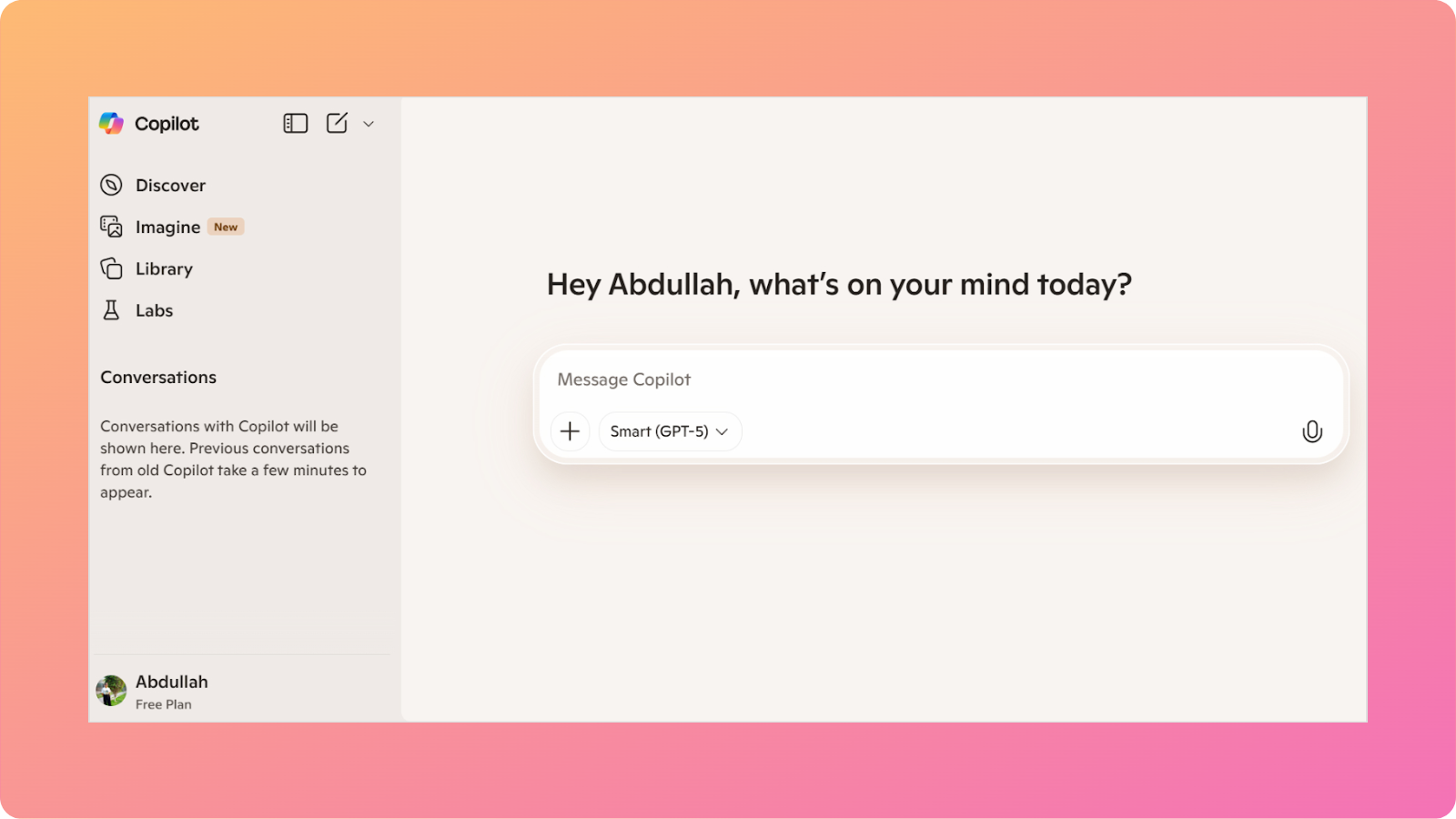
    4. Microsoft Copilot – Best for Microsoft ecosystem users

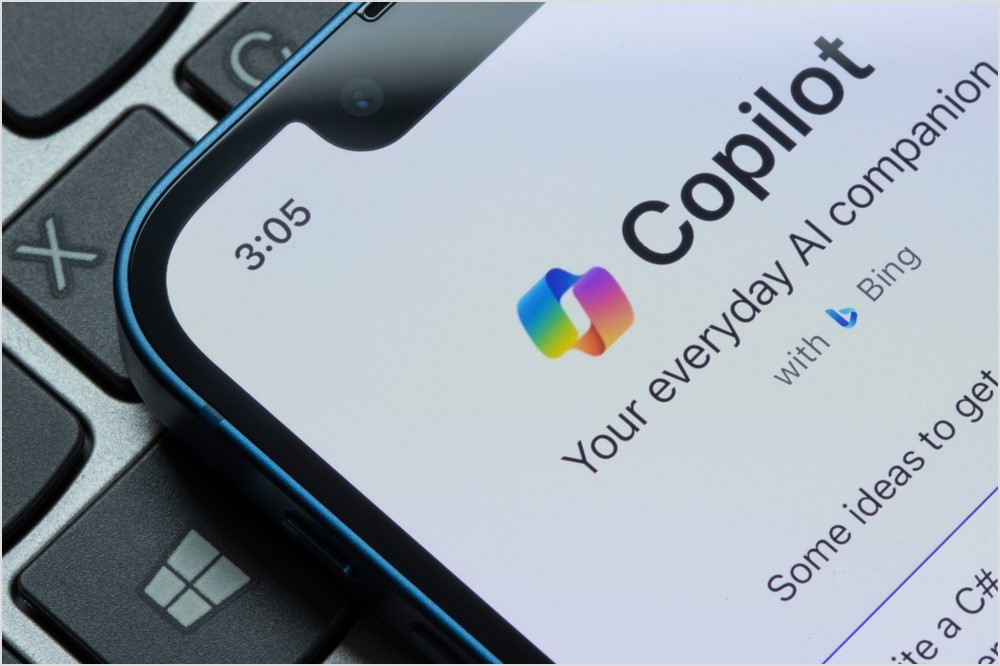
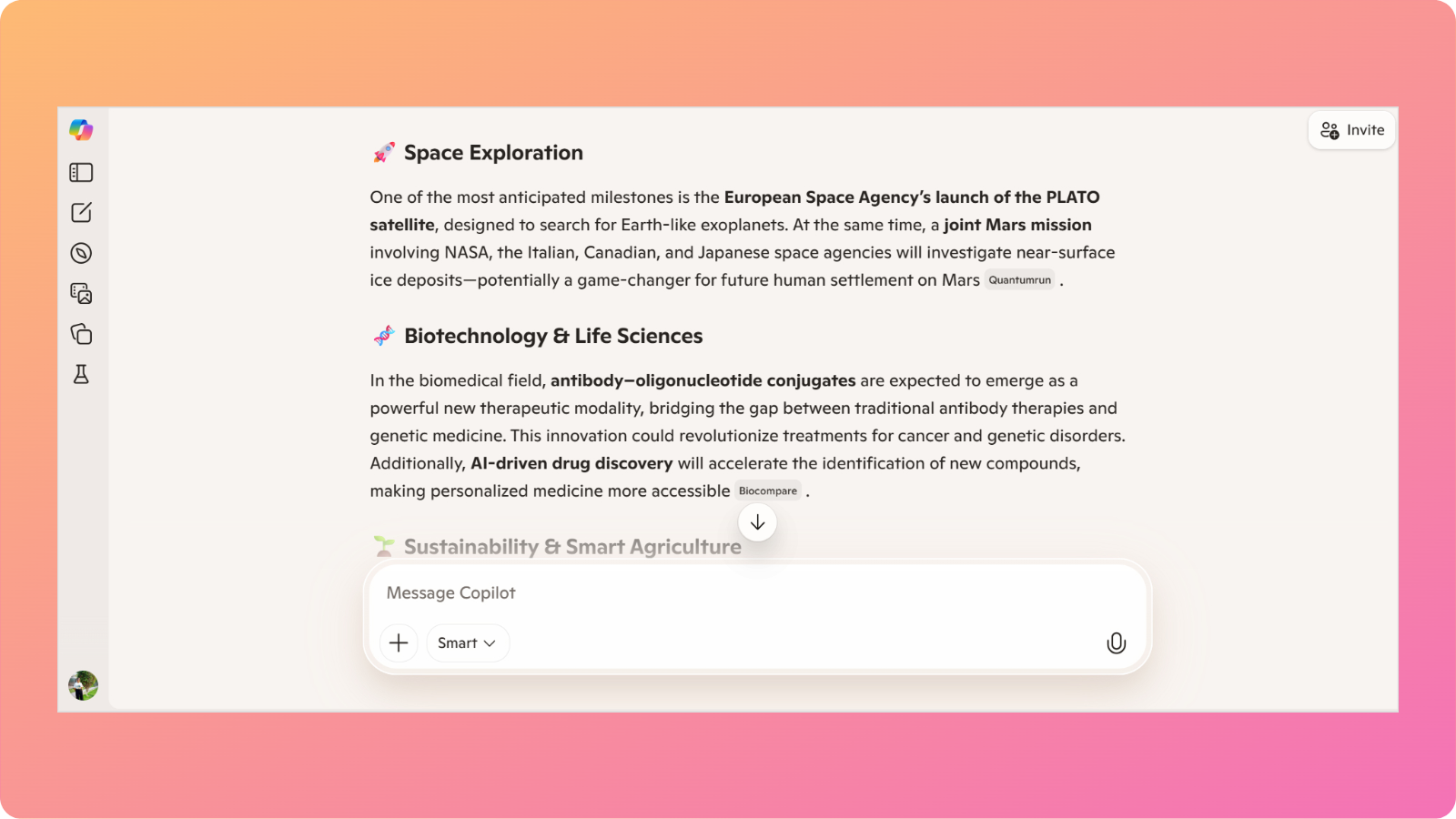
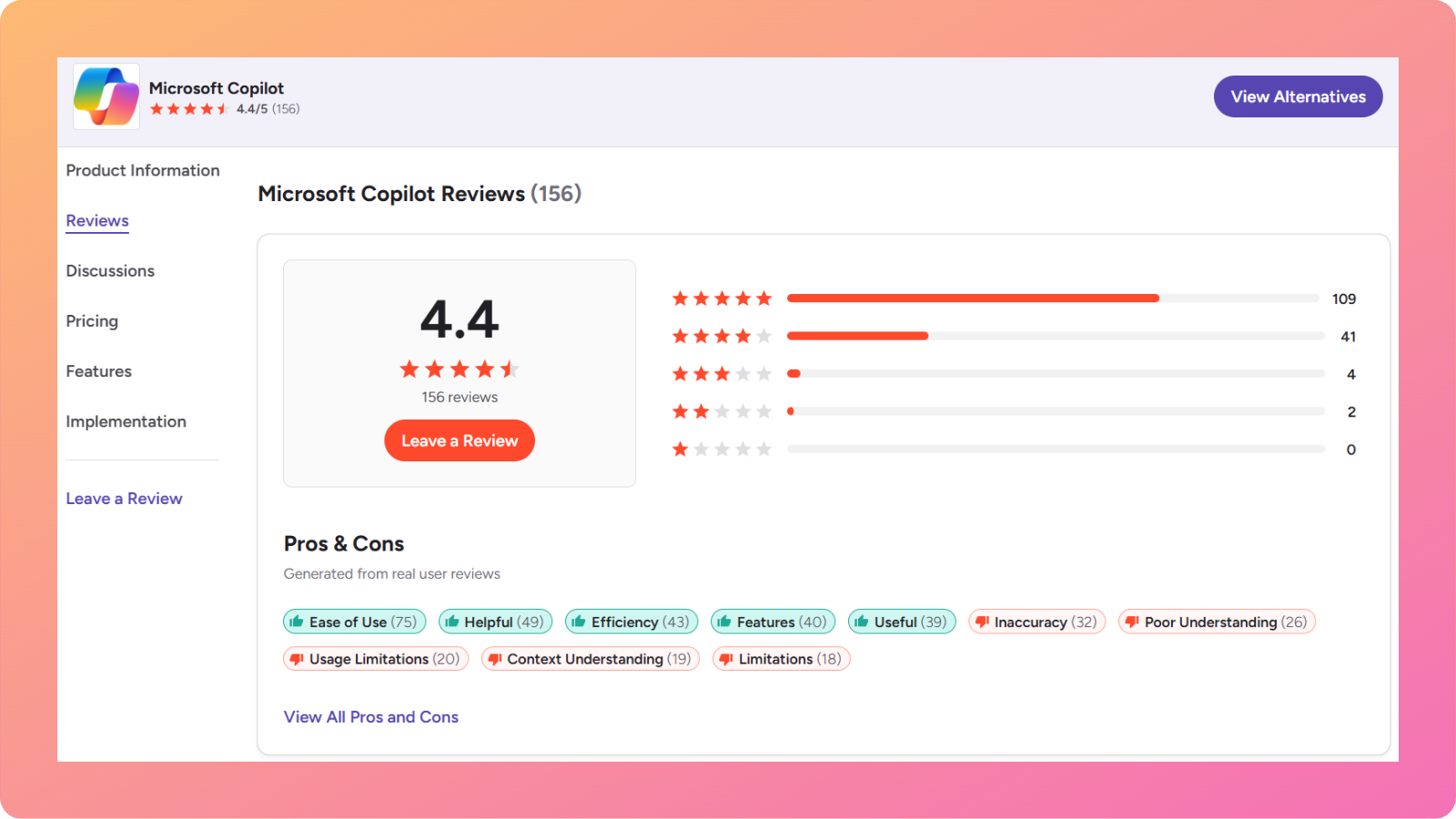
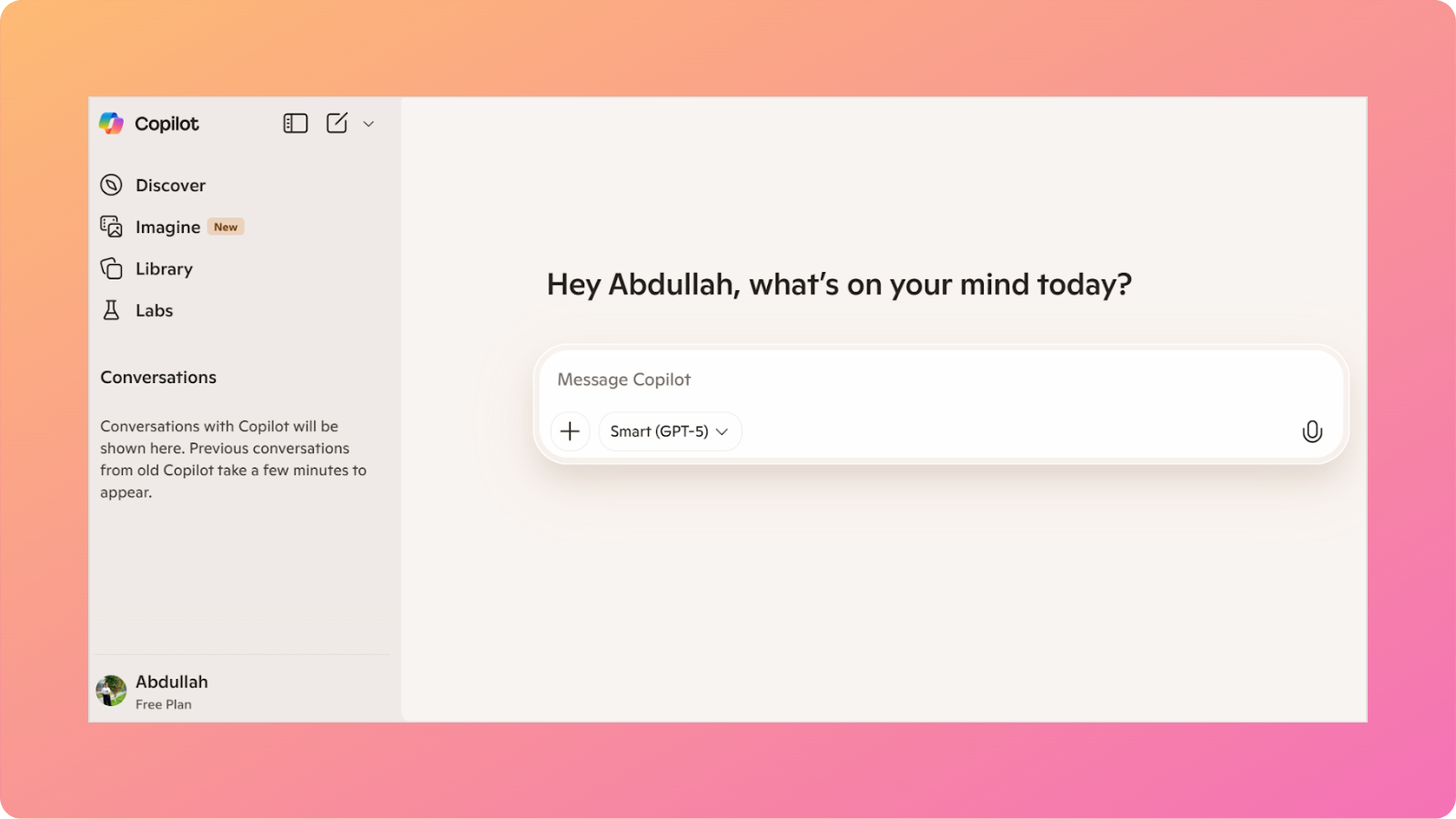
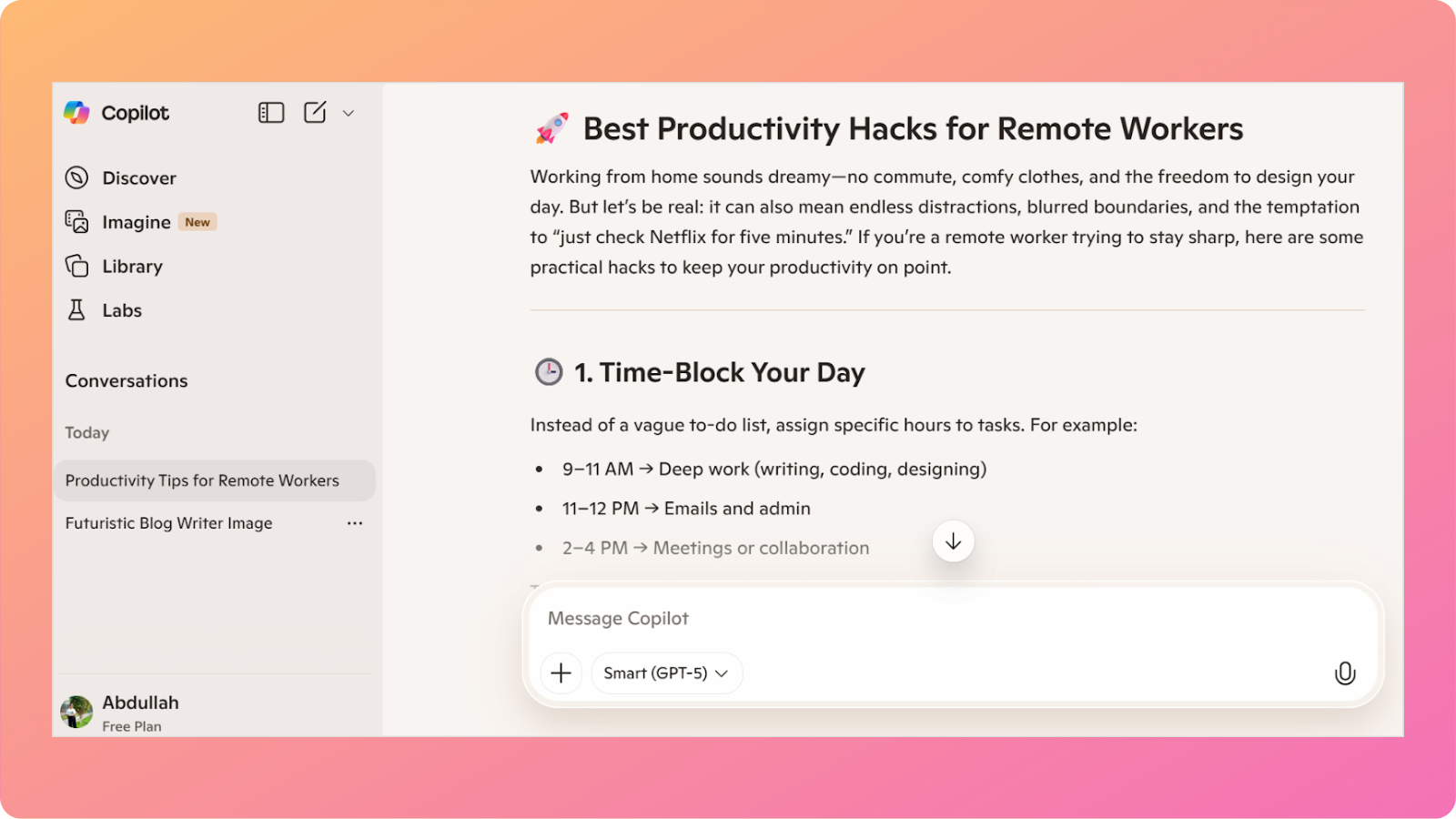
    Microsoft Copilot interface

    Microsoft Copilot is a powerful AI chatbot designed to work seamlessly across Microsoft’s suite of products.

    What does it do?

    Copilot assists users with writing, data analysis, presentations, and task automation directly within Microsoft tools such as Word, Excel, Outlook, Teams, and PowerPoint. 

    Who is it for?

    This chatbot is ideal for businesses and professionals deeply embedded in the Microsoft 365 ecosystem.

    Finance teams, corporate marketers, operations managers, and enterprise users benefit the most from Copilot’s native integrations.

    Key features

    Some of Microsoft Copilot’s most notable capabilities include:

    • Copilot vision: Understands on-screen content to guide users through tasks in real time.
    • Excel intelligence: Builds formulas, analyzes datasets, and generates charts using natural language prompts.
    • Email and meeting assistance: The tool drafts emails, summarizes inboxes, and automatically recaps team meetings.
    • Enterprise-grade security: Copilot inherits Microsoft’s data protection and compliance standards to keep your data safe and secure from threats.

    Copilot works quietly in the background, reducing context switching and helping teams stay focused on execution.

    Limitations

    Just like other tools on our list, this AI chatbot also comes with its own set of caveats.

    • Limited usefulness outside Microsoft products
    • Less flexible for creative or open-ended tasks
    • Advanced features are locked behind higher-tier plans

    Pricing

    Microsoft Copilot offers the following plans:

    • Microsoft 365 premium monthly: $19.99/month
    • Microsoft 365 premium yearly: $199.99/year

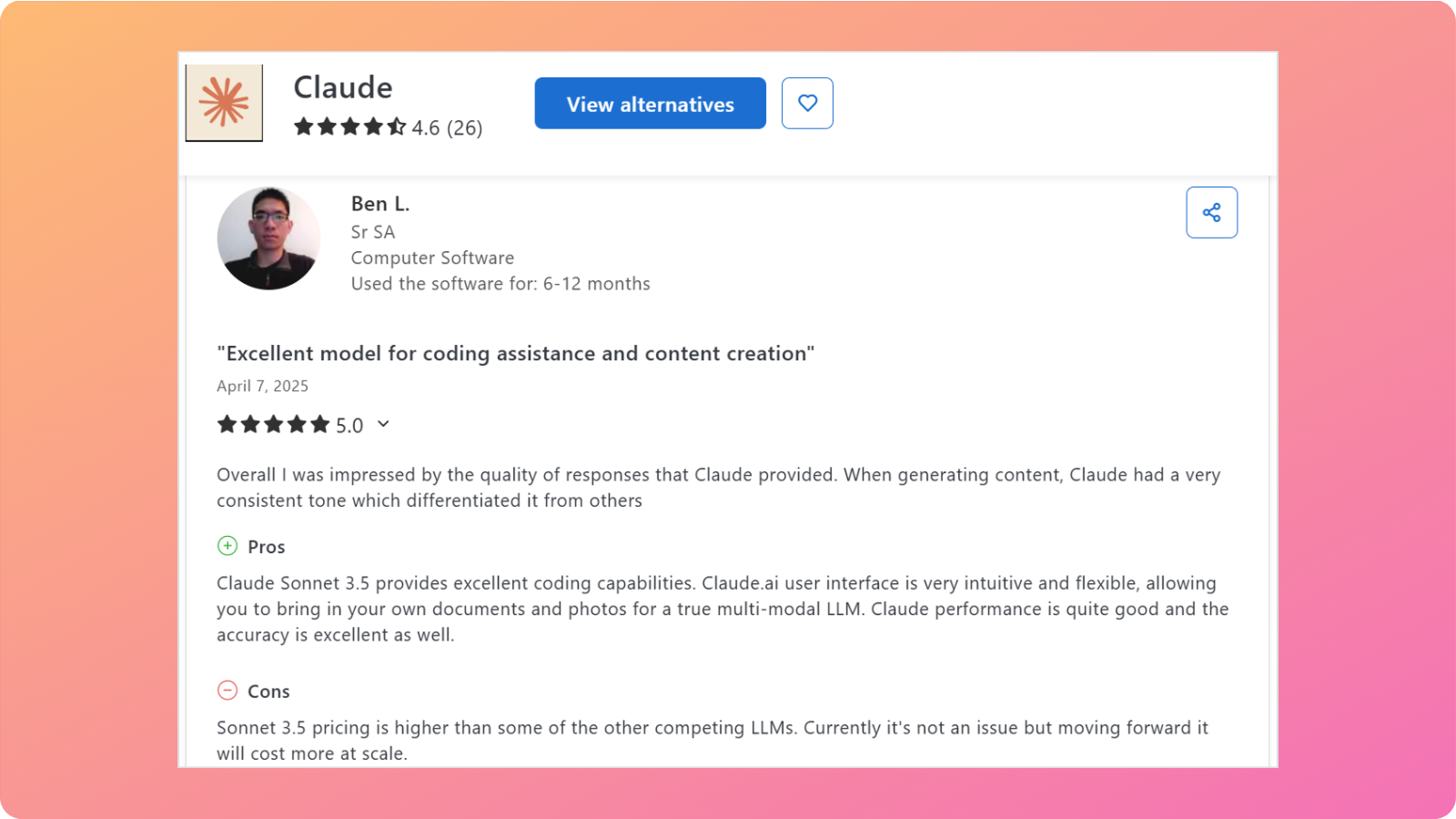
    5. Claude – Best for coding and long-form content creation

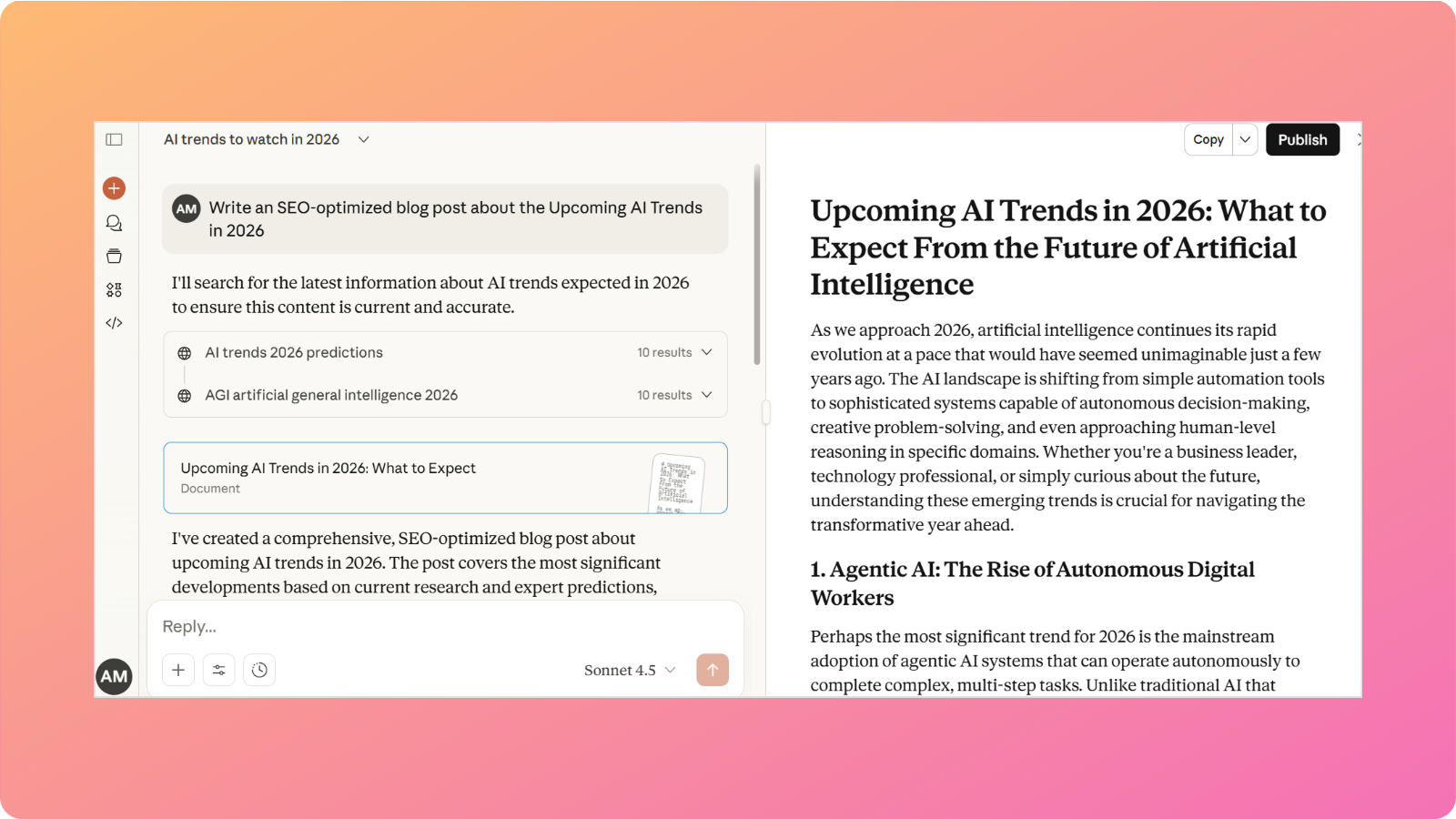
    Anthropic Claude landing page

    Claude, developed by Anthropic, is known for its thoughtful responses, context-aware writing, and ability to process long, complex documents with ease.

    What does it do?

    Claude helps users analyze contracts, summarize lengthy reports, generate structured content, and reason through nuanced topics. 

    Who is it for?

    The tool is best suited for writers, legal professionals, and teams that work with extensive documentation. It is beneficial when accuracy, clarity, and context retention matter the most.

    (Also read: Claude vs ChatGPT – which AI tool is better for content writing).

    Key features

    Claude offers several standout features for business and professional use:

    • Large context window: Claude processes long documents without losing coherence or clarity.
    • Claude code: The tool assists developers with code understanding, refactoring, and explanations.
    • Clear writing style: Claude produces calm, well-structured responses ideal for formal communication.
    • Strong safety alignment: This AI chatbot is designed to reduce hallucinations and risky outputs.

    Claude’s Opus, Sonnet, and Haiku models can remember and reason over lengthy user inputs. This functionality makes it a dependable tool for producing comprehensive copies or writing effective code.

    Limitations

    While Claude does have a large contextual window, it also has some downsides.

    • No customer-facing deployment
    • Less suited for fast-paced brainstorming
    • Limited options to build shared knowledge bases

    Pricing

    Anthropic’s Claude offers the following pricing plans:

    • Free: Limited access to the latest models
    • Pro: $20/month
    • Max: Starting from $1000/person/month

    6. Meta AI – Best for social media and creative marketing

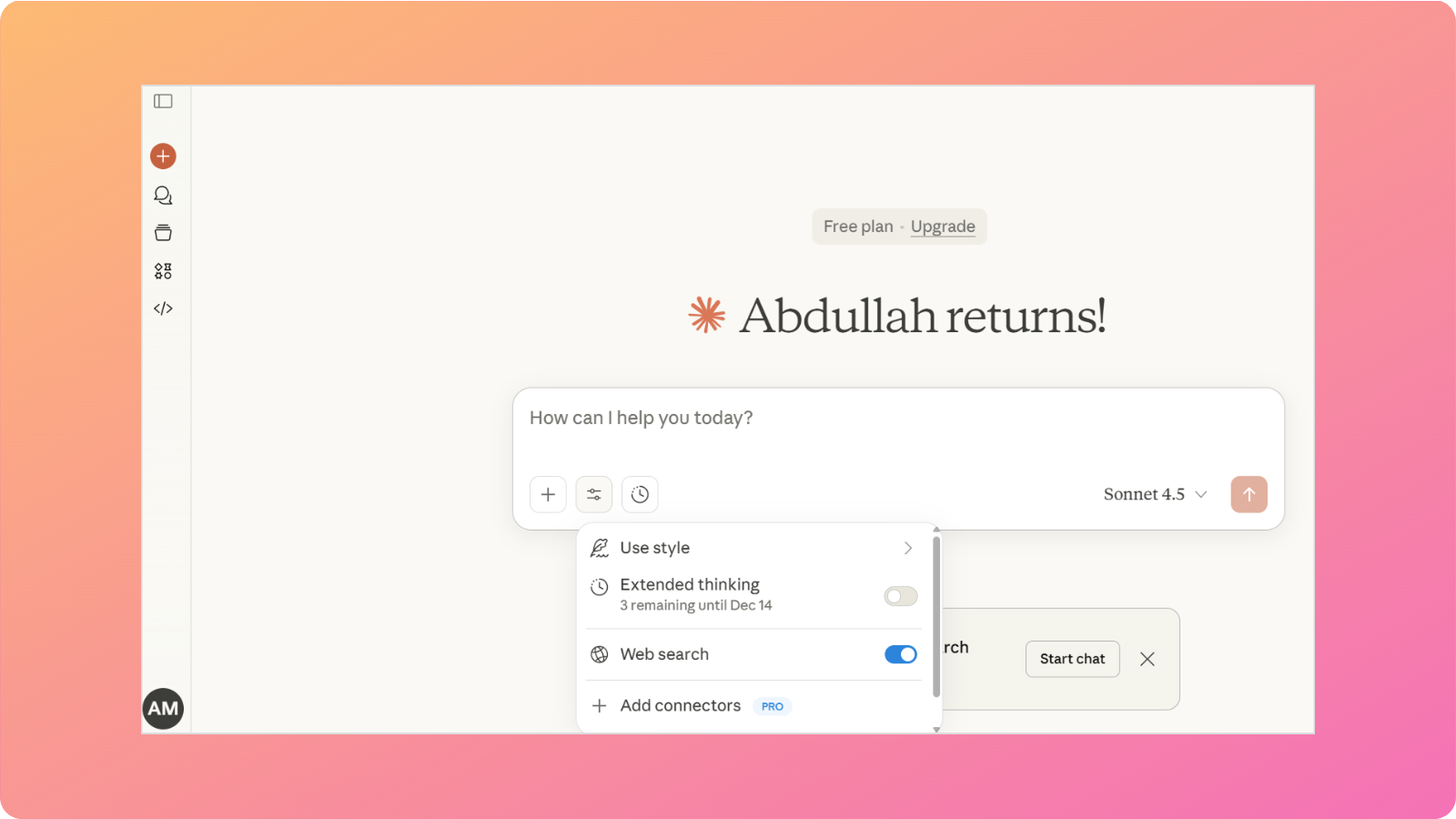
    Meta AI interface

    Meta AI focuses on helping creators and businesses produce engaging content across Meta’s platforms, including Facebook, Instagram, and WhatsApp.

    What does it do?

    Meta AI generates text, images, and visually appealing short videos for brands and businesses operating on Meta platforms.

    Who is it for?

    This AI chatbot is ideal for social media managers, content creators, and brands that rely heavily on visual storytelling and short-form engagement.

    Key features

    The tool stands out with the following strengths:

    • Unified creative tools: Combines chat, image generation, and short video creation in one place.
    • Platform-native optimization: The tool produces content tailored for Meta’s social networks.
    • Fast ideation: Meta AI generates captions, hooks, and creative prompts quickly and efficiently.
    • Seamless social media insights: Offers suggestions based on trending topics to help optimize post performance.

    Meta AI simplifies the content creation process for brands and agencies through its custom-built Llama models.

    Limitations

    Although Meta AI is a powerful tool for social media content creation and marketing, it still comes with a few caveats.

    • Limited business workflow automation
    • Minimal document analysis features
    • Best suited only for Meta platforms

    Pricing

    Meta AI is free to use.
    7. DeepSeek – Best for reasoning and problem-solving

    DeepSeek landing page

    DeepSeek is a rising AI chatbot known for its strong analytical and reasoning capabilities for technical problem-solving.

    What does it do?

    The chatbot focuses on mathematical reasoning, logic-based problem solving, and step-by-step explanations for complex queries.

    Who is it for?

    This AI chatbot is well-suited for engineers, data scientists, and professionals who need help breaking down detailed, real-life scenarios for advanced applications.

    Key features

    DeepSeek stands out with the following strengths:

    • ‘DeepThink’ reasoning engine: The tool excels at tasks that require multi-step logical reasoning.
    • Clear explanations: DeepSeek breaks complex answers into steps or chunks, allowing you to follow its transparent thinking algorithm and understand the solution with ease.
    • Strong mathematical accuracy: The tool is reliable for mathematical calculations and detailed proofs.
    • High context precision: Maintains accuracy when handling long, technical inputs such as formulas, algorithms, or structured problem statements without drifting off-topic.

    DeepSeek-V3.2 is especially useful for businesses and professionals when precision matters more than creativity.

    Limitations

    Even though DeepSeek is exceptional at reasoning and calculation tasks, it falls short in the following aspects:

    • Limited creative writing abilities
    • Fewer collaboration features
    • Smaller app ecosystem compared to other major platforms

    Pricing

    DeepSeek is free to use.
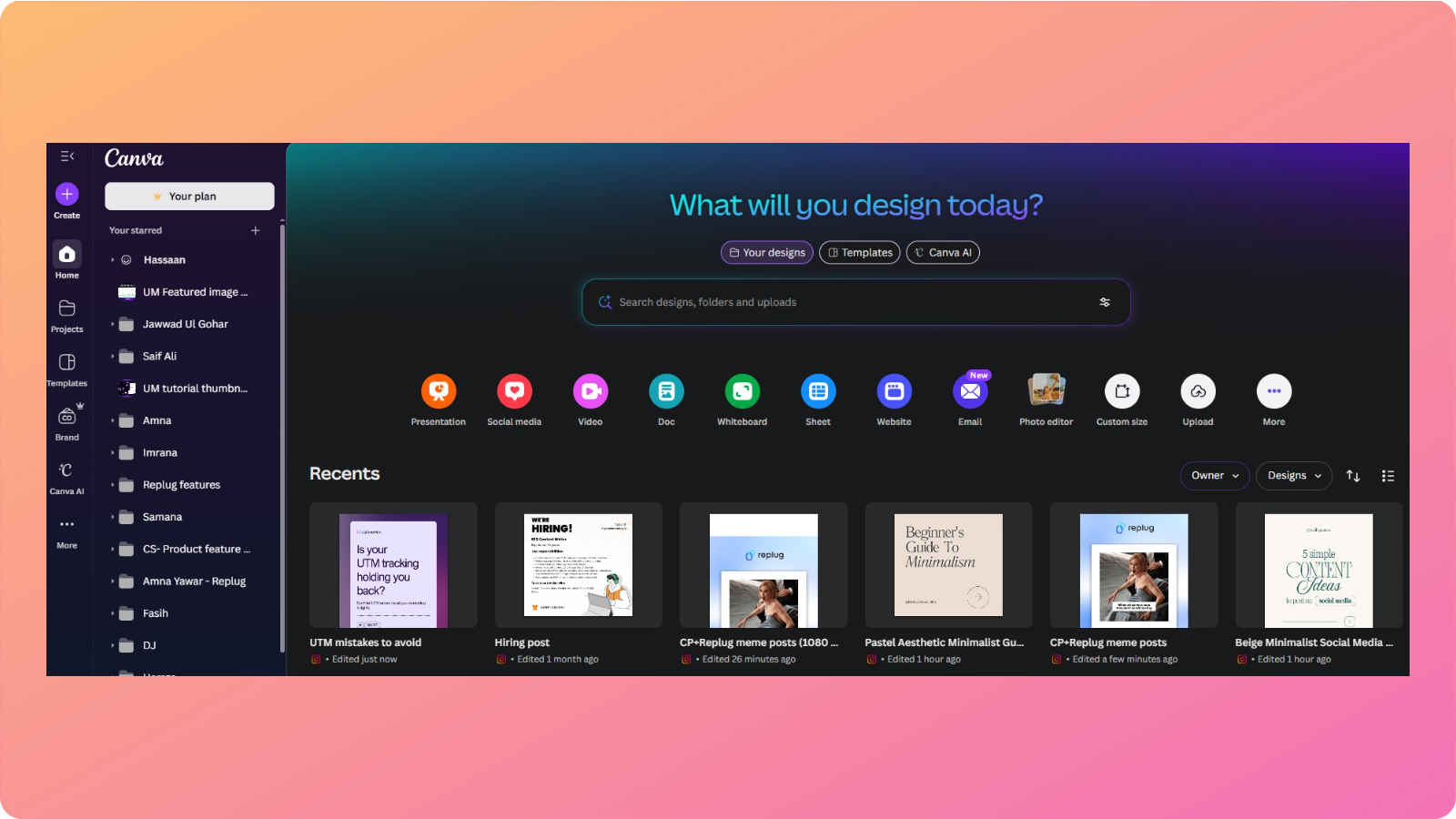
    Pi AI – Best for personal conversations and guidance

    Pi AI interface

    Pi AI is designed to feel more like a thoughtful companion for personal and professional use than a traditional chatbot.

    What does it do?

    Pi AI engages users in short, meaningful conversations to provide advice, explanations, and support.

    Who is it for?

    This AI chatbot works best for individuals, such as entrepreneurs, leaders, and managers, seeking clarity, reflection, or help with everyday questions.

    Key features

    DeepSeek stands out with the following strengths:

    • Conversational depth: The tool focuses on empathy and clarity in its generated content.
    • Discover mode: Pi AI helps users explore ideas and thoughts through guided dialogue.
    • Minimal interface: Helps reduce distraction and encourages focus.
    • Context-aware follow-ups: The tool remembers the direction of the conversation within a session and asks relevant follow-up questions to keep the discussion meaningful and coherent.

    Pi AI prioritizes human-like interaction over productivity automation or complex content creation, like other chatbots on the list.

    Limitations

    The constraints of using Pi AI are as follows:

    • Not designed for business workflows
    • Limited scalability for teams
    • Unable to carry out intensive document handling

    Pricing

    Pi AI is free to use.
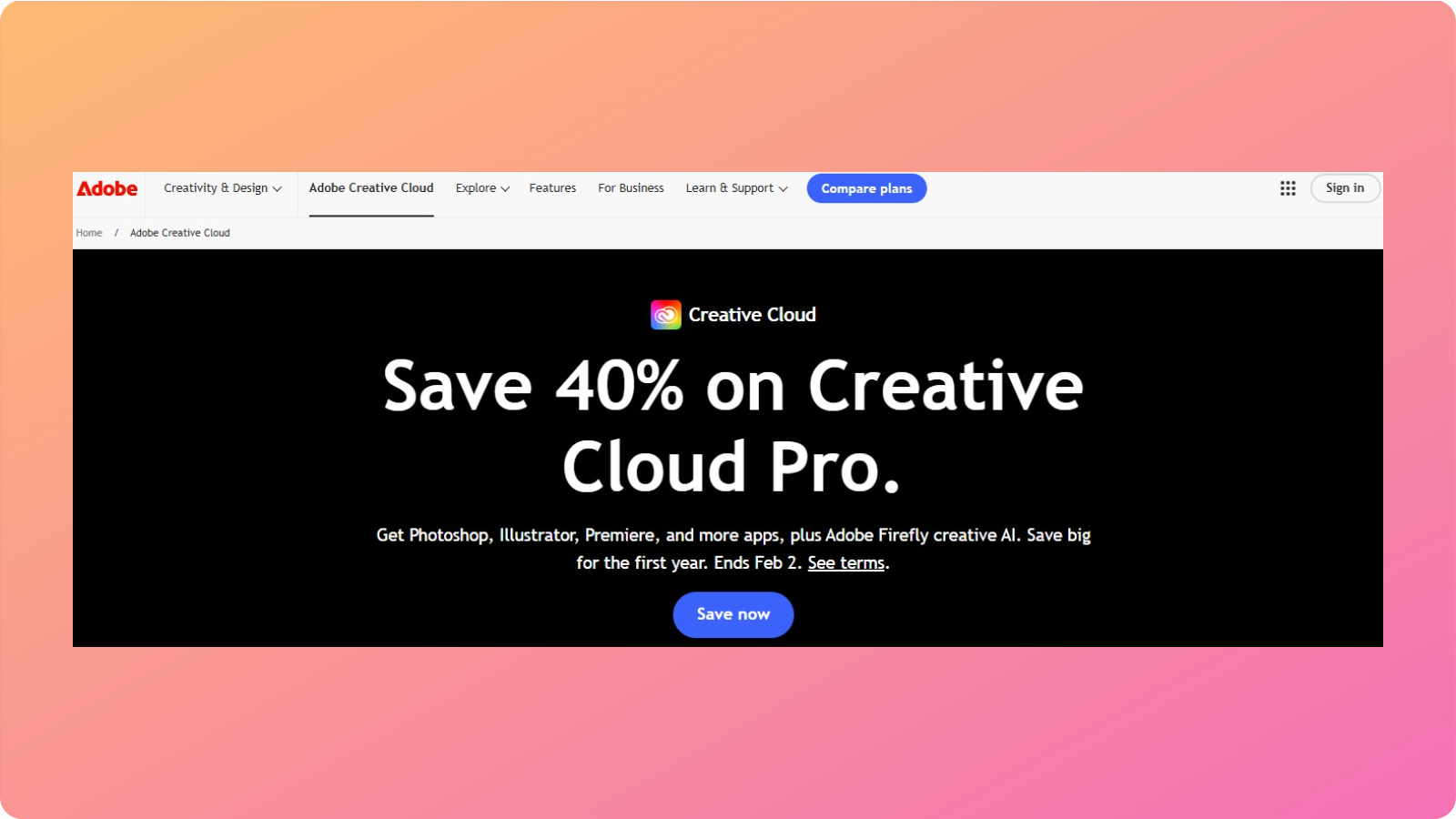
    9. Zapier Agents – Best for workflow automation

    Zapier Agents interface

    Zapier Agents brings chatbot intelligence into automated business workflows for busy professionals.

    What does it do?

    This innovative AI chatbot allows users to build custom chatbots that trigger actions across thousands of connected apps.

    Who is it for?

    This tool is ideal for operations teams, no-code builders, and businesses looking to automate repetitive tasks without writing any code.
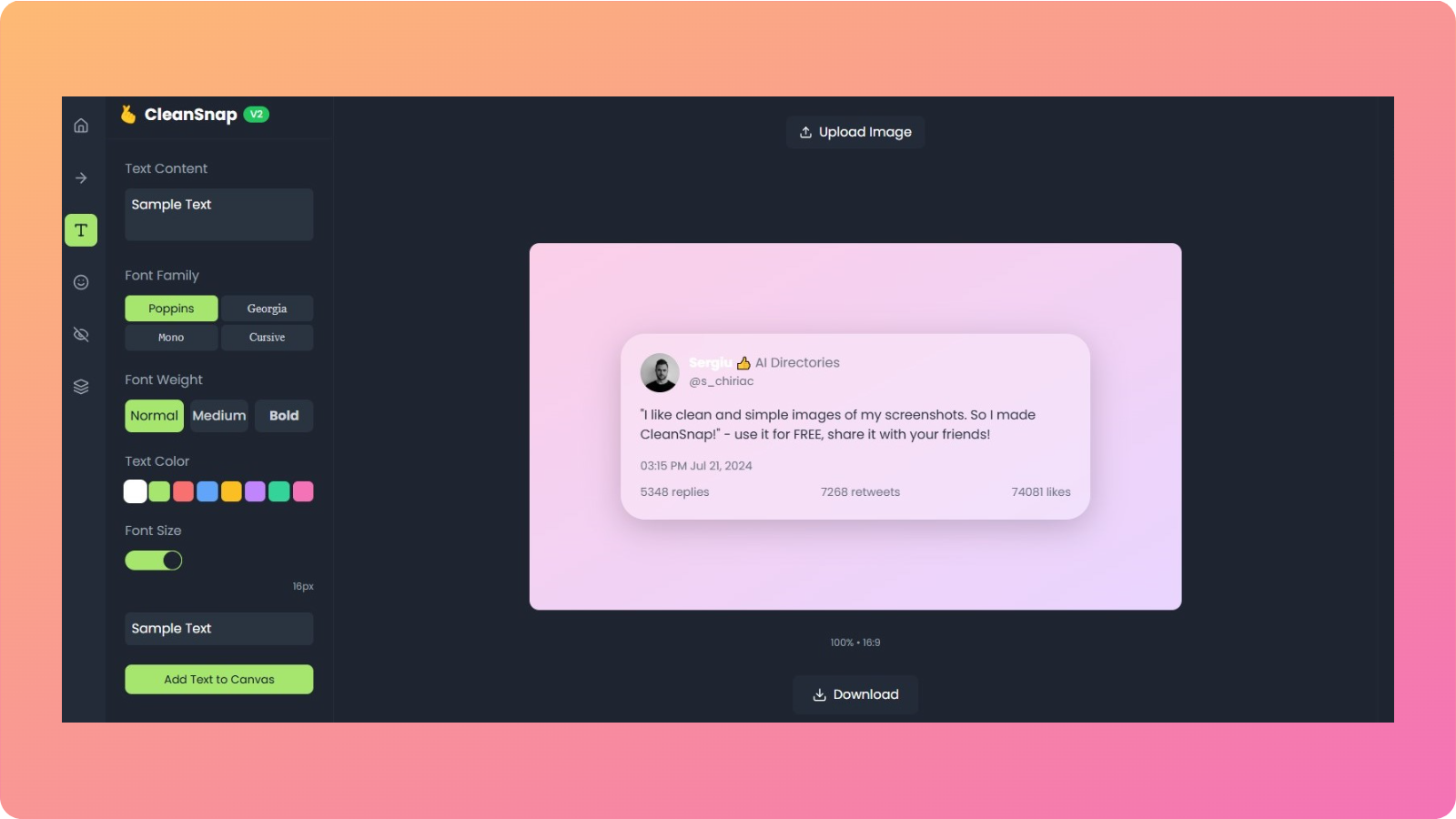
    Key features

    Below are the standout features for Zapier Agents explained.
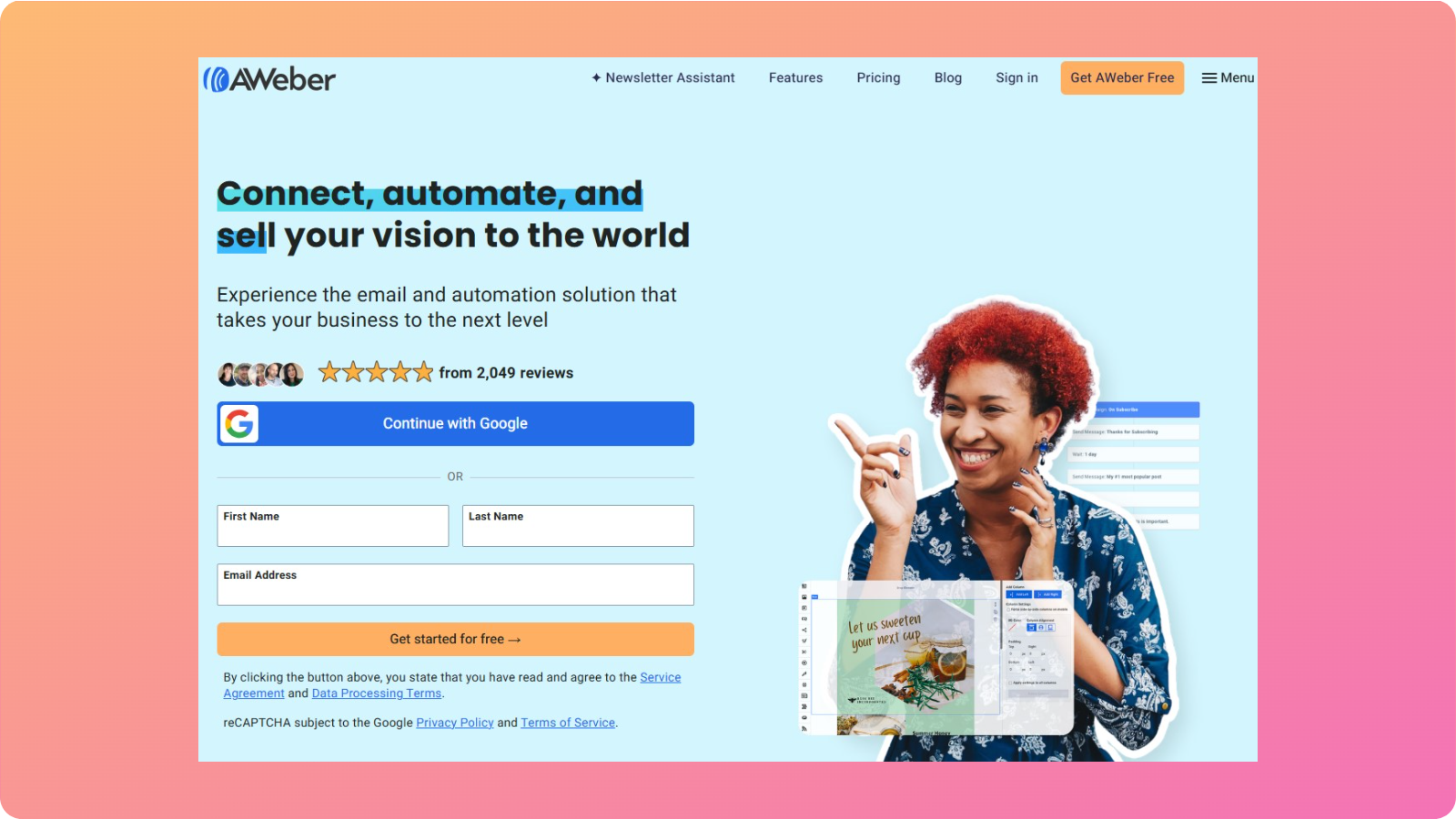
    • No-code agent builder: The tool creates custom AI chatbots without requiring any technical expertise.

    • Extensive app integrations: It works with tools like Slack, Notion, HubSpot, Gmail, and many others.
    • Automated loops: Zapier Agents execute multi-step workflows autonomously without needing any extra effort.
    • Team sharing: The tool allows you to deploy agents across departments with ease.
    Zapier Agents bridges the gap between conversation and action by converting your textual input into streamlined workflows.
    Limitations

    Here are some of the downsides that we discovered with Zapier Agents:

    • Requires ample setup time for enterprise teams
    • Less useful for tasks that require creative input
    • The performance of the workflows depends on the connected apps

    Pricing

    Zapier Agents offers three pricing plans for varying business needs:

    • Free: Limited access to agentic AI capabilities
    • Pro: $50/month
    • Enterprise: Custom pricing

    10. Grok AI – Best for extracting real-time insights from X

    Grok AI interface

    Grok AI is built for users who want instant access to live conversations and trends on X (formerly Twitter). It is also a powerful AI chatbot in 2026 for sophisticated media creation.

    What does it do?

    This AI chatbot assistant analyzes real-time data from X to answer questions, track trends, and generate up-to-date insights. It can also process documents and show fairly adequate reasoning for the majority of the daily tasks.

    Who is it for?

    This tool is best suited for news agencies, analysts, and marketers who rely on real-time public sentiment to cover the latest events and trends.

    Key features

    Here are some of the key features for Grok AI that we believe should be highlighted:

    • Live data access: Unlike other tools that are trained on datasets with certain temporal limits, Grok AI pulls information directly from X’s firehose.
    • Trend analysis: Grok AI easily identifies emerging topics for you to leverage in your posts.
    • Personality-driven responses: The tool offers a more expressive tone in its responses, maintaining that human-like feel in the generated content.
    • Multimedia generation: Grok supports long-form visual outputs that are detailed and character consistent.

    Grok AI’s latest 4.1 model shines when the freshness and accuracy of information are most important.

    Limitations

    Even though Grok is an exceptional tool for media creation and uncovering the latest trends, there are still some limitations worth considering.

    • It is heavily dependent on X data for functionality
    • Limited enterprise integrations
    • Struggles with extended document analysis

    Pricing

    Grok AI offers three pricing plans for users:

    • Free: Limited access to the latest AI model
    • SuperGrok: $30/month
    • SuperGrok Heavy: $300/month

    Which AI chatbot is the best in 2026? [Verdict]

    No chatbot is “best” – it all comes down to your use case, preference, and business application.

    If you want an all-in-one chatbot that handles all your tasks efficiently and you don’t mind heavy prompting, then ChatGPT is a strong consideration.

    But if social media is more your thing and you want a tool that can quickly handle such tasks, then look no further than Meta AI.

    Similarly, tools like Perplexity, DeepSeek, and Grok AI are most suited for businesses and professionals who are more research and detail-oriented.

    However, if you work with restricted ecosystems, such as Microsoft or Google, then offerings like Microsoft Copilot and Google Gemini may be more to your liking.

    Summing it up

    The ‘best AI chatbot ranking’ might not be the most suitable indicator for you to decide on the right tool.

    The decision to choose an AI chatbot for business depends on many factors, including its suitability for your specific application.

    In this post, we highlighted each chatbot’s key features, limitations, and pricing to help you understand all the ins and outs of using them for your needs.

    Now, we hope you can select the appropriate chatbot to accomplish your tasks without any second thoughts or doubts.

    Frequently Asked Questions

    How do I choose the best AI chatbot for my team?

    You should evaluate chatbots based on task fit, data handling, integrations, and scalability rather than popularity alone.

    Can AI chatbots replace human support teams?

    No. While AI chatbots can handle repetitive queries and first-level support, they work best alongside human teams for complex decision-making and relationship-driven tasks.

    What is the difference between an AI chatbot and an AI agent?

    An AI chatbot primarily answers questions, while an AI agent can take actions such as triggering workflows, updating tools, or completing tasks autonomously.

    How often do AI chatbot models improve?

    AI chatbot models evolve rapidly, with frequent updates that improve reasoning, speed, and accuracy. Choosing a tool with active development ensures long-term value.

    Are AI chatbots suitable for small businesses and startups?

    Yes, AI chatbots are especially valuable for small teams because they reduce workload, speed up execution, and provide capabilities that would otherwise require multiple hires.

  • What is on-page SEO? How to optimize pages for robots and readers

    What is on-page SEO? How to optimize pages for robots and readers

    Are you publishing article after article and still stuck on page three of Google? Does it sting a little when a competitor with similar content keeps sitting above you in the results?

    Many people think SEO is either a pile of code only developers touch or a game where only big brands can win.

    That belief leads to random tweaks, guessing at keywords, and asking tools to “check SEO on my site” without a clear plan. 

    On-site SEO is the part you control the most, and even basic on-page SEO tweaks can help you push through the rankings.

    In this guide, you will see a step-by-step workflow for on-site SEO optimization. You will learn how to pick smart keywords, craft title tags, and meta descriptions that quickly earn clicks.

    So, let’s dive in, shall we?

    Understanding the basics and significance of on-page SEO

    On-page SEO, often called on-site SEO, is the practice of improving individual pages on your website so they can rank higher for the right searches and attract visitors.

    It covers both what people see on the page, like headings and copy, and what lives in the HTML, like title tags and meta descriptions.

    This type of SEO includes everything on your site that you directly control, such as:

    • Content quality and depth
    • Keywords, headings, and formatting
    • URL structure
    • Internal links
    • Images and media

    Doing on-page search engine optimization also means improving the user experience, such as enhancing text readability and maintaining a simple, attractive layout. This is part of the SEO checklist that you need to consider for your publication workflows.

    On-page SEO optimization techniques to follow

    You can improve your SERP results and chances to be mentioned in featured snippets by following the given on-page SEO optimization techniques:

    • Keyword research
    • Strategic keyword placement
    • Meta title and description optimization
    • Crafting high-quality content
    • Structuring for readability
    • Building an internal linking strategy
    • Optimizing images and media
    • Improving page speed
    • Using schema markup

    Now, let’s discuss these strategies and techniques in a bit more detail.

    How to conduct keyword research for on-page optimization

    Keyword research and SEO planning materials

    Effective on-page SEO starts with understanding what your audience types into Google when they look for answers, products, or services like yours.

    The strategies for on-page search engine optimization can vary from one organization to another, depending on the niche, search intent, and the target audience they intend to serve.

    With that said, a simple, generic keyword research workflow may look like this:

    1. Brainstorm seed topics: List seed topics that connect to your offers and your audience’s pain points.
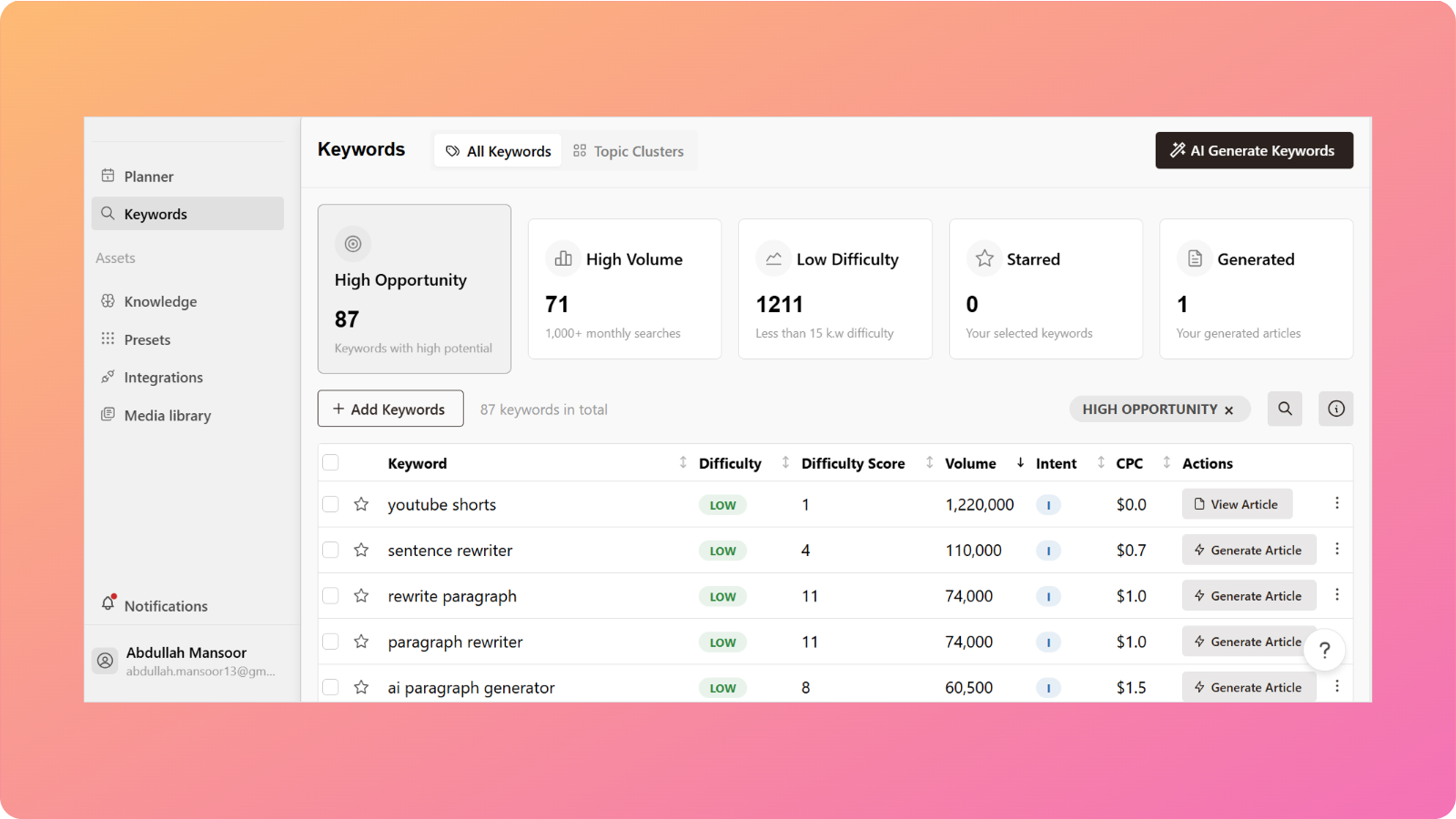
    2. Use research tools: Then plug those seed ideas into keyword research platforms like Contentpen. Its keyword module can help surface related terms, questions, and long-tail phrases pulled from real search behavior.
    3. Check volume, difficulty, and competitors: As you review suggestions, pay attention to search volume, keyword difficulty scores, and the kind of competitors already ranking for that phrase.
    4. Prioritize long-tail queries: Long-tail phrases often have lower competition and clearer purchase intent, making them great targets.

    Although looking for the volume of a keyword is essential, you must also consider the search intent relevant to it. This will help you narrow down clicks and secure a more serious audience on the platform.

    Strategic keyword placement throughout your content

    Once you know which keywords to target, the next step is to place them strategically on your website. The goal is to help Google confirm what the page is about without making the copy sound like it was written for robots. 

    There is no perfect density number to chase, but there are parts of the page where keywords matter more.

    Key placement points include:

    • H1 heading – Include your focused keyword once here.
    • Introduction – Place the primary phrase in the first 100–150 words of your content.
    • H2 and H3 subheadings – Weave in primary and secondary keywords where they fit naturally.
    • URL slug – Keep it short and readable with your primary keyword in it.
    • Body copy – Mix the target phrase with natural variations like ‘basic on-page SEO’ or ‘on-site SEO techniques’ (also known as LSI keywords).
    • Image alt text – Describe visuals clearly and add keywords only when they make sense.
    • Meta description – Include the primary keyword once in a natural way.

    Whatever you do, always avoid keyword stuffing, which is where a user repeats exact phrases so often that the text sounds forced.

    Creating title tags and meta descriptions for higher click-through rates

    Title tags and meta descriptions are tiny pieces of HTML that carry a lot of weight. They tell Google what each page is about, helping the search engine crawler to index your pages. 

    When these are written well, you can earn more clicks even before you move up in positions.

    Optimizing title tags for search engines and users

    A meta title is the clickable headline that shows in search results and in the browser tab. It acts as both a ranking signal and a mini advertisement for your content, so it needs to be clear, keyword-focused, and appealing.

    Good practices for title tags include:

    • Aiming for around 40–60 characters to avoid truncation.
    • Placing your primary keyword near the start.
    • Add helpful modifiers like ‘guide,’ ‘checklist,’ ‘fast tips,’ etc.
    • Ensure every page on your site has a unique title tag.

    One simple formula is:

    Primary keyword + modifier + clear benefit

    For example: “On page SEO guide – simple steps to rank higher in 2026.”

    Title tags set the tone for your page and help users know what to expect when they land on your platform.

    Writing meta descriptions that drive clicks

    Meta descriptions sit right under the title in the search results and give people a short preview of your page. They do not directly change rankings, but they have a big impact on whether someone chooses your page or a competitor’s. 

    A clear, honest description also reduces quick bounces, which helps your page perform better over time.

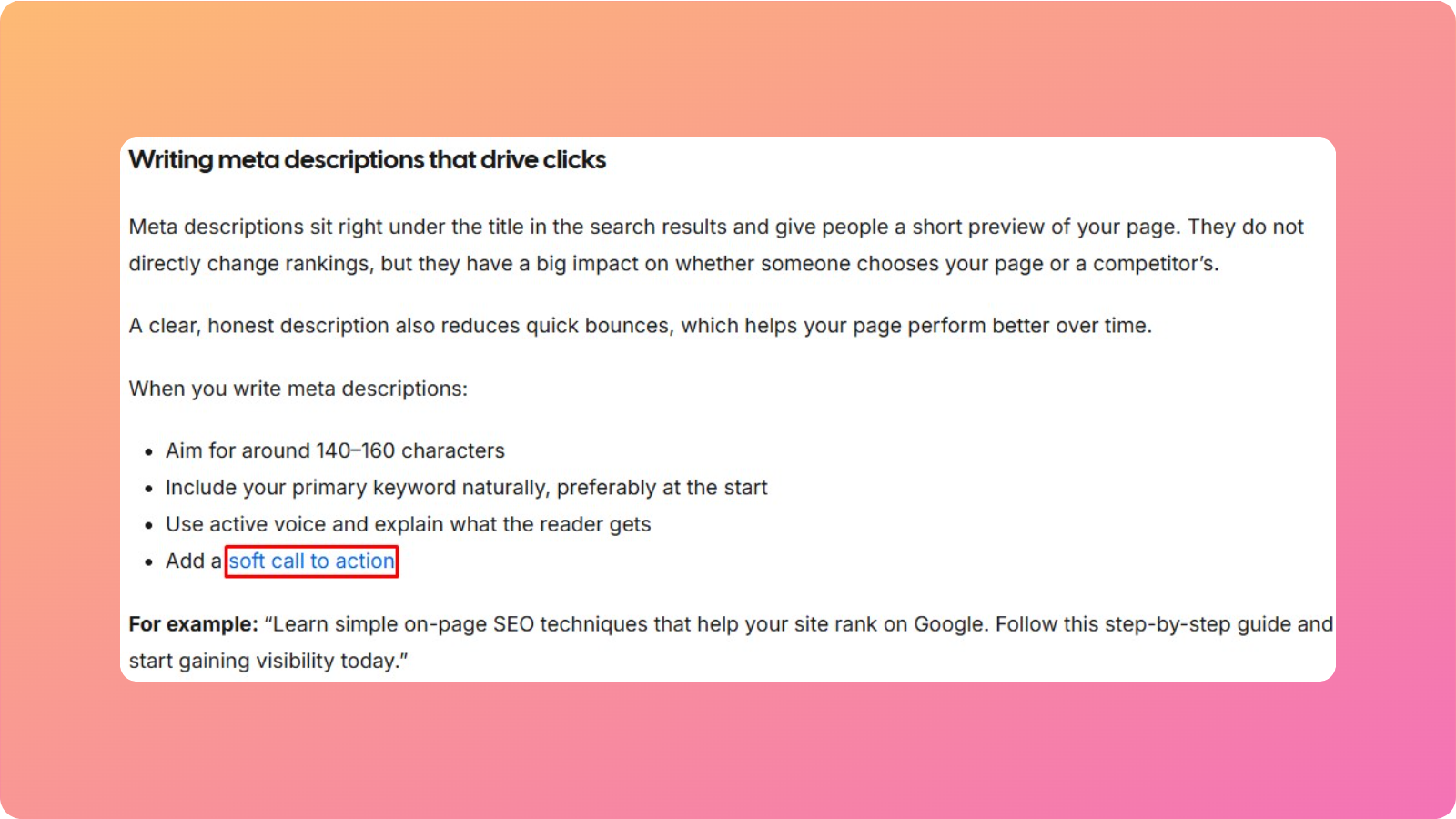
    When you write meta descriptions:

    • Aim for around 140–160 characters
    • Include your primary keyword naturally, preferably at the start
    • Use active voice and explain what the reader gets
    • Add a soft call to action

    For example: “Learn simple on-page SEO techniques that help your site rank on Google. Follow this step-by-step guide and start gaining visibility today.”

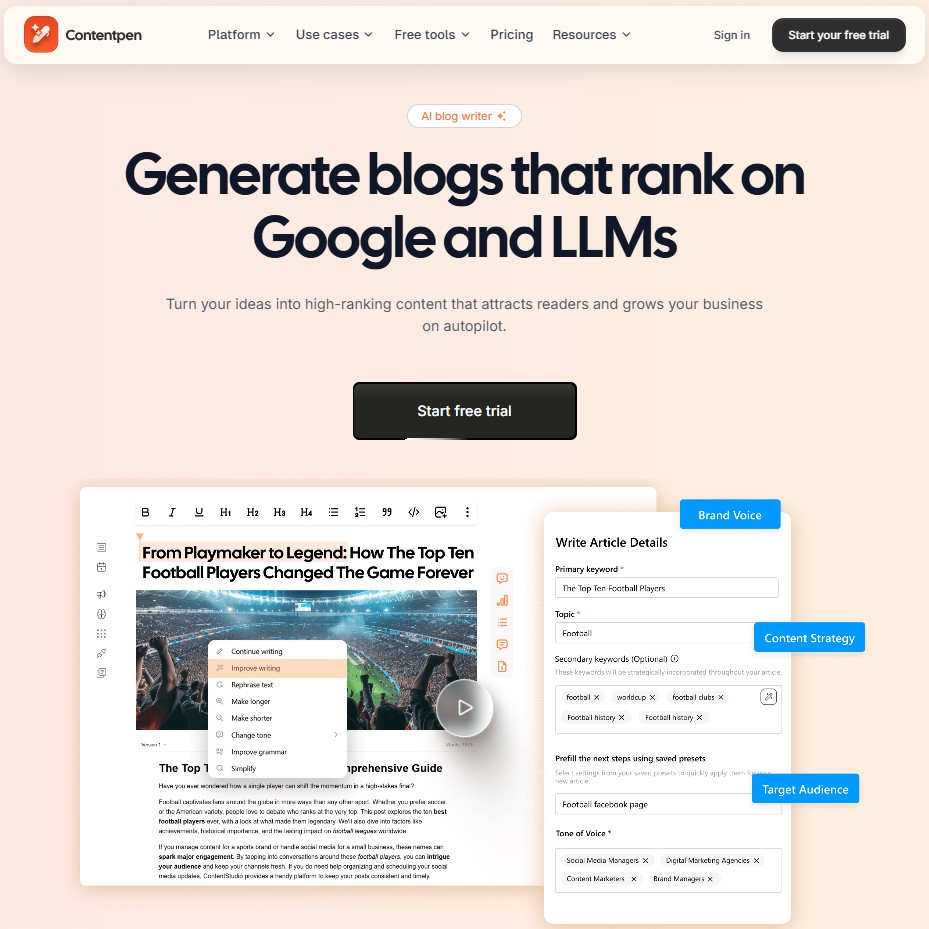
    With that said, if you are finding it tough to draft your own meta titles or descriptions, then you can take help from tools like our AI blog writer. It scans your article, studies top competitors, and automatically suggests suitable metadata for your content.

    Creating high-quality content that satisfies search intent

    Creating high-quality optimized content

    On-page SEO is not just about placing keywords in the right spots. The real driver of rankings is whether the content truly answers what searchers wanted when they typed their query.

    To do this well, you need to understand search intent. Some searches are informational, while some show clear buying intent. 

    A simple view of intent types is shown below:

    Intent typeExample queryBest content format
    InformationalWhat is search engine optimizationGuides, explainers, definitions
    NavigationalContentpen loginHomepages, login pages, brand landers
    TransactionalBuy an SEO audit toolProduct pages, pricing pages, service pages
    Commercialbest AI content platformsComparisons, reviews, “best of” roundups

    To understand the right intent for your content, check the first page of Google for your target phrase:

    • Look at what content format appears most often
    • Study what questions the top pages answer
    • Spot what they miss. This is where you can add an information gain.

    For example: “writing emails for beginners” – If every top result is showing a basic step-by-step guide to this process. Then you need to take it a step further and write the dos and don’ts of email writing.

    Resolving content overload - Contentpen.ai

    Remember,  a strong copy keeps people hooked and engaged, which sends Google a positive signal that your content is worth ranking.

    Structuring content for readability and AI-powered search

    Modern search is no longer just about blue links and ten results. Large language models and features like AI overviews need to quickly extract clear, concise chunks of text that answer narrow questions. 

    That means your content must work well for both human skimmers and AI systems. For readers, a proper blog structure is what makes a long text feel easy on the eyes.

    You can use question-style headings, such as “How do I optimize my title tag,” so both humans and search engines instantly know what is coming next.

    Short, quotable sentences that stand well on their own are also more likely to be pulled into featured snippets and AI summaries.

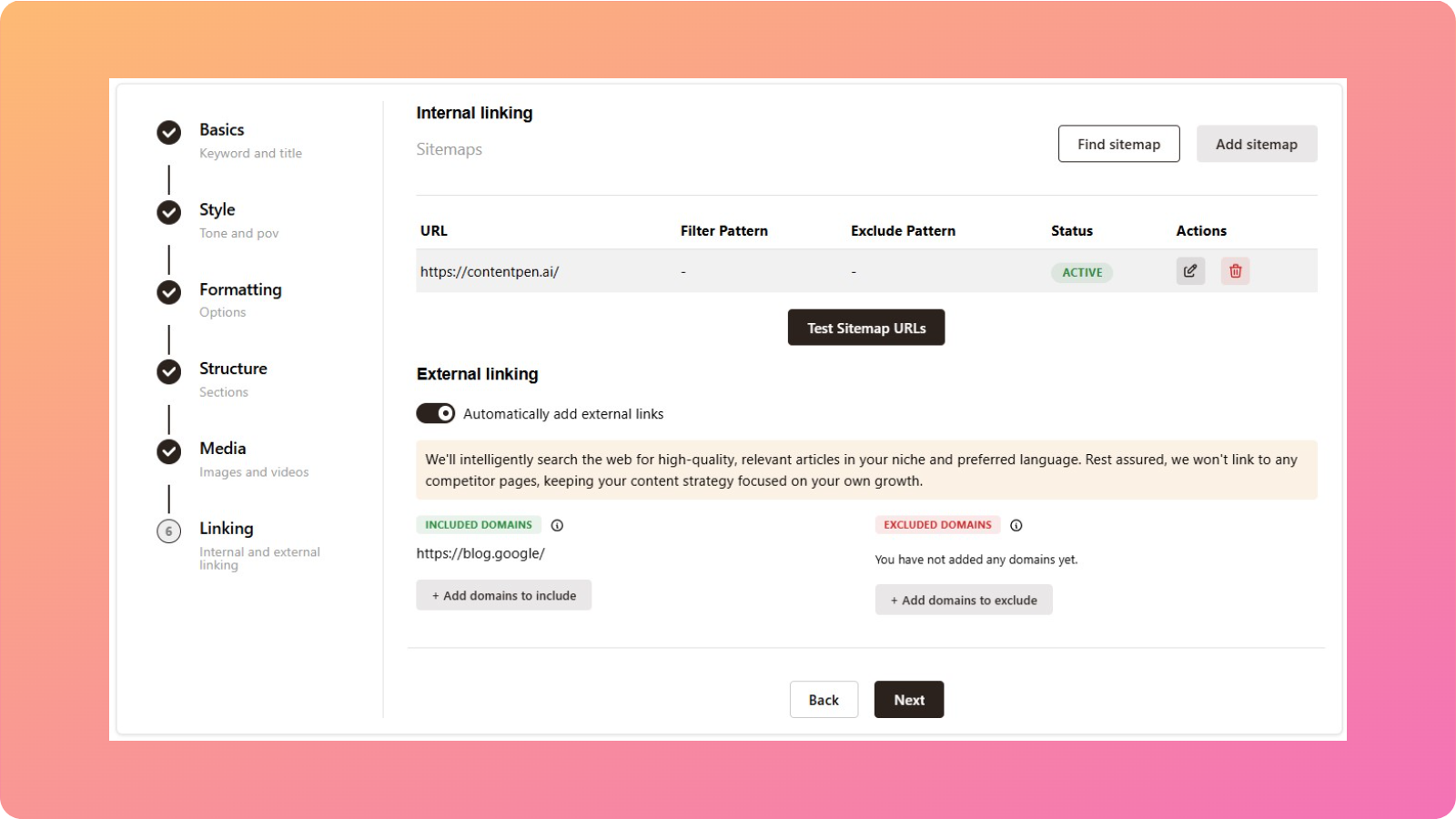
    Building an effective internal linking strategy

    Internal linking strategy - Contentpen.ai

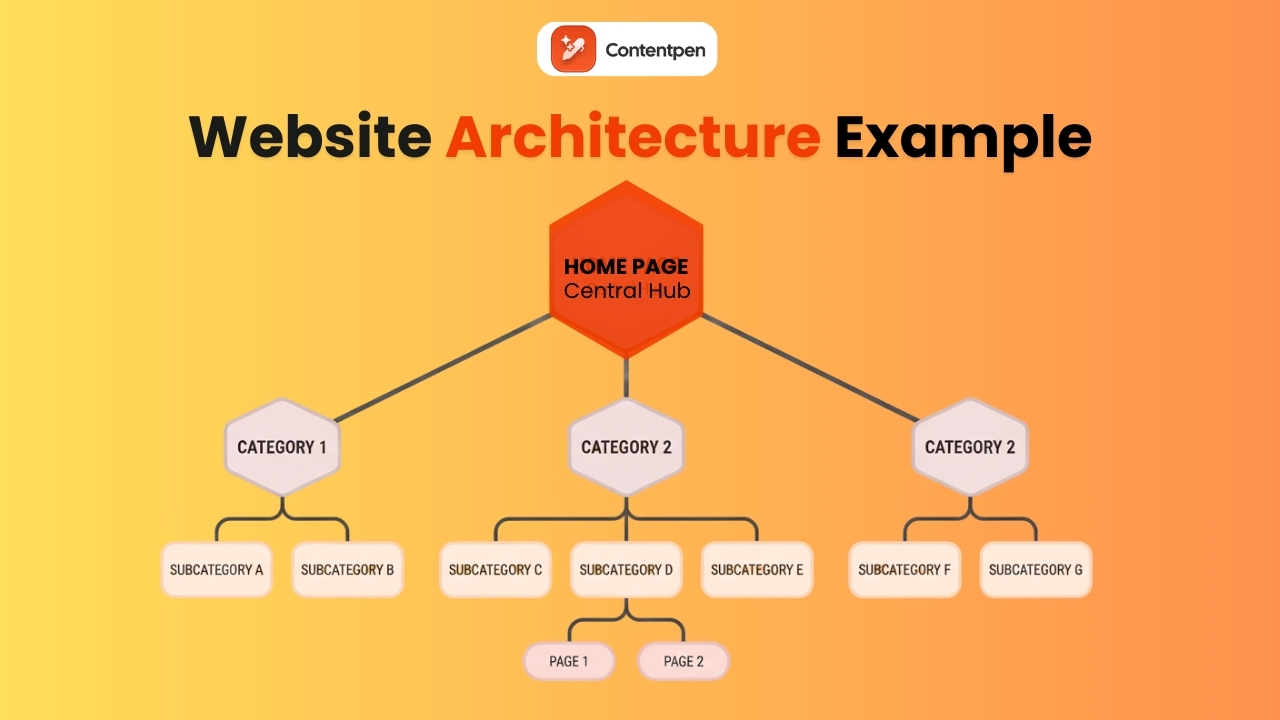
    Internal links are links from one page on your site to another, and they are one of the most underused parts of on-page SEO optimization.

    They help search engines understand how your content relates, spread authority from strong pages to newer ones, and guide users to the next helpful piece.

    When search bots crawl your site, they follow internal links to discover new pages and to see which pages you treat as most important. 

    A well-planned internal linking setup makes it easier for crawl bots to map your topics and helps them index deep pages faster.

    Think about your key pages first, such as:

    • High-value service pages
    • Pillar blog posts
    • Detailed guides on on-page SEO and off-page SEO

    Then look for chances across your blog and other content to link to these targets with natural, keyword-rich anchor text, not generic “click here” links. 

    Mix links from the homepage, category pages, and related posts so there are many paths leading to each critical page.

    Optimizing images and media for on-page SEO

    Images, diagrams, and videos make content far more engaging, but they can also slow down pages if you don’t optimize them. 

    Since slow pages hurt user experience, image work is a key part of on-page SEO, not just a design concern.

    To optimize media:

    • Use descriptive file names before upload (for example: on-page-seo-checklist-example.jpg instead of IMG_7890.jpg).
    • Add alt text that clearly describes the image in a short phrase, such as “screenshot of on-page SEO analysis dashboard.”
    • Keep alt text to approximately 150 characters.
    • Compress images so they are as small as possible without looking blurry.
    • Choose appropriate file formats (JPEG and WebP for photos, PNG for simple graphics).
    • Use lazy loading so images load as visitors scroll, not all at once.

    When you handle these steps, you support accessibility, protect your speed, and even open the door to traffic from Google Images.

    Improving page speed and Core Web Vitals

    Mobile and desktop page speed testing

    Page speed has a direct impact on both SEO and revenue. People do not wait around for slow pages, and Google measures that behavior through a group of metrics called Core Web Vitals.

    The main Core Web Vitals are:

    • Largest Contentful Paint (LCP) – How long does it take for the main part of your page to become visible? Aim for 2.5 seconds or less.
    • Interaction to Next Paint (INP) – How quickly the page reacts when a user first interacts. Keep this under 200 milliseconds.
    • Cumulative Layout Shift (CLS) – How much the layout jumps around while loading. Lower is better, so people do not mis-tap buttons or links.

    You can run quick checks with PageSpeed Insights or look at real user data in the Core Web Vitals report inside Google Search Console to resolve these problems. 

    Even small gains matter here as they can have a huge impact on your search engine results.

    Using schema markup for rich snippets

    Schema markup is a small extra layer of code that you add to your pages to describe their content in a way search engines can read with more precision. 

    While schema by itself does not push you up the rankings, it enables rich snippets, which are search results with extra details that can tempt more clicks.

    For content teams and marketers, the most useful schema types often include:

    • Article schema – Tells Google that a page is a blog post or news piece and provides information like author, date, and headline.
    • FAQ schema – Marks up question and answer blocks, which Google can show directly in the search results as expandable sections.
    • How-to schema – Describes step-by-step tutorials.
    • Product, Review, and Local Business schema – Share data about items you sell, ratings, prices, and business details.

    You can generate a schema by using helpers from Google and many WordPress plugins. After adding it, test your pages to confirm that Google can read the markup.

    Because many sites still ignore schema, using it on your high-intent pages can make your results stand out from others in no time.

    The role of external links in on-page SEO

    Some site owners fear that linking to other websites will drain their rankings, but that is not how search works. 

    Thoughtful external links can actually support your on-page SEO by demonstrating that you base your claims on solid sources and by providing readers with extra value.

    When you cite respected studies, industry blogs, or official documentation and link out to them, you signal that you are part of the broader conversation on that topic. 

    Readers get paths to dig deeper if they want more background, which builds trust and can keep them in your content longer. 

    Search engines also use these connections to better understand what your page is about and how it fits into the topic space.

    Keep these practices in mind:

    • Choose external sites that are relevant, trustworthy, and stable
    • Use descriptive anchor text that tells people what they will find when they click
    • Keep the number of external links balanced so they support your points
    • For links that come from sponsorships or that you would rather not vouch for, mark them with attributes like rel=’nofollow’ or rel=’sponsored’.

    By following these practices for external links, you can make sure that your content is established as an authority on the World Wide Web, favoring more clicks.

    Measuring and monitoring your on-page SEO performance

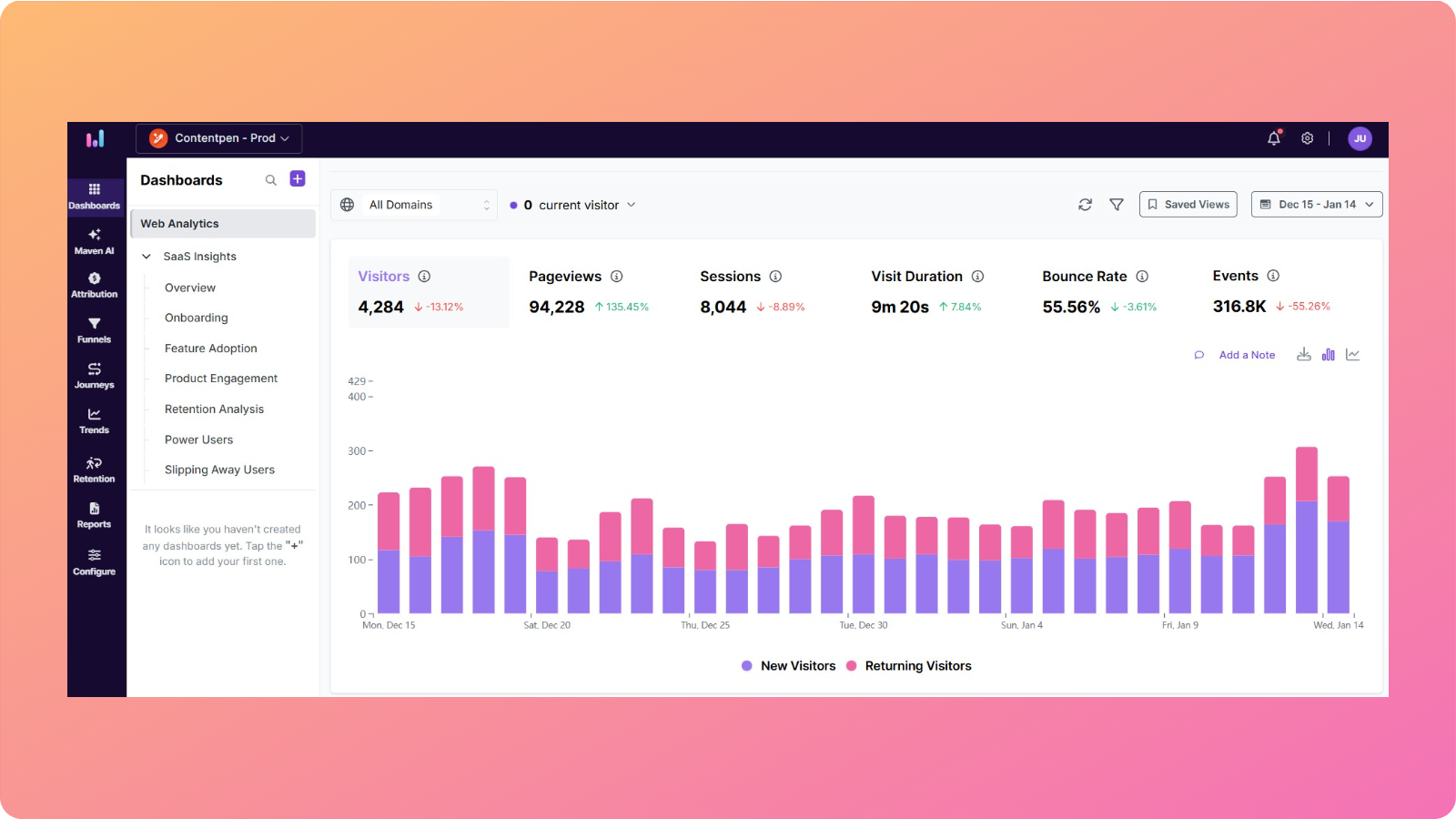
    Tracking SEO performance with analytics dashboards

    On-page SEO is not a one-time checklist you forget about once it is done. Search behavior, competitors, and even your own offerings change over time. 

    So, you need a repeatable way to track performance and decide what to improve next.

    Begin with core metrics:

    • Organic traffic – How many visitors arrive from search, and which pages draw the most attention.
    • Keyword rankings – Where you stand for important phrases such as “rank your site on Google.”
    • Click-through rate (CTR) – How often people pick your result when they see it (from Google Search Console).
    • Engagement metrics – Bounce rate, average time on page, and pages per session, which hint at how well your content matches intent.

    Plan regular content audits every quarter. Look for ways to improve your blog and consider fresh keyword research. 

    Also, during these reviews, try to update outdated stats and screenshots. Strengthen internal links and fix technical problems such as broken links or slow pages.

    The shift to generative engine optimization (GEO)

    Since generative AI systems like ChatGPT, Google’s AI overviews, and others have surfaced, generative engine optimization (GEO) has become more common.

    GEO requires you to answer user questions directly and cut out the fluff from your content. This increases the likelihood of your work being featured in snippets and AI mentions, helping you attract more traffic and eventually get more clicks and visibility.

    Focusing on SEO and GEO is what makes your pages optimized for both robots and readers. 

    Why choose Contentpen for SEO and GEO optimized content

    Contentpen helps your content look more refined, SEO-optimized, and readable for the audience. 

    It allows you to take complete control of your content by incorporating the right keywords, optimizing for organic traffic, and keeping tabs on your SEO score.

    The finalized content is not only ready for more discoverability, but is also easily read and understood by the robots.

    Boosting on-page SEO with SEO scoring

    Our tool utilizes SEO scoring to assist you in performing the right edits before you hit publish.

    It shows your content’s keyword optimization, content structure, meta details, and media optimization indicators in one place, guiding your on-page optimization strategies.

    The tool also shows details regarding the linking strategy and semantic relevance, boosting your platform’s discoverability.

    Keyword research with Contentpen

    Contentpen automatically analyzes your niche and competitors to provide you with the best keywords for ranking.

    The tool saves hours of manual research for keyword research, streamlining your workflows and boosting your productivity in no time.

    Optimizing organic traffic

    Our AI blog writer not only helps you create SEO-optimized content, but also tracks, analyzes, and optimizes organic traffic for your platforms without switching tabs.

    Contentpen is proficient in expanding your reach through smart SEO and GEO optimization tactics, leveraging SERP analysis, structure enhancer, and much more.

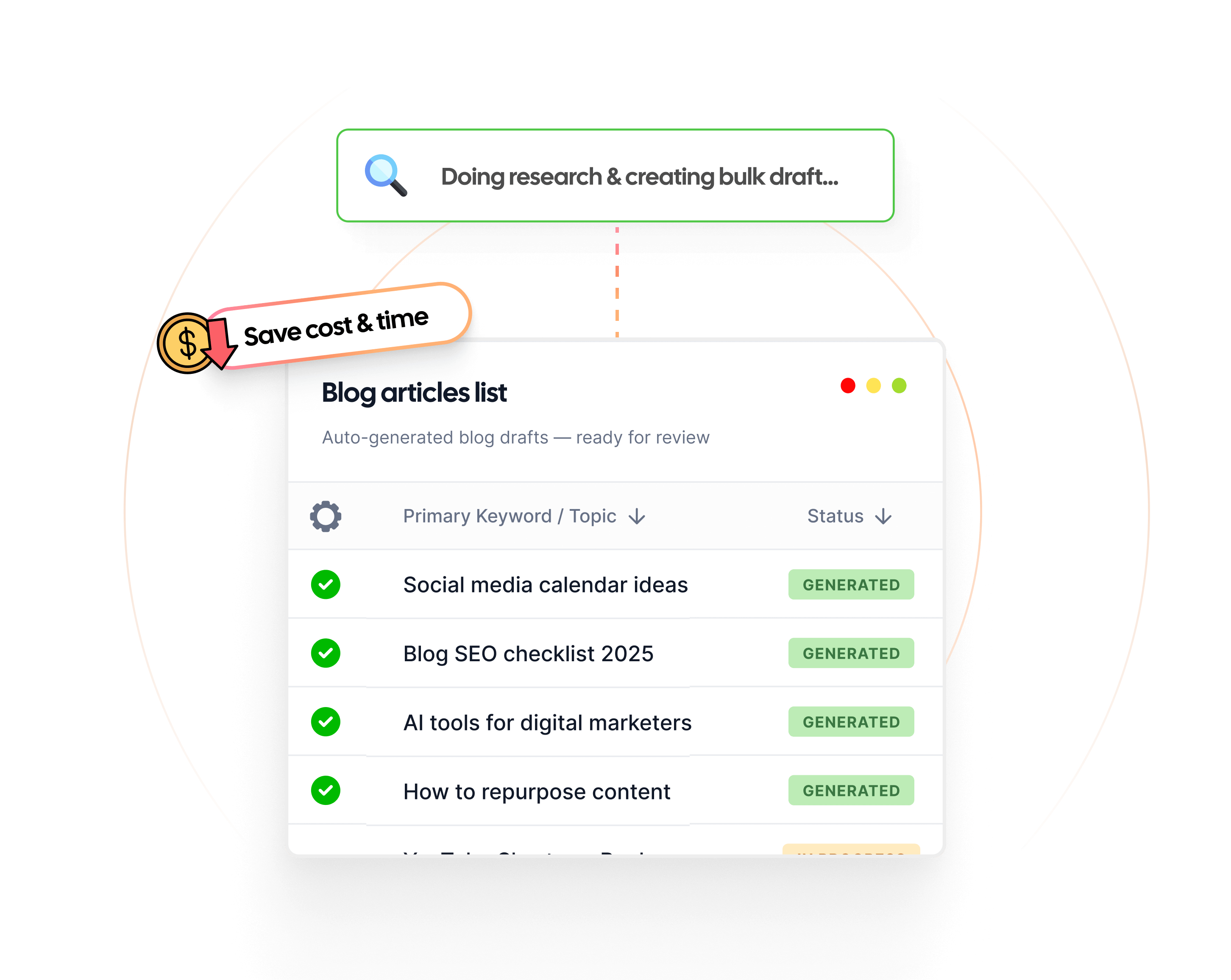
    Publishing content at scale also becomes easier with the Contentpen’s scheduling and bulk creation capabilities.

    Summing up

    On-page SEO sits at the heart of strong search performance, and the best part is that it is entirely in your hands. 

    By focusing on page-level details, you give every article, landing page, or product page a better chance of appearing when people search for information related to it.

    Across this guide, you have seen how to move your on-page SEO optimization from guesswork to a straightforward process.

    You can now implement these strategies to win more clicks and retain every customer in your base.

    Frequently asked questions

    What is the difference between on-page and off-page SEO?

    On-page SEO focuses on content optimization, while off-page SEO involves building authority through backlinking.

    How do I get on-page SEO keywords?

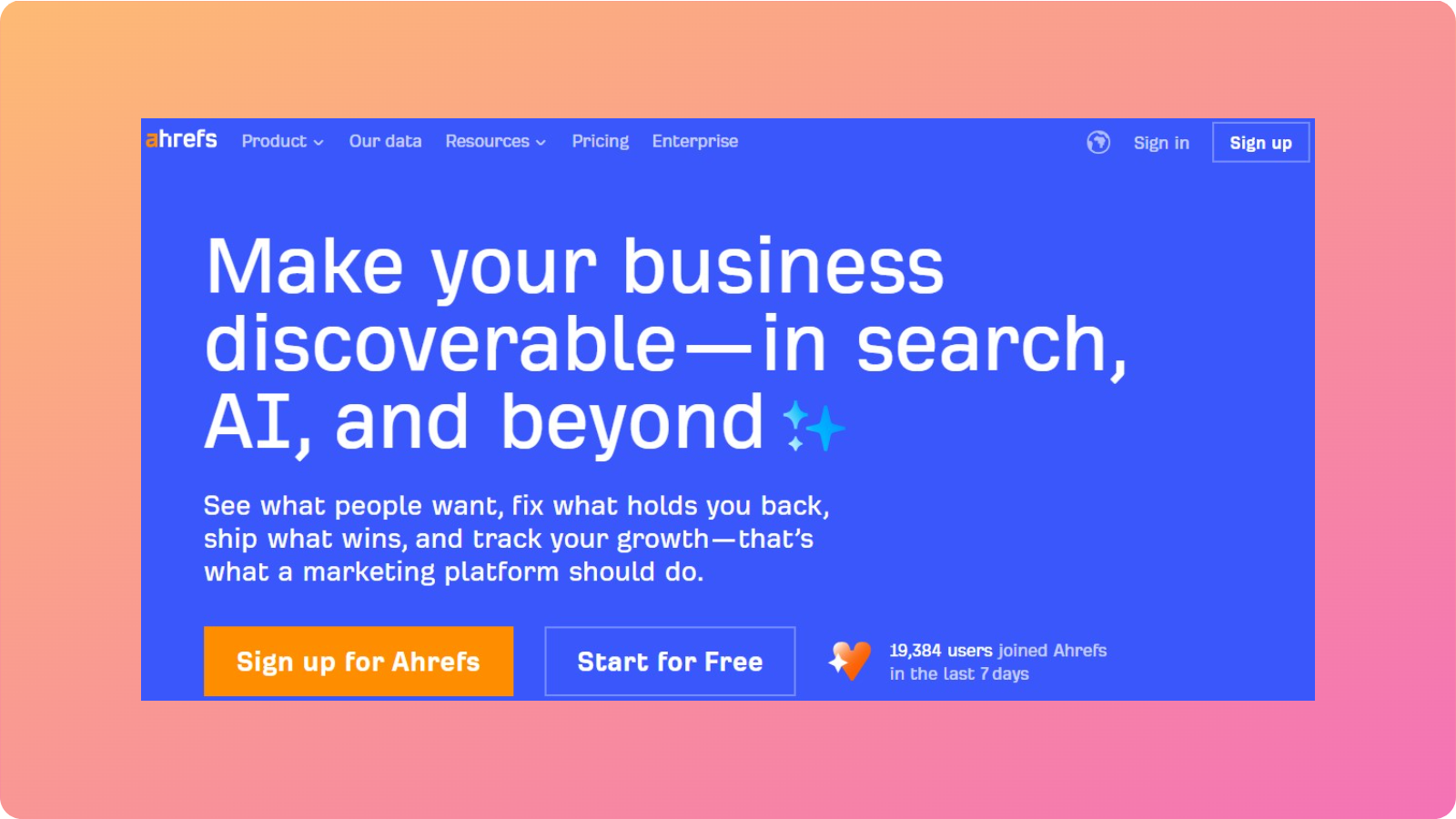
    You can use different tools to get these keywords, such as Contentpen, Ahrefs, and others. Make sure to find the ones that match your content and webpage’s intent.

    What are the 4 types of SEO?

    The four main types of SEO are on-page, off-page, technical, and local SEO. These focus on different aspects of a website, helping it reach higher rankings.

    Can I rank without backlinks if I have perfect on-page SEO?

    Great on-page SEO can help you rank for low-competition long-tail searches. However, for more competitive phrases, you usually need a mix of strong on-page work and quality backlinks to reach the top spots.

    What are the 3C’s of SEO writing?

    The 3C’s of SEO writing are content, code, and credibility. This means that you provide high-quality information (content) that is accessible to search engines (code) and is trustworthy to other users (credibility).

  • What is SEO? A practical guide for beginners

    What is SEO? A practical guide for beginners

    Search engine optimization can feel frightening for many, but it doesn’t have to be. With the right tools, strategies, and implementation, your website can achieve the visibility you want, all without much hassle.

    But, ranking a website online starts with a simple question: ‘What is SEO?’ 

    Getting answers to this leads you to getting your content ranked and getting to the right audience at the right time.

    In this guide, we will walk you through what SEO is, how search engines like Google work, and how to build a practical SEO strategy from scratch. By the end, you should understand the basics well enough to start improving your search rankings. 

    So, let’s get started.

    What is SEO: understanding the fundamentals

    Website traffic analytics showing organic growth

    At its core, search engine optimization (SEO) is the practice of improving a website so that search engines can place it well for people.

    So when people ask what SEO is, the short answer is that it is how a website earns visibility instead of staying hidden.

    When someone types a question or phrase into Google, SEO helps decide whether a page appears near the top, somewhere on page five, or not at all. 

    The purpose of SEO

    Good SEO optimization is less about tricks and more about making helpful content, organizing pages, and fixing technical issues that block search engines.

    The main goal is to appear as high as possible in search rankings for important keywords. The top organic spots capture most clicks, with only 0.63% searchers going beyond the top 10 results. 

    This shows why SEO in digital marketing is such a high priority for brands and agencies, especially those with tighter budgets for paid ads or PPCs.

    Difference Between SEO, SEM, and PPC

    SEO sits inside a bigger bucket called search engine marketing (SEM), which covers every way a business can gain traffic from search engines, both paid and unpaid.

    Search engine optimization focuses on earning visibility in regular, non-ad results, while PPC (pay-per-click) focuses on paying for ad placements in search results.

    Here is a simple comparison:

    AspectSEOPPC
    PaymentNo fee per click; investment is time, content, and toolsPay every time someone clicks an ad
    SpeedSlower to see results, but more durableVery fast visibility, but stops when the budget stops
    PerceptionOften seen as more trustworthy because it is organicSeen as advertising, clearly labeled
    ControlLess control over the exact positionMore control through bids, budget, and targeting

    For most brands, the smartest approach is not SEO versus PPC, but combining them. PPC can bring in fast traffic and test which keywords convert, while SEO builds long-term visibility and reduces reliance on ads over time.

    How search engines work: the three core stages

    To understand what SEO is in practice, it helps to look at how search engines like Google work behind the scenes. The details are complex, but the basic flow comes down to three steps:

    1. Crawling – discovering pages
    2. Indexing – analyzing and storing pages
    3. Ranking – ordering results for each search

    SEO is about making each of these stages as smooth and efficient as possible for both robots and readers.

    Crawling: How search engines discover your content

    Crawling is the discovery step. 

    Search engines send automated programs (often called crawlers, spiders, or bots) to move from page to page across the web.  

    Each link is a path, so when a crawler finds a link, it can follow that link to discover a new page. If those paths are broken or confusing, crawlers may miss important pages. 

    A site with clear internal links, simple navigation, and logical structure can make a lot of difference for the discoverability of your site.

    Indexing: How search engines analyze and store your content

    Once a crawler reaches a page, the next step is indexing. During indexing, the search engine reads the page, looks at text, images, video, and code, and then stores this information in a massive database called the index.

    Pages with clear titles, meta descriptions, headings, and alt text for images are easier for search engines to understand and match to the right searches.

    Ranking: How search engines determine the order of results

    When someone types a query, Google scans its index for relevant pages and uses many SEO ranking factors to decide which ones appear first.

    While there are hundreds of signals in play, focusing on quality content, solid UX, and meaningful SEO backlinks covers the main areas that affect rankings.

    The four types of SEO: on-page, off-page, technical, and local

    There are four main types of search engine optimization (SEO), often called the SEO pillars:

    • On-page SEO – content and HTML on each page
    • Off-page SEO – external signals like links and mentions
    • Technical SEO – the site’s structure and performance
    • Local SEO – the site’s visibility in location-based search results

    These define a brand’s presence on the Internet and support each other in one way or another. 

    For instance, fixing a technical issue can help existing pages rank better. Similarly, publishing better content makes link building easier, and strong backlinks help pages hold their positions during algorithm updates.

    On-page SEO: optimizing your content and HTML

    On-page SEO covers everything the visitor sees and the HTML that describes it. This is where writers, editors, and content strategists have the most direct control.

    Key elements of on-page SEO include:

    • Writing content that answers real questions in depth
    • Using keyword research to guide topics and wording (without stuffing)
    • Structuring content with clear H1, H2, and H3 headings
    • Writing descriptive title tags and meta descriptions
    • Adding alt text to images for accessibility and image search
    • Creating clean, descriptive URLs
    • Adding internal links to relevant pages

    Many teams now use SEO tools to track an SEO score for each page and catch missing meta tags or weak headings. Platforms like Contentpen help you incorporate this guidance into the writing flow, so on-page optimization happens as content is created.

    Off-page SEO: building authority and reputation

    Off-page SEO is about how the rest of the web responds to a website. While on-page work explains what a page is about, off-page signals help show how important or trusted that page is.

    The biggest off-page factor is SEO backlinks. When another site links to a page, it acts like a recommendation. A link from a respected, relevant site carries far more weight than many links from low-quality sites.

    Proper off-page signals include:

    • Natural SEO backlinks from blogs, news sites, and partners
    • Brand mentions, even when they are not linked
    • Positive reviews and ratings on third-party platforms
    • Consistent, genuine activity on social channels that encourages sharing

    Because off-page SEO depends on internal links, it is harder to control directly. That makes high-quality content, real outreach, and long-term relationships far more valuable than quick link schemes that risk penalties.

    Technical SEO: optimizing your site’s foundation

    Technical SEO deals with the structure and performance of a site. It addresses how easily search engines can crawl and index pages and how well those pages perform on different devices.

    Core areas of technical SEO include:

    • Crawlability and indexability
    • XML sitemaps
    • Robots.txt File configuration
    • Canonical tags
    • Stable layouts (good Core Web Vitals)
    • Responsive design
    • Structured data (schema markup) for products, FAQs, events, etc.

    For many marketers, technical SEO can feel intimidating. The good news is that modern website builders, plugins, and tools do much of the hard work, or at least flag problems that you can later fix with ease.

    Local SEO: optimizing visibility in location-based searches

    Local SEO focuses on helping businesses appear in location-based searches and map results. When someone searches for “coffee shop near me” or “dentist in Austin,” Google prioritizes businesses that are physically close and relevant to that query.

    Key elements of local SEO include:

    • Google My Business (GMB) profile optimization
    • Local citations and consistency in name, address, and phone number
    • Location-specific content and keyword usage in content
    • Reviews and reputation management
    • Earning backlinks from local vendors, news outlets, or organizations

    Local SEO works best when combined with the other pillars. 

    A fast, mobile-friendly site with helpful content and strong backlinks will rank better locally than a poorly built site with just a Google Business Profile.

    As search engines evolve, optimization is no longer limited to ranking pages alone. AI-driven systems are now reshaping how information is discovered and presented.

    Your step-by-step SEO workflow

    The SEO roadmap details

    Knowing the fundamentals of SEO is helpful, but results come from following a repeatable process. 

    SEO is not a one-time checklist – it is an ongoing cycle, one that is built upon the following steps: Research, strategy, implementation, analysis, and adjustments.

    A solo writer can use this loop for a single blog post, while a large agency can apply it across hundreds of pages. Tools and platforms like our AI blog writer fit into this process by reducing work during manual research and content creation while also enabling batch processing.

    Step #1: Conducting comprehensive research

    A good search engine optimization starts with conducting solid research. This includes the following elements:

    1. Audience research – roles, pain points, common questions, and the language people use
    2. Keyword research – search volume, difficulty, and intent
    3. Competitor and SERP analysis – who already ranks, what they cover, and where they fall short
    4. Site audit – current rankings, thin content, broken links, and technical issues

    Conducting research is a good starting point, but it will lead you to nothing when you can’t plan and implement a proper strategy.

    Step #2: Planning your SEO strategy

    Once keyword research is completed, the next step is to plan an SEO strategy that is aligned with your business goals.

    A simple plan might look like this:

    1. Choose priority keywords – aim for terms with solid search volume, reasonable difficulty, and strong relevance to what your site offers.
    2. Set measurable goals – for example, increase organic traffic by 25% in six months, or move three key phrases from page two to page one within 90 days.
    3. Map keywords to content – decide which existing pages to improve and which new pages to create.
    4. Build a content calendar – plan when to publish new pieces and when to refresh older content.

    Make sure to document the planning process so others can repeat it without any hiccups.

    Step #3: Implementing the SEO strategy

    After you are done with the planning of your SEO strategy, it is now time to implement it for your website.

    You can do the following to put your strategies into motion:

    1. Schedule technical and off-page tasks – group fixes like site speed improvements and mobile issues into sprints.
    2. Set up monitoring and analytics – use tools like Google Analytics to track traffic, rankings, click-through rates, and conversions. Set up dashboards or regular reports to spot trends early and see which efforts are working.
    3. Commit to Ongoing SEO – Schedule regular content audits, keep refreshing outdated pages, and stay informed about algorithm updates and industry best practices.

    Review this plan regularly (quarterly works well for bulk content creation) and adjust based on new data. Repeat your set processes to reap significant rewards in the long run.

    How SEO is evolving in 2026

    Search is no longer limited to a list of blue links. In recent years, search engines and AI-driven tools have started answering questions directly. The tools summarize information and highlight sources without requiring users to click through multiple pages. 

    Understanding generative engine optimization (GEO)

    In simpler words, GEO is the type of search engine optimization that builds on the foundations of traditional SEO. The only change is in how content is surfaced and used.

    However, let’s clarify one thing here: GEO is not replacing SEO in any way possible. 

    In fact, properly SEO optimized content facilitates generative engine optimization, enabling even more discoverability for your platforms.

    Answer engine optimization (AEO) and how it works

    Similar to generative search optimization is answer engine optimization (AEO). This means modifying your content so that AI search, voice assistants (like Siri or Alexa), and chatbots (like ChatGPT) can identify and present relevant answers to the public based on the query.

    Instead of only ranking pages, generative systems may pull short explanations, definitions, or steps from multiple sources and combine them into a single answer. 

    This means that optimizing content for GEO and AEO requires:

    • Helpful, well-structured content
    • Clear explanations and intent-driven pages
    • Solid technical foundations
    • Genuine authority and expertise in responses

    As search continues to evolve, SEO is becoming less about optimizing for a single format and more about making information easy to find, understand, and trust.

    Although understanding how SEO, GEO, and AEO work is essential, real progress comes from applying these principles through a clear, repeatable process.

    Why SEO matters for your business

    SEO is not just a technical topic for specialists. It is a business decision that affects how many people discover a brand, how they feel about it, and how often they become leads or customers.

    Paid ads stop the moment a budget is paused. SEO work, on the other hand, can keep paying off for months or years as content continues to rank. That is why many teams see SEO in digital marketing as an investment rather than a cost.

    SEO also supports other channels:

    • Strong blog posts and guides can feed email campaigns
    • Helpful articles give sales teams resources to share
    • Well-structured content shared on social media

    For smaller businesses and solo creators, SEO is often the most realistic way to compete with bigger brands that dominate paid ads.

    Driving high-quality, targeted traffic

    One of the biggest strengths of SEO is the type of traffic it brings. SEO is an inbound channel. People come to a site because they are already searching for an answer, product, or service.

    Studies from BrightEdge have reported that organic search can drive more than 50% of all website traffic. 

    Even more important than volume is intent. Someone searching “best project management software for agencies” clearly has a specific need and may be close to buying. While searches like “Most common SEO mistakes” clearly indicate an informational intent.

    Compared with many social feeds, where most users browse casually, search traffic usually arrives with a clear goal. That tends to lead to higher-quality leads and more efficient conversions.

    Building trust and authority

    Appearing near the top of organic results carries strong psychological weight. When people see a brand show up again and again for important queries, they start to assume that the brand knows what it is talking about.

    Pair that with a clean design and straightforward navigation, and visitors are far more likely to stay, return, and eventually buy.

    Over time, returning visitors, positive behavior signals, and brand searches all feed back into how search engines view your site.

    Gaining visibility in different SERP features

    Modern search results contain much more than a simple list of links. For many queries, you will see:

    • Featured snippets – short answer boxes pulled from a page
    • People Also Ask boxes – related questions users often click
    • Local packs – map results for nearby businesses
    • Image and video carousels – visual results for media-friendly topics
    • AI Overviews and summaries – AI-generated answers that cite web pages

    Each of these is another chance for a brand to appear. Thus, choosing a clear structure, good headings, and concise answers in your content will increase the odds that your content will be selected for these spots.

    How Contentpen can help you write SEO-optimized content

    Contentpen features help you write search-engine-optimized content in no time. The tool automates many tedious tasks associated with hunting for keywords, fixing vital SEO elements, and more.

    Keyword research using Contentpen

    Our AI blog writer helps uncover the most relevant and suitable keywords for your niche and search intent. It comes with all the up-to-date data scraped directly from the search engines, helping you implement your SEO strategies with confidence.

    AI Generate Keywords feature - Contentpen.ai

    The tool also comes with the ‘AI Generate Keywords’ feature that allows you to get the best keywords for your type of content with one click.

    Content pillars feature - Contentpen.ai

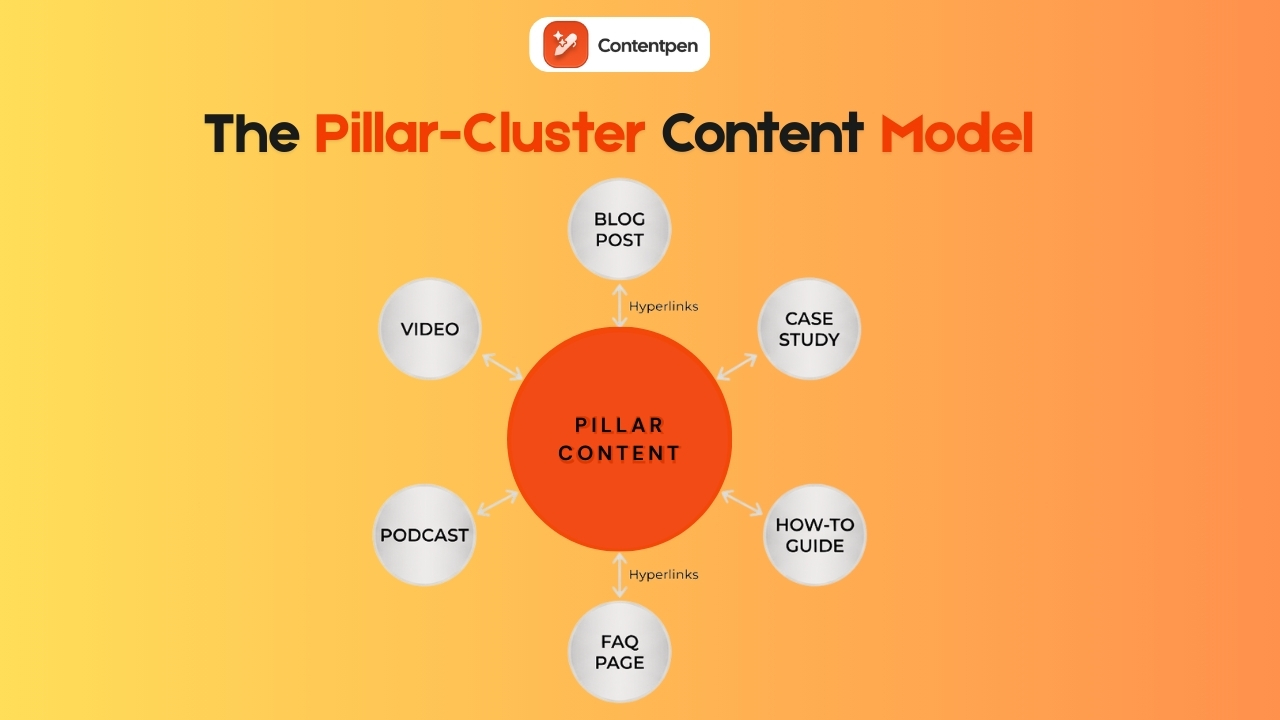
    You may also create content pillars and topic clusters to organize your SEO efforts for better outreach and visibility on user searches.

    SEO Score for quick content polishing

    Besides keyword research, Contentpen may also assist you in quickly refining your content for a better SEO score. It functions as your SEO checklist, allowing you to ramp up the production workflows and bypass any hurdles in the process.

    Review the SEO score and fix problems - Contentpen.ai

    Understanding and fixing the highlighted issues by the system can help you publish content that is ready to rule the SERP results. You might still need a bit of manual tweaking, but not too much that you’d do otherwise.

    Metadata settings for more discoverability

    Finally, our tool also helps writers, bloggers, content marketers, and businesses come up with compelling Meta titles and descriptions for their pages.

    SEO and article settings - Contentpen.ai

    In this example, the metadata for the blog ‘How to write a summary’ is automatically generated for the user. You can edit the information as per your convenience and use the SERP preview to visualize the data before finalization.

    Summing it up

    Answering the question ‘What is the SEO of a website’ starts with understanding the basics. SEO turns a website from a quiet brochure into a working asset that brings in visitors, leads, and customers around the clock. 

    Instead of relying only on ads or word of mouth, a brand with strong SEO basics can show up at the exact moment someone is looking for answers.

    SEO can feel like a lot at first, especially with new terms and tools in the market. The important thing is to start small with the simple steps so that your site doesn’t end up lost in the abyss of the World Wide Web.

    Frequently asked questions

    How long does SEO take to show results?

    SEO is not instant. For most sites, a realistic window to see clear movement is three to six months, with stronger gains often appearing between six and twelve months.

    Can you do SEO yourself, or do you need to hire an expert?

    Many people can handle a large part of SEO on their own, especially for smaller or simpler sites. Experts are most helpful for deep technical work, complex site structures, or very competitive industries.

    What is the 80/20 rule in SEO?

    The 80/20 rule states that 80% of your organic results come from 20% of your efforts (pages, keywords, backlinks, and content). It is also known as the Pareto Principle.

    How much does SEO cost?

    There is no single price tag for SEO because costs depend on many factors. You do not pay search engines for organic clicks, but you do invest in time, SEO tools, content creation, and possibly outside help.

    Is SEO still relevant with AI and chatbots changing search?

    Yes, SEO is still very important. AI overviews and chatbots rely on content from websites to generate answers. If a site is not well optimized, it is less likely to be chosen or cited by these systems.