B2B content marketing is something that can make or break your business. And if you are wondering why you need B2B content marketing, you should be familiar with these key statistics:
- 91% of B2B marketers use content marketing as part of their overall strategy.
- 89% of B2B buyers research products and services online before making a purchase decision.
- 75% of B2B buyers use social media to inform their buying decisions.
B2B content marketing is a whole mechanism that can help you get more clients and make more revenue.
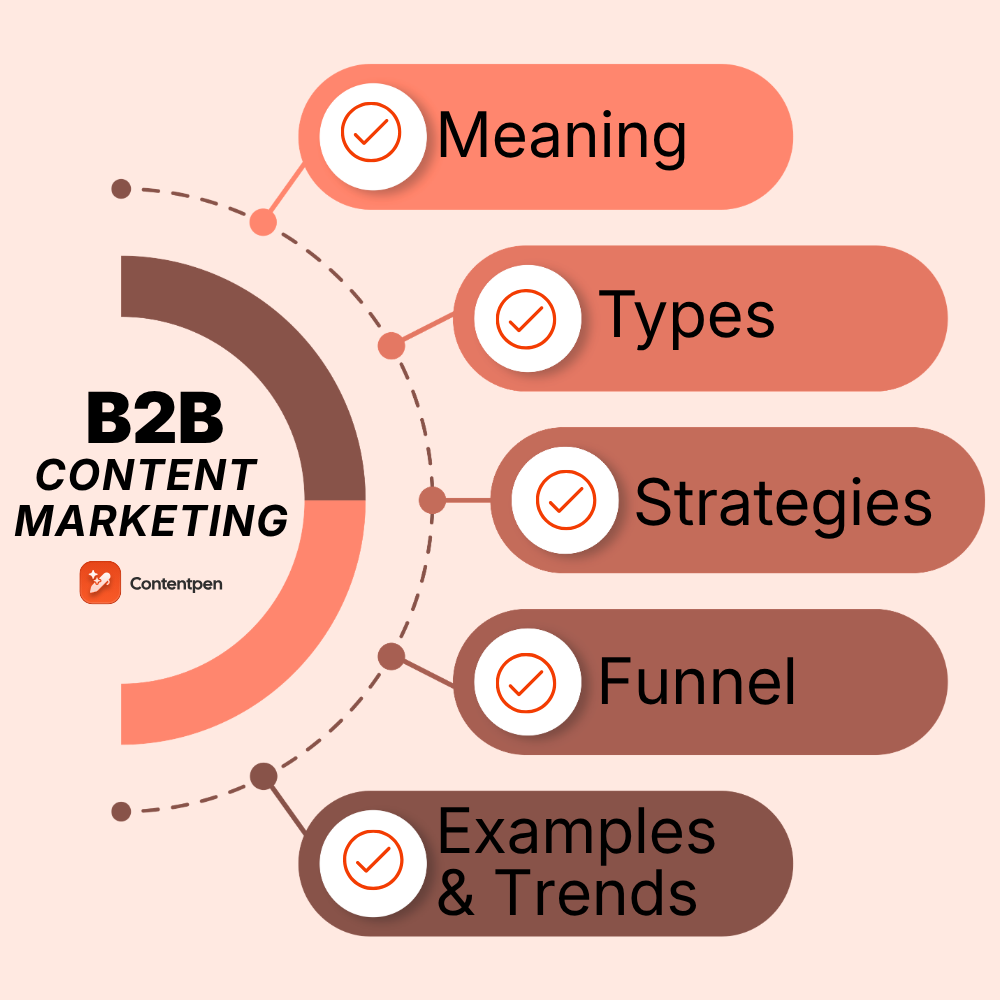
This comprehensive guide walks you through everything you need to know about B2B content marketing.
It starts with foundational concepts and progresses to advanced strategies. You will learn how leading companies generate qualified leads and establish market authority.
So, let’s get started, shall we?
What is B2B content marketing?
B2B content marketing is the strategic approach that involves creating and distributing valuable, relevant content to attract and engage business customers.
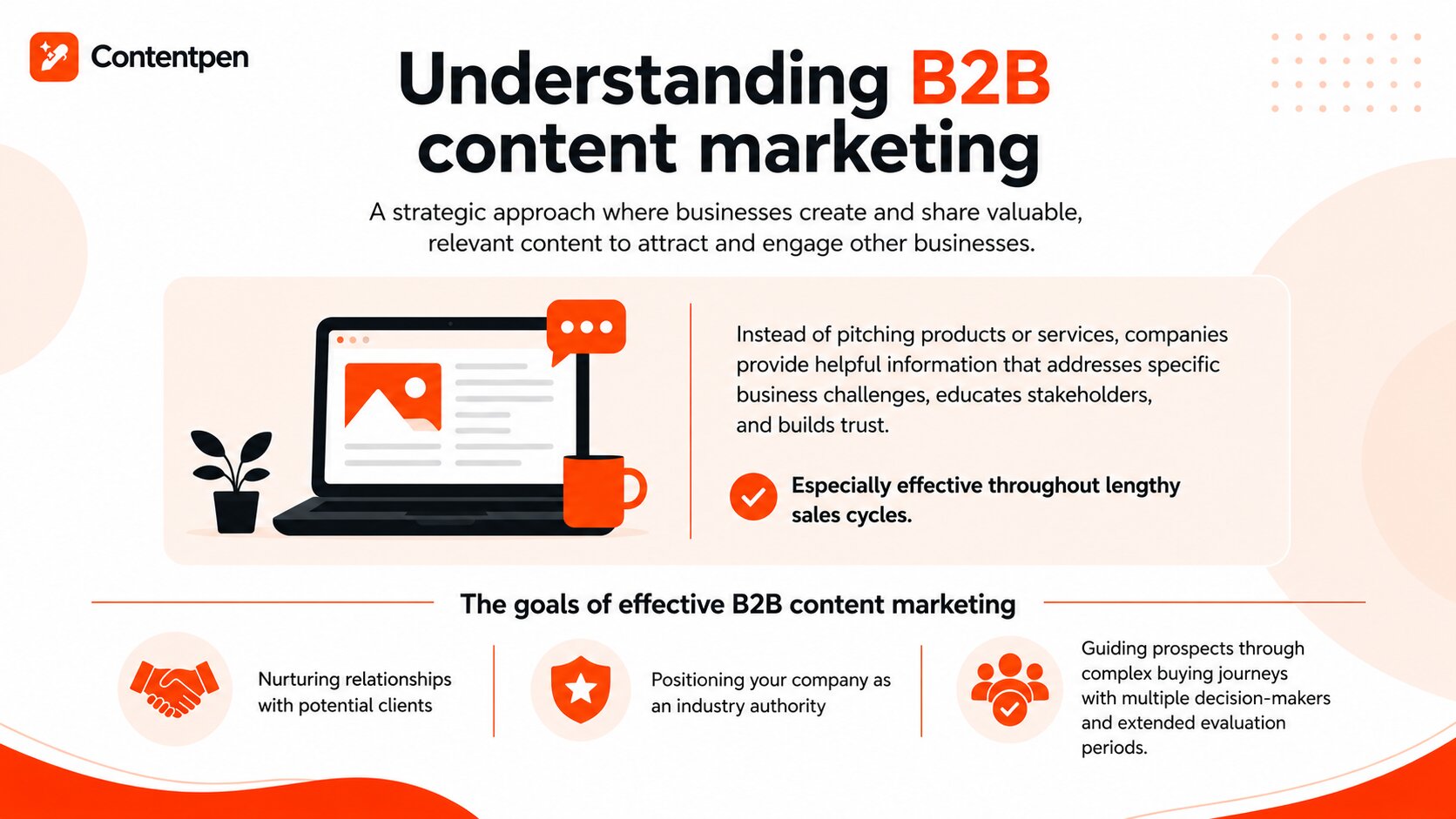
Rather than directly pitching products or services, companies provide helpful information. This information addresses specific business challenges, educates stakeholders, and builds trust. It is especially effective throughout lengthy sales cycles.
The goal of effective B2B content marketing is much more than just creating brand awareness. Instead, it includes:
- Nurturing relationships with potential clients
- Positioning your company as an industry authority
- Guiding prospects through complex buying journeys that often involve multiple decision-makers and extended evaluation periods.
B2B content marketing vs B2C content marketing
While both approaches aim to attract and convert customers through valuable content, several key differences distinguish B2B from B2C strategies:
| Aspect | B2B Content Marketing | B2C Content Marketing |
| Decision-making complexity | Involves multiple stakeholders, committees, and approval processes | Usually, individual and immediate decisions |
| Content depth | Requires detailed, technical information, including whitepapers, case studies, and ROI calculators | Often focuses on entertainment value and emotional connection |
| Sales cycle length | Spans weeks or months, requiring ongoing nurturing content | Transactions often happen within minutes or days |
| Relationship focus | Emphasizes long-term partnerships and ongoing value delivery | Often focuses on one-time transactions |
| Content tone | Maintains a professional, educational tone with industry-specific terminology | Can be more casual and lifestyle-oriented |
| Measurement metrics | Tracks lead quality, pipeline influence, and deal size | Focuses more on conversion rates and transaction volume |
Why is content marketing important to B2B?
Modern B2B buyers conduct extensive independent research before ever contacting a sales representative. Studies consistently show that decision-makers are already 60-70% through their buying journey before engaging with sellers directly.
So, content marketing is vital for B2B because:
- Builds credibility and trust: Thoughtful, expert content demonstrates your company’s knowledge and reliability before prospects even speak with your team.
- Educate your audience: Complex B2B solutions require explanation, and content helps prospects understand problems they didn’t know they had and solutions they hadn’t considered.
- Generates qualified leads: Strategic, evergreen content attracts prospects actively searching for solutions, delivering higher-quality leads than interruptive advertising.
- Supports sales enablement: Sales teams use content to address objections, demonstrate value, and move deals forward more efficiently.
- Establishes thought leadership: Consistent, insightful content positions your company as an industry authority, making you the go-to resource in your field.
- Improves SEO visibility: Quality content helps your website rank for valuable search terms, capturing organic traffic from prospects actively researching solutions.
Read more: Marketing fundamentals 101.
What are the 4 types of B2B marketing?
B2B marketing itself is an umbrella term that has different types based on numerous marketing channels.
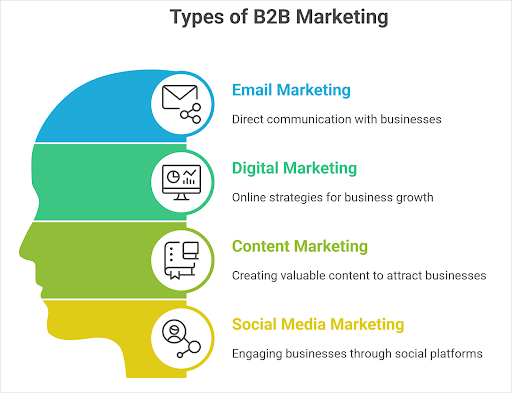
Each type serves distinct purposes and works best when integrated into a cohesive marketing ecosystem.
Email marketing
Email remains one of the most effective B2B channels. It delivers personalized messages directly to decision-makers’ inboxes.
Successful email marketing in B2B contexts includes:
- Nurture campaigns: Automated sequences powered by CRM email marketing tools that guide prospects through the buyer’s journey with progressive content
- Newsletter communications: Regular updates sharing industry insights, company news, and valuable resources
- Event invitations: Targeted outreach for webinars, conferences, and product launches
- Account-based campaigns: Highly personalized messages for specific high-value accounts
- Re-engagement sequences: Win-back campaigns for dormant leads or inactive customers
Digital marketing
Digital marketing includes paid and organic tactics that drive online visibility and engagement. Core components include:
- Search engine marketing (SEM): Paid search campaigns targeting high-intent keywords
- Display advertising: Banner ads and retargeting campaigns that maintain brand presence
- Programmatic advertising: Automated ad buying that targets specific audiences across multiple platforms
- Paid social campaigns: LinkedIn ads, Twitter/X campaigns, and other platform-specific initiatives
- Website optimization: Conversion rate optimization and user experience improvements
Content marketing
As discussed throughout this guide, content marketing strategies involve creating valuable resources that attract and engage target audiences. This includes:
- Blog content: Regular articles addressing industry challenges and providing actionable solutions
- Long-form resources: Whitepapers, ebooks, and guides that demonstrate deep expertise
- Video content: Explainer videos, product demonstrations, and customer testimonials
- Podcasts: Audio content featuring industry experts and thought leadership discussions
- Interactive tools: Calculators, assessments, and configurators that provide personalized value
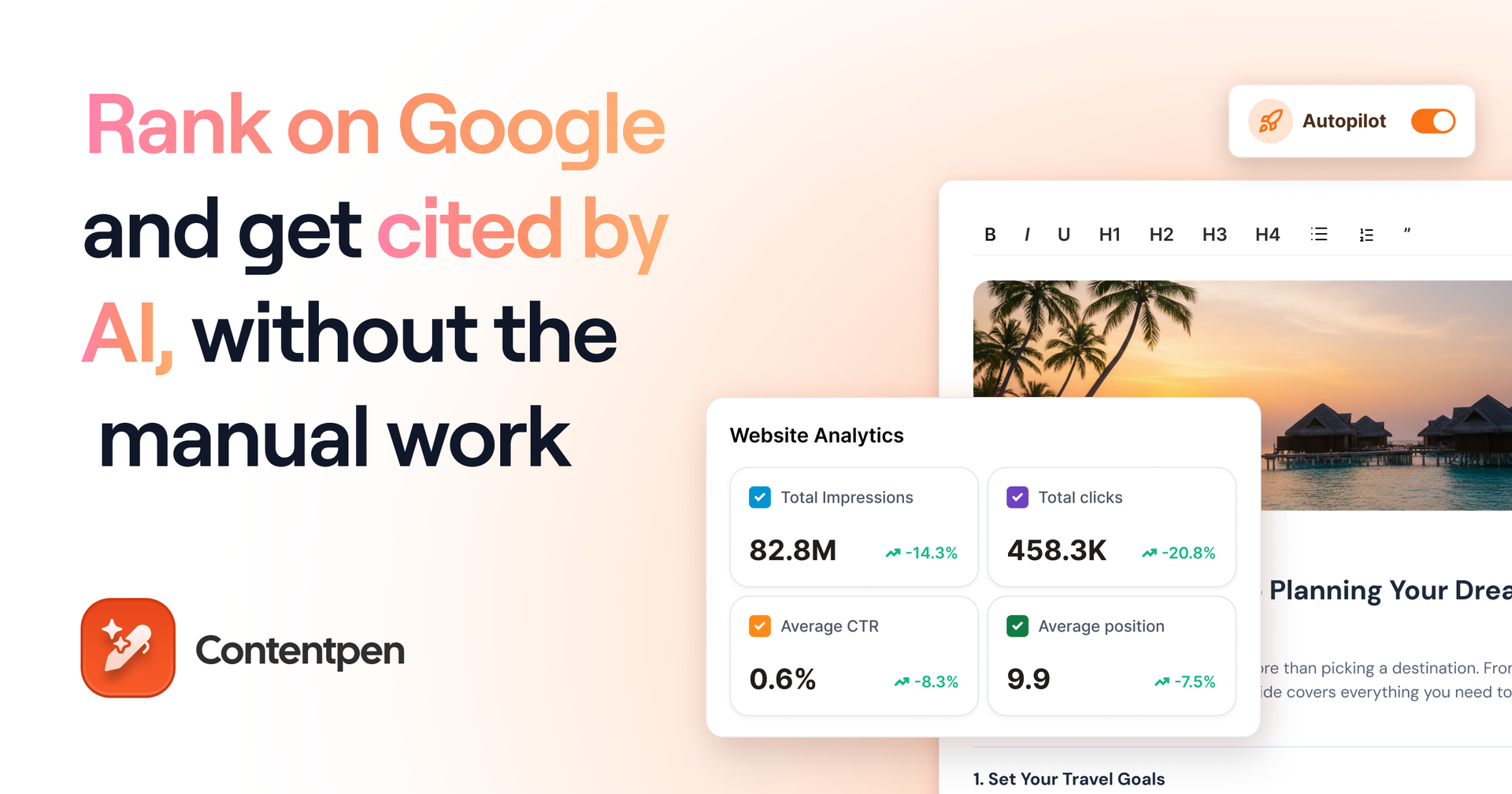
Content marketing serves as the fuel for other marketing channels. Email campaigns share content, digital ads promote gated resources, and social media amplifies your best pieces. Tools like Contentpen can help streamline your content creation process, making it easier to maintain consistent publication schedules.
Social media marketing
Platforms like LinkedIn have become crucial B2B marketing channels over the years.
Effective B2B social media strategies include:
- LinkedIn engagement: Sharing insights, participating in industry discussions, and building professional networks
- X thought leadership: Quick insights, industry commentary, and real-time engagement
- YouTube education: Video tutorials, product demos, and customer success stories
- Community building: Creating and nurturing groups where prospects and customers connect
- Employee advocacy: Empowering team members to share company content and amplify reach
How to create and implement an effective B2B content marketing strategy?
Now that you know all about the basics of B2B content marketing, let’s discuss the top 9 steps to create and implement an effective B2B content marketing strategy.
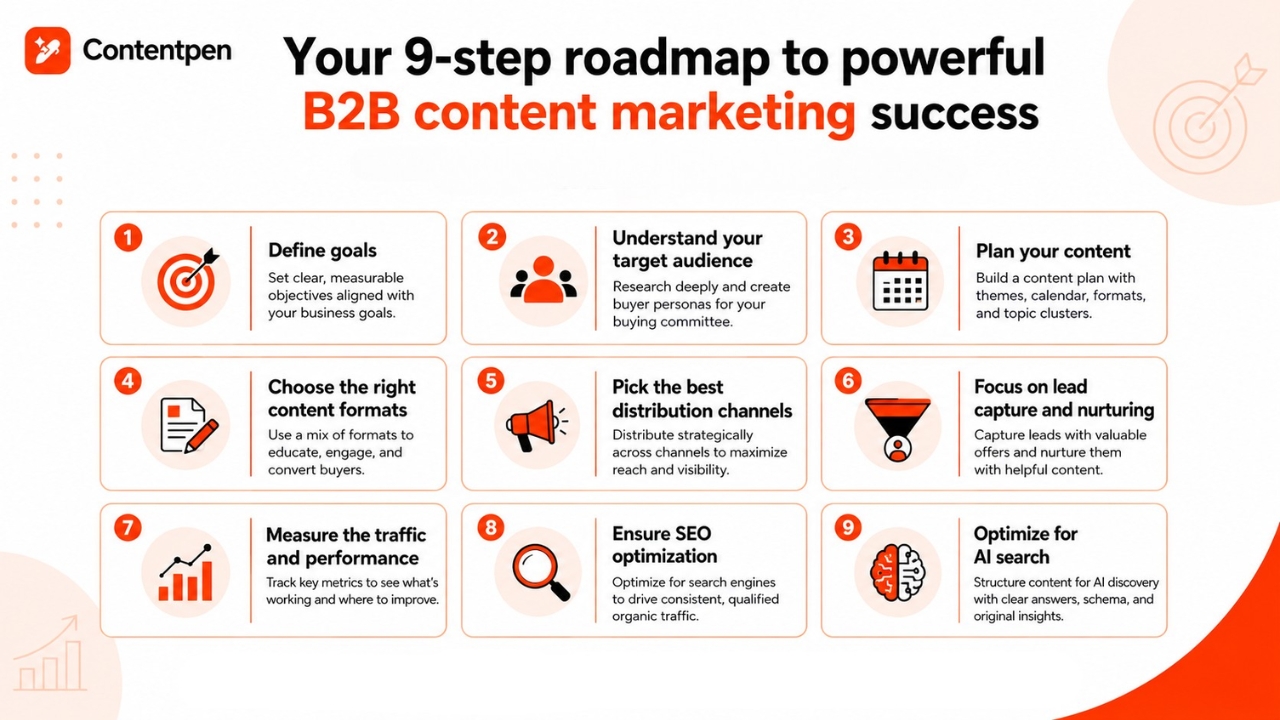
By following these steps, you will have a structured strategy to ensure every piece serves specific business objectives and guides prospects toward conversion.
Step #1: Define goals
Start by establishing clear, measurable objectives that align with broader business goals. Effective content marketing goals might include:
- Lead generation targets: Specific numbers of marketing qualified leads (MQLs) per month
- Pipeline influence: Percentage of opportunities that engaged with content before converting
- Brand awareness metrics: Increases in organic traffic, search rankings, and social following
- Engagement benchmarks: Time on site, pages per session, and content download rates
- Customer retention goals: Reduced churn through ongoing education and value delivery
You should avoid vague aspirations like “increase brand awareness.” Instead, define specific metrics like “increase organic traffic by 40% in six months” or “generate 200 qualified leads per month from content.”
Step #2: Understand your target audience
Deep audience research separates effective content from wasted effort. You should develop detailed buyer personas that include:
- Demographics: Job titles, seniority levels, industries, and company sizes
- Challenges and pain points: Specific problems your prospects face daily
- Goals and aspirations: What success looks like for them professionally
- Information preferences: How they consume content—long-form reading, video, audio, etc.
- Buying journey stage: What information do they need at the awareness, consideration, and decision phases
- Objections and concerns: Common hesitations that prevent purchase decisions
How to create content for the buying committee
Here is something many B2B content strategies get wrong: they create one type of content for one type of buyer. But in reality, a single purchase decision at a mid-size or enterprise company typically involves five to ten people across different roles.
You should think of these as three core content tracks running in parallel:
| Stakeholder | Their primary concern | Content that works |
| Economic buyer (CFO, VP, CEO) | ROI, risk, and cost justification | ROI calculators, cost-comparison guides, executive-level case studies with hard numbers, risk mitigation frameworks |
| Technical evaluator (IT lead, security team, developers) | Integration, security, compliance, and implementation effort | Technical documentation, security whitepapers, API guides, integration checklists, architecture diagrams |
| End-user (the person who will actually use the product) | Ease of use, productivity gain, and day-to-day workflow fit | How-to guides, short demo videos, before/after workflow comparisons, user testimonials from people in similar roles |
So, if you are running a B2B SaaS content marketing campaign, a single blog post is not enough.
The CFO needs a one-pager showing the payback period. The IT lead needs a security compliance doc. The end-user needs a five-minute product walkthrough video.
All three are about the same solution, but they answer completely different questions.
Here is how to put this into practice:
- Audit your existing content by role. Ask which stakeholder this piece actually speaks to. You will likely find most content targets one persona and leaves the rest unaddressed.
- Map content gaps by committee role. If you have strong technical documentation but no ROI-focused content, that gap is stalling deals at the economic buyer stage.
- Tag content by role in your CRM or marketing automation platform so sales teams can send the right asset to the right stakeholder, rather than forwarding a generic whitepaper and hoping for the best.
This approach is important because B2B buying cycles are long, as multiple people need to be convinced moving forward in the funnel. Content that speaks to the full committee accelerates that process significantly.
Interview existing customers, survey prospects, and analyze support tickets to gather authentic insights. Use automated interview scheduling software to simplify this process a bit.
Step #3: Plan your content
Strategic content planning ensures consistent publication and comprehensive topic coverage. Your plan should include:
- Content themes: Core topics that align with audience needs and business expertise
- Publishing calendar: Scheduled publication dates that maintain a consistent presence.
- Format variety: Mix of blog posts, videos, infographics, and long-form resources
- Topic clusters: Related content pieces that establish topical authority for SEO
- Seasonal considerations: Content timed around industry events, fiscal calendars, and buying seasons
Many successful B2B companies plan content quarterly, allowing flexibility for timely topics while maintaining strategic focus.
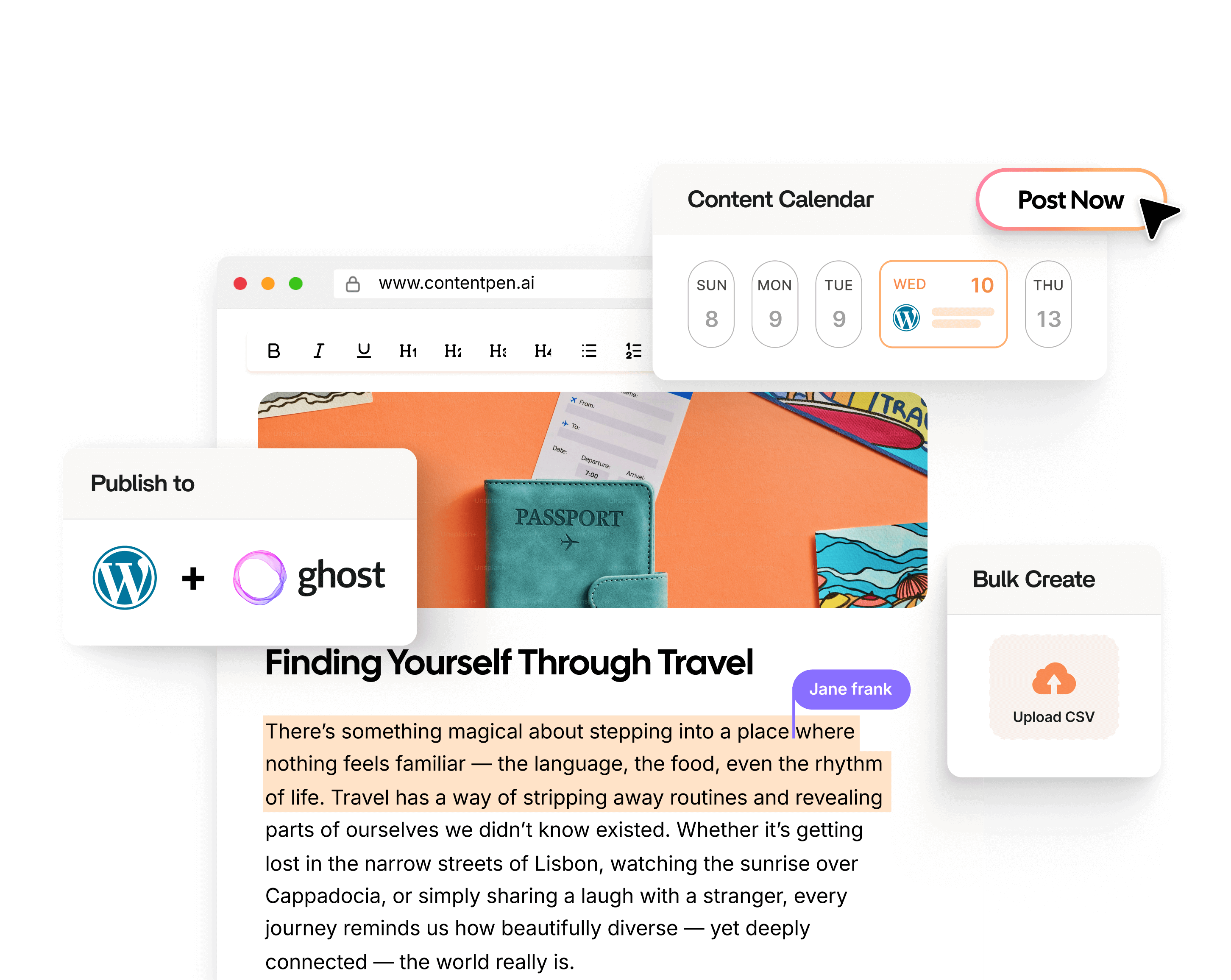
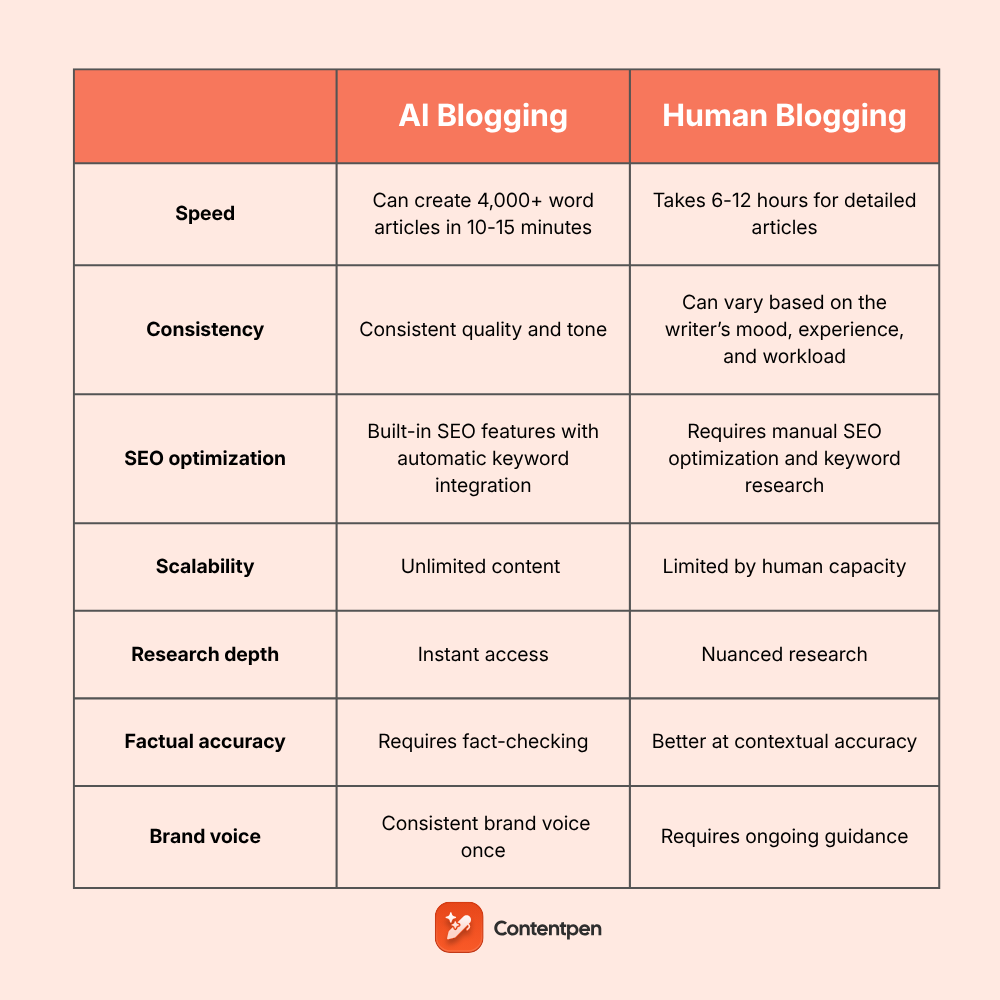
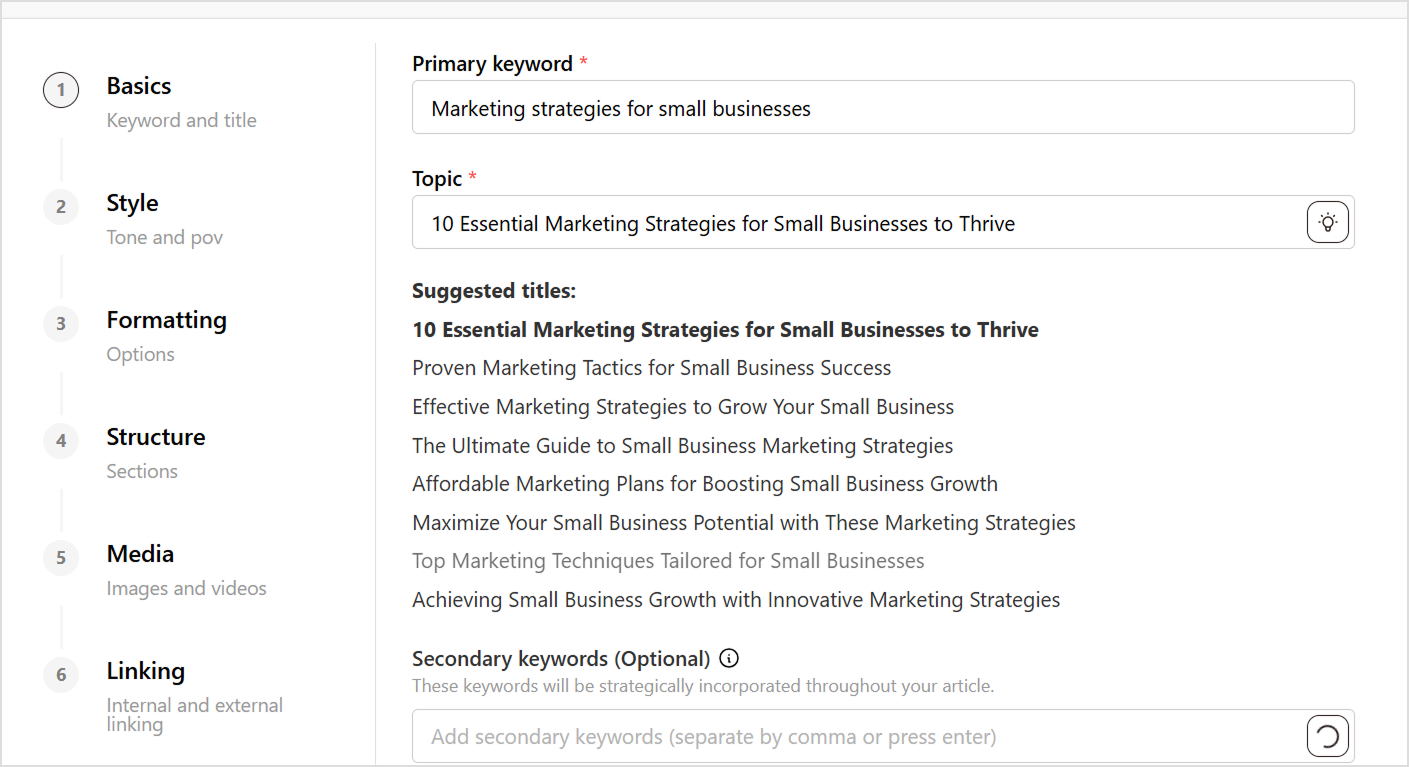
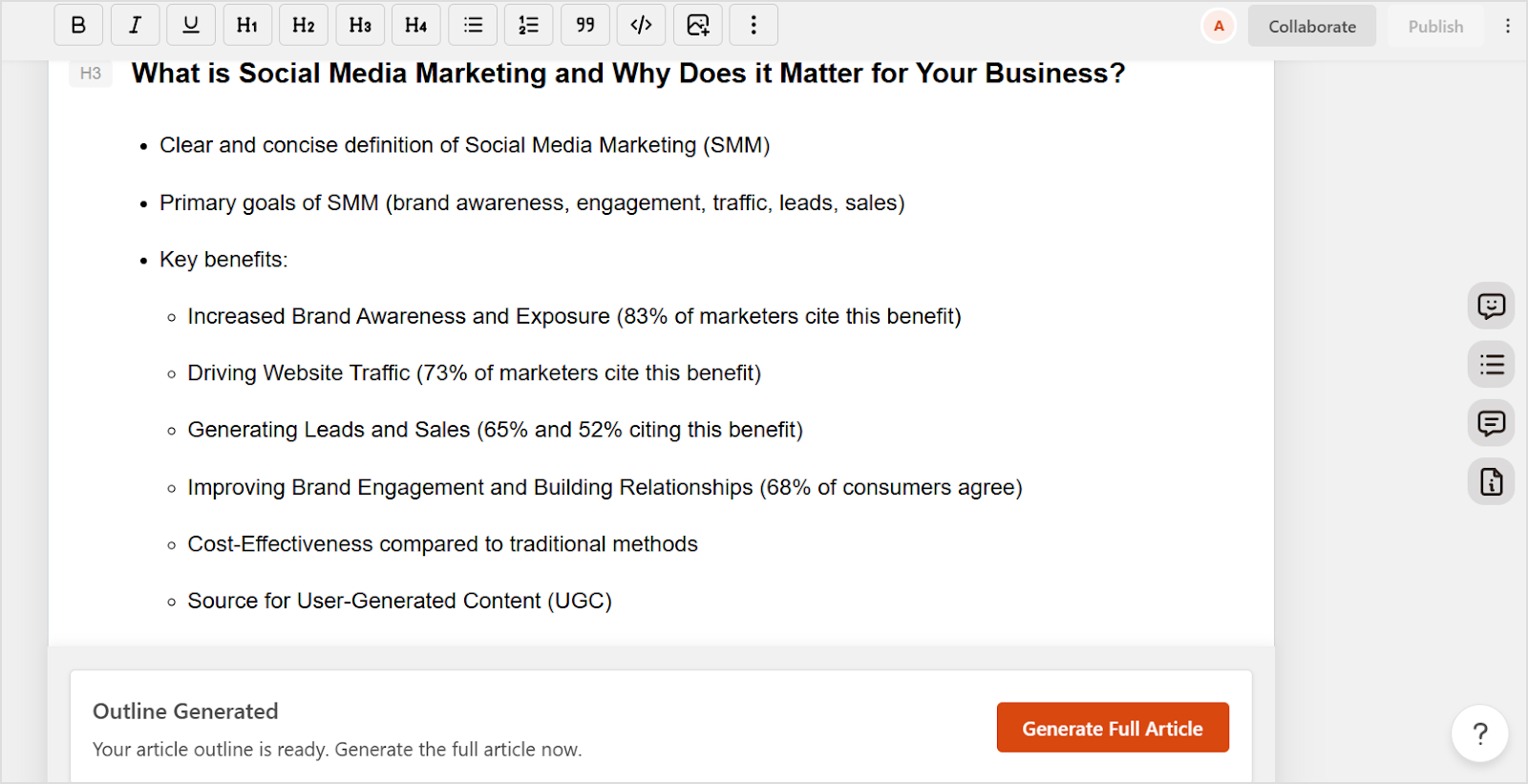
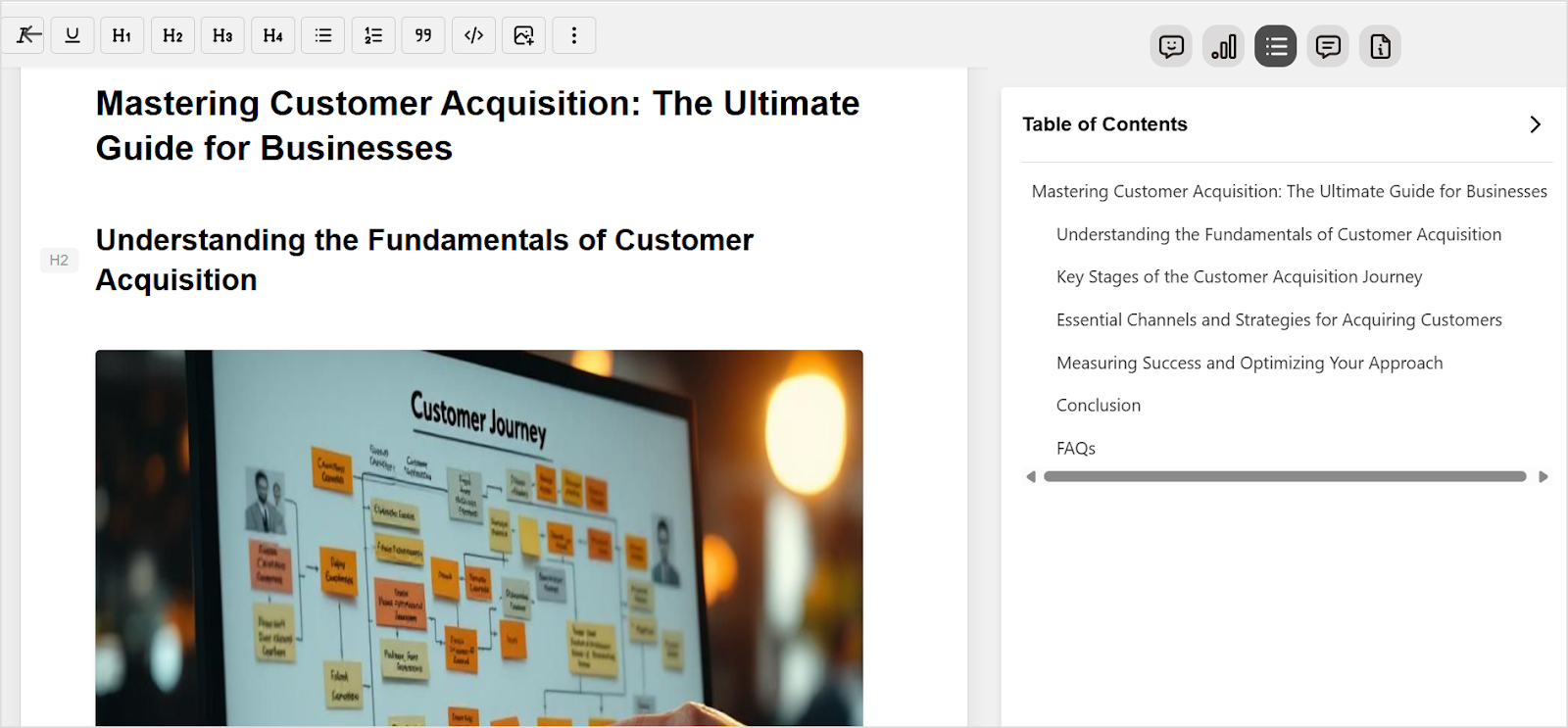
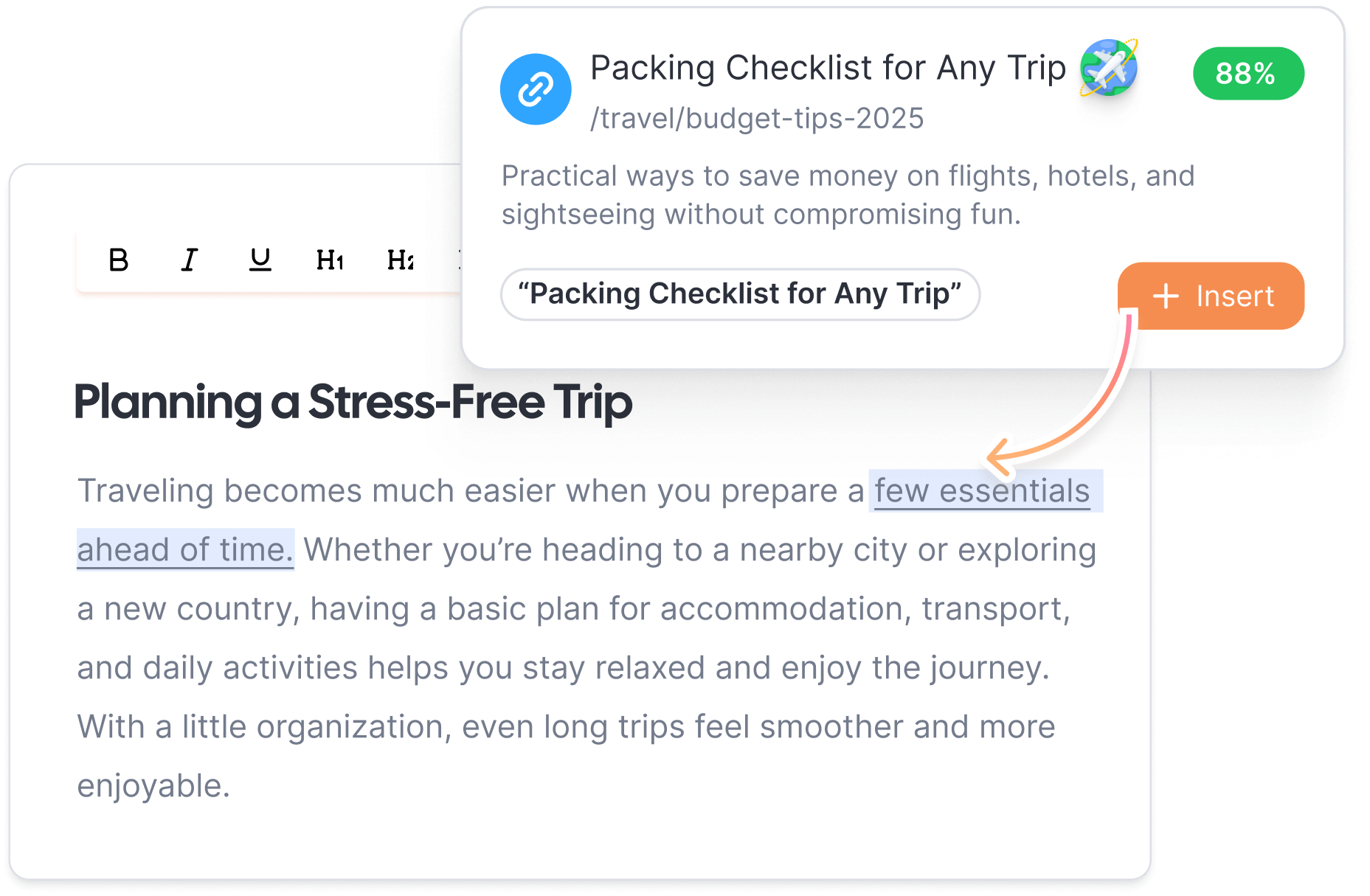
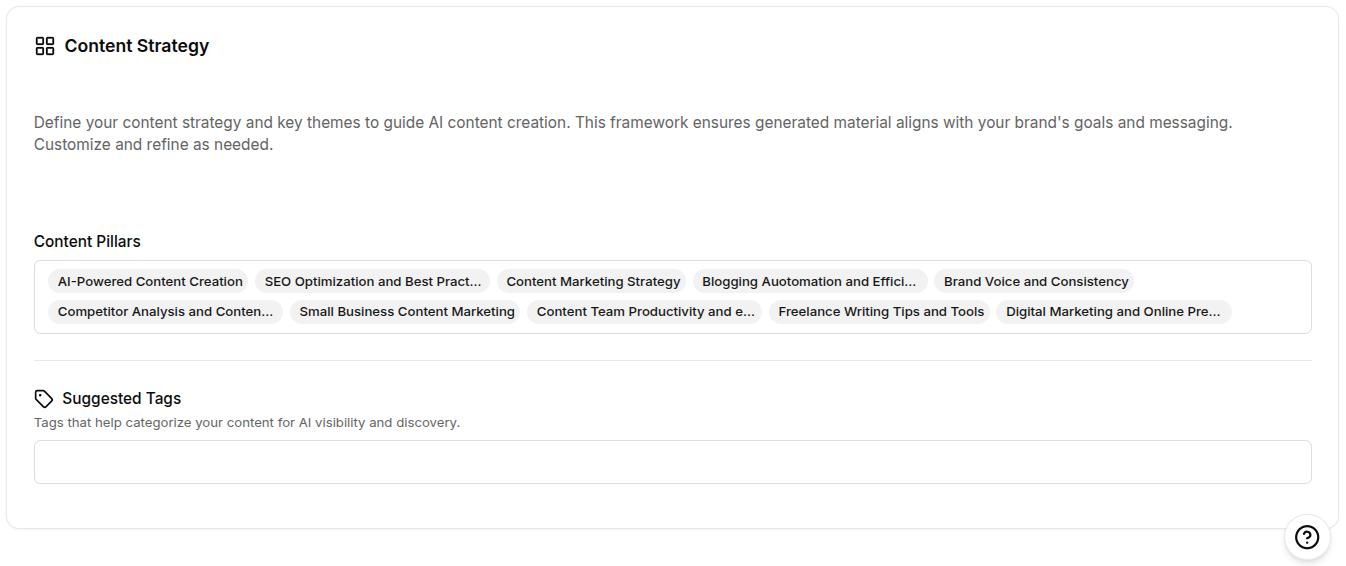
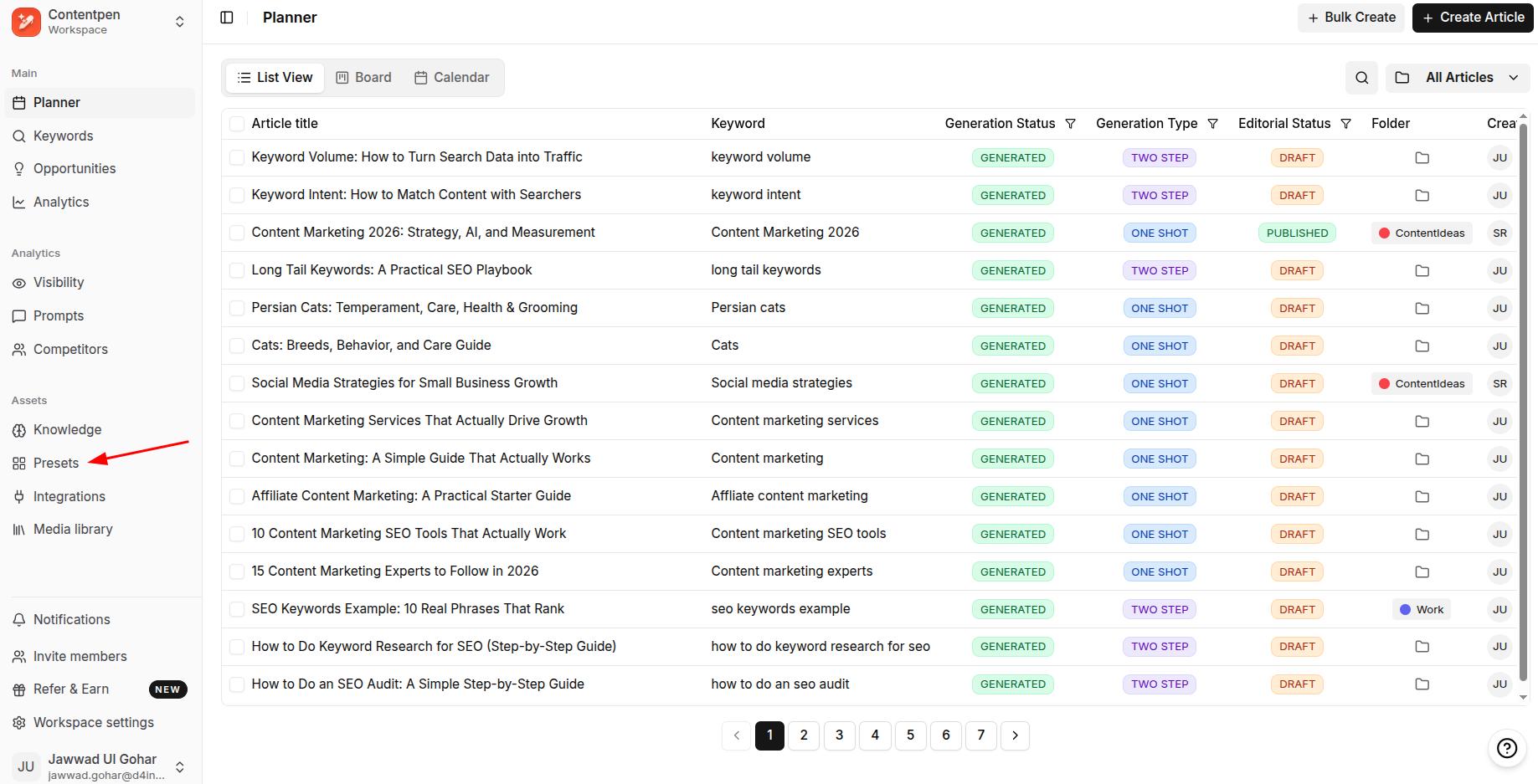
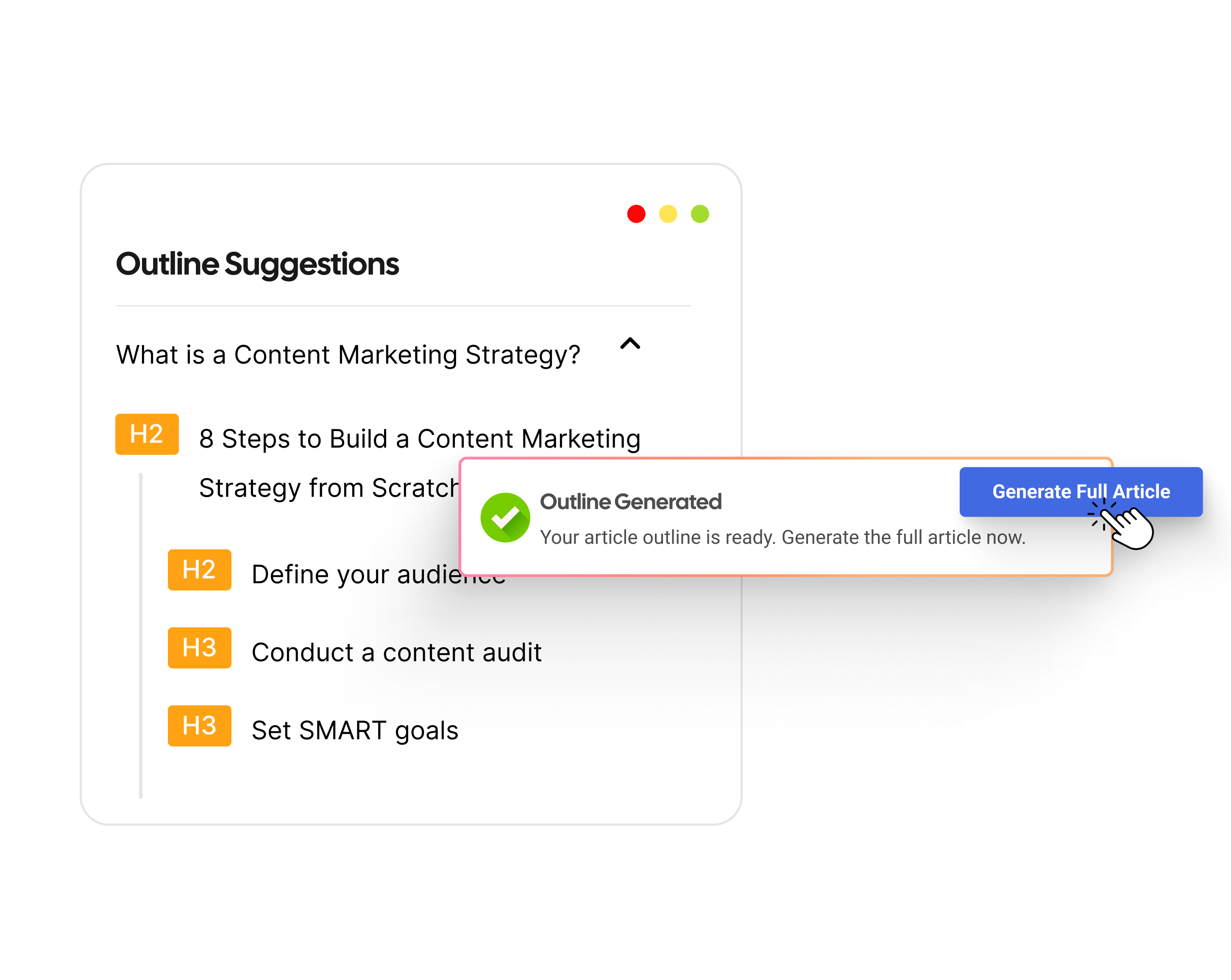
Consider using content creation tools like Contentpen to organize your editorial calendar, write content, and schedule posts from the same tool.

From outline to publish-ready content that fills them

Structured
Consistent
SEO-aligned
Fast
Related: 27 best content marketing tools.
Step #4: Choose from the content formats that work in B2B
Different formats serve different purposes throughout the buyer’s journey. Effective B2B content marketing uses multiple formats, including:
- Blog posts: Regular articles that drive organic traffic and establish expertise on specific topics
- Whitepapers and ebooks: In-depth resources that generate leads through gated downloads
- Case studies: Proof of results that help prospects envision success with your solution
- Webinars: Interactive sessions that educate audiences while demonstrating expertise
- Video content: Engaging explanations of complex concepts or product demonstrations
- Infographics: Visual representations of data and processes that simplify complex information
- Podcasts: Convenient audio content for busy executives consuming information during commutes
- Templates and tools: Practical resources that provide immediate value while demonstrating capability
Choose formats based on audience preferences and content goals. For example, a technical blog post might work well for SEO, while a case study better supports late-stage sales conversations.
Step #5: Pick the distribution channels
Creating great content is only half the battle, as you also have to focus on getting it in front of your audience via strategic distribution. Some of the most effective content distribution channels include:
- Organic search: Optimize content for search engines to capture prospects actively researching solutions
- Email campaigns: Share new content with segmented lists based on interests and behavior
- Social media: Promote content on LinkedIn, X, and industry-specific platforms
- Paid promotion: Amplify top-performing content through targeted ads
- Industry publications: Contribute guest posts to established platforms in your space
- Partner networks: Collaborate with complementary companies to expand reach
- Sales enablement: Equip sales teams with content for direct sharing with prospects
The channel your analytics will never show you: Dark social
Here is an uncomfortable truth about B2B content distribution: some of your most influential channels are completely invisible to your analytics tools.
Dark social refers to content sharing that happens through private or untrackable channels. These may include a LinkedIn DM, a Slack message, a WhatsApp group chat, or a private Reddit thread where industry peers compare vendors.
When someone pastes your article link into a Slack group of 200 professionals and three of them become leads, your analytics dashboard shows “direct traffic.” The referral source is lost.
In 2026, this matters more than ever for B2B.
Research shows that a significant portion of B2B buyer intent signals now originate from unstructured data sources or private community discussions.
To make content that wins on dark social channels, you need to:
- Make your content shareable for status reasons: People share content in private channels because it makes them look smart, informed, or well-connected. Original data and niche industry insights do well in dark social circles.
- Write for the forwarder, not just the reader: Create a striking stat, a provocative argument, or a genuinely new framework that gets forwarded because it’s fresh, unique, and genuinely useful for executives.
- Use UTM parameters on everything: While you cannot track dark social directly, using consistent UTM tagging on all distributed links makes it easier to identify which campaigns correlate with spikes in direct traffic.
- Build presence in the communities where sharing happens: LinkedIn groups, Slack communities, industry Discord servers, and niche Reddit forums are where B2B buyers share content with peers. Being genuinely present in these spaces puts your content in front of the people doing the sharing.
The takeaway here is that your content strategy should not be built only around what you can measure. Some of the highest-value B2B content distribution happens in the dark, and the way to win it is by creating content worth talking about privately.
Step #6: Focus on lead capture and nurturing
Converting anonymous visitors into known prospects is essential for measuring content ROI. Implement capture mechanisms throughout your content:
- Gated resources: Require email addresses for high-value content downloads
- Newsletter subscriptions: Offer ongoing value in exchange for contact information
- Webinar registrations: Capture details when prospects sign up for live events
- Tool access: Provide calculators or assessments in exchange for information
- Exit-intent popups: Capture leaving visitors with compelling last-minute offers
Once captured, nurture leads through automated email sequences that provide progressive value and guide prospects toward sales conversations. The goal is to stay top-of-mind throughout lengthy buying cycles.
Step #7: Measure the traffic
Analytics reveal which content drives results and where to invest additional resources. Key metrics include:
- Traffic metrics: Page views, unique visitors, and traffic sources
- Engagement metrics: Time on page, bounce rate, and scroll depth
- Conversion metrics: Form submissions, download rates, and demo requests
- SEO metrics: Keyword rankings, organic traffic growth, and backlink acquisition
- Pipeline influence: Opportunities that engaged with content before converting
- Revenue attribution: Closed deals influenced by specific content pieces
Use tools like Google Analytics, marketing automation platforms, and CRM systems to track performance. Review metrics monthly to identify trends and optimization opportunities.
Related: How to find high-opportunity keywords in Contentpen?
Step #8: Ensure SEO optimization
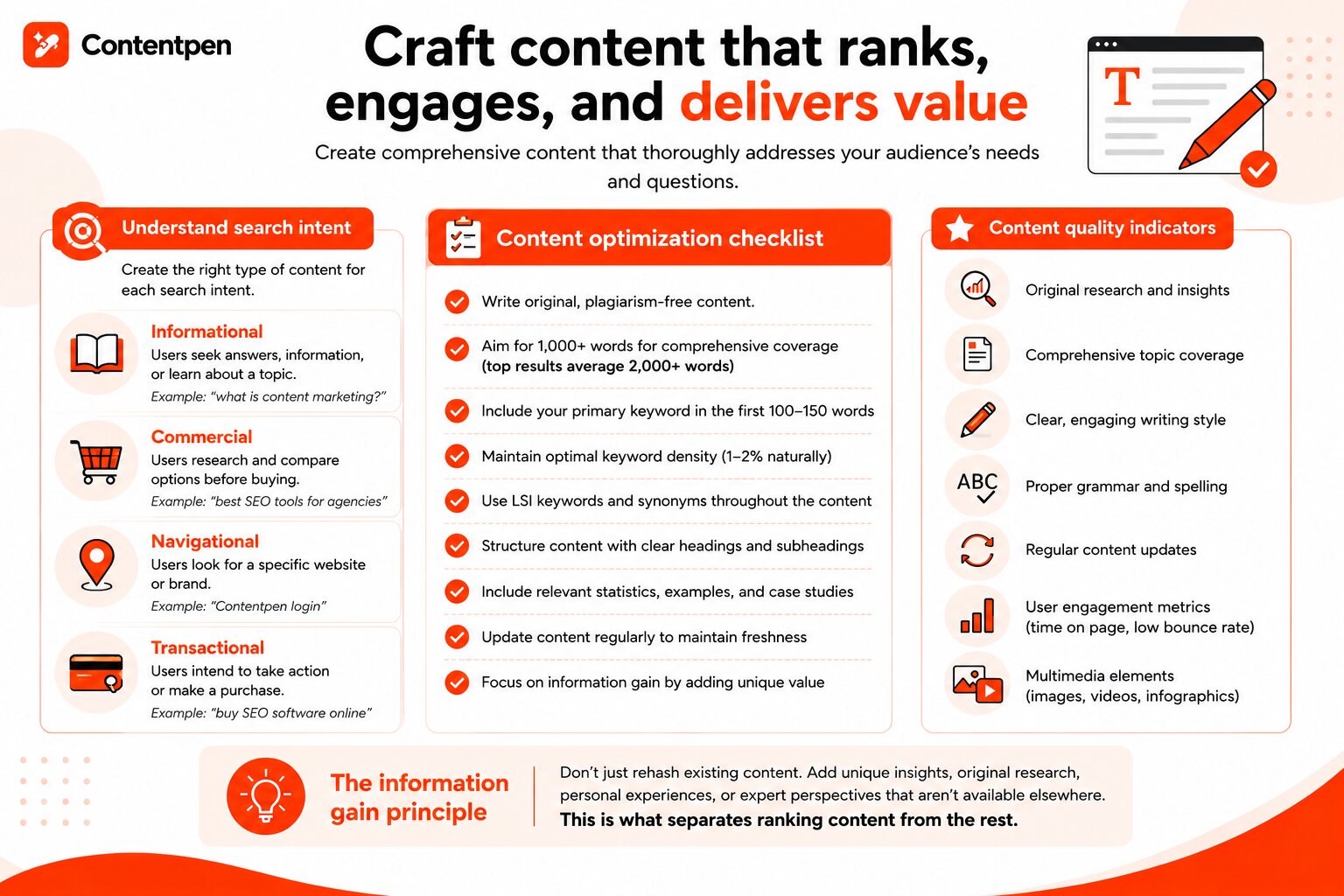
Search visibility drives consistent, qualified traffic to your content. Optimize every piece for search engines by:
- Keyword research: Identify search terms your prospects use when researching solutions
- On-page optimization: Include target keywords in titles, headers, and throughout content naturally
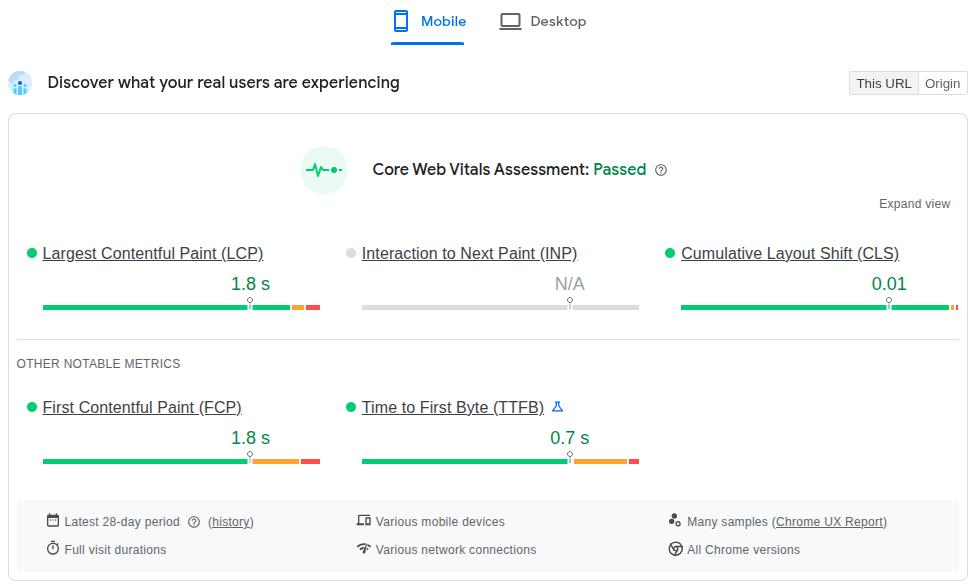
- Technical SEO: Ensure fast load times, mobile responsiveness, and proper site structure
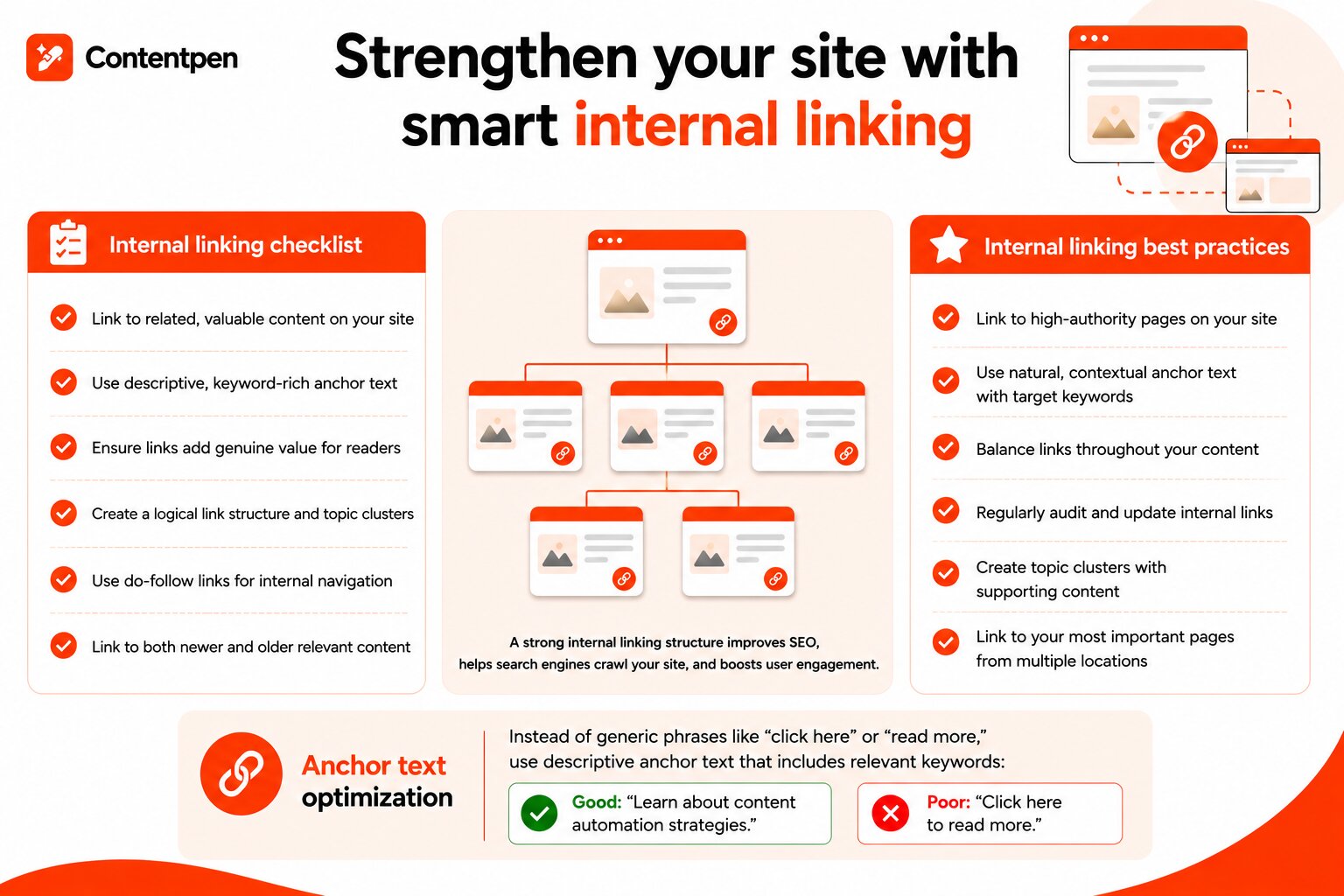
- Internal linking: Connect related content to establish topical authority and improve navigation
- Meta descriptions: Write compelling summaries that encourage click-throughs from search results
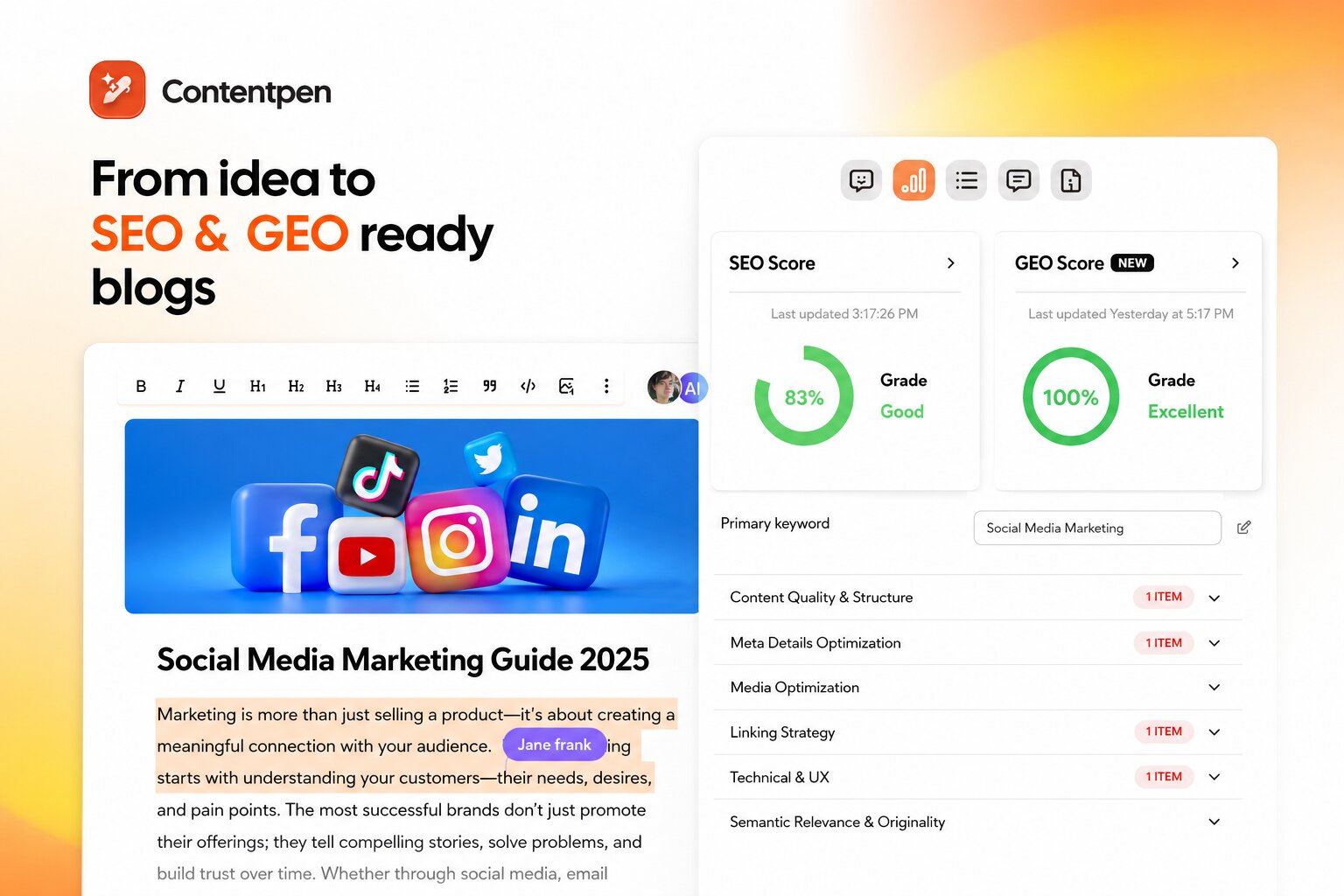
- Image optimization: Use descriptive file names and alt text for visual content
You should consider using SEO writing tools to streamline optimization and identify opportunities.
Step #9: Optimize for AI search
Traditional SEO gets your content ranking on Google. But in 2026, there is a second search layer you cannot afford to ignore. AI-powered platforms like ChatGPT, Perplexity, Google AI Overviews, and Claude are now answering B2B buyers’ questions directly.
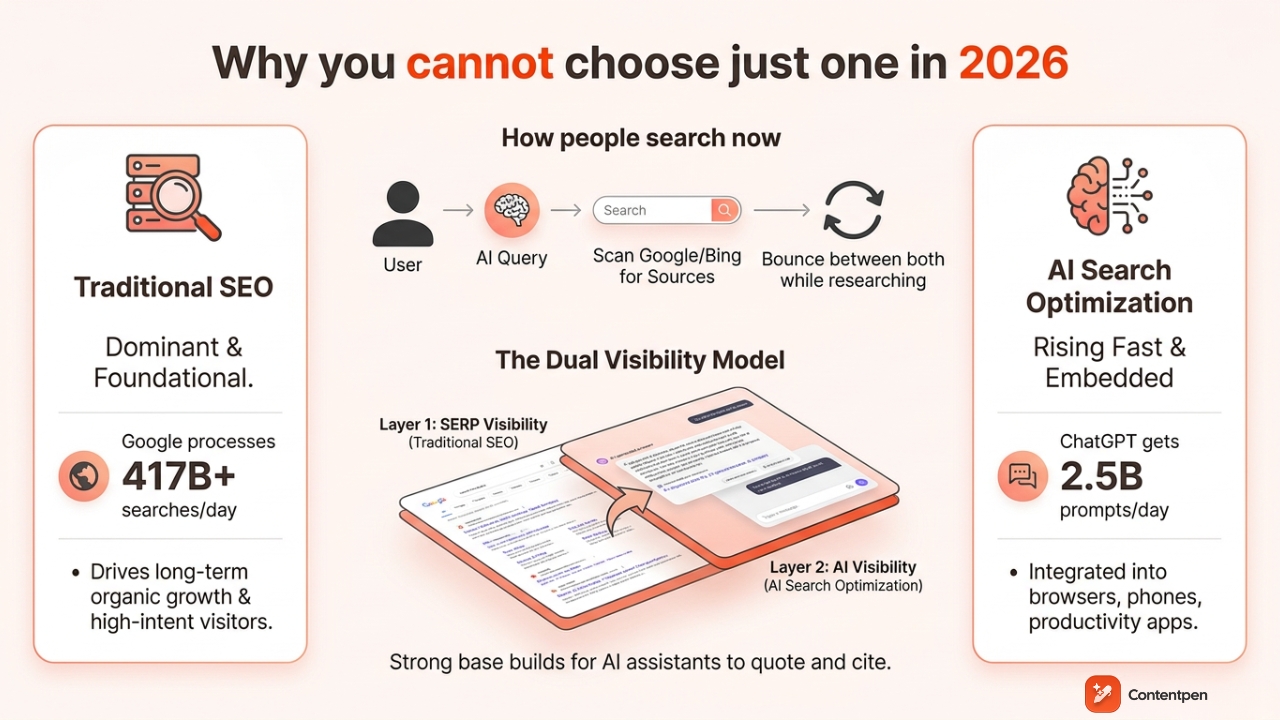
This is where Generative Engine Optimization (GEO) comes in.
GEO is the practice of structuring and positioning your content so AI systems are more likely to cite it when answering queries in your space.
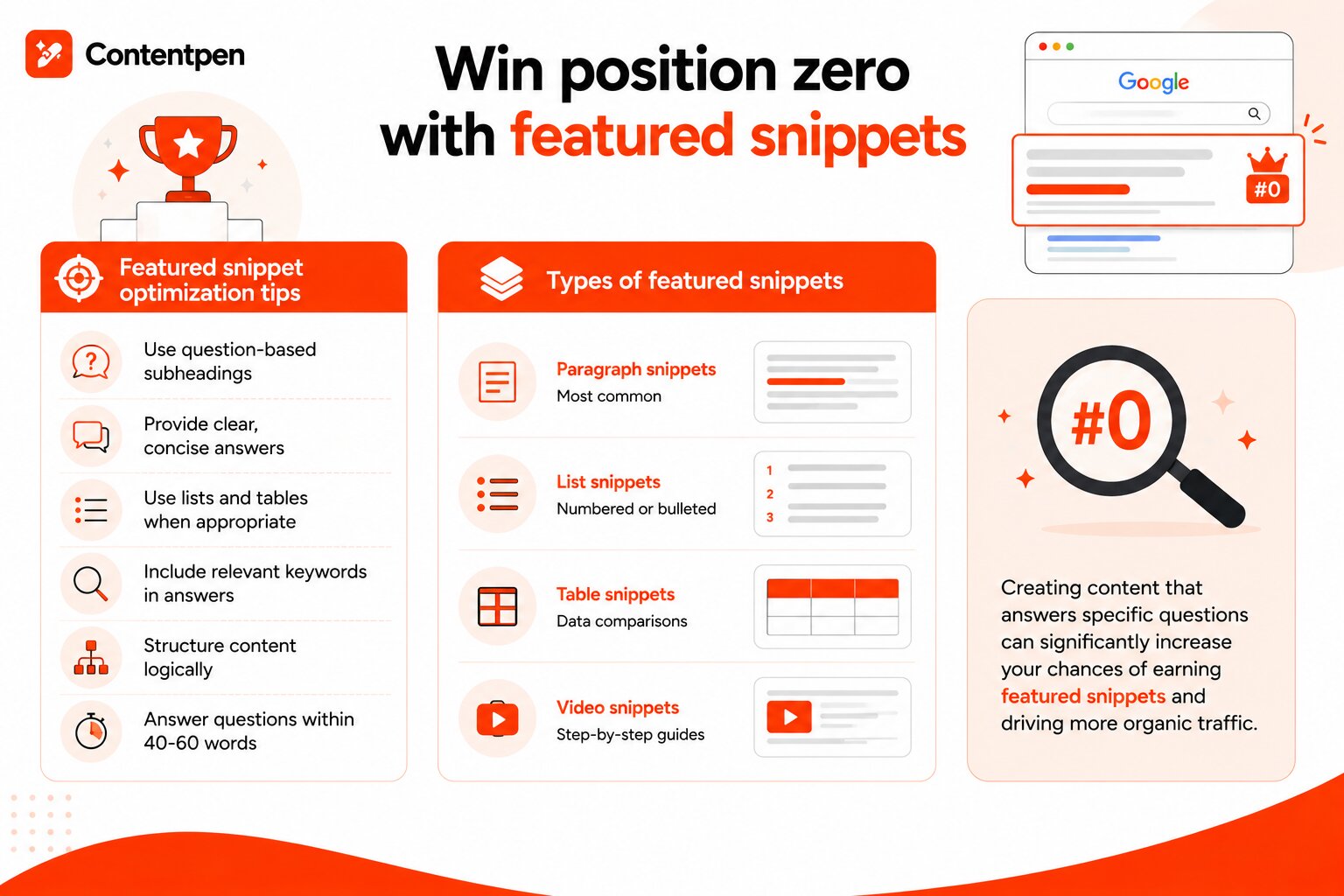
Think of it as the new featured snippet. Except instead of sitting at the top of a Google results page, your content becomes the answer itself, delivered to a buyer who may never click through to any website at all.
For B2B specifically, this matters enormously. Decision-makers are increasingly using AI tools to shortlist vendors, compare solutions, and get quick answers to complex questions. If your content does not show up in those answers, a competitor’s does.
Here is how to optimize your B2B content for AI search visibility:
- Write direct answers first: AI systems favor content that answers a question clearly in the first one to two sentences, then expands with supporting detail. Lead every section with the answer, not the buildup to it.
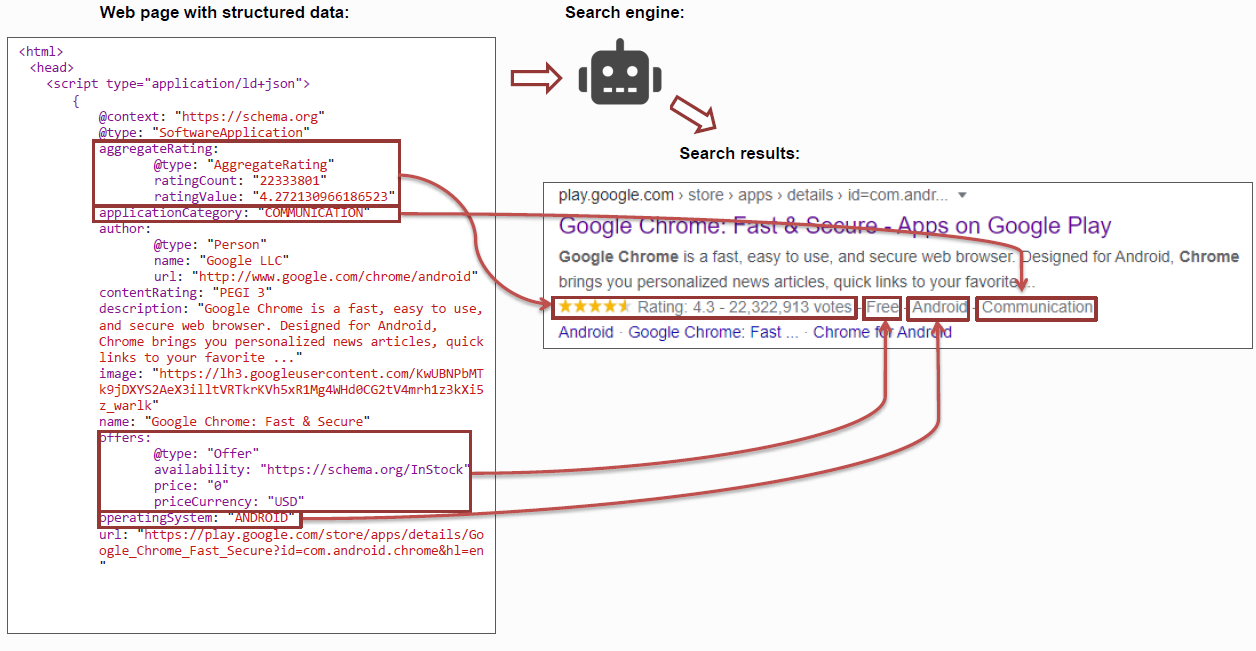
- Add FAQ schema markup: Structured data helps AI crawlers understand what questions your content answers. Mark up your FAQ sections with proper schema so platforms can extract and cite them accurately.
- Build citations through original data: AI tools heavily favor pages that are already cited by other authoritative sources. Publishing original research, proprietary data, or survey findings makes your content citation-worthy.
- Use clear, machine-readable structure: Concise headings, short paragraphs, and well-defined definitions make it easier for AI systems to parse and quote your content accurately.
- Establish authoritativeness signals: GEO rewards E-E-A-T (Experience, Expertise, Authoritativeness, Trustworthiness) even more aggressively than traditional Google search. Named authors, expert quotes, external citations, and links from respected industry publications all signal to AI systems that your content is trustworthy.
- Target question-based queries: B2B buyers ask AI tools conversational questions like “What is the best B2B content strategy for a SaaS company?” Structure content around these natural-language queries, not just plain keyword phrases.
The bottom line here is that SEO and GEO/AEO now need to work together. Content optimized for traditional search and AI citations often requires the same core ingredients, but GEO demands you go further with structure and original insight.
4 stages of the B2B content marketing funnel
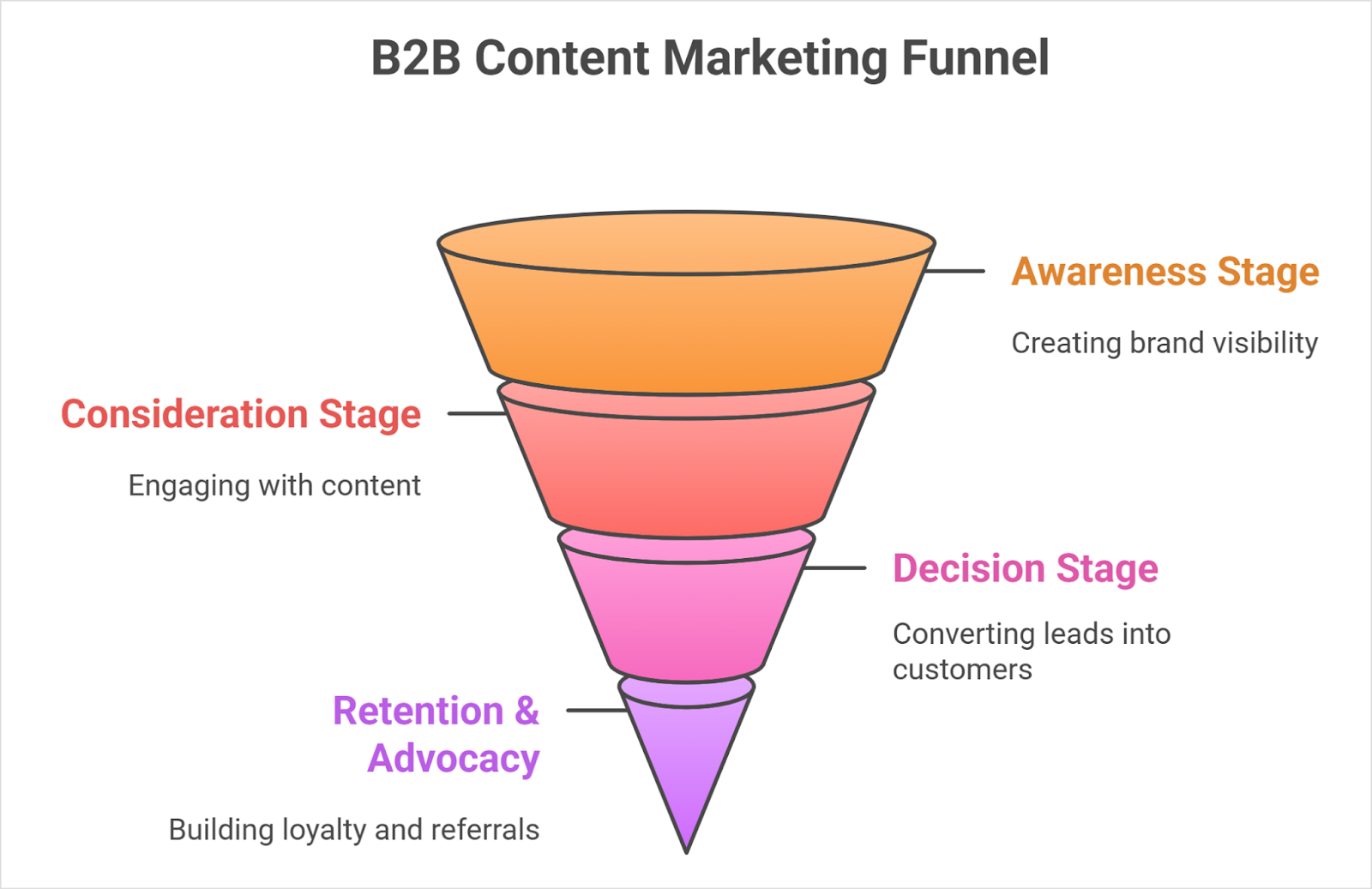
The content funnel maps different content types to specific stages of the buyer’s journey. Understanding this framework helps you create the right content for each phase of the decision-making process.
- Awareness stage (top of funnel – TOFU)
Prospects at the top of the funnel are just beginning to recognize they have a problem or opportunity. They’re conducting broad research and seeking educational content rather than product information.
Content for awareness stage:
- Educational blog posts: Articles explaining common challenges and industry trends
- Infographics: Visual content simplifying complex topics
- Social media content: Short insights and observations that spark interest
- Videos: Explainer content that introduces concepts and frameworks
- Podcasts: Discussions about industry trends and emerging challenges
The goal at this stage is to attract attention and establish credibility. So, you should focus on being helpful rather than promotional.
Also read: How to structure a blog? Complete guide for content success.
- Consideration stage (middle of funnel – MOFU)
Middle-funnel prospects understand their problem and are actively researching potential solutions. They’re comparing approaches and evaluating different vendors.
Content for the consideration stage:
- Comparison guides: Objective evaluations of different solution approaches
- Webinars: Deep dives into specific topics with expert insights
- Ebooks and whitepapers: Comprehensive resources exploring solutions in detail
- Product videos: Demonstrations showing how your solution works
- Templates and worksheets: Practical tools prospects can use immediately
This stage requires more detailed, solution-oriented content that positions your approach favorably without being overtly salesy. The focus shifts from education to evaluation support.
- Decision stage (bottom of funnel – BOFU)
Bottom-funnel prospects are ready to make a purchase decision. They’re comparing specific vendors and need concrete proof that your solution delivers results.
Content for the decision stage:
- Case studies: Detailed stories showing results achieved for similar companies
- ROI calculators: Tools demonstrating potential return on investment
- Product comparisons: Direct comparisons between your solution and competitors
- Demo videos: Detailed walkthroughs of features and capabilities
- Customer testimonials: Social proof from satisfied clients
- Free trials or assessments: Low-risk ways to experience your solution
Content at this stage should remove final objections and provide the evidence decision-makers need to choose your solution confidently.
- Retention and advocacy (post-purchase)
The funnel doesn’t end at purchase. Post-sale content reduces churn and transforms customers into advocates who generate referrals and case study opportunities.
Content for retention and advocacy:
- Onboarding resources: Guides and videos helping customers achieve early success
- Best practice content: Advanced tips maximizing value from your solution
- Customer newsletters: Regular updates about new features and success stories
- Community content: Forums and user groups facilitating peer learning
- Success stories: Highlighting customer achievements with your solution
Investing in post-purchase content increases customer lifetime value and creates advocates who refer new business and participate in marketing initiatives.
Examples of B2B content marketing funnel
Here are two examples of a B2B content marketing funnel:
SaaS company funnel example
- Awareness: A blog post titled “5 Common Data Security Mistakes Businesses Make” educates readers on risks.
- Consideration: A downloadable whitepaper compares different cloud security approaches.
- Decision: A case study shows how a client reduced data breaches by 40% using the company’s software.
- Retention and advocacy: A monthly customer newsletter shares advanced security configuration tips and success stories.
B2B marketing agency funnel example
- Awareness: A LinkedIn post series breaking down trends in B2B lead generation.
- Consideration: A live webinar discussing how inbound marketing outperforms traditional outreach.
- Decision: A client testimonial video highlighting ROI from a recent campaign.
- Retention and advocacy: A “Client Spotlight” blog showcasing long-term partners and the results achieved together.
B2B content marketing examples
Studying successful content marketing examples provides inspiration and practical lessons to implement in your own strategy.
The following companies demonstrate different approaches that drive measurable business results.
HubSpot – Educational content hub
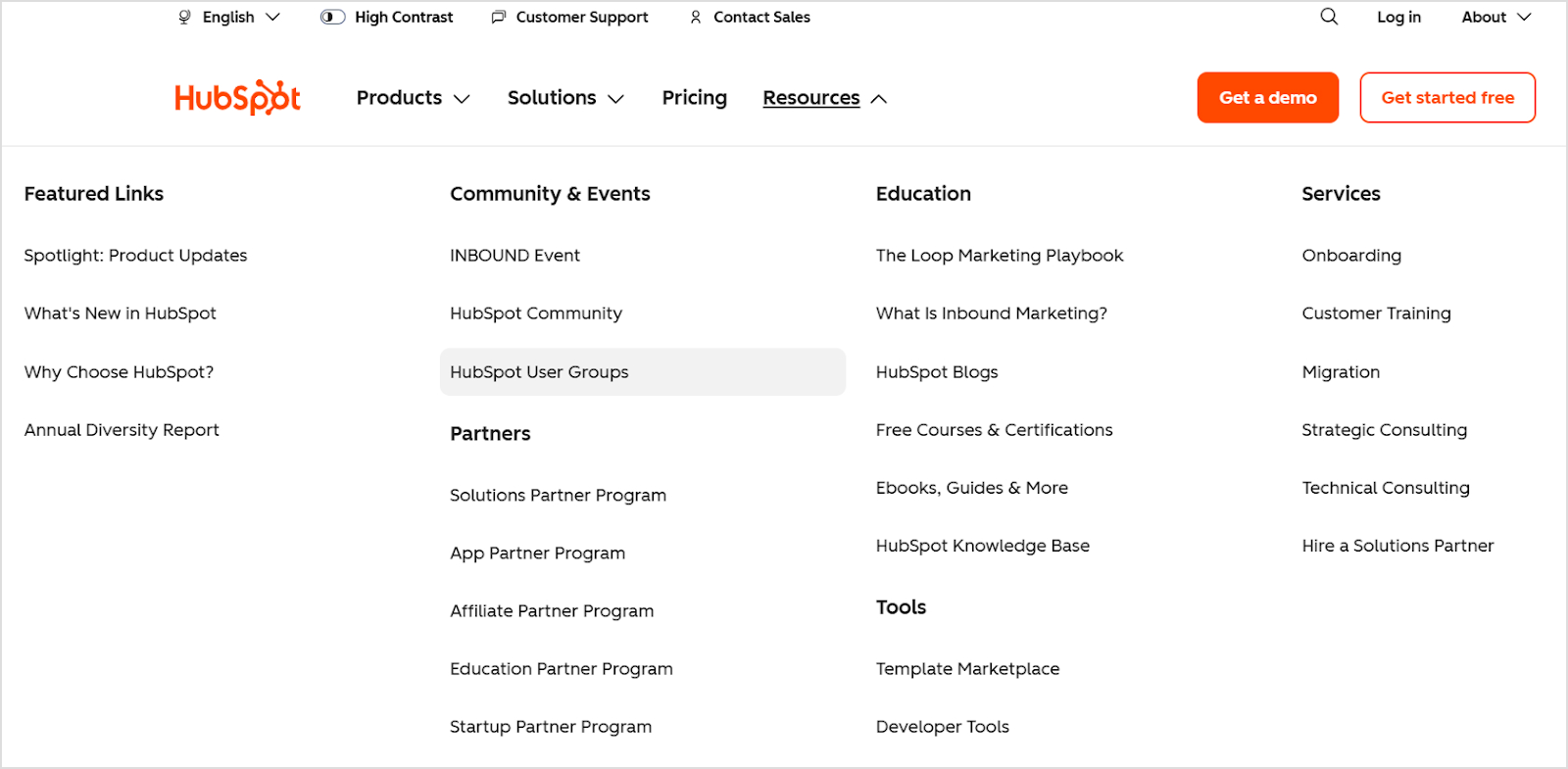
HubSpot built a massive audience by creating comprehensive educational resources before aggressively promoting its software. Their blog, academy, and resource library attract millions of visitors seeking marketing, sales, and service advice.
Key lessons:
- Invest in genuinely helpful content that addresses audience needs
- Create comprehensive topic coverage that establishes topical authority
- Use content to demonstrate expertise before asking for the sale
Related: 30 recent innovative marketing examples.
Salesforce – Thought leadership
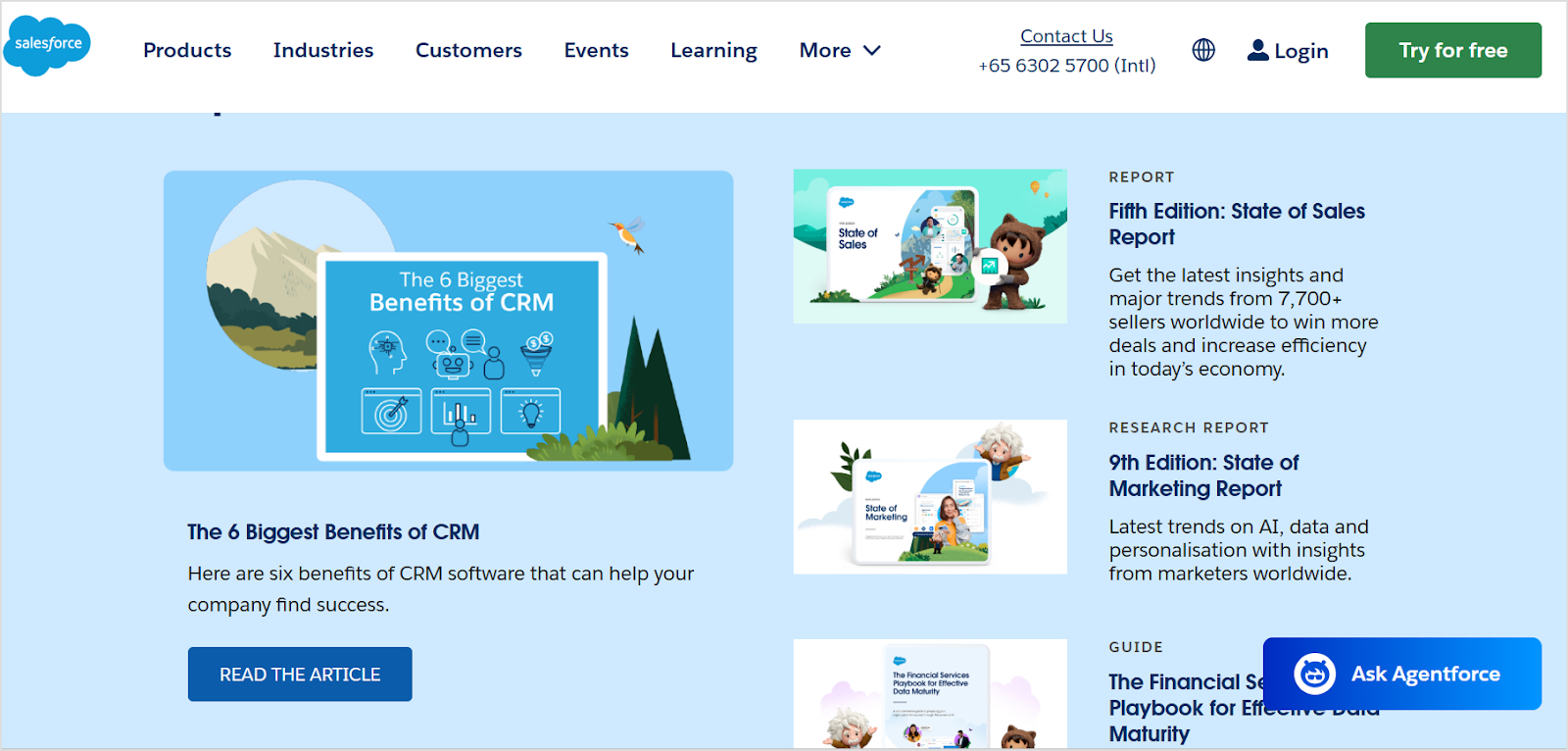
Salesforce publishes extensive thought leadership content exploring the future of business technology, customer experience, and digital transformation. Their content positions them as visionaries rather than just software vendors.
Key lessons:
- Address big-picture industry trends, not just product features
- Feature executive voices and company perspectives on industry evolution
- Use content to shape conversations rather than just participate in them
IBM – Case studies
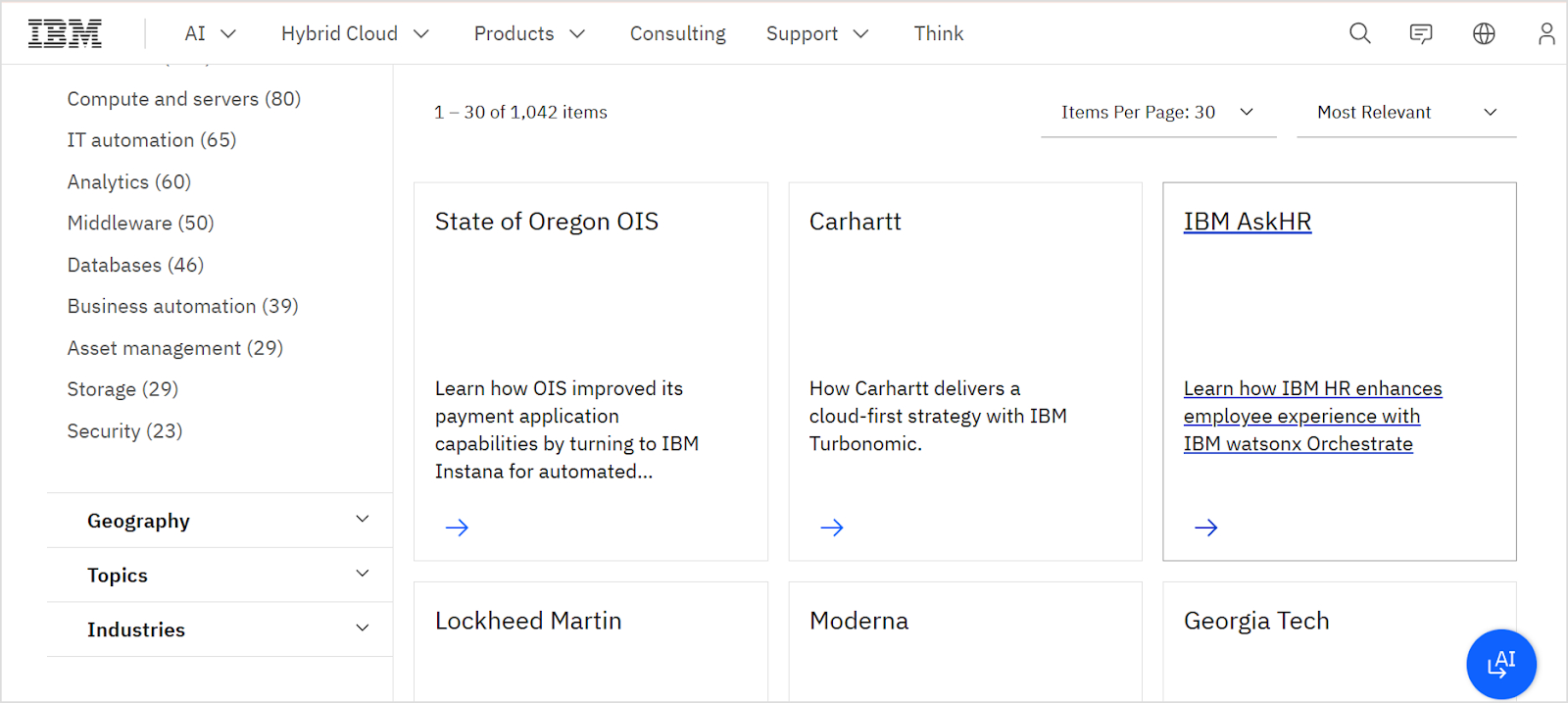
IBM excels at creating detailed case studies showcasing client success across industries and use cases. These stories provide concrete proof of capability and help prospects envision similar results.
Key lessons:
- Document specific results with quantifiable metrics
- Create case studies across different industries and company sizes
- Use customer voices to tell authentic stories
LinkedIn – Sales Navigator
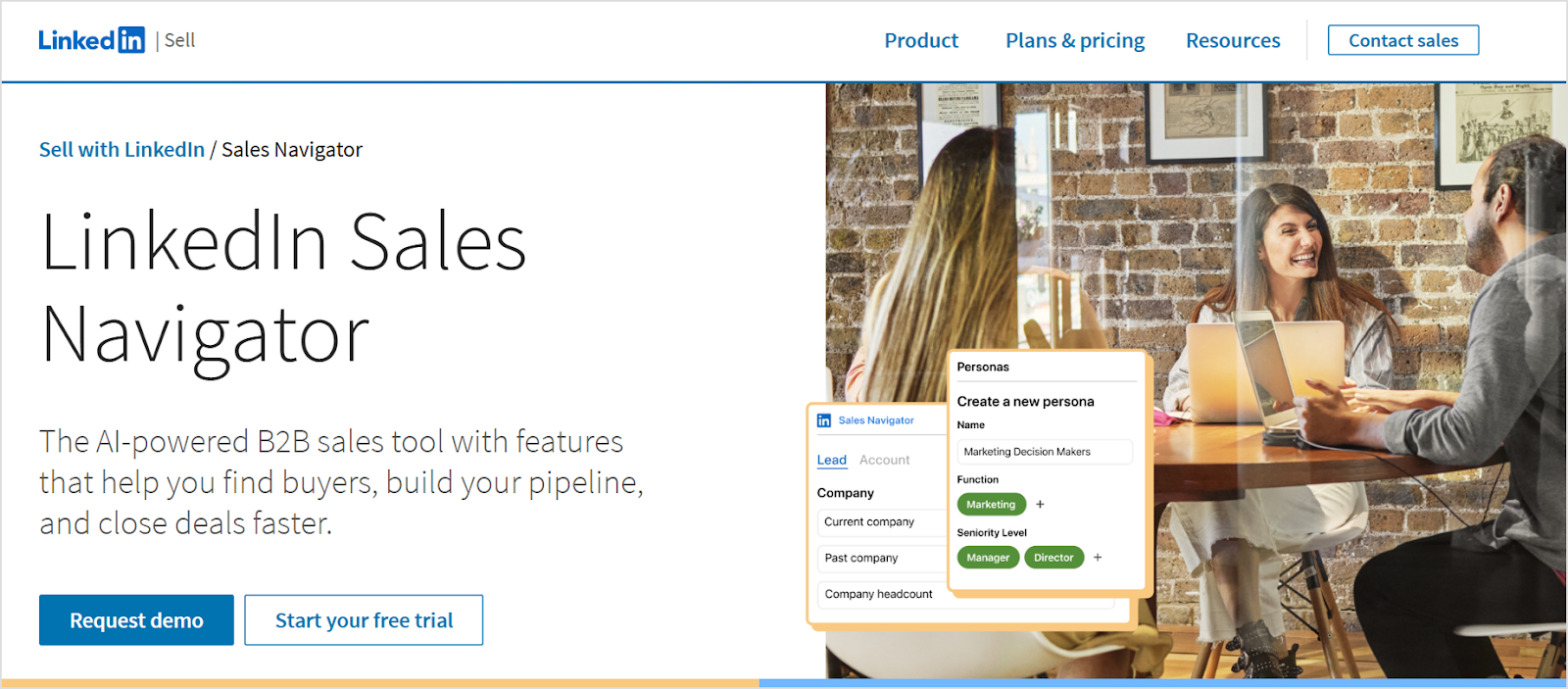
LinkedIn offers powerful B2B content marketing features through Sales Navigator, an AI-powered B2B sales tool. They create comprehensive educational resources, including customer success stories, industry-specific use cases, and best practice guides that showcase real results.
Key lessons:
- Use concrete data and third-party validation to build trust (like Forrester study results)
- Feature real customer testimonials that address specific pain points
- Demonstrate ROI clearly with quantifiable benefits before requesting paid commitment
Adobe – Webinars and virtual events
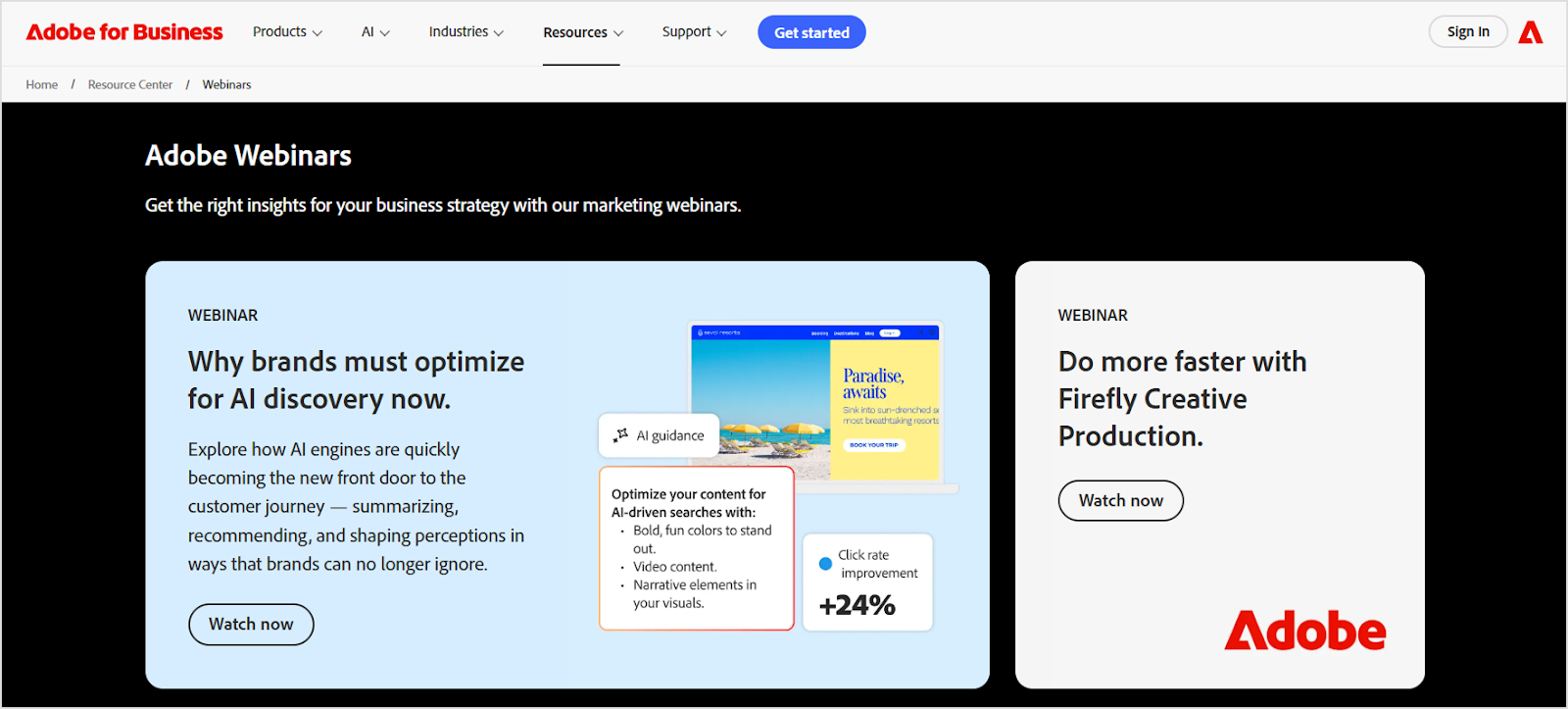
Adobe hosts extensive webinar programming featuring product tutorials, creative inspiration, and industry expert discussions. These live events create community while educating prospects.
Key lessons:
- Use live formats to create urgency and drive registration
- Feature external experts alongside internal voices for credibility
- Record and repurpose webinar content for ongoing value
Slack – Blog and customer stories

Slack combines practical productivity advice with inspiring customer stories on its blog. The mix of educational content and social proof supports both awareness and conversion.
Key lessons:
- Balance educational content with promotional material
- Let customers tell their own success stories authentically
- Address productivity and workplace challenges beyond your specific product
Deloitte – Long-form reports

Deloitte publishes extensive research reports analyzing industry trends, economic forecasts, and business challenges. These substantial resources establish unquestionable authority and generate media coverage.
Key lessons:
- Invest in original research that provides unique insights
- Create content substantial enough to be newsworthy
- Use premium content to reach enterprise decision-makers
B2B content marketing trends in 2026
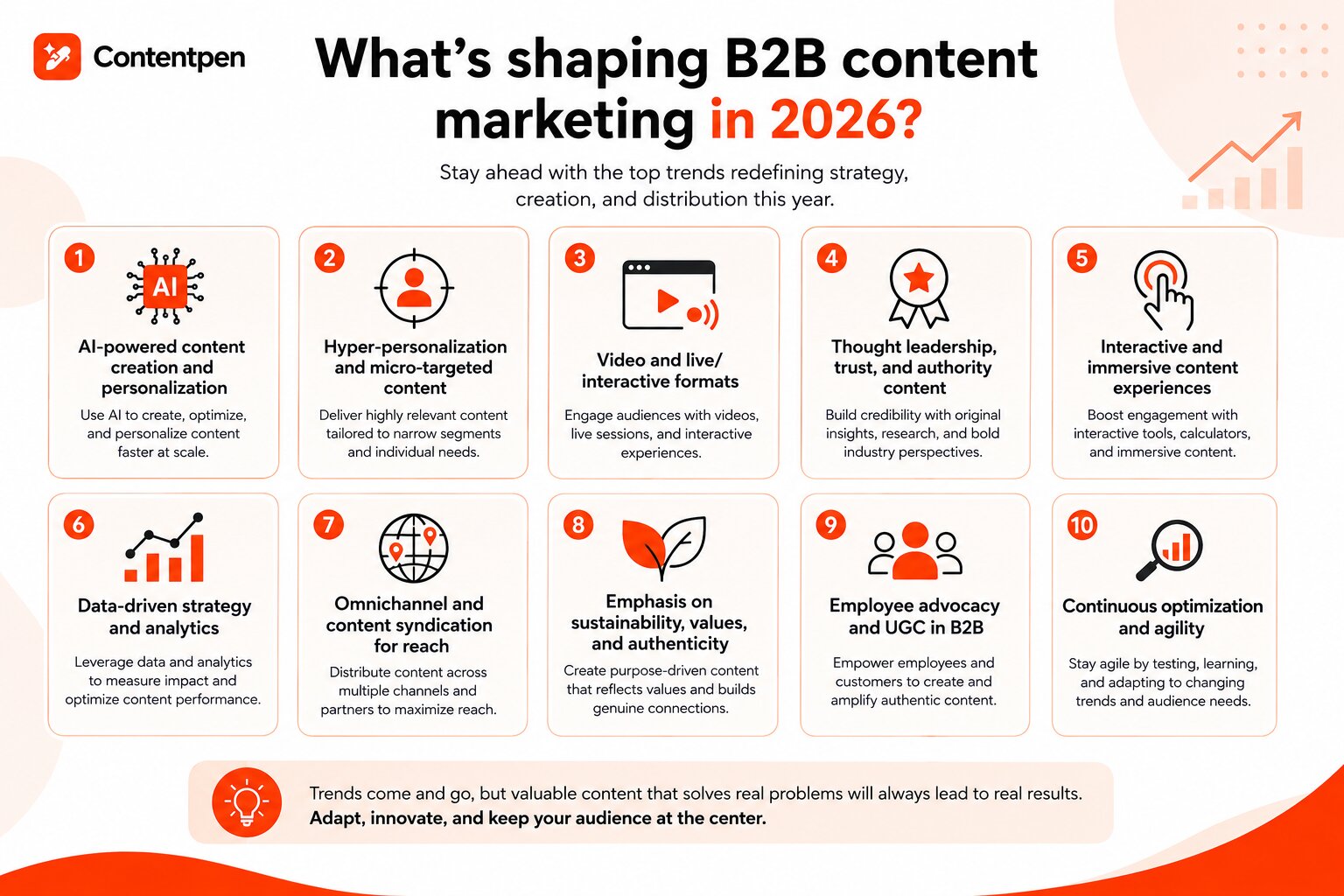
The content marketing trends and strategies tend to change from time to time due to the evolution of digital marketing, SEO, blog writing, and AI. It is vital to stay current with emerging trends to maintain a competitive advantage and reach audiences effectively.
AI-powered content creation, optimization, and personalization
Almost 50% of B2B marketers now use AI applications for marketing activities, and 45% of B2B marketing teams plan to increase investment in AI-powered tools in 2026.
Artificial intelligence is transforming content production. It enables teams to create more content faster while maintaining quality. AI-powered tools now assist with research, drafting, optimization, and personalization at scale.
Key applications:
- Automated content generation for routine topics
- SEO optimization and keyword integration
- Personalized content variations for different audience segments
- Performance prediction and topic recommendations
The question is no longer whether to use AI, but how to use it effectively while maintaining authenticity.
Also read: Does Google penalize AI content?
Hyper-personalization and micro-targeted content
Generic content no longer cuts through the noise. Advanced segmentation enables creating highly specific content for narrow audience segments based on industry, role, company size, and behavior.
Implementation strategies:
- Industry-specific versions of core content
- Role-based content addressing different stakeholder concerns
- Dynamic website content adapts to visitor characteristics
- Personalized email campaigns using behavioral triggers
Video and live/interactive formats
72% of marketers now consider video marketing essential, and live formats are accelerating. Video consumption continues growing, with B2B buyers increasingly preferring visual content over text. Live formats create urgency and authenticity that recorded content can’t match.
Emerging formats:
- Live Q&A sessions with industry experts
- Interactive product demonstrations
- Virtual events and conferences
- Short-form video for social platforms
- Shoppable video content
Thought leadership, trust, and authority content
In 2026, establishing genuine authority becomes more valuable. Companies investing in deep, insightful thought leadership stand out from competitors recycling surface-level content. Such content gets cited by AI platforms, shared in private channels, and referenced in buying conversations your team will never see directly.
Focus areas:
- Original research and data-driven insights
- Executive visibility and perspective sharing
- Position papers on industry issues
- Bold predictions and provocative viewpoints
Interactive and immersive content experiences
Static content competes with increasingly sophisticated digital experiences. Interactive elements boost engagement and provide personalized value that passive content cannot.
Interactive formats:
- Calculators and ROI tools
- Assessments and maturity models
- Configurators and product builders
- Interactive infographics and data visualizations
- Augmented reality product experiences
Data-driven strategy and analytics
Sophisticated analytics enable optimizing content performance with great precision. Data-driven approaches ensure resources focus on the highest-impact content.
Key metrics and approaches:
- Content attribution throughout the customer journey
- Topic and format performance analysis
- Predictive analytics for content planning
- Real-time optimization based on engagement signals
Omnichannel and content syndication for reach
Single-channel strategies limit reach and miss audiences consuming content across multiple platforms. Omnichannel approaches ensure a consistent presence wherever prospects engage.
Distribution strategies:
- Cross-platform content adaptation
- Syndication partnerships with industry publications
- Community participation and guest contributions
- Platform-specific content variations
Emphasis on sustainability, values, and authenticity
B2B buyers increasingly evaluate vendors based on values, sustainability commitments, and authentic communication. Purpose-driven content resonates with modern decision-makers.
Content themes:
- Corporate social responsibility initiatives
- Sustainability efforts and environmental impact
- Diversity, equity, and inclusion commitments
- Ethical business practices and transparency
Employee advocacy and UGC in B2B
Empowering employees to share company content amplifies reach and adds authenticity. User-generated content from customers provides social proof that marketing claims cannot match.
Implementation tactics:
- Employee advocacy platforms and training
- Customer content creation programs
- Social media amplification initiatives
- Community-generated resources and discussions
Shift towards owned media and cost efficiency
Rising advertising costs and privacy changes reduce paid media effectiveness. Companies are investing more in owned channels, including websites, email lists, and communities, to have optimum control.
Owned media strategies:
- Building engaged email subscriber lists
- Creating proprietary communities and forums
- Developing direct relationship channels
- Reducing dependence on paid distribution
How can Contentpen help you create a profitable B2B blog?
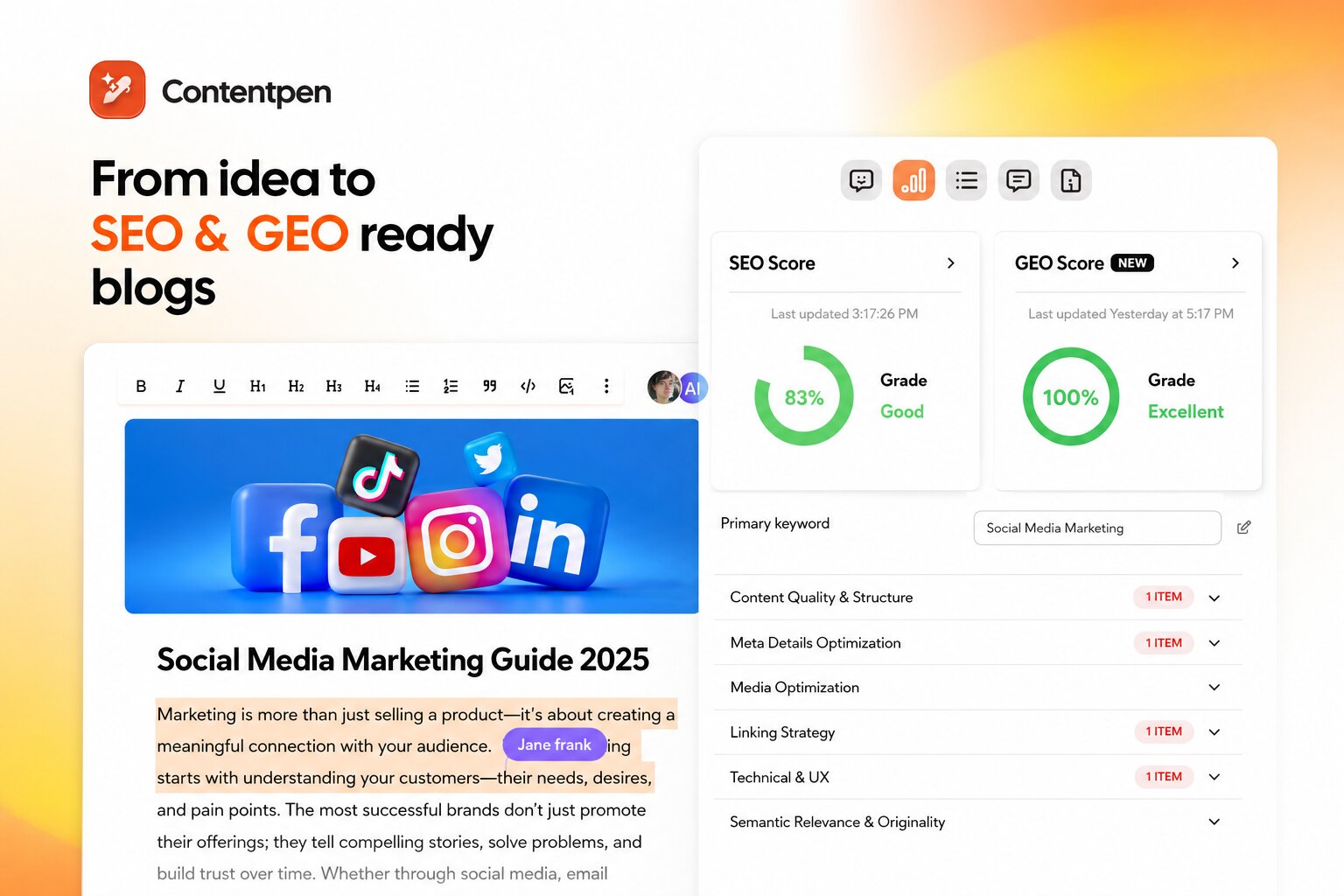
Creating consistent, high-quality B2B content requires significant resources and expertise. Our AI SEO tool streamlines the content creation process, enabling B2B companies to publish SEO-optimized content at scale without sacrificing quality.
Here are the key features of Contentpen that make it perfect for creating a profitable B2B blog:
- Strategic content planning: Contentpen helps identify high-opportunity keywords in your niche, ensuring every article targets terms your prospects actually search for.
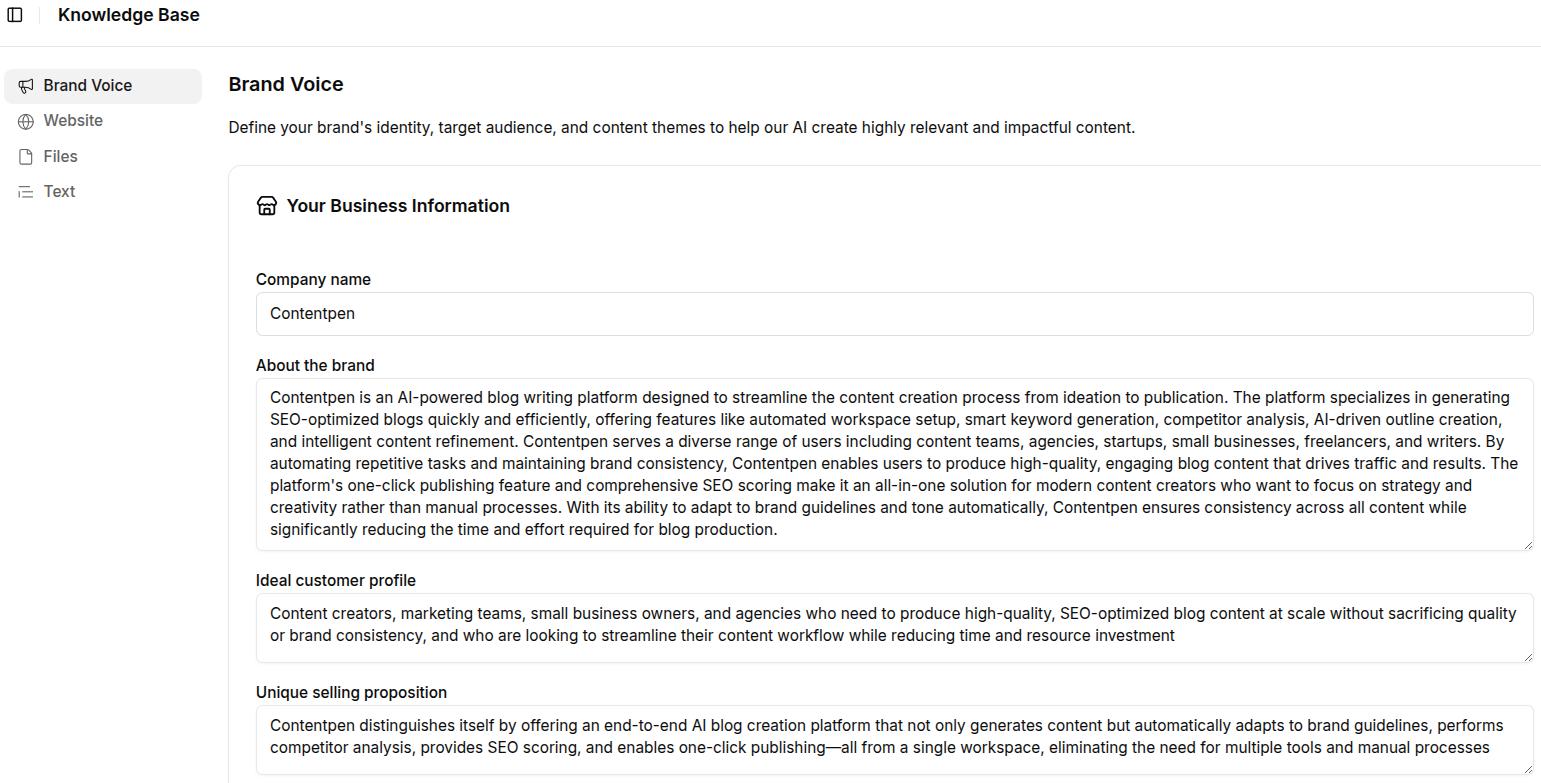
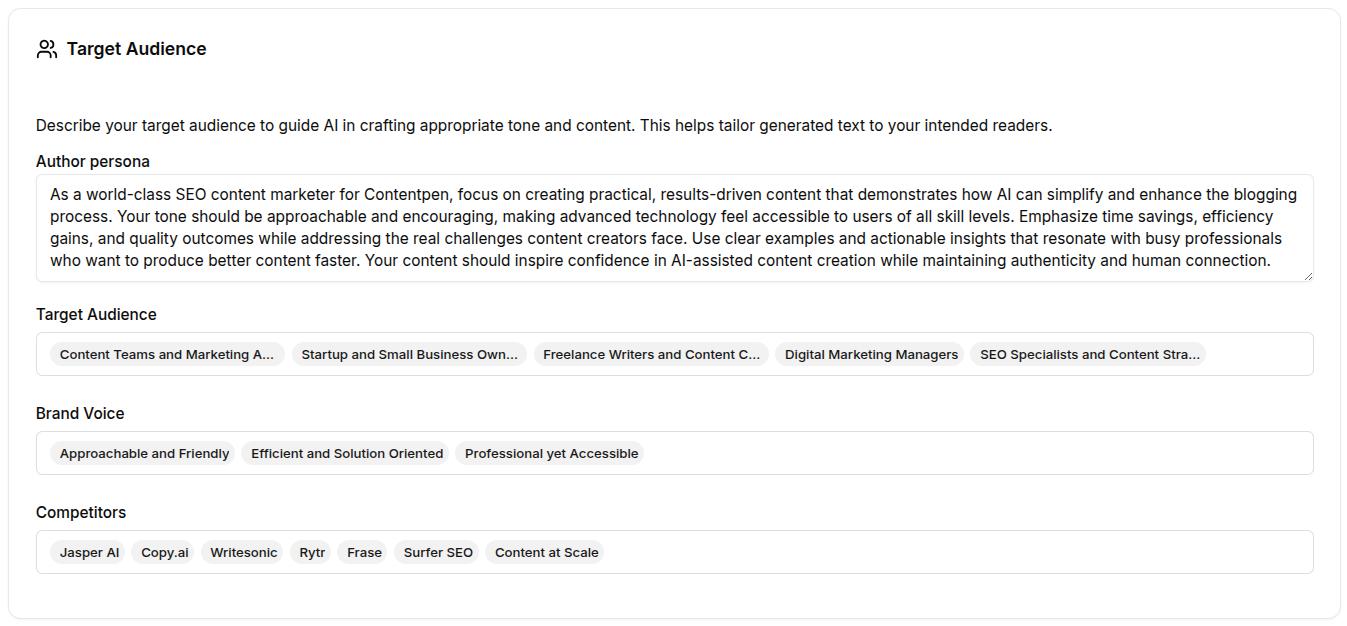
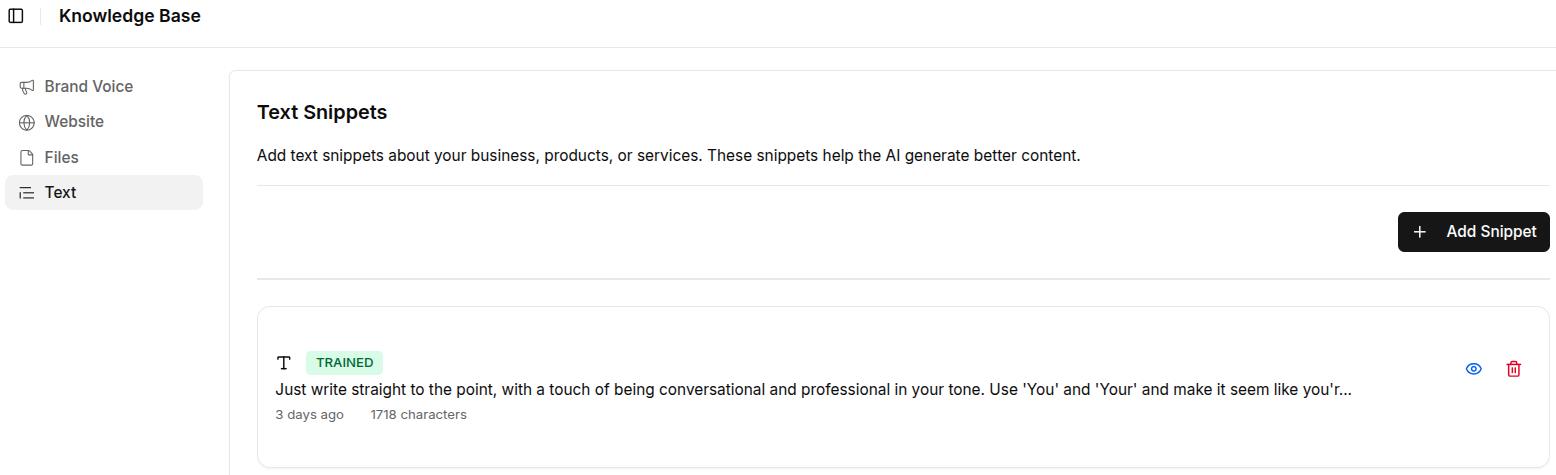
- Brand voice consistency: Use Contentpen’s brand voice features to maintain a consistent tone across all content, ensuring your B2B brand identity remains strong regardless of who creates content.
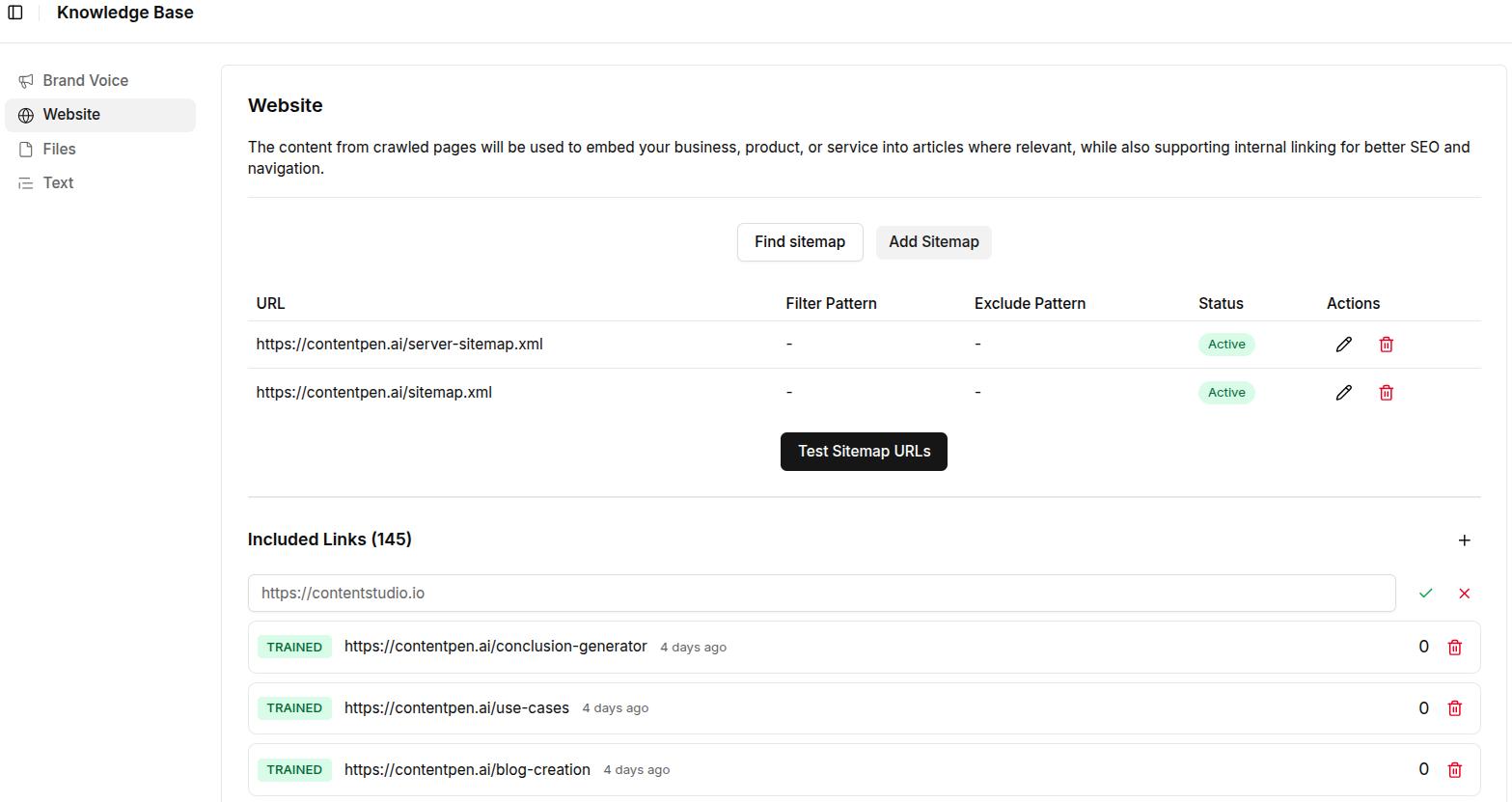
- Automated optimization: Built-in SEO optimization ensures every piece follows best practices for search visibility, from keyword placement to internal linking strategies.
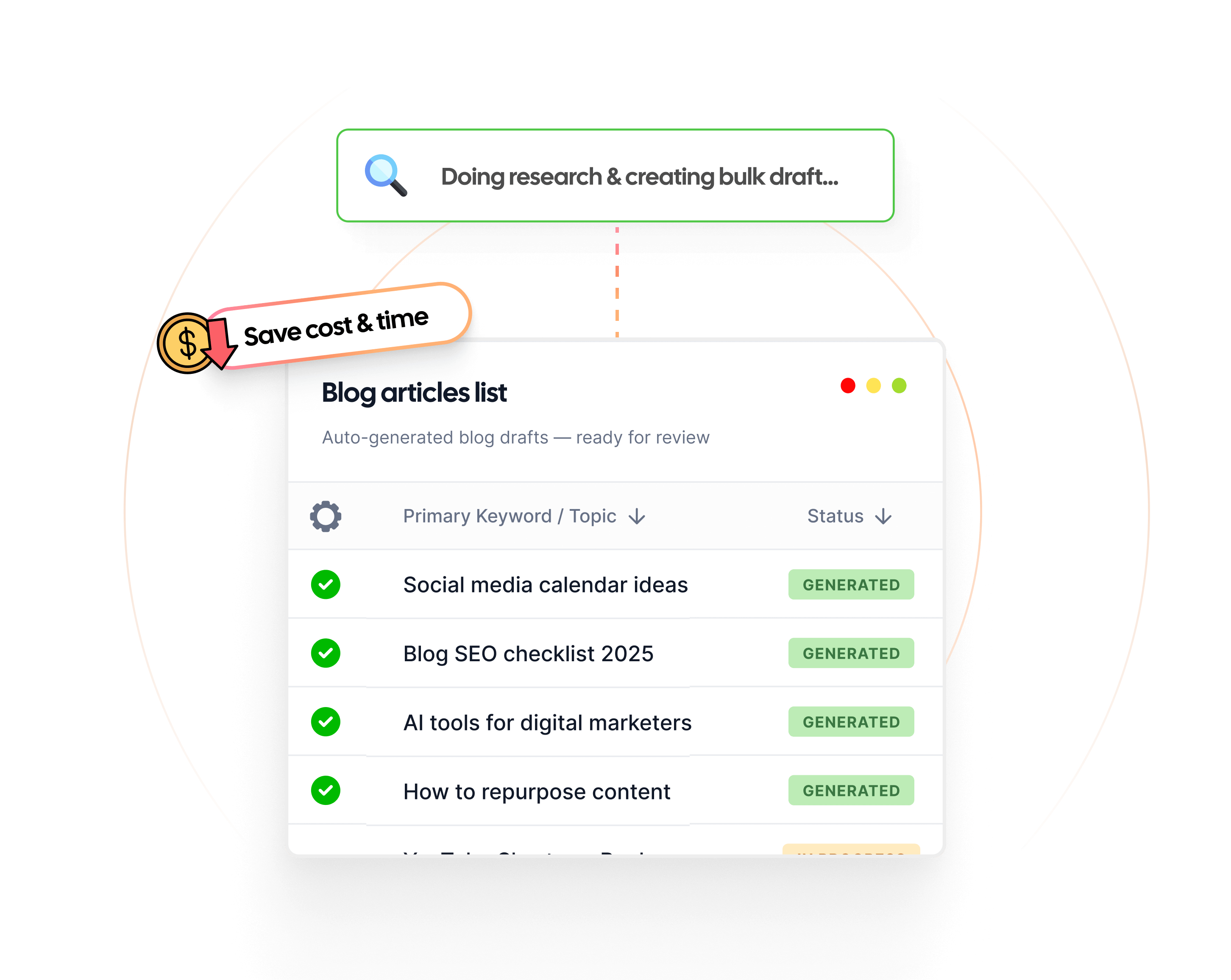
- Bulk content creation: Generate multiple articles simultaneously when scaling your content operation, perfect for covering comprehensive topic clusters or launching new content initiatives.
- Content refreshing: Update existing articles to maintain freshness and improve rankings, extending the value of previously published content.
- WordPress integration: Connect directly to WordPress for seamless publishing, eliminating manual content transfer steps.
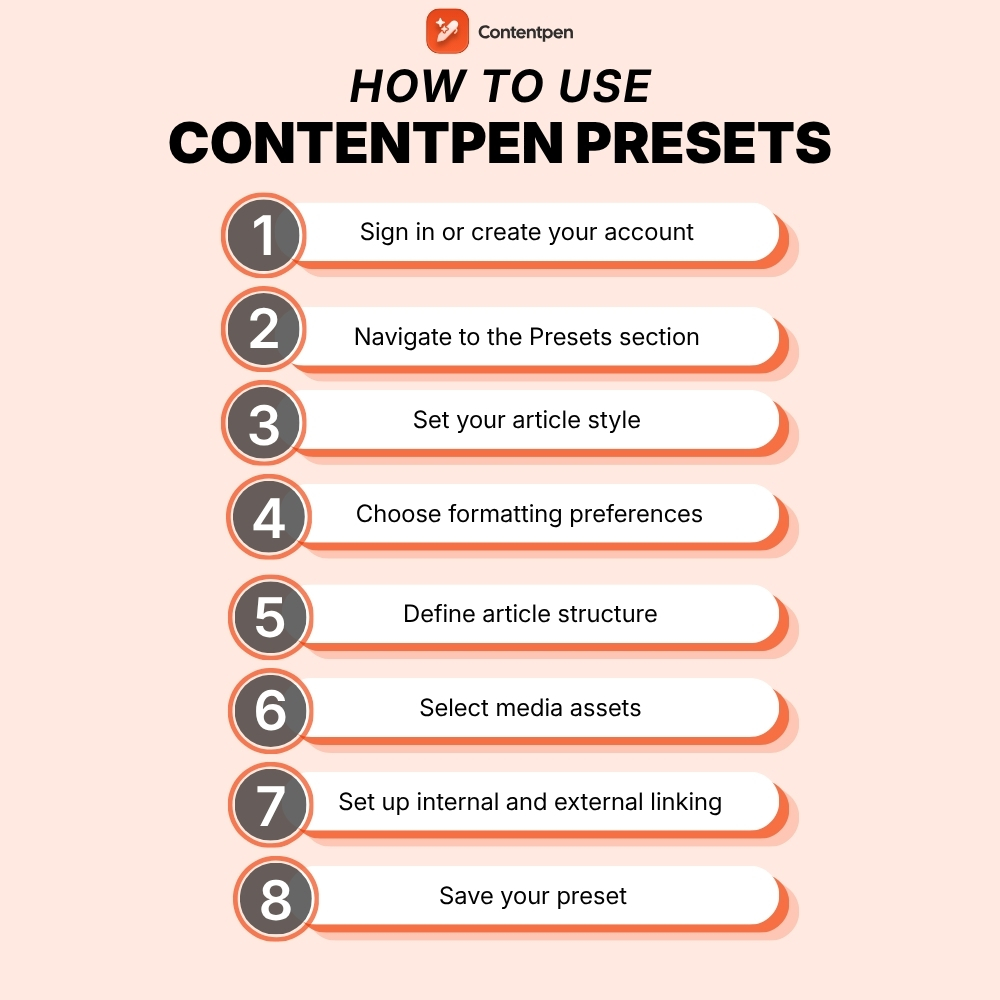
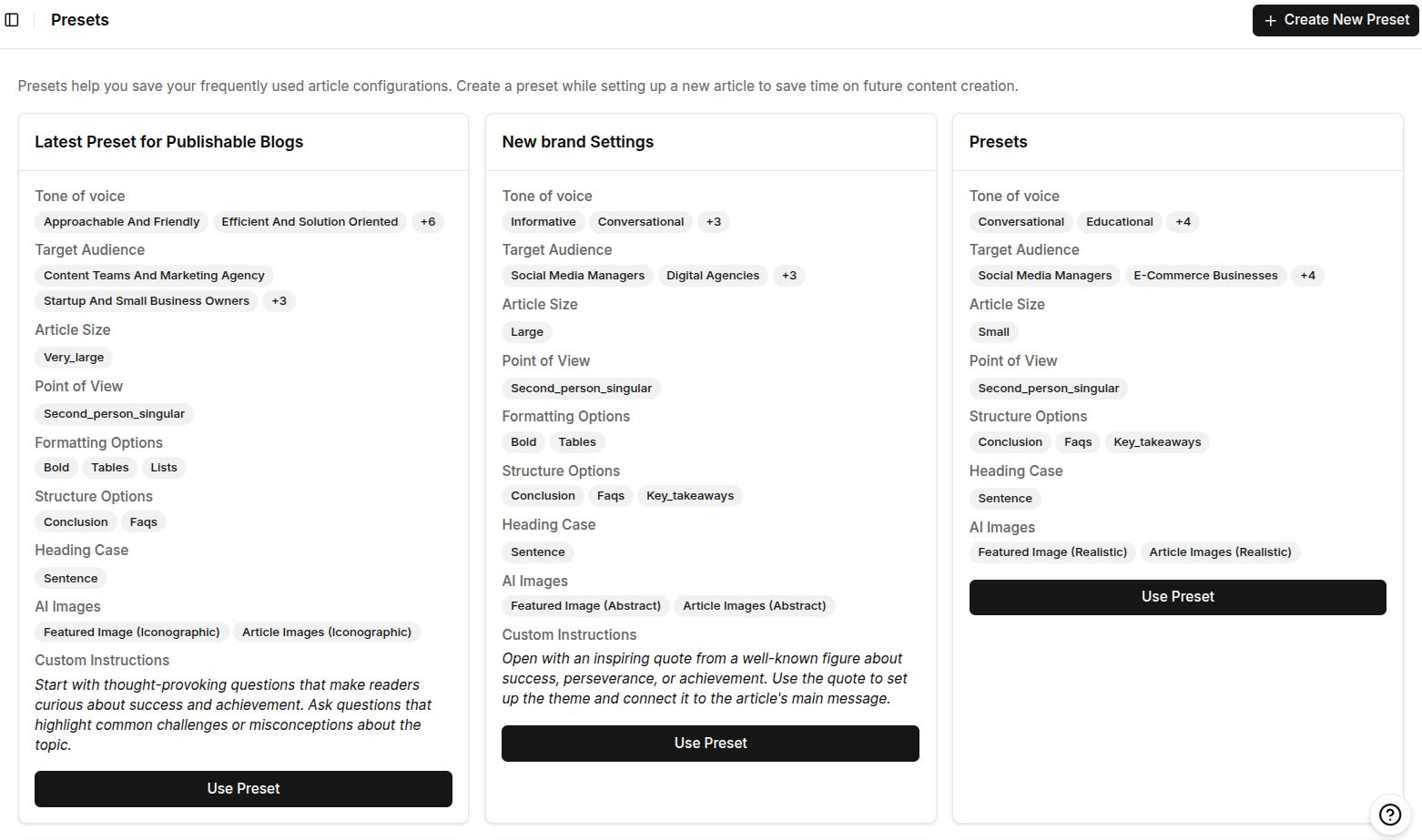
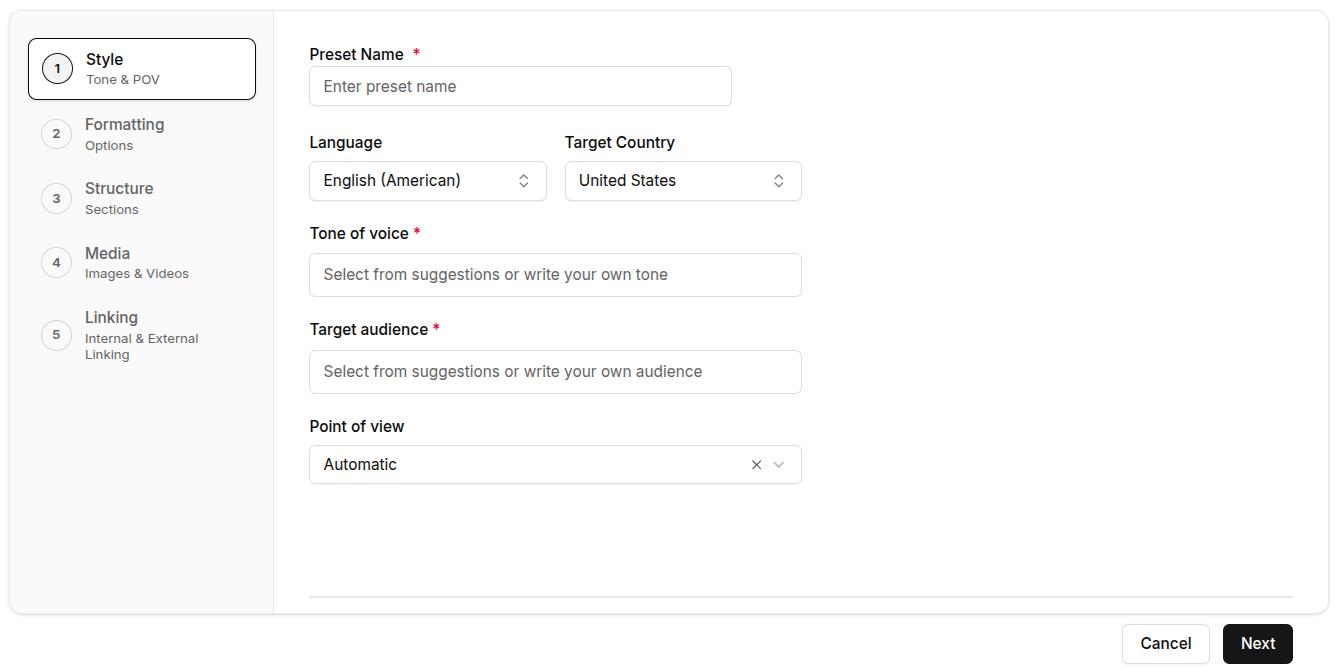
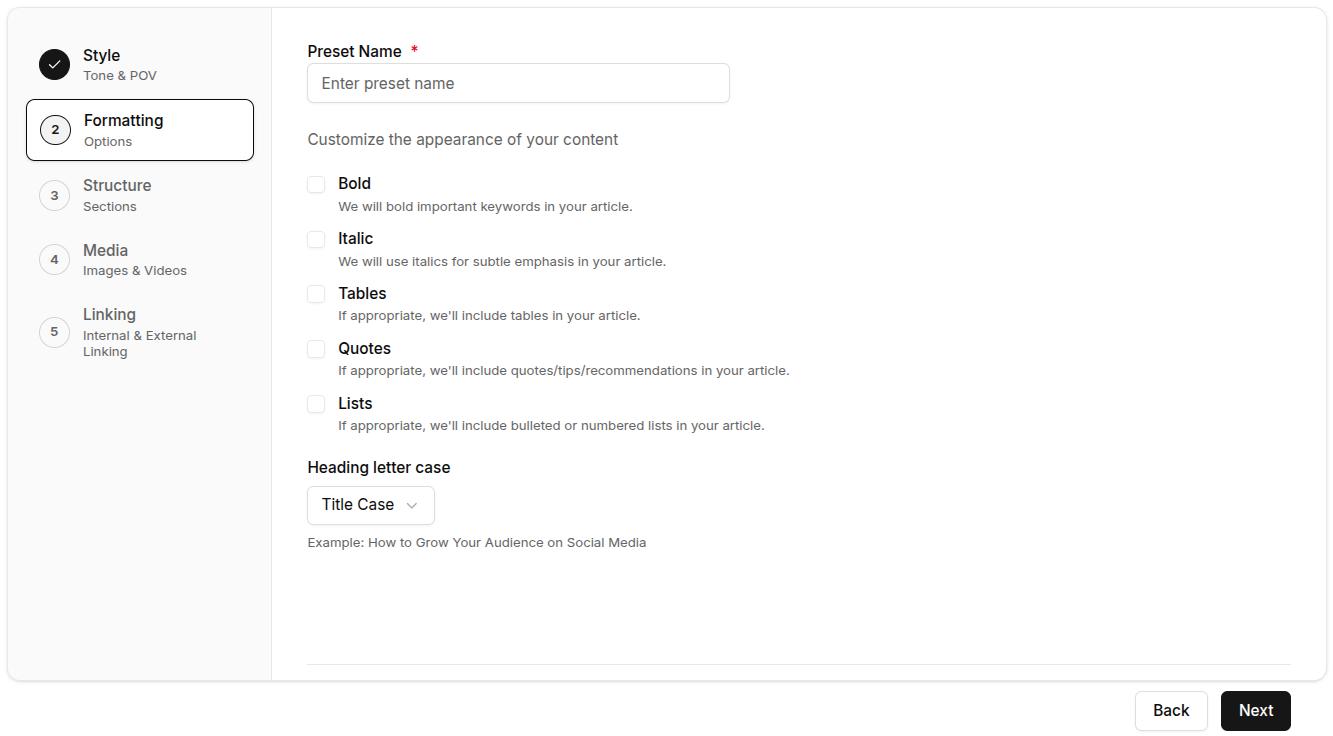
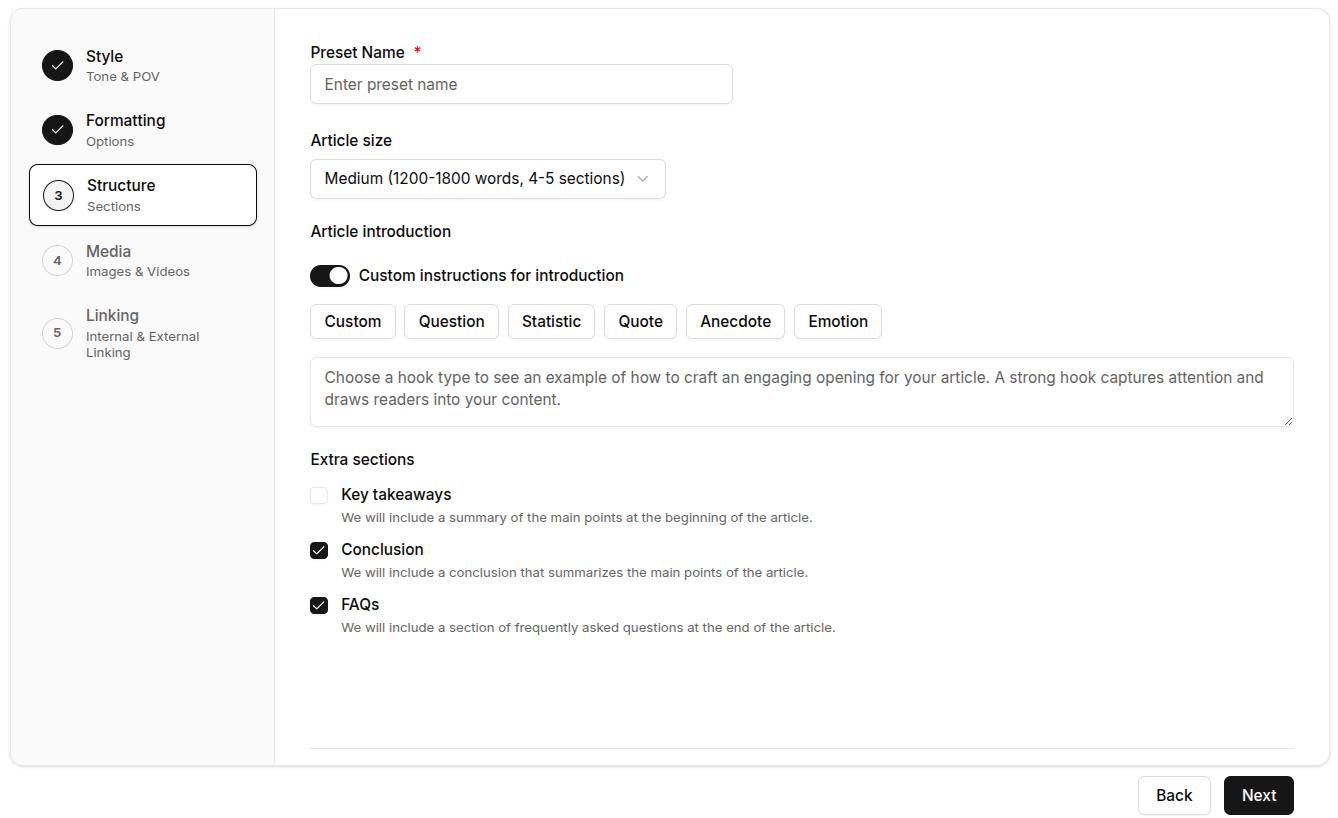
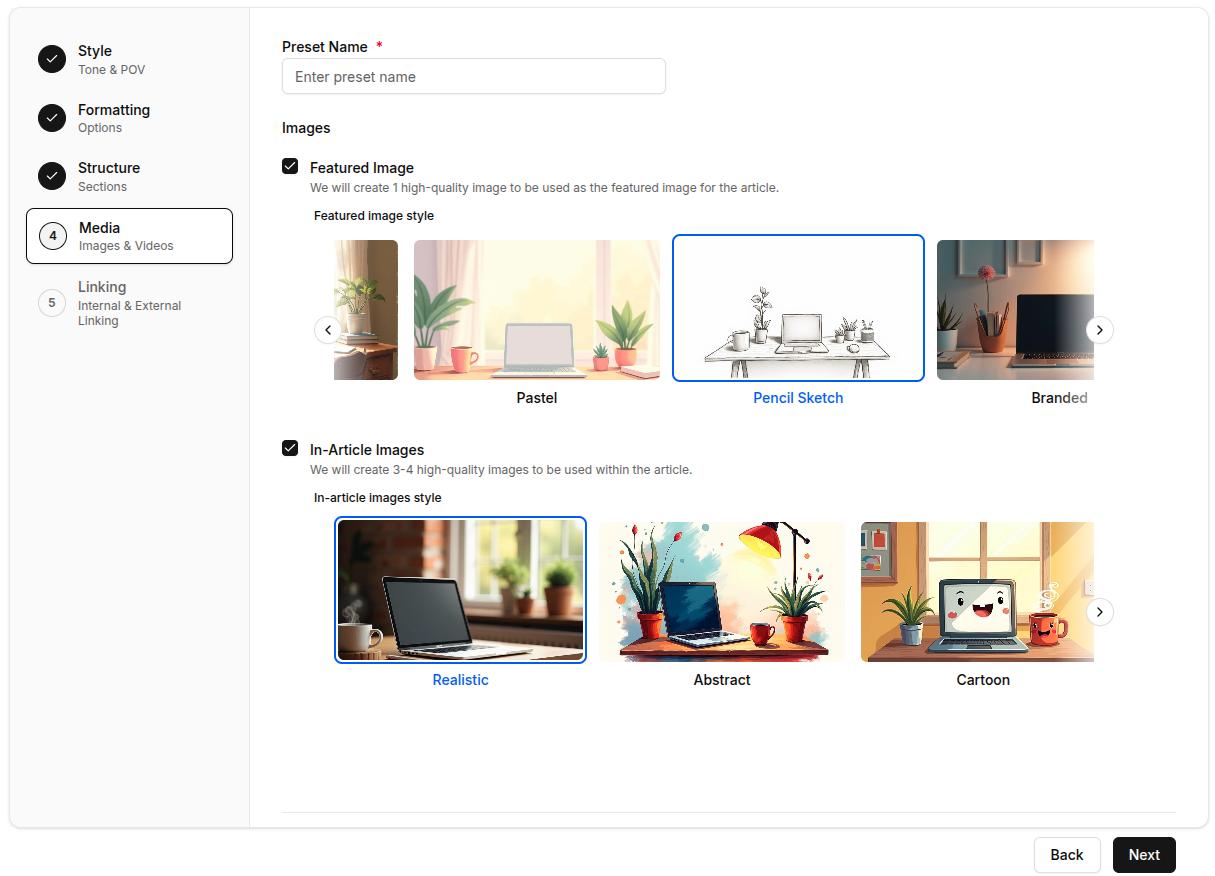
- Custom presets: Save content templates and configurations for different content types, ensuring consistency and speeding up production.
Whether you’re publishing your first B2B blog or scaling an established content operation, Contentpen provides the infrastructure to create professional content efficiently. The platform handles technical optimization while you focus on strategy and audience engagement.
The following video summarizes the article creation process with Contentpen:
Summing it up
B2B content marketing has certainly evolved from a nice-to-have into an essential growth driver for modern businesses.
A successful B2B content marketing strategy requires understanding your audience deeply, creating valuable content across the entire buyer’s journey, and maintaining consistency through strategic planning.
The four core marketing types, email, digital, content, and social media, ultimately work together to reach decision-makers wherever they consume information.
Implementing the nine-step strategy discussed in this article ensures your content serves specific business objectives. It covers everything from goal-setting and audience research to SEO optimization and performance measurement.
As we move into an AI-powered future, companies should invest in thought leadership and embrace data-driven strategies. You can also use tools like Contentpen to maintain quality at scale and build lasting customer relationships.
Frequently asked questions
LinkedIn dominates B2B content marketing due to its professional user base and targeting capabilities. The platform helps reach decision-makers by job title, industry, and company size while facilitating thought leadership and engagement.
The 3-2-1 rule suggests posting three pieces of curated content from others, two pieces of original content, and one promotional post. This ratio maintains audience engagement by providing value before asking for anything in return, preventing feeds from becoming overly promotional.
The rule of 7 states that prospects need to encounter your brand seven times before taking action. This principle emphasizes consistent presence across multiple touchpoints, including blog posts, social media, email, and ads, throughout the extended B2B buying cycle.
Amazon Business represents one of the largest B2B operations globally, serving millions of business customers with procurement solutions, bulk purchasing, and business-only pricing. The platform demonstrates how consumer-focused companies can successfully expand into business markets with adapted experiences and value propositions.
Most B2B content marketing programs take 3-6 months to show meaningful organic traffic growth and 6-12 months to demonstrate measurable pipeline influence. This is because search engines take time to index and rank new content, and B2B buying cycles are long, sometimes spanning several months from first content touchpoint to a closed deal.
Microsoft consistently ranks as the most valuable B2B brand globally. Its value is estimated to be $3.34 trillion due to Microsoft’s numerous solutions, including AI, cloud computing, productivity software, and enterprise software serving businesses worldwide.
Salesforce’s content marketing demonstrates an effective B2B strategy in practice. The company publishes extensive educational resources, hosts the Dreamforce conference, maintains an active social presence, and creates customer success stories. All of these efforts attract business customers, demonstrate value, and support lengthy enterprise sales cycles.