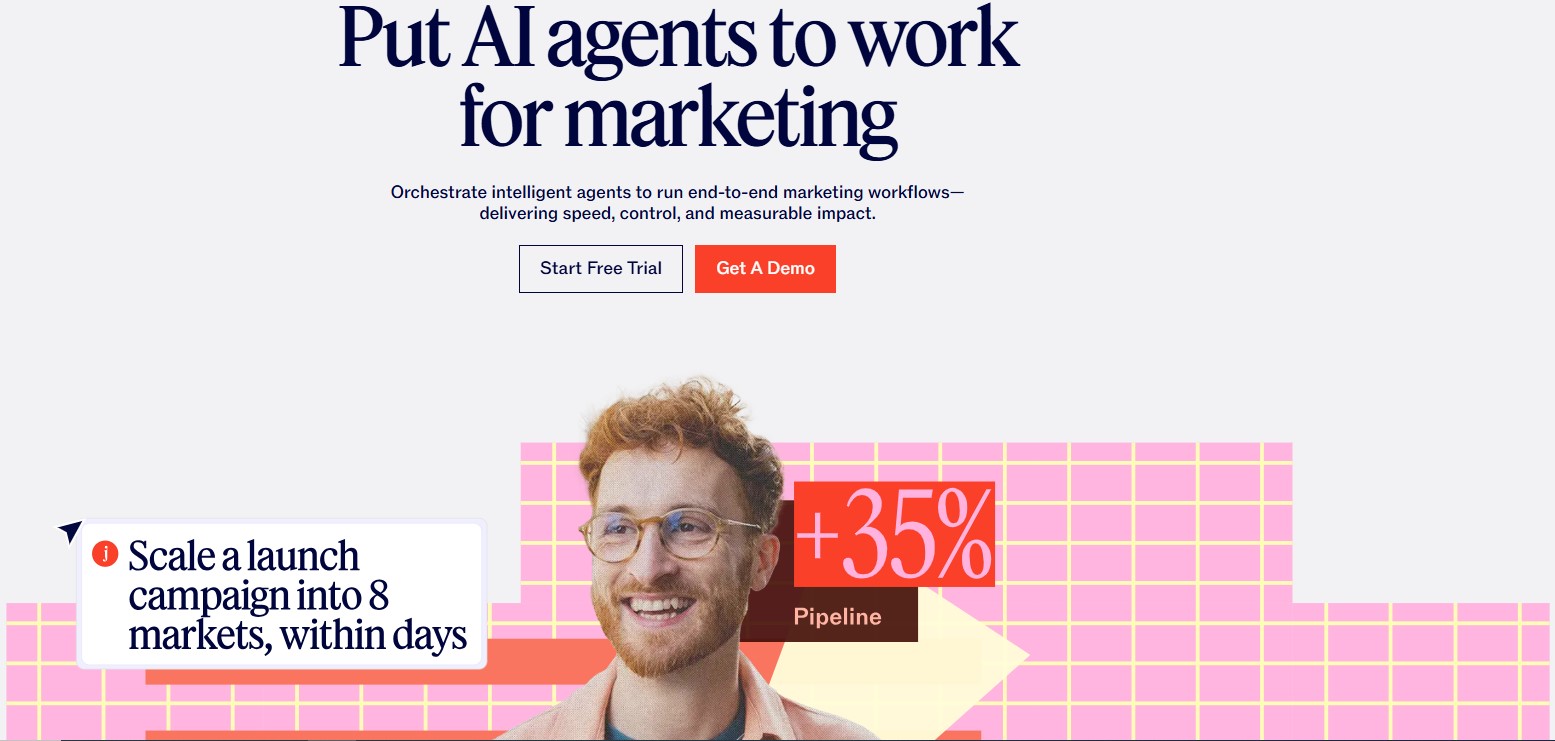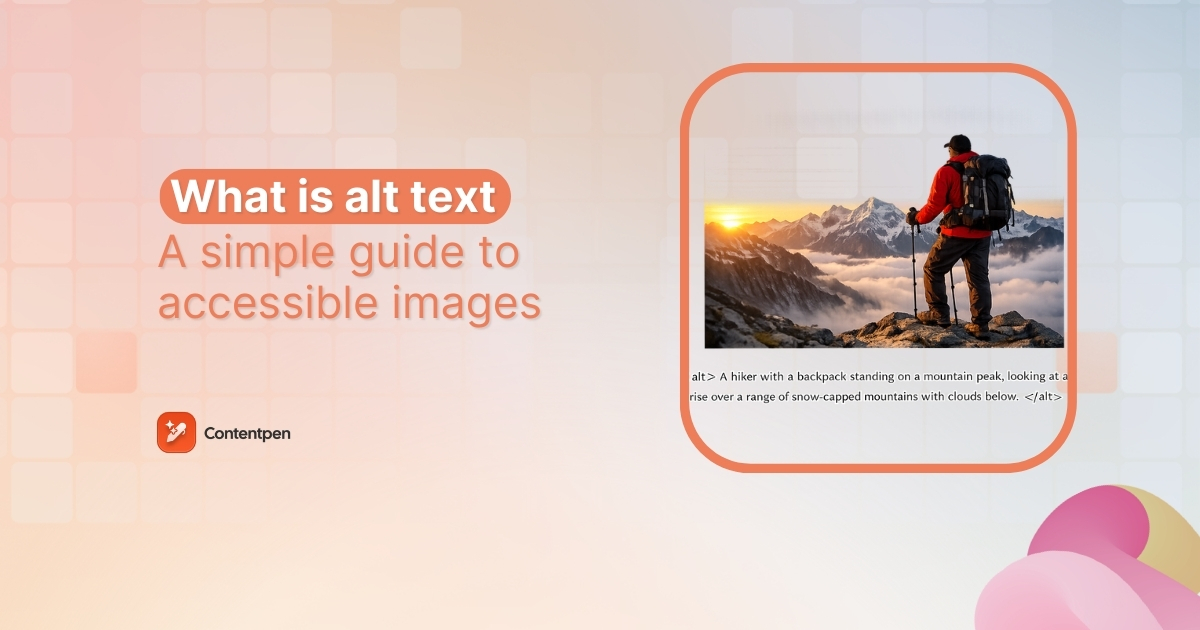
Alt text (alternative text) is a short written description added to an image’s HTML code that helps screen readers and search engines understand what the image or graphic element shows. It improves both accessibility and SEO by making visual content readable in text form.
Despite being an integral part of the SEO landscape, alt text is often ignored by a lot of content marketers and professionals. By not crafting proper alt text, you lose the ability to engage a diverse audience and the ranking potential to competitors.
In this post, we will learn everything about alt text: what it is, why it is important in SEO, and how to write it properly for your images. We will also discuss some 2026 alt text best practices so that your content is never lost again on search engines.
So, let’s begin, shall we?
Basics of alt text: How does it work?
To explore the basics of alt text, we need to start with HTML. Every image on a page uses an img tag. Inside that tag, the alt attribute holds a short description. That string of text is the alternative text for the image, usually called alt text.
In code, alt text looks like this:
<img src="dog.jpg" alt="A golden retriever puppy running on a beach.">
In the above example, the part inside the quotes is the alt text. A screen reader will read that description aloud, and a search engine crawler will use it to understand what the image shows and how it relates to the context of the content.
Alt text vs title attribute: What’s the difference?
Alt text and the title attribute are often confused because both are added to images in HTML. However, they serve very different purposes in accessibility and SEO.
The alt attribute describes the content of an image, while the title attribute provides additional, optional information that may appear as a tooltip when a user hovers over the image.
Here’s a simple comparison:
| Feature | Alt text | Title attribute |
| Purpose | Describes the image content | Provides extra context or a tooltip |
| Accessibility | Essential for screen readers | Not reliably read by screen readers |
| SEO impact | Important ranking signal for images | Minimal to no direct SEO value |
| Visibility | Used when the image doesn’t load | Visible on hover (desktop only) |
| HTML usage | <img alt=”description”> | <img title=”extra info”> |
Example in HTML
<img src="team.jpg" alt="Marketing team collaborating in a meeting room" title="Contentpen marketing team meeting - Q1 strategy">In this example:
- The alt text explains what is happening in the image.
- The title attribute adds extra context but is not essential.
Which one should you prioritize?
Always prioritize alt text.
If you had to choose between the two, alt text should never be skipped because it directly affects accessibility and how search engines understand your images.
The title attribute, on the other hand, is optional and should only be used when it adds meaningful supplementary information that is not already covered in the alt text or surrounding content.
Best practice
Avoid repeating the same text in both attributes. If your alternative description already explains the image clearly, adding the same sentence in the title attribute creates redundancy without adding value.
Why is alt text important for accessibility and SEO?
As we’ve mentioned above, alt text supports both people and search engines at the same time.
Alt text for accessibility
When someone with low or impaired vision uses a screen reader, the software moves through the page and announces each element. When it reaches an image, it cannot see pixels or colors, so it reads the alt text instead.
That is why good image alternative text is an accessibility issue, not just a technical detail. A short description lets a visitor who cannot see the screen understand what the image adds to the story. This can be a product angle, a data point in a chart, or the face behind a founder profile.
Accessibility standards such as the Americans with Disabilities Act (ADA), Section 508 in the United States government framework, and the WCAG guidelines all call for text alternatives for meaningful images.
Browsers also rely on alt text.
If an image fails to load because of a slow connection, then the browser may display the alt text instead, so visitors can still get what the image is about.
Alt text in SEO
Search engines also cannot see photos or icons. Crawlers read code. When they reach an image, they use the alternative description, file name, and nearby copy to figure out what the visual content shows.
Alt text for SEO is basically descriptive HTML that explains to search engines what is going on in a visual.
If your description uses natural language and includes a relevant keyword, your image has a better chance of appearing in Google Images for that particular topic.
How to write alt text? Best practices for 2026
Once you understand what alt text is and why it matters, the next step is writing it well. Let’s follow these best practices for better alt texts.
#1: Be specific and concise
Aim for 1-2 short sentences that focus on what matters most in the image. You do not need to overthink this part at all, and simply write to explain what is occurring in the visual.
Consider this example:

The alt text for this image is “A group of friends walking in the park on a sunny morning with sunglasses on.” As you can see, this is exactly what’s happening in the image: nothing more, nothing less.
#2: Skip phrases like “image of” or “picture of.”
Screen readers already announce that the element is an image. So, when you write the alt text with something like ‘An image of XX item in YY setting’, then you are repeating the image element to the reader. This can be annoying for the audience and represents bad UX.
Therefore, the best approach is to go straight to the subject. What do you see, and what should the search engines, screen readers, and other audiences see to retain the context of the image?
#3: Include important on-image text
Logos, screenshots, illustrations, and infographics often contain words that matter. Use any key text in the alt description so all types of visitors understand the important data that these types of visuals may cover.
You can write the alt text of an image with something like, ‘an illustration of …’ or ‘a cartoon sketch of …’ This practice helps the search engines and screen readers also understand the visual type.
Example:

Alt text: ‘A cartoon sketch of a businessman seated behind a desk interviewing a candidate in a suit who has scruffy hair and a long white beard.’
#4: Use punctuation
End the alt description with a period. Many screen readers pause at the end of a sentence, which makes the alt text easier to follow and separates it from what comes next.
#5: Use empty alt text only for decoration
Some visuals are there for style only, such as divider images or fillers. For those visual assets, set alt=”” so assistive tools skip them and focus on real content.
#6: Audit alt text regularly
In most content audits, missing alt text is one of the most common SEO gaps that we regularly see. Therefore, make it a habit of improving your existing image alt texts. Correct any misspelled words and optimize for better readability.
Alt text examples by image type
Examples help when you move from theory to real pages. The table below shows poor and better options for common image types, based on the same alt text best practices above.
| Image type | Poor alt text | Good alt text |
| Photograph | Image of people | Two colleagues review a marketing report at a standing desk in a modern office. |
| Logo linked to homepage | Logo image | Contentpen logo with red and orange color theme |
| Chart or graph | A bar chart | Bar chart showing a 25% increase in quarterly website traffic from Q1 to Q2. |
| Decorative image | Decorative line | alt=”” |
Add an alternative description for every icon asset on your site. Also, include alt text for the CTA buttons you leave on each webpage with the action that you intend for the user to take. For example, ‘download the SEO content template’ or ‘Search.’
For complex images such as dense charts or full infographics, keep the alt attribute short and give only a summary. Place a full text explanation nearby in the body copy or on a linked page so every bit of data is available without forcing the alt text to become a long paragraph.
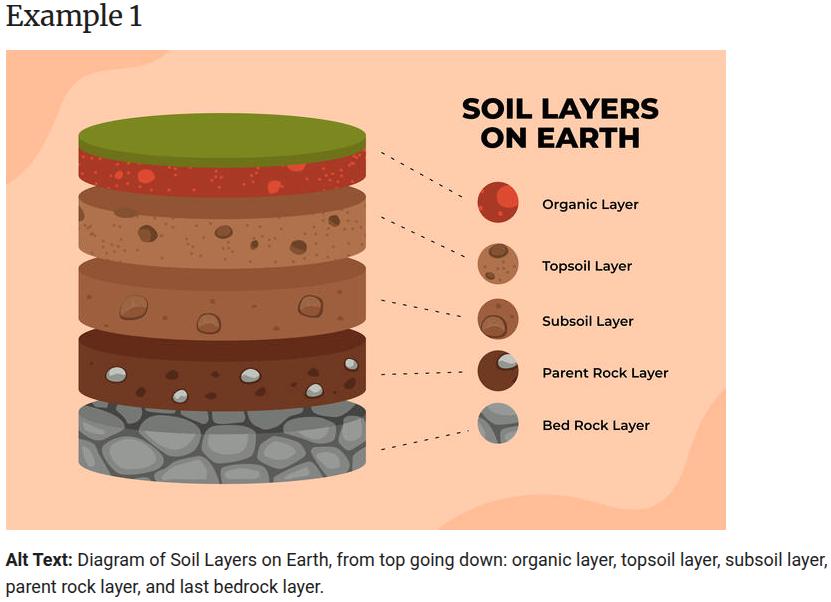
Source: Harvard.
Common alt text mistakes to avoid
Even when you know what alt text should do, it is easy to slip into habits that hurt users or SEO. Many sites repeat the same problems. Watch for these traps so your work stays helpful.
- Skipping the alt attribute is the most serious problem. When the attribute is missing, a screen reader may read the raw file name, which is almost never helpful. Always include alt on every img tag, even if the value is empty for decoration.
- Using vague placeholder text wastes a valuable field. Labels such as “image,” “photo,” or “graphic” do not explain what the picture adds to the page, and search engines gain nothing from them. Use specific nouns and simple verbs that describe the content.
- Stuffing keywords into alt text does more harm than good. A line such as “SEO image optimization best practices 2026 guide” sounds like a tag list, not a sentence. It frustrates people listening with a screen reader and can look spammy in search tools.
- Copying the surrounding body text creates repetition. If a paragraph already explains everything in the image, repeating it as alt text forces assistive tools to say the same thing twice. In that case, a null alt attribute (alt=””) is better.
How to set up alt text?
You can set up alt text on almost all types of word editing software and content management systems (CMS).
For example, let’s consider WordPress for now. If you want to add alt text for an image in WP, simply add the visual using the ‘Image’ block in the Gutenberg editor.
Once the image is placed into the content, open settings or press Ctrl + Shift +, and go to ‘Block’ -> ‘Settings’ -> ‘Alternative Text.’
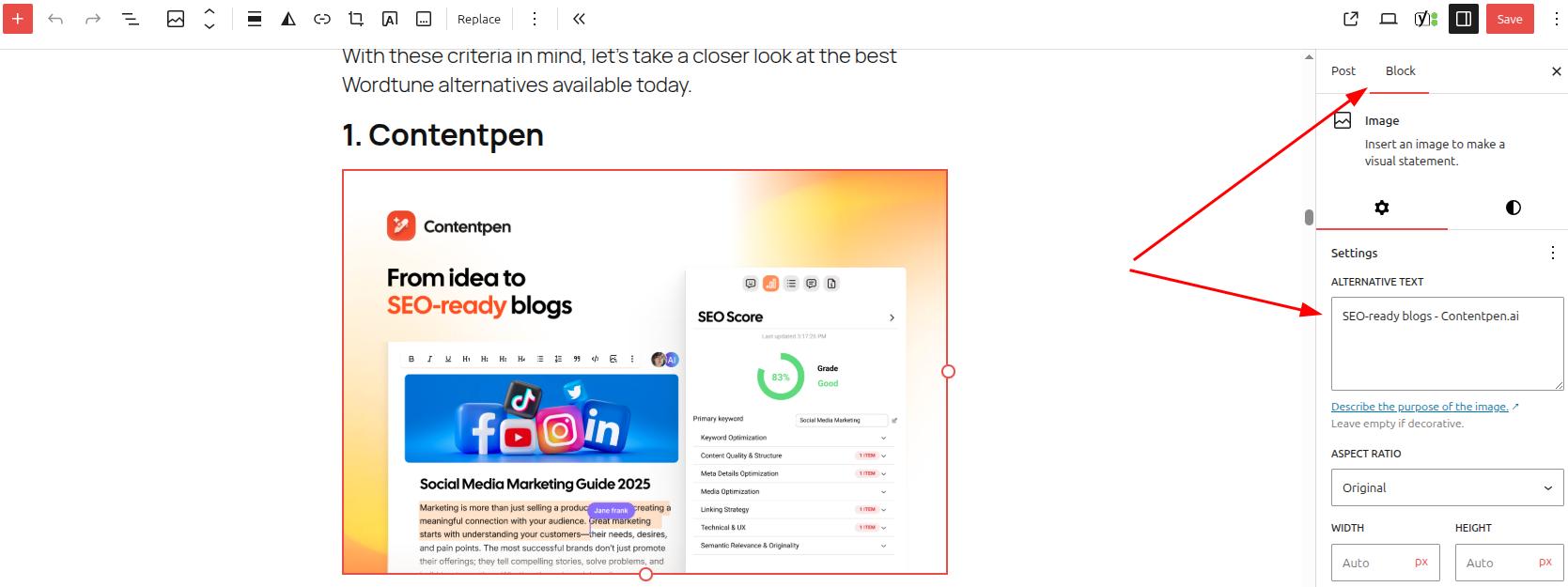
Here, you can also change the aspect ratio of the image and the alt attributes connected to custom fields or other dynamic data.
How does Contentpen help with alt text?
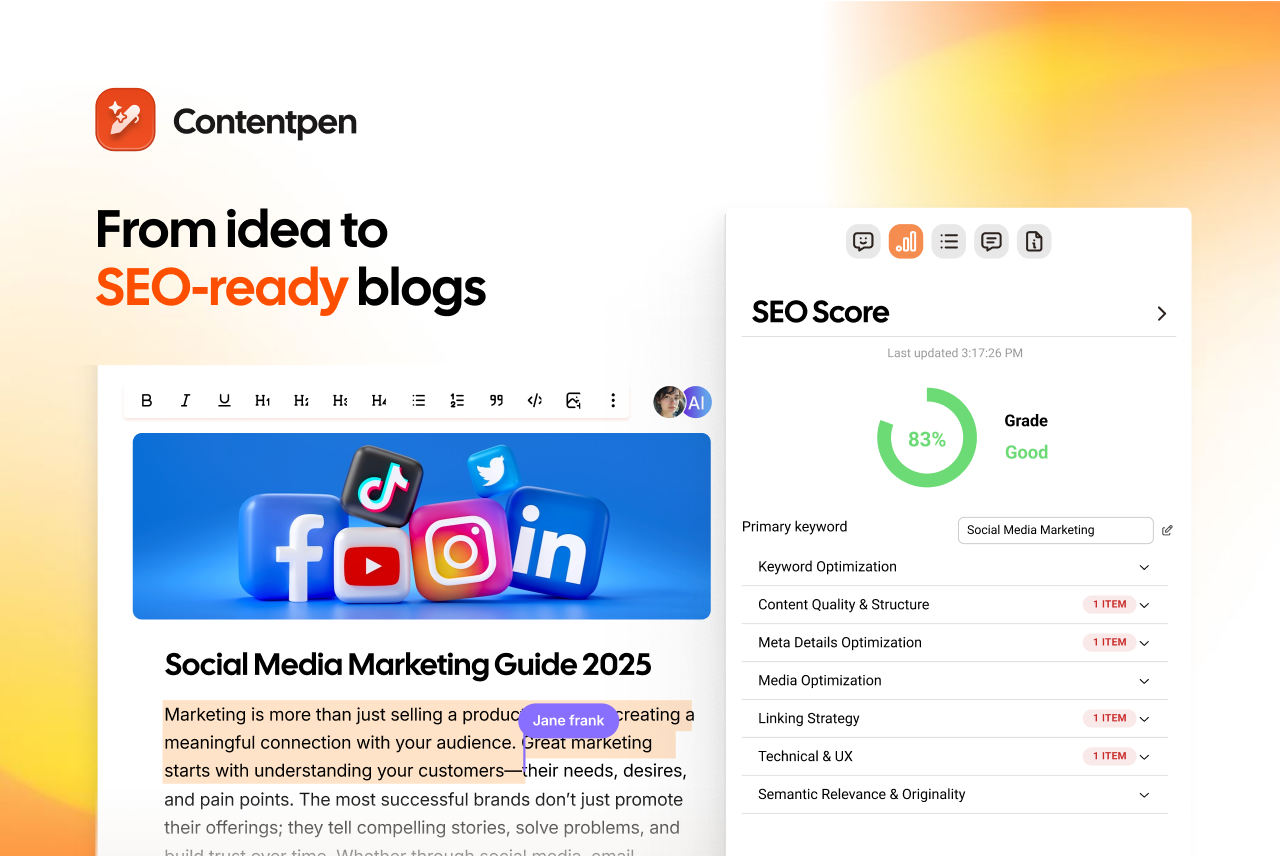
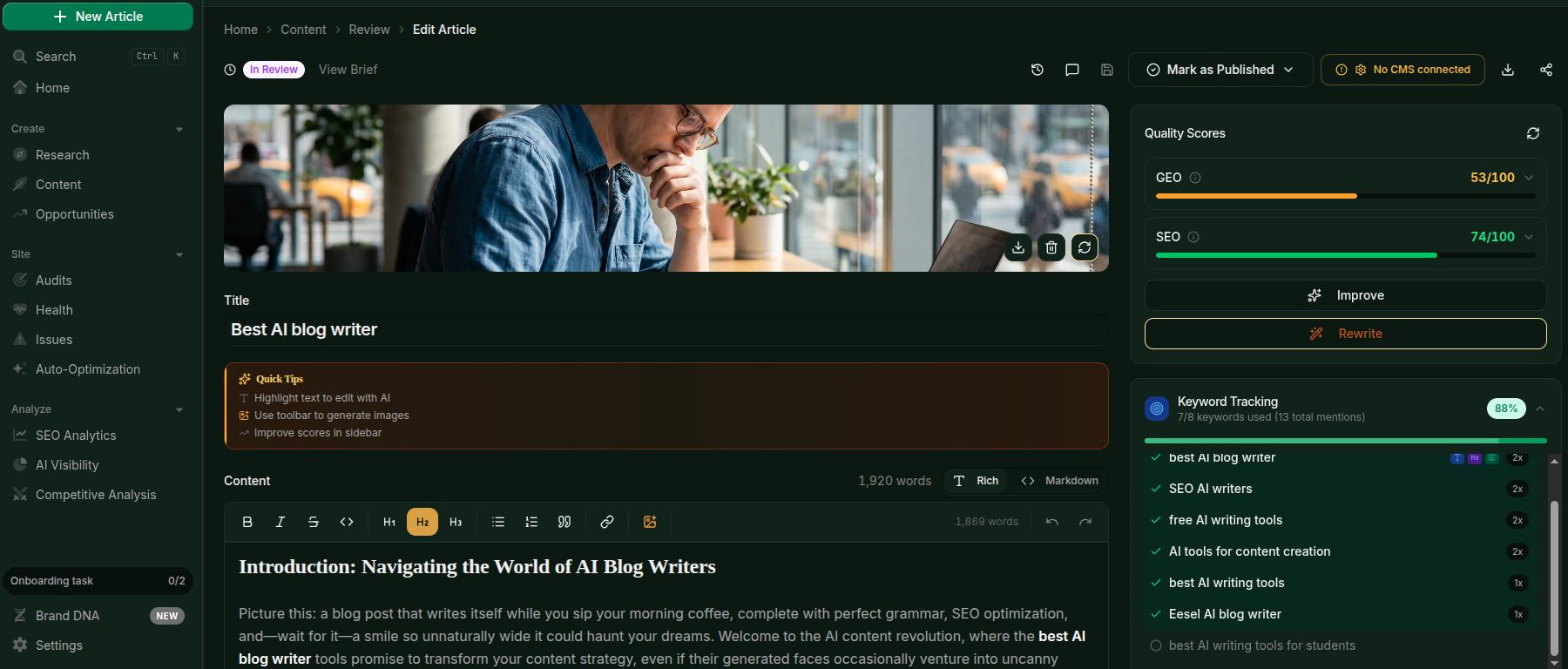
Contentpen automates everything, from keyword research to content generation, SEO-scoring, web analytics monitoring, and more.
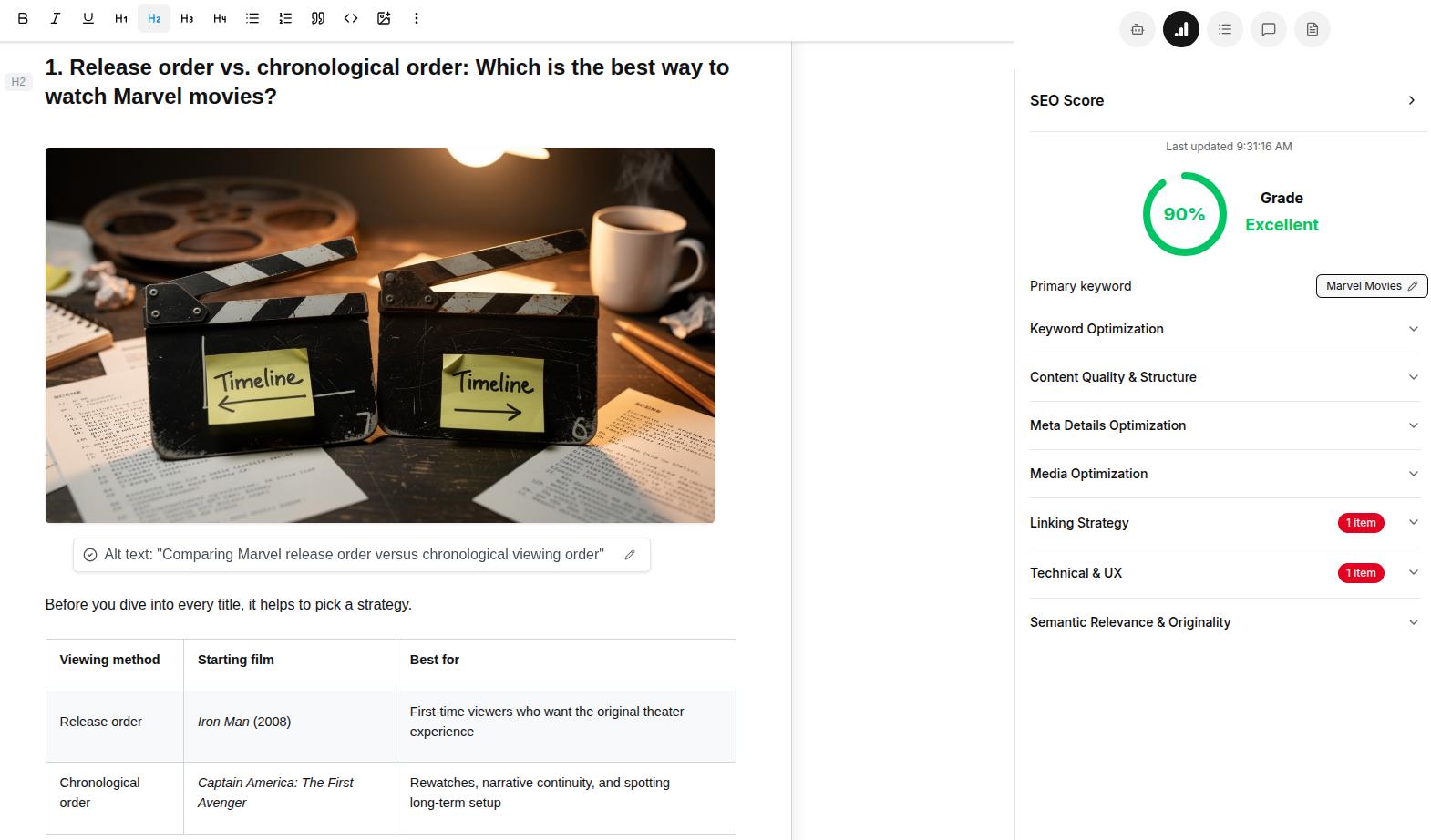
Amongst its many abilities, such as automating linking, media generation, etc., the AI SEO content writer also generates suitable alt text for images on autopilot.
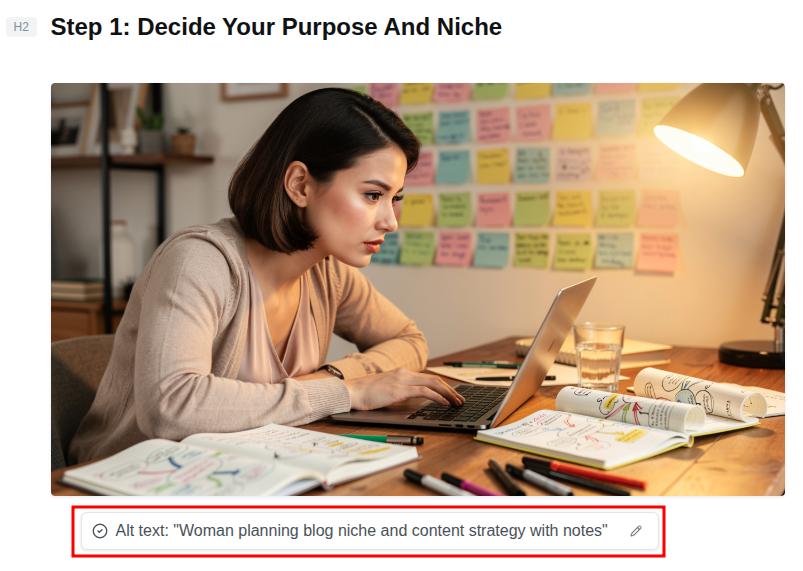
Contentpen does it for every in-article or feature image so that you always get indexed at the top of Google Images, while making your content accessible and easily understandable. It follows all the best practices for alt text we mentioned earlier, greatly simplifying your workflow.
You can also edit the alt text if required and send all the img tags along with their alt attributes directly to your favorite CMS with one-click publishing.

Publish content directly to your CMS, without copy-pasting
Move from draft to live post in a single step. No hassle, no errors!
Try One-click Publishing →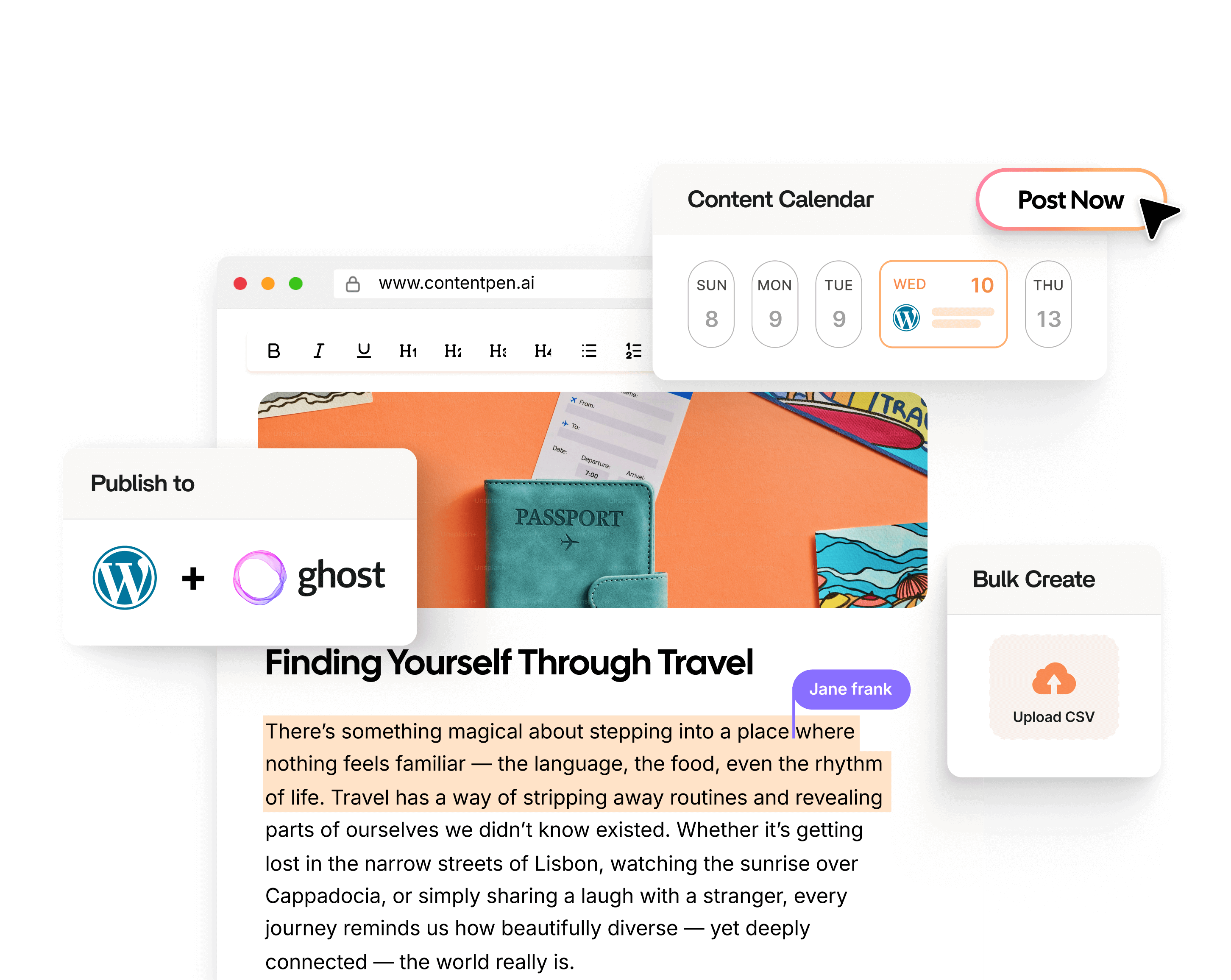
This convenience makes your content pipelines smooth and productivity maximized without friction.
Final thoughts
Alt text is an essential consideration for all bloggers, website owners, and content marketers. Good alt text is specific, contextual, and concise. It focuses on why the image is on the page, avoids keyword stuffing, and stays out of the way when a picture is only for style.
It is important to keep alternative text at the center of your content audits. Check if your current content has proper image descriptions. If not, add them to help your platforms be more inclusive for all audience types and surface on top of SERPs with better search engine indexability.
For smoother content workflows without the constant to and fro, choose Contentpen. Publish more. Publish confidently. Scale limitless.
Frequently asked questions
Alt text on Instagram is the same as alt text on any online platform. The only difference is how you add it. During the final step of creating a post, tap ‘More options’ -> Accessibility -> ‘Write alt text’ and add the alt text to your images.
To add alt text in Microsoft Word, simply add an image to a blank document. Then, right-click the image and press the ‘Format Picture’ option. From there, navigate to ‘Layout & Properties’ -> ‘ALT TEXT’ and add the title and alternative description of the image.
Yes. You can go to the Format -> Accessibility settings and add the alt text for charts, infographics, illustrations, and other types of pictures directly from the given ‘Alt Text’ option.
There is no general limit to how long alt text for images can be, as long as the description clearly states what’s in the picture and its context within the article. That said, in most cases, keeping the alt text around 125 characters is a smarter move.
According to Google’s John Mueller, alt text helps search engines understand the pictures better. It is part of on-page SEO and is considered an important ranking signal by many SEO specialists in the industry.
No. Alt text is the concise description added to images to convey their meaning with context. On the other hand, anchor text is the text on which an internal or external link is placed. Both types of texts serve different purposes, but help structure the overall user experience and boost SEO.