Evergreen content is the type of content you write that stays useful and accurate forever. Unlike a news story or a trending topic, an evergreen post answers a question people keep asking, which keeps it relevant in search and AI results long after it’s published.
This guide walks through what evergreen content is, real examples, and a step-by-step process for building an evergreen content strategy. You will also see how a tool like Contentpen can speed up the research and writing process for evergreen posts with the least manual effort.
So, let’s get started, shall we?
Key takeaways
Evergreen content keeps driving traffic for months or years, unlike posts tied to trends or news cycles.
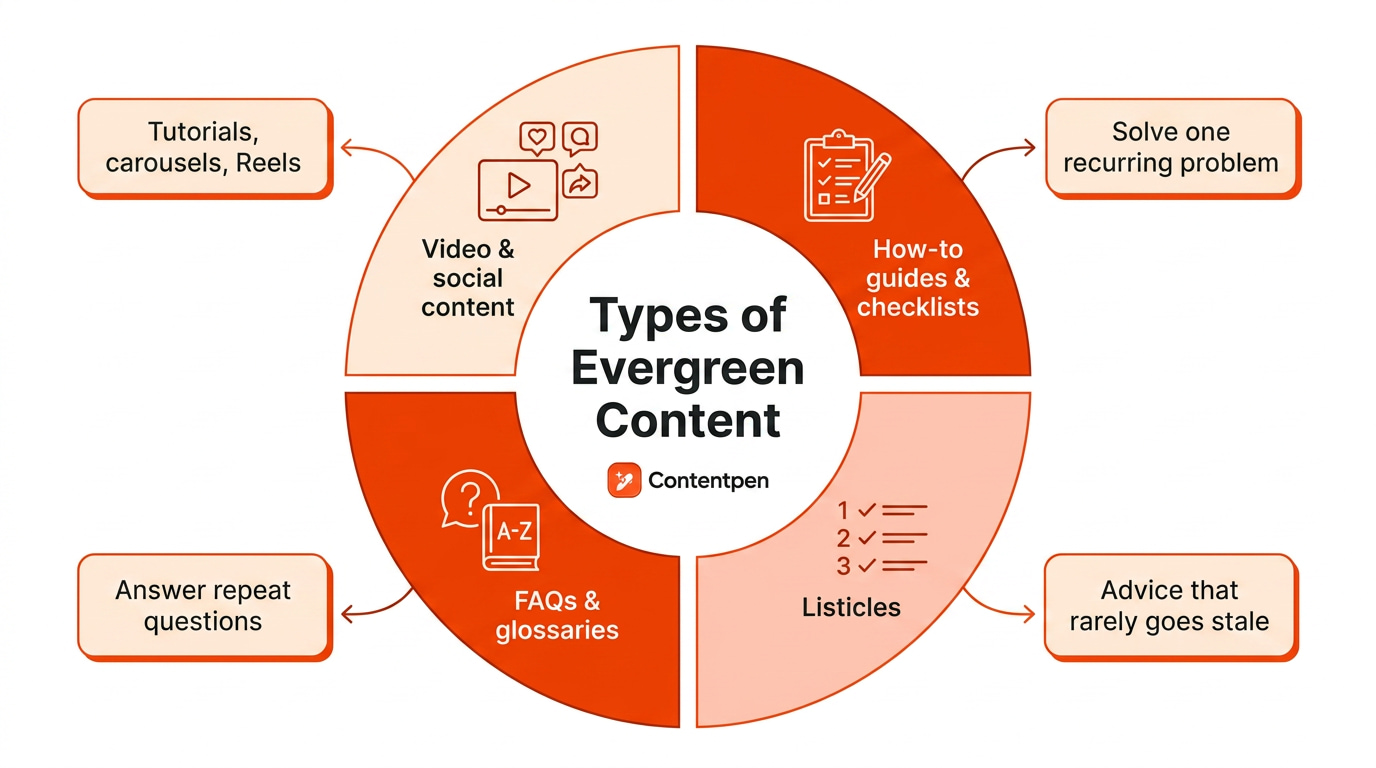
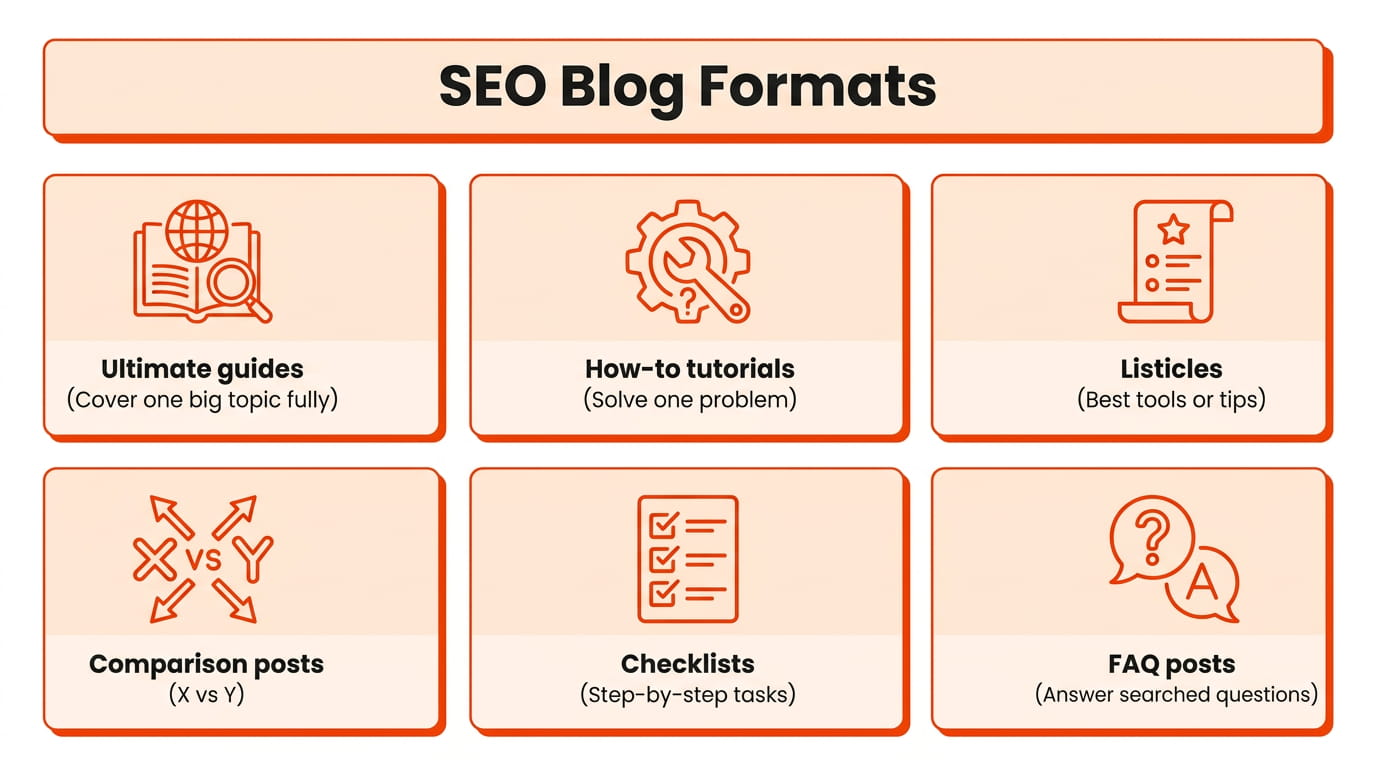
Common formats include how-to guides, FAQs, glossaries, listicles, and checklists that answer recurring questions.
Picking keywords with steady search demand and avoiding time-bound language keeps a post useful longer.
Strong evergreen posts also need updates every 6-12 months to stay accurate.
Tools like Contentpen help speed up topic research, outlining, and optimization for content built to last.
What is evergreen content?
Evergreen content is any article, video, or guide that keeps solving a reader’s problem long after publication. The term borrows from evergreen pines and firs in nature that stay green all year round.
Evergreen content, also known as “timeless content,” keeps delivering value whether someone reads it the week it goes live or five years later.
For example, a product launch recap or a recap of last month’s conference stays accessible forever, but its usefulness fades fast once the moment passes.
Genuine evergreen content is different because it keeps attracting new readers and organic search traffic steadily, often growing rather than spiking and disappearing.
That steady, compounding pattern is really the test of whether a piece earns the evergreen label. It is an important concept to learn for someone running a blog.
Evergreen content vs. trending content
Evergreen content and trending content do different jobs inside the same content strategy, and knowing the difference helps you decide what to write next.
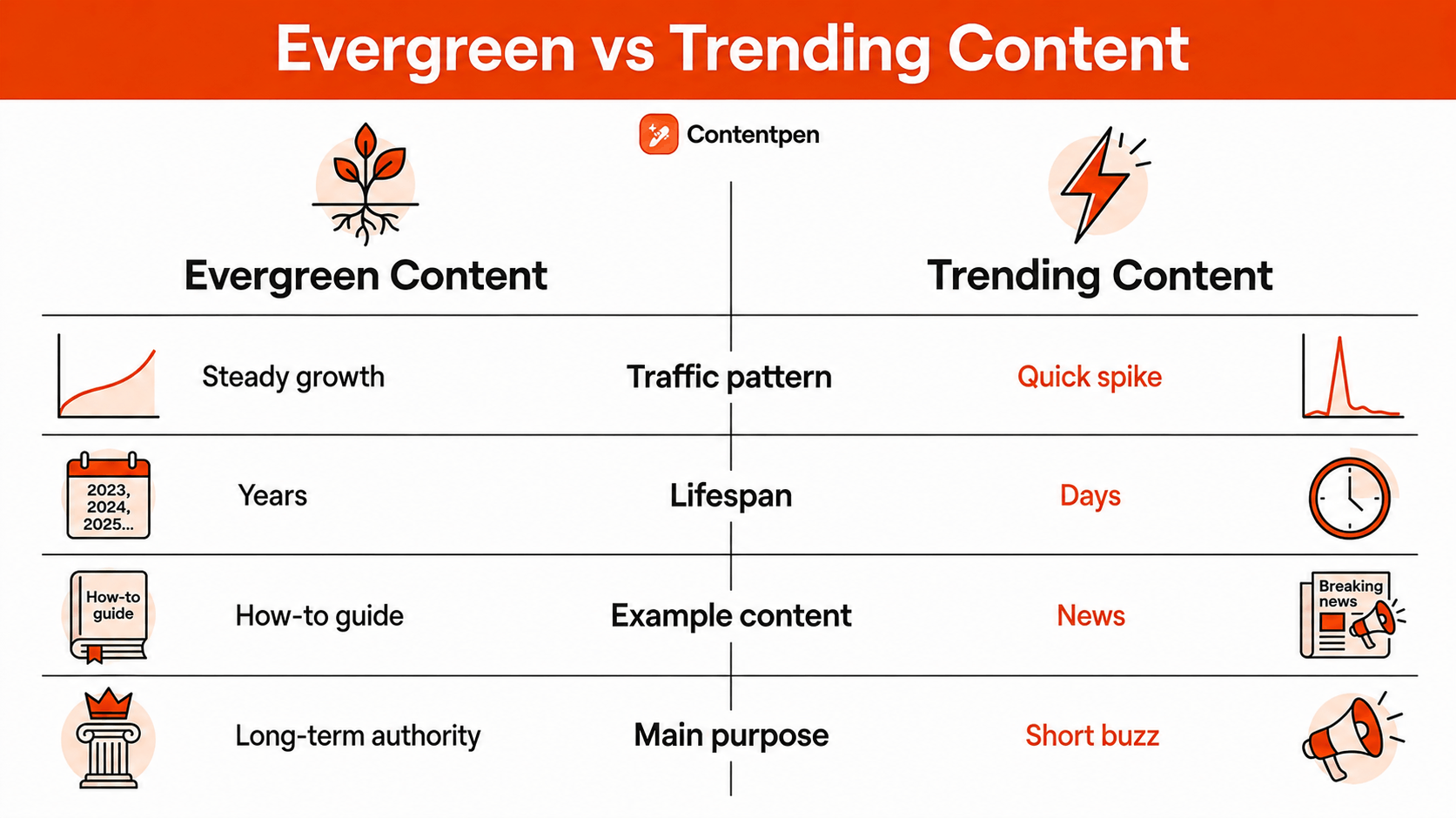
Trending content chases a moment, a headline, or a seasonal spike, while evergreen content targets a question that keeps coming up no matter the calendar. Neither approach beats the other on its own. However, they answer different problems for a searcher.
Factor
Evergreen content
Trending content
Traffic pattern
Steady, often growing over time
Quick spike, then a sharp drop
Lifespan
Years
Days or weeks
Example
How-to guide, FAQ page
Breaking news, holiday sale post
Purpose
Long-term traffic and authority
Short-term visibility and buzz
Let’s take a few examples of evergreen content to understand the concept even better:
An industry glossary, like our SEO glossary, defining common terms
An FAQ page addressing commonly asked user queries
A strong content plan leans on evergreen posts for compounding traffic while using trending pieces to capture short bursts of attention around real events. Relying on only one type leaves gaps, either in long-term stability or in timely relevance.
Why does evergreen content matter for marketing and SEO?
Evergreen content matters for marketing and SEO because it keeps paying off long after the initial writing effort.
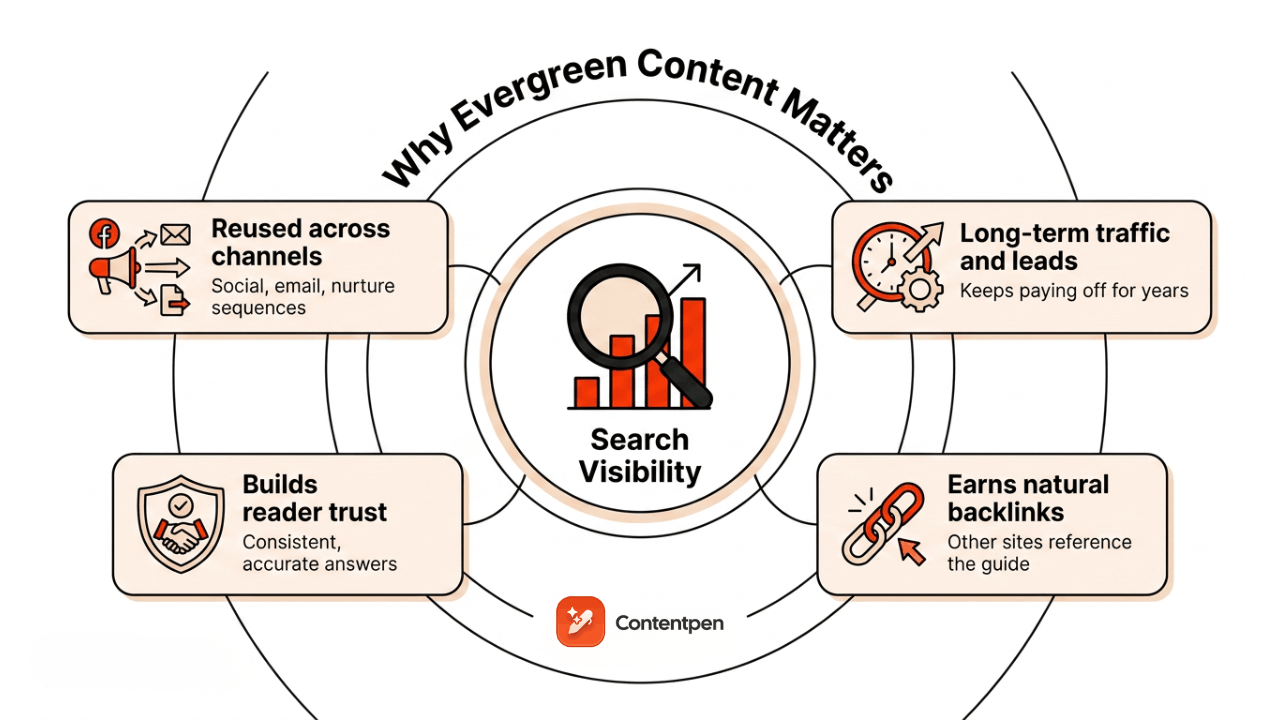
A well-researched evergreen article can drive traffic, leads, and sales for years without a full rewrite. Because it tends to hold steady rankings, it gets discovered by new readers consistently instead of spiking once and fading.
Evergreen content that’s genuinely useful often earns backlinks naturally. Other sites will reference your thorough guide or glossary in a niche, and those links will build your domain authority (DA) over time.
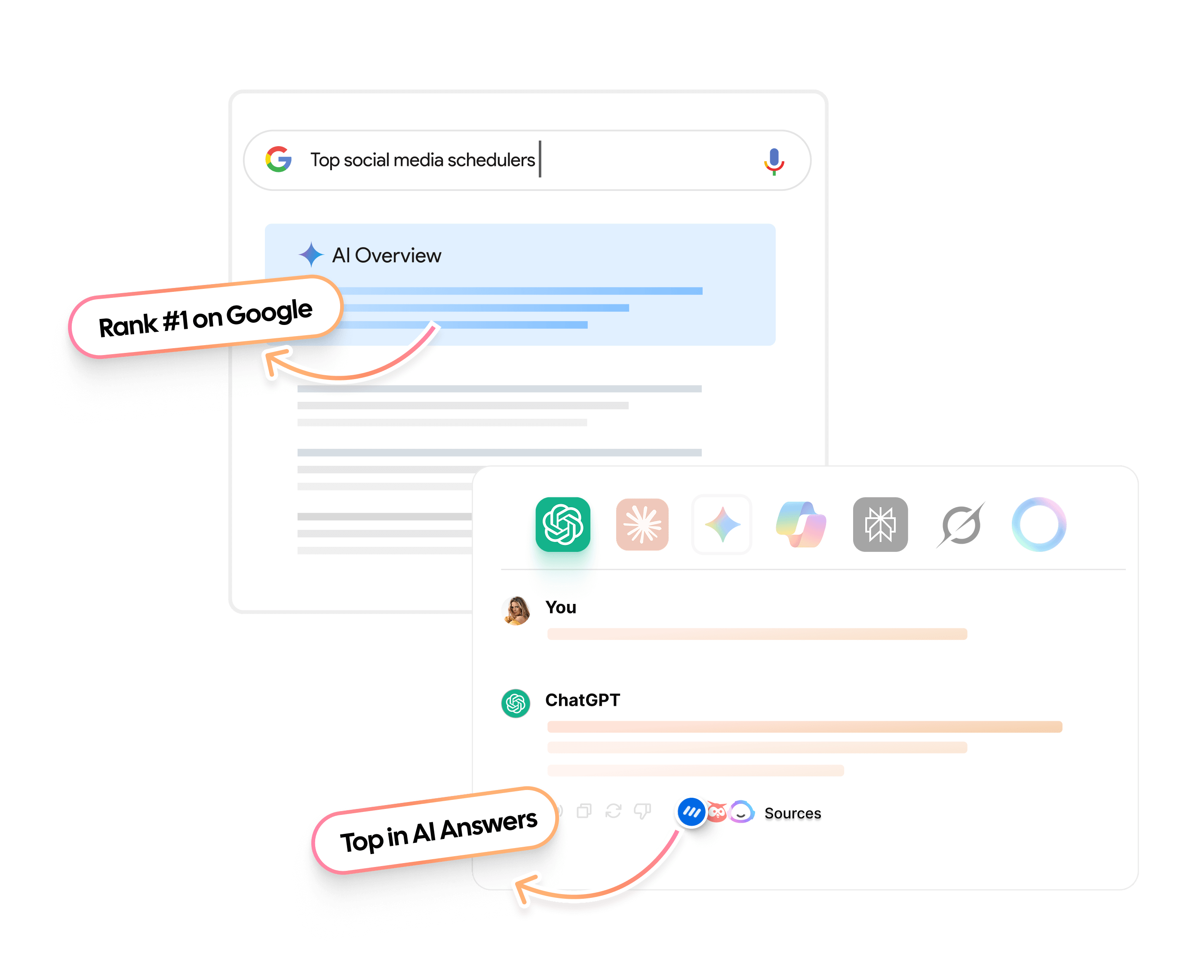
When readers keep finding accurate, helpful answers from the same source, that source starts to look like the expert for that particular topic. This pattern not only supports SEO, but also boosts AEO and your chances of winning AI Overviews and citations in other chatbots.
Because its relevance doesn’t expire, evergreen content can be reused across social captions, email newsletters, and nurture sequences without feeling stale.
It also acts as an entry point for new visitors, who can then be guided deeper into a site through internal links. That mix of steady traffic, backlinks, and funnel support is why evergreen content often carries a marketing plan’s foundation.
What are the types of evergreen content?
Evergreen content examples span nearly every format, since timelessness comes from the topic and approach rather than the medium itself.
A blog post, a YouTube tutorial, or an Instagram carousel can all qualify as evergreen if the information stays accurate and useful for years.
However, some content formats hold up better than others because they’re published on platforms where algorithm changes aren’t too intense.
That said, below are the best types of evergreen content that you can find online for all types of niches and industries.
#1: How-to guides, checklists, and listicles
How-to guides and checklists rank among the most dependable evergreen formats because they walk readers through solving one specific, recurring problem.
For example, a guide on “A packing checklist for moving abroad” stays just as useful in five years as it is today.
Listicles work the same way. A post like “5 ways to cut down weight” or “7 meals you can take for higher protein” keeps drawing readers because the underlying advice rarely goes out of style.
#2: FAQs, glossaries, and educational resources
FAQ pages and glossaries earn their evergreen status by answering questions that never stop being asked.
Educational resources are also excellent for keeping audiences even years after it was created. For example, a video series explaining basic concepts of blogging or creating short videos will keep serving new readers who search for those exact answers in the future.
#3: Evergreen content on YouTube and social media (including Instagram)
Evergreen content on YouTube looks like tutorial videos that keep earning views long after upload day. Examples include a cooking demonstration that doesn’t depend on a specific product version or timed release.
On Instagram, it usually shows up as saved carousels and Reels answering a question an account’s audience keeps asking. Such as “How to create digital artwork” or “How to save money from your salary.”
Because none of it depends on a news hook, such content keeps getting rediscovered through search and saves.
A real-world example: Evergreen content for a moving company
Consider a moving company’s marketing team building a library of assets that serve customers year-round instead of chasing seasonal promotions alone.
Below are a few examples of how they can plan this out:
A listicle including a checklist for preparing a short-distance move, plus a separate one for long-distance moves.
A how-to guide for packing fragile items safely, covering material wrapping and box labeling techniques that are applicable no matter the season of shifting.
An FAQ page for common moving-day questions, alongside a glossary of shipping and moving terms for first-time customers.
This kind of library keeps answering the same recurring questions no matter when someone searches for them. It means that the moving company can keep on growing its online presence without relying on seasonal or trending topics for reach.
Follow the given steps to build evergreen assets for your platform with long-term traffic and online visibility benefits.
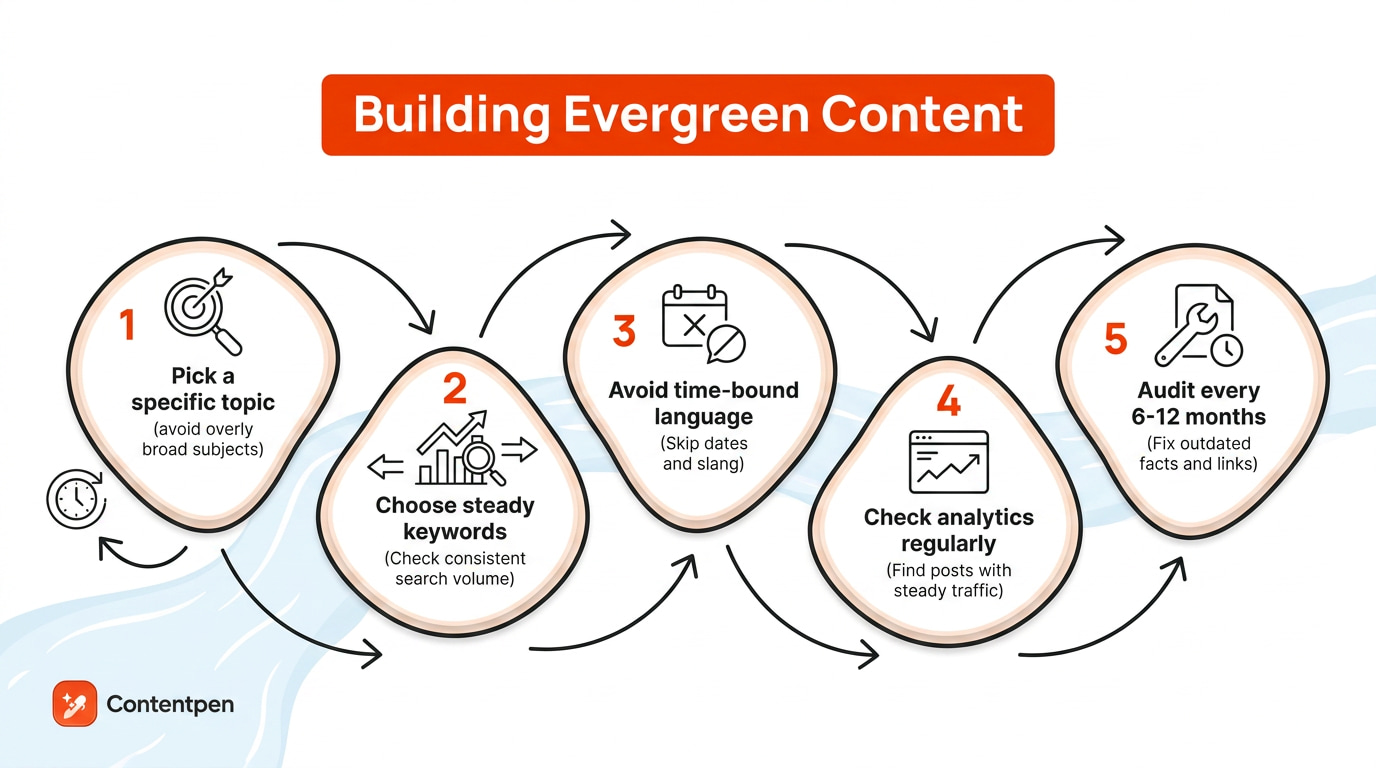
Step 1: Pick specific topics
Creating evergreen content starts with picking specific, well-researched topics instead of a broad one that’s hard to rank for and attracts the wrong readers.
You need to stay relevant to your niche and find questions that people ask often or something relevant to your expertise.
For instance, as a coffee shop owner, you can choose evergreen topics, such as “How to brew Americano coffee” or “Benefits of drinking coffee.”
Step 2: Choose steady keywords
Once you have a rough idea of your evergreen topics, choose keywords with steady, consistent search volume rather than a short-lived spike.
Use tools like Ahrefs, Semrush, Moz Keyword Explorer, or Google Trends to confirm demand holds up or increases over time.
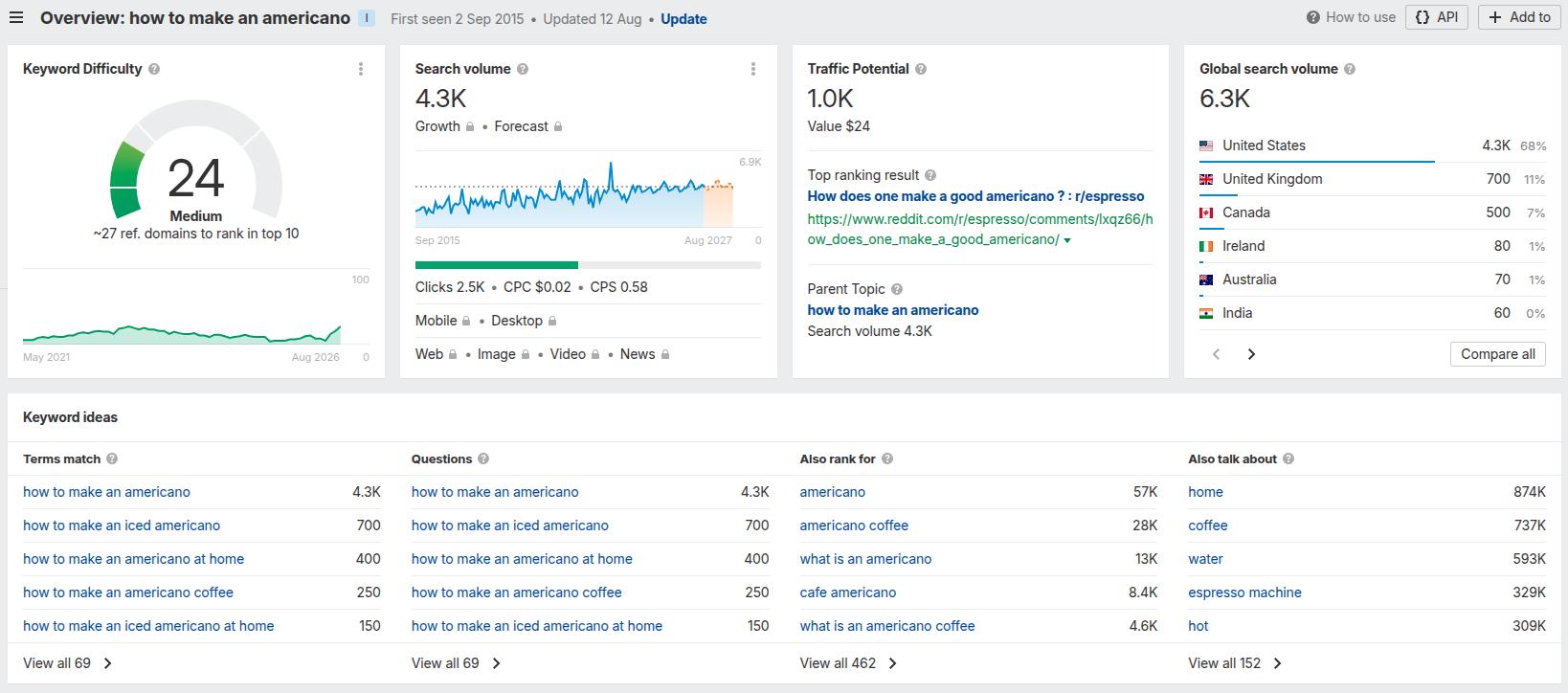
For instance, the term “How to make an Americano” is an ideal example of a steady keyword, and our data from Ahrefs confirms it.
Notice that the search volume is healthy (4.3k) and only increasing as time goes by. The traffic potential, CPC, and keyword difficulty metrics also meet the criteria of what we can call a “constant organic traffic gainer.”
Later, you can organize these keywords into clusters with pillars supporting internal site hierarchy and utilize tools like Contentpen to create content for them at scale.
Overall, if you are in the coffee business, the above SEO keyword example might be a good starting point for creating evergreen content.
You can also find more organic evergreen keywords that fit your small business marketing campaign type, model, or niche with Ahrefs or other keyword tools mentioned earlier.
Step 3: Avoid time-bound language
While drafting content, try to avoid any time-bound language, for example, references to specific dates and events.
Also, avoid any jargon or slang that screams a certain year when read. For instance, “YOLO” (2010s), “delulu” (2020s) – these slang words will age someday, which will not be a good look for your evergreen content.
Besides this, strong evergreen content also demonstrates real expertise, citing credible sources and covering a topic thoroughly rather than skimming the surface.
Step 4: Check analytics regularly
To identify evergreen content you already have, check analytics for posts whose traffic stays steady or keeps climbing months or years after publication.
Those are your evergreen candidates worth protecting and expanding. Keeping them accurate matters just as much as creating new content.
Step 5: Audit every 6-12 months
This takes us to our final most important part: keep auditing your content to ensure your evergreen pieces are up-to-date.
A general rule is to audit high-priority posts identified with analytics every quarter and review the rest of the library every 6-12 months.
Look for any outdated numbers you might have mentioned in the article and fix broken links (if you have any).
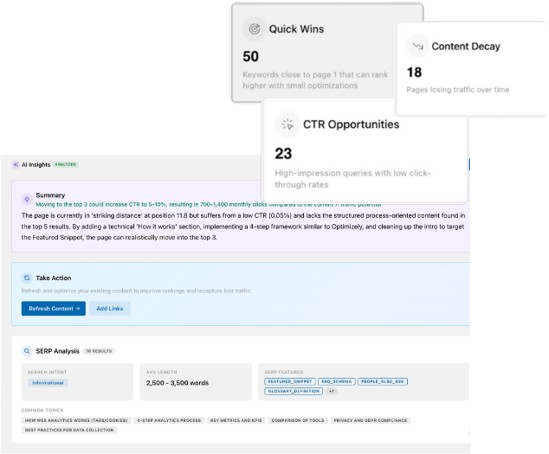
The tool will automatically surface important updates necessary to help you sustain your organic rankings. You can add the suggested fixes directly to your blogs with just a click.
Use Contentpen to speed up evergreen content creation
Building an evergreen content strategy manually slows everything down, which is where a platform like Contentpen fits in.
It handles keyword and topic research based on real search intent, helping you spot the best evergreen topics before you write a single word.
The platform also builds detailed outlines and answer-first, GEO-optimized content that holds up well in both traditional search and AI chatbots.
Beyond drafting, it also includes a content calendar and one-click CMS publishing so that you can create evergreen posts quickly and efficiently.
Summing it up
Evergreen content is one of the most reliable ways to build lasting traffic that provides SEO and AEO perks in the long run.
Getting it right means picking topics people search for again and again, avoiding language that dates quickly, and updating your best posts on at least a quarterly basis.
The best approach in content marketing is to pair up evergreen and trending pieces together to get steady compounding growth alongside short bursts of visibility.
If juggling research, outlining, and optimization across separate tabs feels like too much, Contentpen brings those steps into one workspace. So, you can spend less time managing the process and more time getting the answer right for your readers.
Write content that’s built to rank, not just read
Create search-optimized blogs aligned with SEO and GEO signals, so your content performs well across search and AI-driven discovery.
An evergreen content strategy is a plan for building a library of long-lasting posts through topic research, consistent publishing, and regular audits. It combines targeting steady-demand keywords with periodic updates to keep facts and links accurate for sustained rankings.
Is evergreen content the same as cornerstone content?
Not quite. Cornerstone content refers to your most important, comprehensive pieces on core topics. Evergreen content is broader. It just means the topic stays relevant over time. So, a cornerstone post is usually evergreen, but not every evergreen post is a cornerstone piece.
How many evergreen posts should a blog have?
There’s no fixed number, but a good target is 60 to 70% of your content library. Trending posts have their place for quick visibility, but a blog leaning too hard on news and trends ends up rebuilding its traffic from zero every few weeks.
Does evergreen content still need promotion or internal linking?
Yes, and skipping this step is one of the most common mistakes. Evergreen content earns its steady traffic from search engines over time, but it still needs a push early on. Share it across social and email when it’s first published, then keep linking to it from newer posts.
Most product blogs quietly lose money. They publish on a schedule, almost nobody reads them, and six months later someone in a meeting asks why “content” never worked.
The blogs that actually pull their weight look nothing like a corporate newsroom. They read like a resource the customer genuinely wanted to find.
Below you will find 23 blog examples grouped by type, a short breakdown of what each one does well, and the exact patterns you can copy for your own success.
Stick around for the framework and the product blog-building steps at the end.
What is a product blog?
A product blog is a blog run by a company to support a product, usually to attract the right audience, educate potential buyers, and move them toward a purchase or signup.
It sits on the brand’s own domain and blends helpful, search-friendly content with subtle product tie-ins. Basically, it grows organic traffic while quietly building trust in what the company sells.
That definition covers a wide range in practice.
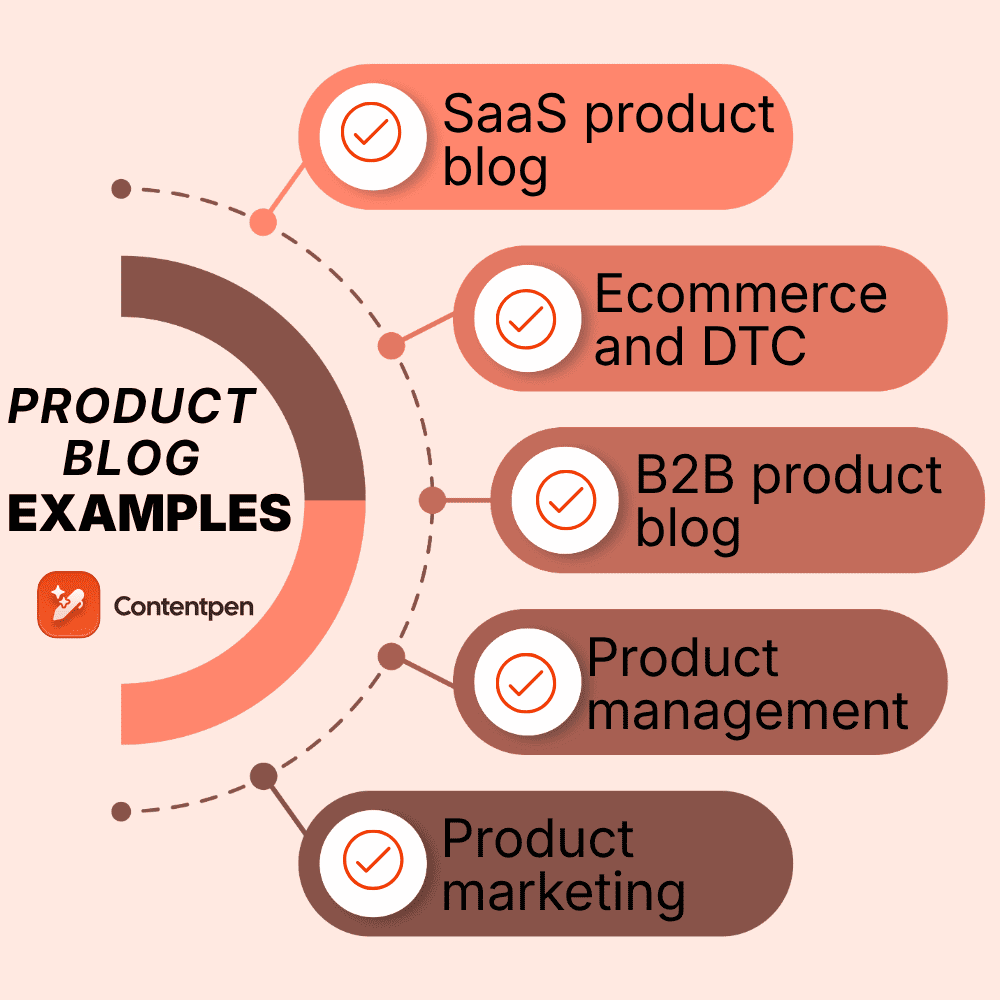
A SaaS product blog might publish long how-to guides that rank on Google.
An e-commerce product blog might publish buying guides and brand stories that lead readers toward the shop.
A product team’s blog might publish frameworks and lessons that build a following among practitioners.
All three are product blogs. They just serve different products and audiences.
How we chose these product blog examples
Not every high-traffic blog is worth copying, and not every beautiful blog earns its keep. To make this list, a blog had to do at least three of the following things well:
Serve a clearly defined audience rather than “everyone”
Publish content people actually search for or want to share
Tie content back to the product without turning every post into a sales pitch
Show a repeatable format the team can produce consistently
Drive a measurable business result, such as organic traffic, signups, or sales
With that filter in place, here are the examples, grouped by the kind of product each blog supports.
Product blog examples at a glance
Below are all the types of product blogs we’ve picked for you in 2026.
Blog
Category
Best known for
HubSpot
SaaS
Segmented topic clusters and templates
Ahrefs
SaaS
Product-led SEO tutorials
Intercom
SaaS
Opinionated product and support content
Hotjar
SaaS
Data-backed UX and CRO content
Mixpanel (The Signal)
SaaS
Single, data-focused editorial thesis
Userpilot
SaaS
Onboarding content plus a video hub
Monday.com
SaaS
Long-form SEO and topical authority
SparkToro
SaaS
Founder-led whiteboard video
Paddle (ProfitWell)
SaaS
Pricing teardowns
Dropbox
SaaS
Productivity thought leadership
Peach & Lily
E-commerce
Educational skincare with soft CTAs
Care/of
E-commerce
Medically reviewed wellness content
Floyd (Stay Floyd)
E-commerce
Real Airbnb product showcases
Beavertown Brewery
E-commerce
Niche guides with product links
Brooklinen
E-commerce
Shoppable visual listicles
Petlibro
E-commerce
Fast organic growth from a late start
Rotabull
B2B
Owning a hyper-specific niche
Everlywell
B2B
Relatable topics for a niche product
Wynter
B2B
Practitioner-written GTM content
Lenny’s Newsletter
Product management
Research plus operator interviews
Product Talk
Product management
Continuous discovery frameworks
SVPG
Product management
Long-term product leadership authority
Product Marketing Alliance
Product marketing
A hub of articles, video, and events
Now, let’s review the blogs in detail, sorted by category.
SaaS product blog examples
Software companies live or die by content, since a large share of their organic traffic and signups can come from the blog. These are the SaaS product blogs worth studying.
1. HubSpot blog
HubSpot is the reference point most marketers reach for, and for good reason. The company runs several blogs (marketing, sales, service, and more), and much of that content is available to non-customers.
The strength is breadth plus depth: templates, ultimate guides, how-tos, and original research, all neatly segmented by audience so a reader lands exactly where they need to be.
What to copy: Build topic clusters around your buyer’s real questions, then package the best posts with downloadable templates that capture emails.
2. Ahrefs blog
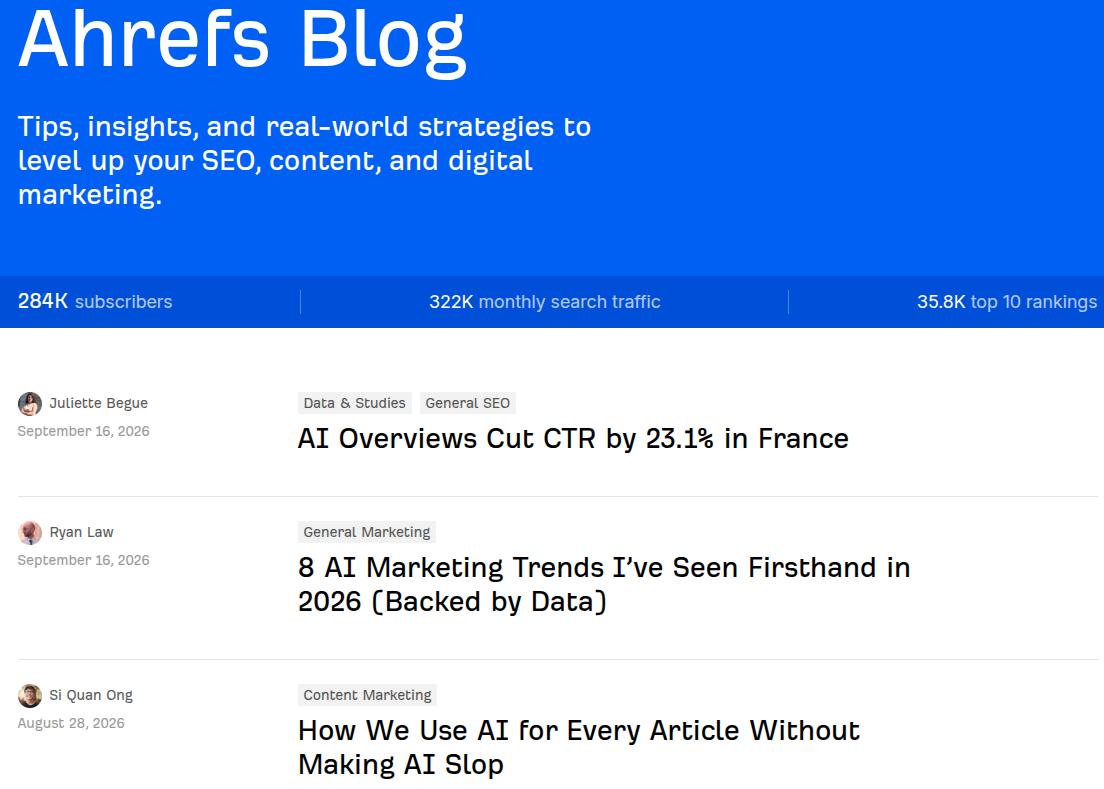
Ahrefs turned its blog into one of the clearest examples of product-led content. Posts teach SEO using the tool itself, so readers learn a skill and see the product in action at the same time.
The company reportedly grew to tens of millions in annual recurring revenue with very little paid acquisition, in large part because of this content approach.
What to copy: Weave your product into the tutorial as the natural way to complete the task, rather than bolting a call to action onto the end.
3. Intercom blog
Intercom’s blog pairs practical support and product content with strong, opinionated points of view on how software should be built and how customers should be served. That mix of tactics and opinion is what keeps people subscribing rather than reading one post and leaving.
What to copy: Publish a real perspective, not just neutral how-tos. A clear opinion gives readers a reason to come back and a reason to share.
4. Hotjar blog
Hotjar sells heatmaps and behavior analytics, and its blog reflects that DNA. Posts on user research, conversion, and UX are packed with data, examples, and resources, which makes the content useful whether or not you use the product.
What to copy: Lead with data and concrete examples. Content that shows evidence outperforms content that only asserts.
5. Mixpanel (Signals & Stories)
Mixpanel’s blog, Signals & Stories, is built around a single promise: using data to build better products. That editorial focus keeps the content coherent, so readers always know what they will get and why it connects to the product.
What to copy: Give your blog one clear editorial thesis that mirrors what your product helps people do.
6. Userpilot blog
Userpilot’s blog is a strong resource on onboarding, product adoption, and retention. Beyond written guides, it runs a hub of video content for readers who would rather watch than read, which widens its reach across formats.
What to copy: Repurpose your best posts into video or short clips so the same idea can travel across more channels.
7. Monday.com blog
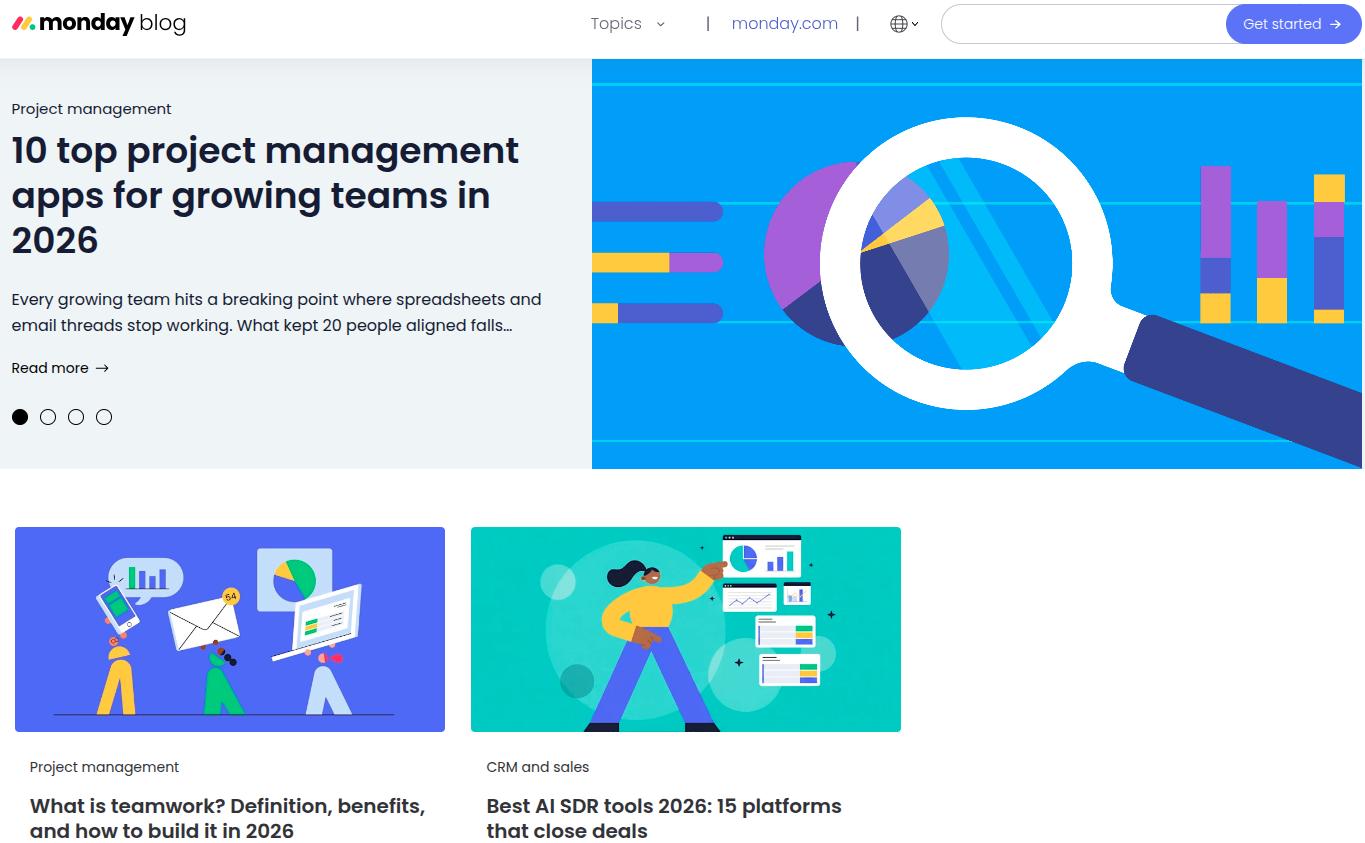
Monday.com built serious topical authority through long-form SEO content. Its comprehensive guides rank for competitive terms and pull in steady organic traffic through strategic internal linking and deep coverage of a topic rather than thin, scattered posts.
What to copy: Pick a handful of high-value topics and cover them more thoroughly than anyone else, then interlink them into a cluster.
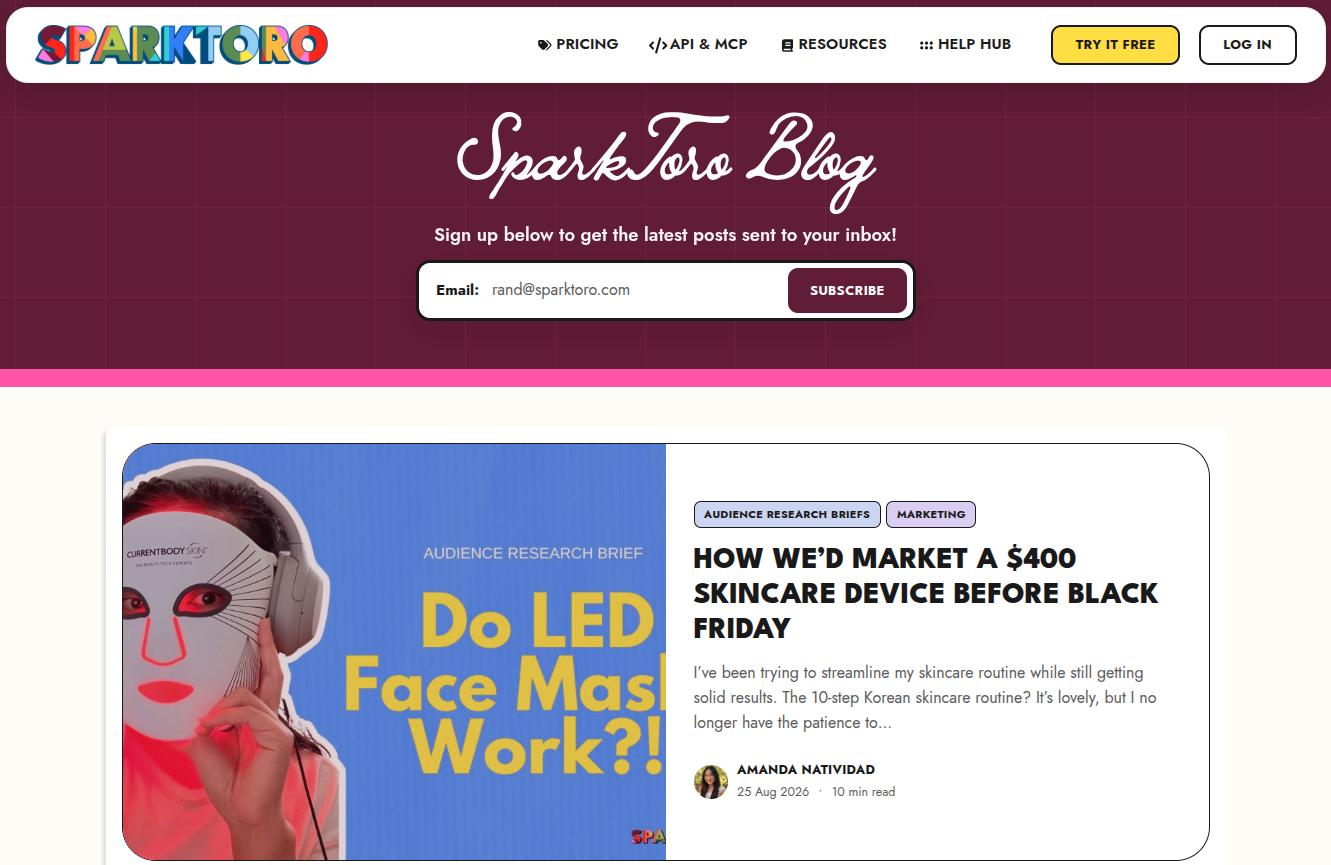
8. SparkToro blog
SparkToro, led by Rand Fishkin, leans on founder-led educational video. Short whiteboard-style clips explain marketing concepts, product trends, and how-tos, and they double as blog content and social fuel.
What to copy: Put a credible human face on the content. Founder-led and expert-led posts build trust faster than a faceless brand voice.
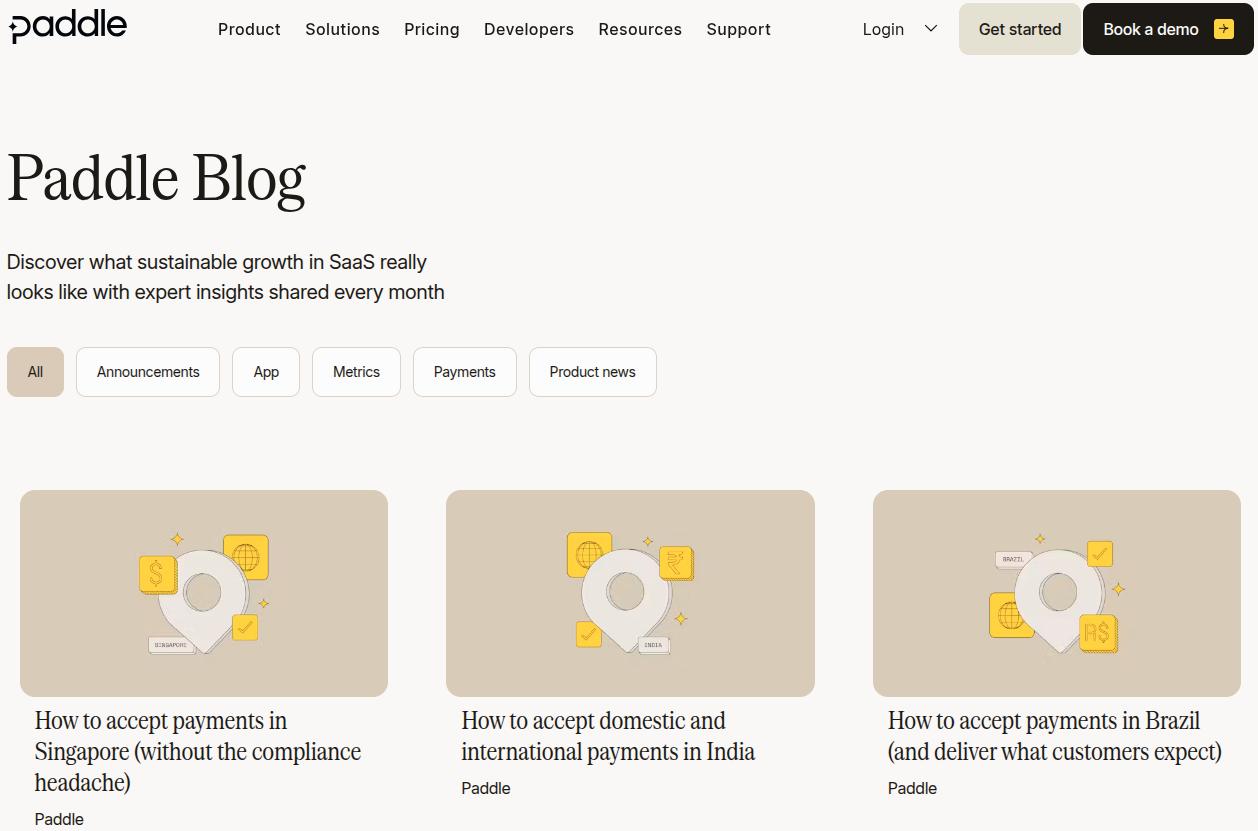
9. Paddle (formerly ProfitWell) blog
The ProfitWell blog, now part of Paddle, became known for pricing teardowns and subscription strategy, content aimed squarely at the exact people who buy the product. The teardown format is memorable, repeatable, and genuinely useful.
What to copy: Invent a signature format (a teardown, a scorecard, a recurring series) that becomes associated with your brand.
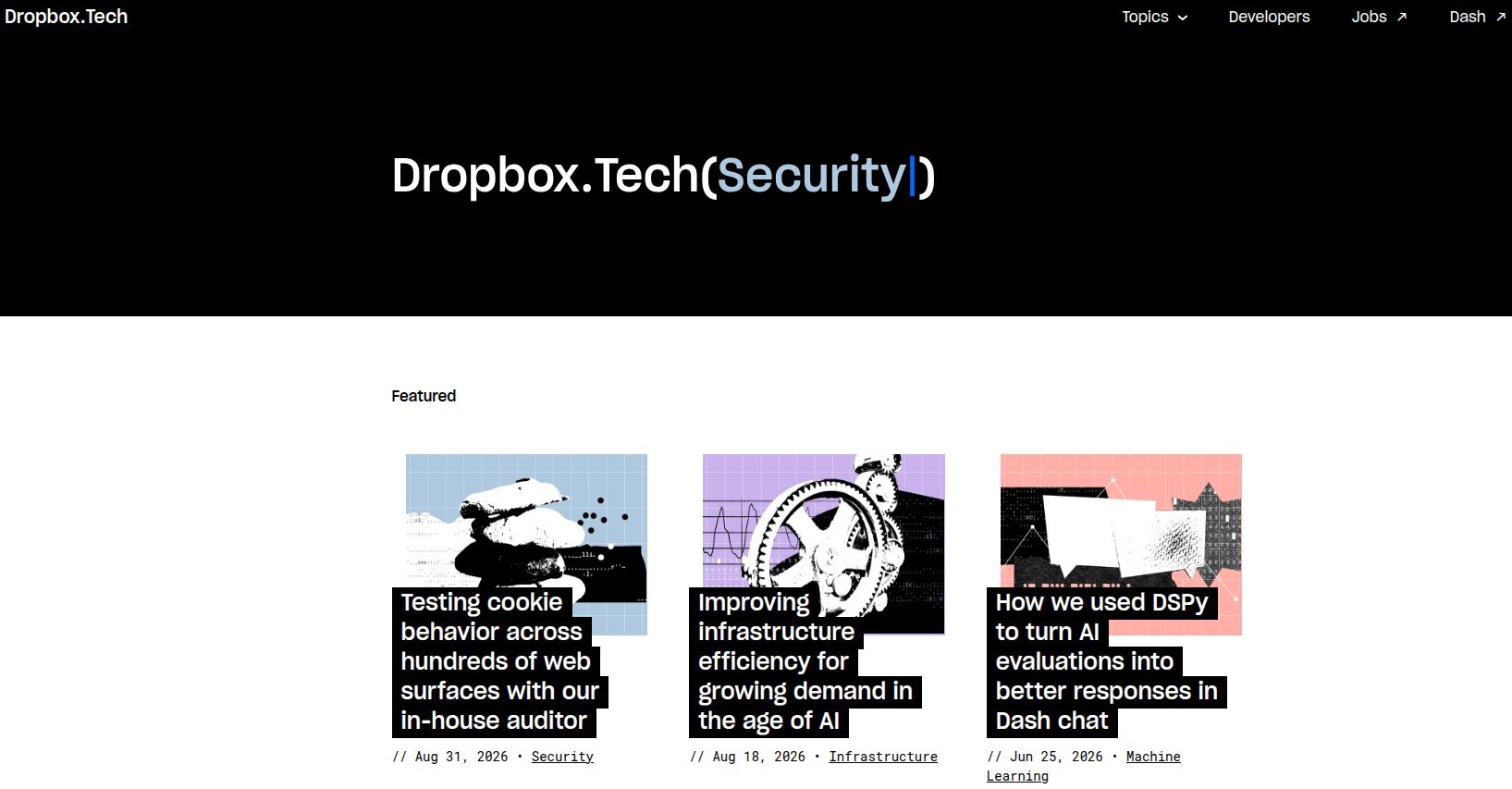
10. Dropbox blog
Dropbox has two blogs: Work in Progress (general) and a tech blog (Dropbox Tech).
Dropbox.tech blends thought leadership with practical productivity and collaboration advice, along with tips for developers and security professionals.
It is organized into clear categories that reflect how people actually work and shows that even a very large brand can keep a blog focused and readable.
What to copy: Organize content and keep the blogs easy to understand, even for technical topics.
Write better blogs in less time, without sacrificing quality.
Let AI handle structure, clarity, and flow while you stay in control of the message.
E-commerce blogs face a harder road than they used to, with AI overviews and marketplace giants competing for attention. The brands that still win treat the blog as brand building and organic discovery, not just a coupon delivery system.
11. Peach & Lily
DTC skincare brand Peach & Lily runs an educational blog. Nearly every post teaches something, such as the difference between retinol and retinoid, before connecting naturally to a relevant product.
A first-purchase discount offer on the blog gives readers a low-friction reason to convert.
What to copy: Educate first, sell second, and place one clear, gentle incentive where an engaged reader can act on it.
12. Hims & Hers
Hims & Hers, the DTC health brand for men’s and women’s health, runs its blog on a visible credibility system. Every piece goes through a medical research and review process, where content is checked by board-licensed physicians, specialists, and healthcare professionals.
What to copy: In any space where trust is fragile, add reviews, citations, and expert sign-off to your content.
13. Floyd (Stay Floyd)
Furniture brand Floyd built a genuinely original blog concept with Stay Floyd, which showcases real Airbnb spaces furnished with Floyd products. Instead of chasing search traffic like everyone else, the brand created showroom-style experiences without owning a single physical showroom.
What to copy: If the whole category is fighting over the same keywords, invent a content angle no competitor can easily copy.
14. Beavertown Brewery
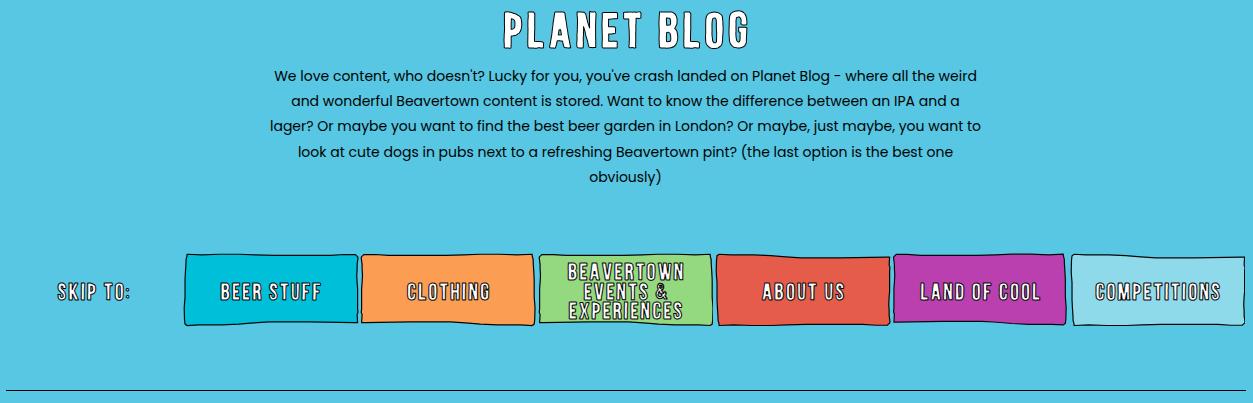
Beavertown pairs a bold, colorful visual identity with niche content its audience loves, such as an in-depth beer guide that links directly to the relevant products at the bottom of the page. The brand knows exactly who it is talking to.
What to copy: Match your blog’s look and voice to your brand identity, then link products contextually inside genuinely useful posts.
15. Brooklinen
Home goods brand Brooklinen publishes relevant listicles and guides on its ‘Brookliving‘ blog with beautiful photography and click-through-to-product content. It is a clean model of turning informational posts into a smooth path to the shop.
What to copy: Give visual products visual content, and make the jump from reading to buying effortless.
16. Petlibro
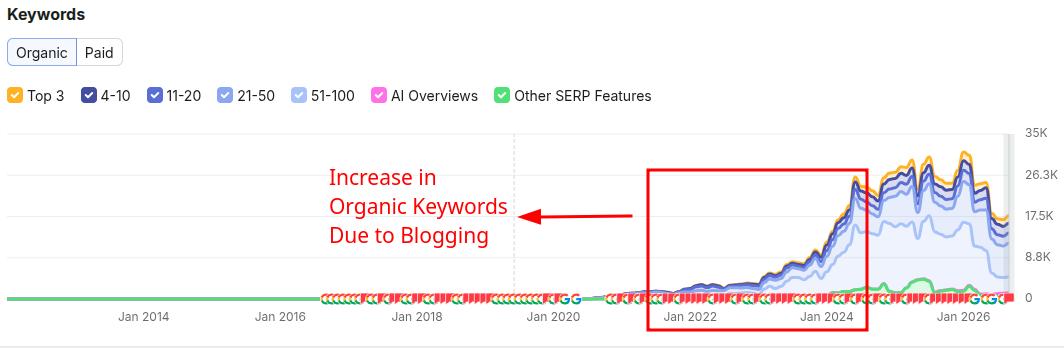
Pet care brand Petlibro is proof that it is not too late to start. The company launched in 2020 but did not begin blogging until 2022.
Its organic keywords have since grown substantially, from 2,200 in January 2022 to 23,000 in August 2024, according to Semrush data.
What to copy: Consistency compounds. A blog started today can still build meaningful organic traffic within a couple of years.
B2B product blog examples
B2B product blogs succeed by embracing a narrow audience instead of trying to appeal to the average consumer.
17. Rotabull
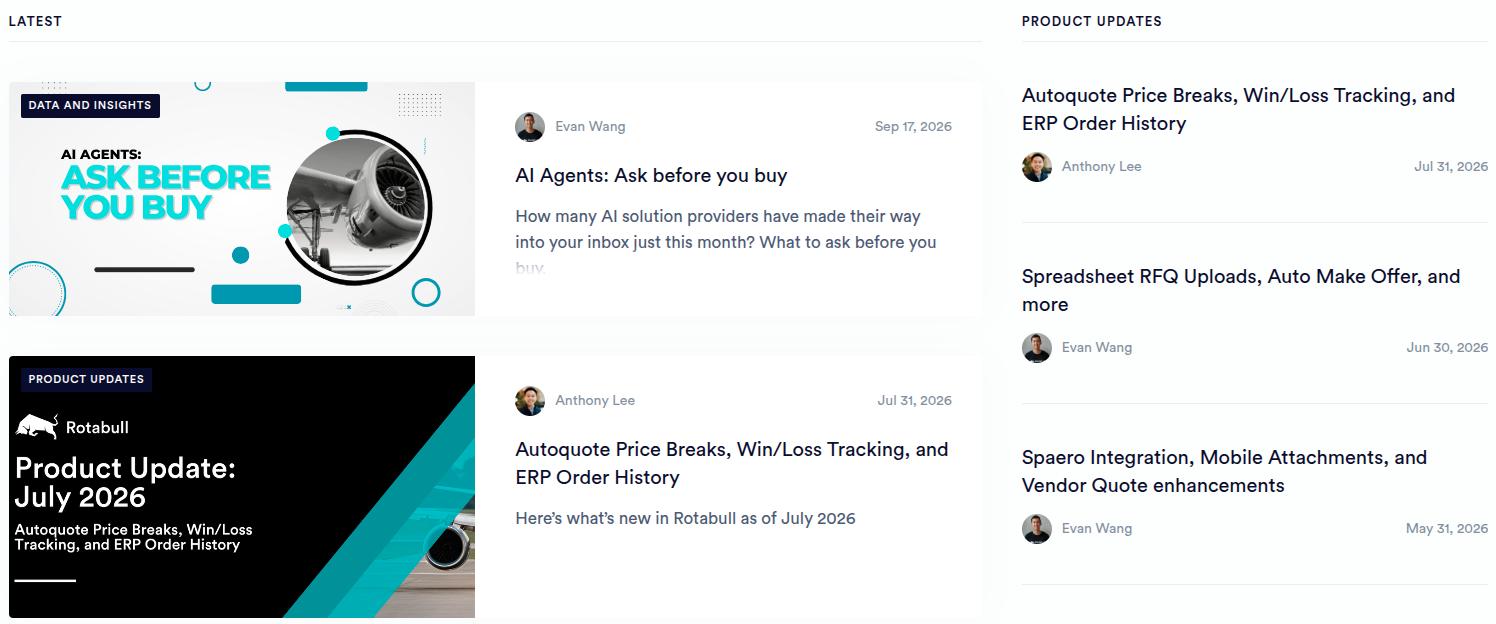
Rotabull sells aviation parts, a topic irrelevant to almost everyone. Rather than forcing a connection to everyday life, its blog leans fully into the aviation niche and speaks directly to the people who actually buy.
What to copy: Do not dilute your content trying to be relatable to outsiders. Serve your niche and own it.
18. Everlywell
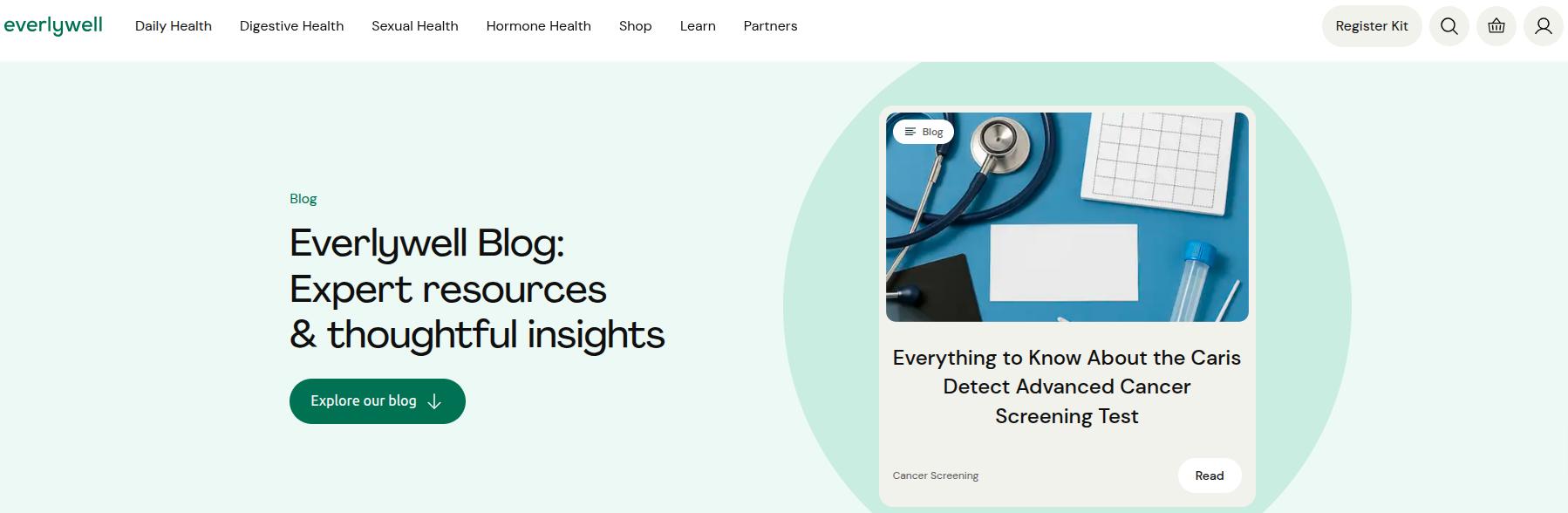
Everlywell sells at-home health tests, a specific product with a niche audience. Its blog manages to feel both relatable to a general reader and specific to the brand’s authority, which widens the top of the funnel without losing focus.
What to copy: Curate topics that sit at the overlap of what your audience searches for and what your product uniquely qualifies you to say.
19. Wynter
Wynter, a messaging and content analytics tool, runs a wide-ranging blog worth reading even if you never become a customer. Its posts are written by practicing marketers, which keeps them practical, and guest authors add variety and thought leadership.
What to copy: Bring in credible guest practitioners to add range and authority your in-house team cannot cover alone.
Product management blog examples
These blogs support the discipline of building products, and they are the model to study if your “product” is expertise, a community, or a career-focused audience.
20. Lenny’s Newsletter
Lenny Rachitsky’s newsletter and blog stand out for research-driven product insight, mixing data, personal anecdotes, and interviews with operators. It has become a consistent must-read on retention, prioritization, growth, and real-world frameworks.
What to copy: Combine original research with practitioner interviews so each post offers something readers cannot get elsewhere.
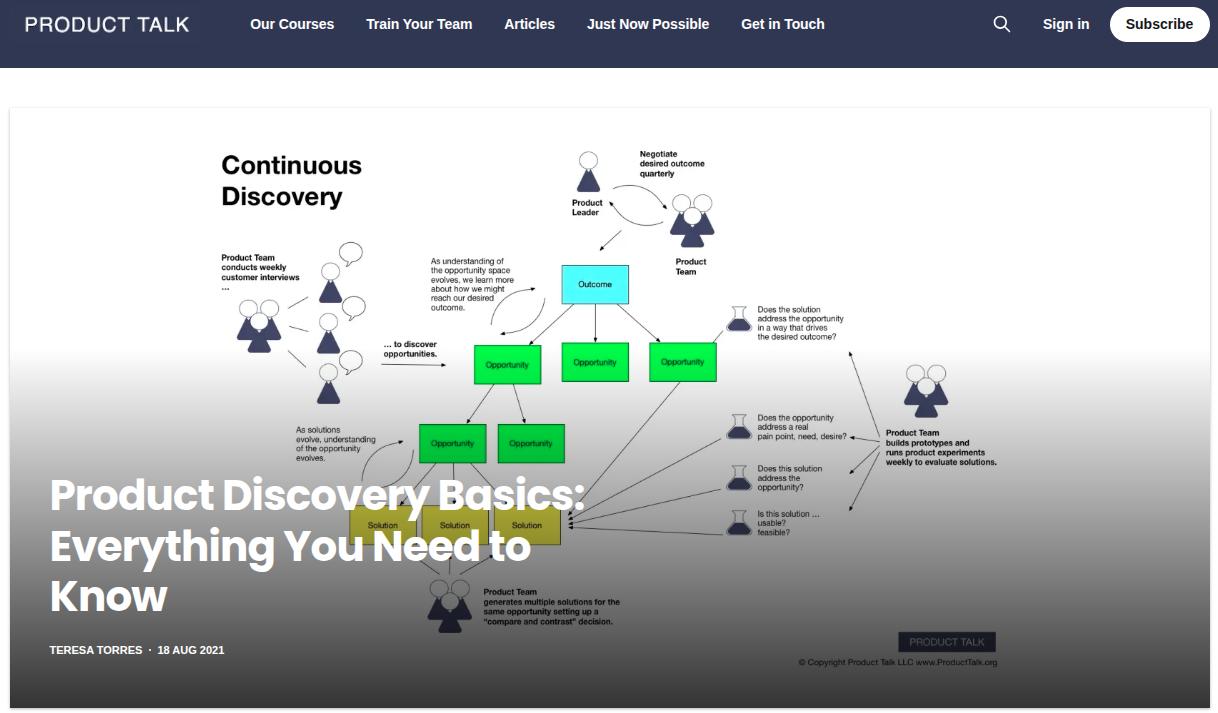
21. Product Talk
Teresa Torres’s Product Talk focuses on continuous product discovery and building products that deliver real value. The evidence-based approach, paired with workshops, podcasts, and templates, gives readers something to do, not just something to read.
What to copy: Attach a tool, template, or workshop to your ideas so readers can put them into practice immediately.
22. SVPG insights
The Silicon Valley Product Group blog, led by Marty Cagan, is a cornerstone resource on product leadership, discovery, and scaling. It shows the long-term authority a blog can build when it stays consistent with a clear philosophy for years.
What to copy: Pick a philosophy and defend it consistently over time. Authority is cumulative.
Product marketing blog examples
If your product touches positioning, launches, or go-to-market, these product marketing blogs are the ones to learn from.
23. Product Marketing Alliance
The Product Marketing Alliance grew from a community into an “everything you need to know” resource, combining articles, webinars, white papers, and podcasts, with topics cross-referenced so readers can move from one idea to the next without hitting a dead end.
What to copy: Turn a blog into a hub by connecting related content and formats, so one visit becomes several.
Two more product marketing blogs worth bookmarking:
Casey Winters (Casey Accidental) publishes deep, formula-driven pieces on scaling and growth.
Ravi Mehta shares frameworks like his product manager competency map that readers save and reuse.
Both prove that a personal blog with a strong point of view can outperform a polished corporate one.
Types of product blogs
Once you have seen enough blog examples, the categories start to repeat. Most product blogs fall into one of these types, and many blend a few:
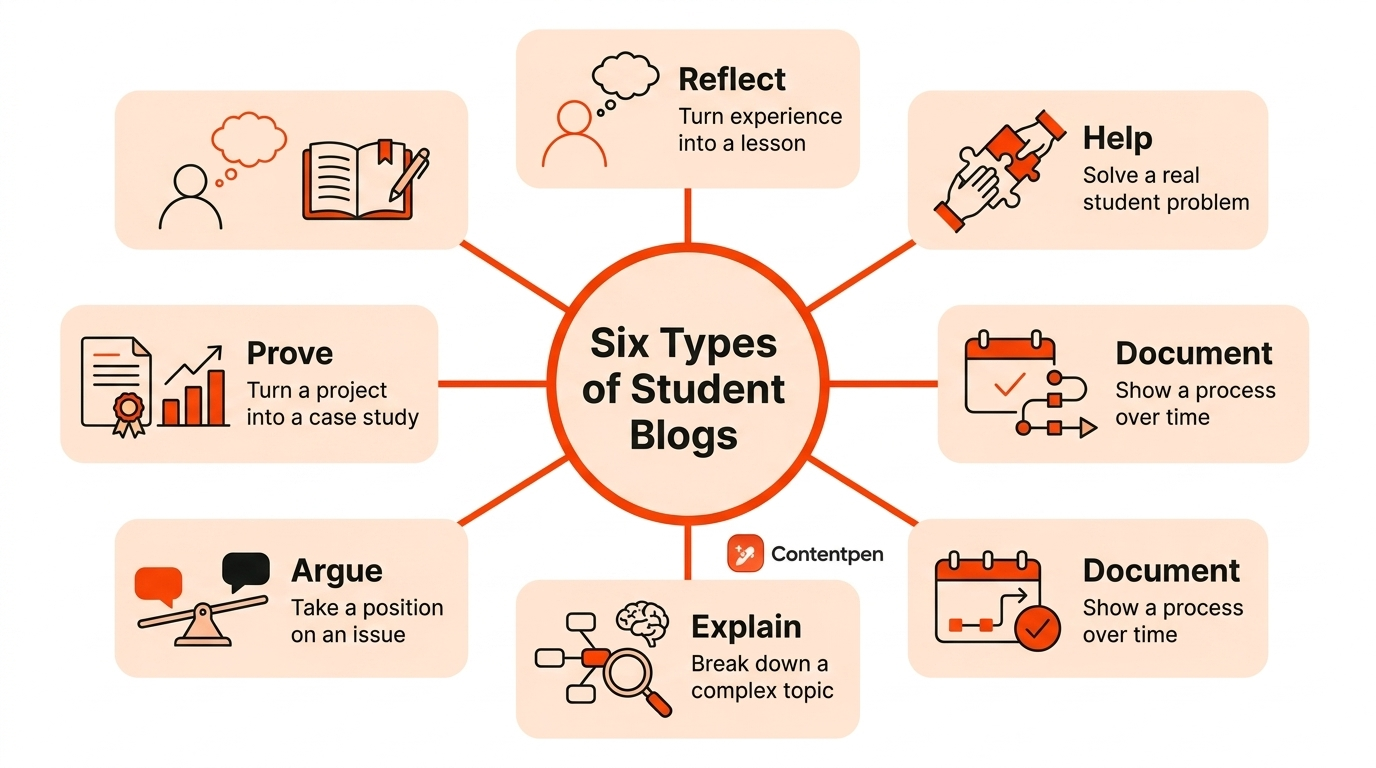
Educational or how-to blogs that teach a skill and show the product as the natural tool for the job, like Ahrefs and Hotjar
Buying-guide and comparison blogs that help shoppers decide, common in e-commerce and DTC
Thought-leadership blogs that build authority through opinion and original research, like Lenny’s Newsletter and SVPG
Brand-story and behind-the-scenes blogs that humanize the company and build loyalty, like Floyd
Product-update and changelog blogs that keep existing users informed and engaged
Community and hub blogs that pull together articles, video, and events, like Product Marketing Alliance
Picking a primary type keeps your blog focused. Trying to be all six at once is how blogs turn into noise.
You do not need a huge team or budget to apply what these examples teach. Here is a practical sequence to follow.
Define one audience and one job
Write down exactly who you are serving and the single job your blog helps them do. Specific beats broad every time.
Choose your primary blog type
Decide whether you are leading with education, buying guides, thought leadership, or brand storytelling, then let that shape your calendar.
Do keyword and question research
List the terms and questions your audience actually searches, and prioritize topics where you can be genuinely more useful than what already ranks. Here is a guide to help you do keyword research.
Build topic clusters, not one-off posts
Group related articles around a core theme and interlink them, the way Monday.com built topical authority. This is a core element of semantic SEO.
Create a signature format
Pick one repeatable content type or blog format your team can produce well and often, so your blog builds a recognizable identity.
Weave the product in naturally
Show your product as the obvious way to act on the advice, rather than tacking on a hard sell.
Add one clear next step to every post
A relevant template, a discount, a demo, or a subscribe box gives engaged readers somewhere to go.
Publish consistently and update older posts
A steady cadence plus refreshing your best content is what compounds into organic traffic over time.
Measure what matters
Track organic traffic, signups, and revenue influenced by content, not just raw pageviews, and double down on what moves the business.
Product blog post examples you can create with Contentpen
Knowing which blogs to admire is one thing. Knowing which posts to actually write is another.
Below are seven product blog post formats that reliably earn traffic and conversions, and every one of them is quick to research, draft, optimize, and publish with Contentpen.
Product review blog post
What it is: An honest, detailed review of a product, either your own or a related one in your space, covering features, pros and cons, pricing, and who it is best for.
Why it works: Review keywords attract high-intent readers who are close to buying, and a balanced, credible review builds the trust that pushes them to a decision.
Product launch blog post
What it is: An announcement that introduces a new product or feature, explains the problem it solves, and shows readers exactly how to get started.
Why it works: Launch posts turn a release into a story, give your audience a reason to act now, and can earn backlinks and shares when the launch is genuinely useful.
Educational product blog post
What it is: A teaching-first post that helps readers solve a real problem, with your product woven in as the natural way to get it done.
Why it works: Educational content pulls in top-of-funnel search traffic and, like Ahrefs and Hotjar, demonstrates your product’s value instead of just claiming it.
Product comparison blog post
What it is: A side-by-side comparison of two or more options, such as “[your product] vs [competitor]” or “best alternatives to [tool].”
Why it works: Comparison searches signal strong buying intent, and owning the comparison lets you frame the decision fairly while showing where you genuinely win.
How-to or tutorial blog post
What it is: A practical, step-by-step walkthrough of using your product to complete a specific task.
Why it works: Tutorials serve existing users and prospects at the same time, cut down on support requests, and rank for long-tail terms that competitors often ignore.
Product roundup or listicle blog post
What it is: A curated “best of” list, such as “best [category] tools for [audience],” with your product included and honestly positioned.
Why it works: Listicles are highly shareable, rank well for popular category terms, and let you appear right alongside the names your audience already trusts. This very article is an example of the format.
Product case study or customer success story
What it is: The story of how a real customer used your product to reach a specific result, with concrete numbers wherever possible.
The through-line across all 23 of these product blog examples is simple: they stopped treating the blog as a place to talk about themselves and started treating it as a resource their audience wanted.
Pick the two or three examples closest to your own product, borrow the pattern, and give it enough consistent time to compound. That is the entire game.
Frequently asked questions
What makes a good product blog?
A good product blog serves a clearly defined audience, publishes content people actually want, and ties back to the product without turning every post into a sales pitch.
Do product blogs still work in 2026?
Yes, though the bar is higher. With AI overviews answering more queries directly, thin content struggles, but blogs that offer distinctive value, original research, strong brand storytelling, or hyper-specific niche expertise still drive meaningful traffic and sales.
How is a product blog different from a product marketing blog?
A product blog is any company blog built to support a product, which can be SaaS, e-commerce, or B2B. A product marketing blog is more specific, focusing on positioning, launches, messaging, and go-to-market strategy.
How often should a product blog publish?
Consistency matters more than raw frequency. Many strong blogs publish once weekly, but the real driver of results is a steady cadence you can maintain, paired with regularly updating your best-performing older posts.
How do product blogs make money?
They rarely sell directly. Instead, they attract the right audience through search and sharing, build trust with useful content, and guide readers toward a signup, demo, template download, or purchase.
An e-commerce blog is a real online store’s blog, or a specific post inside it, that uses content to build a brand, rank in search, and move readers closer to a purchase.
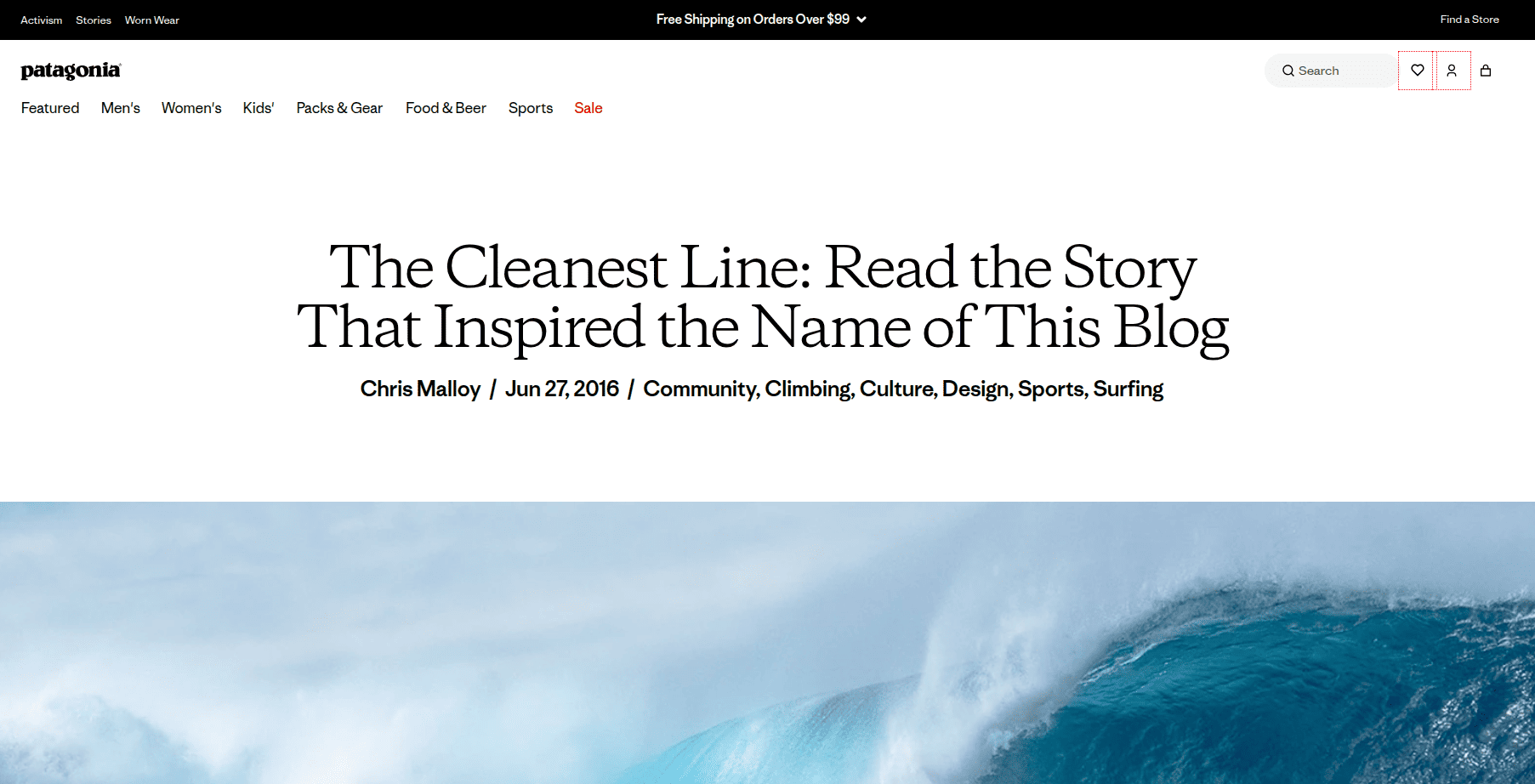
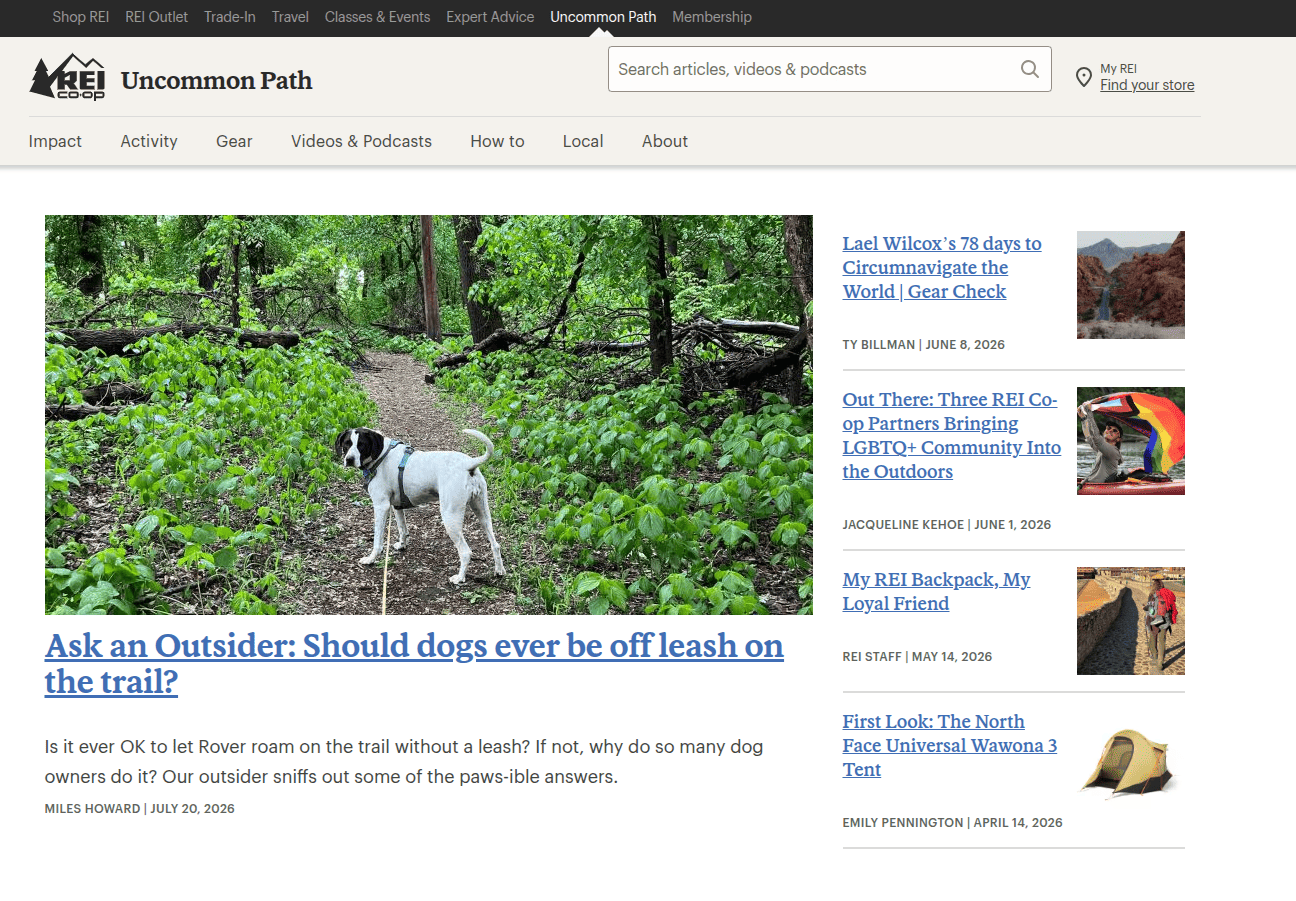
The best ones include Glossier’s Into The Gloss, Patagonia’s ‘The Cleanest Line’, REI’s ‘Uncommon Path’, and buying guides from retailers like Lowe’s.
Below you will find 25 e-commerce blog examples grouped by what they do well. Plus a step-by-step framework for building a blog of your own that actually earns traffic and sales.
Use this guide to learn the best practices followed by e-commerce blogs for content marketing. Then follow the building section to turn that inspiration into a blog that ranks.
Key takeaways
The best e-commerce blog examples pick one clear purpose (brand, search, community, or sales) and commit to it.
Brands like Glossier, Patagonia, and REI win on brand and community, while retailers like Lowe’s and Sous Chef win by pairing useful content with direct product links.
Proven post formats, like buying guides, how-tos, recipes, gift guides, and answer posts, reliably move readers toward a purchase.
To rank, put a direct answer up top, target real search intent, cover the topic thoroughly, link internally, and refresh content over time.
A blog is worth it only if you back it with a strategy, a cadence, and clear KPIs.
What counts as an e-commerce blog?
An e-commerce blog is a content section on an online store’s website (or a standalone site owned by the brand) where the company publishes articles, guides, interviews, recipes, and stories related to what it sells.
It is different from a media publication because the goal sits behind the content: Attract the right audience through search and social, build trust and brand affinity, and gently guide readers toward products.
Builds brand and loyalty by giving people a reason to return that is not a discount code.
Supports revenue through internal links, buying guides, and product recommendations placed inside genuinely useful content.
With that definition in place, here are the examples.
Best e-commerce brand blog examples
These are full brand blogs that show what “great” looks like across different industries and strategies.
Rather than listing them at random, they are grouped by the main thing each one does well, so you can find the model closest to your own brand and replicate it.
Editorial and magazine-style blogs
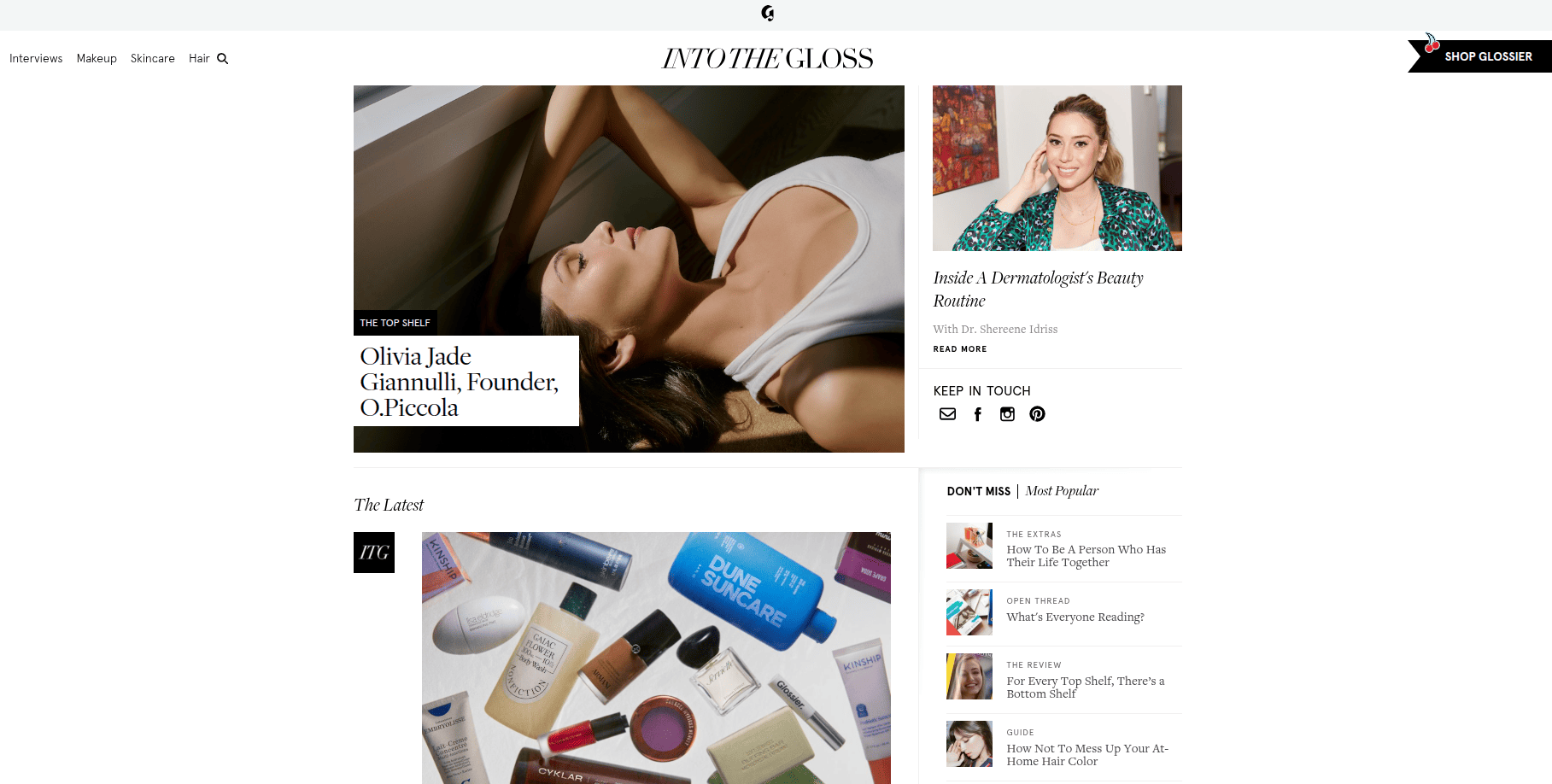
1.Glossier, Into The Gloss
Glossier famously grew out of a beauty blog, and the blog still reads like an independent magazine rather than a storefront. Interviews, routines, and trend pieces speak to the customer’s wider interests.
Its links point both to Glossier products and to outside brands, which keeps the content feeling honest instead of promotional.
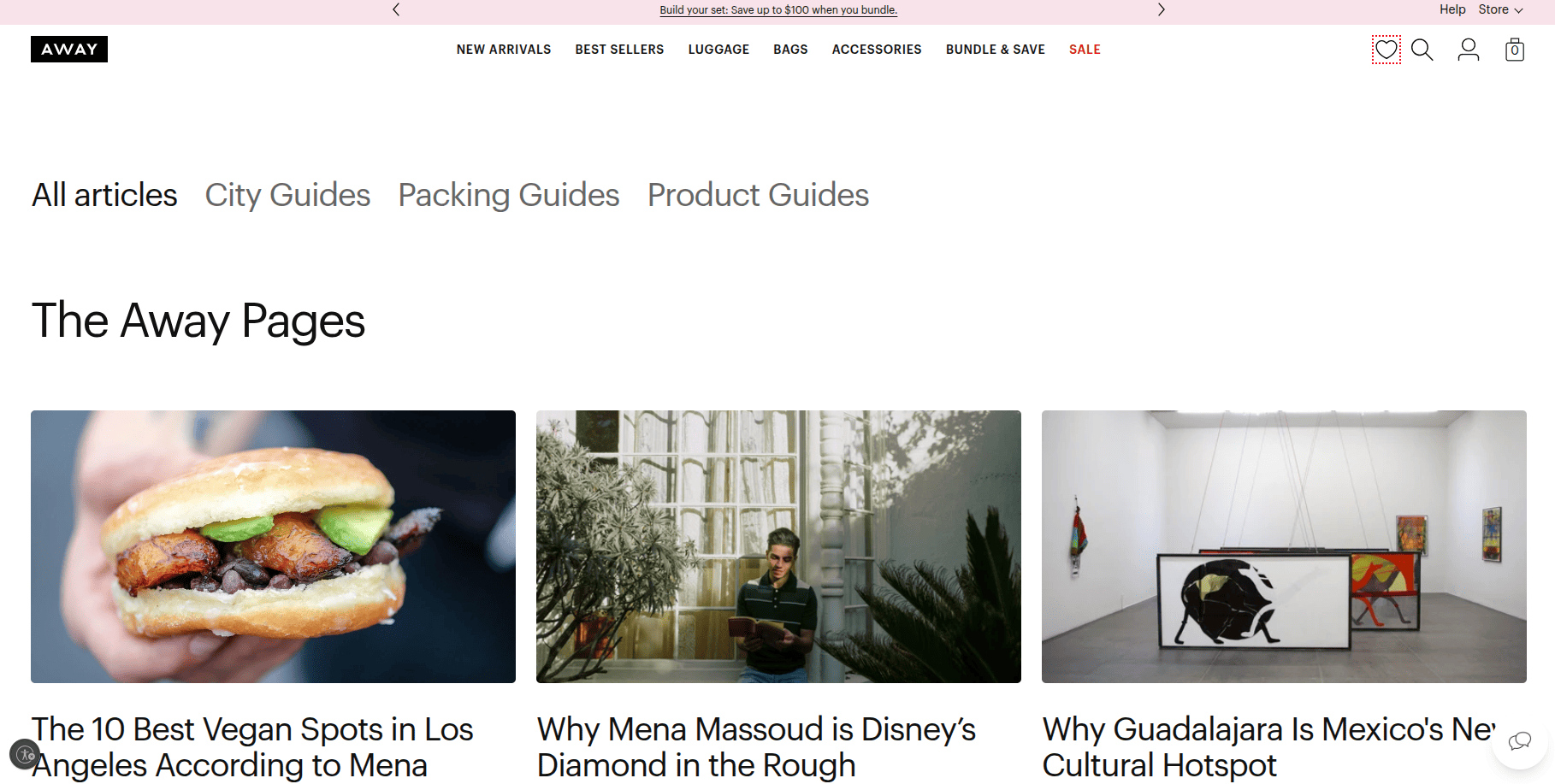
2.Away, Here Magazine
Away, Here Magazine, the luggage brand runs a minimalist travel publication with city guides, essays, and interviews. Product mentions are light.
The payoff is association. Readers come for travel inspiration and leave thinking of Away as a leading travel brand, not just a suitcase maker.
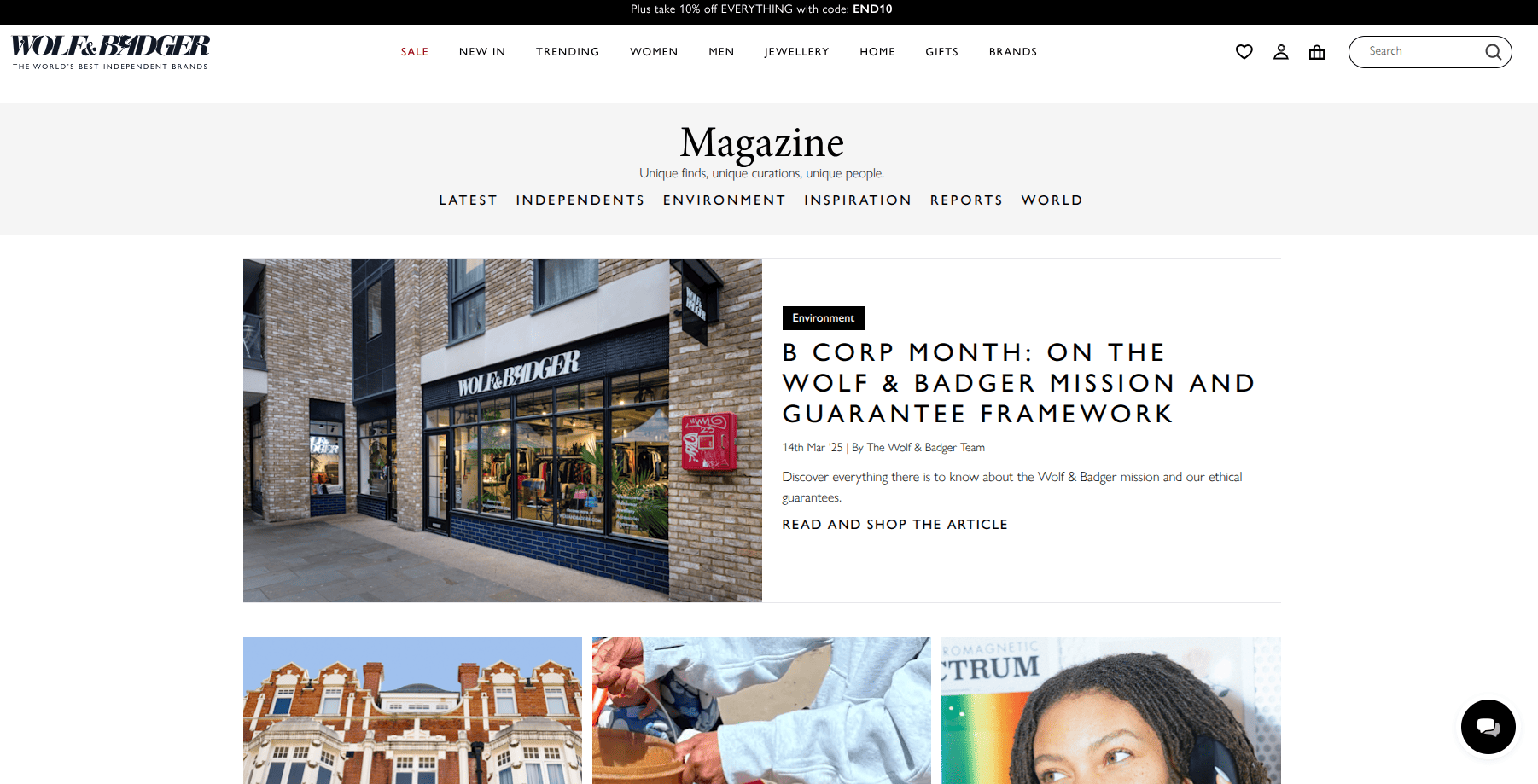
3.Wolf & Badger, The Magazine
Wolf & Badger, The Magazine blog is structured around content pillars such as creators, environment, and inspiration. This blog captures search demand with pieces like gift and jewellery guides, then quietly links back to relevant products with a “shop the article” style section.
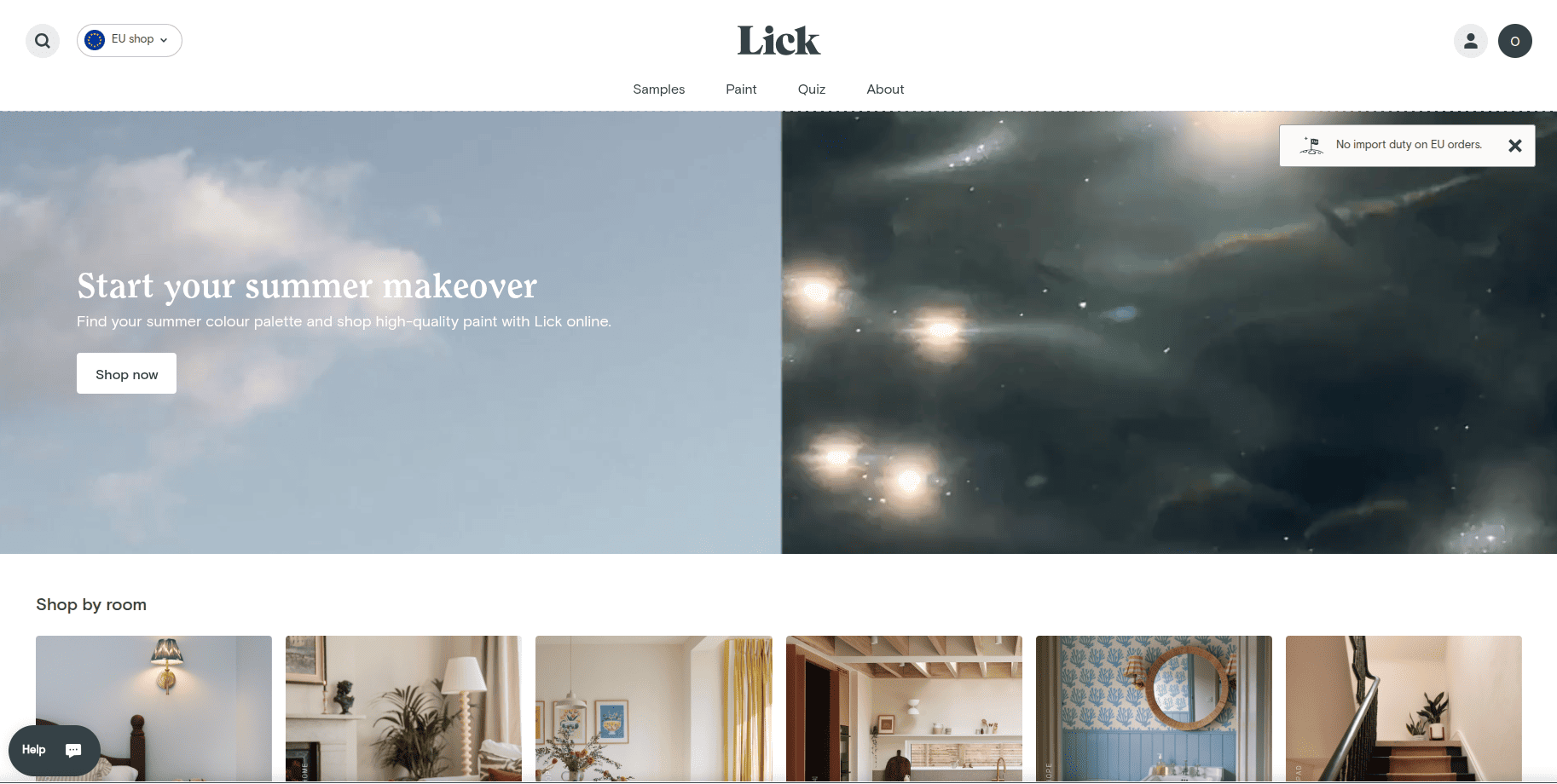
4.Lick, the Magazine
Lick calls its blog a “Magazine” and fills it with “how to,” “best of,” and “top” style home decor articles. The volume and consistency let a young brand look like an authority in a crowded category.
Write better blogs in less time, without sacrificing quality.
Let AI handle structure, clarity, and flow while you stay in control of the message.
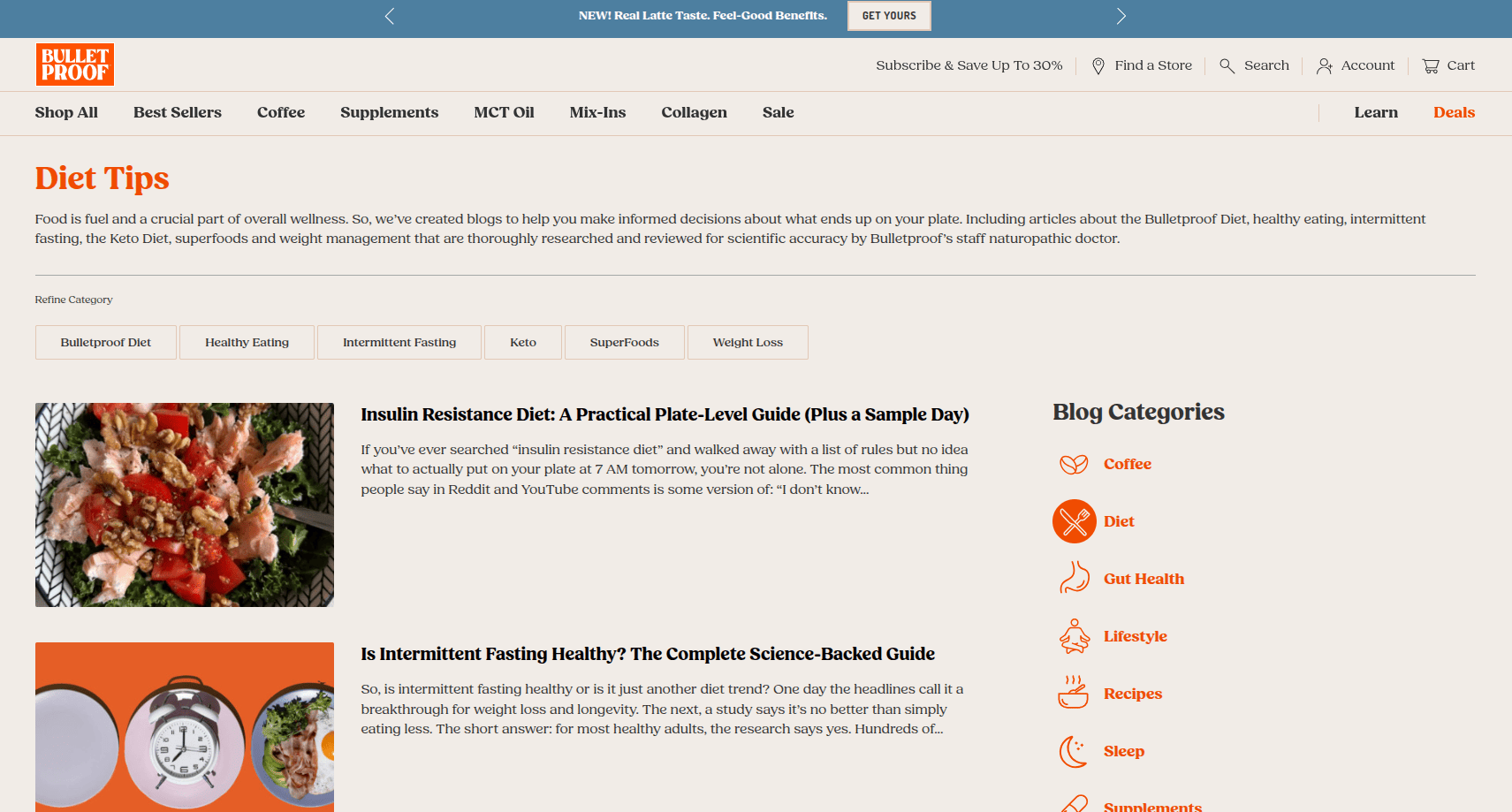
Bulletproof targets high-intent nutrition and keto search queries. It is a textbook example of using a blog to own a niche in organic search and build topical authority around a product line.
6.The Sports Edit, Editorial
The Sports Edit, an activewear retailer, builds content around health, nutrition, and sustainability queries that its buyers are already searching for. Search sits at the core of the strategy, but the writing stays on brand.
7.Rhone, Pursuit
Rhone blog answers specific fitness and wellness questions with clear subheadings and links to credible sources, which is exactly the structure search engines reward. It also leans into male mental health, a topic that differentiates the brand.
8.DAME, The Pioneer
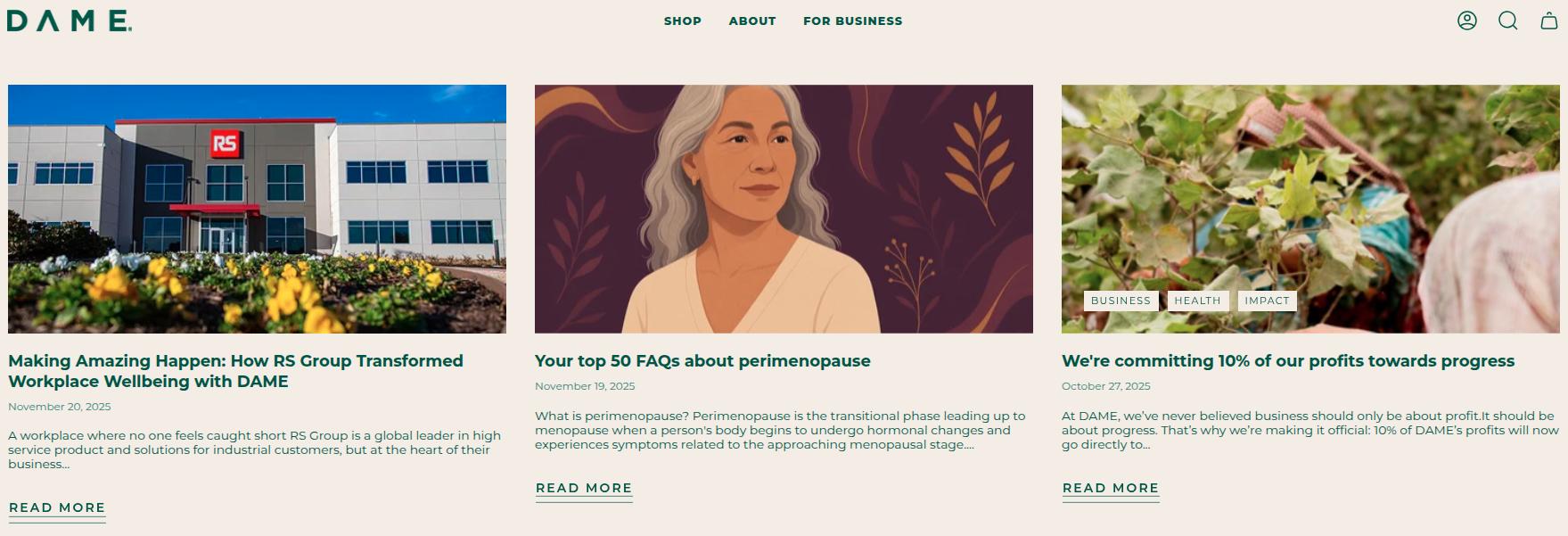
DAME, The Pioneer answers commonly searched, sometimes taboo questions in detail, then nudges gently toward its products near the end of each piece. Answering real questions well is what earns featured snippets and “People also ask” placements.
Recipe and how-to blogs that sell products directly
9.Kettle & Fire
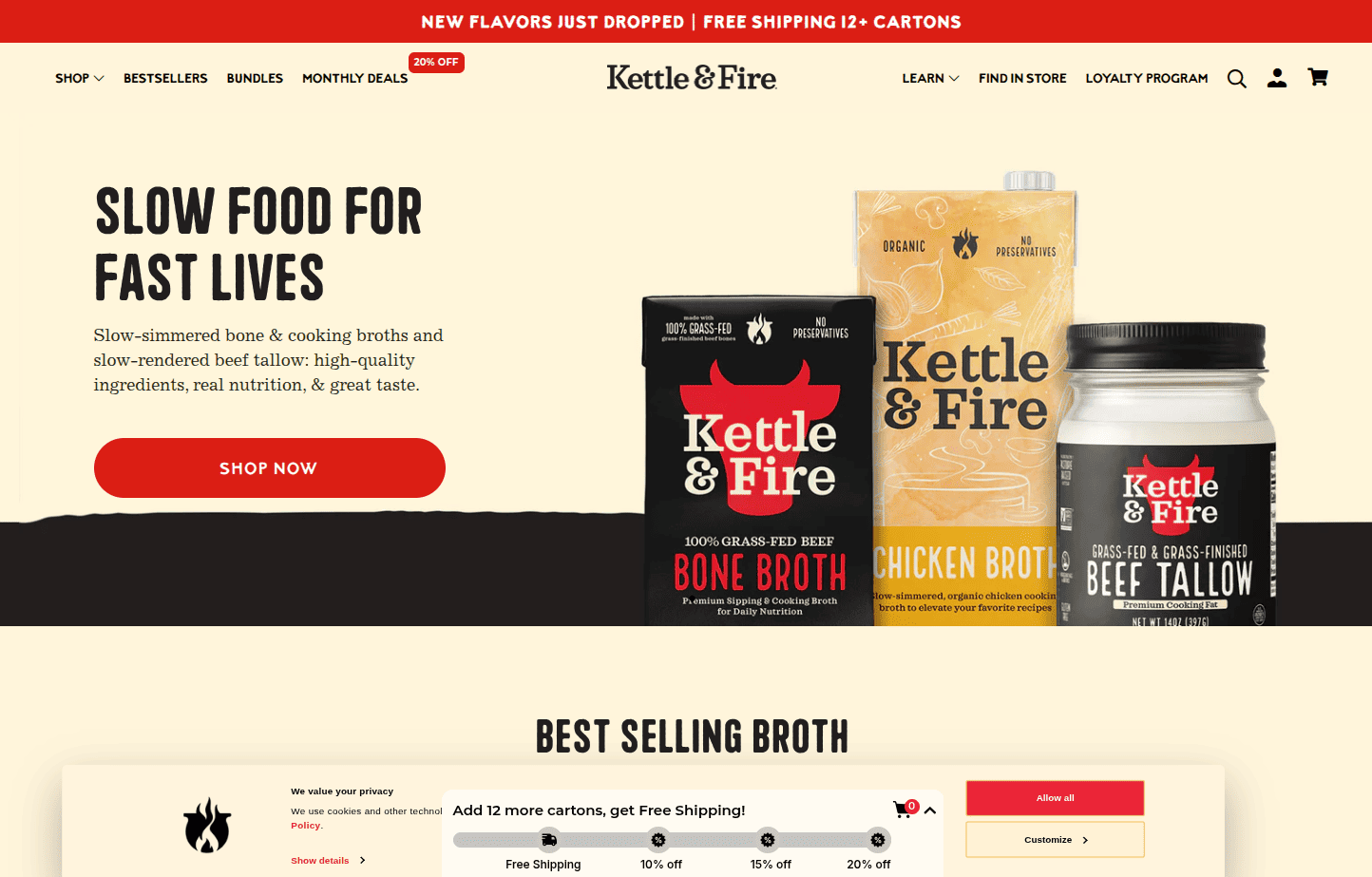
Kettle & Fire, the bone broth brand, publishes clean eating recipes that naturally feature its own products. Recipe content attracts high-volume searches and puts the product in the reader’s hands at the exact moment they are planning a meal.
10.Sous Chef, The Bureau of Taste
Sous Chef, the premium cookware and ingredients retailer, runs recipes and buying guides such as how to choose the best soy sauce. The content draws search traffic and drives revenue directly, because every ingredient and tool mentioned is for sale on the same site.
Community, mission, and brand-building blogs
11.Patagonia, The Cleanest Line
Patagonia, The Cleanest Line, blends adventure storytelling with environmental activism through both video and writing. The blog is inseparable from the brand’s mission, which is why it builds such deep loyalty.
12.REI, Uncommon Path
REI provides practical outdoor advice with content about its community commitments. It reinforces the co-op identity and gives members a reason to feel invested.
13.Mad Happy, The Local Optimist
Mad Happy, the apparel brand, runs a mental health-focused hub with articles, podcasts, playlists, and expert interviews. It rarely sells directly, yet the alignment between mission and content builds unusually strong brand affinity.
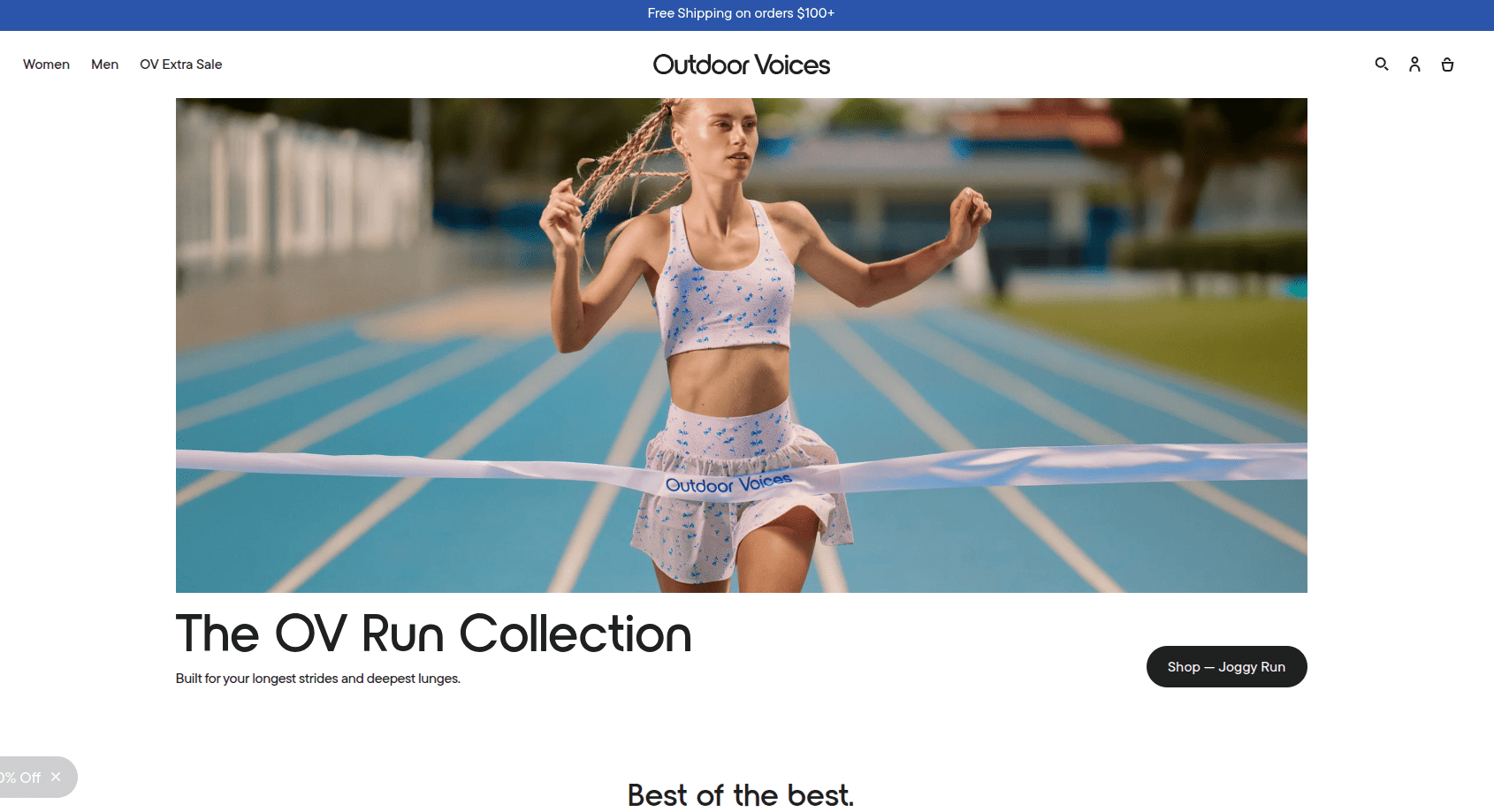
14.Outdoor Voices, The Recreationalist
Outdoor Voices, The Recreationalist, uses a laid-back editorial space covering recreation, wellness, and lifestyle that matches the brand’s “doing things daily” positioning.
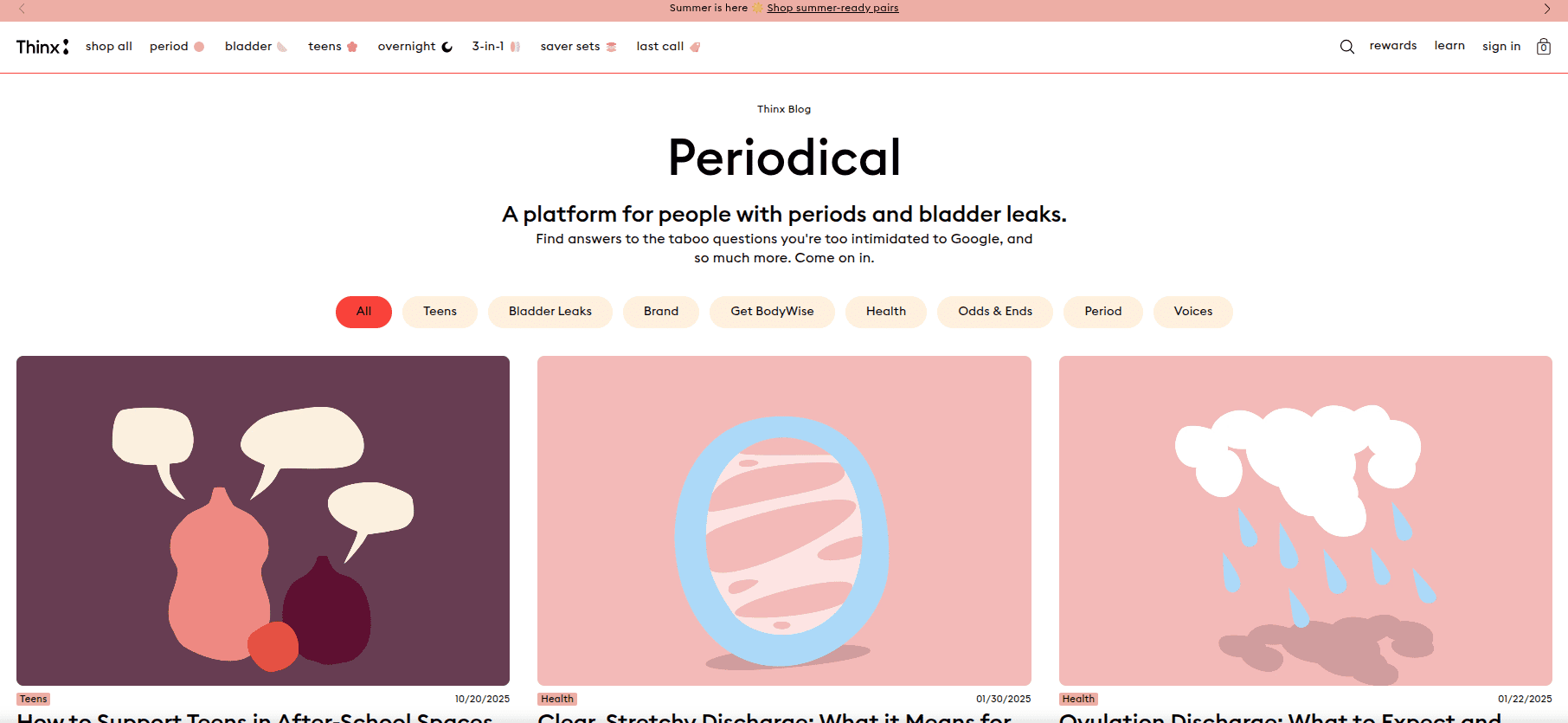
15.Thinx, Periodical
Thinx, Periodical, the period underwear brand, created a content platform around inclusivity, health, and real stories, with heavy internal linking that keeps readers moving between articles and products.
More brands worth studying
To go beyond the usual list, these e-commerce blogs are also strong models:
16.Gymshark Central: Workout guides, athlete features, and nutrition content that fuel one of the strongest fitness communities online.
17.Beardbrand: Grooming education and styling how-tos that built an audience before the products became household names.
Sometimes you do not need a whole new blog. You need proven post formats. These are individual article types that consistently move readers toward buying, with examples of how big retailers use them.
Buying guides
A retailer like Lowe’s publishes guides such as tools that make a paint job easier, with product links on every step.
Time-relevant posts like layering tips for autumn (Zappos style) or Easter and holiday gift roundups (Toys R Us style) that solve a specific, calendar-driven problem.
Best e-commerce blog publications to follow and learn from
If your goal is to read e-commerce blogs to grow your own business, these industry publications are the most useful to follow. They are grouped by what they are best for.
Platform and foundational blogs
Shopify Blog: The broadest resource for merchants, covering store setup, marketing, shipping, and platform updates.
BigCommerce Blog: Deeper, scaling-focused content with case studies and guest posts from established brands.
WooCommerce Blog: Practical guidance for stores built on WordPress and WooCommerce.
Entrepreneurship and growth
A Better Lemonade Stand: In-depth, well-researched guides for launching and growing a lean store.
eComFuel: Strategy and operations content aimed at serious, multi-figure merchants.
Practical Ecommerce: Hands-on answers to everyday merchant problems like cart abandonment and checkout friction.
Marketing, email, and retention
HubSpot Blog: Long-term strategy on customer journeys, retention, and lifecycle marketing.
Klaviyo Blog: Email and SMS automation tailored to e-commerce.
Omnisend Blog: Multichannel messaging and marketing automation.
Yotpo Blog: Loyalty, reviews, and user-generated content.
SEO, conversion, and specialist topics
Search Engine Journal: SEO tactics, including content that applies directly to online stores.
Prisync Blog: Pricing strategy and competitive intelligence.
E-Commerce Nation: International selling and cross-border logistics.
Elastic Path Blog: Headless and composable commerce for tech-forward teams.
The examples above share a set of traits. If you want yours to compete, aim for these.
A clear, single purpose: Decide whether the blog exists mainly for search traffic, brand building, community, or direct sales. Trying to do all four with equal weight usually produces a blog that does none well.
Content tied to what customers actually care about: The topics extend beyond the product into the customer’s wider life and interests, which is what earns repeat readers.
Search intent baked in: Great blogs target questions and phrases their buyers are already typing into Google, then answer them more completely than anyone else.
A consistent brand voice and look: The blog feels like a natural extension of the store, not a generic content mill.
Smart, non-pushy internal links: Products and related articles are linked where they genuinely help, guiding readers deeper without a hard sell.
A publishing rhythm: Consistency signals authority to both readers and search engines. A steady cadence beats an occasional burst.
Write content that’s built to rank, not just read
Create search-optimized blogs aligned with SEO and GEO signals, so your content performs well across search and AI-driven discovery.
The reasons a blog earns its place come down to three benefits, plus a few honest caveats.
The case for a blog
Brand building: A blog lets you express values and personality on topics that reach beyond your catalogue, which reinforces who you are in a crowded market.
Customer retention: Useful or entertaining content gives customers a reason to return between purchases, turning one-time buyers into a loyal audience.
SEOand discovery: A blog is how you target high-volume search queries your product and category pages cannot rank for on their own, bringing in visitors who did not know your brand yet.
The honest arguments against
It takes real resources: Planning, writing, editing, promotion, and maintenance add up. A neglected blog can hurt more than help.
It needs a defined strategy and KPIs: Without clear goals, a blog drifts and becomes impossible to justify.
It can distract from the core store: Too much content, or content that belongs on product pages, can pull people out of the buying journey.
It is not right for every brand: Some audiences, and some luxury positionings, may not engage with a blog, though this is more often an execution problem than a rule.
If you can commit to a strategy and a cadence, the benefits usually outweigh the costs. If you cannot, it is better to wait than to launch a blog you will abandon.
How to start an E-commerce blog, step by step
This is the part the ranking competitors leave out. Here is a practical path from zero to a blog that works.
#1 – Define one primary goal: Traffic, brand, community, or sales. Write it down and let it guide every later decision.
#2 – Know your audience and their questions: List the problems, curiosities, and decisions your customers face before and after buying.
#3 –Do keyword research: Use a keyword research tool to find the search terms behind those questions, prioritising ones with real volume and buyer intent that you can realistically rank for.
#4 –Build a content plan around topic clusters: Group related posts around a core theme so they support each other and signal authority.
#5 –Choose formatsthat fit each topic: Match buying guides, how-tos, answer posts, and stories to intent.
#6 – Set a realistic publishing cadence: One strong post a week beats five thin ones followed by silence.
#7 – Write for humans first, then optimise: Lead with value, then add the on-page SEO elements below.
#8 –Add internal linksand clear next steps: Point readers to related articles and relevant products.
#9 –Promote every post: Email, social, and outreach do the work search cannot do on day one.
#10 – Measure, update, and refresh:Track results and periodically update older posts to keep them ranking.
How to write an E-commerce blog with Contentpen
The manual process above works, but it asks you to juggle a keyword tool, a writing document, an SEO checker, an image editor, and your store’s CMS, then repeat it for every post.
Contentpen is an AI SEO and AEO content platform that folds that entire workflow into one place, from keyword research to publishing and tracking.
The 10-step approach to writing e-commerce blogs with Contentpen
Here is how the same 10 steps look when you run them through Contentpen.
Set your goal and let it learn your brand Contentpen analyses your website, existing content, and brand assets to build a knowledge base of your voice, tone, audience, and competitors.
Find your audience’s real questions automatically Instead of guessing, Contentpen maps what your customers are actually searching for and surfaces high-intent, “real money” keywords tied to buyer demand.
Do keyword research and clustering in one step The platform groups related keywords into topical clusters that build authority and runs SERP analysis and content gap detection to show exactly where competitors are winning and where the openings are.
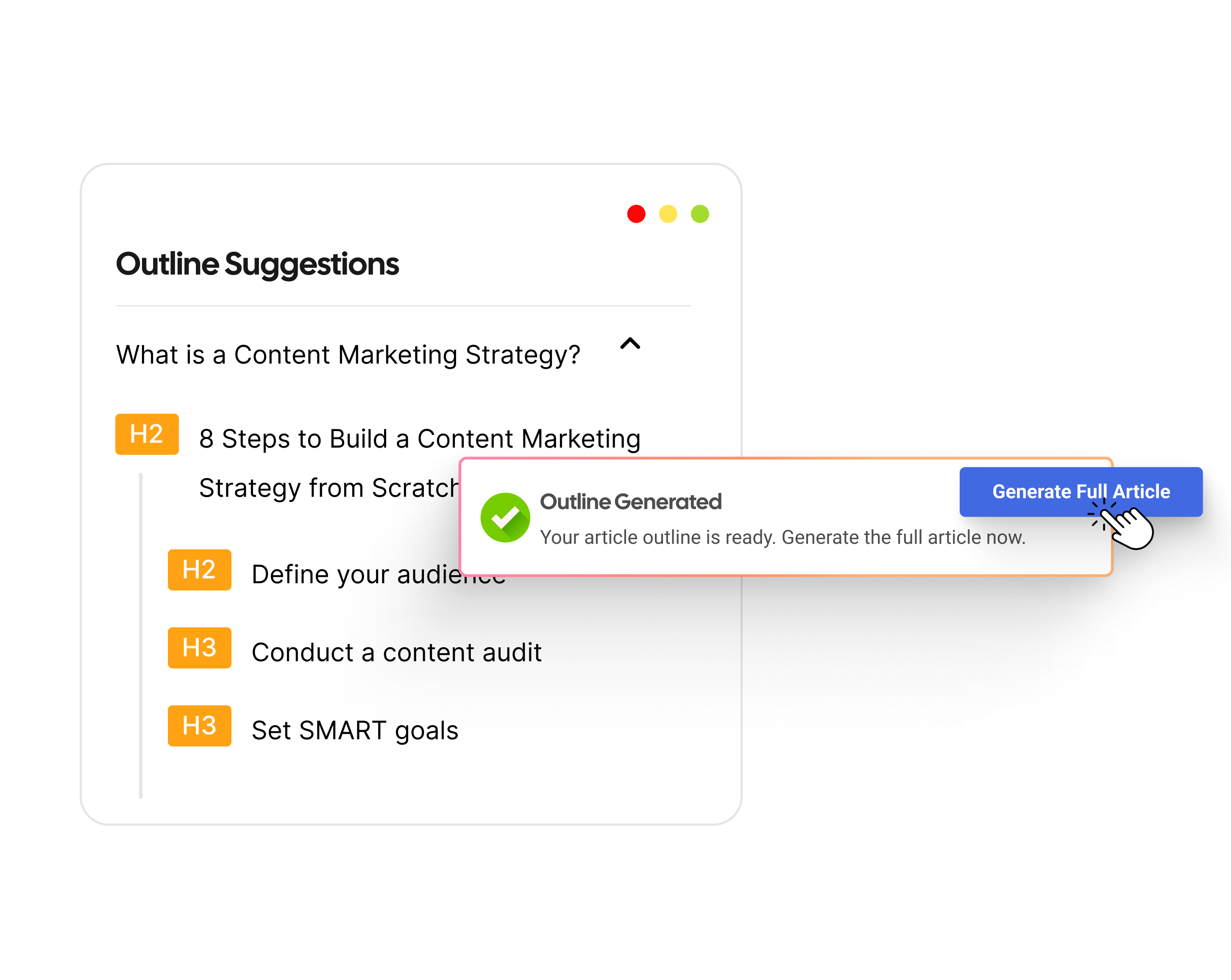
Get a research-backed outline Contentpen generates a structured, semantic SEO outline aligned to search intent, with suggested title, target prompt, and secondary keywords.
Choose format and structure with presets You pick tone of voice, audience, article length, and extra sections like key takeaways, table of contents, conclusion, and FAQs. Presets keep messaging consistent across every post.
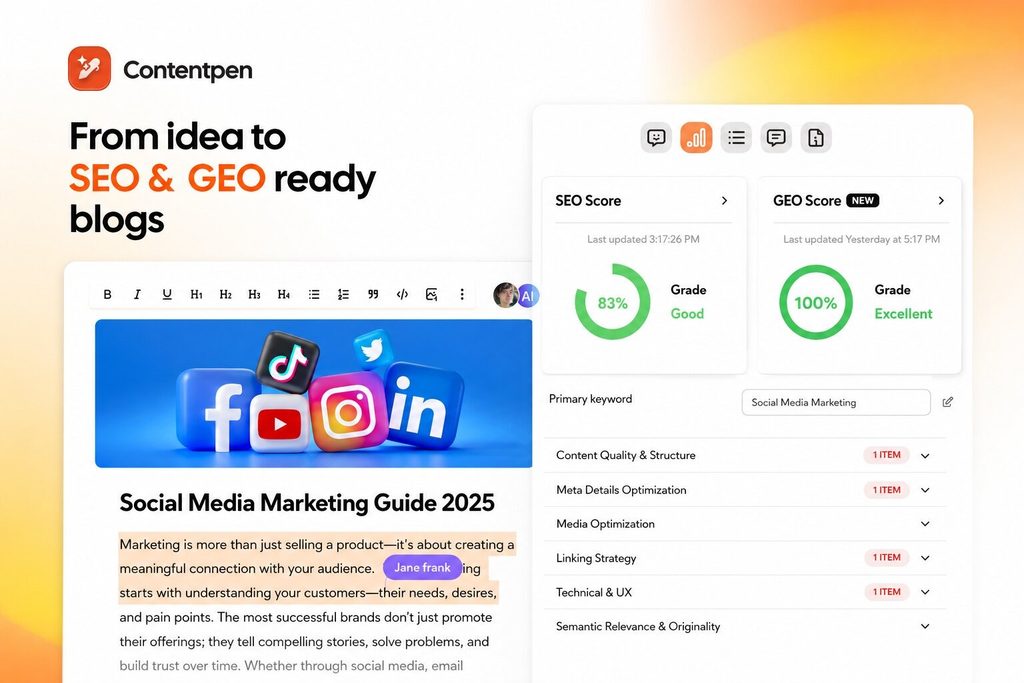
Optimise for search and AI answers as you write Every draft comes with a live SEO score and AEO score plus one-click fixes, so posts launch ready to rank and to surface in AI answers.
Add internal and external links automatically Contentpen places smart internal links using your sitemap and finds high-authority external sources based on context and relevance.
Generate images and publish in one click The tool creates a feature image and in-article visuals in your chosen style, then publishes directly to Shopify, WordPress, Wix, Webflow, or Ghost.
Track, refresh, and scale Built-in analytics show your search rankings and AI visibility tracking down to the page and prompt level, flag traffic opportunities, and support content refresh workflows. Bulk generation and multi-language output (50+ languages) let you scale a consistent blog without adding headcount.
E-commerce blog SEO best practices
To actually rank for terms like “E-commerce blog examples,” follow these fundamentals:
Target one primary keyword per post, plus closely related secondary terms.
Put a direct answer near the top, ideally within the first hundred words, to win featured snippets and satisfy readers fast.
Use a clear heading structure with your keyword in the title and in relevant subheadings.
Write comprehensive content that covers the topic more completely than competing pages.
Add internal links to related posts and to category and product pages.
Earn external links through genuinely useful, linkable content like original data and guides.
Optimise for on-page basics: descriptive title tag, compelling meta description, clean URL, and alt text on images.
Answer related questions in an FAQ section to capture “People also ask” results.
Keep pages fast and mobile-friendly, since both affect rankings and conversions.
Refresh older content on a schedule so it does not decay.
Check engagement, bounce rates, time on page, pages per session, and scroll depth.
Returning visitors, a signal of loyalty and brand building.
Email sign-ups driven by blog content.
Assisted conversions and revenue, using analytics to see how blog readers eventually buy.
Internal link clicks from articles to product and category pages.
Which metrics matter most depends on the primary goal you set in step one.
Ready to build one? Start by writing down a single goal and ten questions your customers ask before they buy. That list is the seed of a blog that ranks and sells.
Frequently asked questions
How often should an e-commerce blog publish?
Consistency matters more than volume. A single strong, well-optimised post per week usually outperforms a burst of thin posts followed by silence.
Can a blog actually increase e-commerce sales?
Yes, when content leads with value and links naturally to relevant products. Buying guides, recipes, and how-tos are especially effective because they reach buyers at the moment they are deciding.
Are blogs still a thing in 2026?
Yes, blogs are very much still a thing in 2026, and for e-commerce they matter more than ever. A blog is still one of the most reliable ways to rank on Google, and it now does double duty by feeding AI answer engines.
What are the 7 C’s of e-commerce?
The 7 C’s of e-commerce are context, content, community, customization, communication, connection, and commerce. A blog directly strengthens several of these at once.
Looking for travel blog examples? The best ones to study right now are Wander Lush, The Blonde Abroad, Salt in Our Hair, NOMADasaurus, Migrationology, Travel Babbo, and more.
Each of these blogs nails a specific niche, a recognizable visual style, and a clear way of making money. This is exactly what separates a blog that ranks and earns from one that fades out.
Below you will find 30 standout examples grouped by niche, a breakdown of what makes each one work, real writing examples, and a step-by-step path to launch your own.
Whether you want to follow these blogs for trip inspiration or reverse-engineer them to build something of your own, this guide gives you both the shortlist and the strategy behind it.
What makes a great travel blog?
Before the list, it helps to know what you are actually looking at. A blog can have gorgeous photos and still fail, because the things that make a travel blog genuinely good are not always the obvious ones.
Every strong example in this guide shares most of these traits:
A clear niche: The best blogs are known for one thing. Solo female travel, luxury stays, van life, food, one specific region. A niche makes the blog memorable and makes it far easier to rank in search.
A distinct voice: Generic writing reads like a brochure. Great travel blogs sound like a real person with opinions, humor, and honesty about the bad parts of travel, not just the highlight reel.
Strong, consistent visuals: You do not need to be a professional photographer, but you do need a recognizable look. Consistent editing, clean layouts, and fast-loading images all signal quality to both readers and Google.
Genuinely useful content: Itineraries, budgets, maps, and practical tips give people a reason to save, share, and come back. Inspiration alone rarely converts into loyal readers.
A working business model: Behind almost every long-running blog is a mix of affiliate links, ads, digital products, or sponsored work. If you plan to blog seriously, study how the examples below actually earn.
Keep these five traits in mind as you read. They are the difference between a blog you admire and a blog you can learn from.
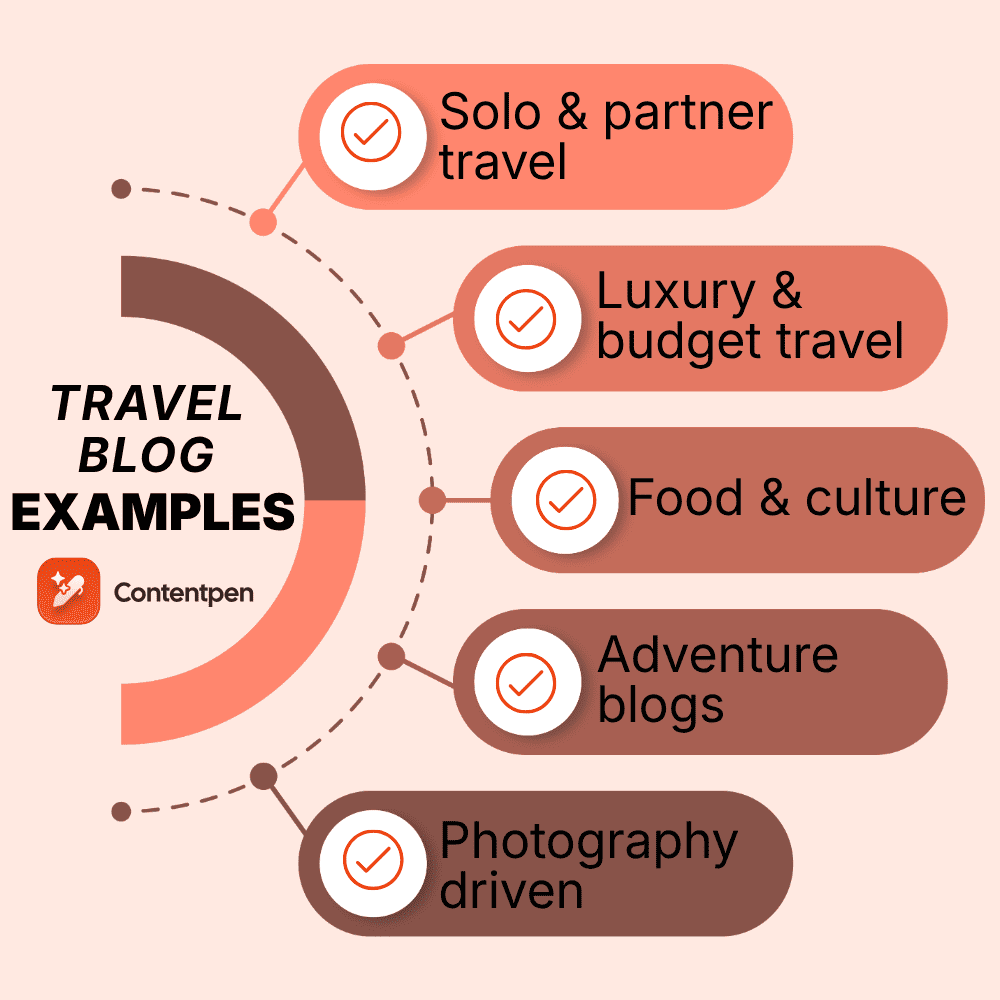
The best travel blog examples by niche
Rather than throw 20 random blogs at you, here are the standouts sorted by the niche they own. This makes it easier to find the examples closest to the blog you want to build.
Solo travel blog examples
1. The Blonde Abroad
The Blonde Abroad is one of the most recognizable solo female travel blogs online. What makes it a strong example is consistency.
It includes a signature pastel aesthetic, seasonal design touches, and content built specifically around women traveling alone, from safety guides to destination-specific packing lists. The branding is so tight that the site feels like a lifestyle magazine.
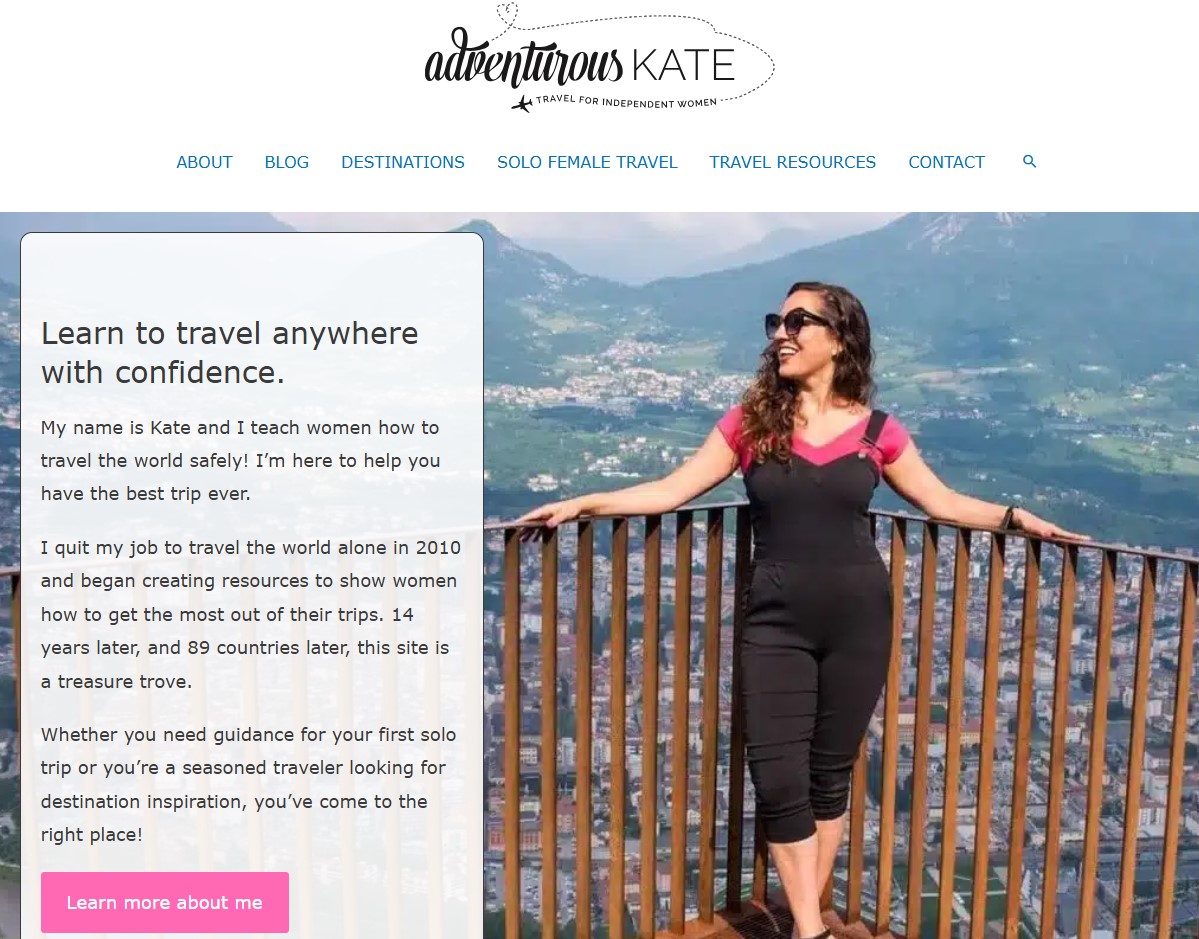
2. Adventurous Kate
Adventurous Kate blog is worth studying for a different reason. Kate built her reputation on blunt honesty, covering the messy and occasionally scary sides of solo travel that most blogs skip.
It proves that a strong point of view can be a competitive advantage, not a liability.
3. Young Adventuress
Young Adventuress shows how personality carries a blog. The writing is funny, opinionated, and unmistakably human, which keeps readers coming back for the writer as much as the destinations.
4. Teacake Travels
Teacake Travels is a good example of a blog that owns a clear mission: encouraging and equipping solo female travelers to visit places others might consider off-limits. That focused purpose gives every post a reason to exist and builds a fiercely loyal readership.
Couple and partner travel blog examples
5. Salt in Our Hair
Salt in Our Hair is a masterclass in design-led travel blogging. Run by a couple, the site pairs polished photography with clean layouts and detailed, map-driven itineraries.
It also loads fast, which many visually heavy blogs fail at, and that performance is part of why it ranks so well.
The Common Wanderer is a great example of a couple’s blog with a mission. Alongside beautiful photography, the pair focus on responsible and sustainable travel, giving the blog a purpose that goes beyond pretty pictures.
7. Find Us Lost
Find Us Lost blends editorial-quality photography with well-researched destination guides. It reads like a modern travel magazine and is a good model if you want a refined, aspirational feel.
8. Flying the Nest
Flying the Nest is a strong example of a couple who expanded into video without losing the blog. Having traveled to dozens of countries, they show how a partner team can scale across platforms while keeping an uplifting, approachable tone.
Family travel blog examples
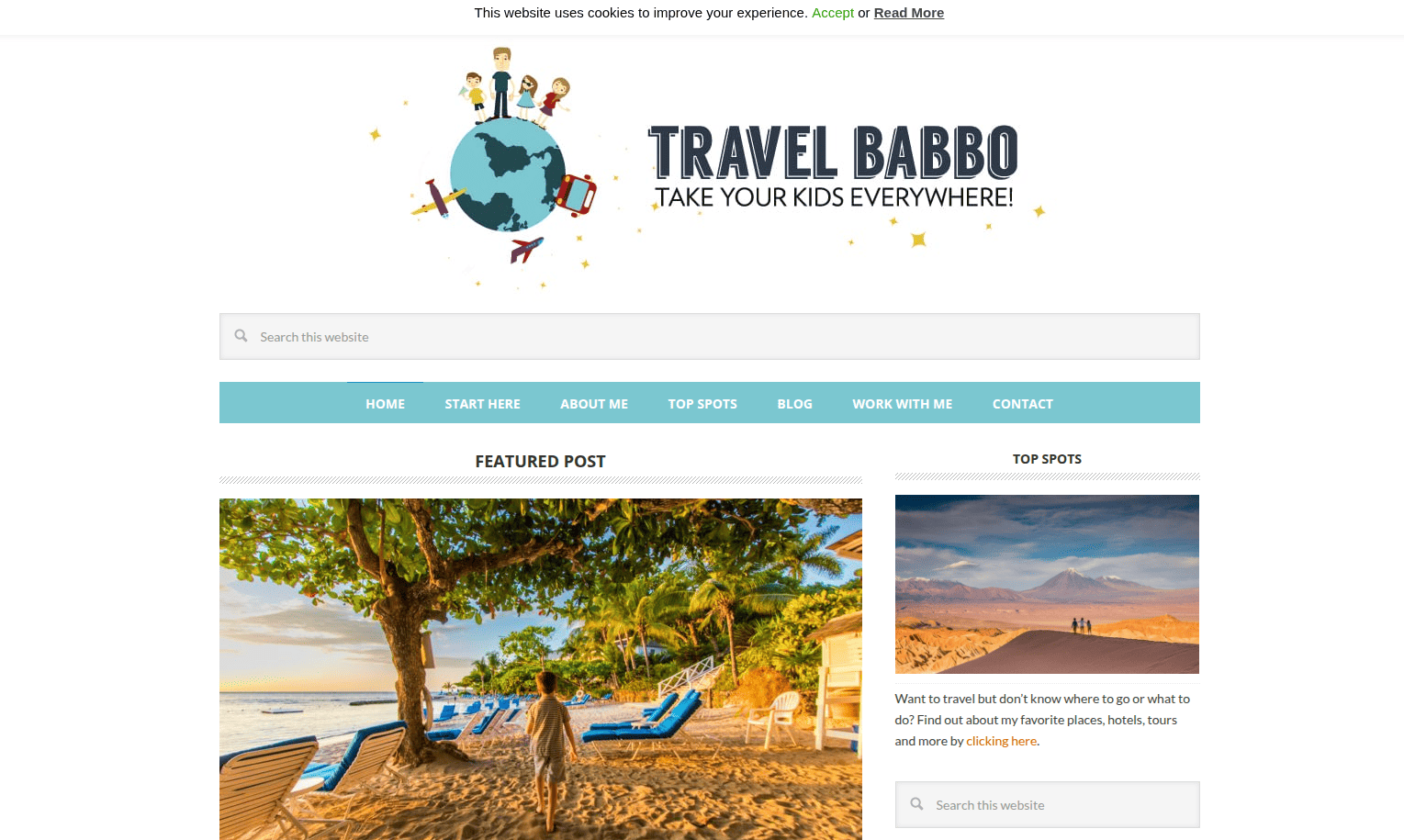
9. Travel Babbo
Travel Babbo is arguably the standout family travel blog. The premise is simple and memorable: a dad who travels the world with his kids, letting each child pick a destination.
That hook, plus genuinely strong photography, makes it instantly distinctive in a niche that can feel repetitive.
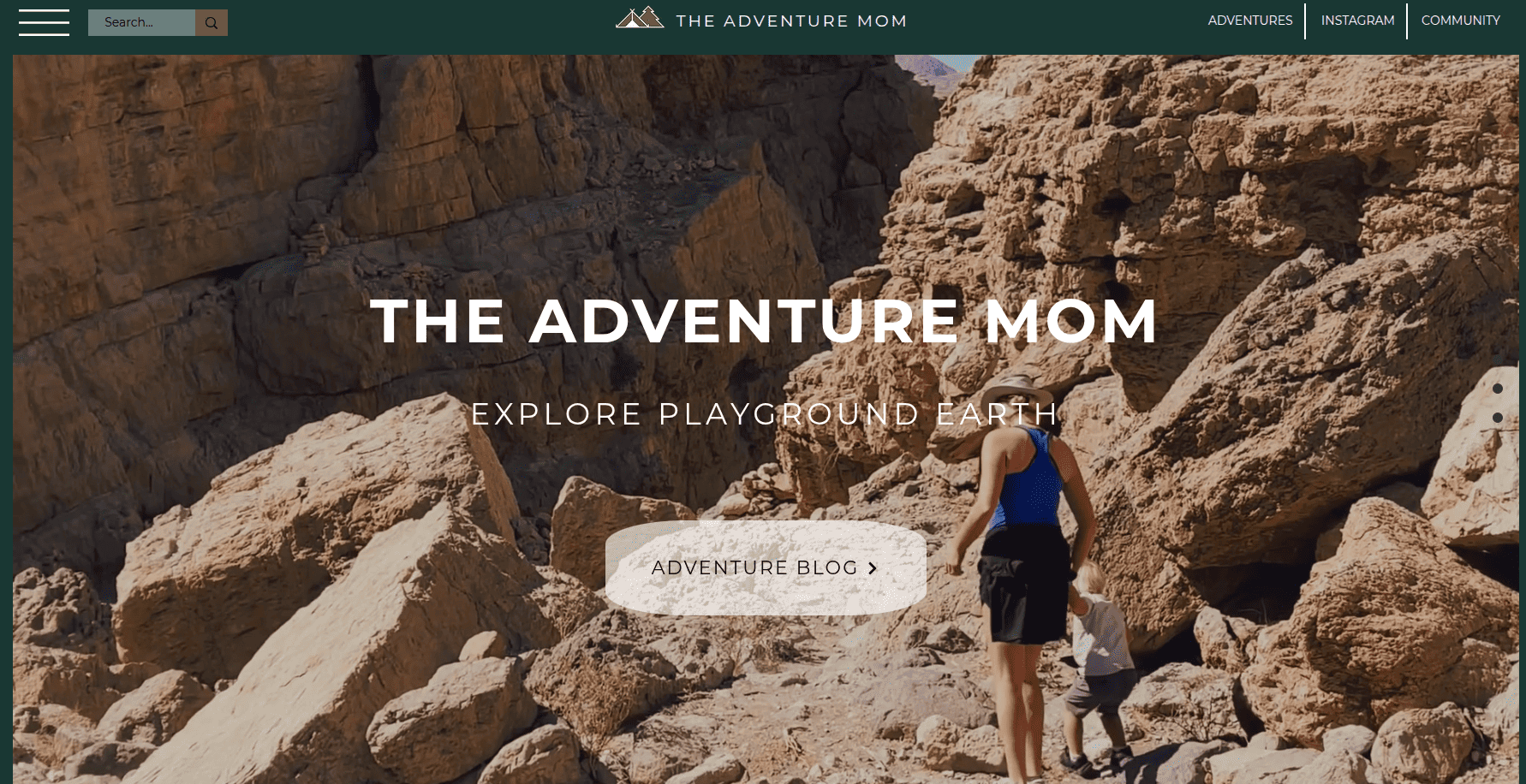
10. Adventure Mom
Adventure Mom is a solid example of family and outdoor travel aimed at parents who want active trips rather than theme parks. It shows how serving a specific type of family reader builds a loyal audience.
11. The Worldwide Webers
The WorldWide Webers blog example proves how far a memorable hook can carry a family blog. Following a family who travel with a very young child to unusual destinations, it turns an unexpected premise into a recognizable identity.
12. The Traveling Praters
The Traveling Praters blog is a great example of a family on a road trip focused on the United States.
It shows the value of covering your own backyard in depth, from quirky roadside attractions to local restaurants, which is a smart, lower-competition angle for new bloggers.
NOMADasaurus is one of the best examples of an adventure travel blog done right. The couple behind it specializes in off-the-beaten-path and overland travel.
Moreover, their detailed guides to hard-to-reach regions rank well precisely because so few blogs cover them in depth.
14. Expert Vagabond
Expert Vagabond blog pairs adventurous trips with clean, content-first design. It is a good example of a blog that stays useful, delivering quick, scannable information without burying the practical details under long personal stories.
15. Nomadic Matt
Nomadic Matt is one of the most successful travel blogs in the world, built on budget and backpacking advice.
Study it for its enormous library of practical, SEO-friendly guides and its ecosystem of books, courses, and a community. It is the clearest example of a hobby blog turned full business.
16. Sidetracked Magazine
Sidetracked Magazine takes adventure blogging to a cinematic level, combining first-person expedition stories with immersive photography and layouts. It is an example to study if you want long-form adventure journalism rather than quick tips.
Luxury and design-led travel blog examples
17. Roadbook
Roadbook blog looks and reads like a high-end print magazine, with striking typography, minimal design, and a focus on stylish hotels, restaurants, and bars. If you want an aspirational, aesthetic-first blog, this is the bar.
18. The Flore
The Flore is another example of magazine-style storytelling, combining bold typography with immersive, scroll-friendly photo essays. It shows how design choices alone can set a blog apart from template-driven competitors.
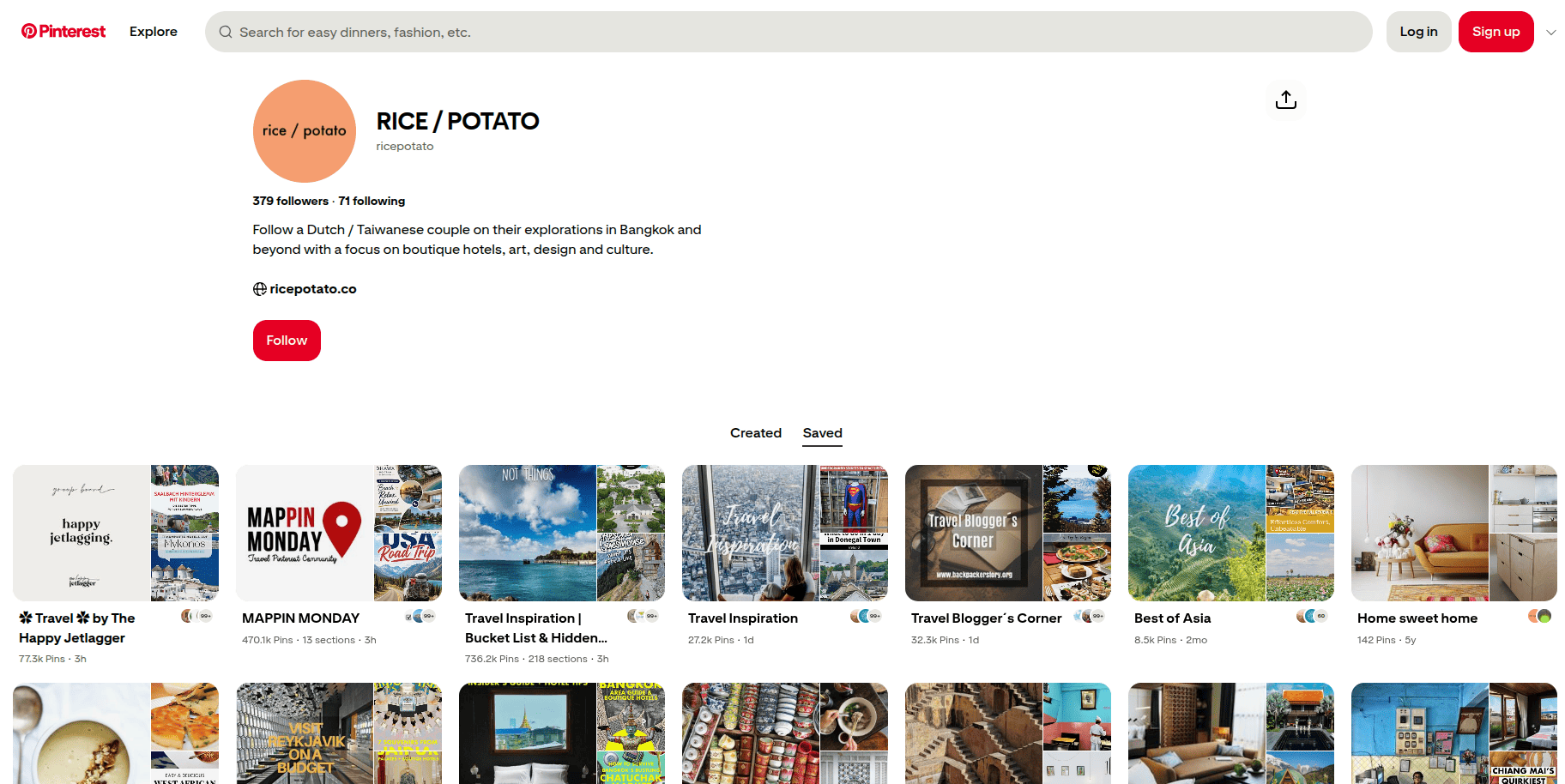
19. RICE / POTATO
RICE / POTATO is a design-forward blog that signals how much its creators care about visuals from the first scroll. A quirky color scheme and carefully composed imagery make even a simple list feel intentional and premium.
20. Anywhere We Roam
Anywhere We Roam uses a clean, gallery-style layout as a blank canvas for atmospheric photography and immersive writing. It is a great example of how restraint in design can make strong content feel even more powerful.
From outline to publish-ready content
that fills them
Indie Traveller is worth studying on its own as a budget example. Run by a solo blogger, it mixes a distinctive color palette with well-organized, genuinely helpful backpacking guides.
It proves you can keep a unique identity without sacrificing usefulness, which is a hard balance to strike.
22. The World Incorporated
The World Incorporated speaks to a huge, underserved audience: people with full-time jobs who still want to travel.
By showing that you do not have to quit your career to see the world, it carves out a relatable angle most nomad blogs ignore.
23. Ten Miles Behind Me
Ten Miles Behind Me is a strong example of purpose-driven solo travel on a budget, blending adventure with volunteering and giving back.
That combination of honesty and heart is exactly what builds trust with readers.
Food and culture travel blog examples
24. Migrationology
Migrationology has built an entire brand around food travel. The blog and its companion videos guide readers to authentic local eats around the world, and the tightly focused niche makes it a go-to resource.
It is a great example of picking one lens, in this case food, and owning it completely.
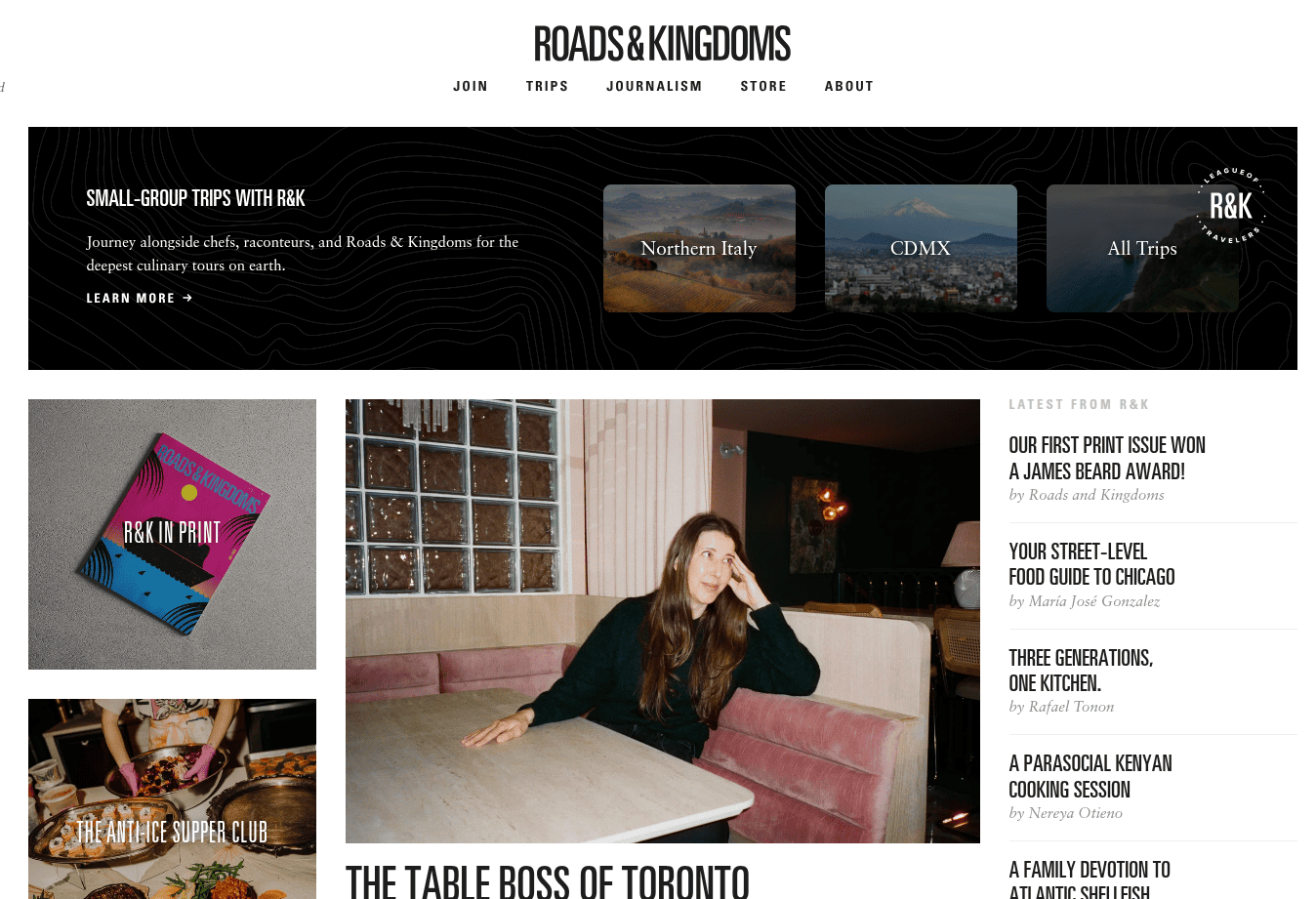
25. Roads & Kingdoms
Roads & Kingdoms takes a documentary approach to travel, food, and culture, with long-form storytelling you rarely see elsewhere. It is a strong model if you want to lead with narrative journalism rather than quick tips.
26. Cookiesound
Cookiesound is a mother-daughter photography duo whose blog leans into honest, sometimes gritty storytelling about off-the-beaten-path places. It is a great reminder that showing the real, unpolished side of travel can be more compelling than a perfect highlight reel.
Photography-driven and lifestyle blog examples
27. Wander Lush
Wander Lush proves that highly detailed written content and clean, minimal design can coexist. Run by a writer and photographer, it is packed with practical destination guides while keeping a distraction-free look that lets the photography breathe.
28. Along Dusty Roads
Along Dusty Roads pairs standout travel photography with in-depth guides, and is a good example of how a strong visual identity can make even practical, information-heavy posts feel premium.
29. World of Wanderlust
World of Wanderlust is a long-running example built on warm, curated photography and an easy-to-navigate layout. This blog shows how a consistent editing style, in this case grainy and nostalgic, can become part of a blog’s identity.
30. HeyCiara
HeyCiara is an example to study if you want a lively, colorful alternative to minimalism. Its vibrant photography and social-media-ready style show how to bring a trendy, personality-driven vibe into the blogging format.
Travel blog writing examples worth copying
Studying whole blogs is useful, but you also learn a lot by studying individual post formats. These are the post types that consistently perform, generated with Contentpen.ai.
The detailed itinerary
Posts like “3 days in Lisbon” or “one week in Georgia” work because they answer a complete question a traveler is already searching for. Its structure includes a quick intro, a day-by-day breakdown, a map, budget notes, and where to stay.
The workhorse of SEO. Think “things to do in,” “where to stay in,” or “is it safe to visit.” These capture search traffic and are easy to fill with affiliate links to hotels and tours.
Roundups like this one, “best places for solo travel” or “cheapest countries to visit,” are highly shareable and rank for broad keywords. Keep each entry tight and skimmable.
“How to start a blog,” “how to find cheap flights,” or gear guides. These often earn the most per visitor because readers arrive ready to take action and buy.
A well-rounded blog uses all five. The itineraries and guides bring search traffic, the narratives build loyalty, and the resource posts pay the bills.
Feeling inspired by the examples? Here is the short version of how to turn that inspiration into a live blog.
Step 1. Pick your niche and angle
Decide what you want to be known for before you write a word. Solo travel, a specific region, budget backpacking, luxury stays, food. A focused niche is the single biggest predictor of early success.
Step 2. Choose a platform and hosting
Self-hosted WordPress remains the most flexible choice for a blog you intend to grow and monetize. You will need a hosting provider and a domain name to get started. Beginner-friendly hosts keep costs low at the start and let you scale up later.
Step 3. Design for clarity, not clutter
Study the examples above. The best blogs use clean layouts, fast-loading images, easy navigation, and very few pop-ups. Good design gets out of the reader’s way.
Step 4. Write content people are actually searching for
Start with practical guides and itineraries tied to real search queries, then sprinkle in personal stories for personality. This balance is how you earn both traffic and loyal readers.
Step 5. Plan how you will earn early
Even if you make nothing for months, build with affiliate links, an email list, and eventually digital products or ads in mind. Every successful example above has a business model behind it.
Step 6. Be consistent and patient
Almost every blog on this list took years to reach its current level. Publish regularly, improve your photography and writing over time, and keep going when growth feels slow.
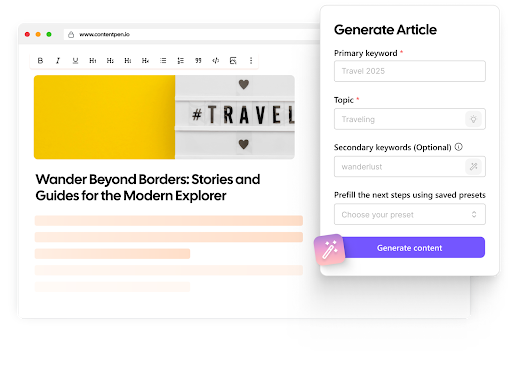
Here is an ideal travel blog format you’d want to follow: CP Sample
How to write the perfect travel blog with Contentpen
Studying great examples is one thing, but consistently producing posts that match their quality and actually rank is where most new bloggers get stuck.
This is where an AI blogging platform like Contentpen can help, so you can spend more time traveling and less time wrestling with SEO.
Unlike a basic AI writer, Contentpen is built for a full workflow, from keywords to drafting, optimization, and publishing.
It produces content that ranks in both traditional search and AI tools like ChatGPT and Perplexity.
Here is how to use it to write a travel blog post the right way:
Instead of guessing, you write about topics that already have demand, which is exactly what every ranking example in this guide does.
2. Generate a structured outline first
Rather than accepting a full post in one click, use the two-step route and review the outline before anything is written.
This lets you shape the structure the way the best travel blogs do, with a strong intro, logical sections, and the itinerary or guide format your readers expect.
3. Draft with SEO and AEO scoring built in
As Contentpen writes, every draft is scored for both SEO and AI search. That means your travel post is structured to rank on Google and to get cited by AI chatbots, without you needing to be an SEO or AEO expert.
Edit the draft so it sounds like you by adding your own photos and firsthand stories. The best travel blogs win on genuine experience, so this human layer matters.
6. Publish in one click and track what works
Contentpen integrates with WordPress and other CMS platforms for direct publishing, and its analytics and AI visibility monitoring show you what is performing so you can refresh and improve posts over time.
Remember, content that gets updated is content that keeps ranking.
Used this way, Contentpen handles the content part while you focus on the parts only you can provide: real experiences, honest opinions, and original photography.
Write content that’s built to rank, not just read
Create search-optimized blogs aligned with SEO and GEO signals, so your content performs well across search and AI-driven discovery.
That combination of AI efficiency and human authenticity is the fastest path to a travel blog that both reads well and ranks.
Travel blog title ideas you can use
A strong name or headline is often the difference between a click and a scroll-past. So, here is a bank of ideas you can adapt for both your blog itself and the posts you publish on it.
Travel blog post title ideas
For individual posts, the best titles promise a clear payoff and, where possible, include the sort of phrase people actually search for.
Use these as templates and swap in your own destinations:
The perfect 3 days in [destination]: a complete itinerary.
10 things I wish I knew before visiting [destination].
Is [destination] worth it? An honest guide.
[Destination] on a budget: how to see it for less.
The best time to visit [destination] (and when to avoid it).
A first-timer’s guide to [destination].
15 unmissable things to do in [destination].
How I spent one week in [destination] for under [budget].
[Destination] with kids: a family-friendly guide.
Solo female travel in [destination]: everything you need to know.
Where to stay in [destination]: the best areas and hotels.
The ultimate [destination] packing list.
24 hours in [destination]: how to make the most of a short stay.
Hidden gems in [destination] the guidebooks miss.
[Destination] vs [destination]: which should you visit?
What nobody tells you about visiting [destination].
A local’s guide to eating your way through [destination].
The most beautiful places in [destination] for photography.
How to plan a trip to [destination] step by step.
My honest review of [experience or tour] in [destination].
Lead with a number, a timeframe, or a clear promise. Keep it specific and make sure the title matches what the reader will actually find inside.
Travel blog name ideas
Aim for something short, memorable, and flexible enough to grow with you. Avoid boxing yourself into one destination unless that is your deliberate niche.
Here are ideas to spark your own:
The Restless Route
Passport and Pins
Beyond the Map
Slow Roads Ahead
The Curious Compass
Far and Fond
The Detour Diaries
Salt and Sand Stories
The Roaming Hour
Off Map Journal
Two Packs and a Plan
The Wander Notebook
Long Way Around
Golden Hour Travels
Postcards and Potholes
Here to There
Before you commit, check that the matching domain name and social handles are available, and say the name out loud to make sure it is easy to spell and share.
Common travel blog mistakes to avoid
The examples above are worth studying, but so are the mistakes that keep most new blogs invisible.
Avoid these:
Trying to cover every destination and topic, which leaves you ranking for nothing.
Copying the generic, template-driven look of every other blog instead of building an identity.
Writing brochure-style content with no personality or honesty.
Ignoring SEO basics, so nobody ever finds your posts.
Overloading pages with pop-ups and huge unoptimized images that slow the site to a crawl.
Giving up right before the traffic starts to compound, usually somewhere in the first year.
Sidestep those, and you are already ahead of most of the field.
Summing it up
The travel blogs in this guide did not become worth studying by accident. They picked a niche, committed to a voice, invested in design, and built practical content on top of genuine stories.
Use them the way the best bloggers use each other, as a source of ideas rather than a template to copy.
Pick the two or three examples closest to the blog you want to build, study exactly how they structure their posts and their business, and then start creating something meaningful.
That is how the next blog worth adding to a list like this one gets built.
Happy blogging!
Frequently asked questions
Do travel bloggers get paid?
Yes. Travel bloggers earn through affiliate links for hotels, tours, and gear, display advertising, sponsored content, and digital products like ebooks and courses.
How long are most travel blog posts?
Practical guides and itineraries that aim to rank in search tend to run 1,500 to 3,000 words so they can fully answer a reader’s question. Personal narrative posts can be much shorter, since their goal is connection rather than search traffic.
What is the best way to start a travel blog?
The best way to start a travel blog post is with a hook that pulls the reader in and quickly signals what they will get. Open with a vivid moment, a surprising fact, a relatable problem, or the direct answer to what the user searched for.
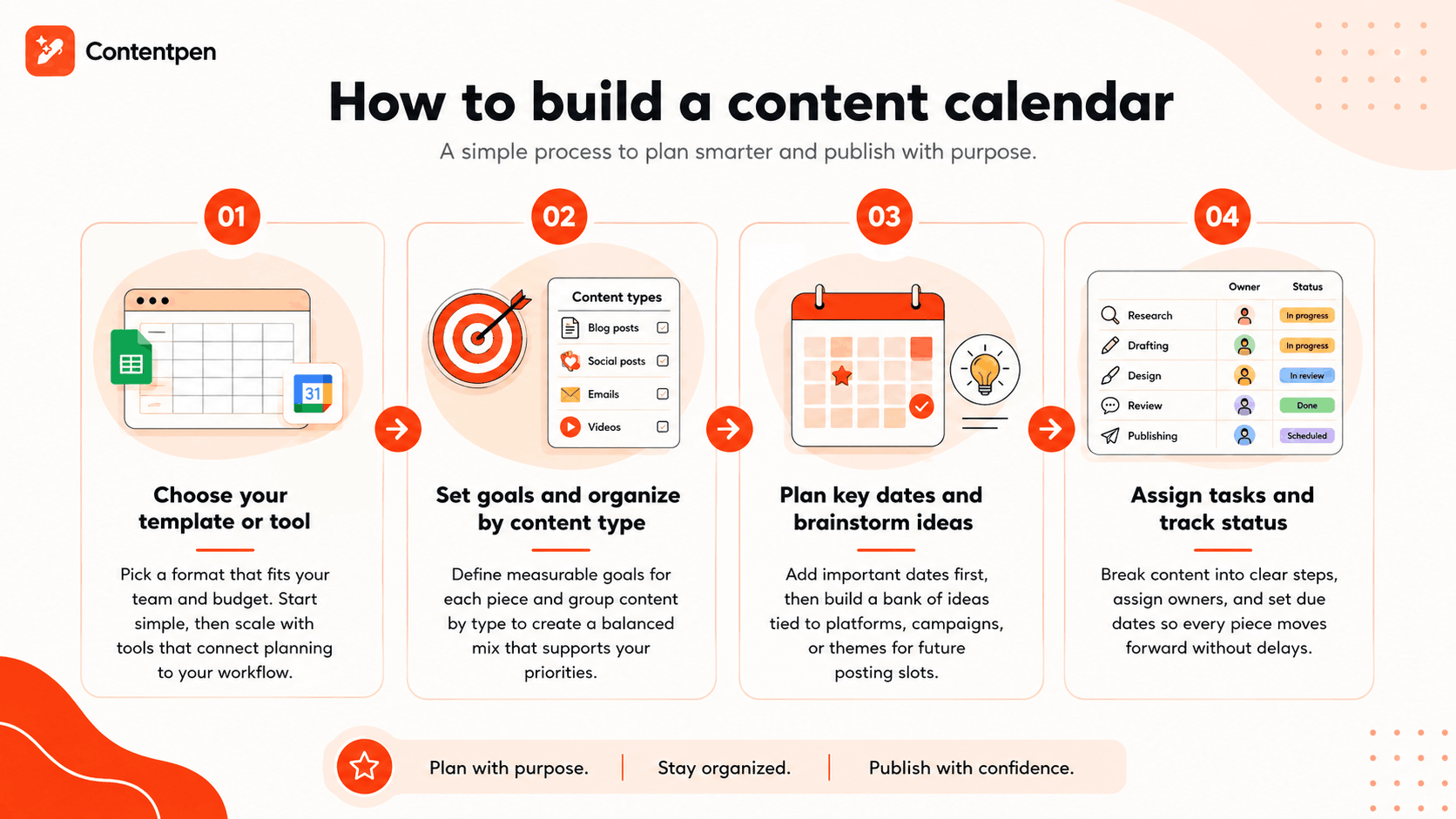
A content calendar is a written schedule used by teams to organize what content gets published, when it goes live, and who owns each task.
If you have ever missed a posting deadline or scrambled to write a caption an hour before it was due, you already know why this matters.
Content teams juggle blogs, social posts, emails, and videos all at once, and without one shared plan, things can slip through the cracks quite quickly.
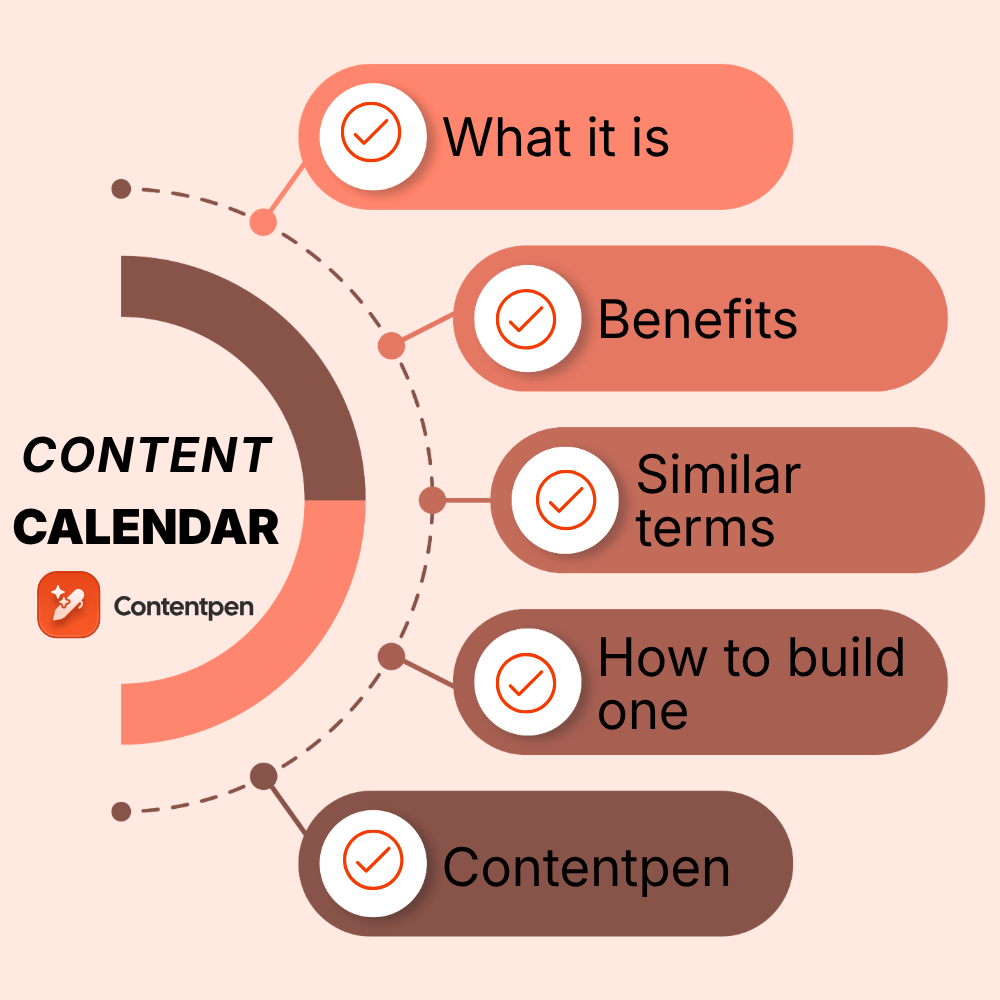
This guide answers exactly what a content calendar is and why businesses rely on one to stay organized and consistent. You will learn what a good calendar includes, how it differs from an editorial calendar or a social media calendar, and how to build one step by step.
Once you see the full picture, building your own calendar becomes a lot less intimidating.
Key takeaways
A content calendar is a schedule that helps you track what you publish, when it goes live, where it posts, and who is responsible for it.
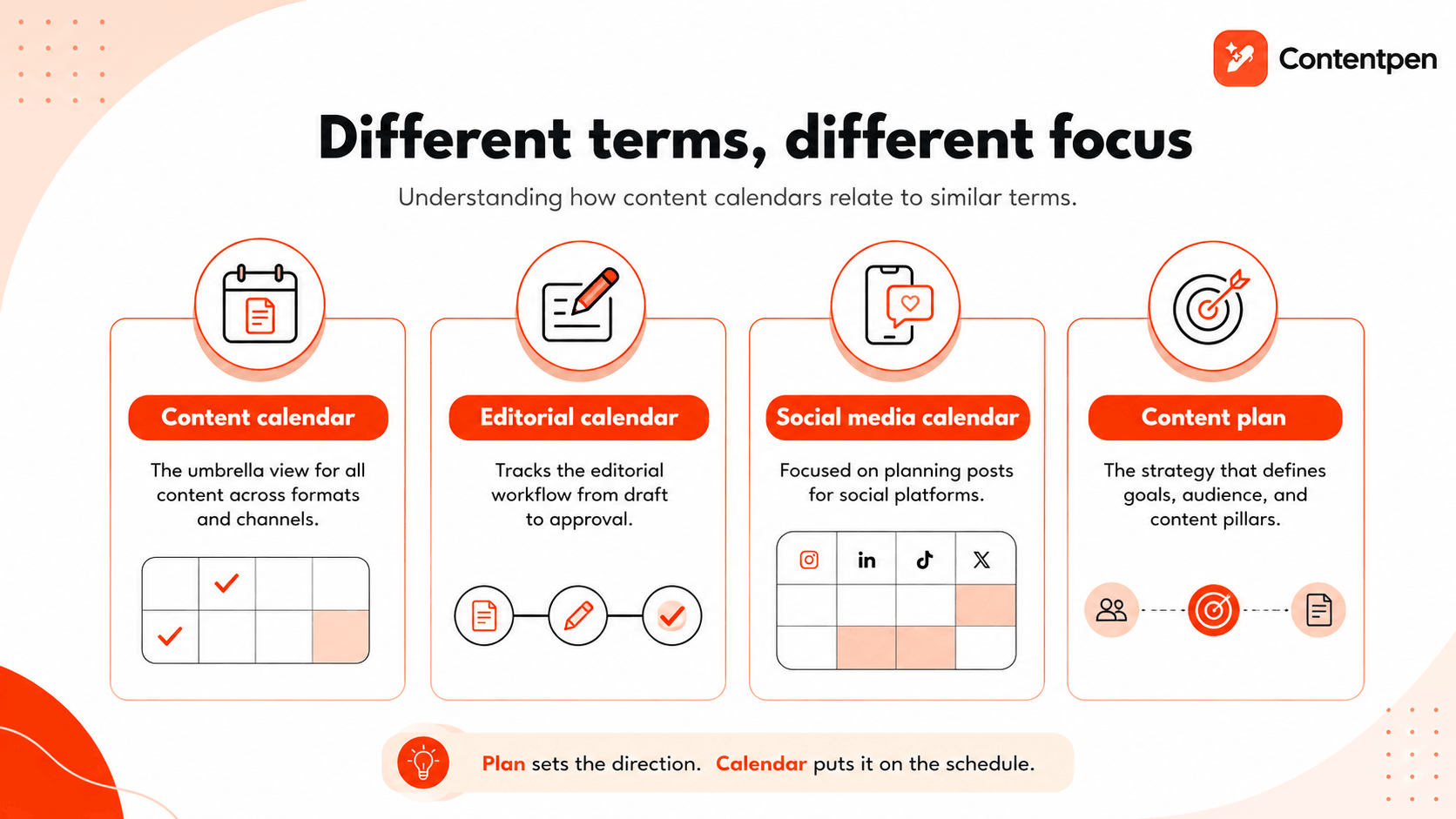
It differs slightly from an editorial calendar, a social media calendar, and a content plan, though the terms often overlap.
A solid content calendar tracks status, platform, SEO details, and assigned owners for every piece of content.
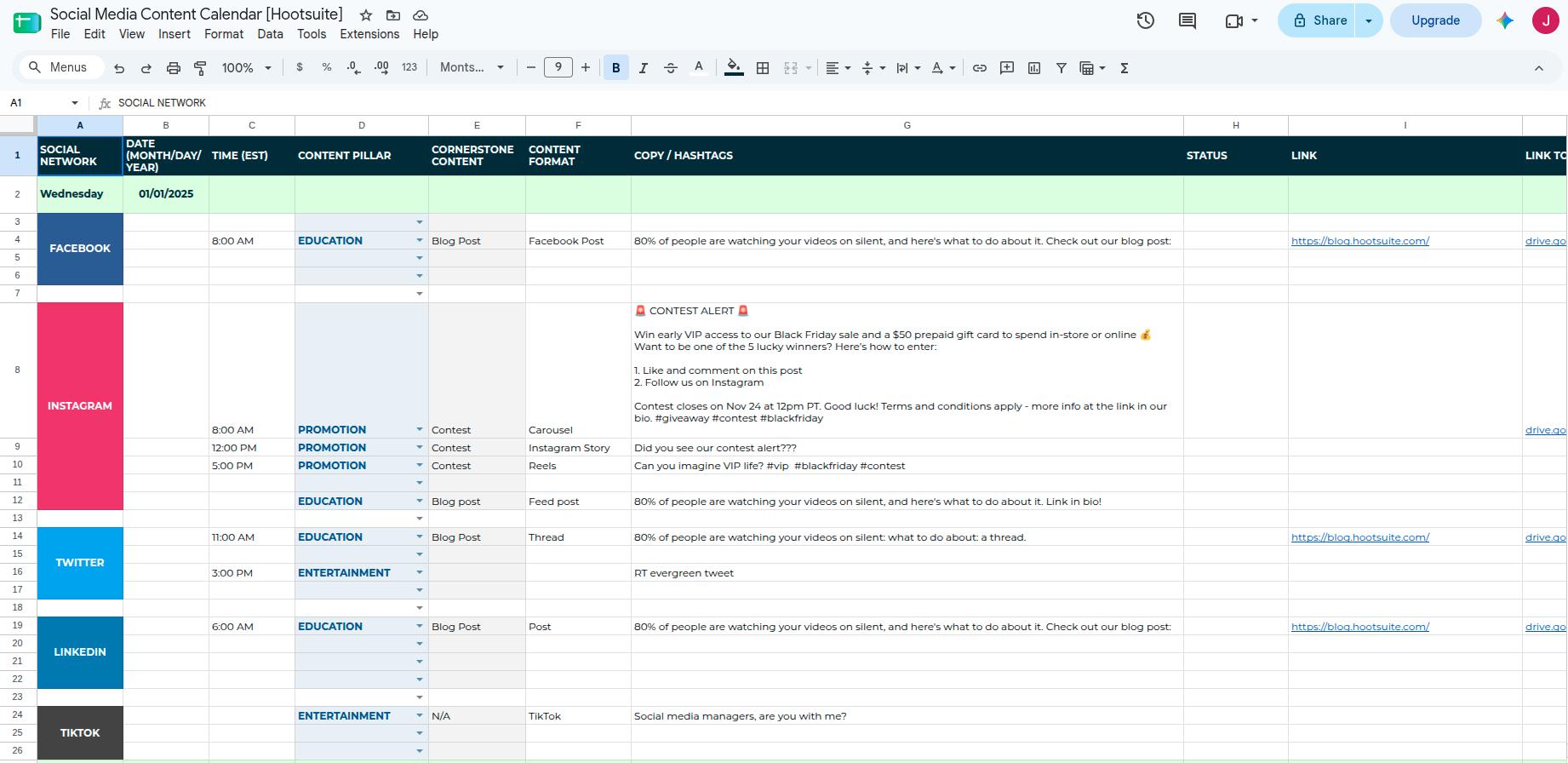
Templates range from free Google Sheets and Google Calendar to dedicated content software like Contentpen.
What is a content calendar?
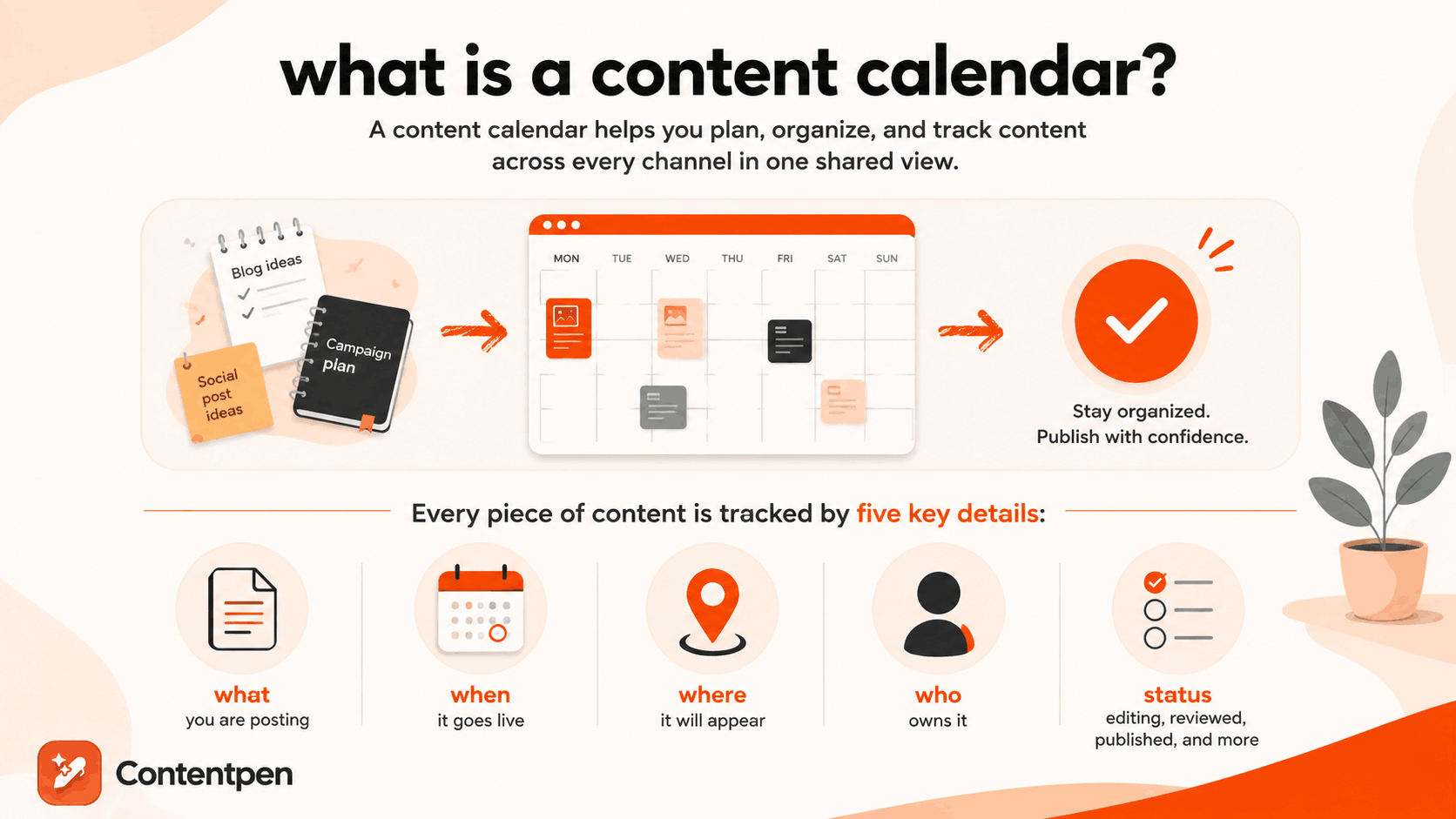
A content calendar combines a calendar, a scheduling app, and a project tracker into one system for organizing content across every channel a business uses.
Instead of keeping blog deadlines in one notebook and social post ideas in another, everything lives in a single, shared view. This gives marketing teams, freelancers, and business owners a clear picture of what has been published, what is coming up, and what still needs attention.
At its core, a content calendar tracks five things for every piece of content:
What you are posting
When it goes live
Where it will appear
Who owns it
Current status (e.g., editing, reviewed, published, etc.)
Some calendars are simple, holding just a few rows in a spreadsheet. Others are built into full content marketing platforms with automation, team collaboration, and analytics baked in.
Either way, the goal stays the same: turning content creation into a planned process rather than a last-minute scramble.
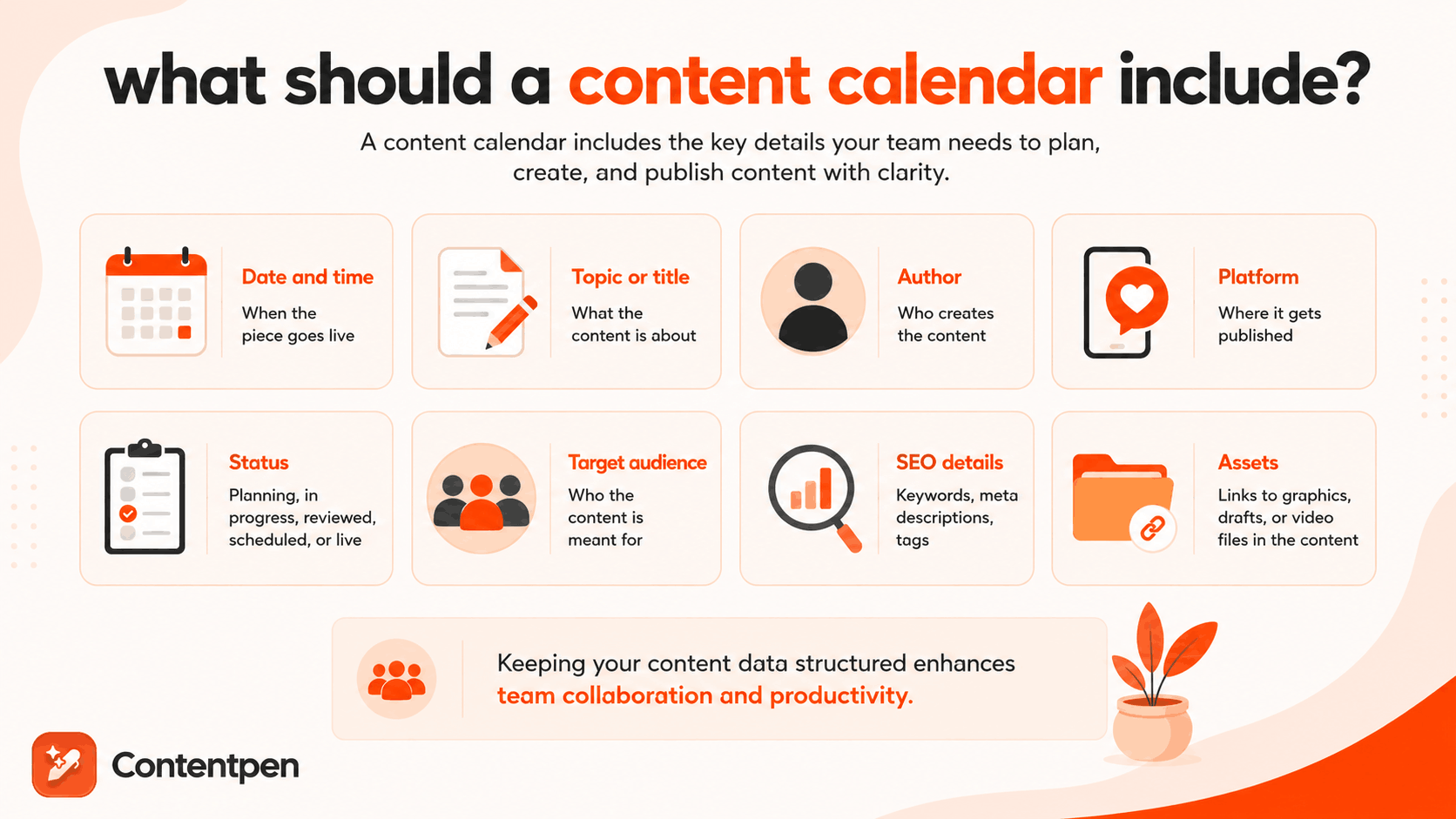
What should a content calendar include?
A content calendar should include enough detail that anyone on the team can look at it and know exactly what needs to happen next.
Most calendars organize this information into columns or fields that stay consistent across every entry.
Field
Purpose
Date and time
When the piece goes live
Topic or title
What the content is about
Author
Who creates the content
Platform
Where it gets published
Status
Planning, in progress, reviewed, scheduled, or live
Target audience
Who the content is meant for
SEO details
Keywords, meta descriptions, tags
Assets
Links to graphics, drafts, or video files in the content
Even though your requirements for a content calendar can be different, keeping your content data in a structured form is a good idea to enhance team collaboration and productivity.
Why is a content calendar important?
A content calendar solves multiple problems for your teams, one of which is centralizing all content activities to enhance collaboration.
Besides that, a content calendar:
Keeps publishing consistent: Search engines and audiences both reward regular output. A calendar makes that regularity possible.
Stops work from getting duplicated or missed: When everyone can see what is planned, nobody writes the same post twice or forgets a deadline because it lived in someone’s head.
Shows gaps before they become problems: A quick glance at a calendar organized by content type reveals if you are publishing five blog posts and zero social updates in a given month.
Gives every piece of content an owner: Status fields and assigned names mean nothing depends on memory. If a draft is stuck, you know exactly who to ask.
Ties content back to goals: A calendar that includes SEO details and target outcomes for a week or a month keeps content decisions grounded in strategy rather than guesswork.
Teams that skip a content calendar tend to notice the cost later, usually as missed deadlines, duplicated work, or a content mix that quietly drifted away from what the business actually needed.
How is a content calendar different from other similar terms?
A content calendar overlaps heavily with terms like editorial calendar, social media calendar, and content plan, but each one carries a slightly different scope.
Marketers often use these words interchangeably, which causes confusion when researching tools or templates. The main difference usually comes down to what type of content is being tracked and whether the document is strategic or tactical.
What is an editorial calendar?
An editorial calendar is often used interchangeably with a content calendar, though it traditionally leans toward written and blog-focused content.
It tracks the editorial workflow, meaning drafts, edits, and approvals, rather than just publish dates. Many teams use the terms as synonyms today, especially once blogs, newsletters, and social posts all live in one shared system.
What is a social media content calendar?
A social media content calendar focuses on planning posts across platforms such as Instagram, LinkedIn, and TikTok. It usually looks like a grid or monthly view, with each entry showing the platform icon, caption, hashtags, and a linked image or video.
Because social platforms move fast, these calendars often get updated daily or weekly, with room for trending topics to be added later.
What is the difference between a content plan and a content calendar?
A content plan is the strategy behind your content, covering goals, audience, and content pillars, while a content calendar is the tactical schedule that puts that strategy into action.
The plan answers why you are creating content and for whom. The calendar answers when each piece is published and who is responsible for it. You need both, since a calendar without a plan often produces content that has no clear direction.
How do you make a content calendar?
You make a content calendar by choosing a format, setting goals, organizing content by type, and then filling in dates, owners, and tasks for each planned piece.
The process works whether you are managing a single blog or coordinating content across an entire marketing team. Breaking it into smaller steps makes the whole thing far less overwhelming, and it gives you a repeatable system you can reuse every month or quarter.
#1: Choose your template or tool
Start by picking a format that matches your team’s size and budget, since the right tool depends heavily on how complex your content operation is.
Google Sheets and Google Calendar work well as free starting points for solo creators or very small teams, offering flexibility in planning content without any cost.
As your content volume grows, a dedicated platform becomes more useful, especially one that connects planning directly to the writing process.
Contentpen, for example, includes a built-in content calendar alongside keyword research and drafting tools, so you can decide what belongs on the calendar based on real search demand rather than guesswork.
Its no-code webhook integrations can also automate handoffs, such as logging a scheduled post or notifying your team once a draft moves into review.
#2: Set goals and organize by content type
Every piece of content on your calendar should have a measurable goal, whether that is traffic, engagement, or conversions, so you can judge its performance later.
Group your planned content by type, such as blog posts, social updates, email campaigns, and videos, to spot gaps in your mix before they become a problem. This step turns a blank calendar into one built around clear priorities and goals.
#3: Plan key dates and brainstorm ideas
Mark holidays, product launches, and industry events on your calendar first, since these dates often shape what content needs to go out and when.
From there, build a running list of content ideas tied to specific platforms, hashtags, or campaigns. Keeping this list separate from your scheduled entries gives you a pool of ready ideas whenever a posting slot opens up.
A free social media content calendar template can be found on Hootsuite.
You can download this free content calendar by adding your business information and details.
#4: Assign tasks and track status
Break each piece of content into smaller steps, such as research, drafting, design, review, and publishing, rather than tracking just the final deadline. Assign an owner and a due date to every step so nothing depends on memory alone.
Common content calendar formatsused in 2026
Below are some common content calendar formats widely used by teams:
Format
Best for
Pros
Cons
Grid or spreadsheet
Teams tracking many details per post
Fully customizable columns
Filtering content can be difficult
Weekly or monthly calendar view
Visualizing posting frequency at a glance
Familiar layout, quick to scan
Can miss out on key asset details
Project management style (Kanban boards)
Teams that work in weekly, monthly, or quarterly sprints
Good for filtering and sifting through data
Challenging to understand at a glance
Blank template
Brainstorming before scheduling
Flexible, low commitment
Creating everything from scratch
Different formats suit different working styles, and most teams eventually settle on one that matches how they think about their content.
A simple content calendar example
Picture a couple of rows on a spreadsheet, something like this:
Date: August 25th
Blog title: “5 Email Marketing Tips for Small Businesses”
Platform: Company blog
Keyword: “Email marketing tips”
Author: Sarah
Status: Scheduled
That one row filled tells anyone on the team exactly what is happening without needing to ask. Such is the power of content calendars.
Final thoughts
A content calendar brings order to what would otherwise be a chaotic mix of deadlines, platforms, and half-finished ideas.
It saves time, keeps your posting schedule consistent, and makes it far easier to align content with real business goals instead of publishing on instinct.
Starting simple with a spreadsheet or Google Calendar is more than enough when you are just getting going.
As your content volume grows, scaling up to a dedicated tool like Contentpen makes sense, since it connects planning directly to writing, optimizing, and publishing in one workspace.
The important part is starting somewhere and building the habit of planning ahead rather than reacting at the last minute.
Frequently asked questions
What is a content marketing calendar?
A content marketing calendar is simply another name for a content calendar, usually with a stronger focus on marketing campaigns. It tracks the same core details, including publish dates, platforms, and owners, but often ties each entry to a specific campaign goal.
What is a media calendar?
A media calendar is often used interchangeably with a content or editorial calendar, though it sometimes leans toward paid media or public relations scheduling. It tracks when press releases, paid ads, or media placements go out, alongside regular content.
What is a content calendar theme?
A content calendar theme, also called a content pillar, is a recurring topic or focus area that guides what gets scheduled during a given period. For example, a business might dedicate a month to customer success stories or seasonal promotions. Themes keep content varied while still staying aligned with broader marketing goals.
Are there free content calendar templates available?
Yes, free templates are widely available through Google Sheets and Google Calendar, making them accessible starting points for solo creators or small teams. Many organizations customize a basic spreadsheet template with tabs for content ideas and a running schedule.
How far in advance should you plan a content calendar?
Most marketing teams plan social content at least a month ahead while leaving room for flexibility. Larger campaigns, such as holiday promotions or product launches, often get planned a full quarter or even a year in advance.
Blog post ideas are ways to start, polish, or end a copy without spending time staring at a blank screen.
The real problem usually isn’t a shortage of things to say. It’s not knowing which topic actually deserves the next hour of your writing time.
This guide fixes that fast. Below you’ll find 120 blog post ideas sorted into categories built around real goals, including driving traffic, building trust, connecting with readers, and growing a business.
Each list gives you short, adaptable ideas that you can bend to fit your own niche in minutes, with no guesswork required. If you write in the fitness space, see our guide on writing a fitness blog.
So, let’s get started.
Key takeaways
Writer’s block usually comes from unclear direction, not an actual lack of ideas.
SEO, trust-building, personal, and business-focused ideas each serve a different purpose, so match the idea to your goal.
Pick one idea from the list of 120 others, adapt it to your niche, and start writing today instead of waiting for the perfect topic.
AI tools like Contentpen can help turn any idea on this list into a full blog post in minutes to help you save time and effort while drafting content.
Why do bloggers run out of ideas?
Bloggers run out of ideas when they lose sight of what their audience actually wants to read, not because inspiration has dried up. They might mix up the topics that they want to write on versus what is actually demanded by their audience.
In some cases, bloggers also run dry of ideas to write about a particular pillar topic when they’ve been focusing on an entirely different niche, audience, or product for too long.
How should you deal with the shortage of blog post ideas?
The fastest fix in these situations is to stop chasing generic inspiration and start with the questions your readers already keep asking you.
To find those questions, check your email, DMs on social media, and other sources, and write content to address those exact queries.
You can even share something from your own experience or pick something up from a conversation you once had with a person of interest and talk about it.
There are multiple ways to get rid of writer’s block, but the best way is to simply “write.”
We know this sounds a bit odd, but writer’s block is actually just a self-induced state of mind where a person might think, “I am not good enough for XYZ audience, or I won’t get ranked for this topic, etc.”
The best way out is to write, write, and write without any worries about editing or polishing the content. You can edit the draft later.
Once you’re writing, you may even get more blog ideas that you can use for related subposts later.
Remember, the best blog is the one that’s written.
120 blog post ideas to beat writer’s block
With that out of the way, let’s explore 120 blog post ideas, grouped by a specific goal, so you can jump straight to the category that fits whatever you’re trying to achieve this week.
SEO and traffic-focused blog ideas
These blog post ideas work best when they’re tied to a real, searchable question your audience is already typing into Google.
Ultimate guides covering everything readers need to know about one big topic. For instance, “What is blogging?”
Data-driven posts sharing fresh statistics relevant to your industry.
Best-of lists for tools, services, or resources in your space.
The next step is to build the most complete, useful piece of content available online that answers all users’ questions. This approach consistently draws organic traffic because it matches actual search intent rather than assumptions about what readers might want.
Trust and authority-building blog ideas
Trust-building blog ideas work well for freelancers, consultants, and small businesses that need to prove real expertise before a reader becomes a client.
Behind-the-scenes posts showing your actual process or methodology.
Reviews of a product, course, or tool your audience relies on. Example: “Surfer SEO review in 2026.”
These post ideas show your process and thinking instead of just stating that you’re qualified, which builds far more credibility than a simple about-us claim ever could.
Personal storytelling and lifestyle blog ideas
This category works especially well for solo bloggers, creative professionals, and lifestyle brands that want their audience to feel like they actually know them.
Your blog’s or business’s origin story, including how you actually started.
A mission statement describing what your blog stands for.
A personal failure or setback and the lesson you took from it.
Your biggest struggle right now, discussed honestly.
Your greatest victory to date, with real detail.
A controversial topic in your niche, paired with your honest opinion.
A genuine, unfiltered look at your daily routine or work process.
Things very few people know about you.
Top lessons you learned over the past year.
How you personally stay healthy, mentally and physically.
The difference between self-care and deeper “soul-care” habits.
Journal prompts built around a specific theme or struggle.
Your morning and evening routines, described in detail.
Life hacks that support a simpler, calmer lifestyle.
Current frustrations you’re facing and the solutions you’ve found.
Milestone-based goals, such as a “30 by 30” style list.
Book recommendations tied to personal growth or simple living.
A personal transformation story your audience can relate to.
Your bucket list, and why those specific items matter to you.
What a mental health break genuinely looks like for you.
Personal storytelling and lifestyle blog ideas build genuine connection because readers respond to honesty far more than polished, generic advice.
Blog post ideas for students
Student-run and education-focused blogs need ideas that speak to a very specific stage of life, where tight budgets and first-time independence matter more than polish.
How to build a study schedule that actually sticks.
Budget-friendly meal ideas for dorm life or a first apartment.
What no one tells you about picking a college major.
A breakdown of scholarships or grants you wish you’d known about sooner.
How to balance a part-time job with a full course load.
Study techniques that worked for you, and ones that didn’t.
A guide to surviving finals week without burning out.
What your first internship actually taught you.
How to network in a new city as a student with zero contacts.
The real cost of textbooks, and cheaper alternatives that work.
A roommate survival guide based on real experience.
How to build a resume with little to no work history.
What changed for you between freshman year and now.
A comparison of note-taking apps built for student use.
How to prep for a career fair as a first-time attendee.
These ideas and blog post examples for students work well for education blogs, campus publications, and newsletters because they mirror the questions students ask their peers, not their professors.
Business growth blog ideas
Business blog posts are used to move readers further down the sales funnel instead of just building general awareness. Some ideas include:
Detailed service or product breakdowns explaining exactly what you offer.
Client success stories framed as narrative case studies that spotlight one specific, measurable result a prospect can expect.
Posts addressing common objections potential customers raise before buying.
“What to expect when working with us” style posts.
Pricing or process transparency posts that build early trust.
Before-and-after posts showing transformation through your product.
Interviews with a happy customer, turned into a feature post.
Posts explaining the exact problem your product or service solves.
Resource roundups featuring tools that complement your own offering.
These posts work best for startups and small businesses that need blog content to directly support inquiries, bookings, or sales rather than traffic alone.
Blog post ideas for beginners
A strong first blog post works as both a filter and a magnet, attracting the right readers while signaling exactly what your blog is about.
Skip the generic “Hi, I’m here” introduction and treat your first post more like a mission statement instead. Use these ideas to get started.
A clear description of your target audience and why you’re writing for them.
Your content roadmap: What topics you’ll cover in the next six months and why.
The practical decisions behind launching your blog.
What almost stopped you from starting your blog, and how you pushed past it.
An explanation of why you chose this specific niche.
Lessons you’ve already learned from blogging so far.
A roundup of favorite creators or blogs in your niche.
Basic SEO tips written specifically for brand-new bloggers.
A list of free or low-cost tools built specifically for someone just starting out in blogging.
Your “10 commandments” or guiding principles for the blog.
Writers who blog about different niches and publish professionally need ideas that go beyond generic tips, since most of their audience has already read the basics elsewhere. These are some of the ideas that can help you get started with your next post.
A breakdown of your actual writing process, start to finish.
The book or author that changed how you write.
A specific writing habit you had to unlearn.
How you handle rejection from a publisher, editor, or client.
A comparison of outlining methods for long-form writing.
What a realistic writing income looks like at your stage.
How you find and vet freelance writing clients.
A breakdown of your editing checklist before submitting any draft.
The difference between writing for SEO and writing for readers.
How you build a writing portfolio with limited samples.
A look at your favorite writing tools and why you use them.
What burnout looks like for a writer, and how you recover.
How you set and actually stick to a daily word count.
A guide to pitching your first byline to a publication.
The biggest myth about writing for a living, debunked.
Posts like these work because they speak to other writers as peers, sharing real friction points instead of repeating advice found in every “how to write better” guide.
Industry and niche-specific blog post ideas
Some blog post ideas work best when tailored to a specific industry, since a general format like a listicle or FAQ still needs a niche angle to feel genuinely useful.
A day in the life of a professional in your industry.
The biggest regulatory or compliance change affecting your field this year.
A breakdown of certifications or credentials worth pursuing in your industry.
How your industry has changed in the past five years.
A realistic salary or income breakdown for your field.
The tools or software your industry runs on, explained for outsiders.
A beginner’s guide to breaking into your industry with no experience.
A ‘translate the jargon’ post walking through the five terms clients ask about most.
A roundup of conferences or events worth attending in your niche.
What clients or customers misunderstand most about your industry.
A prediction post on where your industry is heading next year.
How AI automation is changing day-to-day work in your field.
A comparison of career paths within the same industry.
The ethical gray areas your industry doesn’t talk about enough.
A checklist for vetting vendors or partners in your space.
What a typical project timeline looks like in your industry.
How smaller players in your industry compete with bigger names.
A guide to industry-specific compliance for freelancers or solopreneurs.
The most outdated practice your industry still clings to.
A look at how your industry differs across regions or countries.
These ideas work across almost any profession, from healthcare to real estate to skilled trades, because they lean on true industry knowledge instead of generic advice that could apply to any blog.
Content repurposing ideas to save time
Content repurposing turns material you’ve already created into new blog post ideas without starting from a blank page every time.
Turning a popular social media thread into a full-length article.
Expanding a webinar, podcast episode, or video transcript into a post.
Turning frequent customer questions into a dedicated FAQ post.
Compiling several related short posts into one definitive guide.
Converting an internal training document into public-facing content.
Breaking one long guide into a short series of digestible posts.
Transcribing a video and adapting it into written blog format.
Repurposing content saves real time for lean SEO teams and freelancers, and it can even strengthen search rankings with the least effort and hassle.
How can you beat writer’s block for good?
Beating writer’s block for good means building a repeatable system where you write content without distractions, not waiting around for a burst of inspiration to strike.
A simple weekly habit of picking one idea, matching it to a current goal, and writing keeps a content calendar full all year without the panic of a blank page.
Build a repeatable idea-to-draft system
Start by batching ideas from our blog topics list into a running document or content calendar. Then commit to using just one idea per week, and match each idea to your current goal rather than picking randomly.
Choose SEO-focused blog topics when traffic matters most, trust-building posts when you need more leads, and personal stories when you want stronger reader connection.
Favor helpfulness over polish when deciding what to write first, since a genuinely useful post always outperforms an overly refined one that says very little.
Let AI turn your idea into a finished post fast
Once you’ve picked unique blog post ideas, AI tools can move them from concept to published draft far faster than manually.
Contentpen’s keyword research surfaces topics based on real search intent, so you’re building on validated demand instead of a guess. From there, the tool generates an outline and content for it that satisfies the demands of search engines and AI answer engines for citability.
From outline to publish-ready content
that fills them
Built-in scheduling and one-click publishing in the AI blog writer keeps your momentum going long after that first idea turns into a live post.
The takeaway
Writer’s block is a direction problem, not an inspiration problem, and the 120 blog post ideas are built to solve exactly that.
Every category, from SEO guides to personal storytelling to business growth posts, gives you a starting point that’s already proven to work for creators in similar situations.
Pick one idea today, match it to whatever goal matters most right now, and start writing before you talk yourself out of it.
If you want to go straight from an idea to a final draft, a platform like Contentpen can carry that chosen topic through research, outlining, writing, and publishing from a single workspace.
Frequently asked questions
What should a good blog post have?
A good blog post has a clear structure with headings, an intro that answers the reader’s question quickly, and practical detail throughout. It should also end with a clear takeaway or next step, so readers know exactly what to do with the information they just read.
Which topic is best for blogging?
The best blog topic depends on your audience’s interests, real questions, and your current goal. If you need traffic, lean into SEO-focused blog post ideas. But if you need trust or sales, choose authority-building or business growth topics instead.
What are examples of blog posts?
Some common blog post examples include how-to guides, listicles, case studies, comparison posts, personal stories, and FAQ roundups. Each format suits a different purpose, from quick decision-making to deeper emotional connection with readers.
How many blog post ideas do I actually need to stay consistent?
A list of 50 or more ideas is enough to stay consistent for a full year of weekly posting. Using one idea per week for posts and subposts keeps your content calendar full without repeating topics too often.
Can I use these blog post ideas for LinkedIn or social posts too?
Yes, most of these ideas adapt easily to shorter formats like LinkedIn posts. Just focus on one key point per post instead of trying to cover everything a full blog article would include.
How often should I update or repurpose old blog posts instead of writing new ones?
Refresh high-performing older posts every 6 to 12 months with new information. This maintains search rankings and often takes less time than researching and writing a brand-new post from scratch.
Staring at a blank page when you need blog examples for students is usually not a lack of ideas.
The real problem is picking a clear purpose, structure, and audience so the post does not feel like another random diary entry.
The best blog examples for students fall into five clear types: personal and reflective blogs, academic or course blogs, portfolio and career blogs, niche subject blogs, and university-hosted student blogs.
This guide breaks down what makes each one work. You’ll also get 120+ title ideas, six copy-and-paste templates, a platform comparison, and a step-by-step plan so you can publish your first post this week.
So, if you want your next blog post to feel clear and useful, not vague and messy, keep reading.
Key takeaways
Pick your blog type first: personal, academic, portfolio, niche, or university-hosted.
Choose the post’s job before its topic: reflect, help, document, explain, argue, or prove.
Use the 120+ blog title examples as ready-made starting points, swapping in your own major, city, or campus.
Keep your first post short enough to actually finish, and let the title decide the length.
Run every draft through the SEO checklist, and in the early months, judge yourself on consistency, not view counts.
A good student blog post feels focused, specific, and easy to skim on a phone. Strong posts speak to one clear reader and leave that person with a simple next step.
Most weak sample blog writing for students fails on focus. The writer tries to talk to all students at once, jumps between topics, and never lands on one clear lesson.
Better posts do five things well:
They start with one job, such as helping a first-year student handle finals.
They picture one reader, such as an anxious high school senior.
They use concrete details instead of vague claims, like naming the exact library floor or app they use.
They use headings and short paragraphs so a tired classmate can scan between lectures.
They end with a takeaway, such as a checklist or a question to reflect on.
The 5 types of student blogs (pick yours first)
Before you look at blog examples, decide which kind of blog you are building. Most students skip this step, which is why their blog feels blurry.
There are five main types.
1. Personal and reflective blogs
These document your journey: first semester, changing majors, burnout, homesickness, growth.
They are the easiest to start because the only research you need is your own honest experience. The University of London and Bournemouth student blogs live mostly here.
2. Academic and course blogs
Sometimes a professor sets these as graded assignments, and sometimes you start one to think publicly about your field.
They lean on process notes, reading responses, and lab or seminar reflections.
3. Portfolio and career blogs
Built to prove skill. Each post is a case study, a project write-up, or an internship reflection.
This is the type recruiters and admissions readers care about most, because it shows what you can do, not just what you think.
4. Niche or subject-expert blogs
You pick one narrow lane, for example, organic chemistry study methods, indie game design, or campus food on a budget, and become the student people search for on that topic.
Niche blogs rank fastest because they are specific.
5. University-hosted student blogs
Many schools host a student blog and invite current students to contribute.
You get an instant audience and credibility without building your own site. If your university runs one, it is often the smartest place to start.
How to choose:
If you want reach and low setup, contribute to a university-hosted blog.
If you want a career asset you control, start a portfolio blog.
If you just want to build the writing habit, start a personal or niche blog.
Write better blogs in less time, without sacrificing quality.
Let AI handle structure, clarity, and flow while you stay in control of the message.
Six types of student blog posts (and when to use each)
Before you pick a topic, pick the purpose of what you want to achieve with the blog. In total, there are six different types of student blog posts you can write.
Reflect turns experience into a lesson. It fits first-semester stories, burnout tales, and posts where a failure or surprise changed how you think.
Help solves a real problem another student faces, such as building a study plan, budgeting, or moving to a new city.
Document shows a process over time, for example, a day in the life, a study abroad semester, or a capstone project log.
Explain breaks a complex topic into plain language, such as a lab method, a theory in psychology, or how a data set was built.
Argue takes a position on a campus issue, policy, or trend and backs it up with reasons and counterpoints.
Prove turns a project into a case study that shows your skills and growth. It is ideal for portfolios and student blog post samples linked in resumes.
First, pick the purpose, then write the title of your blog post. Most students do the opposite, which is why their posts feel unfocused.
Real blog examples for students from top universities
These are current, live blogs, not theory. For each one, note the specific move you can copy.
University of London student blog
Students from around the world share study experiences, cultural adjustment, and life alongside their degrees.
Steal this: Your lived experience is already an angle. You do not need expert status to write something worth reading.
International and everyday examples worth studying
The examples above skew toward the US and UK, so widen your reference set on purpose.
Look at student union blogs at your own institution, Medium tags like “student life,” student write-ups on Dev.to and Hashnode for tech, and study-abroad diaries hosted by exchange programs.
These show the same principle in a lower-pressure setting: one honest voice, one clear scope.
Steal this: You do not need a famous school to write a great post. A clear voice and a narrow scope work anywhere.
From outline to publish-ready content
that fills them
Complete blog post examples for studentsgenerated with Contentpen
Here are real blog examples for students across a range of niches generated using Contentpen. Find the one closest to your field and note the move that makes it work.
Steps to turn any of these titles into a finished blogusing Contentpen
If you have picked a title from the lists and want a structured, search-ready first draft in minutes rather than hours, an AI blog writer like Contentpen is built for exactly this.
It is less a “type a prompt, get a paragraph” tool and more an end-to-end workflow that researches, drafts, optimizes, and publishes.
Here is how you would turn one of the titles above into a finished post.
Step # 1. Set up your workspace and voice
Add your blog and, if you have any brand or tone notes, upload them so the drafts come out sounding like you rather than like a generic tool.
This one step is what stops the output from reading as bland, and you can train it on your style over time.
Step # 2. Drop in your chosen title or keyword
Take a title such as “how I revised for my first exam block without all-nighters” and feed it in.
Contentpen suggests a primary keyword plus supporting secondary keywords tied to what people actually search, so your post is aimed at a real query from the start.
Before drafting, the platform runs a SERP and competitor gap analysis.
This shows you what the currently ranking posts cover and where the openings are.
This is the same “cover everything they do, then add more” logic that helps a page outrank, done for you in a couple of minutes.
Step #4. Pick how much control you want
You can generate the full blog in one click, take a two-step route where you approve the outline before it writes, or start from a blank document and write alongside the AI.
Step #5. Let it optimize, then you review and finalize
Each draft is scored for SEO and for AI-search visibility (so it can surface in tools like ChatGPT and Perplexity, not just Google).
The tool adds relevant internal and external links automatically to help you finish your blog quickly.
There is also a built-in plagiarism check, which matters given everything said earlier in this guide about originality.
Step #6. Publish and track
When it is ready, you can push it straight to WordPress in one click and then watch how it performs, refreshing it later as it climbs or stalls.
Just sign up on Contentpen, try it for free, and begin generating optimized blogs with AI like never before.
Here is a quick view of the six core templates you can turn into student blog writing guides, worksheets, or internal briefs.
Pick the one that matches your post’s job, fill in the blanks, and you will have a first draft in under an hour.
Template name
Title formula
Best use case
Quick structure
Personal story
What Experience Taught Me About Bigger Lesson
Reflection on a turning point or mistake
Start with one vivid moment, describe what you expected, describe what happened, explain how your thinking changed, end with advice for the reader
How-to guide
How to Specific Goal as a Student
Study tips, campus survival, money, productivity
Name the problem, say who this guide is for, outline clear steps in order, warn about common mistakes, finish with a short checklist
Day in the life
A Day in the Life of Role or Major Student
Campus life, study abroad, timetable examples
Set expectations, walk through morning, classes, and evening, mention surprises, close with three takeaways for someone considering the same path
Research explainer
What Concept or Debate Actually Means in Plain English
Major specific content, lab work, senior thesis
Name the confusing term, explain it simply, give one concrete example, say why it matters, clear up a common myth, finish with the key point
Opinion or commentary
Why Policy, Trend, or Habit Needs to Change
Campus issues, education trends, field debates
State your claim, give context, share at least two reasons, mention the strongest counterpoint, suggest a better approach, end with a clear stance
Portfolio or case study
How I Built Project and What I Learned
Design work, coding projects, research, client work
Describe the project and goal, explain limits like time or tools, show your process step by step, share the final result, list what worked and what you would change, list skills used
1: Personal story (the Reflect job)
Title formula: What [experience] taught me about [bigger lesson].
Structure: Open with one concrete moment, explain what you expected, show what actually happened, explain what changed in your thinking, then pull out the lesson for the reader.
2: How-to guide (the Help job)
Title formula: How to [specific goal] as a student.
Structure: Name the problem, say who it is for, walk through the steps in order, add common mistakes, then end with a quick checklist.
3: Day in the life (the Document job)
Title formula: A day in the life of a [major, role, or year] student.
Structure: Set expectations, morning routine, classes or work, afternoon challenges, evening reset, what surprised you, then three takeaways for someone considering the same path.
4: Research explainer (the Explain job)
Title formula: What [concept or debate] actually means, in plain English.
Structure: State the confusing term, explain it simply, give one concrete example, explain why it matters, clear up one misunderstanding, then end with the big takeaway.
5: Opinion or commentary (the Argue job)
Title formula: Why [policy, trend, or habit] needs to change.
Structure: State your claim, give context, present two reasons, address the strongest counterargument, propose a better path, then end with a clear takeaway.
6: Portfolio or case study (the Prove job)
Title formula: How I built [project], and what I learned.
Structure: Describe the project and goal, explain the constraints, walk through your process, show the result, share what worked, share what you would improve, then list the skills you used.
How to format and length-check a student blog post
A simple, repeatable format helps every example of a blog post for students feel clear, even when the topic is complex. Most strong posts follow the same six-step flow.
Step
What it does
Simple tip
Title
Sets a clear topic and reader
Use words your reader would type in search
Hook
Pulls the reader into the post
Start with one scene, question, or problem
Context
Explains why the topic matters now
Link it to a class, deadline, or goal
Main sections
Organizes the idea into chunks
Use 3 to 5 short subheadings
Proof
Makes the post feel real
Add numbers, routines, or mini stories
Ending
Gives a clear takeaway
Suggest one action or question
To make this format practical, you can:
Turn the table into a checklist they tick off before publishing.
Ask peer reviewers to comment on each step, not just grammar.
Store a filled-in sample template in your course or content wiki as a reference.
How long should a student blog post be?
The answer depends on the job of the post. Use these ranges when you plan or assign student blog templates.
Post type
Word count range
When to use
Quick reflection or update
300 to 600 words
Small personal stories, campus snapshots, or class prompts
How-to or opinion piece
800 to 1,200 words
Study guides, advice posts, or commentary on an issue
Deep dive or portfolio case study
1,200 to 2,000 words
Research explainers, project write-ups, or internship recaps
For your very first post, resist the urge to write an epic. A tight, finished piece you can complete in one or two sittings will always beat an ambitious draft that sits half-written for a month.
Match the length to what the title honestly requires, then stop.
A student blogging SEO checklist
If you want your posts to be found, not just published, run each one through this checklist before you hit publish.
Target one keyword phrase. Pick something specific like “organic chemistry study tips,” not “study tips.”
Put the keyword in the title, the first 100 words, and one H2. Naturally, not stuffed.
Answer the search intent fast. Give the direct answer near the top, then expand.
Use descriptive subheadings. They help readers skim and help search engines understand structure.
Write a meta description under 155 characters that includes your keyword and a reason to click.
Aim for a readable URL slug that contains the keyword, for example /organic-chemistry-study-tips.
Answer follow-up questions a reader would have, which also helps you rank for related searches.
Specificity is your advantage. “Study tips” is too broad for a new blog to rank, but “how to study for organic chemistry without losing your mind” targets a real query real students search.
Best platforms for a student blog compared
The platform matters less than actually publishing, but the right fit removes friction. Here is a quick comparison.
Platform
Best for
Cost
Notes
WordPress.com
All-round blogging
Free tier, paid upgrades
Huge ecosystem, skills transfer later
Medium
Writing with a built-in audience
Free
Easy to start, less control over design and SEO
Substack
Newsletter-style blogs
Free
Great if you want email subscribers
Notion (public pages)
Simple, fast, no setup
Free
Minimal design control, quick to publish
Hashnode or Dev.to
Tech and coding students
Free
Developer audience, good for portfolios
Webflow or Carrd
Portfolio and career sites
Free tier, paid upgrades
More design control, better for a personal brand
University-hosted blog
Instant audience and credibility
Free
Check whether your school invites contributors
If you are unsure, start on a free platform, build the habit, and migrate later once you know what kind of blog you want.
Summing it up
The students whose blogs get read are rarely the best writers. They are the ones who made a few clear decisions before typing: who this is for, what job the post does, and what the reader should walk away with.
Everything in this guide exists to help you make those decisions faster and publish instead of endlessly planning.
So pick one post type and one title from the lists above. Draft it with a template or generate a first draft with Contentpen. Then layer in the specific, slightly imperfect detail that only you can add.
Publish that one post this week and then make it a routine.
Happy blogging!
Frequently asked questions
Are blogs still a thing in 2026?
Yes, and arguably more than before. Blogs remain one of the few channels you fully own, unlike a social feed that can change its rules overnight.
How to start a simple blog?
Keep the first version tiny. Pick a free platform such as WordPress.com, Medium, or a public Notion page, choose one clear topic or reader, and write a single honest post rather than building a whole site first.
What is the most commonly used blog?
WordPress is by far the most widely used blogging platform. It powers a large share of all websites and blogs online, from personal sites to major publications. It is popular because it works for beginners and advanced users alike.
Can a student blog help with internships or grad school?
Yes, a student blog can support internships and grad school applications by serving as proof of work. Posts that explain projects, share research in plain language, or document long-term efforts help reviewers see your skills.
Do I need my own website to start a blog?
No, you do not need your own website to begin. Free platforms such as WordPress.com or Blogger work well for a first round of student blog post samples. You can move to a custom domain later.
Should I use my real name on my student blog?
It depends on your goal and comfort level. For career-facing blogs that link to resumes or LinkedIn, a real name helps people remember and find you. For more personal or experimental writing, a pseudonym can protect privacy.
How often should I post on my student blog?
There is no fixed posting schedule you must follow. Once a week can work if you have time, but one solid post each month is better than several rushed ones.
Can I use AI tools to help write my student blog?
Yes, AI tools can support your blog, but they should not replace your own voice. They are helpful for brainstorming topics, building outlines, and checking grammar. Specific stories, campus details, and honest opinions still need to come from you.
A few years ago, choosing an AI blog writer was a simple question: does it write good content with reasonable SEO? That’s no longer enough.
People aren’t just Googling information anymore. They’re asking ChatGPT, Gemini, and Perplexity for recommendations, and Google’s own AI Overviews are answering questions that used to send clicks to your blog.
A tool that only drafts paragraphs still leaves you to handle keyword research, SEO scoring, and AI visibility tracking on your own. That’s the gap we ensured to fill for you with this list.
We tested and ranked 14 of the best AI blog writers on the market right now, from full-stack platforms to specialized content drafting tools. You’ll see what each one actually does well, where it falls short, and how much it costs.
Key takeaways
Contentpen ranks as the best AI blog writer because it’s the only tool that combines keyword research, SEO scoring, GEO scoring, and AI visibility tracking across up to 7 AI platforms in one workflow, with AI visibility included in every plan.
We tested every tool hands-on by generating real articles from a keyword
The list spans full-stack platforms (Contentpen, Jasper, Writesonic), an autonomous agent (eesel AI), budget SEO tools (KoalaWriter, Rytr), and specialized tools (Surfer AI, Anyword, Byword, WRITER, Cuppa AI, RightBlogger).
No AI blog writer replaces editing. Every tool on this list still needs a human pass for accuracy, tone, and E-E-A-T signals before publishing.
What are AI blog writers, and why do you need one in 2026?
An AI blog writer is a tool that uses a large language model (LLM) to help you plan, draft, and publish blog content, usually with some layer of SEO built in.
The category ranges from simple AI text generators to full platforms that handle keyword research, outlining, drafting, on-page scoring, and publishing in one pass.
The bar for what counts as “good” has moved. A few years ago, an AI blog writer just needed to produce readable text fast.
Now, your content needs to be SEO and GEO-optimized to help you appear on top of SERP results as well as get cited by AI answer engines.
In 2026, more people are asking AI chatbots for recommendations instead of typing a query into classic search. If your blog content isn’t structured to be cited by these systems, a growing share of your audience never sees your brand at all.
This is why the best AI blog writing tools in 2026 do more than write.
They should research keyword intent, build outlines around what’s already ranking, score content for SEO, structure for AI citations, and track whether that citation is actually happening.
Free AI tools for content writing and basic AI blog post generators still have a place for quick drafts, but that’s about it.
How we tested and ranked these AI blog writers
To test these tools, we used every platform to generate real articles from a keyword, and we evaluated the process from research to publish-ready draft.
Our testing covered a few consistent criteria:
Research depth: Does the tool pull real SERP data, competitor structure, and search intent, or does it just expand a prompt?
Output structure: Are headings, FAQs, and intros built to be answer-first and easy for both readers and AI systems to parse?
SEO and GEO scoring: Does the tool score content for classic search and for AI answer engine readiness?
AI visibility tracking: Can the platform tell you whether your content is actually getting cited in ChatGPT, Gemini, Perplexity, or other AI tools after it’s published?
Editing and control: Can you adjust the outline, tone, and structure before generation, or are you stuck with the first draft?
Publishing and integrations: Does the tool connect to WordPress, Shopify, Webflow, or other CMS platforms, or do you have to copy and paste content manually?
Pricing and value: What do you actually get at the entry tier, and where do the real costs start?
We also weighed how each tool handled long-form content specifically, since blog writing has different demands than short-form copy like ad headlines or social captions.
Comparison table: Best AI blog writers in 2026 at a glance
Below are all the tools we picked, along with their best use case scenario, starting price, and free trial availability status.
Tool
Best for
Starting price
Free plan or trial
Contentpen
End-to-end SEO and GEO-optimized blog creation
$49/month
Yes, 7-day free trial
Jasper
Enterprise brand voice and marketing teams
$69/seat/month
Yes, 7-day free trial
Writesonic
Writing content backed by live search visibility data
$99/month
Limited free trial
Surfer AI
Pairing AI drafts with on-page SEO scoring
$119/month
Yes, 7-day free trial
Copy.ai
GTM workflows and repurposing blog content
$29/month
No
Rytr
Free AI content for short-form drafts and outlines
$9/month
Yes, free forever plan
Anyword
Predictive, performance-driven content
$49/month
Yes, 7-day free trial
WRITER
Enterprise governance and security
$39/user/month
Yes, 14-day free trial
eesel AI
Autonomous, done-for-you blog generation
$100 for 25 posts
Yes, $50 free usage credit
KoalaWriter
Budget SEO content for niche and affiliate sites
$9/month
Yes, limited free words
Byword.ai
Programmatic and bulk SEO content at scale
$99/month
Yes, 5 free article credits
Frase
Fast SEO and GEO briefs backed by live SERP research.
$49/month
Yes, 7-day free trial
RightBlogger
Solo bloggers running autoblogging workflows
$59/month
Yes, 7-day free trial
Cuppa AI
Hands-on editing with a built-in SERP sidebar
$119/month
Yes, 7-day free trial
Now, let’s see all these tools one-by-one in more detail.
1. Contentpen
Best for: SEO and GEO scoring built into one blog writing platform.
Besides these features, Contentpen also offers brand visual control, allowing you to publish blogs with infographics, images, and visual assets that follow your style.
The tool also monitors your brand’s sentiment, share of voice, and average position inside AI answer engines, covering up to seven (ChatGPT, Google AI, Copilot, Gemini, Perplexity, Grok, and Claude).
One-click publishing to WordPress, Webflow, Shopify, Ghost, Wix, and EmDash, with ContentStudio integration for social sharing
Autopilot that finds topics, writes in your brand voice, and publishes on a schedule
Pros
Only tool on this list that combines keyword research, SEO scoring, GEO scoring, and AI visibility tracking in one workflow
Live SEO and GEO scoring shown side by side as you write
Tracks brand mentions and citations across 7 AI platforms, more than most dedicated visibility tools cover
Web analytics that show all your important SEO metrics from Google Search Console in one dashboard
SEO opportunities to detect decaying pages, CTR gaps, and easy wins after publishing to optimize existing content properly
Cons
The range of features means new users may take a while to learn the full workflow
Autopilot, SEO opportunities, and broader AI engine coverage start on the Growth plan, so Starter users get a lighter version of the platform
Pricing
Every Contentpen plan includes both SEO content creation and AI visibility tracking. Plans start at $49/month, or $39/month billed annually, for 12 articles, 75 AI images, auto linking, direct CMS publishing, and 25 tracked prompts across 2 AI engines. Growth ($99/month, or $79 billed annually) adds Autopilot, SEO opportunities, 40 articles, and 4 AI engines.
2. Jasper
Best for: Brand voice consistency across marketing teams.
Jasper is built for a different job than most tools on this list. Instead of optimizing purely for search rankings, it’s designed to keep tone and messaging consistent across every piece of content a marketing team ships, blog posts included.
The platform’s brand voice and knowledge asset features let you upload style guides, product information, and past content so every new post pulls from the same context.
For agencies or in-house teams managing content across multiple writers, that consistency layer solves a real coordination problem that pure drafting tools don’t touch.
During our testing, the Canvas editor felt closer to a collaborative document than a generation box. This makes it easier for editors and writers to work on the same draft together.
The tradeoff is that SEO scoring isn’t native. You need a separate Surfer SEO subscription for real on-page optimization work.
Standout features
Brand voice training that keeps tone consistent across multiple writers and a large content library
Canvas editor built for collaborative, team-based editing rather than solo drafting
Knowledge assets that let the AI reference your product details, style guides, and past content
Marketing-specific templates for campaigns, emails, and social posts alongside blog content
Pros
Best-in-class brand voice consistency for teams with multiple writers or client brands
Canvas editor supports real collaborative editing, not just single-user generation
Wide template library covers blog content plus campaigns, ads, and social copy
Strong integrations with Surfer SEO and Grammarly for teams already using those tools
Cons
No native SEO scoring
Pricing sits noticeably higher than most tools on this list for a single seat
Overkill for solo bloggers who only need one voice and no collaboration features
Pricing
The Pro plan for Jasper AI starts at $69/seat/month, and a custom plan is also available for businesses. You can avail the 7-day free trial, but with a credit card.
Best for: Writing backed by live SEO and AI search visibility data.
Writesonic leans on its Chatsonic agent to pull live data from sources like Semrush, Ahrefs, and Google Search Console while drafting. This makes it one of the more data-aware AI blog writers for teams that already track SEO metrics closely.
The structured, step-by-step article builder walks you through picking audience, tone, and competitors before generating content, which gives you more upfront control than a single-prompt tool.
Writesonic has also leaned into AI search visibility features recently, layering in some tracking of how content performs in AI-generated answers alongside classic SEO data.
Standout features
Ability to upload internal brand guidelines as PDFs to keep drafts on-brand
Powerful AI-assisted chatbot included to help with content creation
One-click WordPress publishing with built-in fact-checking and citations
Pros
Live SEO data integrations set it apart from prompt-only AI writers
Built-in fact-checking with citations helps reduce hallucinated claims
Growing AI search visibility features alongside classic SEO tracking
Cons
Advertised entry price doesn’t reflect what most teams will actually need to pay
SEO data integrations and GEO features are gated behind higher-tier plans
Learning the full article builder workflow takes longer than simpler drafting tools
Pricing
Writesonic pricing starts at $99/month, with the Growth plan reaching $499/month for the SEO, AEO, data integrations, and deeper features most content teams need.
4. Surfer AI
Best for: Pairing AI drafts with on-page SEO scoring.
Surfer built its name on content scoring before it added AI drafting, and that order still shows in how the tool works. Surfer AI generates a draft, then scores it in real time against the specific terms, structure, and length that top-ranking pages for your keyword already use.
The scoring model is genuinely granular, down to how many times a specific term should appear and which headings competitors consistently include.
As we were testing the platform, we noticed that the AI drafting felt secondary to the scoring engine itself.
Teams that want an editor that tells them exactly what to fix get real value here. But users looking for a more autonomous, hands-off blog writer will find themselves doing more manual tuning than with agent-style tools.
Standout features
Real-time content score that updates as you edit, based on top-ranking competitor pages
AI drafting generated directly against the scoring model’s recommendations
Term and structure suggestions down to heading-level detail
Content audit tools for scoring and refreshing existing published posts
Pros
Highly detailed, competitor-based scoring model most tools don’t match
Useful for auditing and refreshing older content, not just new drafts
Tight feedback loop between AI drafting and the scoring engine
Cons
Higher price point for what’s still largely a scoring-plus-draft tool, not a full platform
Not suitable for users that are getting started with on-page SEO
Pricing
Surfer SEO pricing plans start at $119/month, which includes 30 AI articles, tracking 25 AI prompts, and team collaboration features.
Best for: GTM workflows and repurposing blog content.
Copy.ai started as a short-form copywriting tool and has grown into a broader workflow platform aimed at go-to-market teams. Blog writing is one of its capabilities, but the tool really shines when it comes to repurposing long-form content for paid campaigns and socials.
The workflow builder lets you chain steps together, so a blog draft can automatically trigger a set of social posts or an email summary once it’s generated. That’s a meaningfully different use case than a standalone blog writer and the reason why it’s so popular for GTM campaigns.
In testing, the blog drafting itself was competent but not the platform’s clear strength. We would say that it’s more useful for short-form content like ad copies, landing pages, etc.
Standout features
Workflow builder that chains blog drafts into social, email, and ad copy automatically
Brand voice training to keep content consistent across formats
Broad template library spanning long-form and short-form content types
Team collaboration features for GTM and marketing operations
Pros
Strong repurposing workflows that extend blog content into other channels automatically
Useful for GTM and marketing ops teams running multi-channel campaigns
Cons
Blog-specific SEO features are lighter than dedicated content platforms
No built-in GEO or AI visibility tracking
Higher-tier plans are needed to unlock the full workflow automation features
Pricing
Paid plans start around $29/month, with unlimited words in chat and access to OpenAI, Anthropic, and Gemini models. Enterprise plans are available at a custom quote.
6. Rytr
Best for: Free AI content for short drafts and blog outlines.
Rytr is built to be the most accessible AI writer in this category, not the most powerful one. Its free plan actually works, giving you 10,000 characters a month across 40+ content templates, which makes it a reasonable option to test AI writing before paying anything.
The template-based system covers blog ideas, intros, and outlines well, but it wasn’t built to build a full 1,500-word article in one go.
During our testing, the output from the tool stayed strong through short sections and started to feel repetitive once we pushed it into longer, continuous drafting.
Rytr is a good choice for freelancers and small businesses looking for the best free AI blog writer or an AI tool on a budget. Nothing more.
Standout features
Genuine free-forever plan with no credit card required
40+ use case templates for landing pages, blogs, emails, and social posts
Support for 35+ global languages and 20+ tone presets
Chrome extension for writing help outside the main editor
Pros
Easy to use and access
Fast for short-form tasks like blog intros, outlines, and social captions
Ability to create custom use cases (for premium users)
Cons
Not built for full long-form blog posts
No native CMS integrations, so publishing requires manual copy-paste
No SEO scoring or AI visibility tracking of any kind
Pricing
Rytr provides a free plan with 10,000 characters per month. The Unlimited plan is $9/month, and the Premium plan is $29/month for expanded language support.
Anyword takes a different angle than every other tool on this list. Instead of SEO scoring, it predicts how a headline, intro, or meta description is likely to perform, using a model trained on real marketing and ad performance data.
The tool can also generate a few different versions of the same headline so you can compare their scores and pick the strongest one instead of guessing.
Overall, we felt that the content drafting experience is solid, but noticeably lighter on SEO depth than other dedicated content platforms.
Standout features
Predictive performance score that forecasts click-through-rate and conversion likelihood before publishing for each draft
Tone-targeted copy generation trained on marketing and advertising performance data
Brand voice and messaging features to ensure consistent tone in content
Pros
Strong fit for teams whose primary metric is conversion rather than just search ranking or AI visibility
Built-in headline and meta description variant testing speeds up on-page optimization
Solid brand voice controls for teams managing multiple writers
Cons
SEO and GEO features are noticeably thinner than other top AI blog writers
More suited for short-form content rather than full long-form articles
Pricing
Anyword pricing starts at $49/month, with 50 performance predictions, 100+ marketing templates, and a Google Chrome Extension. You can also try the tool using the 7-day free trial.
8. WRITER
Best for: Enterprise content with governance and security.
WRITER is built for large organizations that operate in highly regulated industries that require compliant, on-brand content. Its core differentiator is training custom models on your own style guide and content library, rather than relying purely on general-purpose models.
The platform automatically flags language that doesn’t match your approved style guide. Combined with SOC Type II compliance, SSO, and role-based permissions, it’s built to satisfy security and legal teams as much as content teams.
In testing, the appeal here wasn’t speed or SEO depth, since WRITER doesn’t compete on either. It was watching the style guide enforcement catch off-brand phrasing automatically across different writers, which is a genuinely hard problem to solve manually at enterprise scale.
Standout features
Custom-trained models built on your own style guide and content library
Enterprise governance including SOC Type II compliance, SSO, and role-based permissions
Automated style guide enforcement that flags off-brand language as it’s written
API access for embedding content generation into internal tools and workflows
Pros
Strongest governance and compliance layer of any tool on this list
Scales cleanly across large teams with many writers and approval steps
Custom model training reflects your own content library, not generic web data
Cons
Enterprise pricing and a sales-led process make it a poor fit for solo bloggers or small teams
SEO and GEO scoring are lighter than platforms built specifically around search or AI visibility
Pricing
WRITER pricing starts at $39/user/month (from Capterra) with custom pricing available. You can also avail the 14-day free trial to test the platform before buying.
9. eesel AI
Best for: Autonomous, done-for-you blog generation.
eesel AI is an agentic blog writer tool that gives you a keyword, researches, drafts, and assembles a complete, publish-ready post on its own.
The output includes AI-generated images, data tables, and even real quotes pulled from Reddit and forum discussions for social proof, all put together automatically.
Pricing is output-based rather than seat-based, so you pay per finished post instead of a flat monthly fee regardless of how much you actually publish.
The context-aware research feature stood out for us. Feed it a comparison keyword, and it automatically looks for pricing data. Feed it a product review keyword, and it goes looking for specs instead. That intent-matching happens without any manual prompting.
Standout features
Autonomous agent that researches, drafts, and formats a complete post from a single keyword
Automatic AI images, infographics, and data tables generated with the article
Real quotes and citations pulled from Reddit and other forums that help improve E-E-A-T signals
Pros
Genuinely autonomous, end-to-end generation with minimal manual work required
Assets like images and tables are included automatically, cutting out separate design tools
Strong context-aware research that adapts to the type of article you’re generating
Cons
Less suited to teams that want to closely direct tone and structure section by section
Newer tool compared to other established platforms, so the integration ecosystem and customer reviews are still growing
Pricing
The platform offers a $100 package of 25 complete blog posts, which works out to be $4 per publish-ready article. A free trial is available with $50 in free usage plus 2 blog generations, no credit card required.
10. KoalaWriter
Best for: Budget SEO content writing for niche and affiliate sites.
KoalaWriter is a solid AI blog writer for affiliate sites. Before writing a word, it analyzes the current top-ranking pages for your keyword and pulls out the terms Google expects to see, then works them into the draft.
Its Amazon Product Roundup mode is a genuinely specialized feature. Feed it a list of products or a search term, and it pulls live pricing, ratings, and specs directly from Amazon to build a formatted comparison post with your affiliate tags in place.
The SERP-first writing approach is something that most budget tools skip entirely. That said, premium models like GPT-5 and Claude in the tool consume credits at double the standard rate, so the advertised word counts shrink quite fast.
Standout features
Live SERP analysis that pulls entities and keywords from top-ranking competitors before drafting content
Amazon Product Roundup mode with live pricing and specs for affiliate content
KoalaLinks feature that suggests internal links automatically
One-click publishing to WordPress, Shopify, Webflow, and Ghost
Pros
Lowest entry price of any dedicated SEO blog writer on this list
Real-time SERP analysis genuinely informs the outline instead of just generating from a prompt
Bundle includes chat, image generation, and internal linking tools in one subscription
Cons
Output often needs a solid editing pass, especially for accuracy on YMYL topics
Weaker brand voice consistency tools compared to platforms built for teams
Pricing
Starts at $9/month for the Essentials plan with 15,000 words for KoalaWriter. Plans scale up to Professional at $49/month for 100,000 words, with higher tiers available for agencies. A free trial with 5,000 words and 25 chat messages is also available.
11. Byword.ai
Best for: Programmatic and bulk SEO content at scale.
Byword is built for creating bulk content with slight keyword variations. Its Programmatic SEO builder scans your existing site to find topical gaps, then generates matching articles from a shared template across an entire keyword list.
Before drafting, its Research Intelligence feature analyzes the SERP for each keyword to understand search intent. Then, articles are produced in a batch queue, with automatic internal linking and support for 40+ languages.
In testing, the batch workflow was the clear differentiator. Feeding it a spreadsheet-style list of keywords and getting back a queued set of drafts is a meaningfully different experience than the one-article-at-a-time editors.
That said, the output still needs a human optimization pass before publishing, as you’d expect from a bulk content generation tool.
Standout features
Research Intelligence that analyzes SERPs and identifies ranking opportunities before content generation
Programmatic SEO builder that fills numerous keyword variations from a single article template
Automatic internal linking based on your existing site content
Integrations with Zapier, Make, Airtable, Notion, and Slack for workflow automation
Pros
Clean, distraction-free interface that we liked using
Broad integration ecosystem for automating the content pipeline into other tools
Multi-language support for global content operations
Cons
Built around queue-based batch generation rather than interactive editing, so it favors throughput over per-article polish
Lacks in-app editing tools for content
Pricing
Paid plans start at $99/month. You can also avail a free trial that provides you with 5 free article credits.
12. Frase
Best for: Fast SEO and GEO briefs backed by live SERP research.
Frase is a tool made for creating SEO and GEO-optimized content. The platform also offers AI visibility and site audit functionalities to help you find and fix technical SEO gaps on your site.
The Research Panel is genuinely useful for spotting content gaps, since it highlights questions competitors answer and the ones they miss. For solo creators or small teams trying AI SEO tools for the first time, that low-friction research-to-draft loop is a real advantage.
In testing, Frase felt strongest as a research and outlining tool rather than a full drafting engine. It trades depth for speed, which is the right tradeoff for teams that need briefs fast but plan to write or heavily edit the final draft themselves.
Standout features
Automated brief creation pulled from live SERP results for your target keyword
Built-in AI writer for first drafts and section rewrites
AI image generator to generate blog visuals inside the same workflow
Pros
Strong SEO and GEO-optimization features to help you rank on Google and get cited by AI engines
Content gap analysis surfaces angles competitors have missed
AI search visibility tracking for ChatGPT, Perplexity, Claude, and Gemini
Cons
Image generation is included, but without the same brand imagery controls that other platforms like Contentpen offer
Best suited to teams willing to do real editing rather than publish-as-is
Pricing
Paid plans start at $49/month, including 10 AI-optimized articles and 50 SEO audits per month. A 7-day free trial is available.
13. RightBlogger
Best for: Solo bloggers running autoblogging workflows
RightBlogger is built for solo bloggers who want to run content production closer to autopilot. Its autoblogging feature lets you set topics or categories and a publishing schedule, then generates and publishes posts on that schedule without daily input from you.
Besides that, RightBlogger offers an AI SEO agent to automate on-page SEO tasks. You can also get backlinks for your content automatically using the Backlink Exchange feature.
During our testing, we found the autoblogging setup to be quite straightforward. You have to define your topics, set a cadence, and the queue handles the rest.
The tradeoff is that unattended publishing carries real quality risk. So the tool works best as a starting point for a new site rather than a set-and-forget solution for an established one.
Standout features
Autoblogging mode that generates and publishes posts on a set schedule without daily input
Direct WordPress, Ghost, Wix, Webflow, Shopify, and Duda integrations for content publishing
Bulk post generation for quickly populating a new blog
Pros
Purpose-built for solo bloggers who want to run a blog closer to autopilot
Straightforward setup with a minimal learning curve
Branded white-label SEO reports available for agencies to share data with clients
Cons
Autoblogging without oversight carries real quality risk if left fully unattended
Lacks the SEO and GEO scoring depth of other dedicated content platforms on the list
Less suited to teams needing brand voice consistency across multiple writers
Pricing
RightBlogger pricing starts at $59/month, with a free 7-day trial available for users.
14. Cuppa AI
Best for: Hands-on content editing with a built-in SERP sidebar.
Cuppa takes a bring-your-own-key (BYOK) approach, and a content editor that makes it stand out from others.
The tool provides a SERP sidebar that sits next to your draft, showing headings from competing pages, “PAA” questions, and an inline chat lets you refine content with AI.
The content type selector goes beyond a generic blog post template, covering listicles, reviews, how-to guides, recipe articles, and even local service pages.
A programmatic keywords feature also lets you define a template with variables for bulk generation, similar in spirit to Byword’s approach.
Cuppa felt like the tool built for people who want to edit and optimize content rather than accept a full autogenerated draft. If your workflow is mostly writer-led with AI as a research and drafting assistant, the editor experience here is more comfortable than most autopilot-style tools.
Standout features
SERP sidebar showing competitor headings and structure while you write
One-click insertion of “People Also Ask” questions directly into your draft
Inline AI chat for rewriting selected text without leaving the editor
Programmatic keyword templates for structured bulk generation
Pros
Most polished content editing experience among BYOK content tools
Built-in image and video generators that help generate on-brand visuals for your content
Content type selector covers formats like local service pages and recipes that most competitors skip
Cons
BYOK model means managing a separate AI provider bill on top of the subscriptions you already have
Newer platform with smaller user community and social proofs
Not suitable for individual users or smaller teams with the breadth of features available
Pricing
Pricing for Cuppa AI starts at $119/month, which includes Brand DNA features, performance dashboard, and unlimited words.
Editor’s picks
After testing all these AI blog writers one-by-one, we can confidently pick these tools that are worth your time in 2026. This is based on their writing depth, relevance, and the feature set they provide to boost your organic growth and AI search visibility.
Contentpen – Best AI blog writing tool. It is the only option that combines SEO scoring, AI search optimization, web analytics, image generation, topical clustering, automated linking, bulk generation, and AI visibility tracking in one platform.
Eesel AI – Best if you want to hand off blog production entirely. Its agent researches, drafts, and formats a post from a single keyword with minimal input.
Jasper – Best for teams that need brand voice consistency across multiple writers or client brands.
Writesonic – Best if you want drafting backed by live SEO data instead of a single prompt.
Surfer AI – Best if your team already thinks in content scores and wants AI drafting wrapped around that model.
Besides these mentions, we would also like to include tools such as KoalaWriter as our pick for the best budget SEO content writer.
Final thoughts
The best AI blog post writer for you depends on what you’re actually trying to fix, whether it’s research time, SEO scoring, brand consistency, or AI search visibility. You need to find a friction point in your current workflow to choose the best possible tool for your needs.
If the goal is to find a single platform that handles all the SEO and GEO tasks in one place, then Contentpen is the right choice. Not only does it write “good content”, but it also keeps track of what’s working and what isn’t to provide you with maximum clarity for your campaigns.
Write content that’s built to rank, not just read
Create search-optimized blogs aligned with SEO and GEO signals, so your content performs well across search and AI-driven discovery.
In the end, we would suggest you pick a tool that supports your goals instead of one that just produces more words. Because in 2026, focused content is much better than noise.
Frequently asked questions
Which is the best AI for blog writing?
Contentpen is the best overall pick for 2026 because it combines keyword research, SEO scoring, GEO scoring, and AI visibility tracking in one platform.
Can I use AI to write my blog?
Yes. Most businesses and bloggers already use AI to draft some or all of their blog content. The tools in this guide handle research, drafting, and SEO optimization, but you still need humans to edit and review AI content for accuracy, brand voice consistency, and flow.
Is AI-written content bad for SEO?
Not inherently. Google’s guidance focuses on whether content is helpful and people-first, not on how it was produced. Therefore, AI-generated content that’s well-researched, structured, and edited for accuracy performs similarly on SERPs as human-written content in that regard.
What are the most famous AI blog writers?
Popularity varies by use case. Jasper has one of the largest user bases among marketing teams for brand-consistent content. However, for teams that need SEO and AI visibility combined, Contentpen has become a standard recommendation.
Which AI is 100% free?
Rytr offers a genuine free-forever plan with 10,000 characters per month and no credit card required. However, it’s built for short-form content like outlines, blog intros, and section-by-section rewrites rather than for long-form posts.
Which AI is good for content writing?
It depends on the type of content. For long-form, SEO-optimized blog posts with AI visibility tracking, Contentpen is the strongest all-around option. For short-form copy like ads and captions, Copy.ai is the best pick.
Do AI chatbots like ChatGPT or Claude count as AI blog writers?
General-purpose AI chatbots can draft blog content when prompted well, but they aren’t purpose-built blog writers. They work best as a drafting assistant inside a broader content workflow, not as a replacement for it.
Content creation requires you to cover a topic from different angles and perspectives. This is the idea behind “your topics | multiple stories”.
When you write comprehensively about a topic, you build real depth and audience trust, which translates to better returns in the long run.
Using multiple narratives for your posts also helps boost your search engine and AI visibility as you establish yourself as an authority on the subject.
In today’s post, we’ll show you ways to incorporate multiple narratives in your writing to engage various types of audiences. By the end, you’ll also see how Contentpen fits in the picture and how you can use it today to create meaningful content.
So, let’s get started.
What does “your topics | multiple stories” really mean?
The phrase “your topics | multiple stories” describes a content approach where one core idea turns into many targeted narratives. Instead of squeezing everything into a single article, you split that idea across viewpoints, formats, and depths.
Think about a core topic like improving website page speed. One piece targets a small business owner asking why their site feels slow. Another walks a developer through technical SEO fixes like image compression and caching. A third piece of content can show tips and tricks for a content strategist to understand how speed affects rankings and bounce rate.
Same topic, three very different angles, audiences, and search intents.
For content teams, this is not just a fun writing trick. It is a strategic way to plan narrative writing topics, content ideas for storytelling, and even SEO.
Most high-performing marketers build out themes, not random one-off posts, which fits this model very well.
By writing content with this strategy, a topic like email automation might become:
A founder story
A practical how-to guide
An expert Q&A session
A failure case study
A data-driven benchmark report
Each piece speaks to a different reader, answers a different intent, and still points back to the same idea. Over time, that cluster stands out for search engines and showcases you as the subject-expert for that topic.
Why a single narrative is no longer enough for content success
A single narrative on a topic gives one version of reality, which used to be accepted without much question. Now audiences move between YouTube, TikTok, newsletters, podcasts, and Google search results in minutes, comparing angles as they go.
If you only cover a topic from one angle, people will look elsewhere for the rest, and the brand that answers their next question often becomes their go-to source.
Readers expect to see beginner guides, personal accounts, expert opinions, and hard data before they trust a claim.
Studies from the Edelman Trust Barometer show that 80% of people buy from brands they trust. And that trust builds faster when content has nuance and shows more than one side of a story.
Search behavior reinforces this shift. People rarely type one head term and stop. They explore long-tail keywords for a topic as well to get to the depth of a topic.
According to Backlinko, the top organic result captures about one-third of all clicks, and that result often belongs to sites with deep, related coverage.
So a single article on remote work or AI safety struggles to rank against a site that turns that idea into content clusters. The cluster:
Answers more questions
Matches more intent
Gives Google many chances to surface the brand
How multi-narrative content delivers measurable results
Multi-narrative content pays off in numbers, not just in theory.
First, it drives more repeat visits because readers know there is always another angle to explore.
Second, multiple narratives around one idea build topical authority. Internal links between beginner pieces, deep dives, and case studies help Google understand your site as a go-to on that subject. Readers who repeatedly find useful coverage from you are also more likely to add you as one of their Google Preferred Sources, so your articles show up more often in their Top Stories results.
Third, brands that show more than one perspective build stronger loyalty, since audiences see their own situation reflected somewhere in the mix.
In short, the method of incorporating multiple narratives for a single topic turns one research effort into several assets, which makes every hour of strategy and writing worth it.
How multiple stories help you earn AI citations
AI engines like ChatGPT, Perplexity, and Google’s AI Overviews answer questions by pulling from sources that cover a topic clearly and from several angles. When someone asks a beginner question, an AI engine looks for a beginner-friendly explanation. When they ask for examples or a comparison, it looks for a page built for that.
A multi-story cluster gives AI engines a matching page for each version of the question. Instead of hoping one article gets cited for everything, you give your brand several chances to appear in AI answers on the same topic.
How to identify topics that work best across multiple stories
Pieces of content that work share a few traits. They touch different stakeholders, get updated over time, and surface insights or angles nobody is talking about.
When you feel like you could argue about a subject from three distinct sides, you probably have a strong candidate for a topic that you can use to tell multiple stories.
Several topic families almost always support multiple narratives:
Historical events: You can tell the same event through the eyes of leaders, ordinary citizens, and the people who lived with its consequences.
Social issues: Writers can explore climate policy or housing costs that touch policymakers, families, landlords, and activists.
Technology shifts: In 2026, you should consider writing about AI tools and technologies, such as driverless cars, which involve workers, founders, regulators, and users.
Business dynamics: Content creators and news analysts can discuss how pricing changes affect finance, sales, customers, and partners in different ways.
Once you’ve identified topics that are worth covering over multiple stories, run it through our ACLC test:
Ask who gains, who loses, and who sits in the middle if this topic changes.
Consider how the story looked ten years ago, how it feels now, and what might change next year.
Look for clear conflicts and resolutions from different sides, such as buyer vs seller or citizen vs city planner.
Check whether culture, region, or age changes how someone experiences it.
If you can quickly imagine three or more specific characters around the topic, you likely have good material for storytelling from one idea that can stretch into many narratives.
Examples of topic types having multiple narrative angles
The table below gives a fast way to spot topics that can support multiple narratives and stories for different content formats.
Topic type
Example topic
Sample story angles
Historical event
Local factory closure
Worker memories, town budget impact, new startup response
Social issue
Urban air quality
Parent fears, doctor advice, city planner trade-offs
Technology and innovation
AI writing tools
Team adoption, editor concerns about quality control, freelancer pricing pressure
Personal identity
First year in a new country
Feeling invisible, community support, long-term career change
Business or market shift
Move to subscription pricing
Customer pushback, finance team modeling, support team workload
Each example can carry many more variations, including creative writing prompts, tutorials, and opinion pieces.
One such real-life example could be from Contentpen. We covered the ‘what is alt text’ topic, highlighting the basics of what it is, where it is used, etc.
Therefore, we were able to put all our multiple angles for a single topic (alt text), which also allows us to place internal links, leading to better SEO.
Structural frameworks for organizing multi-story content
Structural frameworks give ‘your topics | multiple-story‘ projects a clear reading path so audiences do not feel lost, and they give teams a reliable method for placing each planned piece within the broader content system.
Choosing the right framework upfront is the difference between a coherent narrative cluster and a scattered pile of loosely related posts.
One common model is parallel narratives, where you tell two or more stories side by side inside one asset. An example is a blog post on remote work that alternates between an employee viewpoint and a manager viewpoint.
Another model is sequential layers, where each asset adds depth over time, such as a series of newsletters leading from basics to advanced practice of blog writing.
You can also use contrasting angles, where stories highlight tension, such as customer success vs customer failure with the same product.
Character-centered series focus on different personas, such as designer, engineer, and marketer inside a product team. With such pieces of content, you can connect with different types of audiences, making your writing more relatable and likeable.
The key is that every structure still points back to one core thread. Your audience should always know what idea they are exploring, even as the voices change.
A step-by-step content development framework for content teams
A simple workflow makes multi-story content easier to repeat and scale.
Step 1: Define the core topic in one plain sentence that captures the main idea and audience.
Step 2: Map the stakeholders and write out how each group touches that topic on a normal day.
Step 3: Assign one clear angle to each stakeholder, such as fear, upside, daily routine, or long-term result.
Step 4: Match angles to formats, using blog posts for analysis, podcasts or video for lived stories, and infographics for data.
Step 5: Plan internal links so every article or episode points to at least two related narratives.
Step 6: Review performance through analytics, comments, and social replies, and check whether AI engines are citing your cluster. Feed those insights into the next round of stories.
This kind of system turns one idea into a repeatable content machine that helps you bring in visitors and organic traffic consistently.
Common challenges of multi-narrative content and how to overcome them
Multi-narrative content strategy comes with a defined set of recurring obstacles. These are information overload, confirmation bias, structural fragmentation, and high resource usage.
Understanding these challenges in advance lets teams build systems that sidestep them before they derail a campaign.
#1: Suffering from information overload
Too many angles packed into one asset makes readers bail out. They may have a lot to process initially, which becomes a friction point for them in exploring more angles for a topic.
This raises the question, ‘what to do when you have too many story ideas?’
Well, the best approach for this is to keep each piece focused on one clear perspective or question, then connect related content through internal or external links (if needed) and calls to action.
A series across several posts is easier to follow than one overloaded article trying to cover everything in one place.
#2: Confirmation bias
Readers may only click stories that match their current beliefs. To reduce this, pair contrasting views in the same hub page or newsletter and invite comparison.
You might place a founder success story next to an honest breakdown of a failed launch. That mix nudges people to consider more than one side and accept your diverse narratives for a single topic.
#3: Structural fragmentation
When writers work in silos, narrative threads start to fall out. You may have the best ideas for multiple narratives, but the execution part still needs to be impeccable.
To overcome this challenge, create a short content blueprint that repeats the core topic, audience, and promise at the top of each brief. Google recommends keeping pages focused and helpful, and a shared blueprint helps teams hold that line across many stories.
#4: Resource intensity
Multi-story projects can feel heavy for lean teams. There’s a lot to write and distribute online on your website, socials, or video platforms, such as YouTube, etc.
One possible solution to this is to treat multi-story projects like campaigns instead of random ideas, and reuse research, quotes, and data across pieces.
Platforms such as Contentpen make this easier by holding topic research, outlines, and internal links in one place so you do not restart from zero every time.
How Contentpen helps you turn one idea into endless narratives
Contentpen makes ‘your topics | multiple stories‘ practical for teams with deadlines and limited resources. It’s an all-in-one SEO and AEO platform for creating long-form content at scale, and it maps neatly onto the framework above:
Define your core topics: Set content pillars in your brand voice settings, then use AI-generated keywords to find the questions and search intents around each pillar.
Write each story: Generate articles one at a time, or use Bulk Create to produce a whole cluster at once with a content preset that keeps tone and structure consistent.
Connect the cluster: Automatic internal linking from your sitemap ties every new story back to the rest of the cluster.
Find missing angles: On the Growth plan and above, Competitor Gap Analysis shows topics your competitors cover that you don’t, and Autopilot can plan, write, and publish new stories on a schedule.
For agencies and in-house teams, this means each campaign becomes a set of connected stories rather than scattered posts.
Who benefits most from Contentpen’s multi-story capabilities?
Contentpen is helpful for the following groups of people looking to create comprehensive pieces of content at scale:
Marketing teams and agencies can turn a single campaign idea into a queue of blog posts, thought leadership pieces, and landing pages without reinventing briefs every time.
Solo creators and freelance writers can turn one client topic into multi-narrative articles, boosting income while keeping research time under control.
SEO specialists can plan content clusters around strategic phrases and let Contentpen keep structure, internal linking, and brand voice consistent while they focus on search gaps.
Once your cluster is live, Contentpen shows how it performs in search through web analytics, and how often AI engines like ChatGPT and Gemini cite your brand through AI visibility tracking, included in every plan.
The future of multi-story content belongs to strategic creators
The bottom line is this: the future will favor those who plan content and provide comprehensive answers to users’ questions, not just post it.
As more digital marketing channels emerge and audiences skim harder, brands that can tell one idea in many focused ways will be more trustworthy than those who won’t.
Contentpen offers the structure and tools to build that content library without adding chaos. When you are ready to turn one idea into a set of connected narratives, you can explore Contentpen and see how it fits your workflow.
Write better blogs in less time, without sacrificing quality.
Let AI handle structure, clarity, and flow while you stay in control of the message.
Topics are the subject matter your story explores. If your topic is remote work, the theme might be trust without supervision, and the angle might be a team lead’s account of switching to daily check-ins. Topic, theme, and angle work together, but they aren’t the same thing.
What are multiple stories called?
In SEO and content strategy, this setup usually goes by content cluster, topic cluster, or hub and spoke model. The hub is your pillar piece covering the topic broadly, and the spokes are the individual stories or angles that link back to it.
How many story angles should I aim for from one topic?
Start with three clear angles, such as one for people who just found the topic, one for active researchers, and one for ready buyers. Advanced teams can outline eight or more ideas, covering different stakeholders, time horizons, and formats.
What is the best topic for stories?
The best topics are the ones your audience already argues about or asks you directly, since that built-in tension means there’s more than one valid way to answer. Customer support tickets, sales call objections, and comment sections are all good ways of finding the best topic for stories.
How do I keep multiple stories on the same topic without sounding repetitive?
Give each story a different main character, question, or outcome so it stands on its own. Vary the format and entry point, mixing data-led posts with personal narratives, interviews, and how-to guides.
Is multi-narrative content only meant for bigger businesses and agencies?
No, small teams and solo creators can also use this method. Two or three focused angles per topic can make a difference. AI-powered platforms like Contentpen help with ideation, structure, and linking, so lean teams get the benefits of multiple stories without much hassle.
If you have ever searched for blog examples, chances are you were not just looking to read!
You were looking to understand what a good blog post actually looks like. How it starts, how it flows, and how it keeps people reading.
Writing a blog post sounds simple until you sit down to do it. Suddenly, you are unsure about the tone, the structure, or even how long it should be. That is where real blog post examples help.
In this guide, we will walk through clear, practical blog examples you can learn from and use for inspiration. We will dissect them to help you understand what makes them stand out.
By the end of this post, you will not just see blog post examples. You will understand why they work and how you can apply the same ideas to your own content on Contentpen.ai.
Best blog examples by niche
Different niches need different writing styles and formats. A personal blog will not look the same as a SaaS or marketing blog, and that is completely normal.
That is why looking at blog examples for beginners helps you understand what works best for your topic and audience before you start writing.
Travel blog example
One of the best travel blog examples you can learn from is Adventurous Kate. On this blog, Kate shares her personal travel stories, helpful tips, and honest insights from destinations around the world.
1. Adventurous Kate
Here’s why it works so well for travel content:
Niche and unique voice
Focuses on solo female travel, giving the blog a clear identity.
Kate’s personal experiences make the content relatable and authentic.
Content that works
Combines storytelling with practical advice, like safety tips, budgeting, and destination guides.
Posts include actionable tips readers can use immediately on their own trips.
Structure and readability
Uses headings, short paragraphs, and bullet points, making the posts easy to skim.
Integrates engaging images and travel photography to make the content visually appealing.
Takeaways for travel bloggers
Focus on a specific audience to create a strong connection.
Mix personal stories with practical guidance to make your posts both enjoyable and useful.
Present content in a way that is easy to read and visually engaging.
Adventurous Kate is an excellent travel blog example for beginners and experienced writers alike. This is because it shows how combining niche focus, storytelling, and practical tips creates content that people want to read and share.
Personal blog post example
A great personal blog to learn from is Ganges Gal. On this blog, the author shares personal experiences, reflections, and lifestyle stories that feel honest and relatable.
It’s a perfect reference for anyone looking for personal blog post examples to inspire their own writing.
2. Ganges Gal
Ganges Gal shows how personal blogging can engage and inspire readers. Below, we break down the elements that make it successful.
Authentic storytelling
Every post shares real experiences, emotions, and lessons from the author’s life.
Readers feel a personal connection, as if they are having a conversation with the blogger.
Relatability and connection
Covers everyday experiences, lifestyle insights, and personal reflections that resonate with readers.
Encourages engagement because readers see themselves in the stories.
Visual and emotional appeal
Uses images, formatting, and thoughtful reflections to make the content both visually appealing and emotionally engaging.
Short paragraphs and clear sections make it easy to read without losing the storytelling flow.
Takeaways for personal bloggers
Share your own voice and unique perspective to make your posts feel authentic and engaging.
Focus on small, relatable stories or reflections that your readers can connect with in their own lives.
Use casual language, storytelling, and images thoughtfully to create a warm, inviting reading experience.
Food blog example
One of the best food blogs to learn from is Pinch of Yum. This blog shares delicious recipes, cooking tips, and meal inspiration in a way that is approachable for both beginners and seasoned cooks.
3. Pinch of Yum
What makes this blog stand out in the food blogging world is how it combines clear instructions, engaging visuals, and personal touches. Here’s a closer look at why it works so well:
Recipe clarity and usability
Each post provides step-by-step instructions that are easy to follow.
Ingredients and measurements are clearly listed, making it simple for readers to recreate the dishes at home.
Engaging visuals
High-quality photos accompany every recipe, showing the finished dish and, in some cases, the cooking process.
Visuals make the posts more appealing and help readers understand each step better.
Personal touch and storytelling
Posts often include short stories, tips, or anecdotes from the author’s kitchen.
Adds personality to the blog, making it more relatable and enjoyable to read.
Takeaways for food bloggers
Make your instructions clear and easy to follow so readers can succeed.
Use strong visuals to make your content more engaging and easier to understand.
Add personal touches or small stories to connect with your audience and make your blog memorable.
Pinch of Yum is an excellent example of a food blog because it shows how combining clarity, visuals, and personality creates content readers want to try, share, and come back for.
Fashion blog example
A top fashion blog to learn from is Who What Wear. This blog shares the latest trends, style tips, celebrity looks, and shopping guides in a way that’s fun, informative, and easy to navigate.
4. Who What Wear
What makes this fashion blog stand out is its ability to combine trend reporting, practical style advice, and visual inspiration.
Here’s what sets this blog apart and keeps readers coming back for style advice.
Trend awareness and expertise
Covers the latest fashion trends, celebrity styles, and seasonal must-haves.
Positions the blog as a reliable source for current fashion news and guidance.
Visual storytelling
Uses high-quality images, lookbooks, and outfit inspiration to engage readers.
Helps readers visualize trends and how to apply them in real life.
Practical advice and accessibility
Posts include tips on how to style outfits, shop smartly, or adapt trends for different budgets.
Makes fashion content actionable rather than just aspirational.
Takeaways for fashion bloggers
Stay updated on trends to provide timely and relevant content.
Use strong visuals to inspire and guide your audience.
Combine style tips with practical advice so readers can apply ideas to their own wardrobe.
Who What Wear shows how knowing the latest trends keeps content relevant. The blog also uses strong visual storytelling to engage readers. On top of that, actionable style tips make the content practical and valuable for anyone following along.
WordPress blog example
If you’re looking for a WordPress blog that makes technical topics easy to understand, ValueCoders is a great place to start. The blog offers practical tips, tutorials, and insights on building and optimizing websites. It’s a clear example of how even complex WordPress content can be approachable and helpful for readers.
5. ValueCoders
This blog works well because it combines technical expertise with approachable explanations. Here’s what makes it stand out:
Clear tutorials and guides
Offers step-by-step WordPress tutorials that are easy to follow.
Covers a wide range of topics, from plugin setups to performance optimization.
Practical insights
Posts include actionable tips that developers and site owners can implement immediately.
Breaks down complex technical concepts into simple, understandable language.
Organized and user-friendly
Uses headings, numbered steps, and screenshots to make content easy to skim.
Helps readers quickly find the information they need without feeling overwhelmed.
Takeaways for WordPress bloggers
Break down technical topics into simple steps to make them accessible.
Include visuals like screenshots to guide readers through processes.
Focus on practical advice that readers can implement right away.
Business blog example
When it comes to business insights and leadership advice, Harvard Business Review (HBR) is a standout example. This business blog covers management strategies, case studies, and trends in the corporate world, making complex business ideas easy to understand.
6. Harvard Business Review (HBR)
Let’s explore the key features that make this business blog a trusted resource for professionals.
Authoritative insights
Offers articles written by industry experts, professors, and thought leaders.
Covers topics like leadership, strategy, innovation, and organizational behavior.
Practical and actionable content
Provides guidance and tips that business professionals can apply in real-world scenarios.
Breaks down complex ideas into examples, frameworks, and step-by-step approaches.
Readable and structured
Uses headings, bullet points, and visuals to make dense topics more approachable.
Allows readers to skim or deep-dive as needed, making the content flexible for busy professionals.
Takeaways for business bloggers
Establish authority by including expert opinions or research-backed insights.
Make complex topics practical and actionable for your audience.
Structure content clearly to make it easy for readers to absorb and implement ideas.
Academic blog example
For students, researchers, and academic writers, The Thesis Whisperer is a standout blog. The blog focuses on writing, research tips, and navigating the challenges of academia.
It’s a clear example of how academic content can be practical, engaging, and easy to follow, making it a perfect resource for those looking for academic blog post examples.
7. The Thesis Whisperer
What makes this academic blog stand out is its combination of expertise and approachable guidance. Here’s what works particularly well:
Expert advice made accessible
Covers topics like thesis writing, research methods, and academic career guidance.
Breaks down complex academic concepts into clear, understandable guidance.
Practical tips for students
Posts include actionable strategies, checklists, and examples students can apply immediately.
Helps readers improve writing, research, and productivity in tangible ways.
Supportive and engaging tone
Uses a friendly, encouraging tone that resonates with students and early-career researchers.
Includes personal stories, reflections, and resources that make the blog relatable and motivating.
Takeaways for academic bloggers
Share expert knowledge in a way that is easy for your audience to understand.
Provide actionable tips, checklists, or examples to help readers implement advice.
Keep your tone supportive and relatable to engage students or beginner readers.
The Thesis Whisperer is an excellent blog example for students as it demonstrates how expert guidance, practical tips, and an encouraging tone can make even complex topics approachable and useful.
Lifestyle blog example
Sincerely Katerina invites readers into a mix of real-life experiences, creative ideas, and everyday inspiration. From wellness routines to travel adventures, the blog gives practical tips while sharing personal stories.
If you’re looking for blog examples about life, this blog shows how personal insights and actionable advice can work together beautifully.
8. Sincerely Katerina
The blog shines because it mixes real-life experiences with actionable ideas. Let’s break down the elements that make it so engaging.
Relatable personal experiences
Shares everyday moments, challenges, and achievements that readers can relate to.
Makes the content feel authentic and approachable, as if the blogger is talking directly to the reader.
Practical lifestyle tips
Includes actionable advice on productivity, wellness, home organization, and travel.
Posts combine inspiration with practical steps readers can implement in their own lives.
Engaging visuals and layout
Uses photos, clean design, and easy-to-read formatting to enhance the content.
Makes posts visually appealing and easy to skim, keeping readers engaged.
Takeaways for lifestyle bloggers
Share personal experiences that your audience can relate to.
Provide practical tips or advice that readers can apply in their daily lives.
Use visuals and clean formatting to make your posts engaging and easy to read.
Technology blog example
If you want to stay on top of tech news, startups, and innovations, TechCrunch is a go-to resource. The blog covers breaking news, in-depth analyses, and industry trends, making it a prime example of how a technology blog can be timely, informative, and highly engaging.
9. TechCrunch
What sets this technology blog apart is its ability to combine fast reporting with detailed insights. Here’s how it keeps readers informed and engaged:
Timely news and updates
Covers the latest developments in tech, startups, gadgets, and apps.
Readers can rely on the blog to stay updated with industry trends as they happen.
Expert analysis and insights
Posts include commentary, data-driven insights, and expert opinions.
Goes beyond reporting to explain why news matters and what it means for the industry.
Engaging and structured content
Uses headings, bullet points, and visuals to make articles easy to skim.
Headlines and summaries allow readers to quickly find the stories most relevant to them.
Takeaways for tech bloggers
Combine timely reporting with expert commentary to create value for readers.
Structure content clearly with headings, bullet points, and summaries to improve readability.
Focus on trending topics to keep your blog relevant and engaging.
Home and design blog example
For anyone interested in interior design, decorating tips, or home styling ideas, Style by Emily Henderson is a standout resource. The blog offers creative ideas, room makeovers, and practical design tips, making it a great example of how home and design content can be both inspiring and actionable.
10. Style by Emily Henderson
This blog works because it blends expert design knowledge with approachable advice. Here’s what makes it successful:
Creative and inspiring ideas
Showcases room transformations, decor trends, and styling tips.
Provides readers with inspiration they can adapt to their own spaces.
Practical guidance
Offers step-by-step advice, shopping guides, and DIY tips that are easy to implement.
Helps readers turn ideas into reality without feeling overwhelmed.
Visually engaging presentation
Uses high-quality photos, videos, and layouts to make posts visually appealing.
Organizes content clearly so readers can easily find ideas and tutorials.
Takeaways for home bloggers
Show real-life transformations or before-and-after examples to make ideas relatable.
Highlight practical design tips that readers can realistically implement in their own homes.
Organize content with clear sections and visuals so readers can easily follow and replicate your ideas.
If you want more inspiration in this space, browse our roundup of the best blog examples for students to see how educational writing connects with academic audiences.
Finance blog example
When it comes to understanding complex financial topics, Finance Watch makes it approachable. The blog provides insights into regulations, market trends, and economic policies, helping readers make sense of finance in a practical way.
11. Finance Watch
Finance Watch keeps readers informed by combining deep expertise with straightforward explanations. Let’s break down how it achieves this:
Expert financial insights
Offers in-depth analysis of financial regulations, market trends, and economic policies.
Written by professionals with strong expertise in finance and economics.
Clear and actionable content
Breaks down complex topics into digestible explanations and summaries.
Provides recommendations and guidance that readers can apply in financial decision-making.
Structured and reader-friendly layout
Uses headings, bullet points, and visuals to make dense content easier to follow.
Helps readers quickly locate the sections most relevant to their interests
Takeaways for finance bloggers
Focus on breaking down complex financial regulations and market trends into practical insights readers can use.
Provide real-world examples or case studies to illustrate abstract concepts.
Use charts, graphs, and tables to visualize data and make dense financial information easy to digest.
If you want to see how professional photographers and artists approach their craft, AGI Fine Art is full of insights that go beyond tutorials. From mastering lighting and composition to understanding emerging art trends, the blog shows how creativity and technique come together in real projects.
12. AGI Fine Art
This blog shines by combining visual inspiration with actionable advice for artists and photographers. Here’s what makes it effective:
Creative guidance and techniques
Offers tutorials, tips, and advice on photography, composition, and art practices.
Helps readers improve their skills and apply techniques to their own projects.
Showcasing artistic work
Features examples of professional artworks and photography to inspire readers.
Encourages creativity by demonstrating different styles, mediums, and approaches.
Engaging and visually rich content
Uses high-quality images, step-by-step visuals, and clear formatting to enhance understanding.
Makes posts both inspiring and easy to navigate for creative learners.
Takeaways for art bloggers
Provide tutorials or step-by-step advice to help readers improve their craft.
Include examples of professional work to inspire creativity and showcase quality standards.
Use high-quality visuals and clear layouts to make content engaging and easy to follow.
Health & wellness blog example
Staying fit and informed about health can feel overwhelming, but ACE Fitness Expert Articles make it approachable. The blog offers evidence-based tips, exercise routines, and nutrition advice, showing how health and wellness content can be practical, trustworthy, and motivating.
13. ACE Fitness
This blog stands out by combining scientific knowledge with clear, actionable guidance. Here’s why readers keep coming back:
Evidence-based guidance
Provides fitness and wellness advice backed by research and professional expertise.
Ensures readers receive accurate, trustworthy information on exercise, nutrition, and overall health.
Practical, actionable tips
Shares workout plans, nutrition strategies, and lifestyle advice that readers can implement immediately.
Breaks down routines into steps that are easy to follow, whether you’re a beginner or experienced.
Clear structure and readability
Uses headings, bullet points, and visuals like charts and diagrams to make content easy to digest.
Allows readers to skim for the most relevant advice without losing context.
Takeaways for health and wellness bloggers
Base your health content on credible research and expert insights to build trust.
Provide step-by-step instructions or routines so readers can apply advice easily.
Use visuals, headings, and bullet points to make dense wellness topics accessible and engaging.
Types of blog posts examples
Every blog post has its own personality and purpose. Knowing the formats that work can help you plan content that’s both engaging and effective. From educational guides to personal stories, there’s a style for every goal and niche.
Here’s a quick look at some common types of blog posts you can explore:
How-to guides and tutorials: Step-by-step posts that teach readers how to do something, whether it’s setting up a website, cooking a recipe, or mastering a skill.
Listicles and “Best Of” blog posts: Posts organized into lists, like “10 Tips for Better Productivity” or “Best Travel Apps for 2026,” making it easy for readers to skim and absorb information quickly.
Reviews & comparisons blog posts: Posts that evaluate products, services, or tools, often comparing options to help readers make informed decisions.
Personal stories and lifestyle blog posts: Posts where writers share experiences, lessons, or reflections that inspire, entertain, or connect with readers on a personal level.
News & trends blog posts: Posts covering the latest updates, emerging trends, or hot topics in a niche, keeping readers informed and engaged.
Looking at these different styles can help spark ideas for your own content.
The blog posts below show that whether you’re teaching, sharing a story, or analyzing a trend, picking the right format makes your posts more engaging and valuable.
How-to guides and tutorials blog posts example
How-to guides and tutorials are among the most practical types of blog posts you can write. They help readers accomplish a goal, solve a problem, or learn a process from start to finish.
Because they focus on actionable steps, they work exceptionally well for topics where readers are looking to learn something specific.
When to use how-to and tutorial posts?
How-to and tutorial blog posts fit best for content that involves teachable skills or clear actions, such as:
Educational topics: Writing, coding, language learning, or academic skills
Technical processes: Setting up software, troubleshooting tools, or web development
Productivity and workflow: Setting up systems, using apps, planning routines
DIY and lifestyle projects: Recipes, home improvement, fitness routines
These posts are especially helpful when your audience is actively looking to learn something step by step.
14. How to Write a Blog Post by Contentpen
A great real-world example of a how-to post is this guide on “How to write a blog post” from Contentpen:
In this post, the writer breaks a complex topic into clear steps. Instead of assuming the reader already knows blogging basics, the article:
Explains why each step matters
Shows how to do it in practice
Uses clear language without jargon
This makes the post useful for both beginners and experienced writers who want a solid, repeatable process.
Common structure of how-to blog posts
Most successful tutorial posts follow a loose but effective structure. This pattern helps readers follow along and complete the task they came to learn:
1. Introduction
– Explain the problem or task
– Clarify who the post is for
– Set expectations for what readers will learn
2. Step-by-step instructions
– Break the task into logical stages
– Use numbered steps or clear headings
– Keep each step focused and actionable
3. Examples or visuals
– Screenshots, photos, or diagrams that illustrate key points
– Real examples to show the result of each step
4. Tips, warnings, and alternatives
– Common mistakes to avoid
– Shortcuts or best practices
– Different options depending on the reader’s goals
5. Conclusion or next steps
– Recap what was learned
– Suggest related tasks or deeper learning
Listicles and “Best Of” blog posts example
Listicles and “Best Of” posts are some of the easiest types of content for readers to scan and enjoy. They break information into bite-sized chunks, making it simple to skim, absorb, and take action.
These posts work especially well when readers want quick ideas, comparisons, or curated recommendations without having to read a long article.
When to use listicles and “Best Of” posts
This type of post fits best for content that involves:
Curated recommendations: Best tools, resources, apps, books, or software
Tips and ideas: Lists of tips for productivity, writing, design, or lifestyle
Comparisons at a glance: Quick overviews of options with benefits and differences
Inspiration: Things like “top trends,” “creative ideas,” or “best examples” in a niche
Quick value: Posts that are easy to read and share without heavy analysis
Listicles work well for topics where readers want fast takeaways instead of deep explanations.
15. Best AI Tools for Content Creation by Contentpen
In this article, the writer presents a curated list of top AI tools that help with content creation. Instead of explaining each tool in one long paragraph, the post:
Lists each tool clearly with a short summary
Highlights key features readers care about
Helps readers decide which tool might work best for their needs
This makes the content easy to skim and useful, especially for busy readers who want to find options quickly rather than read a long comparison article.
Common structure of listicle and “Best Of” blog posts
Even though listicles can vary in length and topic, most follow a recognizable and effective pattern:
1. Clear headline
– Includes a number (e.g., “17 Best AI Tools…”)
– Tells the reader what they can expect
2. Short intro
– Explains why the list matters
– Sets expectations for what readers will find
3. The list itself
– Each item has a subheading, a short description, and sometimes a visual
– Often includes pros, key features, or tips related to the item
4. Wrap-up
– Quick summary of the list
– Suggests next steps or alternate tools
Reviews & comparisons blog posts example
Reviews and comparison blog posts help readers make decisions. Instead of just explaining a topic, these posts evaluate products, tools, or services and show how they stack up against each other.
In this article, the author compares three link management tools — Bitly, Linktree, and Replug — by listing key features, strengths, and weaknesses for each. Instead of just explaining each tool on its own, the post:
Places the tools side by side so readers can see how they differ
Highlights unique features and typical use cases
Offers insights into pricing and best fit for different audiences
This format helps a reader who’s trying to choose one of these tools make a quick, informed decision without visiting all three websites individually.
Common structure of review and comparison blog posts
Even though review posts can look different, most successful ones follow a clear and reader-friendly pattern:
1. Introduction
– Explain what is being reviewed or compared
– Set expectations for what the reader will learn
2. Overview of each item
– Give a dedicated section for each product or option
– Include main features, strengths, and any weak points
3. Side-by-side comparison
– Use tables, bullet lists, or highlighted points to compare key aspects
– Helps readers quickly see differences and similarities
4. Pros and cons
– Summarize what’s good and what’s not for each item
– Adds clarity for decision-making
5. Recommendation or conclusion
– Suggest which option fits which audience or use case
– Helps the reader decide based on their priorities
Personal stories and lifestyle blog posts example
Personal stories and lifestyle posts give readers a window into someone’s life, thoughts, experiences, and reflections. Instead of teaching a skill or comparing tools, this type of content works well when the goal is to connect emotionally, inspire, or share authentic life experiences.
When to use personal stories and lifestyle posts
These posts fit best for content that focuses on:
Real experiences and reflections: Sharing what happened, how you felt, and what you learned
Life changes or milestones: Stories about transitions, challenges, or personal growth
Daily routines and lifestyle topics: Wellness, parenting, relationships, travel, hobbies
Opinion with personal context: Views supported by real-life stories rather than abstract analysis
Emotional connection: Posts where readers feel understood, comforted, or motivated
This type of blog is powerful when your audience is looking for connection, relatability, or inspiration.
Cup of Jo mixes personal essays with lifestyle topics, including parenting, travel, relationships, and culture. Instead of just reporting on trends, the blog shares real-life perspectives that feel like conversations with a friend. In many posts, you’ll find:
First-person storytelling that feels honest and warm
Topics grounded in daily life, not theory
Reflections that resonate with readers because they’re relatable
For example, when the author shares stories about parenting or travel mishaps, readers don’t just learn something; they feel something, which builds a strong connection.
Common structure of personal and lifestyle blog posts
Unlike technical or list posts, personal stories don’t follow a strict formula, but many effective ones use a structure like this:
1. Hook or personal moment
– Open with a vivid memory, feeling, or moment that draws the reader in
– Makes readers curious or emotionally engaged from the start
2. Context or background
– Explain what was happening and why it mattered
– Set the scene so readers understand the situation
3. The story
– Share the experience in a narrative form
– Use honest details and personal reflection
4. Insight or takeaway
– Explain what you learned or how the experience changed you
– Helps readers find meaning or relate to the story
5. Closing reflection
– Wrap up with a comment, question, or next step
– Encourages readers to think or respond
News & trends blog posts example
News and trends blog posts focus on what is happening right now. Their goal is to inform readers, explain why something matters, and offer context around recent updates or emerging patterns.
This type of content works best when readers want to stay informed without digging through multiple sources.
When to use news and trends blog posts
This format fits well for content that covers:
Current events: Industry updates, global news, or breaking stories
Emerging trends: Shifts in behavior, technology, or culture
Timely insights: Updates that lose value if published too late
Explainer-style reporting: Helping readers understand complex or fast-moving topics
Ongoing coverage: Topics that evolve and need regular updates
News and trends posts are especially effective when accuracy, clarity, and timing matter.
18. NPR
A strong example of news and trends content is NPR:
NPR covers a wide range of topics, including politics, culture, science, and global events. What makes their content engaging is that it goes beyond reporting headlines. Instead of just stating what happened, NPR focuses on:
Providing background and context
Explaining why the story matters to everyday life
Presenting information in a clear, balanced way
This approach helps readers understand not only the news itself, but also its impact and relevance.
Typical structure of news and trends blog posts
While news content varies by topic, many effective posts follow a structure like this:
1. Clear, timely headline
– States what happened or what trend is emerging
– Helps readers quickly understand the focus
2. Opening summary
– Brief overview of the key update or trend
– Answers the “what” and “why it matters” early
3. Context and background
– Explains what led to the news or trend
– Provides historical or industry context
4. Key details or insights
– Breaks down the most important points
– Uses quotes, data, or examples where needed
5. Broader impact or future outlook
– Explains what this means moving forward
– Helps readers see the bigger picture
Key takeaways from successful blogs
After looking at different blog niches and post types, a few clear patterns stand out. Successful blogs are not just about writing often. They focus on clarity, usefulness, and a real connection with readers.
Here are some important lessons you can apply to your own blog:
Know who you are writing for The strongest blogs speak to a specific audience. They understand readers’ needs, questions, and goals, and create content around that.
Choose the correct format for the topic How-to guides, listicles, comparisons, personal stories, and news posts all serve different purposes. Picking the right format makes your content easier to understand and more engaging.
Keep content easy to read Short paragraphs, clear headings, and simple language help readers stay focused and scroll longer.
Offer real value Whether it’s advice, insights, or inspiration, every post should leave the reader with something useful or meaningful.
Be consistent in tone and quality Blogs that perform well have a recognizable voice and maintain quality across all posts.
Support your content with structure and visuals Good formatting, images, charts, or examples make content more appealing and easier to digest.
Write with honesty and purpose Authentic content builds trust. Readers return to blogs that feel genuine and helpful, not overly promotional.
By applying these takeaways, you can create blog posts that are not only enjoyable to read but also more likely to perform well in search and keep readers coming back.
Create a successful blog with Contentpen in 5 simple steps
Creating high-quality blog content doesn’t have to take hours or require multiple tools. With Contentpen.ai, you can plan, write, optimize, and manage your blog posts from start to finish, all in one place.
Contentpen uses AI to make your blogs SEO and GEO-ready, aligned with your brand voice, and easy to publish without technical hurdles.
Here’s how you can build a successful blog with our AI blog writer online in five simple steps:
Step 1: Choose your topic and keywords
Start with a clear idea of what you want to write about and the keywords you want to target. Contentpen helps you generate topic ideas based on search trends and keyword opportunities, so your content has a better chance of ranking in search engines.
Before you write a complete draft, Contentpen creates a detailed outline that breaks your topic into logical sections. You can review and adjust headings before generating the full article.
This ensures your content has a strong structure that readers and search engines both appreciate.
Key benefits:
Precise content flow from the introduction to the conclusion
Better organization for ideas and subtopics
Improved search and AI-friendly structure
Step 3: Generate your draft quickly
With your topic and outline ready, you can generate a complete blog draft in minutes. Contentpen’s AI writes in a human-like tone and incorporates your brand voice, so the content feels natural and authentic.
What you get:
A full draft with headings, paragraphs, SEO, and GEO in mind
Original content tailored to your brief
Drafts you can edit or publish right away
Get your content cited by AI, not just ranked on Google!
See your real-time GEO score as you write to make every piece citation-ready.
Contentpen doesn’t stop at the first draft. It gives you tools to improve readability, add internal and external links, and optimize for search engines.
You can polish your tone, add visuals, and ensure every section serves the reader by using the ‘Ask AI’ feature.
Once your post is ready, Contentpen helps you plan and schedule it using a built-in content calendar. You can even publish directly to platforms like WordPress, Ghost, Wix, and Webflow with just a click.
Final touches:
Choose a publishing date and time
Manage multiple posts or campaigns
Track performance and refine future posts
Using these five steps with Contentpen makes blogging faster, more strategic, and more effective. Instead of juggling research, drafting, editing, and publishing separately, you can streamline the whole process in one place.
Frequently Asked Questions
How do I write a blog?
Start by choosing a topic, creating a simple outline, and writing in a clear and friendly tone. Focus on helping the reader, keep paragraphs short, and end with a useful takeaway or next step.
What are some examples of a personal blog?
Personal blogs often include life experiences, reflections, daily routines, or lessons learned. Blogs that share stories about relationships, travel, or personal growth are common personal blog examples.
How to start a blog?
You can start a blog by introducing the topic, explaining why it matters, and sharing what the reader will learn. For example, opening with a personal experience or a common problem helps draw readers in.
What does a personal blog look like?
A personal blog usually has a conversational tone, simple layout, and relatable stories. It often includes personal photos, reflections, and posts written in the first person.
How does a blog post look?
A blog post typically includes a title, an introduction, main sections with headings, and a conclusion. It uses short paragraphs, clear formatting, and sometimes images to make reading easy.