Copy.ai has repositioned itself as an AI-native GTM (go-to-market) platform, aimed at sales, marketing, and operations teams who want to automate entire content workflows.
That shift has left a lot of people asking the same basic question: what is Copy.ai actually for now, and is it still worth using today?
This guide breaks down what Copy.ai is, what it’s used for, its core features, and who it’s genuinely built for in 2026.
So, let’s get into it, shall we?
Key takeaways
- Copy.ai is used for AI writing, multi-step workflow automation, sales prospecting, and content creation, not just one-off blog posts or ad copy
- Core components include Chat, Workflows, Actions, Tables, Infobase, and Brand Voice.
- Copy.ai pricing starts with a self-serve ‘Chat’ plan at $29/month
- Contentpen is a likely replacement for teams looking to generate SEO- and GEO-optimized content and track their visibility in AI search
What is Copy.ai?
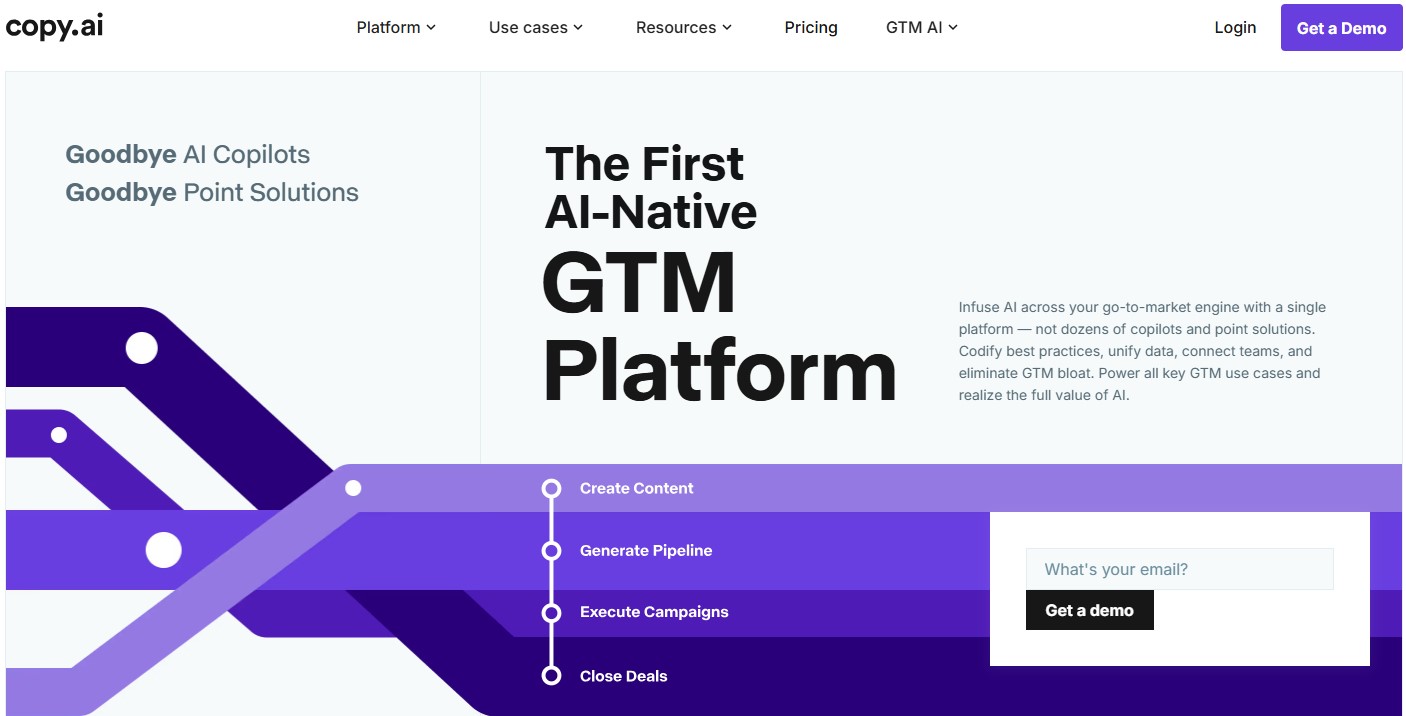
Copy.ai is an AI-native go-to-market (GTM) platform. It was founded in 2020 by Paul Yacoubian and Chris Lu as a straightforward AI copywriting tool.
Back then, the pitch was simple. Feed it a prompt, pick a template, and get marketing copy in seconds.
That is not what Copy.ai is anymore.
Since 2024, the platform has repositioned around a bigger idea: GTM AI. Instead of just generating text, Copy.ai now provides an infrastructure for sales, marketing, and revenue operations teams who want to automate entire workflows with ease.
So what is the Copy.ai tool actually doing under the hood?
At a technical level, it combines a chat interface, a workflow builder, and an “intelligence layer” that connects to your company’s data and external systems to produce valuable content. The goal is to let all types of teams build automated processes without involving coding.
If you mainly need SEO blog content, see our Copy.ai comparison
What is Copy.ai used for today?
In 2026, Copy.ai serves many purposes. It can be used to create short-form (ad copies, landing pages, emails, newsletters) and long-form (blogs, articles) content using 90+ pre-made templates. Users can also create custom workflows if they want to fulfil their content needs.
#1: Content creation
This is still the most familiar use case. Marketers use Copy.ai to draft blog posts, landing pages, ad copy, email sequences, and social captions. Brand Voice training helps keep that output aligned with a company’s tone without adding any filler content.
#2: Sales prospecting and outreach
Copy.ai’s Prospecting Cockpit is built with powerful AI agents to research accounts and contacts, then draft personalized outreach at scale.
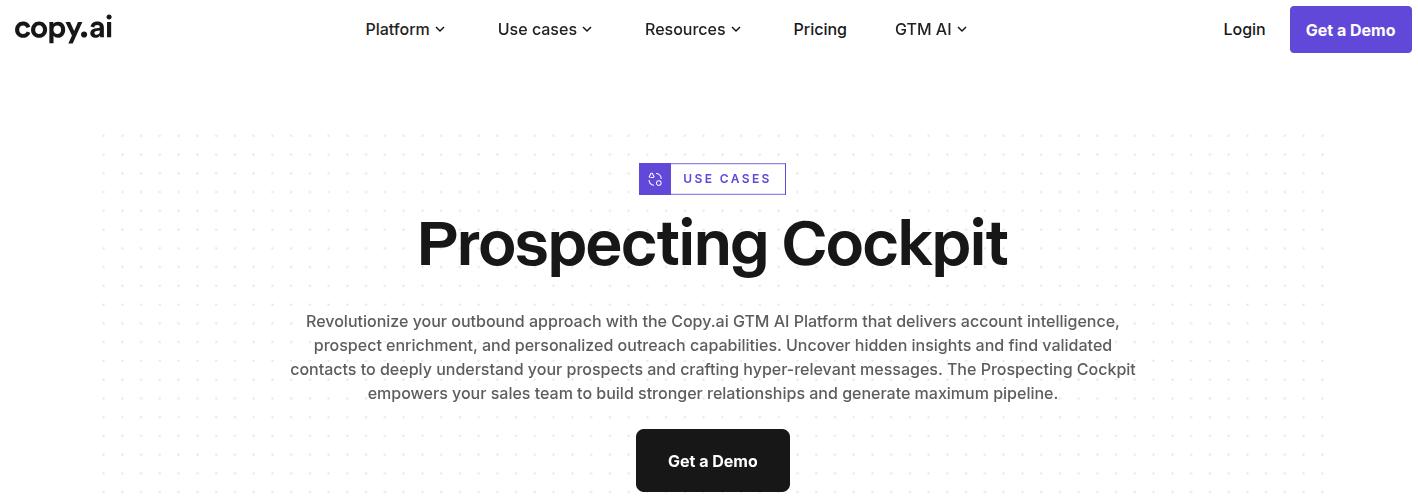
The tool is aimed squarely at sales development representatives trying to fill the pipeline with leads and contacts faster without any manual effort.
#3: Automating GTM tasks
This is the part that separates current-day Copy.ai from its 2021 self.
Workflows in Copy.ai chain together multiple AI actions, research steps, and system integrations into one automated process.
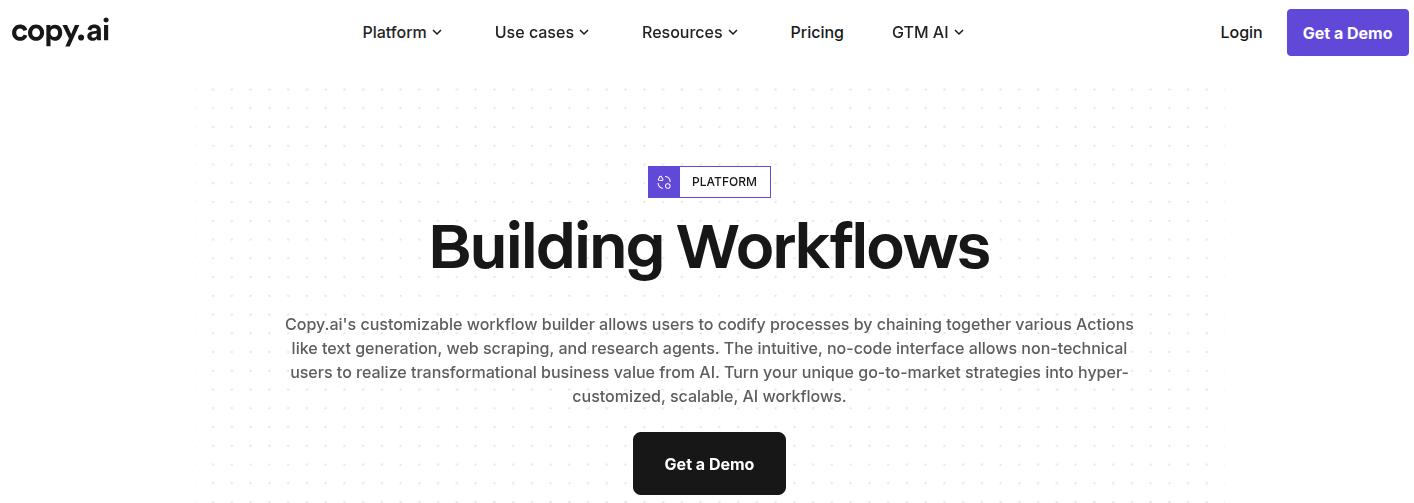
For example, a single workflow could research a prospect, draft a personalized email, and log it in a CRM, all without the involvement of a human operator.
#4: Lead and account intelligence
Copy.ai connects to CRMs and other GTM systems through Zapier to enrich lead and account data automatically.
This allows Copy.ai to reduce manual research time for sales and marketing teams and move their business across different markets and regions.
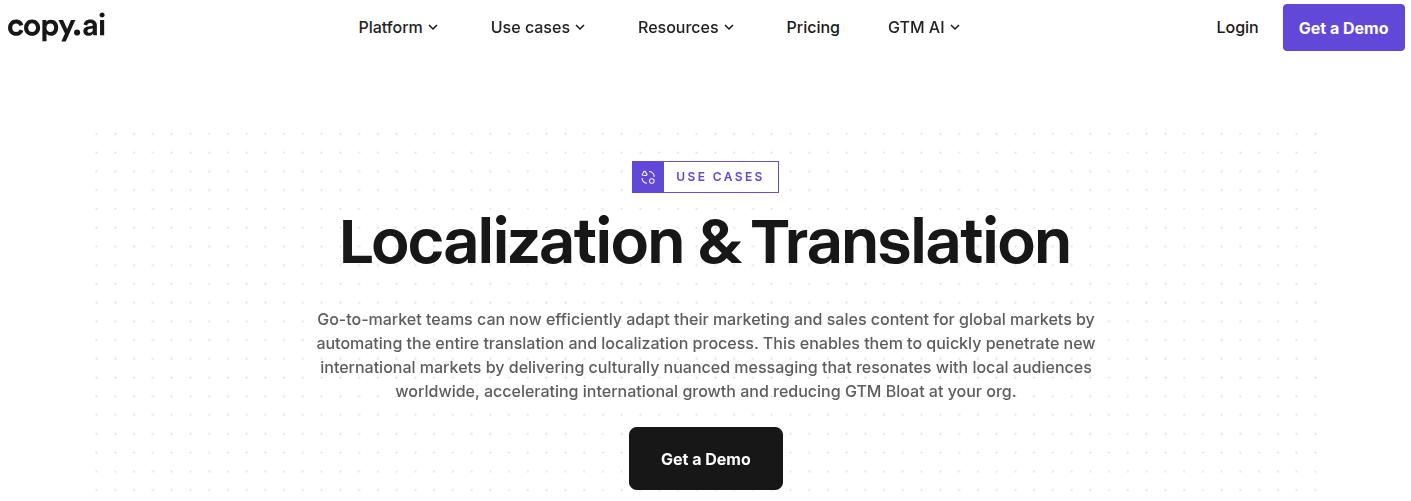
#5: Translation and localization
Copy AI supports content creation for 25+ languages, aimed at teams that need consistent messaging across markets for every campaign. You can also translate text directly in Chat or set up automated workflows to localize marketing copy at scale.
Core features of Copy.ai
By far the most valuable functionality that Copy AI offers is GTM AI.
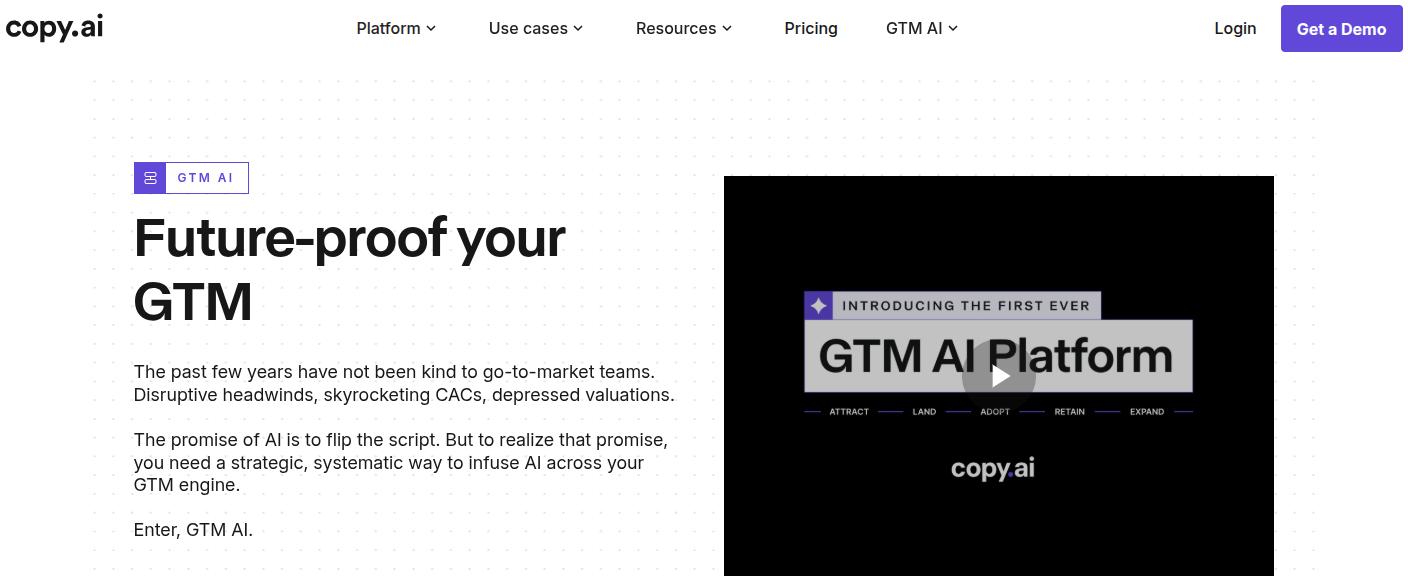
The tool provides AI agents that carry out all the GTM tasks for you. Whether it’s email or web copy, Copy AI ensures your needs are covered in one place, without creating GTM bloat.
Besides GTM AI, we also have other core features that you should know about in 2026.
Chat
Chat is Copy.ai’s conversational interface that looks and feels just like ChatGPT or any other AI chatbot. You can access OpenAI, Anthropic, and Gemini models directly inside it, and use it for one-off writing tasks, brainstorming, or quick edits.
AI agents and workflows
Workflows are Copy.ai’s core differentiator. They let you codify a repeatable process, like “create an account plan” or “draft an SEO article,” by stitching together AI actions, research steps, and integrations into one automated sequence.
Users can also design custom pipelines to help them draft content at scale, covering touchpoints that they like.
Actions
Actions are the individual building blocks inside a workflow. Each Action lets a user tap into a specific AI capability (generating text, pulling data, scanning a website) without needing to understand the underlying AI mechanics.
Tables
Tables function as a queryable data layer that consolidates information from different sources, so workflows can pull consistent, unified data. This core Copy.ai feature helps users eliminate scattered spreadsheets and improve working throughput.
Infobase
Infobase is a centralized repository for a company’s core information. It is used to store and inform Copy AI about all the internal knowledge and references necessary to generate brand-accurate content.
Want to find better AI writing tools than Copy.ai? Read our guide on Copy.ai alternatives to choose the right tool for your needs.
Brand Voice
Brand Voice feature lets teams define a consistent tone and personality so outputs sound exactly how your brand does, regardless of which team member or workflow generated them.
Integrations
Copy.ai advertises more than 2,000 integrations, including Salesforce, HubSpot, Gong, Outreach, and others. It achieves most of these connections through Zapier.
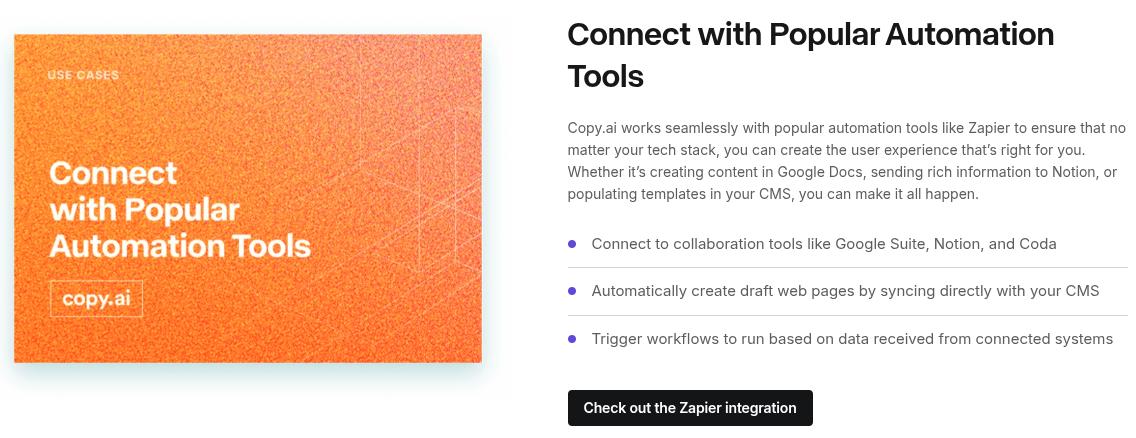
It also offers API access for businesses and enterprises to help them incorporate the tool in your existing workflow.
How to use Copy.ai
Getting started with Copy.ai takes just a few minutes. Here’s how.
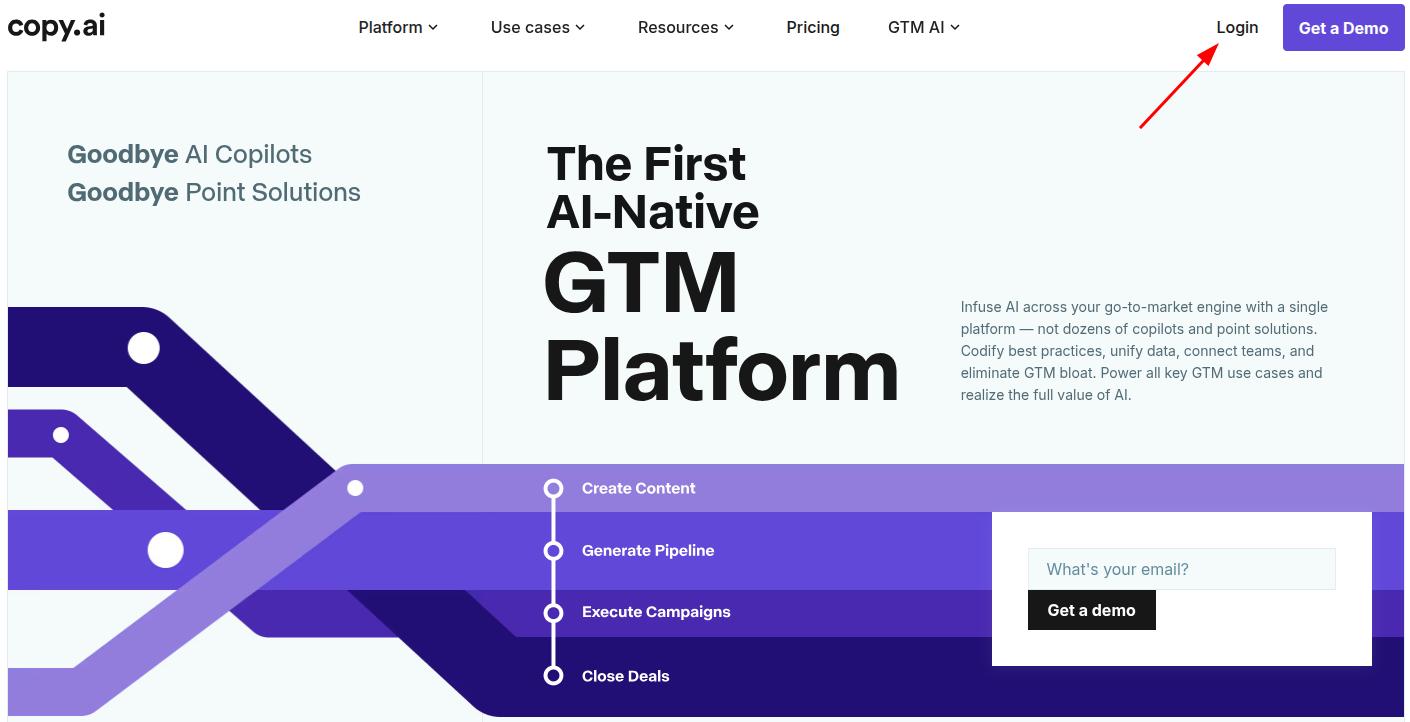
1. Create an account
Sign up on Copy.ai’s website using your email or Google account. You’ll be asked a few questions about your team and use case, which Copy.ai uses to tailor your starting workspace.
2. Set up Brand Voice and Infobase
Before generating anything, it’s worth spending a few minutes here. Upload writing samples so Brand Voice can learn your tone, and add company details, product info, or messaging guidelines to Infobase.
This step matters more than it seems. Skipping it usually means generic-sounding output later, which will be useless to you anyway.
3. Decide between Chat and a Workflow
For a one-off task, like drafting a single email or rewriting a paragraph, Chat is the faster route. Just type your prompt and pick a model.
For a repeatable process, like researching a lead and drafting personalized outreach every time a new contact comes in, build a Workflow instead.
This is where Copy.ai’s Actions come in, letting you chain research, writing, and CRM steps together without hassle.
4. Connect your integrations
If you’re automating anything tied to sales or marketing systems, connect your CRM or other tools at this stage. This is what lets a Workflow actually act on your data, not just generate text in isolation.
5. Generate and review
Run your Chat prompt or trigger your Workflow. Review the output for accuracy and tone before it goes anywhere.
Copy.ai speeds up content drafting immensely. However, please note that just like other AI tools, it doesn’t replace a final human edit or pass.
6. Refine and reuse content
Save what works. Both Chat conversations and Workflows can be revisited and reused, so you’re not rebuilding the same process every time.
Is Copy.ai better than ChatGPT?
To be fair, both of these tools are built for different jobs, so “better” depends on what you’re comparing them for.
ChatGPT is a general-purpose AI assistant. It can write, brainstorm, and answer questions across almost any topic. However, it doesn’t come with built-in GTM workflows, CRM integrations, or brand voice training out of the box.
Copy.ai is purpose-built for sales and marketing teams that want repeatable, automated workflows layered on top of AI writing.
If your work is genuinely GTM-specific (prospecting, lead enrichment, multi-step campaign production), then Copy.ai will add more value to you than a generic AI chatbot.
However, if you just need help drafting or editing text without workflow automation, a general AI assistant like ChatGPT, Claude, Gemini, or others might be enough for your needs.
Final thoughts
Copy.ai has changed more than most tools in this category. What began as a simple, template-driven AI copywriter is now a workflow automation platform built for sales, marketing, and operations teams working on GTM campaigns.
That shift is a good thing for teams trying to automate repetitive sales and marketing tasks. However, it is not suitable for freelancers or content teams who just want an AI writer for SEO growth and AI visibility.
For that, you may find Contentpen to be a much better fit. On top of long-form content generation, our SEO AEO tool also provides post-publishing analytics and an SEO opportunities layer with AI visibility monitoring, all of which Copy.ai doesn’t cover at all.

Write content that’s built to rank, not just read
Create search-optimized blogs aligned with SEO and GEO signals, so your content performs well across search and AI-driven discovery.
Try SEO Blogging FREE →
Frequently asked questions
No, Copy.ai is not free to use. You can gain paid access, starting at $29/month billed monthly, which includes 5 seats, unlimited words, and Chat projects. Enterprises can get a custom quote according to their needs.
Copy.ai is best for short-form marketing copy, sales outreach, and teams that want to automate multi-step GTM processes, like creating email sequences, ad sets, or LinkedIn posts. It is not primarily built as a long-form SEO content engine like Contentpen.
Yes. Copy.ai is worth it for GTM teams that want to automate prospecting, lead enrichment, or multi-step campaign workflows. It is not suitable for solo writers and small businesses focused purely on long-form content or performing SEO or GEO tasks.
No. The Actions and Workflows system is designed so non-technical users can build automated processes without writing code.
Yes. You can cancel your paid Copy.ai plan anytime, but it depends on the tier you’re on. Self-serve plans can be cancelled through account billing settings. Annual contracts or custom Enterprise plans cannot be cancelled mid-term without contacting the sales and support team.