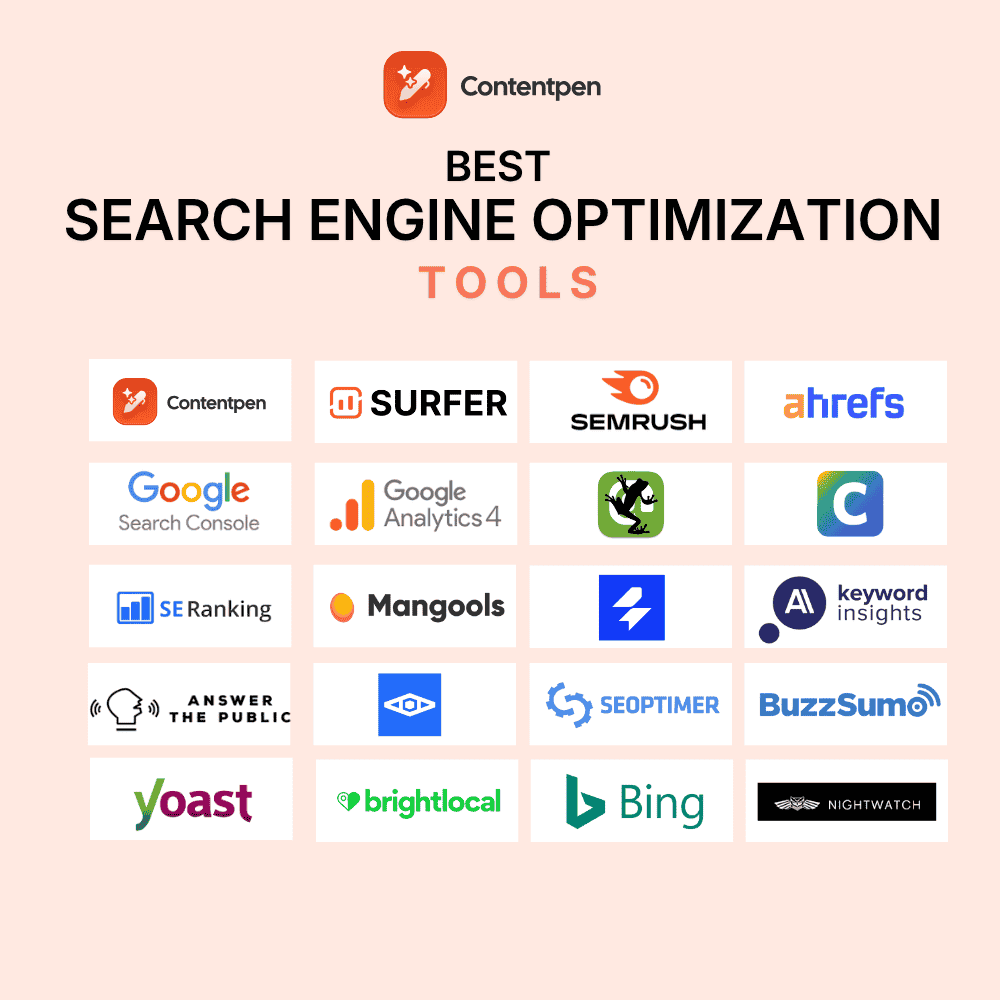
The best SEO tools in 2026 are the ones that help you win two results pages at once: Google rankings and the answers people now get from ChatGPT, Gemini, Perplexity, and Google’s AI Overviews.
That shift has quietly changed what a good SEO stack looks like. Most teams still switch between a keyword tool, a rank tracker, a content editor, a crawler, a CMS plugin, and now a separate AI visibility tracker. That is six logins, six invoices, and a lot of copying data between tabs.
This guide reviews 20 SEO tools in depth, from free Google utilities to enterprise suites.
For every tool, you get what it is best at, pricing, who should skip it, and how ready it is for answer engine optimization (AEO), plus the tool it pairs best with.
At the end, you will find ready-made stacks for every budget.
Quick picks if you are short on time
- Best all-in-one SEO and AEO platform: Contentpen
- Best all-in-one SEO suite for data depth: Semrush
- Best for competitor and backlink research: Ahrefs
- Best free tool you cannot skip: Google Search Console
- Best for technical SEO: Screaming Frog SEO Spider
- Best for content optimization: Surfer
- Best for editorial teams: Clearscope
- Best for local SEO: SE Ranking
- Best for beginners on a budget: Mangools
What is an SEO tool in 2026?
An SEO tool is any software that helps you get found when people search, whether they type a query into Google or ask a question in a chatbot. It might find keywords, diagnose site problems, guide your writing, track positions, or report on traffic.
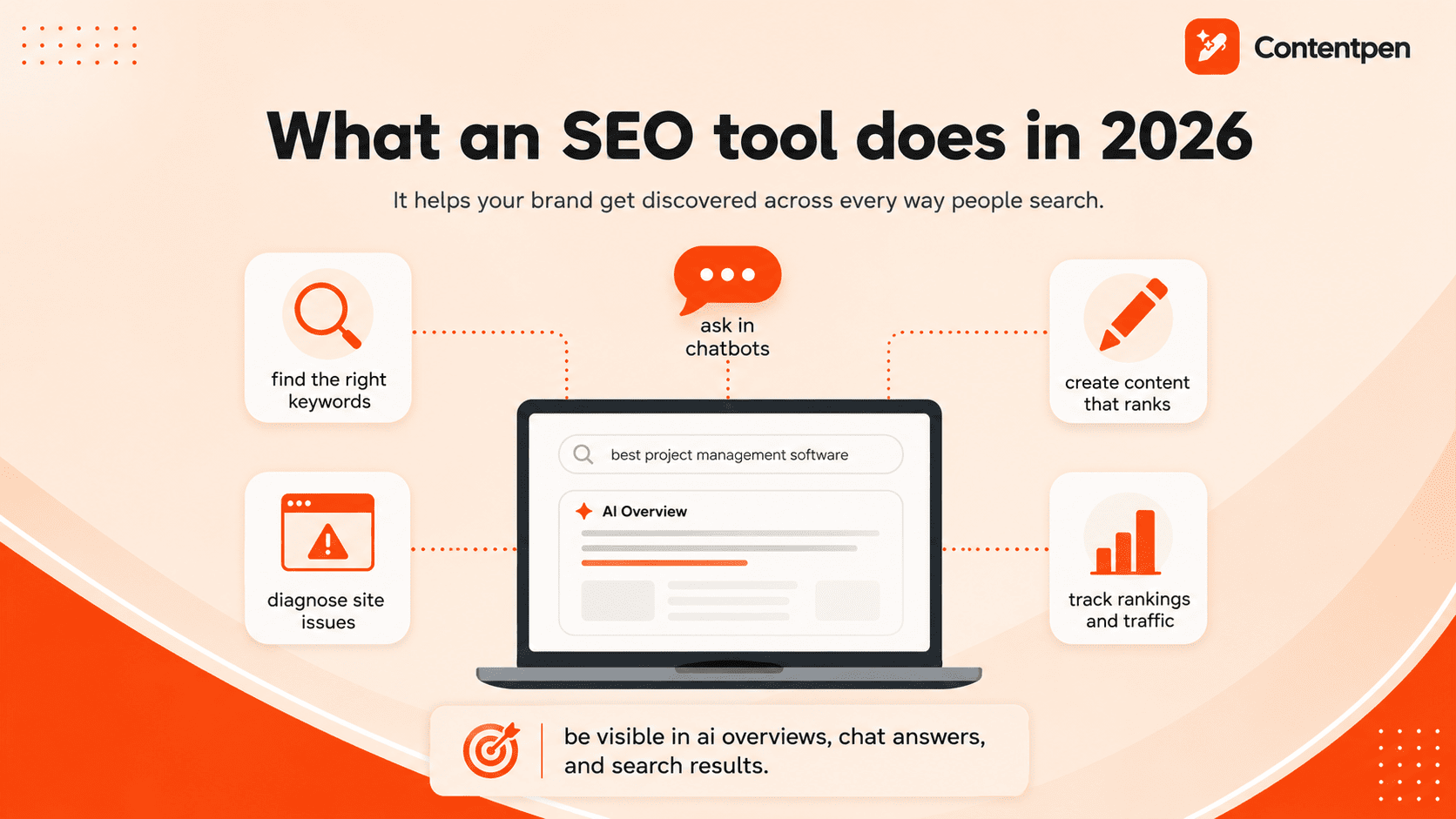
The definition has widened because search itself has widened.
A buyer researching “best project management software” might read an AI Overview, ask ChatGPT a follow-up, and only then click a blue link.
If your brand is missing from those answers, strong rankings alone will not save you.
SEO vs AEO: What is the difference?
SEO (search engine optimization) earns you a ranked link on a results page. AEO (answer engine optimization), sometimes called GEO, earns you a mention or citation inside an AI-generated answer.
The two overlap heavily, as clear structure, direct answers, topical depth, and crawlable pages help both at the same time.
What differs is how you measure success. SEO tracks positions and clicks. AEO tracks mentions, citations, share of voice, and sentiment across AI engines.
The seven types of SEO tools
Below are 7 types of SEO tools that are used by teams in 2026.
- All-in-one platforms cover research, optimization, tracking, and reporting in one place. Some now cover the full content workflow too.
- Keyword and topic research tools surface what people search for, how hard it is to rank, and what questions they ask.
- Content optimization tools score a draft against top-ranking pages and suggest terms, headings, and depth.
- Technical SEO and audit tools crawl your site for broken links, indexing blockers, speed issues, and markup errors.
- Rank trackers and analytics tools monitor positions, traffic, and conversions over time.
- Local SEO tools manage listings, reviews, and map-pack rankings for location-based businesses.
- AI visibility tools monitor whether AI engines mention, cite, and recommend your brand.
Most teams need three or four of these jobs covered. The question is whether you cover them with four tools or one.
How we evaluated these SEO tools
We scored every tool on six criteria, weighted toward what actually moves traffic for SEO and AEO teams.
- Core SEO strength: How well does the tool do its main job, whether that is keyword data, crawling, content scoring, or rank tracking?
- AEO readiness: Does it help you appear in AI answers, measure AI citations, or check that AI crawlers can read your pages? We rate each tool High, Medium, Low, or None.
- Workflow coverage: How many steps of the research, write, optimize, publish, and measure cycle does it handle without exporting to another tool?
- Value for money: Is the price fair for what you get, and do limits like credits or tracked keywords make the real cost higher?
- Ease of use: How fast can a non-specialist get a useful result? We labelled each tool at Beginner, Intermediate, or Advanced level.
- Integrations: Does it connect to Google Search Console, Google Analytics, your CMS, Google Docs, or an AI assistant through MCP?
Now, let’s see these tools in more detail.
The 20 best SEO tools at a glance
Please keep in mind that pricing below reflects public list prices as of October 2026. Always confirm on the vendor’s pricing page before you buy.
| Tool | Best for | Category | AEO readiness | Ease of use | Starting price |
| Contentpen | All-in-one SEO and AEO content workflow | All-in-one | High | Beginner | 49/mo(39/mo billed annually), AI visibility included |
| Semrush | Deep all-in-one SEO data | All-in-one | High | Intermediate | $139.95/mo |
| Ahrefs | Competitor and backlink research | All-in-one | High | Intermediate | $29/mo (Starter) |
| Google Search Console | First-party Google data | Analytics | Medium | Beginner | Free |
| Screaming Frog SEO Spider | Technical SEO crawls | Technical | Medium | Advanced | Free up to 500 URLs, then $279/yr |
| Surfer | Content optimization | Content | High | Beginner | $49/mo billed annually |
| Clearscope | Editorial content teams | Content | Medium | Beginner | $129/mo |
| SE Ranking | Agencies and local SEO | All-in-one | High (add-on) | Beginner | $129/mo |
| Mangools | Beginners on a budget | Keyword research | Medium | Beginner | $37.70/mo billed annually |
| seoClarity | Enterprise SEO programs | All-in-one | High | Advanced | Custom. Paid plans start at $2,500/mo for content suite |
| Keyword Insights | Keyword clustering at scale | Keyword research | Low | Intermediate | $58/mo |
| AnswerThePublic | Question and prompt research | Keyword research | Medium | Beginner | $13.33/mo billed annually |
| AlsoAsked | People Also Ask mapping | Keyword research | Low | Beginner | Free (3 searches/day). Premium starts at $12/mo |
| SEOptimer | Fast SEO audits | Technical | Medium | Beginner | $29/mo |
| BuzzSumo | Content ideation and PR | Content research | None | Intermediate | $199/mo |
| Yoast SEO | WordPress on-page SEO | CMS plugin | Low | Beginner | Free. Premium starts at $118.80/yr |
| BrightLocal | Local listings and reviews | Local SEO | Low | Beginner | $39/mo |
| Google Analytics 4 | Traffic, conversions, AI referrals | Analytics | Medium | Intermediate | Free |
| Bing Webmaster Tools | Bing indexing and AI performance | Analytics | Medium | Beginner | Free |
| Nightwatch | Accurate rank tracking | Rank tracking | Medium | Intermediate | $39/mo for 250 keywords |
Each review follows the same structure so you can compare the options quickly.
1. Contentpen – Best all-in-one SEO and AEO platform
- Category: All-in-one SEO and AEO (GEO) platform
- Best for: Marketers, content teams, agencies, and founders who want to rank on Google, get cited in AI search, and track performance for both from one workspace
- Pricing: From $49/month, or $39/month billed annually (Starter). AI visibility tracking included in every plan. 7-day free trial
- Ease of use: Beginner
- AEO readiness: High
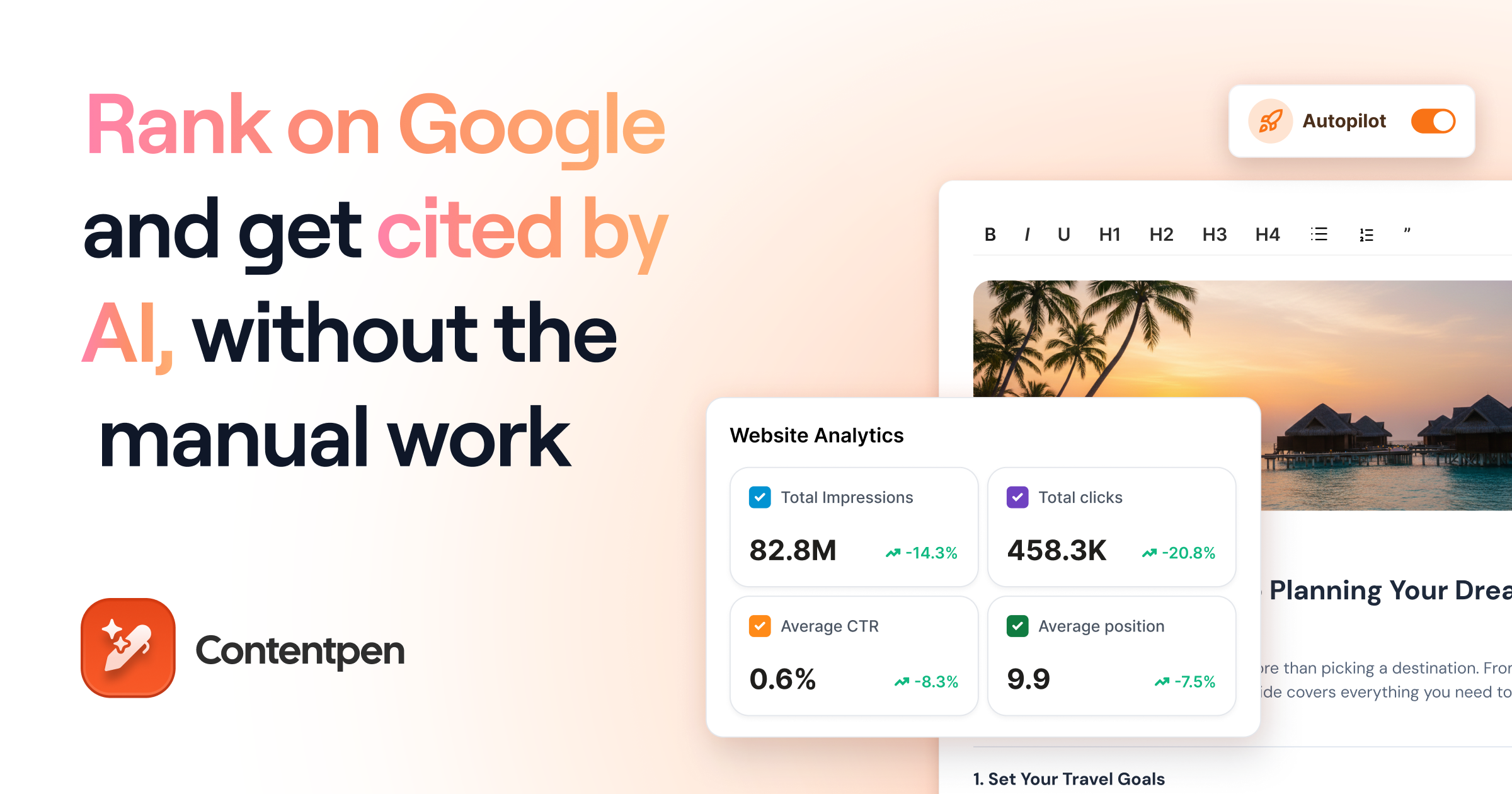
Contentpen covers the full content loop in one workspace. It provides keyword research and topical clusters, SERP analysis, article creation with live SEO and GEO scores, and publishing to WordPress, Webflow, Shopify, Wix, and Ghost.
Also, the Knowledge Base feature stores your brand voice, competitors, logo, and colors, so drafts and AI images start on-brand.
Its newer features focus on keeping content working after it is published. SEO opportunities flag quick wins, content decay, weak click-through rates, keywords stuck in positions 21 to 50, competitor topic gaps, and keyword cannibalization issues.
Content Refresh feature then updates those pages, with a side-by-side diff window. Also, the autopilot can plan, write, and publish new articles and refresh content on a schedule, with optional approval at each step.
For AEO, AI visibility tracking is included in every plan. The platform monitors prompts across up to seven engines (ChatGPT, Google AI, Copilot, Gemini, Perplexity, Grok, Claude) and reports share of voice, average position, sentiment, and sources that cite competitors but not you.
Who it is for: Lean teams and agencies that want content creation, optimization, and AI visibility in one platform.
Skip it if: You mainly need a backlink index or a desktop crawler for deep technical audits.
Pros
- Covers research, writing, publishing, refreshing, and tracking in one place
- AI visibility tracking included in every plan
- SEO opportunities turn analytics into specific fixes
- Public API and webhooks available on all plans
Cons
- Autopilot and SEO opportunities start on the Growth plan ($79/month billed annually)
- Starter plan tracks only two AI engines, monthly
- No backlink database or technical crawler
Pairs well with:
- Screaming Frog for technical audits
- Ahrefs if link building is a major channel for you
| 💡 Pro tip: Add your competitors to the Knowledge Base before your first planning cycle. Contentpen uses them for automatic competitor gap analysis. |
2. Semrush – Best all-in-one SEO suite for data depth
- Category: All-in-one SEO suite
- Best for: In-house teams and agencies that want the largest single database for keywords, competitors, and ads
- Pricing: From $139.95/month (Pro), about $117/month billed annually. AI visibility is bundled in Semrush One or sold as a toolkit
- Ease of use: Intermediate
- AEO readiness: High
Semrush is the closest thing SEO has to an operating system. It started as a keyword and competitor database and now spans rank tracking, site audits, content tools, local listings, PPC research, and AI visibility.
Its real strength is breadth of data. You can open any domain and see its organic trend, top pages, branded vs. non-branded traffic, and the topic clusters driving its growth.
The Keyword Magic Tool expands a single seed into thousands of variations, and Keyword Gap and Backlink Gap show exactly where competitors outrank you.
On the AEO side, the AI Visibility Toolkit monitors prompts across ChatGPT, Google AI Mode, Gemini, and Perplexity, and reports mentions, cited URLs, share of voice, and how AI models describe your brand.
Who it is for: Teams that run several channels (SEO, PPC, content, local) and want them in one dashboard.
Skip it if: You only need basic rank tracking or a handful of keyword lookups each month. You will pay for far more than you use.
Pros
- Massive keyword and backlink databases
- Strong competitor analysis for both SEO and PPC
- Mature AI visibility reporting with sentiment and source analysis
- Huge library of tutorials and free courses
Cons
- Expensive, and extra seats add the cost up quickly
- The interface can overwhelm newcomers
- Content creation is not its core strength
Pairs well with: Contentpen to turn research data into optimized, published content.
| 💡 Pro tip: Filter Organic Research by non-branded keywords before judging a competitor. A site that looks huge may get most of its traffic from people searching its name, which you cannot steal. |
3. Ahrefs – Best for competitor and backlink research
- Category: All-in-one SEO suite
- Best for: SEOs who live in competitor analysis and link building
- Pricing: Starter $29/month, Lite $129/month, Standard $249/month, and Advanced and Enterprise plans are above that
- Ease of use: Intermediate
- AEO readiness: High
Ahrefs built its reputation on one of the largest backlink indexes on the web, and that is still why most people buy it. Site Explorer shows any domain’s referring domains, anchor text, new and lost links, top pages, and estimated traffic value in dollars.
The Link Intersect feature reveals sites that link to your competitors but not to you, which is a ready-made outreach list.
Content Gap compares your keyword footprint with up to several competitors at once and highlights the SERP features they win at.
For AI search, Brand Radar is included on paid plans. It draws on a large database of real prompts so you can check any brand’s AI visibility before setting up tracking, and Bot Analytics shows which AI crawlers visit your site.
Who it is for: Link builders, competitive researchers, and content strategists who need historical data.
Skip it if: You need daily rank alerts. The rank tracker refreshes weekly, so sudden drops show up late.
Pros
- Excellent backlink data and historical rankings
- Content Gap and Link Intersect turn research into action quickly
- AI visibility included on paid plans
- Clean, approachable interface
Cons
- Higher tiers get expensive fast
- Advanced reporting is a paid add-on
- No daily or hourly rank tracking updates
Pairs well with:
- Nightwatch for daily rank tracking
- BuzzStream or a similar outreach tool for link building
| 💡 Pro tip: Run Link Intersect with three competitors and set the filter to sites linking to at least two of them. Those domains are proven to link in your niche, so your reply rate will be far higher than cold outreach. |
4. Google Search Console – Best free SEO tool
- Category: Analytics and indexing
- Best for: Every site owner, from casual bloggers to enterprises
- Pricing: Free
- Ease of use: Beginner
- AEO readiness: Medium
Every other tool on this list estimates what Google sees. Google Search Console is Google telling you directly. It shows the queries you appear for, your impressions, clicks, click-through rate, and average position, page by page. It also reports indexing problems, structured data errors, manual actions, and security issues.
The most valuable report for most sites is the Performance report, filtered to queries with high impressions and a low click-through rate.
Search Console is also where you submit sitemaps and request indexing after updating a page.
For AI search, Google has started rolling out reporting on how pages appear in AI Overviews and AI Mode. Coverage is still partial and shows impressions rather than clicks, but it is first-party data you cannot get elsewhere.
Who it is for: Anyone with a website. Set it up on day one.
Skip it if: Never. The only limit is that it shows your own sites, not competitors.
Pros
- Free, accurate, first-party data from Google
- Essential indexing and error reporting
- Feeds most other SEO tools through integrations
Cons
- Data lags by a day or two and is sampled for large sites
- No competitor data
- One property at a time, which is clumsy for agencies
Pairs well with: Contentpen, which pulls Search Console data next to your content so you can see which articles need a refresh and which pieces are performing well.
| 💡 Pro tip: Compare the last three months with the previous three, sorted by click loss. The pages at the top are your content decay list, and refreshing them is usually the fastest traffic win you have. |
5. Screaming Frog SEO Spider – Best for technical SEO
- Category: Technical SEO crawler
- Best for: Technical SEOs, developers, and agencies auditing sites of any size
- Pricing: Free up to 500 URLs. Paid licenses start at $279/user/year
- Ease of use: Advanced
- AEO readiness: Medium
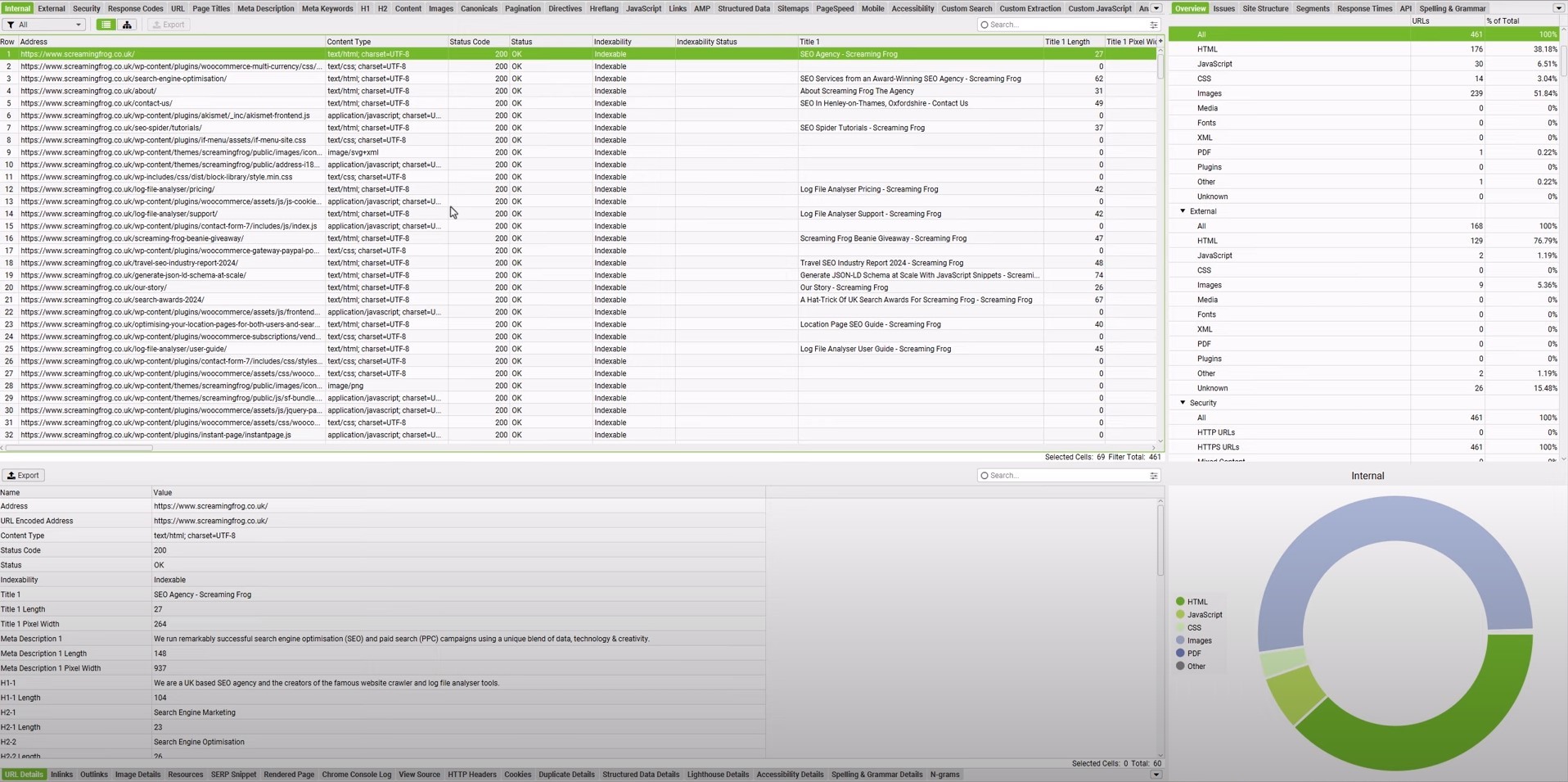
Screaming Frog SEO Spider is a desktop-based crawler that walks through your site the way a search bot does and records everything, including status codes, redirects, canonicals, titles, meta descriptions, headings, hreflang, structured data, internal links, and page depth. It flags hundreds of issue types and explains each one in plain language.
Its power is in configuration. You can crawl a full domain, a single folder, or a pasted list of URLs. Custom extraction pulls any element from every page, which is handy for content inventories and migration checks.
Connect Google Analytics and Search Console, and you can see crawl data next to traffic, so you fix the broken pages that actually matter first.
The AI features are practical rather than flashy. You can crawl as an AI bot to see what those crawlers can reach, run custom prompts from OpenAI, Gemini, or Anthropic models against every crawled page, and use embeddings to find near-duplicate or off-topic content.
Who it is for: Anyone responsible for site health, migrations, or large sites.
Skip it if: You want a simple score and a to-do list. Try SEOptimer instead.
Pros
- Extremely detailed and configurable
- Generous free version for small sites
- Affordable annual license
- Useful AI-crawler and LLM features
Cons
- Steep learning curve and dated interface
- Desktop only, so large crawls can take a while, depending on your machine
- Licenses are per user and renew yearly
Pairs well with: Google Search Console, to confirm which crawl issues Google has actually noticed.
| 💡 Pro tip: Save a crawl before any site redesign or migration, then use Compare mode afterward. You will catch lost pages, new redirect chains, and missing tags before rankings drop. |
6. Surfer – Best for post-publishing content optimization
- Category: Content optimization
- Best for: Writers and content marketers optimizing articles against top-ranking pages
- Pricing: Starting from $49/month billed annually (Discovery). Higher tiers add more documents and features. The AI Tracker is sold separately, starting from $158/month
- Ease of use: Beginner
- AEO readiness: High
Surfer analyzes the pages that rank for your keyword and turns that analysis into a live brief. As you write in its Content Editor, you get a content score, suggested terms, target length, and heading guidance. Its SERP Analyzer charts how the top results compare on length, keyword usage, and other on-page factors.
Surfer has grown well beyond a basic content editor. Keyword Research groups topics into intent-based clusters, Topical Map plans site coverage, Content Audit grades existing pages, and a cannibalization report finds pages competing for the same query.
Its AI Tracker monitors brand visibility across ChatGPT, Perplexity, Gemini, Google AI Mode, and AI Overviews, with a visibility score, share of voice, sentiment, and the prompts where competitors appear but you do not.
Who it is for: Teams that already know SEO basics and want to lift good drafts to great ones.
Skip it if: You need technical audits or backlink data. Surfer does not cover them.
Pros
- Clear, actionable content scoring
- Strong Google Docs and WordPress integrations
- Robust AI visibility tracking
Cons
- Document limits cap output on lower plans
- Credits do not roll over in the next billing cycle
- Following every suggestion can lead to over-optimized, robotic copy
Pairs well with: Ahrefs or Semrush for keyword discovery.
| 💡 Pro tip: Treat the content score as an indicator, not a target. Get into the green range, then spend your remaining time on original examples, data, and opinions, which no optimizer can suggest. |
7. Clearscope – Best for editorial teams
- Category: Content optimization
- Best for: Managing editors and content teams that want simple, reliable content grading
- Pricing: Starting from $129/month (Essentials) – Business plan is $399/month, and custom pricing is available for enterprises.
- Ease of use: Beginner
- AEO readiness: Medium
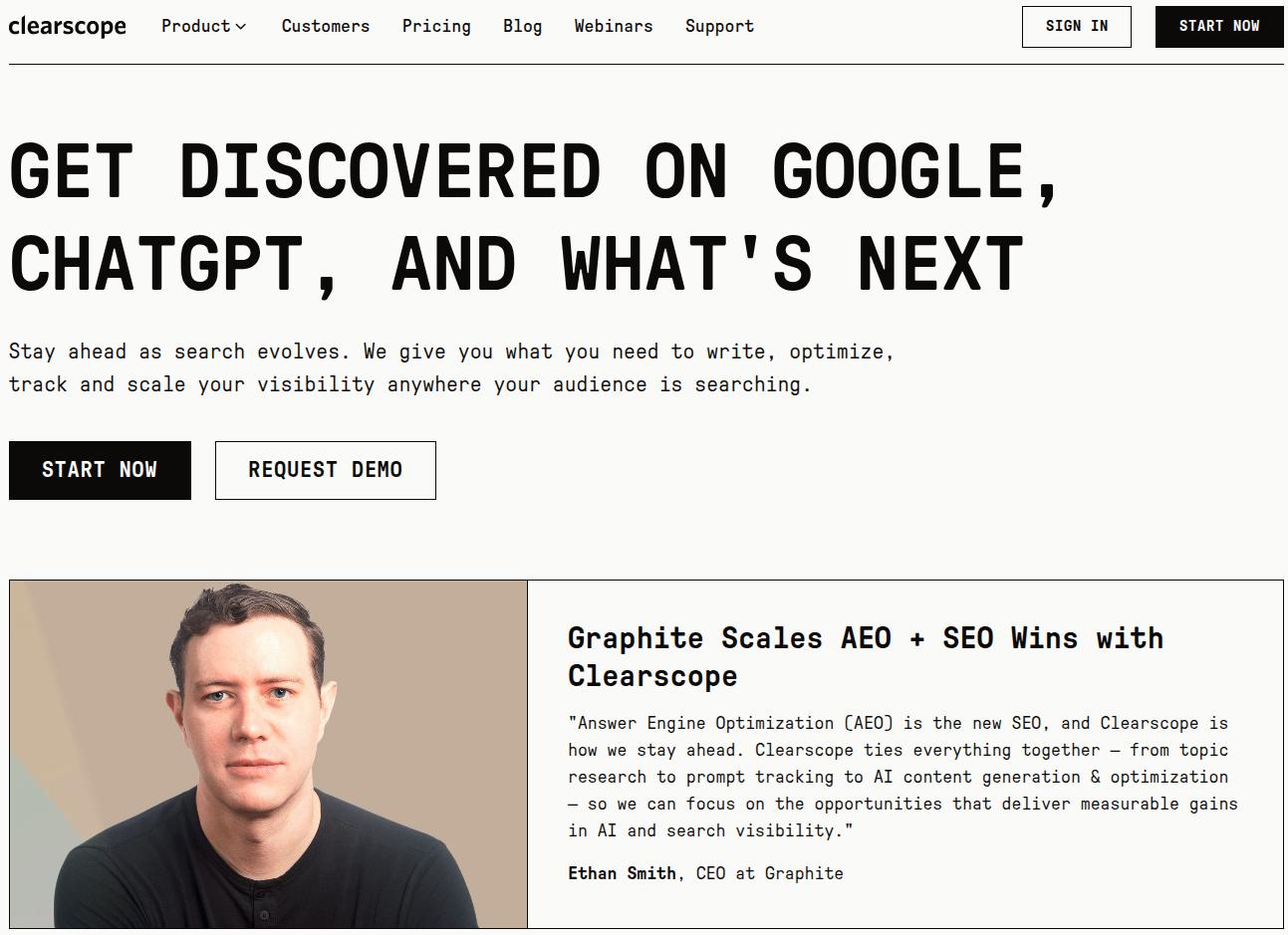
Clearscope is the calm, focused option in content optimization. Enter a keyword, and it builds a report with an overall grade, readability target, and a ranked list of relevant terms drawn from top-ranking pages. You can also view competitor outlines and a research tab with common questions.
What keeps editors loyal is how little friction it adds. It works inside Google Docs and WordPress, so writers stay in the tools they already use. Beyond the editor, Clearscope now tracks content decay, page performance, and estimated SEO value, and it suggests internal links.
Its AI visibility layer shows your Google performance next to mentions and citations in AI answers. Prompt tracking currently covers ChatGPT and Gemini, so treat it as a directional signal rather than a full audit.
Who it is for: Editorial teams with many writers who need a shared quality bar.
Skip it if: You are a solo blogger on a tight budget.
Pros
- Clean, writer-friendly interface
- Unlimited users on every plan
- Content decay alerts help prioritize refreshes
Cons
- Premium price for a focused tool
- AI tracking covers only two engines
- Monthly report credits limit volume
Pairs well with: Google Search Console to choose which pages to optimize first.
| 💡 Pro tip: Use the questions in the research tab as H2s and H3s, and answer each in the first sentence below the heading. That structure helps both featured snippets and AI citations. |
8. SE Ranking – Best for agencies and local SEO
- Category: All-in-one SEO suite
- Best for: Agencies, freelancers, and multi-location businesses
- Pricing: Starting from $129/month (Core). Growth plan is $279/month, and custom pricing is available for enterprises. AI Search add-on is $71/month
- Ease of use: Beginner
- AEO readiness: High with the AI add-on
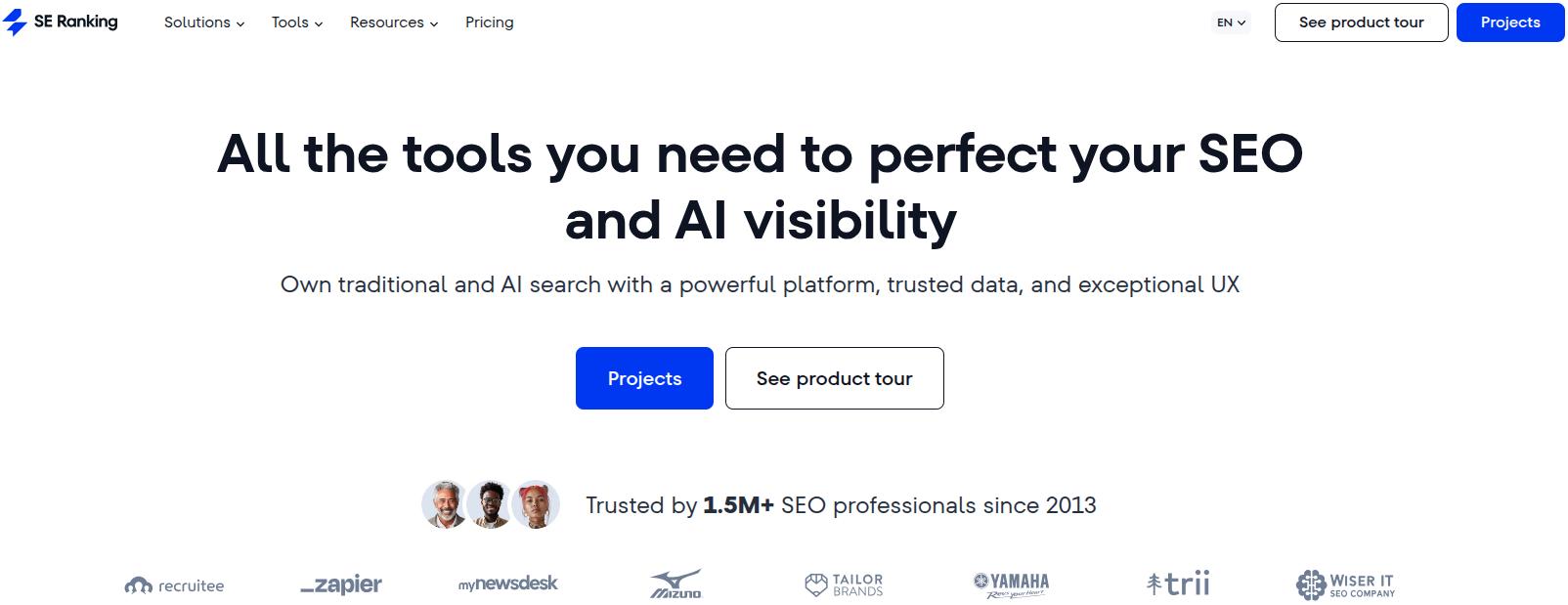
SE Ranking covers the standard suite (keyword research, rank tracking, site audits, backlinks, competitor research) at a gentler learning curve than other tools on the list. It pulls ahead in managing many sites and many locations in one place.
Its local rank tracker plots results on a map grid down to street level, so a dentist can see exactly which neighborhoods show them in the map pack.
Google Business Profile tools track calls, direction requests, and visits, let you edit and schedule posts, and, on higher tiers, sync your business details to more than 100 directories.
A reviews module gathers feedback from Google, Facebook, Yelp, Tripadvisor, and others, and you can reply to Google and Facebook reviews without leaving the dashboard.
For AI search, base plans include daily prompt tracking across several LLMs. The paid AI Search add-on extends that to AI Overviews, AI Mode, Perplexity, and ChatGPT, with a companion dashboard for mentions, citations, and sentiment.
Who it is for: Agencies reporting to many clients and local businesses with several locations.
Skip it if: You manage one small site. The pricing makes more sense for businesses managing several projects.
Pros
- Excellent local and multi-location tracking
- White-label reporting for agencies
- Review management and listing sync in one place
- Mobile apps for iOS and Android
Cons
- Data depth trails Semrush and Ahrefs
- Reporting is functional rather than flexible
- Deeper AI tracking costs extra
Pairs well with: Contentpen, to produce the location pages and blog content your local rankings depend on.
| 💡 Pro tip: Track the same keyword from a grid of points around each location. A business that ranks first at its front door and tenth two miles away needs local content and citations, not more backlinks. |
9. Mangools – Best for SEO beginners on a budget
- Category: Keyword research suite
- Best for: Bloggers, solo founders, and anyone new to SEO
- Pricing: Basic plan is $37.70/month, Premium $52.70/month, and Agency $97.70/month (billed annually). A free account is available
- Ease of use: Beginner
- AEO readiness: Medium
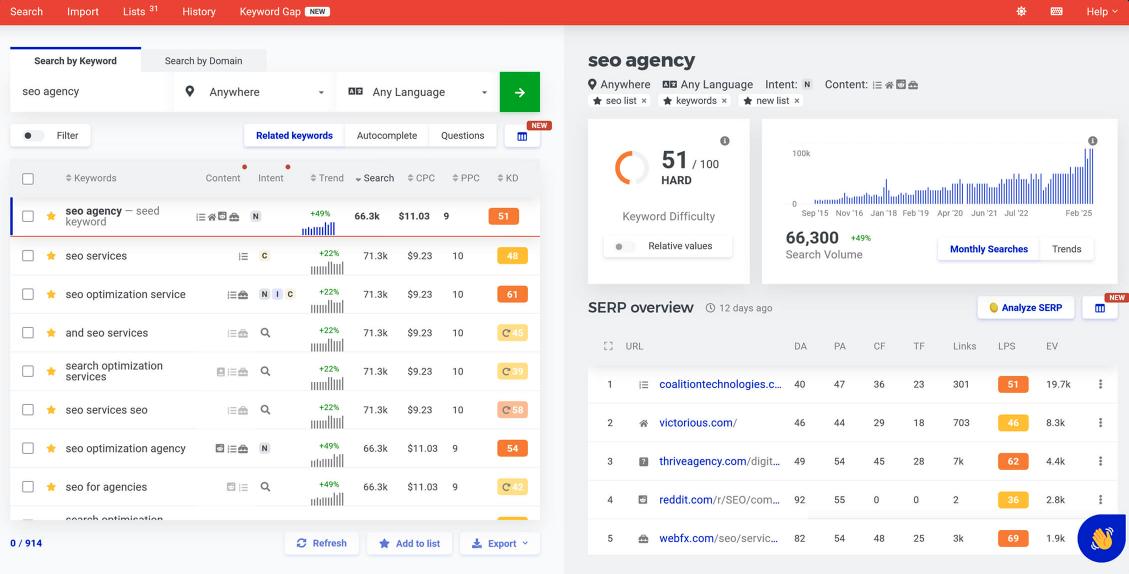
Mangools bundles five small, friendly tools. KWFinder finds keywords with clear difficulty scores and highlights long-tail opportunities. SERPChecker breaks down who ranks and how strong they are.
SERPWatcher tracks positions, and the LinkMiner feature explores competitor backlinks.
The appeal is clarity. Instead of hundreds of metrics, you get a handful that tell you whether a keyword is worth pursuing. You can open a free account without a card, and free mini-tools such as a SERP simulator and an AI Search Grader are handy on their own.
For AI search, AI Search Watcher tracks prompts across seven AI engines. It runs each prompt several times and averages the results, which gives a steadier read because AI answers vary from run to run.
Who it is for: Beginners who find Semrush and Ahrefs intimidating.
Skip it if: You manage many large sites or need technical crawling.
Pros
- Clean, approachable interface
- Affordable entry price
- Useful free tools and an AI visibility tracker
Cons
- Daily lookup limits on lower plans
- Rank tracking updates weekly except on the top plan
- No technical audit
Pairs well with: Google Search Console and Screaming Frog’s free version, for a near-complete SEO starter stack.
| 💡 Pro tip: In KWFinder, filter for keyword difficulty under 30 and at least three questions in the suggestions. Question-led, low-difficulty terms are the quickest wins for new sites and the most likely to surface in AI answers. |
10. seoClarity – Best for enterprises
- Category: Enterprise all-in-one platform
- Best for: Large brands, ecommerce sites, and enterprise SEO teams
- Pricing: Custom for the Rankings plan. Research and Content plan starts at $2,500/month. Technical SEO plan starts from $3,200/month, and Enterprise from $4,500/month
- Ease of use: Advanced
- AEO readiness: High
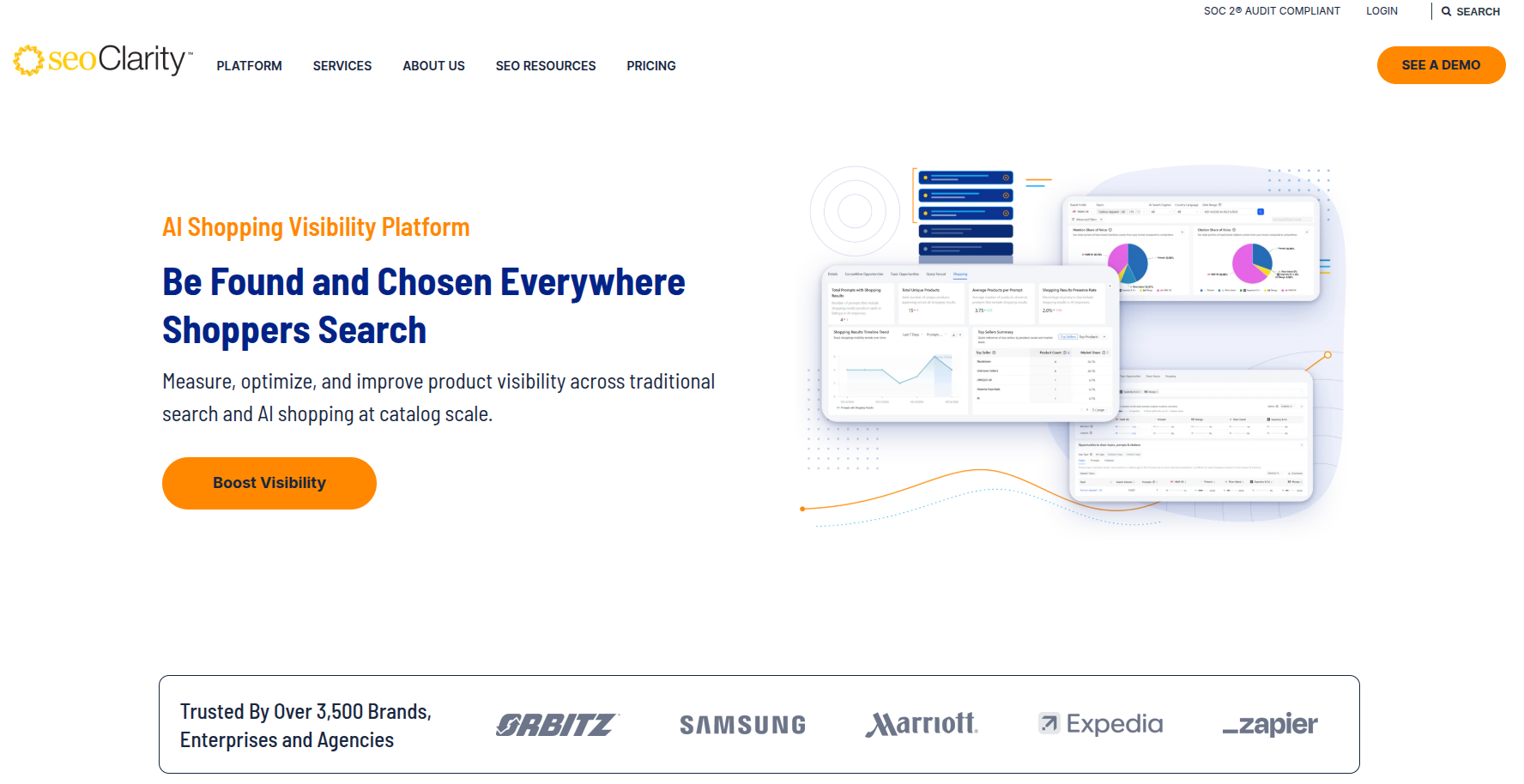
seoClarity is built for sites with hundreds of thousands of pages and teams that need governance workflows. It combines rank monitoring, keyword and topic research, technical audits, competitor analysis, traffic forecasting, and content tools in one platform.
Its AI assistant, Sia, generates optimized titles and meta descriptions from seoClarity’s own search data, drafts outlines, expands sections, and handles bulk jobs like grouping or translating keywords. Content Fusion lets you build briefs and drafts from a keyword or optimize an existing URL.
The AEO product line, Clarity ArcAI, tracks brand mentions across nine AI engines, analyzes how AI describes your brand, flags factually wrong answers, and shows which AI crawlers visit your site. An MCP server lets teams query their data from an AI assistant.
Who it is for: Enterprises that can justify a five-figure annual budget.
Skip it if: You are a small or mid-size business. The price and complexity are hard to justify.
Pros
- Broad, enterprise-grade feature set
- Strong AI assistant for bulk tasks
- AI visibility across nine engines
Cons
- Very expensive, with AI tracking priced separately
- Interface feels utilitarian
- Overkill for most teams
Pairs well with: Screaming Frog for ad hoc technical checks outside scheduled audits.
| 💡 Pro tip: Use the AI answer accuracy reports to find where models describe your products wrongly, then publish clear, structured pages that answer those exact questions. |
11. Keyword Insights – Best for keyword clustering at scale
- Category: Keyword research and planning
- Best for: Content strategists planning large sites and topical authority
- Pricing: Starting from $58/month. A 7-day trial is available for $1
- Ease of use: Intermediate
- AEO readiness: Low
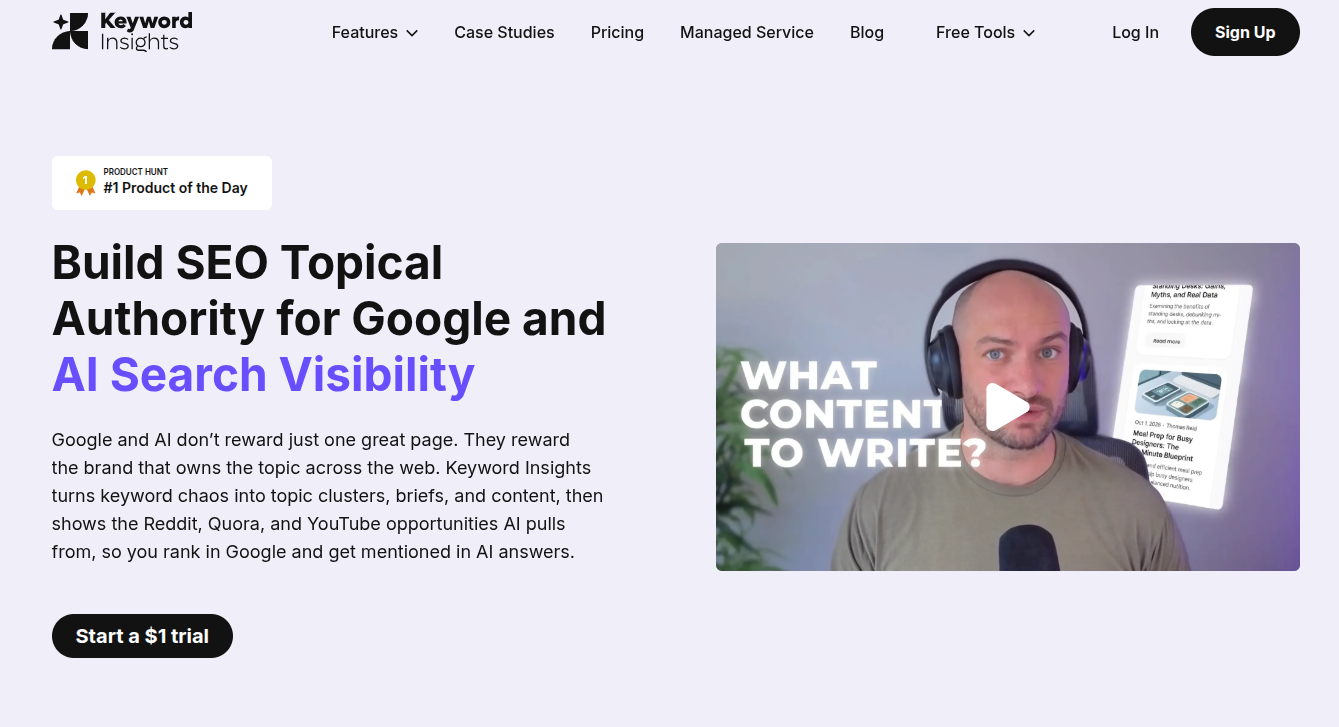
Keyword Insights solves one expensive problem: turning a giant, messy keyword list into a clean content plan.
You can upload up to 200,000 keywords, and it groups them by checking which terms share the same ranking URLs in live search results. If two phrases return mostly the same pages, they belong on one page.
This helps you prevent keyword cannibalization and stops you from writing five thin posts where one strong guide would rank. It also maps search intent per cluster and pulls fresh ideas from sources like Google Autocomplete and People Also Ask.
Who it is for: Teams building out large sites, implementing programmatic SEO, or topical maps.
Skip it if: You publish a few posts a month. For that purpose, a basic keyword tool will do the job.
Pros
- SERP-based clustering is more accurate than word matching
- Handles very large keyword sets
- Intent mapping per cluster
Cons
- Narrow focus compared with other all-in-one SEO tools
- Less useful for small sites
Pairs well with: Contentpen, which turns each cluster into a linked, optimized article.
| 💡 Pro tip: Export your clusters and assign one pillar page per parent topic before writing anything. A clear hub-and-spoke plan makes internal linking almost automatic. |
12. AnswerThePublic – Best for question and prompt research
- Category: Keyword and audience research
- Best for: Content ideation and finding the questions people really ask
- Pricing: From $13.33/month billed annually. You can also get limited free searches per day
- Ease of use: Beginner
- AEO readiness: Medium
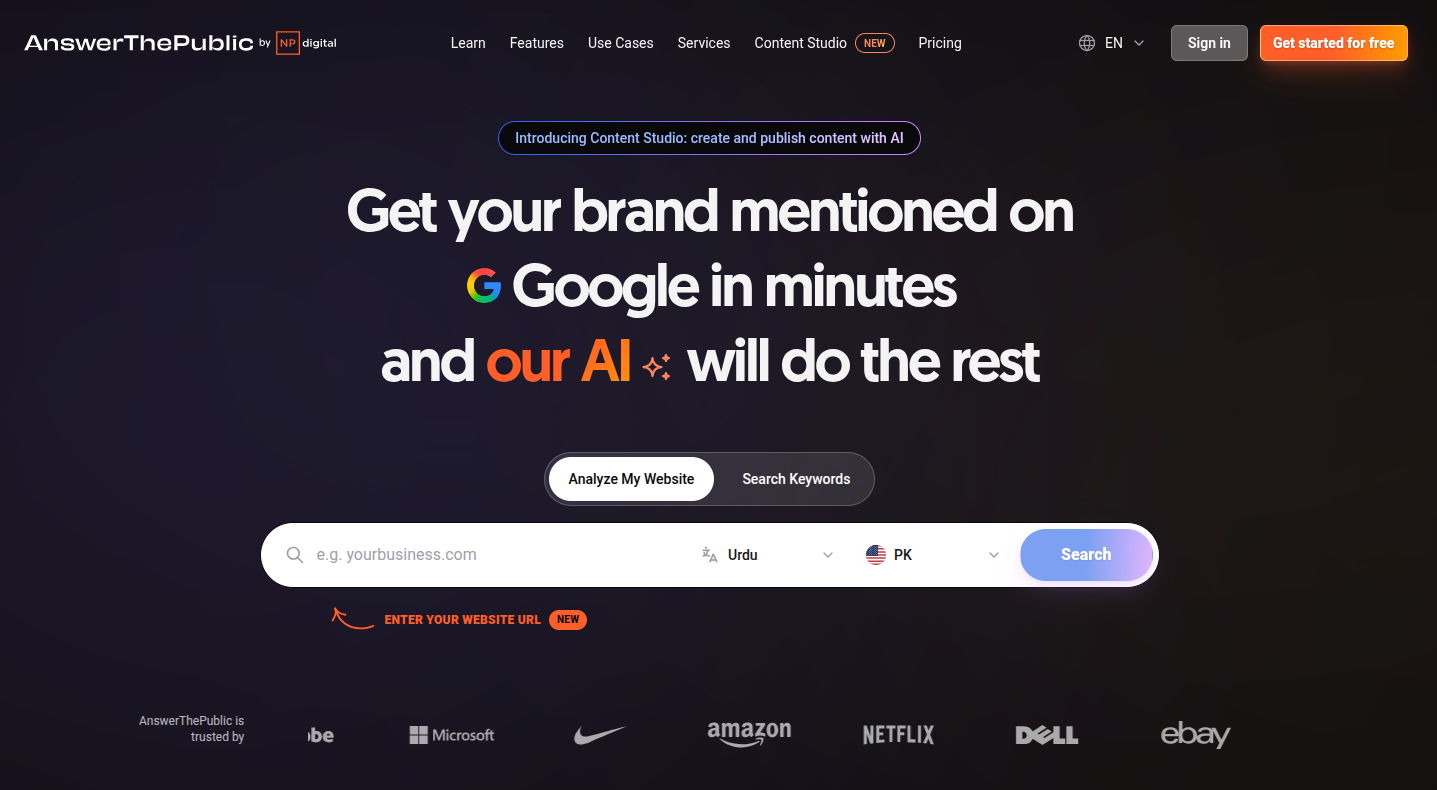
AnswerThePublic turns search engine autocomplete data into visual maps of questions (how, why, can, will), prepositions (for, with, without), and comparisons (vs, or, like). The format makes intent obvious in a way a spreadsheet of keywords never does.
It draws suggestions from Google, Bing, YouTube, TikTok, Instagram, Amazon, and AI tools in one view.
A newer AI section surfaces prompts people type into ChatGPT and Gemini, sorted by intent, and can show the AI answer, its sentiment, and which brands it names. You can also save searches and set alerts for new queries.
Who it is for: Writers and marketers who need unique content angles fast.
Skip it if: You need difficulty scores and traffic forecasts as your main data.
Pros
- Distinctive, intent-revealing visualizations
- Covers search engines, social platforms, marketplaces, and AI prompts
- Very affordable
Cons
- Limited metrics beyond keyword research
- Interface is in transition between old and new versions
Pairs well with: AlsoAsked for structuring the questions into an outline.
| 💡 Pro tip: Turn the comparison branch (“X vs Y”) into dedicated comparison pages. They convert well and are among the most cited formats in AI answers. |
13. AlsoAsked – Best for People Also Ask mapping
- Category: Question research
- Best for: Building article outlines that match real follow-up questions
- Pricing: Free for 3 searches/day. Paid plans start from $12/month (100 searches), $23/month (300 searches), and $47/month (1,000 searches)
- Ease of use: Beginner
- AEO readiness: Low (but high indirect value)
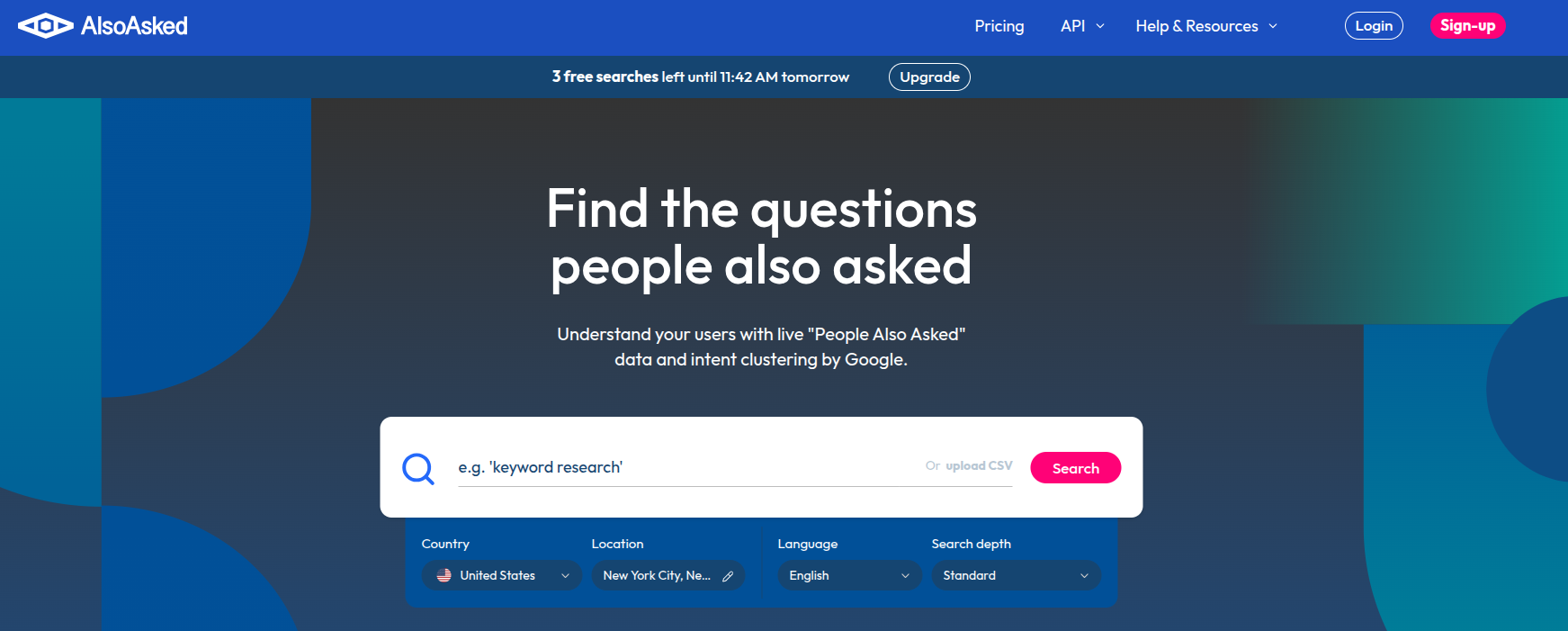
AlsoAsked pulls Google’s People Also Ask questions for a seed term and shows how they branch. Ask about “best SEO tools,” and you see the questions people ask next, then the questions after those, laid out as a tree.
That tree is basically an outline. The first layer suggests your H2s, the second suggests H3s, and the branches show which follow-ups to answer before readers bounce back to Google.
Because AI engines are trained on the same patterns of question and answer (also known as the query fan-out process), content built this way helps you earn AI citations much quicker.
Who it is for: Writers and editors who build outlines by hand.
Skip it if: Your content tool already pulls People Also Ask data into its briefs.
Pros
- Shows question hierarchy, not just a flat list
- Free tier is enough for occasional use
- Location and language settings for local research
Cons
- Single-purpose tool
- No volume or keyword difficulty data
Pairs well with: AnswerThePublic to improve keyword and topical breadth.
| 💡 Pro tip: Write a one- or two-sentence direct answer under every question heading before expanding on it. That pattern is what both featured snippets and AI engines lift into answers. |
14. SEOptimer – Best for fast SEO audits
- Category: SEO audit
- Best for: Small businesses, freelancers, and agencies that need quick, readable audits
- Pricing: DIY SEO plan starts at $29/month, White Label at $39/month, and White Label and Embedding plan at $59/month
- Ease of use: Beginner
- AEO readiness: Medium
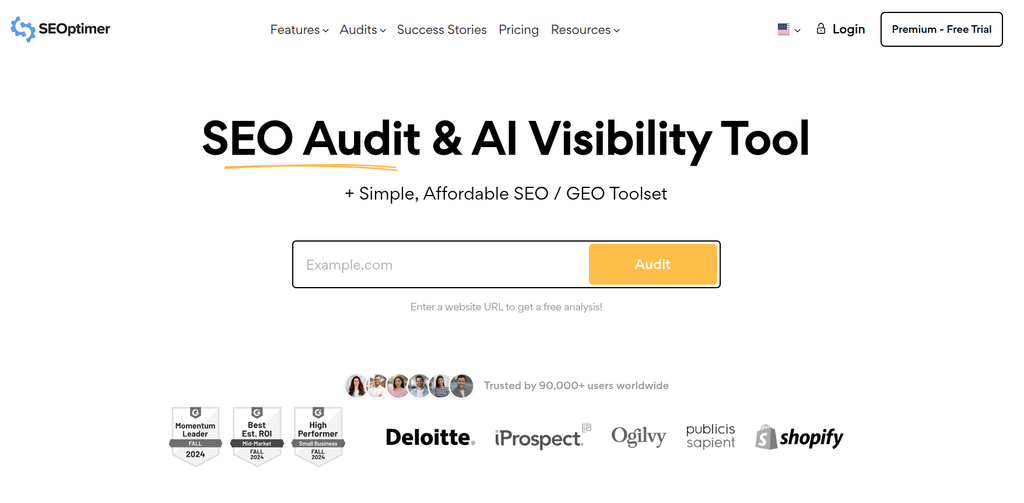
SEOptimer audits a page in about a minute and grades it from A+ to F across on-page SEO, links, usability, performance, and social signals. Each grade comes with plain-English recommendations, which makes it useful for startups without a dedicated SEO team.
It also runs AI search checks on every plan. These show traffic from AI Overviews and the queries that cited you, detect whether you have an llms.txt file, measure how much content depends on JavaScript, and check for Organization, LocalBusiness, and Person schema.
Agencies can white-label reports or embed an audit form on their site as a lead magnet.
Who it is for: Business owners and agencies who want clear diagnostics without a steep learning curve.
Skip it if: You need full-site crawls of thousands of URLs. Use Screaming Frog for that.
Pros
- Fast, easy-to-read audits
- AI search checks included on all plans
- Affordable white-label options
Cons
- Diagnoses well but offers limited content optimization tools
- Some sub-tools are basic in functionality
Pairs well with: Screaming Frog for deep technical site crawls.
| 💡 Pro tip: Run SEOptimer on your top five competitors as well as your own site. The gaps in their grades show you which technical basics give you an easy edge. |
15. BuzzSumo – Best for content ideation and digital PR
- Category: Content research and PR
- Best for: Content marketers and PR teams finding ideas that earn shares and links
- Pricing: Plans start from $199/month (Content Creation), PR and Comms $299/month, and the Suite plan is $499/month
- Ease of use: Intermediate
- AEO readiness: None
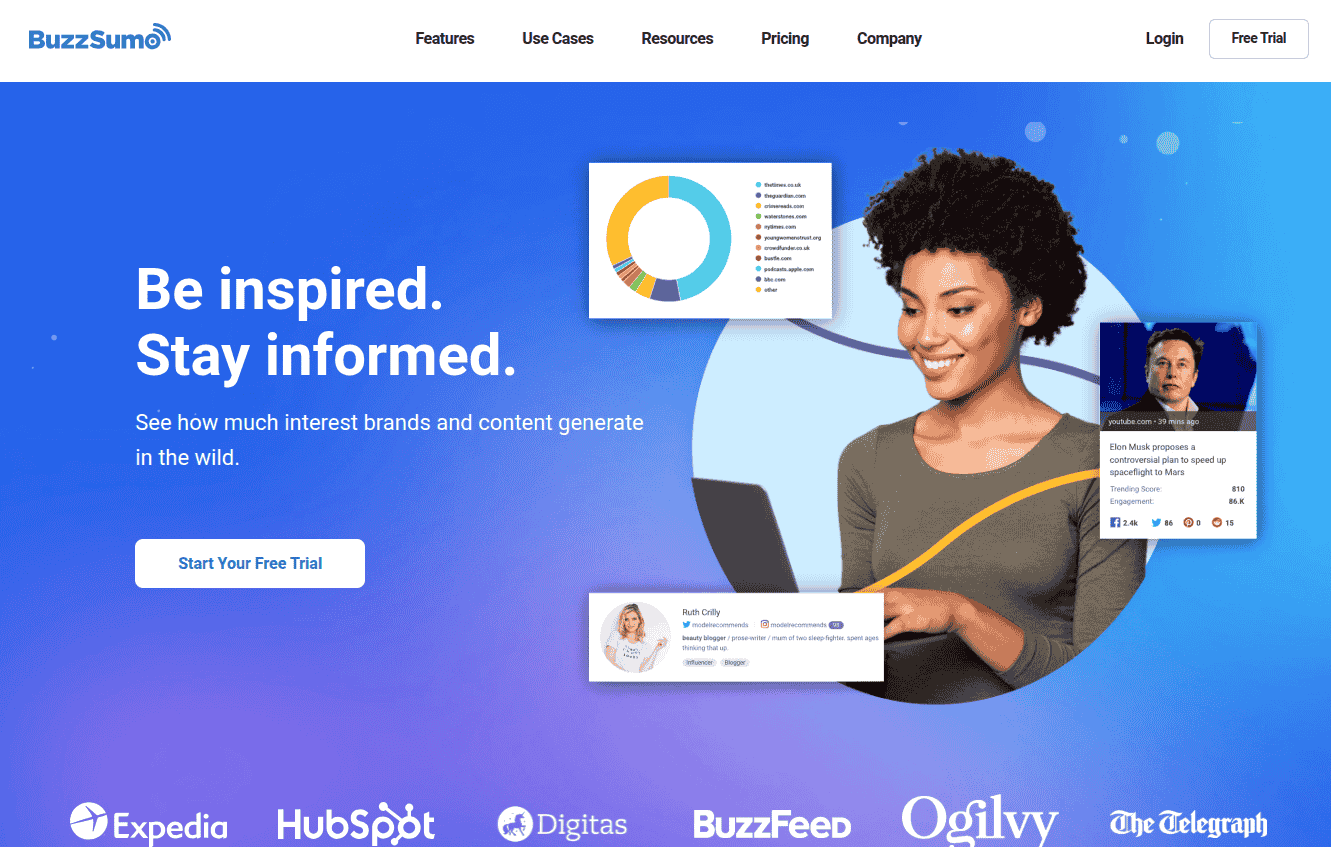
BuzzSumo shows which content performs best for any topic or domain, measured by social engagement and backlinks. That makes it a strong idea engine: you see what already resonates before you write.
Its Content Ideas Generator suggests evergreen content angles with engagement and linking data, along with the formats and lengths that perform best. A keyword tool shows volume, cost per click, and how many articles already target each term. On the PR side, BuzzSumo maintains a journalist database, helps draft pitches, and tracks brand mentions.
BuzzSumo does not track AI search visibility. However, earning coverage on authoritative sites remains one of the strongest ways to get cited by AI engines, so its PR features help AEO indirectly.
Who it is for: Teams that use content and PR to earn links and awareness.
Skip it if: Your priority is technical SEO or getting ranking data.
Pros
- Excellent content performance data
- Strong journalist and outreach tools
- Useful idea and brief generators
Cons
- Expensive for ideation alone
- No AI visibility tracking
- Limited reporting
Pairs well with: Contentpen to turn proven angles into SEO- and GEO-optimized articles.
| 💡 Pro tip: Search your topic, sort by referring domains rather than shares, and study the top ten results. Formats that earn links (original data, tools, templates) are the ones worth copying. |
16. Yoast SEO – Best for WordPress on-page SEO
- Category: WordPress plugin
- Best for: WordPress site owners who want on-page guidance inside the editor
- Pricing: Free. Yoast SEO Premium starts at $118.80/year
- Ease of use: Beginner
- AEO readiness: Low
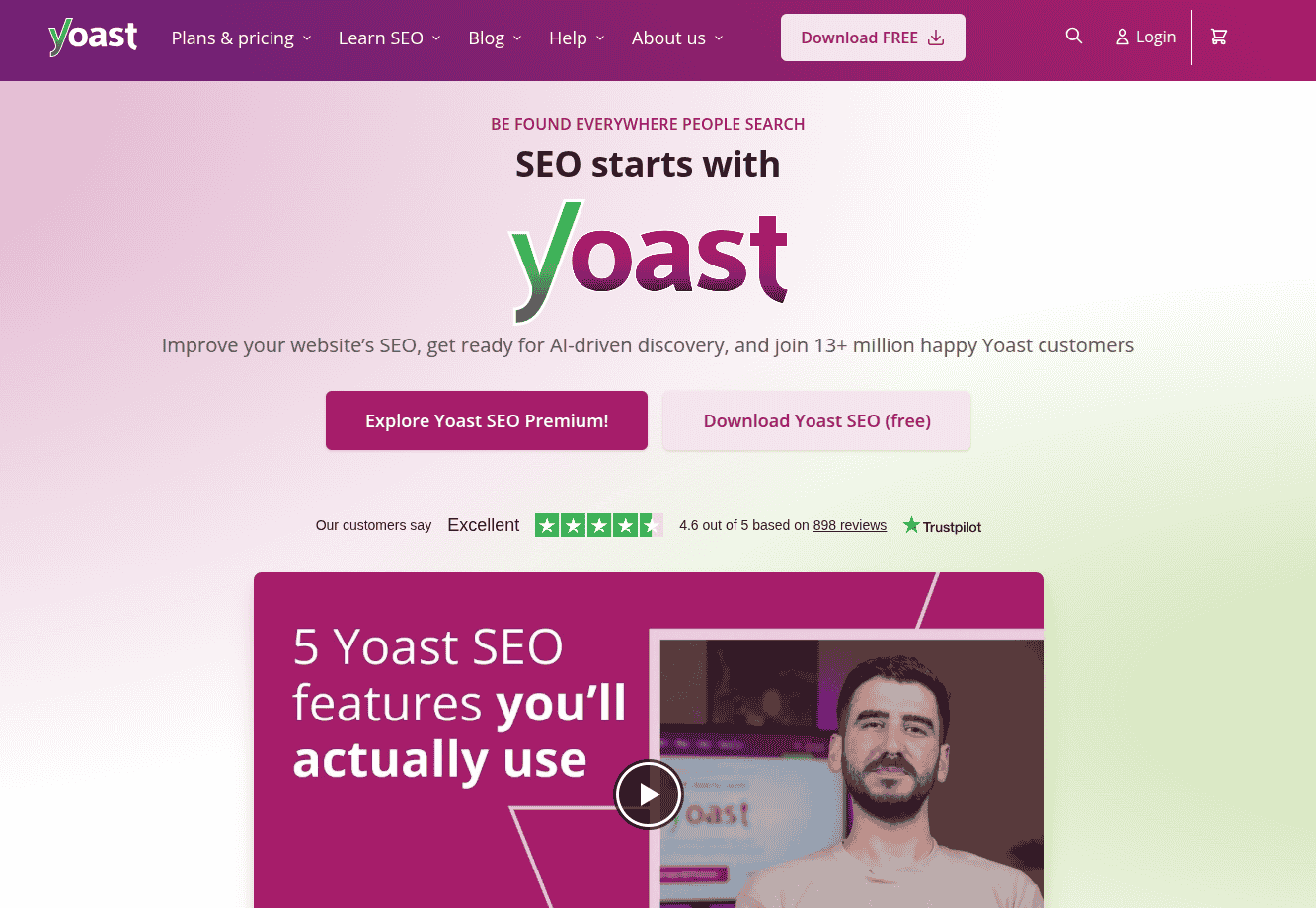
Yoast SEO is the most widely installed SEO plugin for WordPress. It checks each post against a focus keyword, rates readability, previews how the page looks in search results, and handles technical basics automatically, including XML sitemaps, canonical tags, and schema markup.
The Premium plan adds internal linking suggestions, a redirect manager, and AI help for writing titles and meta descriptions. Recent versions can also generate an llms.txt file, which points AI systems to your most important pages.
Who it is for: Anyone running WordPress.
Skip it if: You use another CMS, or your content platform already handles meta tags, schema, and linking.
Pros
- Handles technical basics with zero setup
- Real-time writing guidance
- Strong free version
Cons
- Readability scores can encourage formulaic writing
- Internal linking and redirects require the Premium plan
Pairs well with: Contentpen, which publishes directly to your CMS so posts arrive with links and structure already in place.
| 💡 Pro tip: Do not chase a green light on every post. Use Yoast for sitemaps, schema, and snippet previews, and let your content tool guide depth and coverage. |
17. BrightLocal – Best for local listings and reviews
- Category: Local SEO
- Best for: Local businesses and agencies managing citations and reputation
- Pricing: Starting from $39/month. A 14-day free trial is available
- Ease of use: Beginner
- AEO readiness: Low
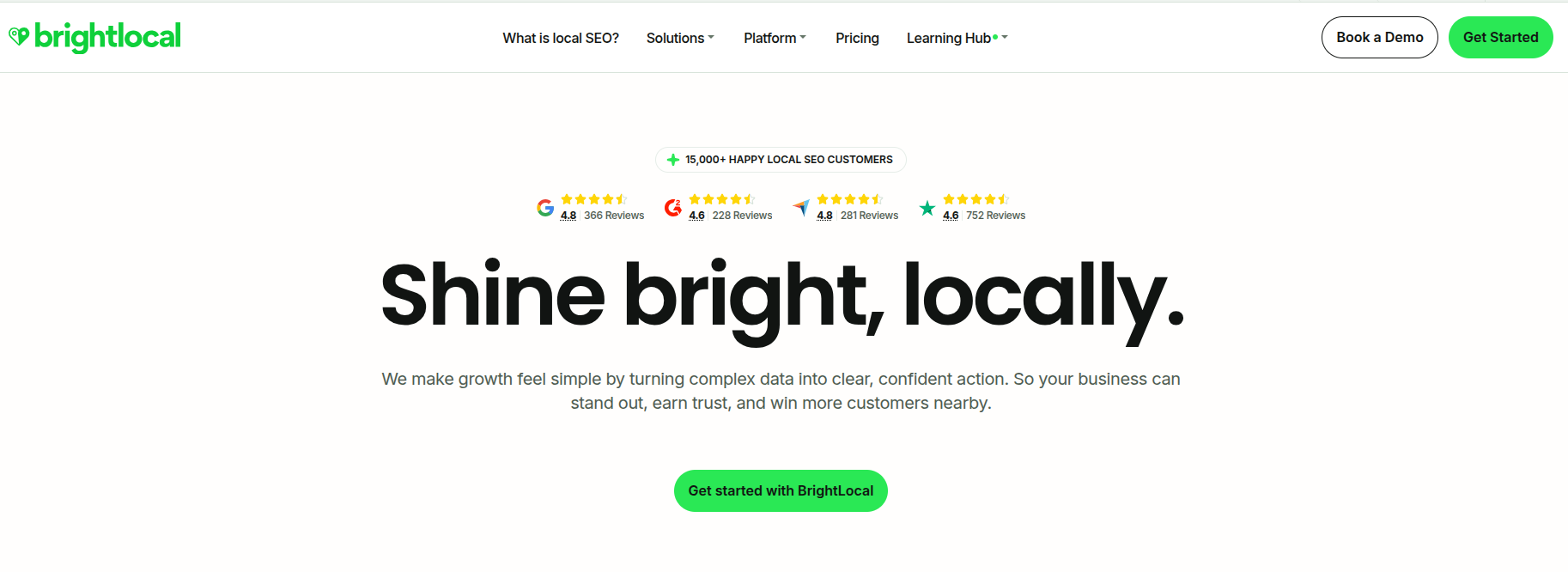
BrightLocal is dedicated to the signals that decide local rankings: consistent business listings, reviews, and map-pack positions. Its citation tracker finds where your business is listed, flags wrong names, addresses, and phone numbers, and can build new citations for you. The reputation tools gather reviews from major sites, alert you to new ones, and help you respond.
Local rank tracking shows results by city or postcode, and the local audit checks your Google Business Profile, website, and listings together.
Agencies get white-label reports, which is why BrightLocal is commonly used by local SEO shops.
Who it is for: Restaurants, clinics, trades, and agencies serving them.
Skip it if: You sell online nationally or globally with no physical locations.
Pros
- Comprehensive citation and review management
- Local audits that tie listings and site issues together
- Agency-friendly reporting
Cons
- Little value outside local search
- Not a full SEO suite
Pairs well with: SE Ranking or Nightwatch for broader rank tracking.
| 💡 Pro tip: Fix your top 20 citations before building new ones. Inconsistent details on major directories hurt more than missing listings on minor ones. |
18. Google Analytics 4 – Best for traffic, conversions, and AI referrals
- Category: Web analytics
- Best for: Measuring what AI and organic traffic actually does on your site
- Pricing: Free
- Ease of use: Intermediate
- AEO readiness: Medium
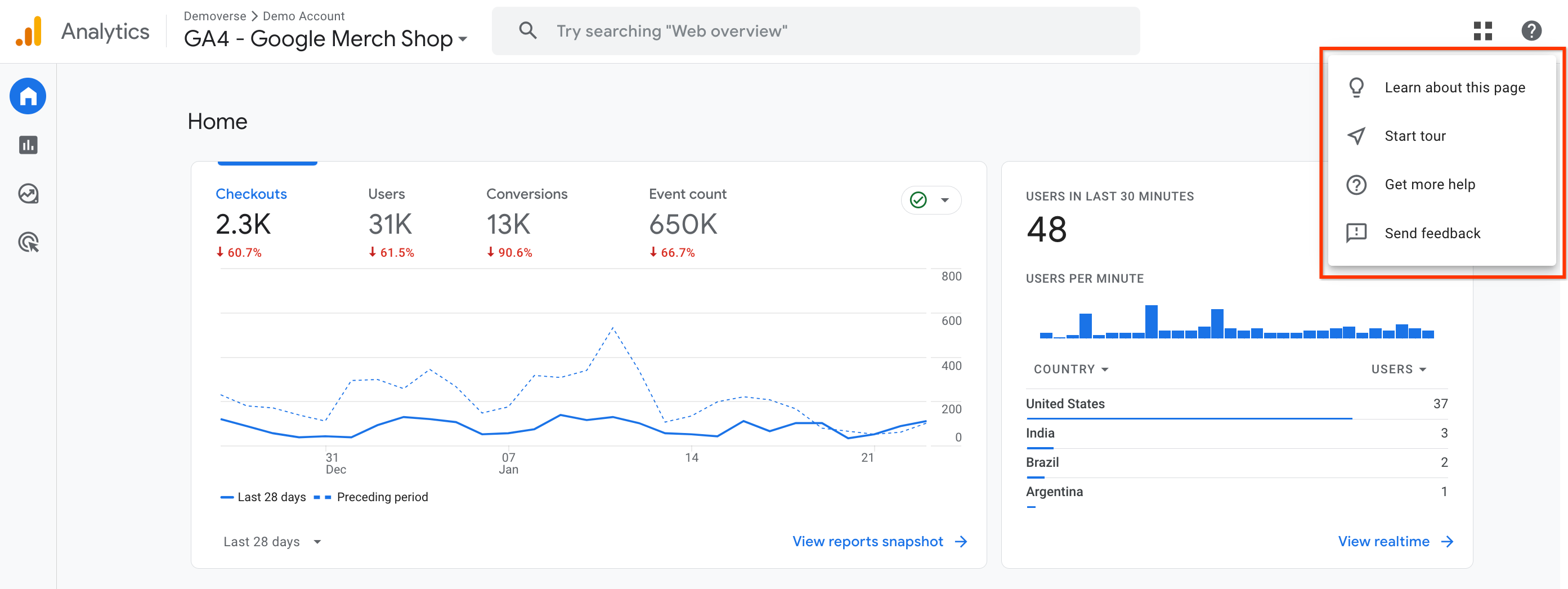
Google Analytics 4 answers the question rankings cannot: did the traffic matter?
It tracks sessions, engagement, and key events (conversions) by channel, landing page, and audience.
For AEO, GA4 is the simplest way to measure clicks from AI assistants. Visits from ChatGPT, Perplexity, Gemini, Copilot, and similar AI bots are received as referral traffic, so you can isolate them and see which pages AI engines send people to and whether those visitors convert or not.
Who it is for: Every site that needs to prove SEO return on investment.
Skip it if: You prefer a privacy-first, simpler analytics tool and can live with fewer features.
Pros
- Free and deeply integrated within Google’s ecosystem
- Conversion and engagement data beyond rankings
- Lets you measure AI referral traffic
Cons
- Confusing interface for newcomers
- Some reports require custom setup
Pairs well with: Google Search Console, so you can see queries and on-site behavior together.
| 💡 Pro tip: Create a custom channel group called “AI assistants” using a regex on session source, for example chatgpt|perplexity|gemini|copilot|claude. You will have a clean AI traffic trend line in about five minutes. |
19. Bing Webmaster Tools – Best free tool for Bing and AI performance
- Category: Analytics and indexing
- Best for: Covering Bing search and the AI experiences built on it
- Pricing: Free
- Ease of use: Beginner
- AEO readiness: Medium
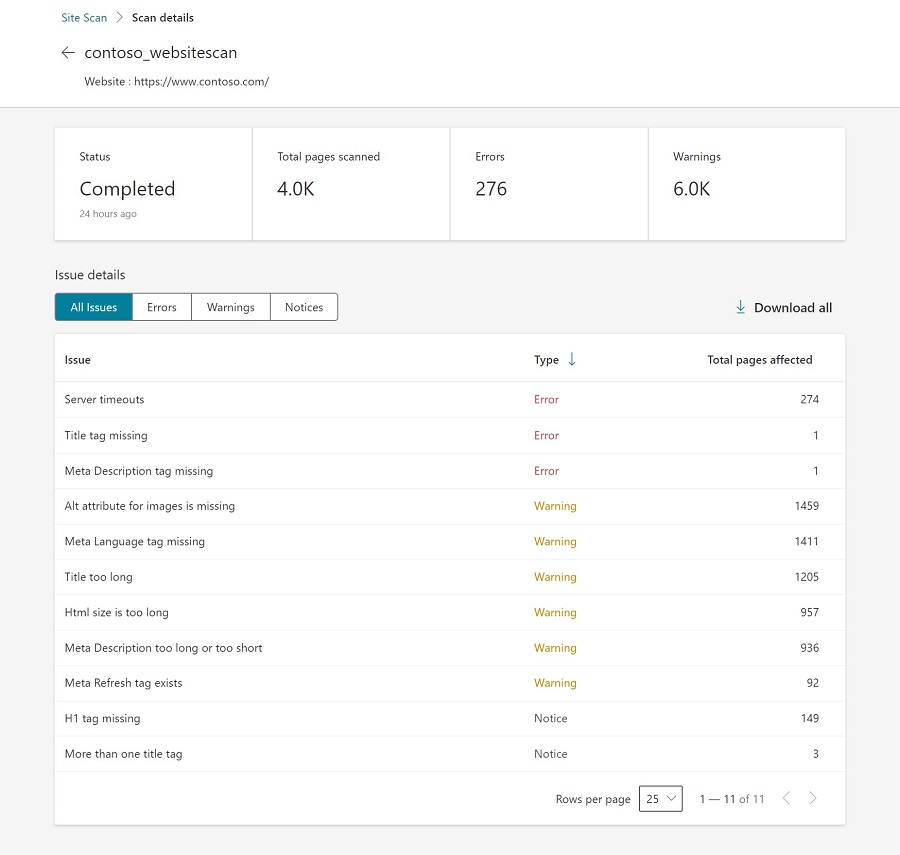
Bing Webmaster Tools is Search Console’s counterpart for Bing, and it is badly underused. It reports queries, clicks, and indexing, includes a site scanner that flags technical issues, offers keyword research, and supports IndexNow for near-instant indexing of new or updated pages.
It matters more than Bing’s market share suggests. Microsoft’s Copilot runs on Bing, and Bing was the first major search engine to add reporting on how your content performs in AI-generated answers.
Who it is for: Every site owner, especially those who care about AI visibility.
Skip it if: There is no good reason to skip a free, five-minute setup AI SEO tool.
Pros
- Free AI performance reporting
- IndexNow speeds up indexing
- Easy import from Search Console
Cons
- Smaller search audience than Google
- Fewer third-party integrations
Pairs well with: Google Search Console, so both major search indexes are covered at the same time.
| 💡 Pro tip: Turn on IndexNow through your CMS or SEO plugin. Every time you publish or update a page, Bing and other participating search engines are notified immediately. |
20. Nightwatch – Best for accurate rank tracking
- Category: Rank tracking
- Best for: Teams that report rankings to clients or leadership and need precise local data
- Pricing: Starting from $39/month for 250 keywords. Price scales with keyword count. A 14-day free trial is available
- Ease of use: Intermediate
- AEO readiness: Medium
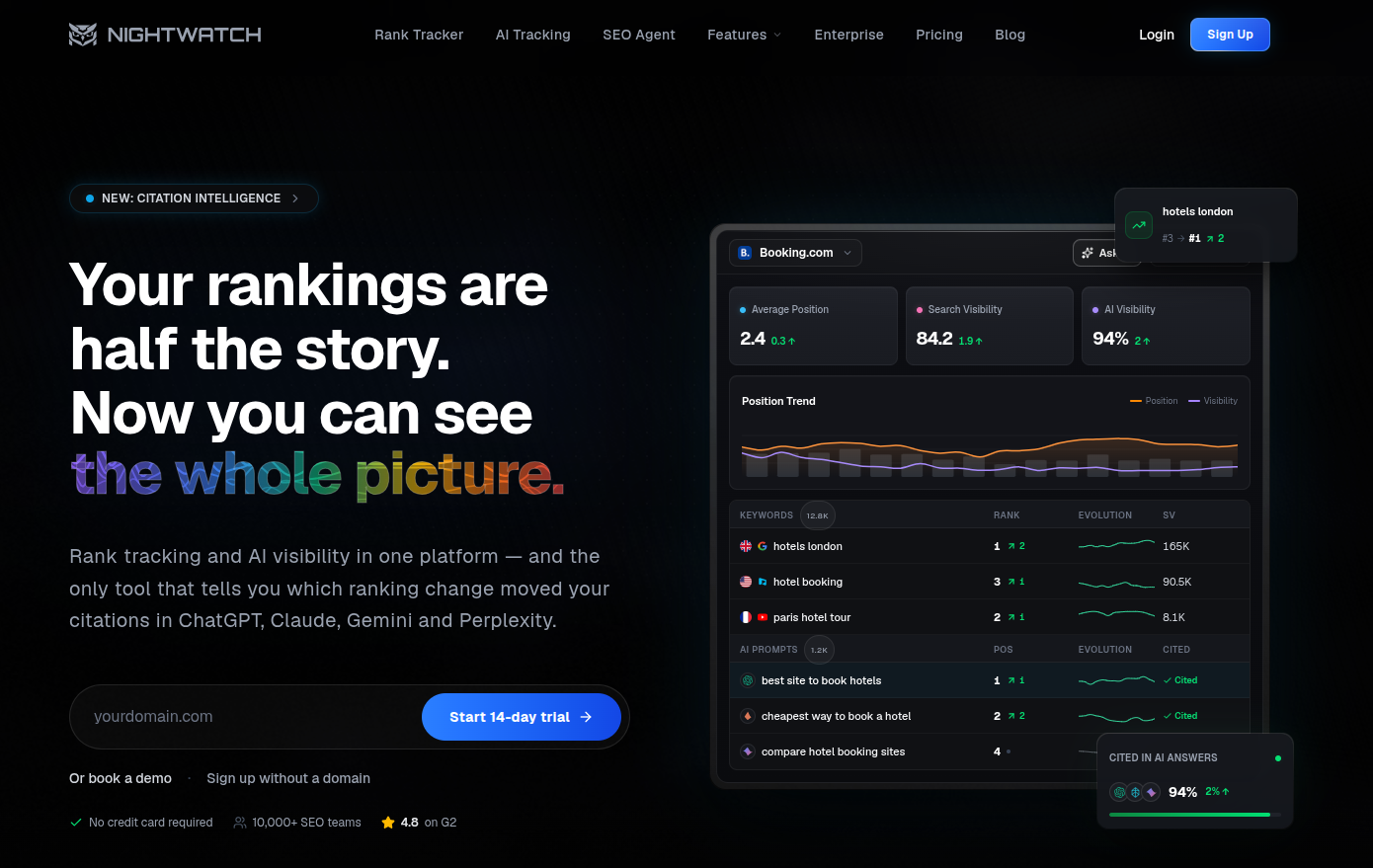
Nightwatch is a dedicated rank tracker with a reputation for accuracy. It tracks positions globally or down to a city or postcode, on desktop and mobile, and across Google, Bing, and YouTube. Segments let you group keywords by topic, intent, or client, which keeps reports readable.
It connects to Google Analytics, Search Console, and Looker Studio, sends scheduled reports, detects cannibalization, and has added keyword research and AI visibility tracking.
Who it is for: Agencies and in-house teams where ranking accuracy affects decisions or invoices.
Skip it if: You track only a few dozen keywords. For this purpose, an all-in-one tracker tool will do the job for you.
Pros
- Highly accurate local and global tracking
- Clean interface and flexible segmentation
- Good integrations and automated reports
Cons
- Costs climb as keyword list increases
- Narrower focus than an all-in-one SEO suite
Pairs well with: Ahrefs to cover its weekly rank updates with daily tracking.
| 💡 Pro tip: Segment keywords by funnel stage, not just by topic. A report showing that buying-intent terms climbed is far more convincing to leadership than an average position figure. |
AI search visibility: Which SEO tools actually track it?
Only some of these SEO tools measure whether AI engines mention or cite your brand, and they cover different engines.
| Tool | Tracks AI mentions | AI engines covered | Other AEO features | How it is sold |
| Contentpen | Yes | Up to 7: ChatGPT, Google AI, Copilot, Gemini, Perplexity, Grok, Claude | Live GEO score with Fix with AI; share of voice, sentiment, average position; Source Gaps export | Included in every plan |
| Semrush | Yes | ChatGPT, Google AI Mode, Gemini, Perplexity | AI-readiness site audit; brand perception report; MCP server | Semrush One or AI Visibility Toolkit |
| Ahrefs | Yes | Major LLMs via Brand Radar | AI crawler analytics; MCP server | Included on paid plans |
| Surfer | Yes | ChatGPT, Perplexity, Gemini, AI Mode, AI Overviews | Mention gap versus competitors; sentiment | Standalone from $158/mo |
| seoClarity | Yes | Nine AI engines | Flags inaccurate AI answers; AI crawler logs | Separate ArcAI product |
| SE Ranking | Yes | Several LLMs; add-on adds AI Overviews, AI Mode, Perplexity, ChatGPT | Mentions, citations, sentiment dashboard | AI Search add-on |
| Mangools | Yes | Seven AI engines | Averages repeated prompt runs; free AI Search Grader | AI Search Watcher |
| Clearscope | Yes | ChatGPT, Gemini | Google and AI share of voice by topic | Included |
| SEOptimer | Partial | AI Overviews | llms.txt, JavaScript rendering, and schema checks | All plans |
| Bing Webmaster Tools | Partial | Copilot and Bing AI answers | AI performance report | Free |
| Google Search Console | Partial | AI Overviews, AI Mode (rolling out) | Impressions in AI features | Free |
| Google Analytics 4 | Partial | Clicks from any AI assistant | AI referral traffic and conversions | Free |
| Screaming Frog | Not a tracker | None | Crawl as an AI bot; run LLM prompts on every page | Paid license |
Use this table to see what you would really get before committing to a tool stack.
Five habits that get content cited by AI engines
Tools measure AI visibility, but your content earns it through AI search optimization. These habits consistently help to win AI citations, whatever tools you use.
- Answer first. Put a direct one- or two-sentence answer right under each question heading, then expand.
- Structure for extraction. Use descriptive headings, short paragraphs, comparison tables, and numbered steps that a model can lift cleanly.
- Show expertise and specifics. Original data, named examples, prices, and dates give AI engines something concrete to cite.
- Keep pages crawlable. Serve key content in HTML rather than only through JavaScript, use schema markup, and do not block AI crawlers you want to be cited by.
- Earn mentions elsewhere. AI engines weigh what other sites say about you, so reviews, press coverage, and community discussions matter as much as your own pages.

Get your content cited by AI, not just ranked on Google!
See your real-time GEO score as you write to make every piece citation-ready.
Try GEO Scoring →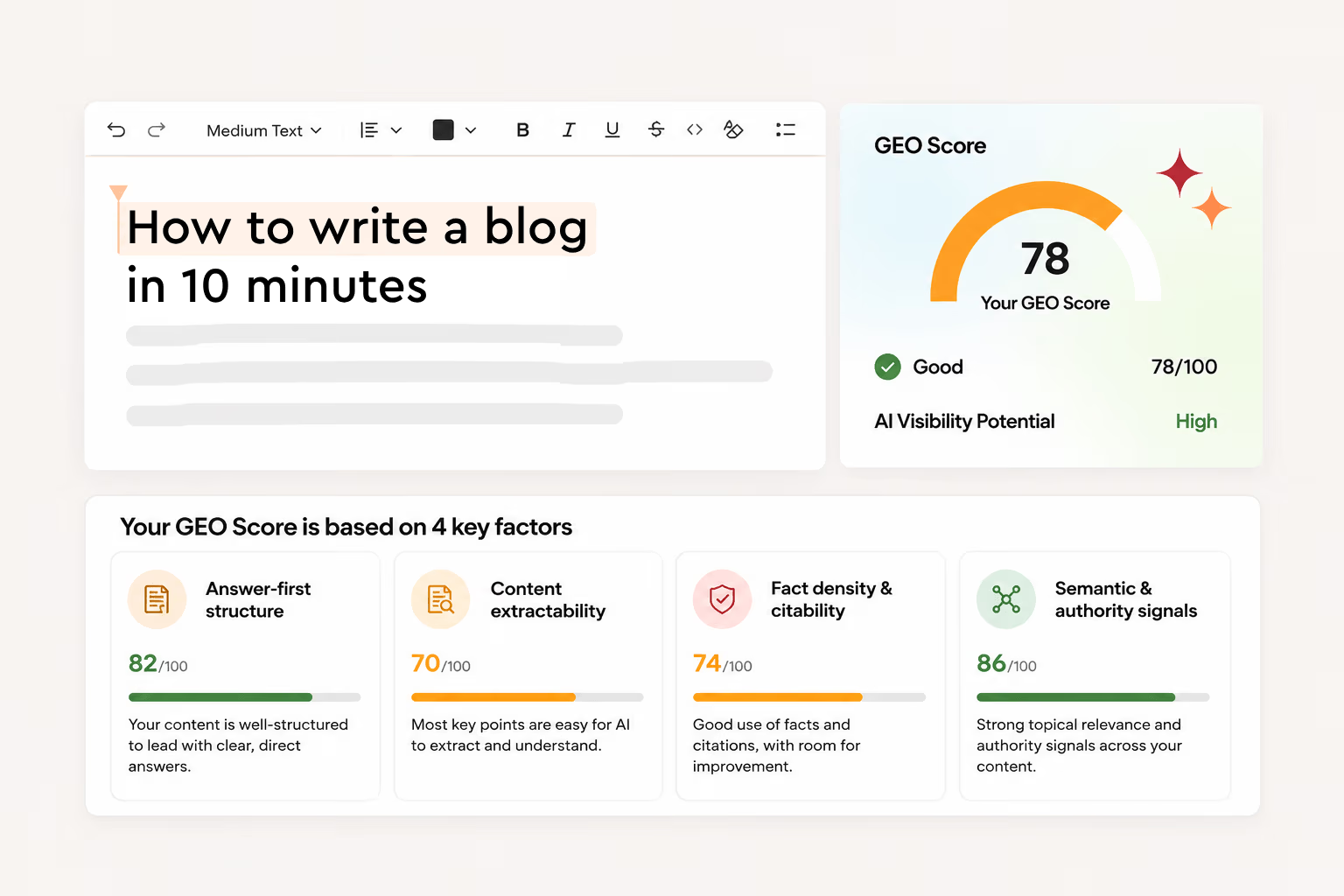
Free SEO tools worth bookmarking
You can do a surprising amount of SEO without paying anything. These free tools fill gaps that even paid suites leave.
| Tool | What to use it for |
| Google Trends | Compare two similar keywords, spot seasonality, and catch rising topics early |
| Google Keyword Planner | Search volume ranges and cost-per-click estimates, which signal commercial value |
| Google Autocomplete | Real-time long-tail ideas. Type a seed term in a private window and note the suggestions |
| PageSpeed Insights | Core Web Vitals and speed fixes for a single URL on mobile and desktop |
| Rich Results Test | Confirm your schema markup is valid and eligible for rich results |
| Looker Studio | Free dashboards that combine Search Console, GA4, and other sources |
| Detailed SEO Extension | One-click view of any page’s title, meta, headings, canonical, schema, and links |
| Keywords Everywhere | Keyword metrics shown directly in Google results (free extension, paid credits for data) |
| ProductRank.ai | Quick free check of which brands AI models recommend for a query |
| Screaming Frog (free version) | Crawl up to 500 URLs for broken links, redirects, and missing tags |
Give these free SEO tools a try and see if they work for your team or not. You can also pair them up with paid tools as well.
Build your SEO tool stack by budget and team
No single list tells you what to buy, because the right stack depends on your budget, team, and goals. Here are five proven combinations, from free to enterprise level.
| Stack | Best for | Tools | Approximate cost |
| Free starter | New sites and side projects | Google Search Console, Bing Webmaster Tools, GA4, Google Trends, Keyword Planner, AlsoAsked (free), Screaming Frog (free), Yoast SEO (free) | $0/month |
| Lean all-in-one | Solo founders, bloggers, small businesses | Contentpen Starter plus the free starter stack | From $39/month billed annually |
| Growing content team | Startups and in-house teams publishing weekly | Contentpen Growth, Ahrefs or Semrush, Screaming Frog paid | About $250 to $300/month |
| Agency | Agencies managing several clients | Contentpen Scale or Agency, SE Ranking, Screaming Frog paid, BrightLocal for local clients | About $400 to $550/month |
| Enterprise | Large brands and ecommerce | seoClarity or Semrush Enterprise, Screaming Frog or Sitebulb, Contentpen for content operations | Custom |
Every Contentpen plan includes AI visibility tracking, so stacks built on it do not need a separate AEO tracker. If you build on another suite, use its AI features or add a dedicated tracker.
Why consolidation matters?
A common stitched-together stack, such as Semrush Pro ($139.95), Clearscope ($129), and Surfer’s standalone AI Tracker ($158), costs about $427 a month before you write or publish anything.
An all-in-one platform like Contentpen covers research, writing, optimization, publishing, and tracking in one place that can replace much of that, and it removes the time spent moving data between tools.
How to choose the best SEO tool for you
Start with the job, not the brand. Answer these six questions and the shortlist usually writes itself.
- What is your biggest bottleneck? If you struggle to produce enough good content, start with a content platform. If you publish plenty but traffic stalls, look at technical audits or competitor research first.
- Do you care about AI search yet? If buyers in your market use ChatGPT or Perplexity to research purchases, choose tools that both optimize and track AI visibility.
- How many sites and locations do you manage? One site suits an all-in-one platform or a lean suite. Many clients or locations point to SE Ranking, BrightLocal, or agency tiers.
- What does your team already know? Beginners get more from Contentpen, Mangools, or SEOptimer than from tools built for specialists, such as Screaming Frog or seoClarity.
- What is the real cost? Check credit limits, tracked keyword caps, seat fees, and add-ons. A cheap plan with tight limits can cost more than a pricier plan without them.
- Does it fit your workflow? Make sure it connects to Search Console, Analytics, your CMS, and wherever your team writes.
Common mistakes when buying SEO tools
- Paying for data you never use. Most teams use a fraction of a big SEO tool suite, so don’t make the mistake of overpaying for resources. It will only shoot your budget sky-high.
- Chasing scores instead of readers. Content and audit scores are guides. A perfect score on a thin article will not outrank a genuinely useful one.
- Ignoring first-party data. Third-party traffic estimates can be far off. Always check decisions against Google Search Console and Analytics.
- Treating AI visibility as a separate project. The content that earns AI citations is the same well-structured, expert content that ranks. Plan for both together.
- Buying before trialing. Nearly every paid tool here offers a free plan, trial, or money-back window. Run one real project through it first before purchasing.
Final thoughts
The best SEO tool is the one your team will actually use every week. For deep data, Semrush and Ahrefs are hard to beat, while Screaming Frog is impressive for maintaining technical site health. For local businesses, SE Ranking and BrightLocal lead the way.
But if your goal is to grow organic traffic and AI citations through content, without stitching five subscriptions together, an all-in-one platform like Contentpen makes the most sense. It takes you from keyword to published in one workspace, and it is built for both Google and AI search.
Write content that’s built to rank, not just read
Create search-optimized blogs aligned with SEO and GEO signals, so your content performs well across search and AI-driven discovery.
Try SEO Blogging FREE →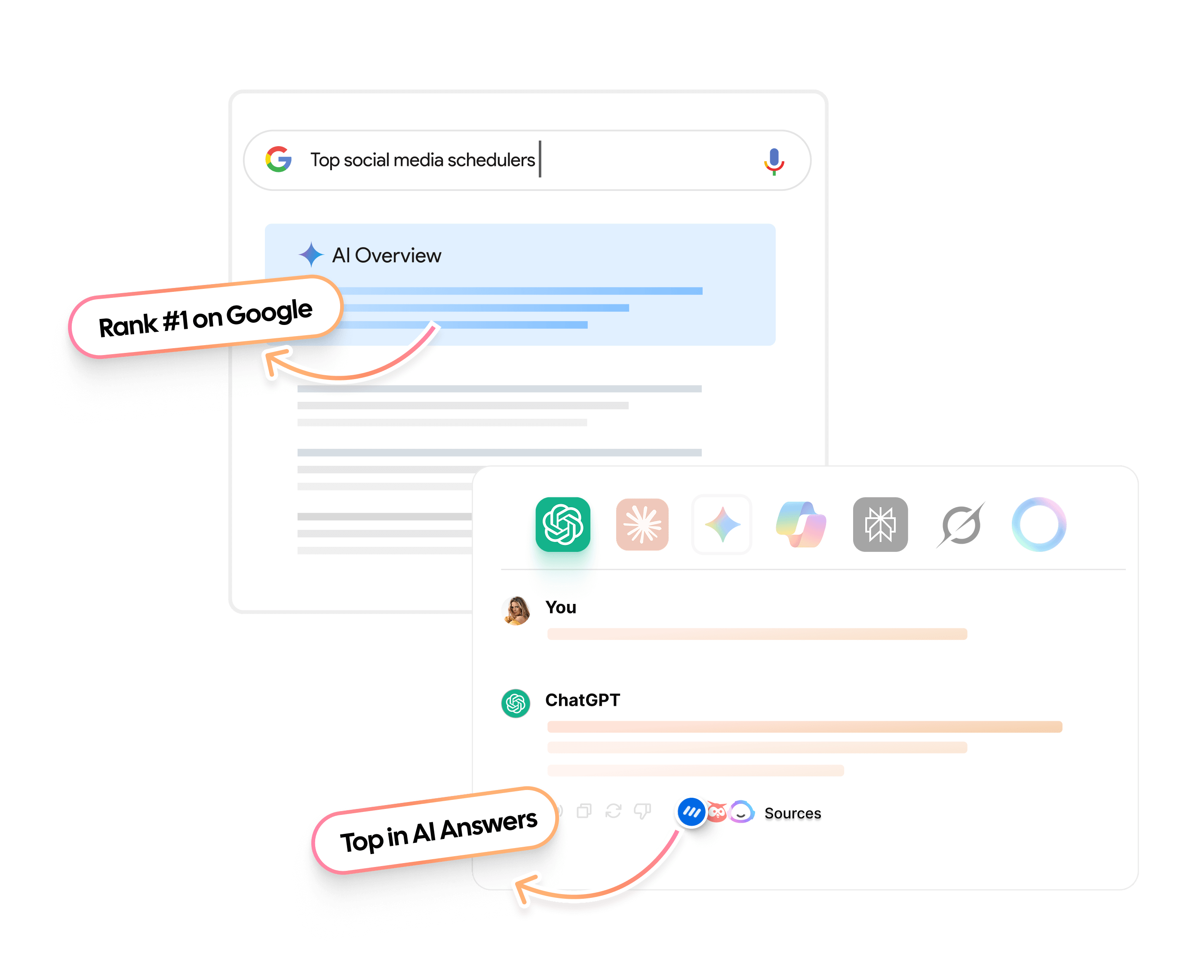
Start your free Contentpen trial and publish your first SEO and AEO-optimized article today.
Frequently asked questions
For most content-driven teams, Contentpen is the best overall choice because it covers keyword research, writing, live SEO and GEO scoring, linking, publishing, and tracking in one platform. If you mainly need research data, Semrush and Ahrefs remain the strongest SEO suites.
Google Search Console. It is the only source of first-party data on how Google sees your site, and every serious SEO professional uses it. Pair it with Bing Webmaster Tools, GA4, and Screaming Frog’s free version for a capable free stack.
If your customers research purchases with AI assistants, then yes, you do need it. Start by checking AI referral traffic in GA4 for free. If AI sources are growing, a dedicated tracker like Contentpen will show you which prompts mention competitors instead of you.
Contentpen, Mangools, and SEOptimer are the most beginner-friendly. They focus on clear recommendations rather than raw data, so you can act without deep SEO knowledge.
Yes, once you are publishing consistently. Free tools show what is happening on your own site, while paid tools add competitor data, keyword difficulty, content guidance, and automation that save many hours each month.
Most teams need three to five tools: an all-in-one platform or content tool, Google Search Console, an analytics tool, and optionally a crawler and a specialist tool for local SEO or backlinks.
Yes, when the AI works from real search data, your brand knowledge, plus a human editing layer. Generic AI text without research or expertise rarely ranks or gets cited.