Jasper AI’s marketing features keep getting broader. Some of these are Agents, Canvas, Grid, Studio, and Jasper IQ, but this is just scratching the surface.
With multiple content creation templates and options, it’s easy to lose track of what each feature actually does for your campaigns.
This guide breaks down every core Jasper AI feature on its own, what it’s for, and who it’s built for. If you’re deciding whether to sign up, this is the feature-by-feature version you should read today.
Let’s break it down.
Key takeaways
- Jasper AI’s features fall into three main groups: Brand intelligence (Jasper IQ), content creation (Canvas, Chat, Agents, Grid), and workflow tools (Studio, Templates).
- Jasper IQ, Canvas, and Essential Agents are available on the Pro plan. Grid, Studio, Advanced Agents, and enterprise governance features require the Business plan.
- Jasper can read and write in 80+ languages, with a dedicated Translation Agent supporting 27 languages for accurate content localization.
- Jasper AI marketing use cases span blog content, ad copy, email, social captions, and now GEO and AI search optimization through its Semrush-powered Optimization Agent.
#1: Jasper Brand Intelligence
One of the most prominent features of Jasper AI is its ability to maintain consistent brand voice across different types of content. Whether it’s ads, emails, landing pages, or technical blogs, Jasper will ensure that your words look and feel the same.
Jasper IQ: Ensure on-brand content
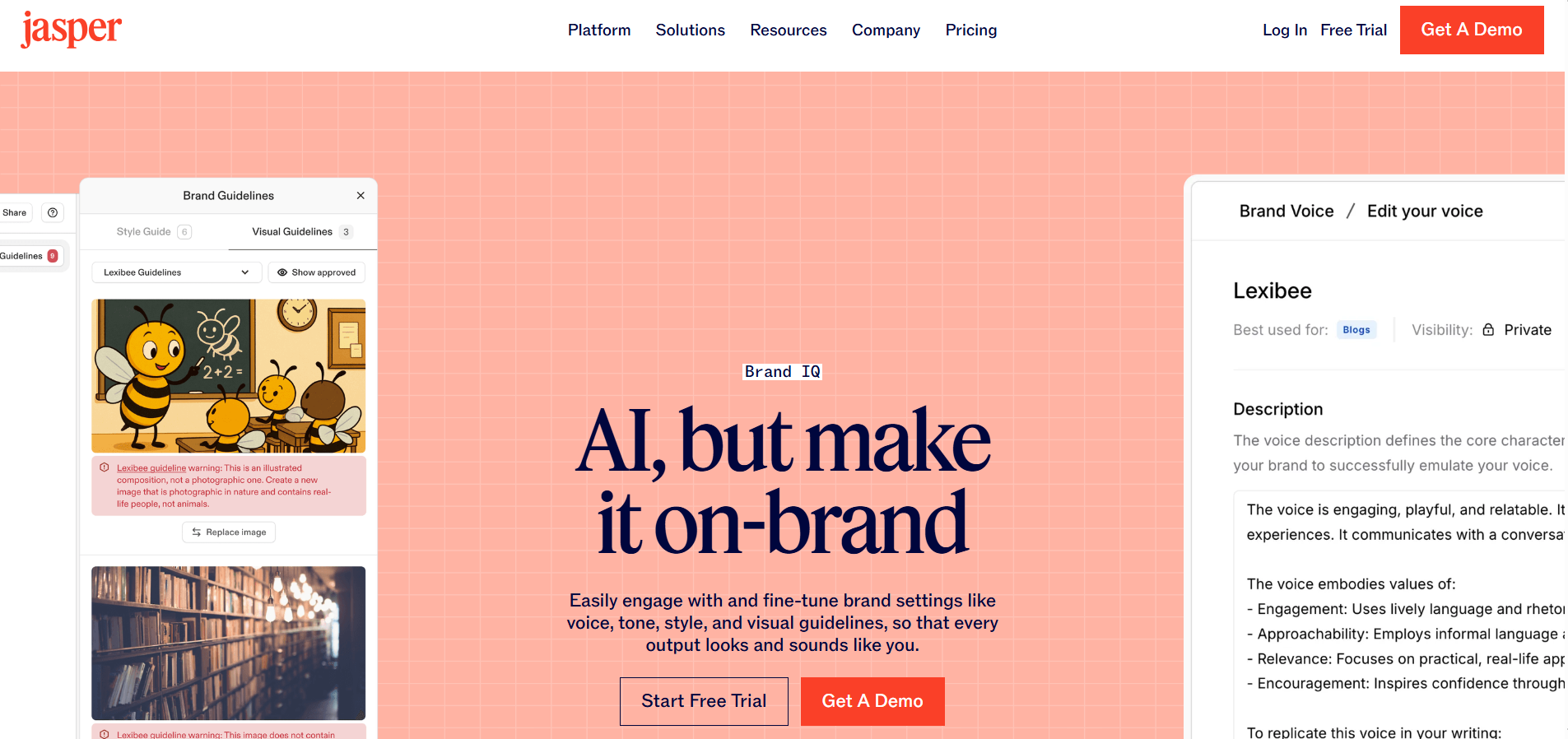
Jasper IQ is the layer that makes Jasper different from a generic chatbot. It’s not a single feature. It’s made up of 3 important elements that feed context into everything else Jasper generates:
- Brand Voices: This is what defines your tone, vocabulary, and style rules so output sounds exactly like your brand.
- Knowledge Assets: Upload product docs, style guides, and brand guidelines to help Jasper reference these when writing, which cuts down on generic AI filler content.
- Audiences: This helps Jasper understand who you’re writing for so tone and messaging adjust automatically in each section. It acts like a rule layer that enforces formatting and grammar preferences across every piece of content.
Once these are set up, Jasper automatically applies the brand settings across Canvas, Chat, Agents, and Grid. That’s the whole point of Jasper IQ: set your brand context once, and stop repeating your prompts for every writing task.
#2: Jasper Content Creation
Jasper’s content creation feature is made up of four distinct layers: Canvas, Jasper Chat, AI agents, and Grid. Let’s explore them in more detail.
Canvas: Jasper’s content workspace
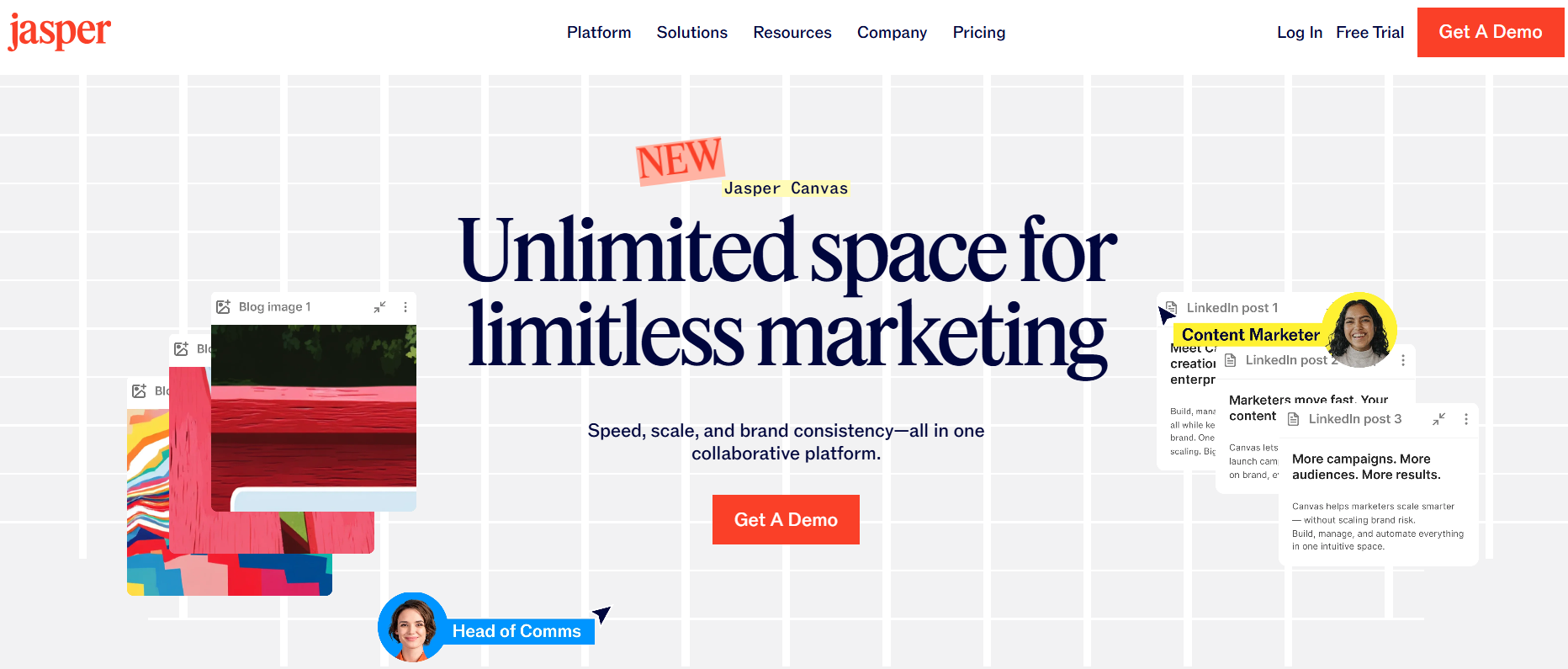
Canvas is where most day-to-day writing happens. It behaves like a document editor, but every command inside it (rewrite, expand, summarize, change tone) pulls data from your Brand Voice and Knowledge Assets automatically.
It’s built for teams that want to go from a blank page to a finished draft inside one workspace, without switching tools.
Besides all this, Canvas also supports grouping related assets together so you can perform the whole campaign planning and share it with your team in one place.
Jasper Chat
Jasper Chat is Jasper’s conversational AI interface, which looks and feels similar to ChatGPT, Claude, and other AI chatbots.
The difference is that it pulls in your Brand Voice and Knowledge Base by default. So quick answers and brainstorms already sound like how your brand thinks.
It’s best for fast, one-off tasks, like gathering headline ideas, summarizing research, or getting a quick first pass on the draft before moving into Canvas for the full article.
Jasper Agents: Essential vs. Advanced
Agents are Jasper’s biggest shift from being another ‘AI writer’ to an ‘AI marketing system.’ Instead of a single prompt and response, an Agent handles a defined job from start to finish.
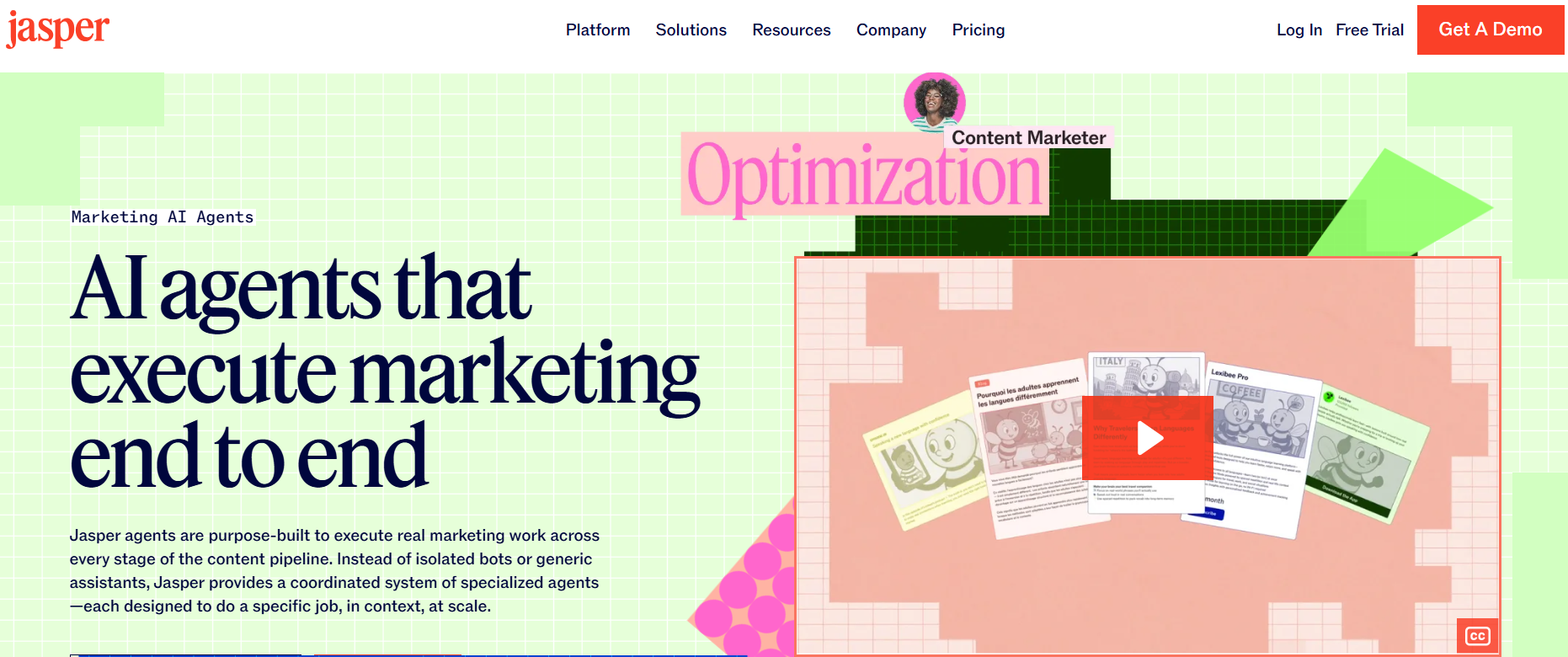
Essential Agents that come with the Pro plan cover the core workflows most teams need, for example:
- Writing blogs and long-form content
- Generating social captions
- Ad copies for Meta platforms
- Creating email sequences
Advanced Agents that unlock on the Business plan handle more complex, multi-step workflows:
- Campaign agents that turn one brief into a coordinated, multi-channel release
- Competitor analysis and research
- Content translation agent across 27 languages
- The content optimization agent, which scores content for AI citation readiness using Jasper’s Semrush integration
If your team’s needs are mostly single-channel content, then Essential Agents on the Pro plan will be enough for you. If you need multi-channel campaign coordination, then you’d need Advanced Agents on the Business plan.
Related read: Jasper AI pricing in 2026.
Jasper Grid: Bulk content at scale
Grid is Jasper’s answer for bulk content creation. Instead of generating one asset at a time, you set up a single workflow with a topic, keyword, and audience structure. Then, you can run it across multiple rows in one pass to produce content at scale.
It’s the feature that matters most if your team produces high volumes of similar content. For example, product descriptions across a large catalog or localized versions of the same campaign across different markets.
However, please note that Jasper Grid unlocks only on the Business plan with custom pricing quotes for enterprises.
#3: Jasper workflow tools
Besides providing content templates (apps), agents, chat, Canvas, and brand intelligence features, Jasper.ai also provides some crucial workflow tools for businesses.
Jasper Studio: The no-code AI app builder
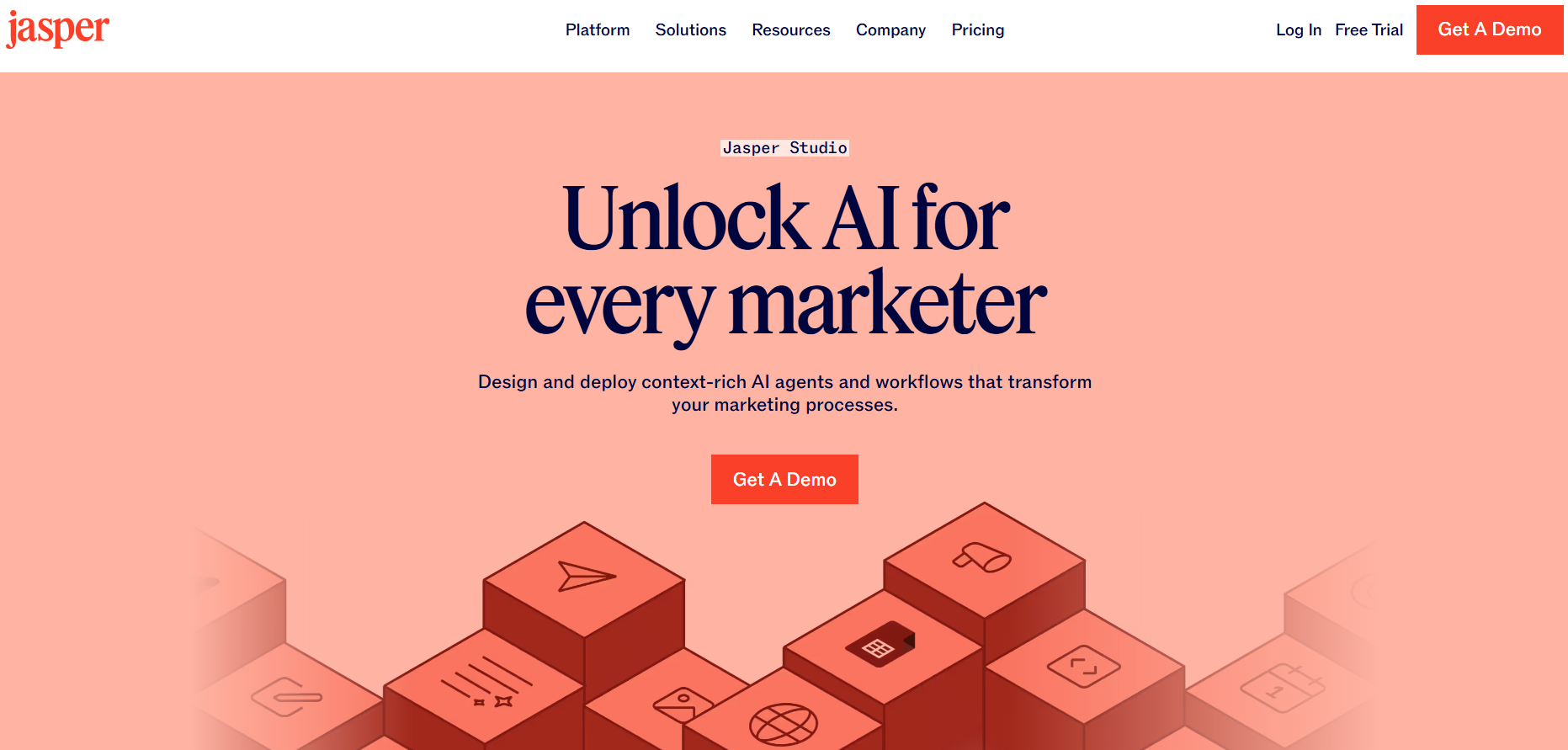
Jasper Studio lets marketers build custom AI agents and workflows without a developer. If none of Jasper’s existing 50+ templates or agents fit a recurring task your team runs, then Jasper Studio is where you’d build one that does.
Please note that this is also a Business-plan-only feature, and it’s aimed at teams with repeatable, specific workflows worth automating rather than one-off content needs.
Templates library
Beyond Canvas and Agents, Jasper offers 50+ specialized templates for narrower jobs, such as creating product descriptions, YouTube descriptions, AIDA- and PAS-framework-supported copies, and more.
Content templates are the quickest way to get a structured first draft for a specific format without setting up an Agent or working in Canvas from scratch.
However, the outputs that you receive from templates can be a bit too generic or repetitive. Therefore, the content may require manual editing before publishing.
Related read: Honest Jasper AI review in 2026.
#4: Other important features Jasper AI offers
Lastly, we also have some important Jasper.ai features to discuss that provide a lot of value to many users.
AI Image Suite (Jasper Art)
Jasper’s built-in image generator, or Jasper Art, handles more than basic image generation. It can create visuals, remove backgrounds, upscale resolution, and produce product-style shots in accordance with your brand context.
The text-to-image function helps you visualize your thinking, which can improve audience retention on your landing pages and emails.
This is genuinely a very useful feature for your team if you need on-brand visuals alongside written content and don’t want to pay for a separate image tool.
Multilingual and translation support
Jasper can read and write in over 80 languages, which covers general content generation for global teams.
For dedicated localization work, the Translation Agent handles 27 languages specifically, with glossary enforcement so brand and product terminology stays consistent across markets.
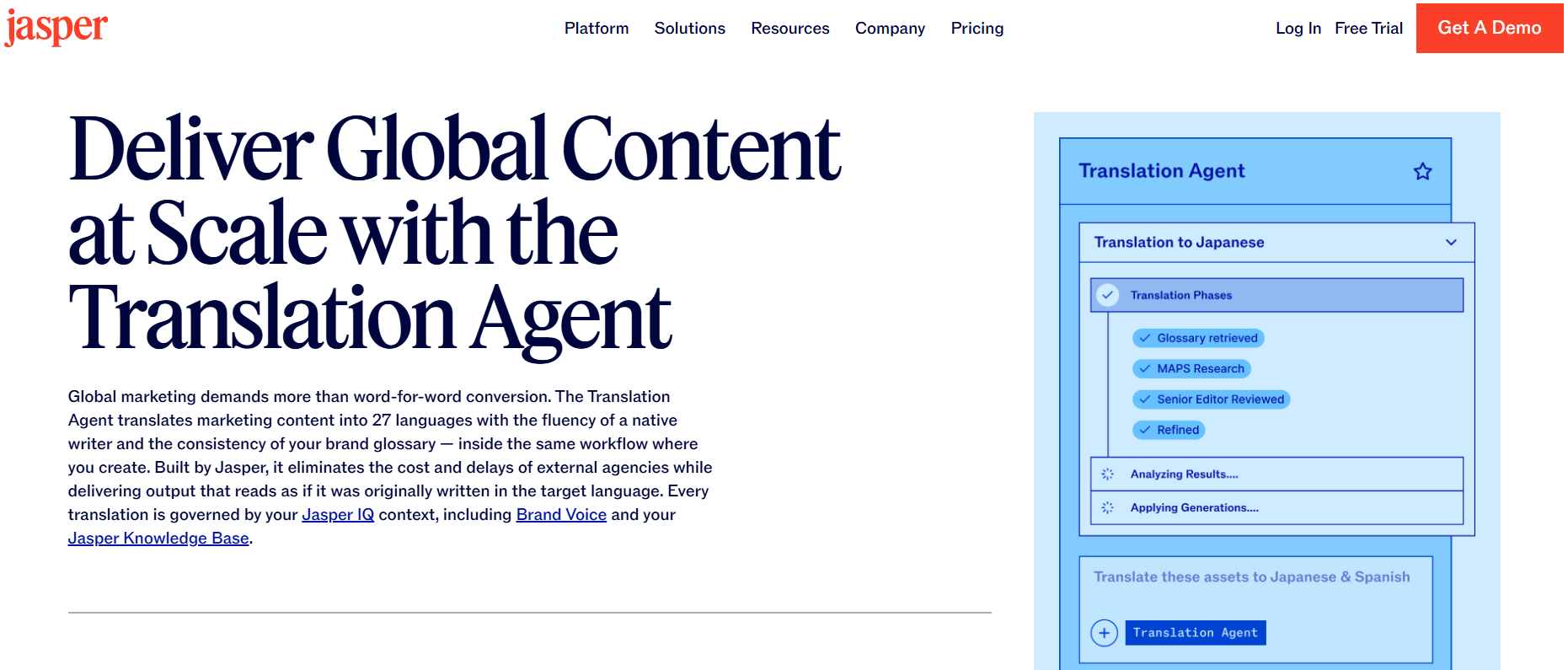
This matters most for global marketing teams running the same campaign across regions, where inconsistent terminology or wording can create real brand problems.
Enterprise governance and security features
Business plan customers get a set of controls aimed directly at larger organizations. These include SOC Type II and GDPR compliance.
You also get Single-Sign On (SSO) identity management and AI audit logs to track how AI is being used across the company.
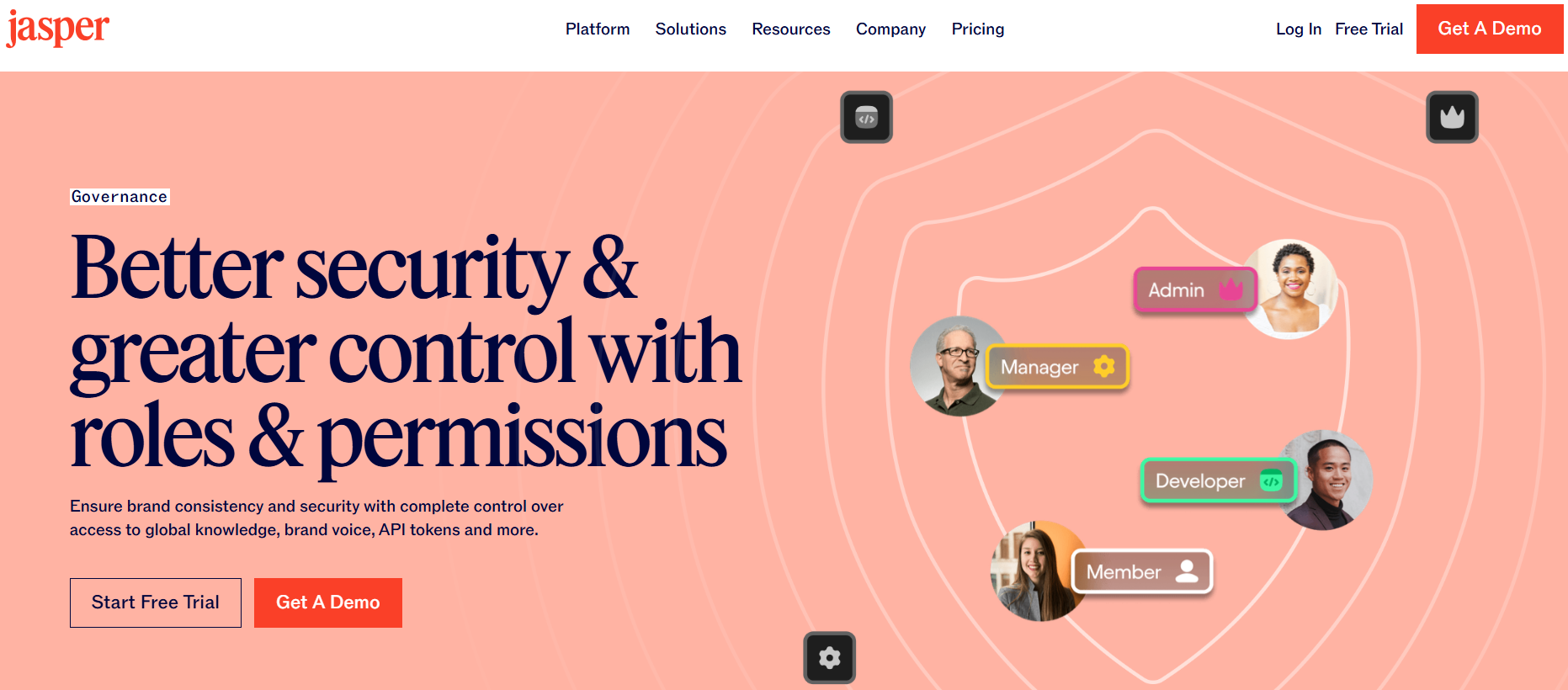
Besides these features, you get content governance and admin permissions to manage who can access what.
These options don’t affect content quality directly. But they matter a lot for teams operating in regulated industries, such as legal, IT, or finance.
Jasper integrations and Chrome extension
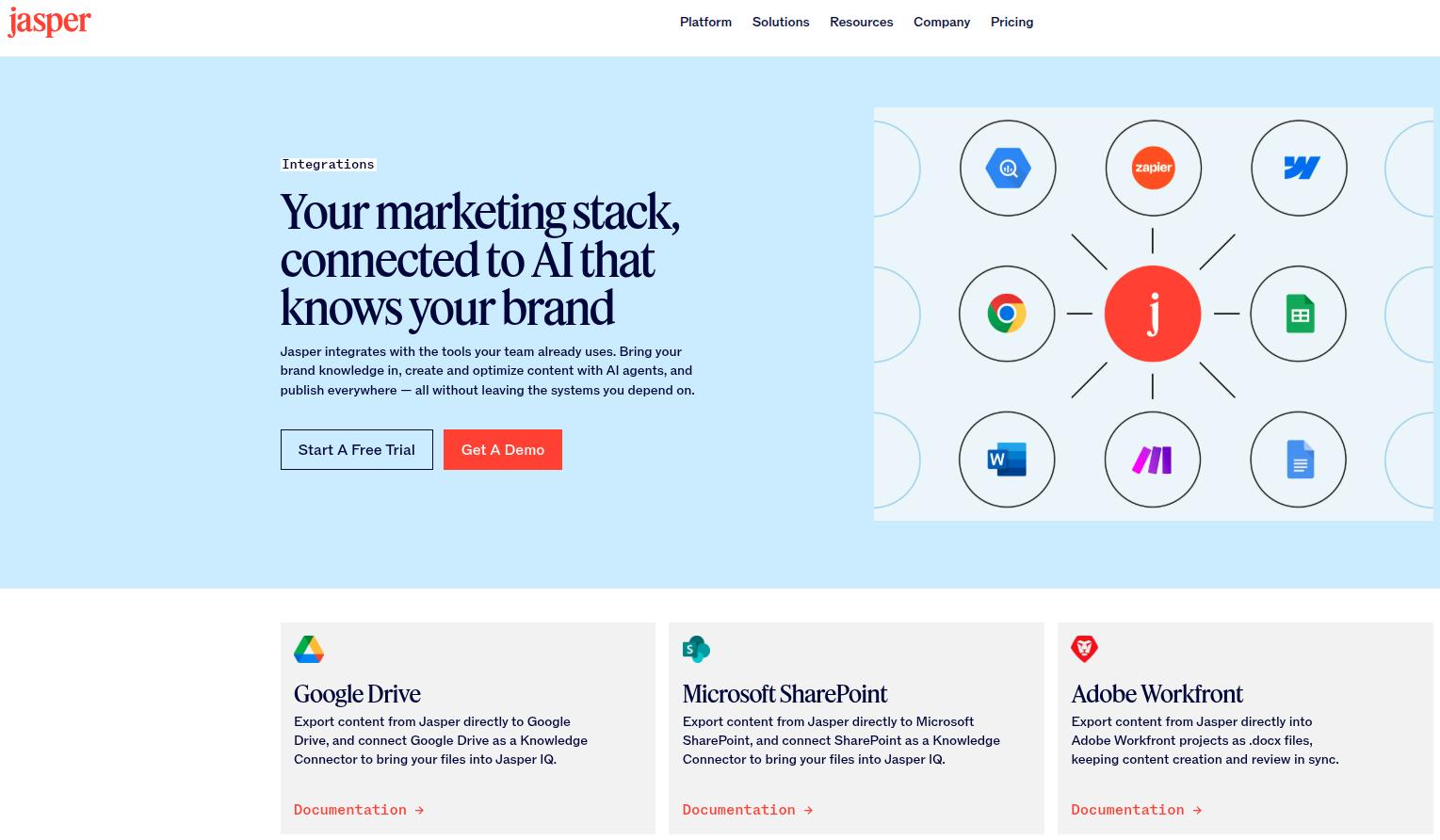
Jasper connects natively to tools like Google Drive, Microsoft SharePoint, Box, and Semrush, with thousands more available through Zapier integration, including HubSpot and Slack.
The ‘Jasper Everywhere’ Chrome extension brings Jasper’s content templates into your browser, so you can generate content directly inside Gmail and Google Docs.
Jasper AI interface: What using Jasper actually looks like
The Jasper interface is closer to a modern document editor.
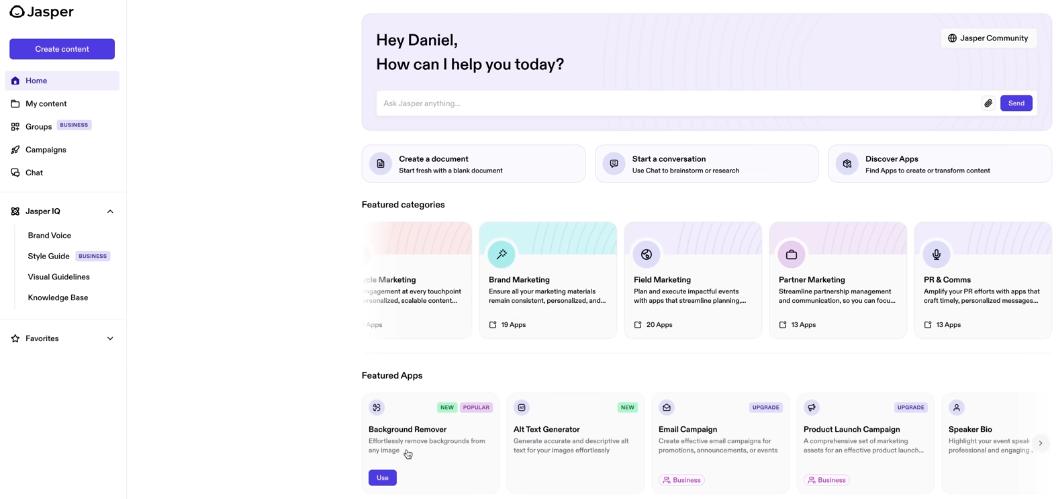
Credits: Dan – Smart Tutorials.
Canvas looks and feels like Google Docs with an AI panel built in, while Jasper Chat sits alongside it for quick questions.
However, AI agents and Jasper Grid live in their own dedicated views, since they’re built for ongoing jobs rather than single, one-off tasks.
If you’ve used Google Docs or Notion, you will start to get the hang of Jasper’s layout within 2-3 sessions.
How to use Jasper AI: Getting started in 5 steps
Want to learn how to get started with Jasper AI? Don’t worry, we’ve got you covered.
- Sign up and log in: Start with the 7-day Pro trial at Jasper.ai. A credit card is required, and there’s no permanent free plan.
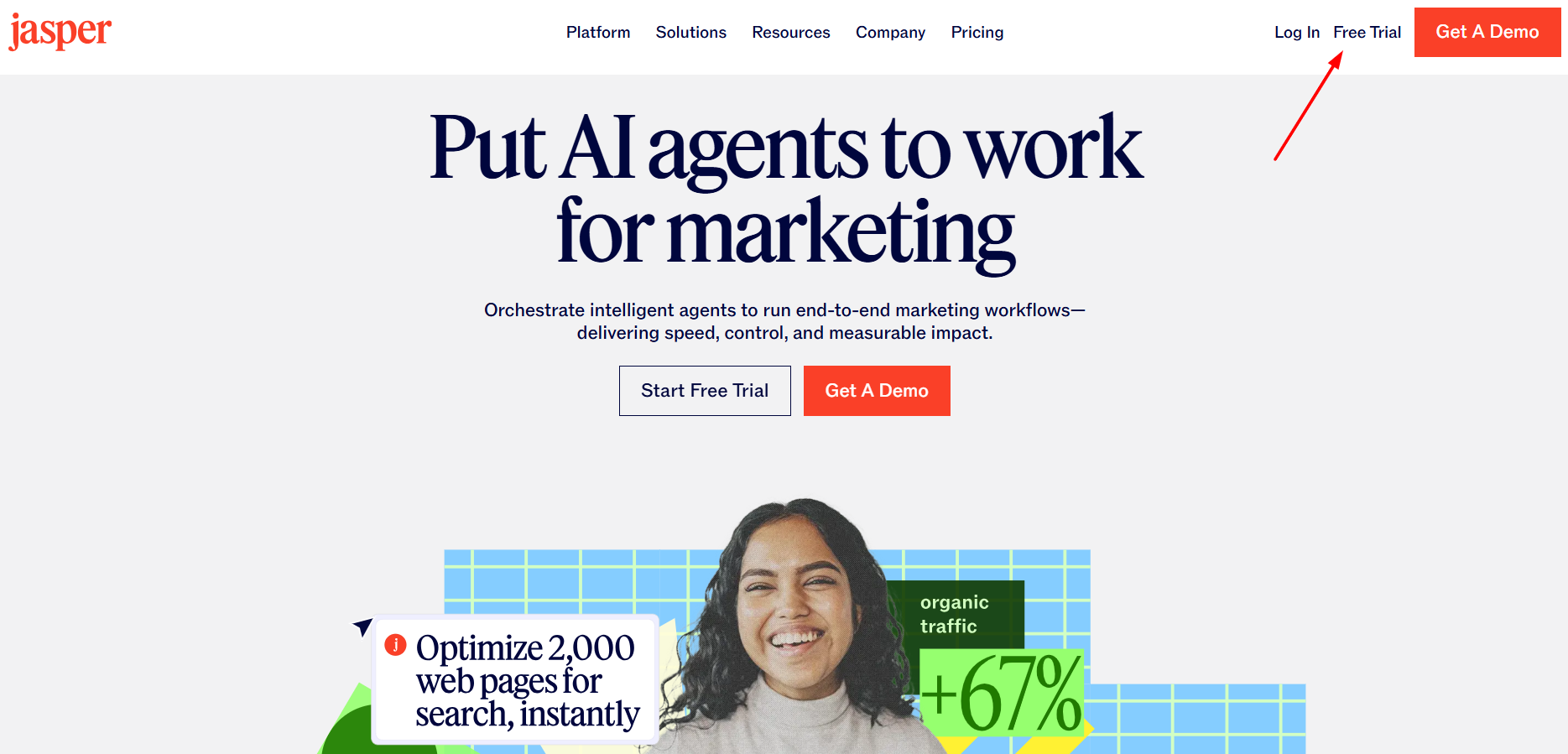
- Set up Jasper IQ: After adding your billing details and getting to the main interface, add at least one Brand Voice and a few Knowledge Assets before generating anything. This step is what makes the rest of Jasper’s output usable.
- Pick your workspace: Use Canvas for a single piece of long-form content or Grid if you’re producing content in bulk. You can also directly input in the Chat what you want to create, and the tool will automatically choose the AI agents fit for your task.
- Generate and refine: Use Canvas commands (rewrite, expand, adjust tone) to shape the first draft rather than treating the output as final.
- Export or publish: Push finished content to Webflow CMS (directly supported by Jasper) or export the copy as a PDF or DOCX file, depending on your choice.
You can repeat these steps in the same order if you want or set up your own custom writing workflow that suits your needs.
Jasper AI features and benefits: Quick recap
Here’s a quick recap of Jasper’s features and what each module does for you in real-life workflows:
| Feature | What it does | Plan |
| Jasper IQ | Stores brand voice, knowledge, and audiences to generate consistent content | Pro (limited), Business (unlimited) |
| Canvas | Provides a document-style, collaborative content workspace | Pro |
| Jasper Chat | Conversational AI chatbot that contains your brand context | Pro |
| Essential Agents | Made for performing single-channel content workflows | Pro |
| Advanced Agents | Built for multi-step, multi-channel workflows | Business |
| Grid | Bulk content generation | Business |
| Studio | No-code custom agent builder | Business |
| AI Image Suite | Generates on-brand images and visuals with editing controls | Pro |
| Translation Agent | Localizes content in 27 languages with glossary rules | Business |
| Governance tools | SSO, audit logs, admin permissions | Business |
If you’ve evaluated Jasper feature-by-feature and still think something is missing for your liking, then you can try any Jasper AI alternative to better suit your needs.
The bottom line
Jasper’s feature set has genuinely made it grow past a simple ‘AI writing assistant.’ Jasper IQ, Agents, and Grid are built for teams that need brand-consistent content at real volume, not just faster first drafts. You can also see why teams switch.
That said, if your team’s priority is SEO- and GEO-focused blog content at scale, then you can consider Contentpen to fulfil your needs.
It handles SEO scoring, AI search optimization, and AI visibility monitoring in one place. It also publishes directly to WordPress, Webflow, Shopify, Ghost, Wix, and EmDash, compared with Jasper’s Webflow-only direct publishing, so you can ship content that ranks on Google and wins AI citations with ease. Plans start at $49/month, or $39/month billed annually.

Write content that’s built to rank, not just read
Create search-optimized blogs aligned with SEO and GEO signals, so your content performs well across search and AI-driven discovery.
Try SEO Blogging FREE →
Frequently asked questions
Jasper AI generates tone-consistent marketing content across blogs, ads, email, and social media, using your voice and knowledge settings to keep output on-brand without repeating context in every prompt.
Jasper IQ (brand voice and knowledge), Canvas, Jasper Chat, Agents, Grid, Studio, the AI Image Suite, and a 50+ template library can all be considered its core features.
No. Jasper AI is entirely browser-based with no desktop or mobile app. You can access it by logging in at app.jasper.ai after signing up for the 7-day trial or a paid plan. Users can download the Jasper extension from Chrome Web Store to use the tool in their browser tabs as well.
No. Jasper doesn’t generate video content itself, but its templates include video and YouTube script writing, which can feed into a separate video production tool.
The Pro plan $69/seat/month (billed monthly) covers Jasper IQ basics, Canvas, Chat, Essential Agents, and the Image Suite. Grid, Studio, Advanced Agents, and enterprise governance features require the custom-priced Business plan.
Jasper AI is accessed at app.jasper.ai using the email or SSO credentials tied to your account. New users log in through the same page after signing up for the 7-day Pro trial.